If three city pages compete for the same click, none of them will hold that ranking for long. When you face city page cannibalization, your site performance suffers because Google cannot determine which page serves the user best.
In 2026, Google is better at reading search intent, page roles, and local proof. When your service page, city page, and location page overlap, rankings bounce, clicks split, and thin pages waste your crawl budget by hosting duplicate content.
The way out is clear. Pick one page for each local intent, make the remaining pages meaningfully different, and cut anything that exists only to swap city names for better local SEO results.
Key Takeaways
- Consolidate Competing Pages: Keyword cannibalization happens when multiple URLs target the same local intent, forcing Google to split its focus and dilute your rankings.
- Define Clear Page Roles: Each city page must serve a unique search intent. If pages overlap, use 301 redirects to merge them or differentiate the content to provide distinct value.
- Prioritize Unique Local Proof: Thin doorway pages that simply swap city names fail to rank. Build authority by adding neighborhood-specific insights, genuine testimonials, and coverage notes to each location page.
- Audit Site Architecture: Regularly review your Search Console performance to identify clusters of pages targeting the same queries. Ensure your internal linking structure supports one primary page per intent rather than linking every location to every service.
Where city page overlap starts
Keyword cannibalization occurs when two or more URLs target the same service in the same market, creating a competitive conflict that hurts your rankings. This issue frequently stems from poorly structured location pages that send conflicting signals to search engines. Google sees similar titles, similar copy, and identical links, then struggles to pick a clear winner.
A plumbing site often creates this by publishing multiple landing pages like “plumber Dallas,” “Dallas plumbing services,” and “service areas Dallas,” all aimed at the same search query. Only one of those pages needs to rank for that specific intent. The others dilute your relevance unless they serve a distinct purpose.
Not every similar page is a problem. A page about “water heater repair in Dallas” and another about “emergency plumber in Dallas” can coexist because the intent differs. By contrast, a broad “Dallas plumbing services” page and a near-copy “plumber Dallas” page rarely help each other.
Agencies and niche providers hit the same wall. For instance, a firm offering managed IT services might accidentally create competing pages for “IT support in Chicago” and “managed IT services in Chicago.” Trouble starts when a general city landing page, a core service page, and a hyper-local page all chase the same intent. That overlap spreads when every city version repeats the same promise with only minor edits.
Search Console usually provides the first warning. One query starts sending impressions to two or three URLs, and rankings switch between pages week to week. Titles and H1s look almost identical, while reviews, FAQs, and body copy are often cloned. Search Engine Land’s take on cannibalization and this guide to location page overlap both show why similar pages often compete instead of helping your domain authority.
A city page should have one clear job, rank for one local intent, then prove you can serve that place.
Thin doorway pages make the problem worse. If every city page uses the same template, the same promises, and the same proof, the set looks weak to both users and search engines. A smaller group of pages featuring unique content and genuine local relevance usually performs much better.
Run a simple audit before you change URLs
You don’t need fancy software to find the mess. A spreadsheet, Search Console, and a clean page map are enough for most small businesses.
Start with this workflow:
- Export all city, service-area, and location URLs, then pull the last 90 days of each search query and the performance of your landing pages from Search Console.
- Group pages by intent, not by slug. Put every “service + city” variation in the same row, even if the URL pattern differs.
- Pick a likely winner for each cluster. Use clicks, average position, backlink profile, conversion rates, and the amount of real local proof.
- Compare titles, H1s, FAQs, internal links, and testimonials. If most of the page is the same, the pages probably compete.
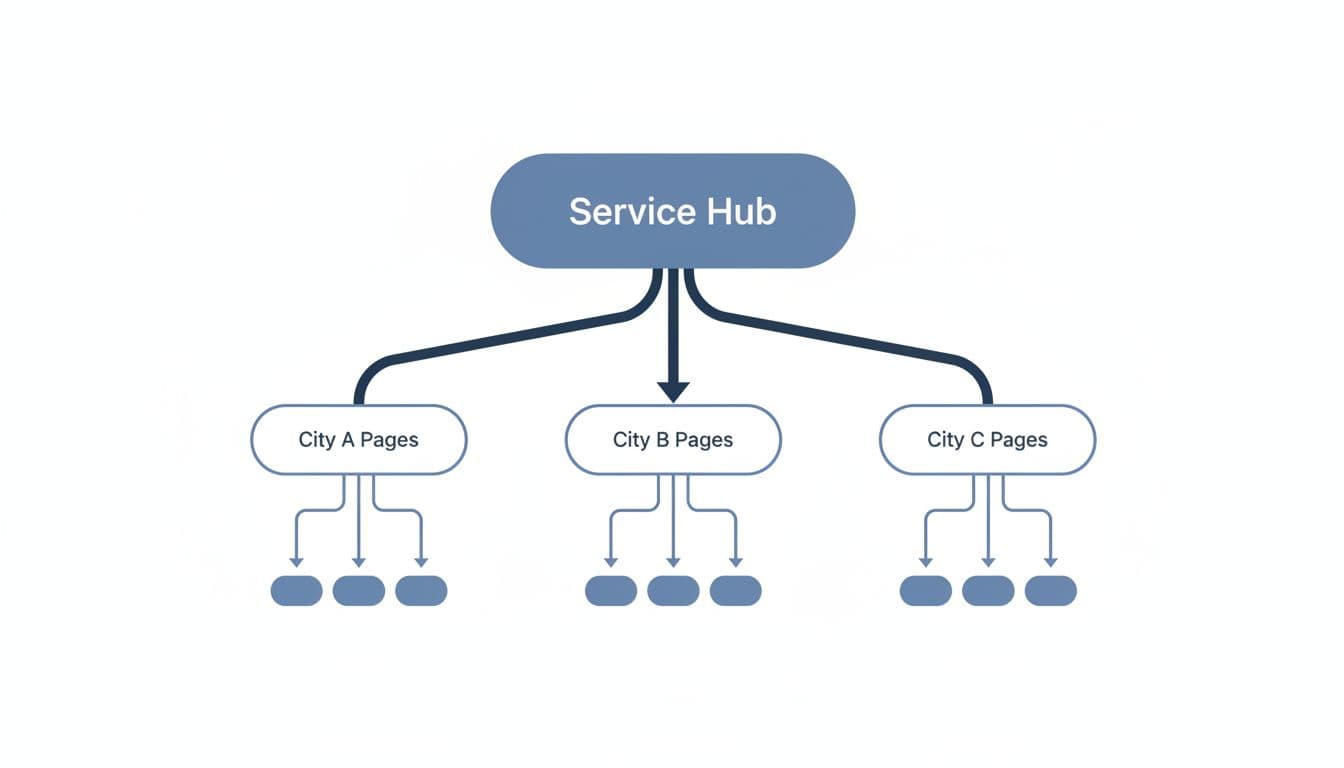
- Review architecture. Your core service pages should support city pages, and city pages should link back to the core service pages.
- Assign an action to every URL, keep, merge, rewrite, noindex, canonicalize, or rebuild, then watch whether impressions consolidate on the chosen page.
This issue often appears when Digital Marketing, SEO, Performance Marketing, Social Media Marketing, and Website Development live in separate workstreams, and nobody owns the site architecture. One team launches paid landing pages. Another team publishes city pages. A developer adds extra location URLs. Soon, three versions of the same idea are competing.
A clean URL structure reduces that risk. Keep one root domain, define page roles, and make the path obvious. A structure like a core service page, a service-in-city page, and a real office location page gives each URL a different job. This multi-location SEO guide makes the case for clear architecture well.
Also separate office pages from service-area pages. A branch page needs address, hours, and parking or access details. A city page for a service area needs proof, coverage notes, and local service context.
Internal linking matters because it shows which page is primary. Your service page should link to the cities where that service matters most. Each city page should link back to the main service page with natural anchor text. Avoid linking every city to every other city unless the user truly needs that path. A broader local SEO strategy works better when page roles, reviews, and location signals point in the same direction to boost local relevance. If your map listing and site pages are out of sync, tighten your Google Business Profile optimization at the same time.
Choose the right fix for each page
Once the audit is done, the decision becomes much simpler. Each competing page falls into a small set of buckets. You do not need to save every URL; rather, you need to keep the right pages live and useful to solve keyword cannibalization.
Use this framework before touching titles or URLs:
| Situation | Best move | Why |
|---|---|---|
| Two pages target the same service in the same city, and one is clearly stronger | Content consolidation via 301 redirects | One stronger page gathers signals instead of splitting them |
| Two pages serve different local intents | Differentiate | Clear page roles let both rank without overlap |
| A duplicate URL must stay for usability or tracking | Canonical tags | It points search signals to the preferred version |
| A page helps users but should not be a search entry page | Noindex | It stays available without competing in search |
| The market matters, but the page is thin and generic | Rebuild | New local proof can make the page worth indexing |
After you choose an action, make the change clear enough that Google can identify the new page structure.
Consolidate when the pages are near twins. Keep the best URL, merge any useful testimonials or city notes into it, then 301 redirect the weaker page. This is usually the right answer for duplicate city-service pages. If you leave both live, Google may keep testing both, and neither page will settle.
Differentiate when the intent is truly separate. Ensure each page targets a unique primary keyword. Change more than just the city name. The title tag, H1, opening copy, internal links, FAQs, and proof section should all support a distinct need. For example, “AC repair in Austin” and “24-hour AC repair in Austin” can live on separate pages if the emergency page includes after-hours response details, urgent call workflow, and local emergency proof.
Noindex only when the page still helps users but should not rank. That might be a financing page, a seasonal promo, or a utility page with no local value. Remove internal links that suggest it should be a core landing page, and take it out of the XML sitemap. Also, remember that noindex does not merge signals into another URL.
Canonicalize when duplicate pages must stay live. A common case is a CMS that creates alternate city URLs or campaign variants. A canonical tag is a hint, not a redirect. It works best when the pages are almost identical and you truly need both versions online.
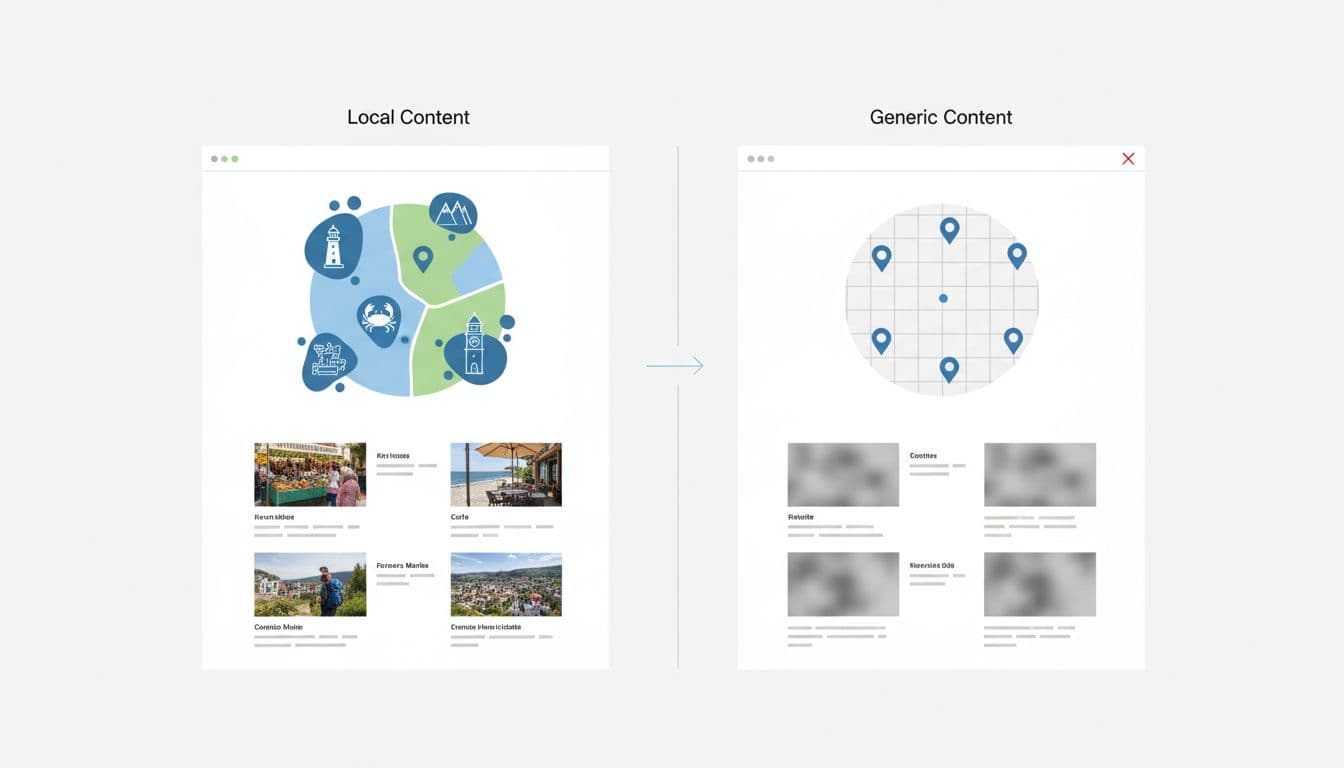
Rebuild when the page targets a real market but feels like thin content. To build effective geo-modified landing pages, you must include a local layer: neighborhoods served, travel-time or coverage notes, city-specific reviews, and common problems in that market. By focusing on unique content that addresses local intent, you turn a weak page into an asset. This guide on city pages without duplicate content shows the level of unique content that helps sites rank.
On-page differentiation is where the recovery sticks. If every surviving page still uses the same headline pattern, the same hero copy, and the same testimonials, the cleanup will not last. Rewrite the intro, adjust the service scope, and organize your subfolders logically. Tighten internal anchors so the service page signals breadth, while the city page signals place-specific relevance, effectively building a topic cluster that strengthens your local authority. Pair that work with technical basics, schema, breadcrumbs, and consistent NAP data, but do not expect markup alone to solve a weak page set.
If the site is already packed with thin location pages, pause new publishing. Fix the existing set first. If you want a second review before redirecting or rebuilding pages, Get In Touch With Us.
Frequently Asked Questions
How can I tell if two of my city pages are competing against each other?
You are likely dealing with cannibalization if Search Console shows multiple URLs receiving impressions for the same search query, or if your rankings fluctuate inconsistently between pages. Check if your page titles, headers, and body content are nearly identical, as this often signals to Google that the pages serve the same intent.
Is it better to redirect or keep similar pages and use canonical tags?
If the pages are near-duplicates, a 301 redirect is usually the superior choice because it consolidates ranking signals into one high-authority URL. Canonical tags are only recommended when you must keep multiple versions of a page live for specific functional or tracking purposes, as they are merely a hint to search engines rather than a merge of signals.
Should I create a separate page for every single suburb or zip code?
Only create unique pages if you can provide genuine, distinct local content for each location, such as specific service areas, neighborhood-level testimonials, or unique local expertise. If you simply copy-paste the same template for every small town, you risk creating thin content that will negatively impact your entire domain’s search performance.
How does internal linking influence city page cannibalization?
Internal links tell search engines which page you prioritize for a specific service or location. If you link every city page to every other city page, you confuse search signals; instead, build a clean structure where specific city pages link back to a primary service page to establish a clear hierarchy of relevance.
Clean page roles win local search
When multiple pages compete for the same local click, Google spreads its attention thin instead of rewarding depth. This keyword cannibalization often forces your content to compete against itself, which ultimately drags down your organic search rankings. The best fix is to ensure one page serves one clear search intent, backed by verified local proof and a strategic internal linking structure.
City page cannibalization is rarely just a content problem. It is fundamentally a structural and intent-based issue. By consolidating your efforts to match what users are actually looking for, you stop the dilution of your organic search rankings and stop wasting crawl budget on redundant content. Clean those structures up, and a smaller set of high-authority pages will consistently outperform a bloated location folder. Taking this approach is the most efficient way to achieve lasting growth in local SEO.