A thin services list can cost you calls in 2026, even when your reviews are strong. Google now uses profile details more directly in Search and Maps, so vague service entries can lead to weak matches and missed leads.
For small service businesses, the services area on your Google profile is no longer a box to fill in later. It helps Google understand what you do, helps customers decide faster, and supports a stronger google business profile services strategy from the ground up.
Build a service list that matches real searches
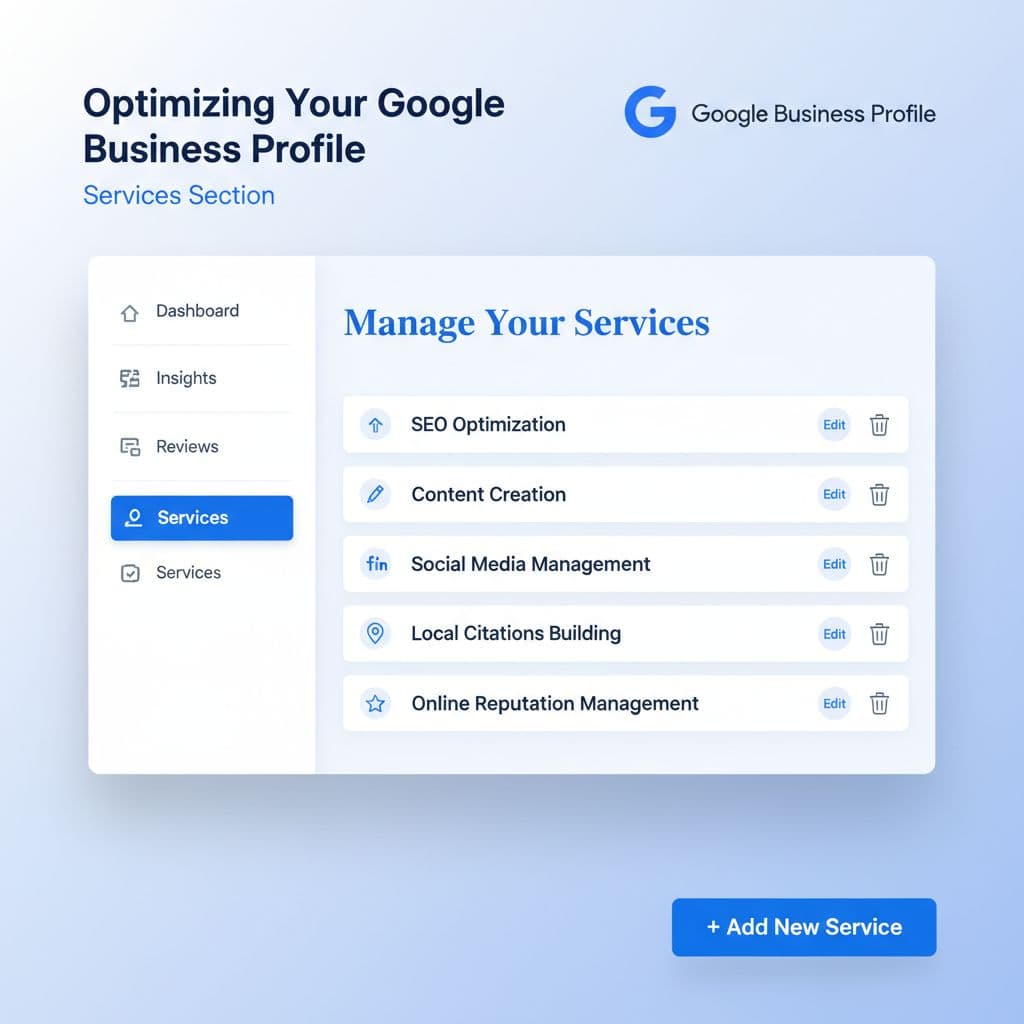
In 2026, Google is better at pulling service details into search answers and map results. That means your service names do more than fill space. They help Google decide when your business is relevant.
Start with your main category. If you’re a plumber, choose “Plumber,” not a broader label that sounds polished but says less. Then add only the service groups and service types you actually sell. Google’s own help for managing services makes this clear: use suggested services when they fit, and add custom services when they don’t.
Clear beats clever every time. A customer searches “water heater repair,” not “premium hot water solutions.” The same rule applies to cleaning, HVAC, pest control, roofing, legal services, and home care.
Use plain service names first
Write service names the way customers say them on the phone. Keep each entry short, direct, and tied to a real job. If your team uses internal labels or package names, leave them off the profile.
This quick naming test helps:
| Weak service name | Better service name | Why it works |
|---|---|---|
| Premium home solutions | House cleaning | Says the actual job |
| Total plumbing care | Drain cleaning | Matches a clear need |
| Outdoor upgrades | Irrigation installation | Easier for Google to classify |
Better labels sound plain because customers search plainly.
A practical setup often looks like this:
- Pick one primary category that matches your main revenue service.
- Add service groups under that category.
- Use suggested services where Google offers a good fit.
- Add custom services for real jobs missing from the list.
- Write short descriptions only when they add clarity.
Short descriptions help when the service name alone doesn’t tell the full story. For example, “Same-day diagnosis and repair for tank and tankless units” says more than a vague sentence about quality.
Avoid common setup mistakes
Many businesses turn the services section into a keyword dump. That backfires. Don’t add city names to every service. Don’t list jobs you outsource. Don’t create duplicate entries with tiny wording changes. Also, don’t post prices unless they’re stable and easy to honor.
For trade-based examples, this service list template for common trades shows how simple naming often wins over marketing copy.
The goal is not a huge list. The goal is a specific list. If a service brings leads, belongs to your core offer, and appears on your site, it belongs here.
Make your website, reviews, and profile agree
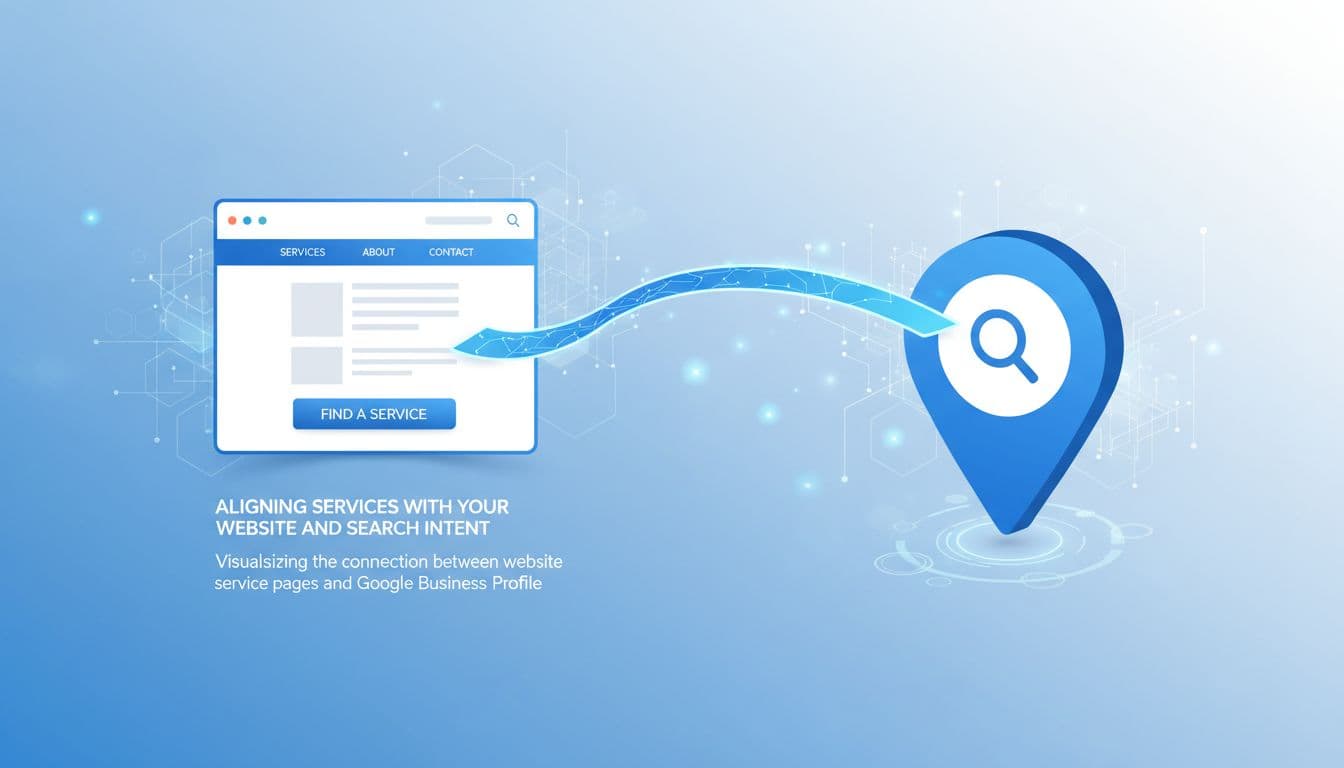
A strong profile can’t fix a weak website. If your Google Business Profile lists “water heater repair” but your site only says “full-service plumbing,” you’re giving Google mixed signals. You’re also making customers work harder than they should.
Your top services should appear in both places, using close language. That doesn’t mean copying the same line everywhere. It means the same service themes should show up in your page titles, headings, body copy, forms, and proof points.
If your profile promises a service that your site barely mentions, Google has less reason to trust the match.
Give each core service a real home on your site
Every core offer needs its own page, or at least a clear section on a strong service page. If you cover multiple towns, connect those service pages to relevant city pages instead of cramming place names into the profile. This local SEO linking guide explains a clean structure for service pages and local pages.
Reviews matter here too. If customers keep mentioning “drain cleaning” or “move-out cleaning,” and those services are missing from your profile, fix the gap. Google is connecting service signals across listings, reviews, and answer formats more than before.
For service-area businesses, structured data adds another layer of clarity. A good structured data guide for service businesses can help you mark up the facts Google needs to read cleanly, including service type and area served.
Treat the services section as part of your full marketing system
This is where DIgital Marketing becomes practical. Your SEO, Performance Marketing, Social Media Marketing, and Website Development should reflect the same service priorities. If you run ads for “same-day AC repair” but your profile hides that service, your message gets weaker. If social posts highlight kitchen remodeling but your profile only lists “home improvement,” you lose clarity.
Google also gives some businesses ways to highlight online or remote services. If you offer consultations, virtual estimates, or online sessions, Google’s profile completion guidance is worth reviewing so those offerings appear properly.
A simple example makes this easier to see. Say you’re an HVAC company. Your profile lists AC repair, furnace repair, duct cleaning, and thermostat installation. Your website should have pages or strong sections for those services. Reviews should mention those jobs in natural language. Your contact forms should route those leads clearly. Then the whole system speaks with one voice.
That kind of consistency does more than help rankings. It improves lead quality because people know what you do before they call.
Review, update, and measure what brings calls

Once your services section is live, don’t leave it untouched for a year. In 2026, stale profile data creates more risk because Google may reuse it in more places. If an old service sits on the profile after you stop offering it, customers can reach out for the wrong job.
A monthly review is enough for most small businesses. Seasonal businesses may need it more often. Roofers, landscapers, HVAC companies, and cleaning firms often shift offers through the year, so the list should reflect that.
Check four things during each review:
- Remove services you no longer offer or no longer want.
- Add services that now show up often in calls, forms, and reviews.
- Compare service names with your website headings and service pages.
- Check whether your descriptions or prices still match reality.
Performance data helps you make better edits. Watch which services show up in lead forms, call notes, booked jobs, and service-page traffic. Then compare that with your profile list. If one profitable service keeps winning leads but isn’t featured clearly, move it up in your service groups or add a sharper description.
Common mistakes still show up all the time. Businesses copy competitor service lists. Teams leave old emergency services active after hours change. Owners add broad labels because they sound more premium. None of that helps.
If your profile, site, and reporting still feel disconnected, Get In Touch With Us for help tying profile updates to real lead tracking.
A good services section is not a one-time task. It’s routine maintenance, like keeping your front sign visible and your phone line working.
The practical takeaway
The businesses that get more from their Google profile in 2026 are usually the clearest ones, not the loudest. A strong services section uses real service names, matches the website, and stays current as the business changes.
You don’t need fifty entries to win local intent. You need the right ones, written plainly, backed up by your site, and reviewed often. That’s the kind of clarity Google can match, and customers can trust.