If your Google profile still relies on photos alone, you’re easy to scroll past. In 2026, local customers want proof before they call, especially for services they can’t judge in advance.
A short Google Business Profile video can show your van, tools, team, and work style faster than a long description. When you use it well, it supports trust, local visibility, and more calls from people who are ready to book.
Why Google Business Profile videos matter more in 2026
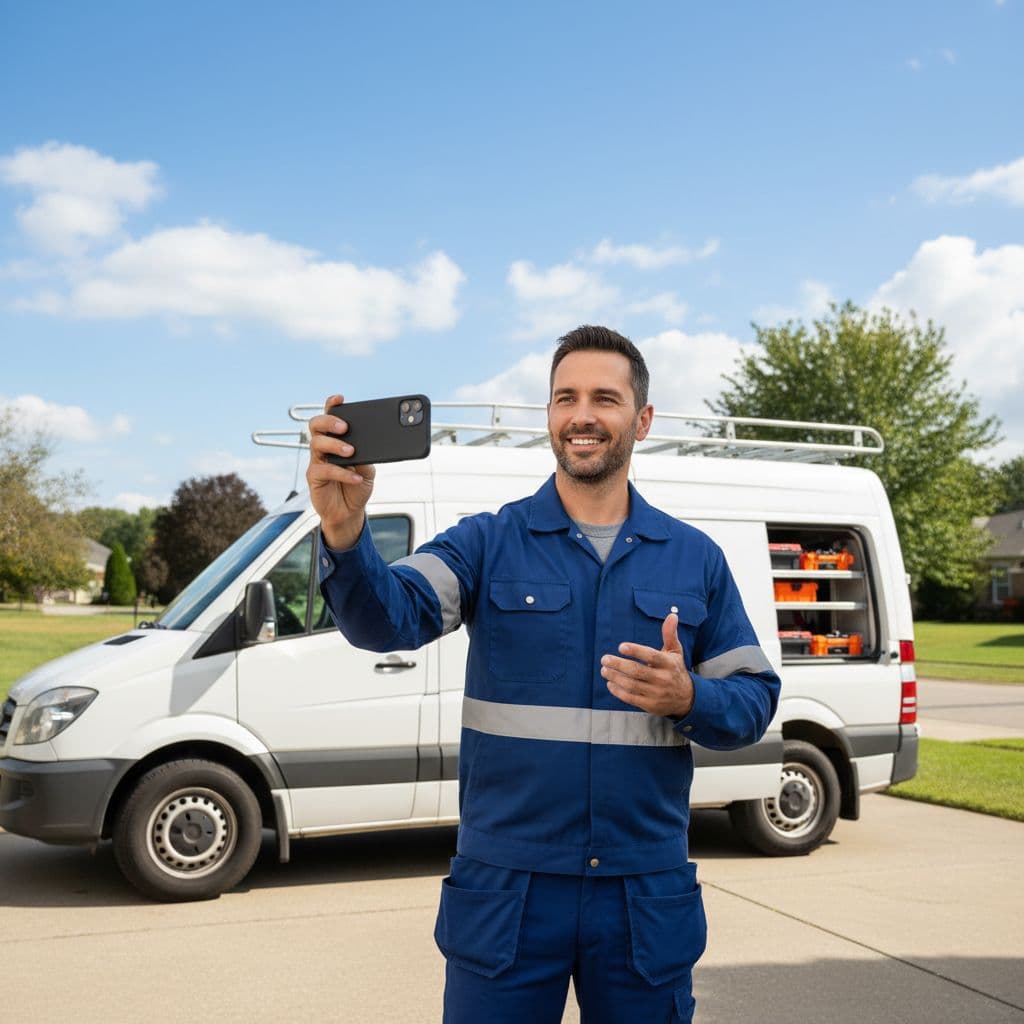
A Google Business Profile video works like a first handshake. People can see that you’re real, local, and active. For service businesses, that matters because buyers often choose the company that feels safest, not only the one with the lowest price.
Picture two electricians in the local pack. One profile has a logo and a few static photos. The other has a short clip showing a branded van, a clean toolkit, and a technician arriving at a home. The second profile feels more trustworthy in seconds.
Google’s official photo and video requirements still keep public videos simple: up to 30 seconds, up to 75 MB, and 720p or higher. That limit is helpful. It pushes you to show one clear story instead of trying to cram in a full promo.
Authenticity matters more than polish. In fact, Whitespark’s guide to GBP photos and videos points out that your footage should show the real business and real location. Stock footage might look slick, but it weakens trust and can create policy issues.
This also connects to SEO in a practical way. Video doesn’t give you a magic ranking jump on its own. However, it can improve click confidence, help people stay with your brand longer, and make your profile feel complete. When your reviews, categories, service pages, and video all line up, the result is stronger local visibility and better lead quality.
For many owners, this is where DIgital Marketing stops feeling abstract. Your Google profile becomes a live sales asset, not a listing you update once and forget.
Use two video types, public clips and verification proof
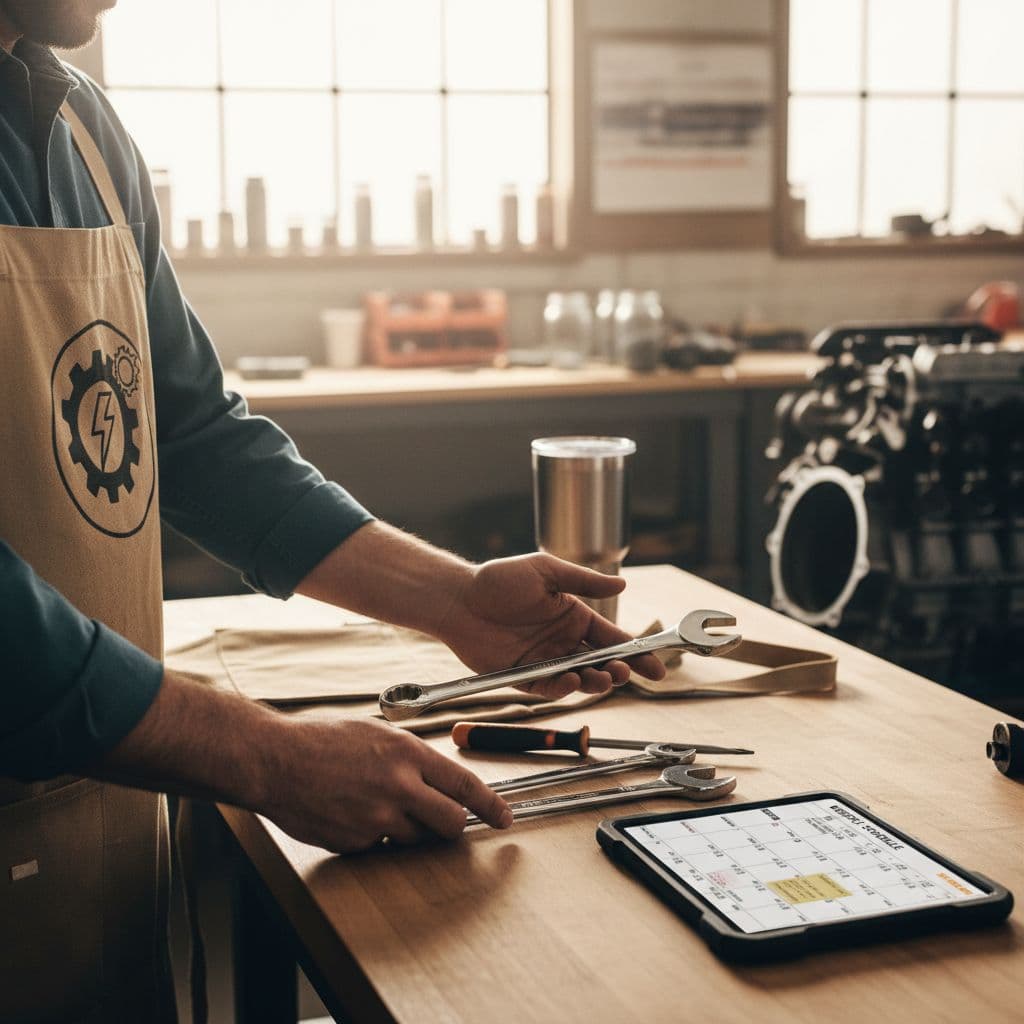
Most owners mix up two different video jobs. One video is for customers. The other is for Google.
Your public profile videos are short clips that people can see on Search or Maps. These should show your team, your work, your vehicle, your shop, or the result you deliver. Keep them clear and simple.
Your verification video is different. Google may ask for it when you set up or re-verify a profile. That video is not a commercial. It’s proof that the business exists and that you control it.
Your best video is usually the one that proves you’re real, not the one that looks most produced.
For a service business in 2026, a good verification video usually includes:
- A street sign, building number, or nearby landmark
- A branded vehicle, uniform, tools, or service equipment
- A walk into the work area, office, or storage space
- One live management action, such as opening a booking system or unlocking a work area
- No private papers, passwords, or customer details in frame
If you run a home-based service and hide your address, show other proof instead. A nearby street sign, your house number, a branded kit, and your workspace can all help. Google wants to see real operations, not a slideshow.
For public videos, keep that same spirit. Show normal business activity during a real workday. Use steady phone footage, decent light, and clean audio if someone speaks. Light editing is fine, but don’t bury the clip under heavy text, loud music, or flashy effects. People searching for a locksmith or cleaner don’t need a mini movie. They need confidence.
What service businesses should film each month
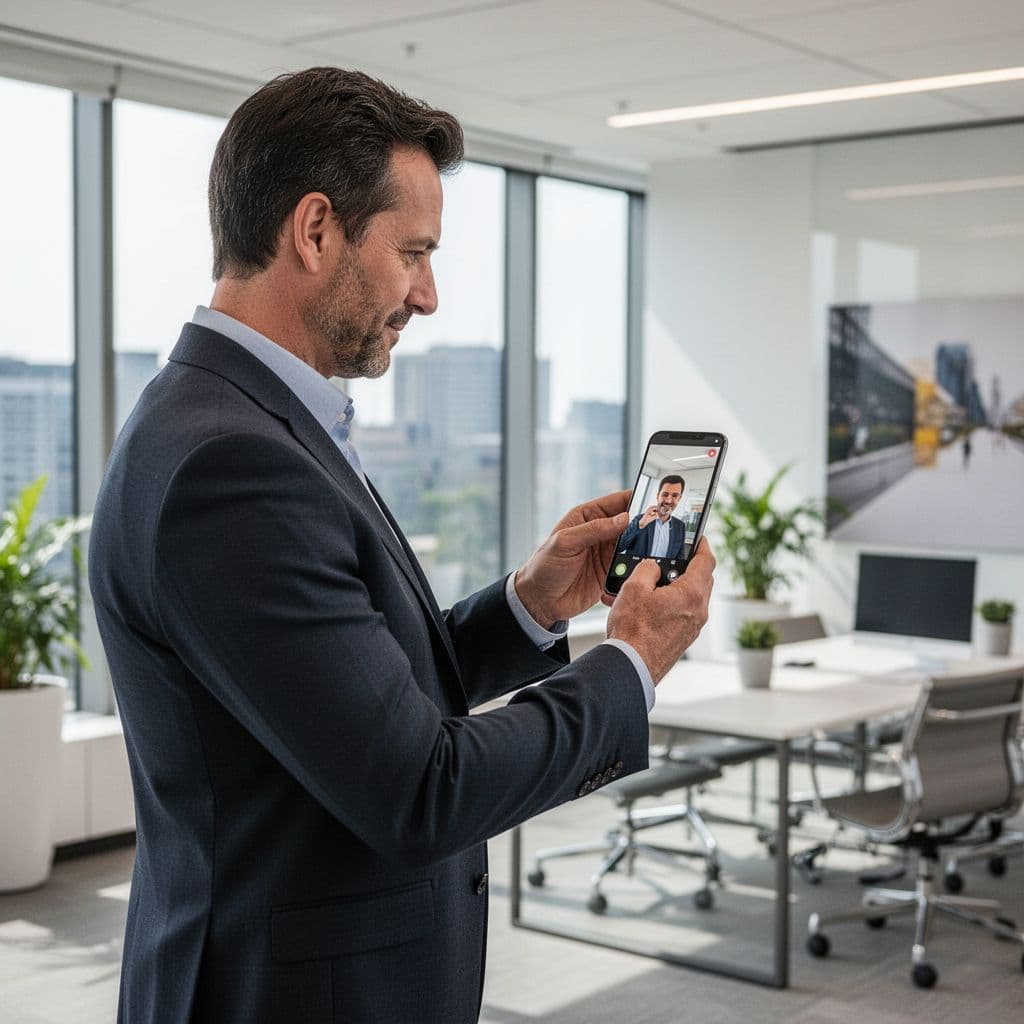
You don’t need a studio or a big content plan. You need a repeatable rhythm. One useful Google Business Profile video each week is more than enough for most local brands.
A simple content mix works well:
| Video type | What to show | Best use | | | | | | Welcome or arrival clip | Van arrival, storefront, technician greeting, office entrance | First impression and trust | | Service in action | Safe part of the job, tools, prep, cleanup, process | Proof of expertise | | FAQ or seasonal tip | One answer to a common customer question | Education and local relevance | | Result clip | Finished space, repaired item, clean work area, before/after angle | Conversion support |
Keep each public video short and focused. A strong format is 3 seconds of location, 15 to 20 seconds of work, then a few seconds of the finished result. Center the subject, hold the phone steady, and skip long intros.
Here are a few examples. A plumber can show a leak test and a clean sink area after the repair. A cleaning company can show room prep, part of the process, and the finished surface. A landscaper can film edging, trimming, and the final curb view. A law office or clinic can use a welcome video that shows the entrance, reception area, and a friendly team member.
When you have a seasonal offer, pair the clip with a post. Google’s Business Profile posts help page confirms you can add a video and an action button that sends people to a booking or quote page.
The same video can also support your wider marketing. One clip can feed Social Media Marketing, live on a service page, and even support Performance Marketing campaigns. That only works if the next step is solid, though. If visitors land on a weak page, the video’s momentum dies. That’s why good Website Development still matters. If your profile, landing pages, and offers feel disconnected, it helps to review your full-service digital marketing support.
How to turn profile video into local SEO and more conversions
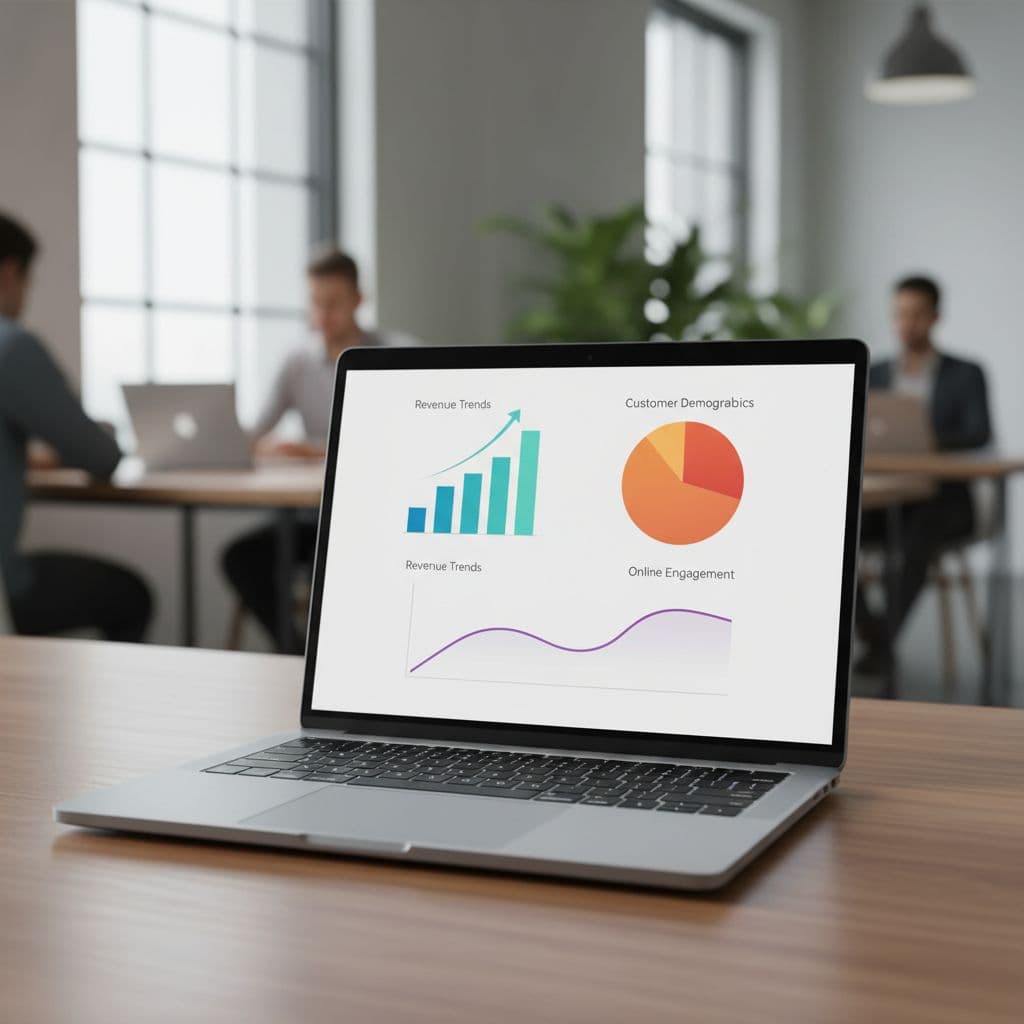
Video works best when it fits the rest of your local setup. If your categories are wrong, your reviews are stale, or your service pages are thin, video won’t cover the gap. It helps most when it supports a strong profile and a clear booking path.
Use this checklist before you upload:
- Show your actual location, team, vehicle, or tools in the first few seconds
- Keep the clip under 30 seconds and easy to follow without fancy editing
- Match the video topic to a real service you want to sell
- Send clicks to a page that fits the video, not a generic homepage
- Track what happens after the view, including calls, form fills, and booked jobs
Most importantly, measure the right things. Watch website clicks from your profile, phone calls, direction requests if you have a public address, and lead quality after each upload. Add UTM tags to your website link so you can see profile traffic in analytics. Then compare results over 60 to 90 days, not after one week.
A practical example helps. If you post a drain-cleaning video in June, link it to the drain service page, not your about page. If the page loads slowly or buries the phone number, fix that first. Video helps people say yes faster, but the page still has to close the lead.
Keep a reference for the rules, too. Fluxnote’s 2026 GBP video specs guide is useful when your team needs a quick check on file size, length, and common policy issues.
If results still feel flat, the problem usually isn’t the clip alone. It’s the full path from search to booking. In that case, it can help to book a free strategy review and find the break in the chain.
Final thoughts
A strong Google Business Profile video doesn’t need cinematic polish. It needs real proof of your business, your service, and the result a customer can expect.
Start with one welcome clip and one proof-based service video. Then keep the pattern going. In 2026, the local service businesses that win attention are often the ones that look the most real.