If every location profile points to your website but your reports still feel foggy, the problem is usually the link, not the traffic. Implementing a robust Google Business Profile UTM tagging strategy gives each store, clinic, branch, or franchise a clear trail inside your analytics. By consistently applying these utm parameters, you ensure that every visitor journey is tracked accurately, providing the visibility needed to understand performance across your entire network.
For multi-location brands, that trail matters more in 2026 because local discovery happens across Search, Maps, branded queries, and AI-assisted results. When every profile sends visitors through the same untagged door, location-level insight disappears fast. Establishing a standardized approach to tracking is the only way to attribute success to the specific local efforts driving your bottom line.
Key Takeaways
- Standardize Your Taxonomy: Use a consistent naming convention for
utm_source,utm_medium,utm_campaign, andutm_contentacross all locations to avoid fragmented data in Google Analytics 4. - Tag Every Touchpoint: Don’t limit tagging to the primary website URL; include links for appointments, menus, orders, and Google Posts to capture distinct user intent.
- Governance Over Improvisation: Manage your link strategy through a centralized spreadsheet or master file to prevent manual errors and maintain accountability across large-scale, multi-location portfolios.
- Align Analytics with CRM Data: Recognize that web analytics and CRM systems track different metrics; focus on comparing trends and performance patterns rather than expecting raw one-to-one totals to match perfectly.
Why tagged Google Business Profile links matter more in 2026
A single-location business can survive loose tracking for a while. A 200-location brand cannot. When dozens of profiles all send traffic to your site without a naming system, your Google Analytics 4 data starts blending locations, link types, and customer intent into one messy bucket.
That hurts more now because Google Business Profile is no longer a simple listing asset. It is a live conversion surface. People can click to your site, book, order, browse products, or jump to a menu. Each action means something different, so the links behind those actions should tell you exactly what happened.
Without UTMs, your organic traffic from one location can look identical to another location’s homepage visits, or worse, get lumped into your referral traffic. Your analysts end up guessing which branches drive real demand. Your local SEO team cannot separate strong profiles from weak ones, and your paid team cannot tell whether branded search growth came from ads or map visibility.
Tagged links also help when you compare profile traffic against landing page performance. If a branch gets plenty of profile clicks but weak conversion rates, the issue may sit on the page, not in the listing. That insight is hard to find without clean tagging, a solid Google Business profile optimization strategy, and the ability to compare GBP insights with your web analytics. When you update your primary website link with these parameters, you gain accurate tracking data that makes downstream analysis far more useful.
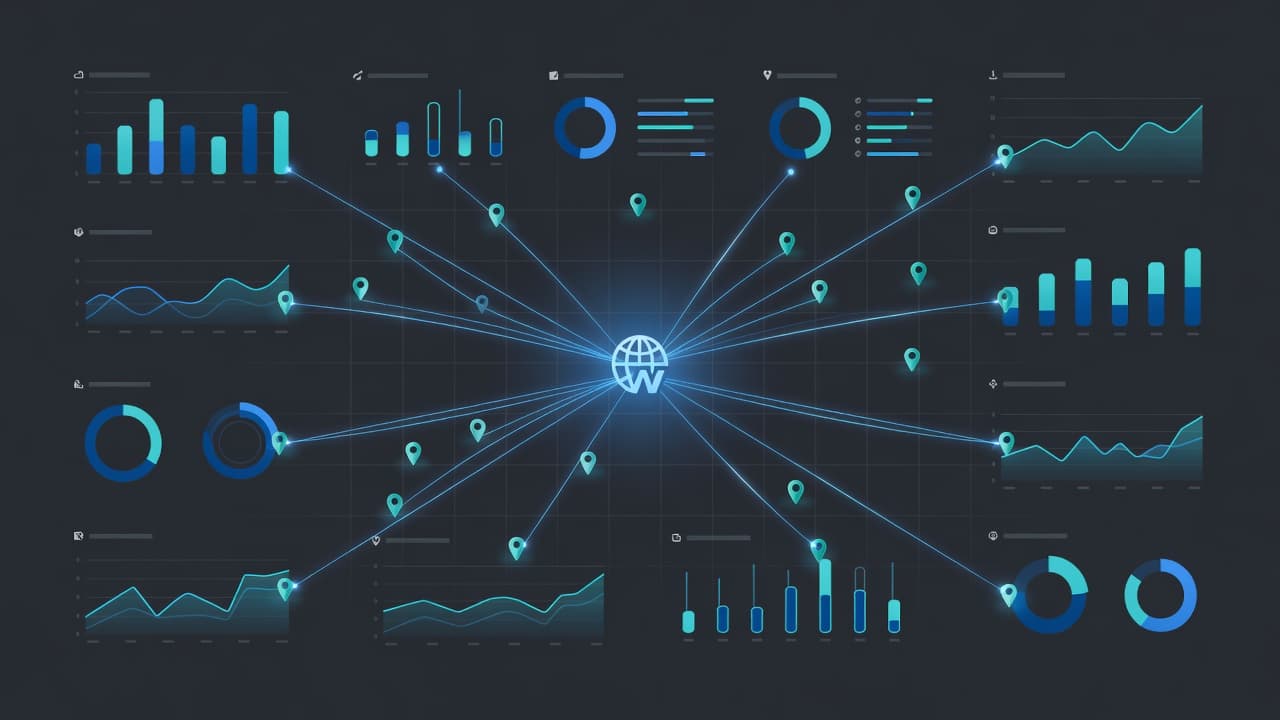
Tagged URLs will not measure everything, though. They won’t capture zero-click exposure, direction requests, or every phone tap on their own. Still, they do provide reliable website visit data from local profiles, which is essential for a complete local SEO strategy. If you want a strong outside reference, BrightLocal’s guide to GBP UTM tracking covers the basics from a local search angle.
A UTM framework that scales across every location
The best setup is boring. That is a compliment. It should be easy to read, easy to repeat, and hard to mess up. By establishing strict naming conventions, you ensure that your data remains clean and actionable as you scale.
For most multi-location brands, a simple structure works well:
| UTM field | Recommended value | Purpose |
|---|---|---|
utm_source | gbp | Identifies Google Business Profile traffic |
utm_medium | organic | Keeps it grouped with unpaid local discovery |
utm_campaign | gbp-listing, gbp-book, gbp-menu, gbp-order | Shows which profile feature was clicked |
utm_content | location code or slug | Identifies the branch or store |
That format gives you one stable taxonomy across the brand. The utm_source tells you the platform. The utm_medium keeps reporting clean. The utm_campaign shows the click type, and the utm_content field tells you which location drove the visit.
Always use lowercase letters for every parameter. Pick one separator style, usually hyphens, and stick with it. Do not let one market use store_014 while another uses Store-14 and a third uses atlanta west. GA4 treats those as different values, which ruins your reporting. You can use a standard campaign url builder to help your team maintain this structure across hundreds of locations.
Consistency beats creativity. A plain naming system survives handoffs, rebrands, and agency changes.
You also need to tag more than the main website field. In 2026, most brands should review the primary website URL, the appointment link, menu link, and order link. Furthermore, you should tag URLs used in Google posts and Google products. Each of these assets deserves its own utm_campaign value because user intent changes by click.
Use the canonical url as the base for your links. Avoid redirects when you can. A UTM-tagged link that bounces through two redirect hops muddies reporting and slows mobile visitors. Also, do not treat tagged URLs as separate pages in sitemaps or crawl targets. They are tracking versions of the same destination, not new indexable assets.
If your team wants a template to borrow, Claire Carlile’s UTM tagging guide is a useful reference point. The point is not to copy someone else’s labels word for word. The point is to lock one standard before 50 people touch 500 profiles.
Roll out tagged URLs without creating location-level chaos
A clean rollout starts in a spreadsheet, not in the profile editor. Once you manage a multi-location business with more than 10 sites, manual improvisation quickly turns into reporting debt.
Your master sheet should hold the location name, store code, base page URL, booking URL, menu URL, order URL, final tagged URL, QA status, and last update date. Include an owner column to ensure accountability. When a page breaks months later, you will know exactly who approved the tracking data and when.
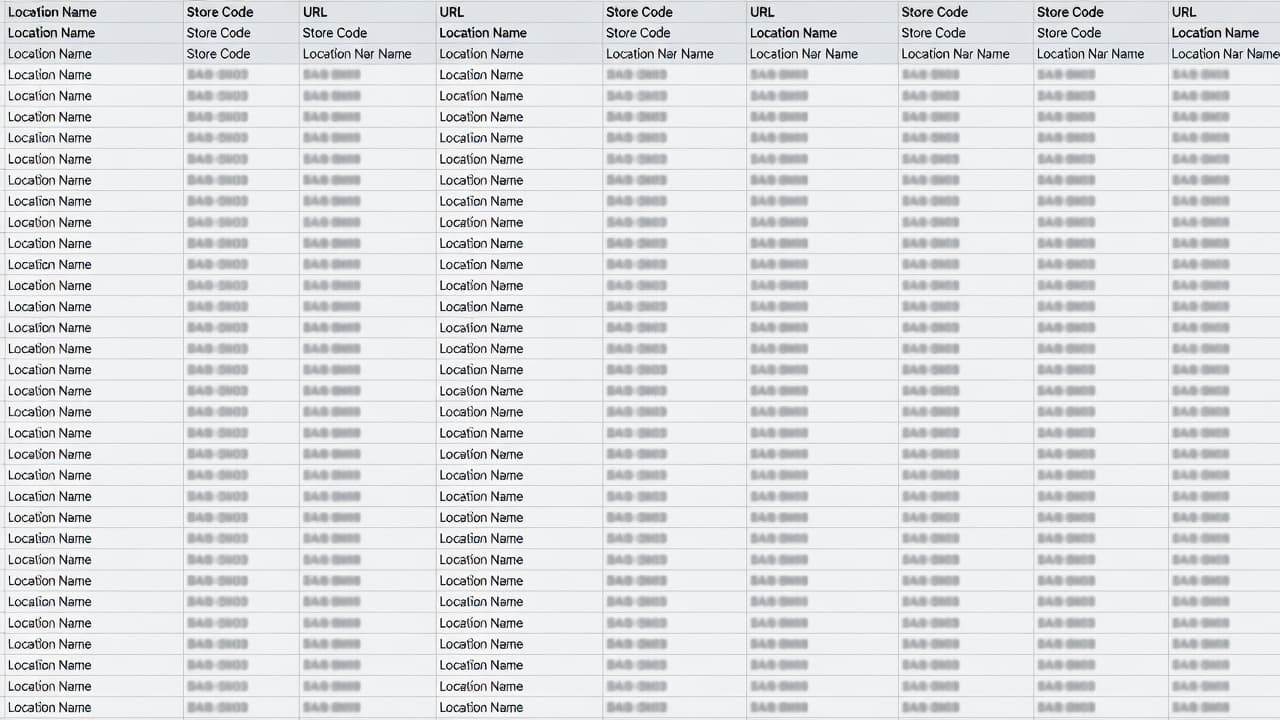
This process sounds simple, but governance matters. Website URLs are a lower-risk field than business names or primary categories, so they can move faster. However, do not mix a tagging rollout with broad profile edits. If a team starts changing categories, names, service areas, and URLs in the same week, troubleshooting gets ugly fast.
Google also cross-checks profile data against your site and other public sources. If your location landing pages changed during a recent redesign and the profile still points to the old path, fix the base URL first, then add tracking. A tagged broken link is still a broken link.
Agencies need even tighter controls because access sprawl is common. Former vendors, local managers, and corporate teams often all have edit rights. If you are handling dozens of client locations, white label digital marketing services can help centralize execution without turning every update into a permissions chase.
Before launch, test a sample from each region on mobile. Open the links and watch for stripped parameters in booking tools. Confirm the page resolves with a status code 200. Once you verify these links, you can confidently push the pattern across the rest of the portfolio.
Read GA4 and CRM data without forcing a false match
Once the links are live, a new problem appears. Stakeholders expect Google Analytics 4 sessions, form fills, and CRM stages to line up neatly. They usually won’t.
Google Analytics 4 tracks web actions. Your CRM tracks people, records, and sales-stage changes. Those systems measure different things, so totals drift even when the setup is healthy.

Attribution is the first reason. Google Analytics 4 may credit a last non-direct visit, while the CRM might keep first-touch fields, a last-touch source, or a rep-entered lead source. Proper use of UTM parameters helps ensure that your traffic acquisition report reflects these visits accurately within your default channel grouping. Identity stitching causes more drift. Someone can find a location on mobile, return later on a laptop, and submit a form with a work email. Analytics tools may split that journey, while the CRM may create one contact.
Then you get the operational mess. Duplicate submissions can inflate website conversions. CRM dedupe rules may merge them. Time lag matters too. A profile click today may not become an MQL, SQL, or opportunity until next week.
That doesn’t mean your tracking failed. It means your reporting needs layers.
Build one location-level view for sessions, engaged sessions, key events, and conversions using your utm_content field to categorize specific store performance. Then build a second view in the CRM that groups qualified leads, pipeline, and revenue by the same location code. Compare patterns, not raw one-to-one totals. For broader setup ideas, this 2026 Google Business Profile management guide is a decent companion read.
If you want tighter analysis, look at conversion paths by location. That helps explain why web totals and CRM outcomes rarely match exactly, especially for brands with long buying cycles or multiple devices in the customer journey.
Common mistakes that wreck multi-location reporting
The first mistake is using the same destination URL for every branch. If all profiles point to the homepage with only a location code changed in the UTM, you still lose context. Strong location-level reporting starts with the right base page for each branch, which ensures you can properly attribute organic traffic to specific regional performance.
Another common miss is inconsistent naming. One region uses gbp, another uses google-business-profile, and a vendor decides maps sounds cleaner. Your dashboard now has three traffic sources for the same channel, effectively siloing your data. You can often verify if your tracking is working as intended by comparing your analytics against Google Search Console to see if the visibility matches the click volume you see in your reports.
Redirects cause quieter damage. A location page that now redirects to a city hub can still work, but the path may slow the user, strip parameters, or create messy reporting. Site migrations are where this often breaks, especially when local landing pages change structure and nobody updates the profile sheet.
Third-party tools can also create trouble. Some booking systems keep query parameters, while others strip them, rewrite them, or hand the visit to another domain. Always test your third-party tools before a full rollout, rather than waiting until after your quarterly report falls apart.
Profile trust matters too. Google often rechecks names, categories, addresses, and site alignment. If a location is using a stuffed business name, mixed category signals, or outdated URLs, edits can revert or trigger a review. Accurate tracking data cannot rescue a profile that is fundamentally messy or non-compliant.
That is why the safest teams keep a simple approval path. Hours, phone numbers, and website URLs get quick review because they affect leads right away. Names, primary categories, and address rules deserve slower approval because they affect visibility and compliance. For teams that need outside support with the profile side of the work, local SEO and Google Maps management is worth considering.
Turn GBP click data into better SEO, GEO, AEO, and paid decisions
Once your tags are clean, the real value shows up outside analytics. Location data starts informing how the whole marketing stack works.
For SEO, tagged profile traffic helps you spot the gap between visibility and conversion. By comparing this tracking data against Google Search Console insights, you can validate the clicks seen from your primary website link to see if specific locations are underperforming. A branch may win strong local placement, but send visitors to a page with slow load times or thin service proof. That is a page issue, not a listing issue. Improving your local SEO strategy by addressing these gaps allows your website development team to act fast.
For GEO and AEO, clean measurement matters because local discovery does not stop at ten blue links. Branded map results, AI-generated summaries, and answer-style search experiences can all influence visits. UTM tags will not track impressions from those surfaces, but they do show which location pages get the click after discovery. That helps you decide which pages need stronger local entities, better FAQs, cleaner service alignment, and sharper on-page answers.
For performance marketing, the same location data can shape geo-bidding, branded budgets, and landing page tests. For instance, tagging the appointment link as a specific tactic allows you to refine your geo-bidding strategies based on actual conversion intent. If GBP traffic converts well in one metro and poorly in another, paid search should not treat them the same. Meanwhile, social media marketing teams can mirror offers or proof points that already pull strong local engagement.
This is where digital marketing stops working in silos. SEO brings the profile and page into view. Performance marketing tests demand capture. Social media marketing supports local trust. Website development fixes the destination. When those teams share one location-level naming system, reporting gets less political and more useful. Using this tracking data to align your goals ensures that every department is working from the same source of truth. If you need a wider view across channels, comprehensive digital marketing services can tie those pieces together.
A broader local playbook still helps. These local SEO best practices pair well with tagged profile reporting because stronger local pages make UTM data more valuable.
If your team is juggling hundreds of profile URLs, legacy analytics rules, and reporting disputes, Get In Touch With Us.
Frequently Asked Questions
Why shouldn’t I use the same destination URL for all my location profiles?
If all profiles point to a generic homepage, you lose the ability to attribute performance to specific regional landing pages. Using unique, location-specific pages combined with proper UTM parameters allows you to identify exactly which branches are driving high-quality traffic and conversion.
Can UTM tags help me track ‘zero-click’ searches or map views?
No, UTM tags only track traffic that results in a click-through to your website. They cannot measure impressions, direction requests, or phone taps that occur directly within the Google interface, so they should be used as part of a broader local SEO strategy.
Why do my GA4 and CRM numbers differ after implementing UTM tracking?
Google Analytics 4 measures web-based session behavior, while CRMs track lead quality, sales stages, and human-identified contacts. These systems operate on different attribution models and identity stitching rules, leading to natural discrepancies in the data that are expected in complex sales cycles.
What is the biggest risk when rolling out a new UTM tagging strategy?
Fragmented or inconsistent naming is the primary risk, as GA4 will treat slightly different labels—such as ‘store_01’ versus ‘store-01’—as entirely separate data sources. Always use lowercase, choose one separator style, and maintain a strict master record to ensure your reports remain clean and actionable.
Closing thoughts
Multi-location reporting becomes significantly clearer when every link across your organization follows a consistent rule set. The biggest win is not the tag itself, but the shared language it creates across your profiles, landing pages, and revenue reporting systems. This consistency allows you to unify your tracking data, providing a single source of truth for your entire brand.
When each location utilizes the correct destination, a standardized UTM pattern, and effective governance, your local data becomes easier to trust. That trust is what turns simple profile clicks into informed business decisions. By mastering Google Business Profile UTM tagging, you ensure that your team can confidently optimize performance across every location.