Product description SEO helps shoppers find relevant pages. SEO product descriptions use familiar search terms and explain fit, materials and everyday use.
Akeneo’s 2025 survey findings show that 34% of consumers felt frustrated by incomplete or unclear descriptions. Meanwhile, Salsify’s consumer research found that 68% spend one hour or less researching an item before buying online.
For Kolkata retailers, that means answering practical questions quickly, starting with buying intent rather than adding more keywords.
Key Takeaways
- Choose keywords that match the product, the shopper’s intent and the pages that rank for similar searches. Use customer questions and on-site searches to find useful wording.
- Give titles, H1s, snippets, image descriptions and product copy distinct jobs. State buying details such as materials, dimensions, sizing and compatibility clearly.
- Connect documented product features to practical benefits. Keep copy accurate, avoid unsupported claims and write only as much as shoppers need to make a decision.
- Keep descriptions, variants, prices, availability, structured data and feeds consistent. Fact-check AI drafts and use original buying guidance instead of copying manufacturer descriptions verbatim.
- Measure performance with Search Console and analytics, including clicks, add-to-cart activity, purchases, conversion rate and product-related returns.
1. Choose Keywords Around the Buying Decision

Advanced Web Ranking’s May 2026 data puts first-position organic CTR at 30.13% for US desktop searches. Reboot Online reports averages of 1,783 ranking keywords and about 9,625 monthly organic visits per ecommerce brand.
These benchmarks show the opportunity, but they don’t predict results for your shop. Your keywords should reflect products you sell and customers you can serve.
Match the Page to Search Intent

Informational intent describes searches for explanations, such as “how to wash cotton sarees”. Commercial searches compare options, such as “best cotton sarees for summer”. Transactional searches indicate purchase intent, while navigational searches seek a particular brand or website.
Visitors with informational intent usually have lower immediate purchase intent than commercial or transactional visitors. Therefore, educational queries often belong in guides.
Look at the results before assigning a keyword. Guides suggest informational intent; collections suggest broader shopping intent. Individual product results indicate a closer fit for a product page.
Compare Demand and Competition in Semrush

Use Semrush Keyword Overview for keyword research with the India database if you serve domestic customers. Compare monthly search volume, keyword difficulty, intent and ranking pages.
Search volume estimates demand. Keyword difficulty estimates the challenge of competing organically; neither guarantees sales.
For a Nalgene bottle, compare “water bottle”, “Nalgene wide mouth bottle” and “Nalgene 32 oz bottle”. The broad term may suit a collection, while the specific phrases are long-tail keywords that better describe one listing.
Choose one primary phrase, then add supporting terms for genuine attributes. Customer questions and on-site searches can reveal useful wording that broad keyword lists miss.
2. Give Every Product Page Field a Clear Job
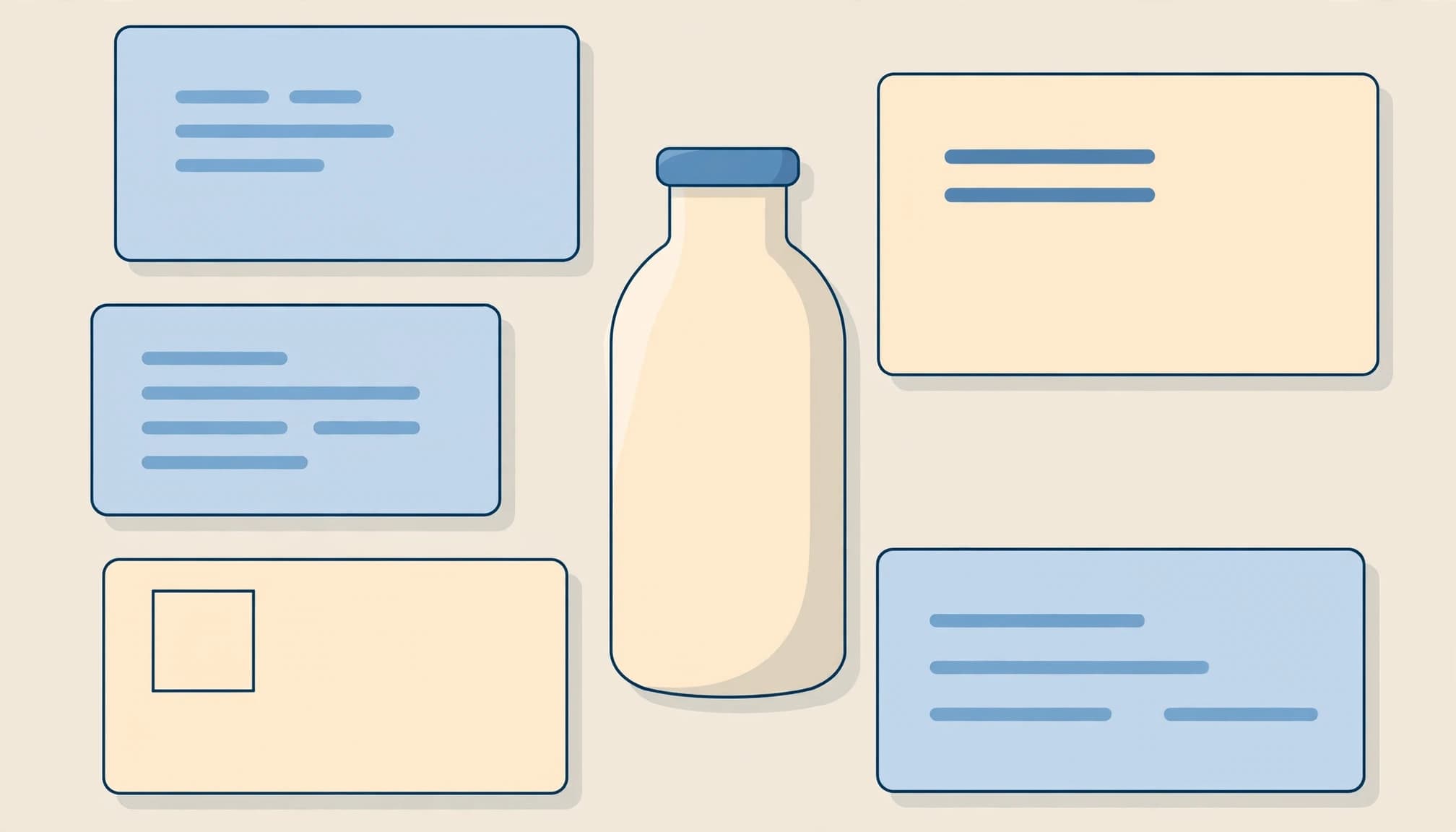
Google can interpret more than the main description. Titles, headings, visible copy, image context and structured data all help explain the product.
These fields have different jobs. A persuasive search snippet doesn’t replace useful product page information, including its benefits.
Write Useful Titles, H1s and Search Snippets

The title tag describes the page in search results. The H1 identifies the product on the page. They can resemble each other without matching exactly.
Replace vague names such as “Summer Favourite” with the product type and distinguishing attributes. A descriptive title makes comparison easier before someone opens the page.
Common starting points are 50 to 60 characters for titles and 120 to 160 characters for a meta description. These aren’t Google limits; display depends on available space.
Include the main keyword naturally and a useful invitation, such as “Choose your size”. A meta description isn’t a direct ranking factor, and Google may generate a different snippet.
Describe Images and Expose Buying Details
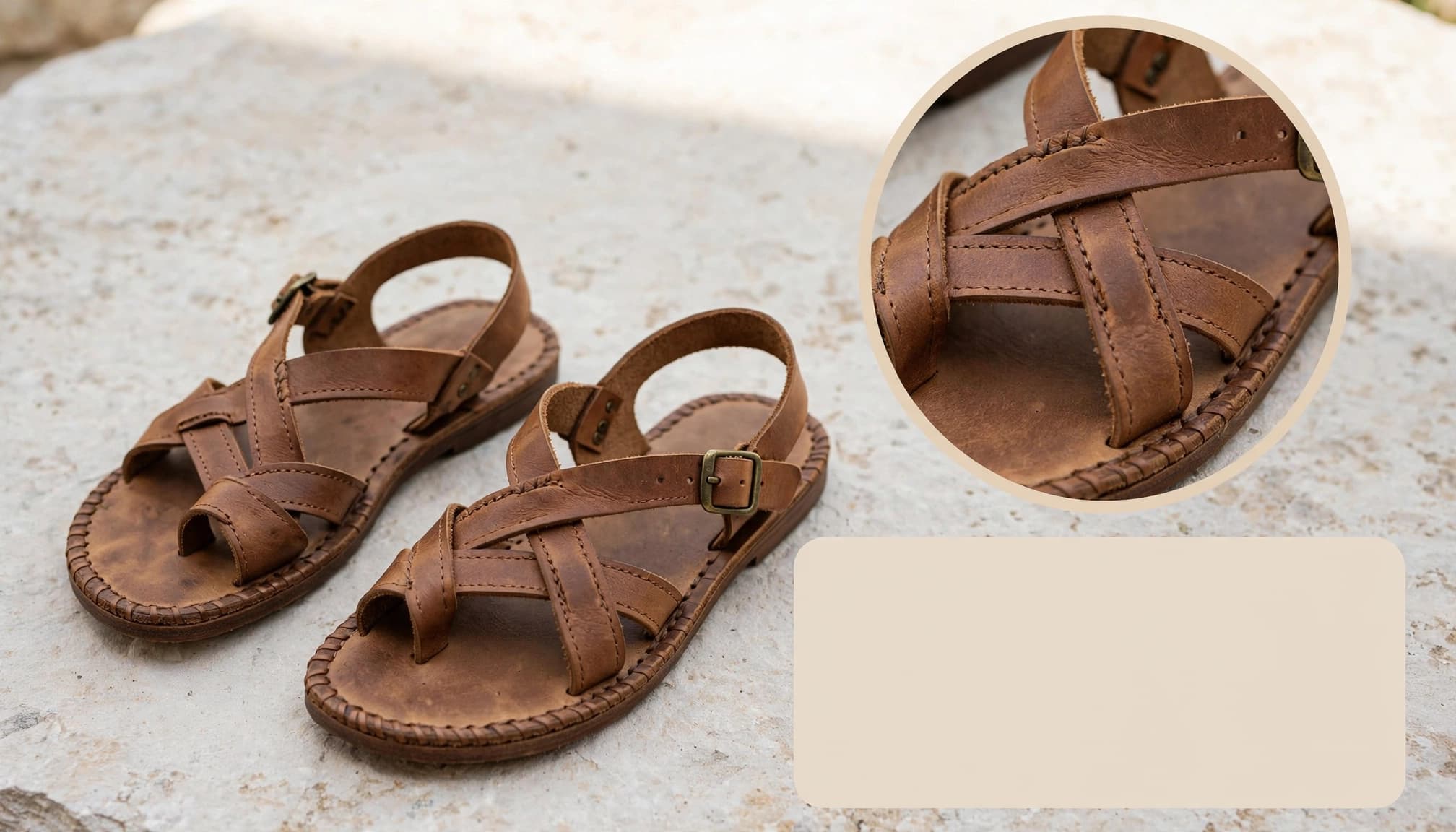
Alt text describes an image for accessibility and helps search systems understand it. “Brown leather sandals with buckle straps” is useful when it matches the photograph. Repeating a keyword list isn’t.
Place the primary phrase naturally near the description’s beginning. Then use relevant language for materials, dimensions, care and compatibility.
Expandable sections can contain searchable information when their text exists in the rendered page. Content fetched only after a click may be harder for crawlers to access.
For Indian shoppers, state sizing conventions clearly. UK shoe sizes, centimetre measurements and whether a saree includes a blouse piece can change the buying decision.
3. Turn Features Into Reasons to Buy
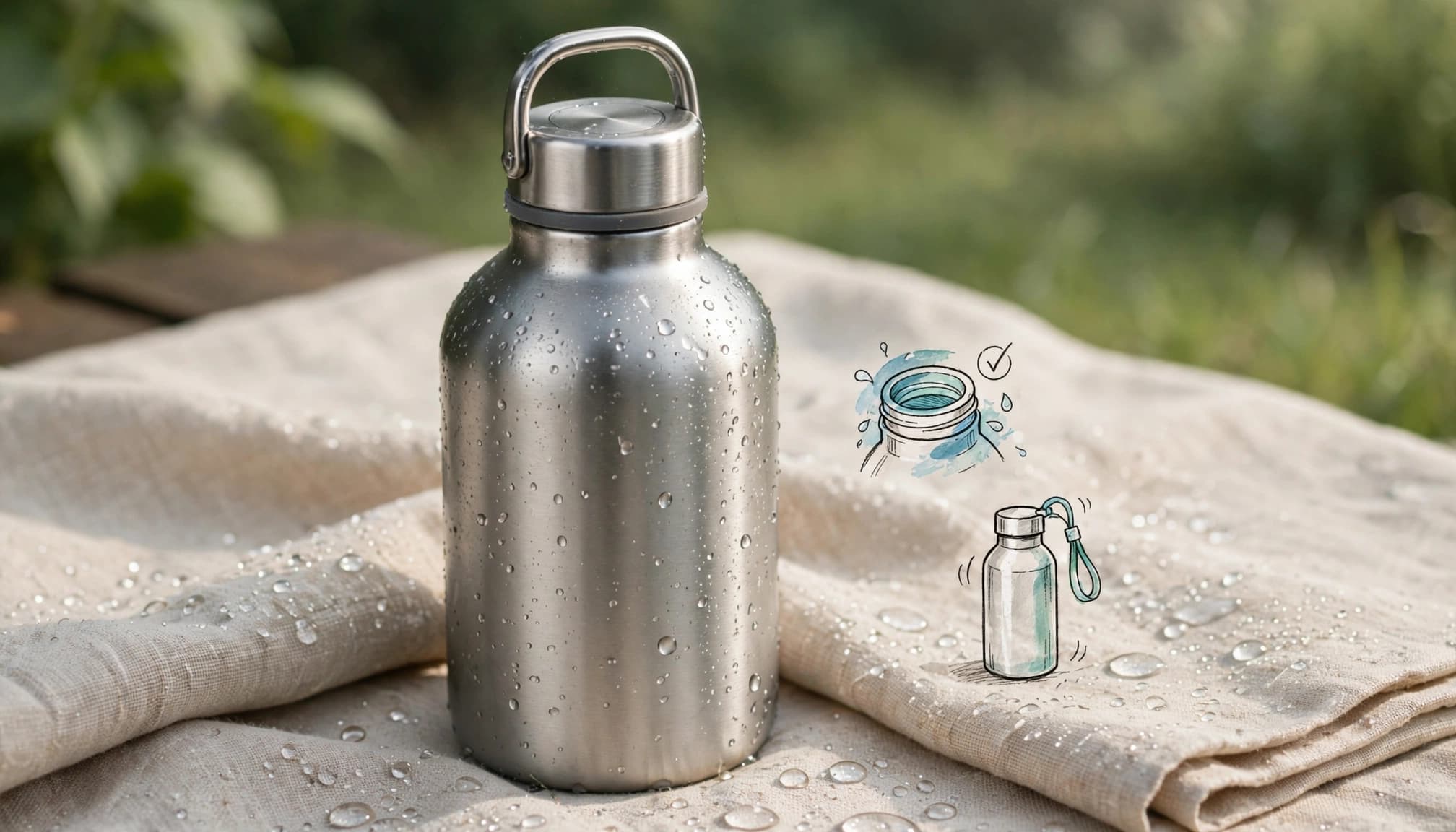
Features state what a product has. Benefits explain what those features do for the shopper.
For example, “waterproof rubber foot” describes a boot feature. “Blocks moisture from getting in” explains its benefit. Connect documented attributes to practical benefits, but keep claims within the product’s documented performance.
Avoid replacing evidence with adjectives such as “premium”, “amazing” or “perfect”. Explain what makes the item useful, then give shoppers the details they need to judge it.
Here’s a worked rewrite for the Nalgene 32 oz Wide Mouth bottle.
Spec-only copy:
“32 oz bottle. Wide mouth. Screw cap.”
Shopper-focused copy:
“This Nalgene wide mouth bottle has a 32 oz capacity and a wide opening for adding ice and cleaning around the opening. The screw cap closes the bottle between drinks.
Choose it when you want a reusable bottle with a straightforward design for everyday carrying. Its wide opening is useful when filling it under a tap or adding larger ice cubes.
This bottle isn’t vacuum-insulated, so it won’t maintain drink temperature like an insulated flask. Select your preferred colour and review the capacity alongside your carrying needs.”
The primary phrase appears in the opening sentence. Supporting language describes real attributes rather than repeating synonyms for “bottle”.
BigCommerce distinguishes short-form descriptions of up to about 200 words from long-form copy reaching 1,000 words or more. Neither is an SEO target.
A simple bottle needs less explanation than a technical appliance. Add words only when they answer a buying question, explain a limitation or help someone compare options.
4. Keep Copy, Product Data and Feeds Consistent
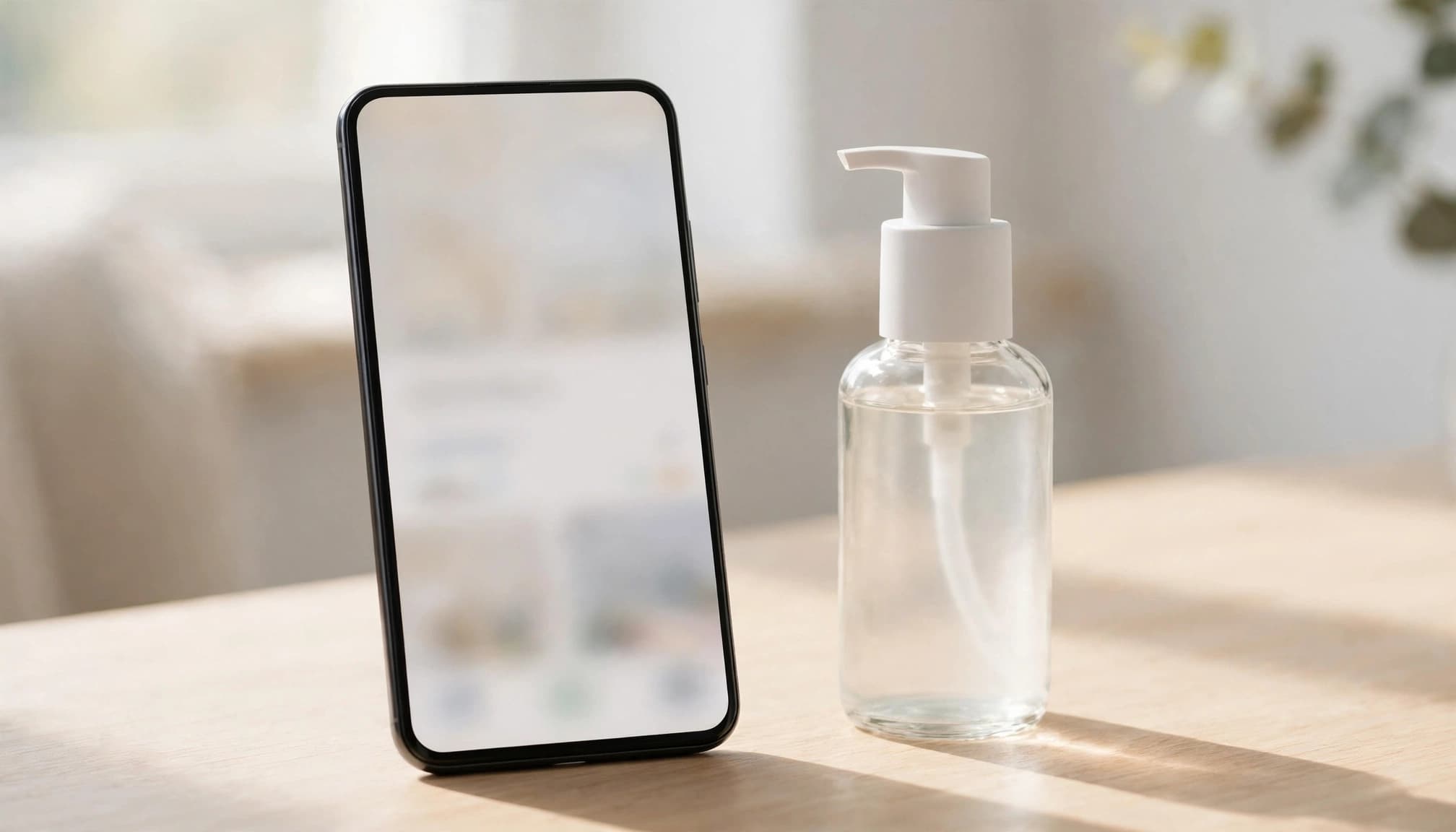
Accurate descriptions lose credibility when prices, availability or variants contradict them. Treat the page and its supporting data as one publishing task.
Publish Structured Data That Matches the Page

For products sold directly through your store, follow Google’s merchant listing structured data guidance.
Include the product name, description, image and offer details: price, currency and availability. Add genuine reviews or aggregate ratings only when shoppers can see them on the page.
For Indian pricing, use INR. Generate JSON-LD from live store fields so stock and prices don’t drift.
Shopify themes and WooCommerce plugins may already produce markup. Give one system responsibility for core product data to avoid conflicting outputs.
Structured data creates eligibility for richer results. It doesn’t guarantee enhanced display, higher rankings or inclusion in AI shopping answers.
Test eligible markup with Google’s Rich Results Test.
Avoid Duplicate Copy and Unchecked AI Claims

Manufacturer boilerplate creates duplicate content when retailers reuse it verbatim. Use it for factual specifications, then write original buying guidance. Duplication doesn’t automatically trigger a penalty, but it gives your page little distinctive value.
Keep interchangeable variants together unless separate pages meet distinct demand. Our product variant URL guidance explains that decision.
AI drafts need fact-checking, brand-voice review and removal of invented specifications. Supply approved facts and prohibit unsupported claims.
Also, Google’s spam policies prohibit keyword stuffing. Merchant Center description copy should exclude promotional language such as “free shipping” and “best price”.
Product Description SEO FAQs

Baymard’s 2026 benchmark found mediocre-or-worse product-page UX on 52% of desktop and 62% of mobile ecommerce sites. Meanwhile, DHL’s 2025 ecommerce findings report that 91% of online shoppers use smartphones for online purchases.
These findings make readable mobile copy a practical priority.
How long should a typical description be?
There’s no universal minimum. About 150 to 300 words can be a useful working range for straightforward products, provided the copy answers buying questions. More complex products may need longer explanations, specifications and compatibility details. Avoid padding a simple listing to reach a target.
Should product pages include mini FAQs for AI shopping?
Yes, when they answer genuine questions about sizing, materials or compatibility. Give direct answers in visible text and keep facts consistent with feeds and structured data. This makes information easier to interpret, but it doesn’t guarantee citations or recommendations from AI shopping assistants.
What makes product copy easier to read on mobile?
Lead with the main benefit, then use short paragraphs and clear specification sections. Keep decisive details close to the buying controls. Expandable care instructions can save space, but shoppers shouldn’t have to hunt for capacity, dimensions or what’s included in the purchase.
What’s the publishing checklist?
Confirm that the description matches approved specifications, the selected variant and current offer data. Give the page a distinctive title, useful opening sentence, accurate image descriptions and readable layout. Then review structured data and feed output for contradictions before publishing.
How should we measure a rewrite?
Use Google Search Console for queries, impressions, clicks and CTR. Pair those results with add-to-cart activity, purchase behaviour and conversion rate in analytics. Conversion rate helps assess whether the revised copy supports purchases, though other factors also affect results. Monitor product-related return reasons too. Better traffic matters, but the copy should also help customers choose an appropriate item.
Conclusion: Make the Buying Decision Easier

Accurate buying information is the foundation of effective product copy. Use customer language, explain benefits through real features and keep every product signal consistent.
Start with your highest-value listings rather than rewriting the entire catalogue at once. Measure whether shoppers find those pages and make informed purchases, then track the conversion rate.
If your store needs coordinated copy, feed and technical improvements, our ecommerce SEO services address those connected priorities. Get In Touch With Us to discuss your store’s next steps.