If people can find you on Google but can’t book in two taps, you’re losing business. That gap matters more in 2026 because customers expect speed, especially when they’re searching from their phones.
For salons, spas, clinics, consultants, and home service companies, Google Business Profile appointment links can turn a profile view into a real booking. The trick is setting them up the right way, then sending people to a page that helps them finish the job.
Why booking links matter more in 2026
Many service businesses can still add an appointment or booking link to their Google Business Profile. When it appears in Search or Maps, people can jump straight to your scheduler instead of hunting through your site. That’s a small change with a big effect because local searchers often have strong intent.
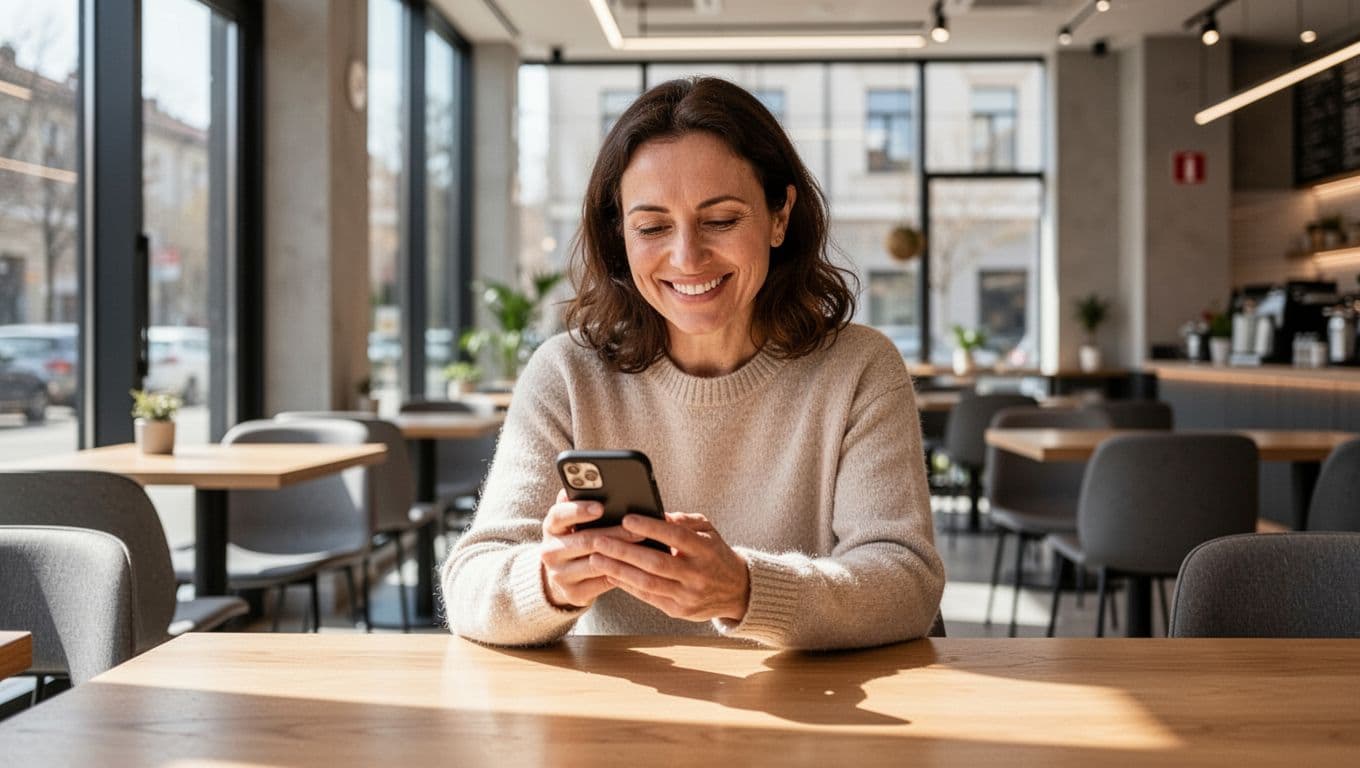
That matters most when timing is everything. A haircut, massage, dental cleaning, tax consult, or AC repair doesn’t need a long sales pitch. People want to see availability, pick a slot, and move on. Every extra click gives them time to back out or choose a competitor.
A booking link on your profile is useful by itself. A true in-Google “Book” button usually depends on Reserve with Google and a supported scheduling partner.
This quick comparison helps clear up the difference:
| Option | What the customer does | What you need | Best fit |
|---|---|---|---|
| Standard appointment link | Clicks from your profile to your booking page | A working scheduler URL | Most service businesses |
| Reserve with Google | Books through Google’s supported flow | Eligible category, country, and partner integration | Businesses on supported platforms |
For most owners, the standard link is the practical starting point. It’s simple, and you control the landing page. If your software supports Reserve with Google, test it, but don’t wait for that before fixing the basics.
A few limits still matter in 2026. Google may restrict booking features by business category and country. Also, the link doesn’t always show up right after you save it. Give it some time, then check Search and Maps from your own phone.
How to add an appointment link to your profile
Setup is short, but a sloppy setup can waste good traffic. Open your Google Business Profile, go to the booking or appointments area, paste your scheduling URL, and save it. That’s the easy part. The hard part is choosing the right link.
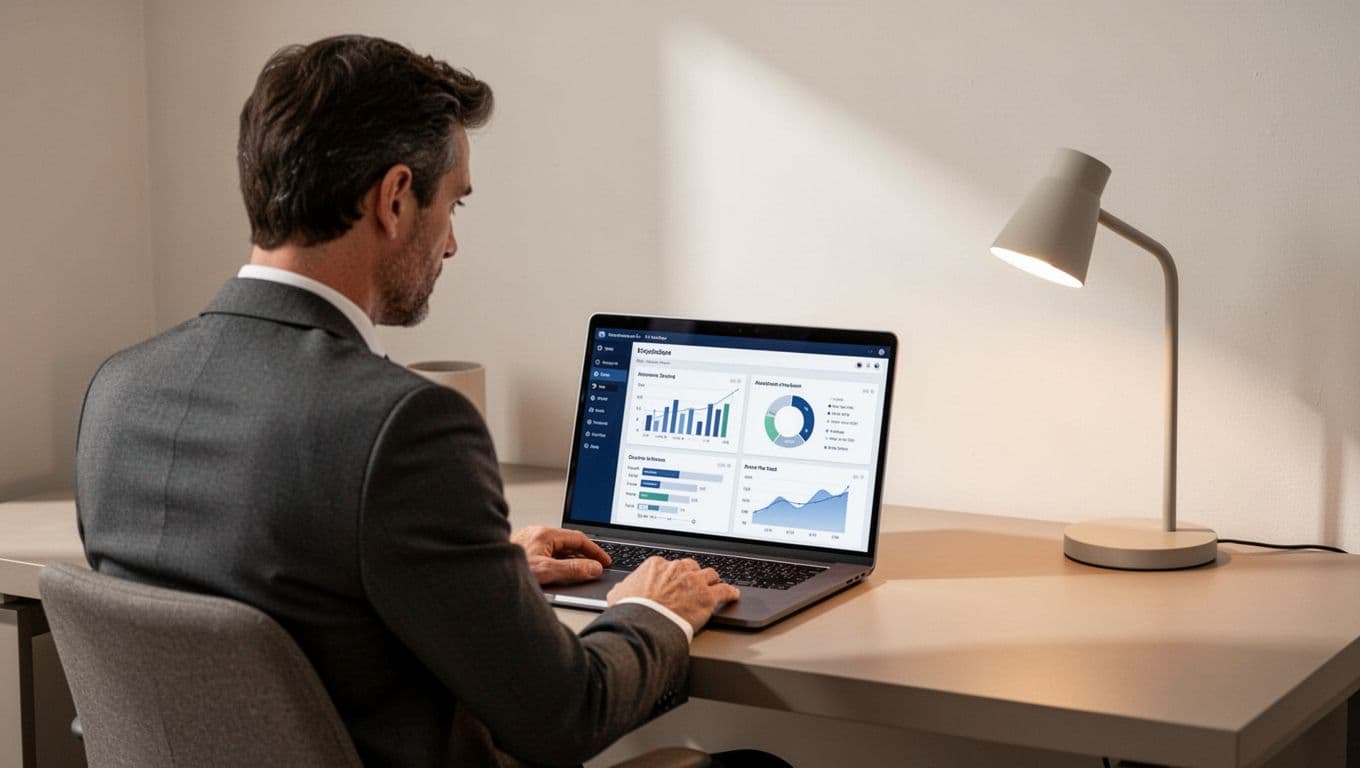
Use this path when you set it up:
- Sign in to the Google account that manages your business profile.
- Open your profile settings and find the booking or appointments section.
- Add the direct booking URL, not your homepage.
- Save the change, then test the link on mobile and desktop.
- Check again later in Search and Maps, because updates may take time to appear.
The best URL depends on your business. A spa should send people to the treatment booking page, not the main site. A clinic should link to the visit request page or online scheduler. A consultant can send people straight to a discovery call calendar. A home services company might use a quote request page with date options.
Keep the booking path short. If someone lands on a generic page and has to choose location, service, staff member, and time before they even see openings, many will leave. Pre-select what you can. If one location handles all bookings, use that page. If one service drives most revenue, point Google traffic there first.
If you use a supported booking tool, check whether it syncs cleanly with Google. Double bookings, stale availability, or broken redirects create a bad first impression. When you want stronger local visibility before that click even happens, local SEO services can help your profile show up more often in the map pack.
Send people to a page that makes booking easy
A Google profile click is only the start. The real test happens on the page where the customer lands. If that page feels slow, cluttered, or confusing, the appointment link won’t do much for you.
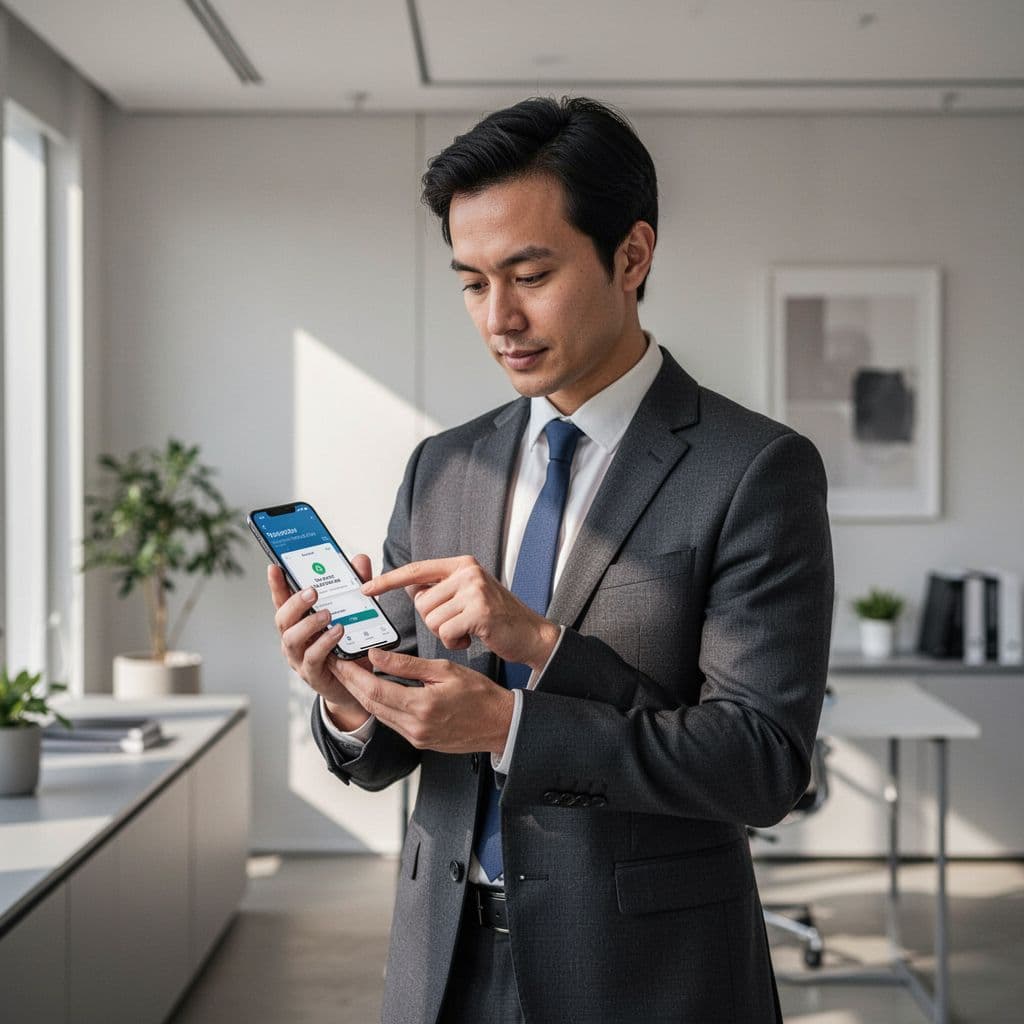
Your booking page should do four things well:
- It should load fast on a phone, because that’s where many local searches happen.
- It should make the service clear right away, with price or duration when useful.
- It should ask for only the details needed to confirm the booking.
- It should build trust with reviews, policies, or a short explanation of what happens next.
Mobile matters most. Buttons need room to tap. Forms need simple fields. Date pickers need to work without pinching and zooming. If your scheduler opens in a tiny pop-up or sends people through three redirects, fix that first.
Each business type has its own friction points. A salon can cut drop-offs by showing service names people understand, not internal shorthand. A clinic may need to explain whether the visit is for new or returning patients. Consultants should confirm time zone settings. Home service companies should ask for the job type and service area early, before asking for a long form.
This is where Website Development affects revenue. If the page is broken, slow, or awkward on mobile, no amount of profile traffic will save it. Add tracking, too. A tagged URL can help you see how many bookings came from your profile instead of guessing.
Turn your profile into part of your growth system
Appointment links work best when the rest of your profile is strong. Your category, service list, reviews, hours, photos, and business description all affect whether people trust you enough to click. A booking link on a weak profile is like putting a new front door on a store nobody can find.
Keep your profile current. If your spa offers new treatments, add them. If your clinic changed hours, update them. If your team is booked out for a week, don’t run promotions that promise same-day appointments. People notice when Google says one thing and your booking page says another.
For many owners, DIgital Marketing feels separate from daily operations. Appointment links connect the two. Your SEO helps people find you. Performance Marketing can send paid traffic to the same scheduler. Social Media Marketing builds familiarity, then people search your name later and book through Google. All of that works better when the profile and booking page match.
A simple system beats a fancy one. Use one strong booking page. Link to it from your profile, site, and paid campaigns when it makes sense. Then measure what happens. If profile views rise but bookings don’t, the weak point is often the page, not Google.
When you need the profile, site, and campaigns to work together, a broader set of digital marketing services can help connect those pieces without adding more tools than you need.
Conclusion
The businesses that win more local bookings in 2026 usually remove friction first. They make the profile easy to trust, the link easy to tap, and the booking page easy to finish.
A good booking link doesn’t need to be fancy. It needs to be direct, mobile-friendly, and tied to a real scheduling flow that works every time.
If you check your own profile today and booking still takes too many steps, you’ve already found the next fix.