A wrong phone number on Google can cost you leads before lunch. A bad category change can hurt visibility for weeks. That is why google business profile edits need a real monitoring routine, not a vague promise to check later.
In 2026, the way you manage your business information has shifted. Most profile changes now occur directly within Google Search or through the Google Maps app, while public suggestions and Google applied updates continue to alter what customers see. A simple workflow keeps those edits from turning into lost calls, bad directions, or messy cleanup.
Key Takeaways
- Maintain a Single Source of Truth: Centralize your business information in a master record—such as a spreadsheet or ops tool—to ensure consistency across your website, schema, and citations.
- Standardize Your Monitoring Routine: Use a consistent seven-step workflow to verify, document, and fix edits, ensuring that every change is captured in an audit trail for future reference.
- Prioritize Based on Impact: Categorize edits by risk level, responding immediately to critical issues like phone number or address changes while dedicating more time to review strategic updates like business names or categories.
- Audit Team Access Regularly: Prevent unauthorized or accidental edits by restricting management access, conducting quarterly reviews of permissions, and removing stale access for former staff or agency partners.
What public edits can change in 2026
Public edits are changes to the information users see on Google Search and Maps. While the legacy Google My Business dashboard provided a centralized hub for years, the modern experience is much more fragmented. If you own or manage the profile, you can now update details directly through the edit profile button on your listing. If you do not own the profile, users can suggest changes, and Google may apply them after verification.
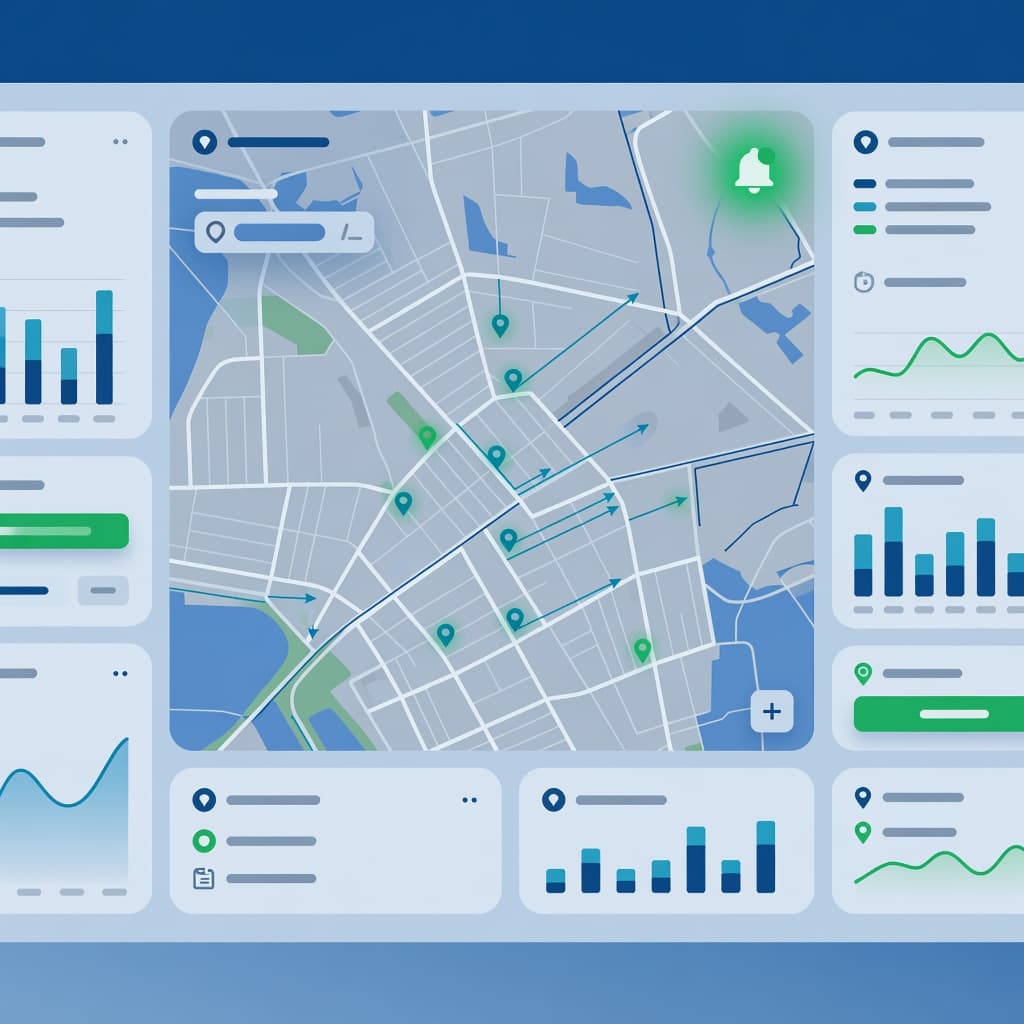
For most businesses, the high-risk fields are easy to identify. They include your business name, business category, address, service area, phone number, website URL, hours, and open or closed status. Furthermore, customers now frequently judge profiles based on social media links and specific attributes. A wrong website URL can waste paid traffic, while incorrect contact details can send potential customers elsewhere.
Today, Google’s editing flow is more front-facing than it used to be. Many owners now make updates directly through Google Search or the Google Maps app rather than relying on a legacy interface. While bulk management for larger brands still occurs through the business profile manager using location groups and store codes, the live listing is what ultimately shapes customer perception.
Some public edits are erroneous, while others fix data that your own team may have neglected. If your website still shows old holiday hours and a customer suggests the correct ones, Google may trust that external input. Therefore, the goal is not to fight every change, but to catch updates quickly, verify the accuracy of your business information, and ensure your source data is consistent.
Google’s business representation guidelines still set the baseline for what belongs on a profile. Keep them close when you review edits to the name, address, category, and service area. If your listing needs a broader cleanup, this Google Business Profile optimization guide pairs well with a robust monitoring process.
If your website, citations, and profile disagree, Google has to decide which version looks most trustworthy.
That point matters more in 2026 because profile trust does not live inside the profile alone. It sits across your website, schema, booking links, citations, and local pages. This is why profile monitoring belongs next to Digital Marketing, SEO, Performance Marketing, Social Media Marketing, and Website Development, rather than being treated as a one-off task.
A simple workflow for monitoring Google Business Profile edits
The fastest way to lose control is to rely on email alerts alone. Some edits will show up there, some will not, and some will not feel urgent until a customer tells you the listing is wrong. With the new merchant experience becoming the standard, good monitoring starts with a short routine and clear ownership.
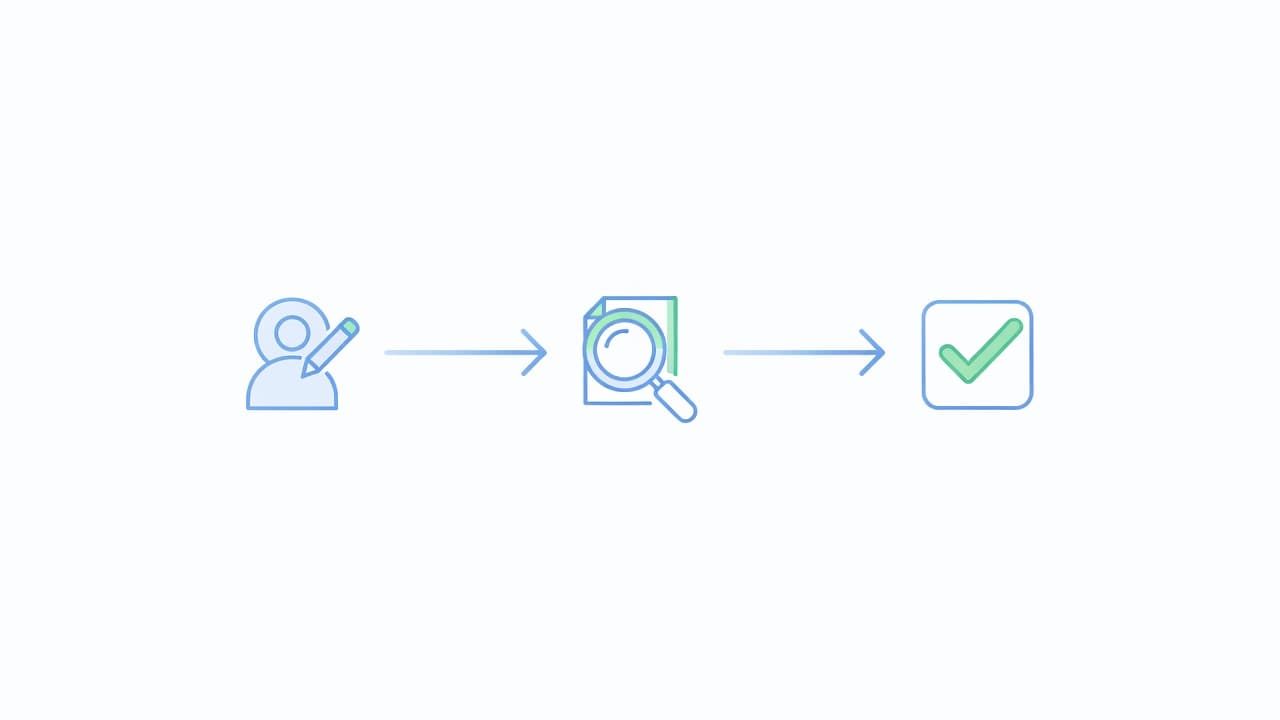
Set one source of truth first
Before you monitor anything, build a simple master record for your business information. A spreadsheet is enough for one site, while a shared ops tool is better for a chain. Each location record should include the display name, legal name if different, address or hidden-address status, phone, website, appointment link, primary category, secondary categories, hours of operation, special hours, service area, and store code if you use one.
Then lock down roles. Keep one primary owner and one backup owner. Give manager access only to the people who need it. Review permissions every quarter, and remove old staff or ex-agency access fast. A surprising number of mystery edits come from stale access.
Run the workflow in the same order every time
- Check the live profile in Google Search while signed into the owner account, then use the Google maps app to confirm what the public view shows.
- Compare the live details against your source record and website.
- Capture a screenshot of the current state before changing anything.
- Triage the edit by business impact. Check the dashboard for pending edits or previous rejected edits to understand the history of the listing.
- Fix the field using Google Search from the verified owner account.
- Recheck the profile after the change publishes, then log the result.
- If the edit does not stick, inspect the website, schema, and citations before trying again.
That order keeps your team from rushing into the wrong fix. It also reduces the chance of repeated edits on sensitive fields.
Some agencies now favor a careful direct edit inside the front-end interface for touchy listings, especially after verification issues or a past suspension. That approach lines up with the current interface and can reduce extra noise. SearchScope’s write-up on front-end edits for Google Business Profile explains why many local teams handle delicate changes that way.
Match response time to the field that changed
Use a simple service-level target so every edit gets the right speed.
| Changed field | Business impact | Target response |
|---|---|---|
| Phone, website, address, open or closed status | Lost leads and bad directions | Same day, ideally within 2 hours |
| Regular hours, special hours, service area | Missed visits and poor customer experience | Same day |
| Primary category, business name | Ranking shifts and compliance risk | Review within 24 hours, use approval |
| Secondary categories, business description, minor attributes | Lower urgency | Review within 2 to 3 days |
This table keeps the team calm. A wrong phone number needs speed. A category change needs thought.
Take a three-location dental group as an example. If one office suddenly shows a different phone number, fix it fast and check all citations that reuse that number. If another office gets changed from oral surgeon to dentist, or if the business description is altered without authorization, slow down, compare the page content, signage, and source record, then approve the correct details. Speed and care should change with the field.
Larger brands can also add outside tools or internal scripts to flag suggested edits, but the live profile should stay your final check. If you want a useful outside view of common edit patterns, this guide to suggested Google profile edits shows the kinds of issues agencies track at scale.
Build an audit trail your team can trust
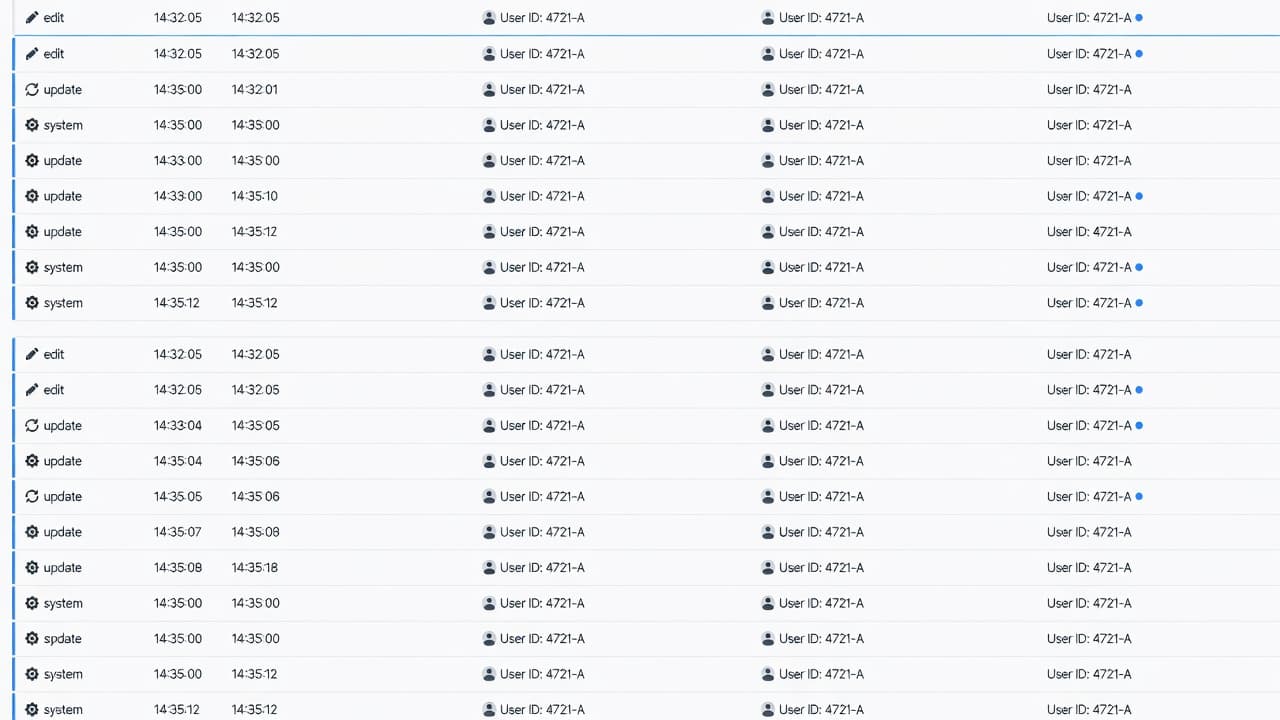
A monitoring workflow falls apart when nobody remembers what changed, who changed it, or whether Google accepted the fix. That is why an audit trail matters. It gives you a record when rankings dip, a customer complains, or a profile gets reviewed more closely. Tracking Google Business Profile edits creates a historical record that allows you to correlate specific updates with fluctuations in your performance reports.
Log the same fields every time
Each edit record should capture:
- The date and time you spotted the change
- The location name and store code
- The field that changed
- The old value and the corrected value
- A screenshot or screen recording
- The person who approved and made the fix
- The current verification status of the listing
- The result after 24 hours and again after a few days
That sounds simple because it is. Yet it saves hours later. If a location keeps reverting its hours, your log shows whether the issue started after a website update, a bulk import, or a public suggestion.
Use plain names for locations, but always pair them with store codes if you manage several branches. Main Street office is not enough when two towns both have a Main Street. Store codes remove guesswork, and they line up with bulk editing inside location groups.
Separate small fixes from risky fields
Not every edit needs a meeting. A holiday hours correction can usually move fast. A name, address, or category change should follow a slower path with approval. For a small business, that might mean owner review. For an agency or multi-location team, it usually means two people sign off before the change goes live.
This is also where user access matters. Review owner and manager roles often, especially after a staffing change. If a former employee still has access, you do not have a clean system. You have a problem waiting to happen.
For bigger brands, using a centralized dashboard for a bulk edit saves time, but it should never replace live checks. Push the update in your system, then verify the public listing in Search and Maps. A bulk action that looks fine in a spreadsheet can still publish oddly at the location level.
If your business information keeps drifting because your site, citations, and local landing pages do not match, the monitoring problem is bigger than Google alone. Strong local SEO services help keep those source signals aligned, which lowers the odds of bad edits sticking.
Reduce risk without slowing your response time
Fast teams are not always safe teams. If you treat every public edit like an emergency and reverse it without checking, you can create a bigger mess. Some edits expose a real data error, while others expose a compliance issue you should not put back.

A bakery is a good example. If Google or a customer updates your holiday hours to match the sign on your door, that is not an attack. Accept the correct hours, update your master record, and make sure your site matches. On the other hand, if your business name loses stuffed keywords and drops back to the real brand name, do not correct it by adding those terms again. That invites more trouble, especially since accurate data improves the synergy between your organic profile and your Google Ads campaigns.
Automated trust checks have become stricter since late 2025. Profiles get flagged faster when the listing looks out of step with the real business. Common risk points include virtual offices, duplicate listings, and names packed with extra keywords. It is vital to claim your business properly to establish ownership, but even then, you must monitor customer reviews and the Q&A section for suspicious edits that could violate policy.
Before you save a sensitive edit, pause and verify four things:
- The business name matches signage, legal records, and the website header
- The address setup follows the real business model, especially for service area businesses
- The business category matches the main service customers can actually buy
- The website, schema, and citations all support the same data
If a profile gets restricted or suspended, stop editing right away. Capture screenshots, review the live data, check permissions, and gather matching proof before you appeal. Do not create a fresh profile to get around the issue, as that can make the case worse.
You also need a human rule for response speed. Same day fixes make sense for phone numbers, hours, and bad website URLs. Next business day review is safer for names, categories, and address changes. That split keeps your team quick where quick matters and careful where verification friction makes mistakes expensive.
When profile issues tie back to weak local pages, messy citations, or mixed signals across the site, broader professional SEO services can help clean up the business information acting as the source data behind repeat edits. If your team is handling public changes, constant monitoring, and several locations at once, Get In Touch With Us for a second set of eyes.
Frequently Asked Questions
How often should I check my Google Business Profile for unauthorized edits?
You should incorporate profile monitoring into your routine operational tasks rather than checking sporadically. For most businesses, a consistent daily or weekly review cycle is sufficient, though high-traffic locations may benefit from more frequent oversight to catch and correct erroneous information before it impacts leads.
What should I do if a public edit by a user is actually correct?
If an edit provided by a customer or Google is accurate, you should verify it against your master record and website rather than automatically reverting it. Once confirmed, update your internal source data to ensure your business information remains synchronized across all platforms, which helps prevent future conflicting edits.
Why does my edited information keep reverting to the old data?
If your profile data keeps reverting, it is often because Google finds more trust in external sources like your website, citations, or local landing pages. Ensure that your website schema, contact information, and business hours are perfectly aligned across the web, as Google will favor the data it perceives as the most trustworthy source.
Should I handle category and business name changes differently than hours?
Yes, risky fields like business names and primary categories carry significant ranking and compliance implications and should undergo a formal approval process. Conversely, simple changes like holiday hours can be handled quickly, as they directly improve customer experience without risking your standing with Google’s guidelines.
Conclusion
A wrong profile detail can hurt today, and a bad fix can hurt even longer. The safest workflow keeps one source of truth, assigns clear owners, logs every change, and gives risky fields a slower approval path.
Although the transition from Google My Business is complete, maintaining absolute accuracy across Google search remains the primary priority for any local brand. Public Google business profile edits will continue to happen because Google wants listings to match the real world. When your profile, website, and local data all agree, those edits are much easier to manage, and your team spends less time cleaning up preventable problems.