Your google business profile, a key component of local SEO that helps you appear in the local pack, is often your real homepage. It shows before your site, before your ads, and sometimes before your competitors even load.
In 2026, google business profile optimization isn’t about filling boxes once and forgetting it. Google rewards profiles that stay accurate, active, and easy for real people to trust fast.
Use this checklist to audit, fix, and maintain your profile, whether you previously used google my business or are starting fresh, with priorities, examples, and mistakes to avoid. Consistent updates improve visibility on google maps. Since features and policies can change, verify anything new against official GBP documentation before rolling it out across locations.
1) Run a 15-minute Google Business Profile audit first (Highest impact)

This is your “does it pass the sniff test?” moment. If a customer has 10 seconds, can they tell what you do, where you are, and how to contact you?
Start with this quick audit table, then fix every “High” item before anything else. If you want a second checklist to cross-check your work, compare against a 2026-focused guide like Dyad’s GBP checklist.
| Audit item | Recommended setting (2026) | Priority | Common mistake |
|---|---|---|---|
| Ownership and verification | Correct owner account, verified status | High | Ex-employee owns the profile |
| Business name | Accurate business information, no extra keywords | High | Adding services or city names |
| Primary category | Most accurate core service | High | Picking a “bigger” category for volume |
| Address and map pin | Matches signage and mail address | High | Pin placed on a nearby road |
| Hours (regular + special) | Holiday and event updates added | High | Forgetting special hours |
| Phone and website | Accurate contact information, correct landing page | High | Call center number for every location |
| Description and attributes | Clear services, updated attributes | Medium | Marketing fluff, missing key attributes |
| Photos and logo/cover | Fresh, real photos, updated cover | Medium | Old photos, stock images |
| Products/services | Key offers listed and maintained | Medium | Leaving outdated pricing or items |
If you only fix three things today: primary category, hours (including special hours), and the main landing page link.
2) Fix NAP, service areas, and location trust signals (Highest impact)

NAP means name, address, phone. NAP consistency is vital for local ranking and appearing in local search results. In practice, it means “can Google trust you?” and “can customers reach you?” Keep your GBP NAP identical to your website header/footer, contact page, and key directories.
For service-area businesses, be strict about boundaries and service areas. Proximity to the user affects visibility, so recent 2026 updates have pushed tighter limits (often around a 2-hour drive range). Don’t stretch it. A too-large radius can trigger edits, suspensions, or lead quality problems.
Also, update what “in-person” means for your model. In 2026, online-only listings are more likely to be rejected, so make sure your profile reflects a real, eligible customer experience (at your place, at theirs, or both).
If you manage a multi-location brand, standardize NAP formatting in a shared doc (suite rules, landmark hints, and phone formatting). High relevance across directories builds trust. The difference shows up in rankings over time, as seen in local wins like this local SEO case study for a pet grooming store.
3) Choose categories, services, and products like a customer would (High to Medium impact)
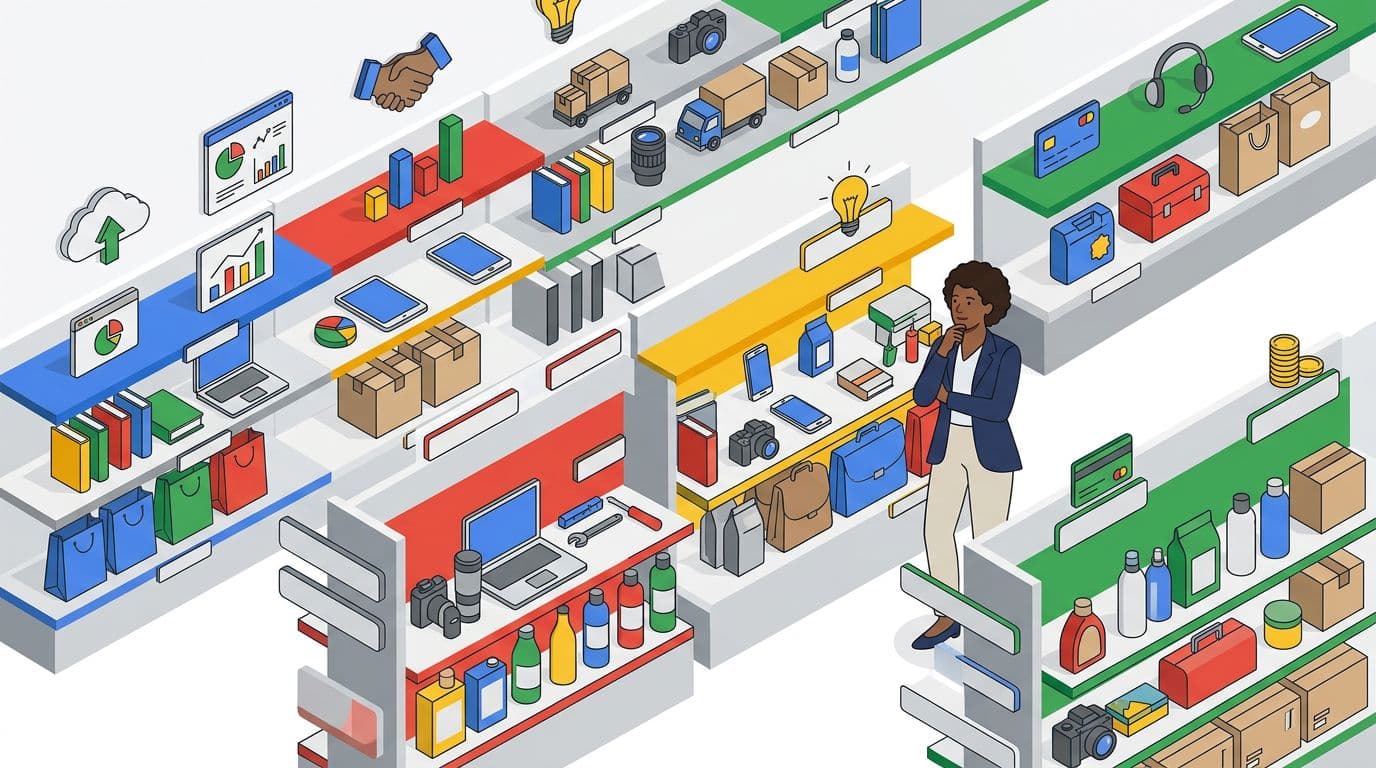
Category choice is still one of the strongest levers, especially for discovery searches. Pick a primary category that matches your main revenue line, then add relevant secondary categories only when you truly offer them.
A practical example:
- If you do mostly emergency pipe repair, “Plumber” usually beats “Handyman.”
- If you mainly do installations and remodel work, a different primary may fit better.
Next, build out Services with plain names and short descriptions. Keep the business description clear and customer-focused, writing like your front desk talks, not like your brochure. For instance: “Water heater repair (same-day in most cases)” is clearer than “Comprehensive water heater solutions.”
Add Products if you sell items people search for, like “Brake pads,” “Facial serum,” or “Dog grooming package.” Keep them current, because stale menus and outdated offers can hurt trust. For more ideas on what to include this year, scan what to include in a 2026 GBP.
Mistakes to avoid: stuffing services into the business name, picking categories you “might” do, and listing every neighborhood as a service. A well-organized google business profile attracts more clicks.
4) Upgrade photos and videos for 2026 search behavior (Medium impact)

In 2026, visuals do more than “look good.” Google’s systems read what’s in them and connect that to searches, so fresh, real photos and videos can help you match intent.
Aim for: exterior, interior, team at work, best-selling items, and “proof” shots (parking, entrance, accessibility). High-quality photos and videos also help with the conversion rate once a user finds you on Google Maps. Add short videos too, like a 10-second walk-in view or a quick service demo.
A simple weekly habit works: upload 2 to 5 new photos and videos per location. Rotate seasonal shots and remove anything that’s misleading.
Common mistakes: stock photos, heavy filters, outdated storefront shots (old signage), images that don’t match the category (for example, a “dentist” profile with only building photos and no clinic shots), and not visually confirming attributes like accessibility in your gallery.
For a broader look at how AI is affecting GBP visibility, see Agency Jet’s 2026 GBP AI evolution guide.
5) Customer Reviews and “Ask Maps” answers: control what you can (Highest impact)
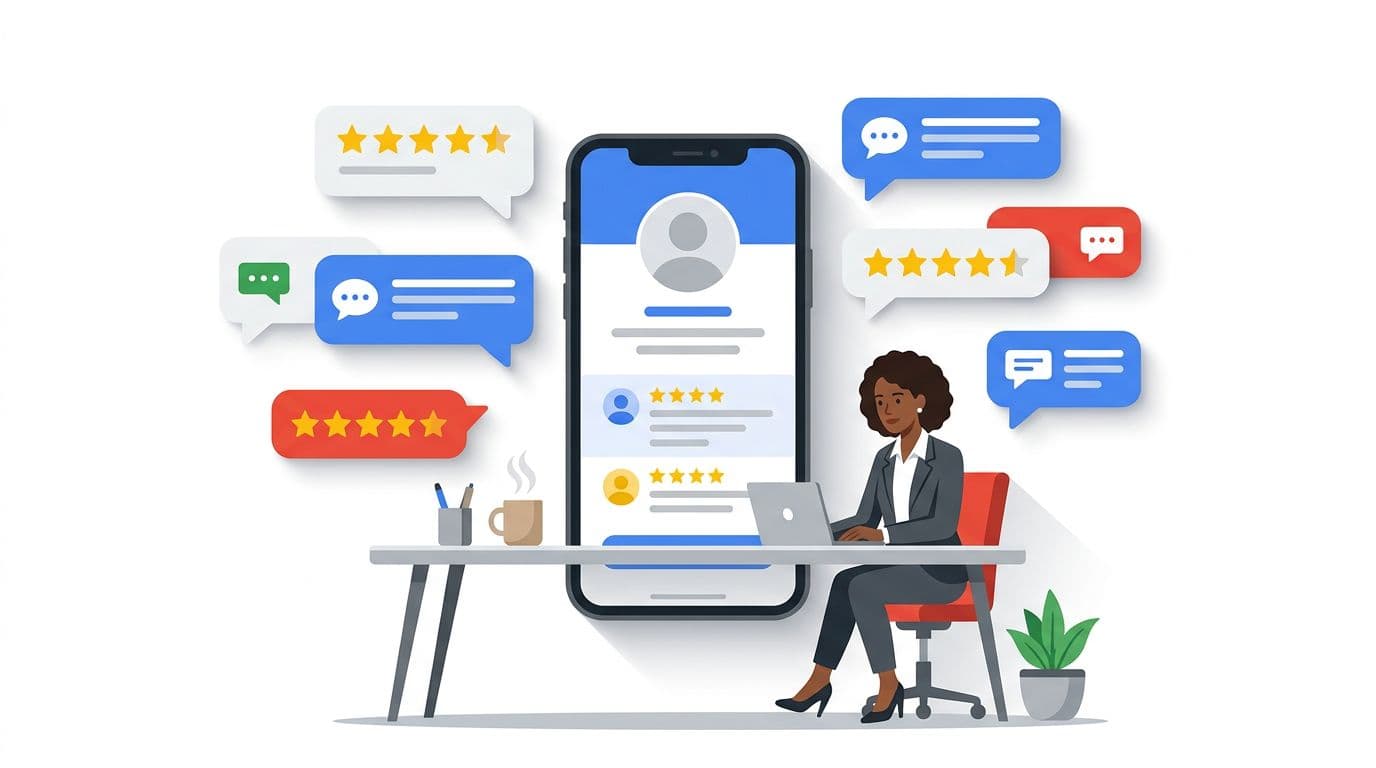
Some markets have seen the classic QA section de-emphasized in favor of AI-style answers (often surfaced as “Ask Maps”). That means your customer reviews, photos, attributes, and services quietly become your FAQ, influencing your local ranking.
Request reviews right after a win moment (job done, appointment complete). Keep it simple, and never “gate” reviews by only asking happy customers.
Use response templates to stay fast, or leverage the messaging feature to respond to inquiries quickly:
- Positive: “Thanks, [Name]. Glad we could help with [service]. Your customer review means a lot. If you need [related service], call anytime.”
- Negative: “Sorry this happened, [Name]. Please contact [method] so we can fix it. We take this seriously.”
Also, seed your own “answers” by writing service descriptions that cover common questions: pricing ranges, parking, turnaround time, and warranty basics.
Need proof that steady review work supports local visibility? This beauty pros visibility case study shows how consistent local signals add up.
6) Use Google Posts to look active (Medium impact)
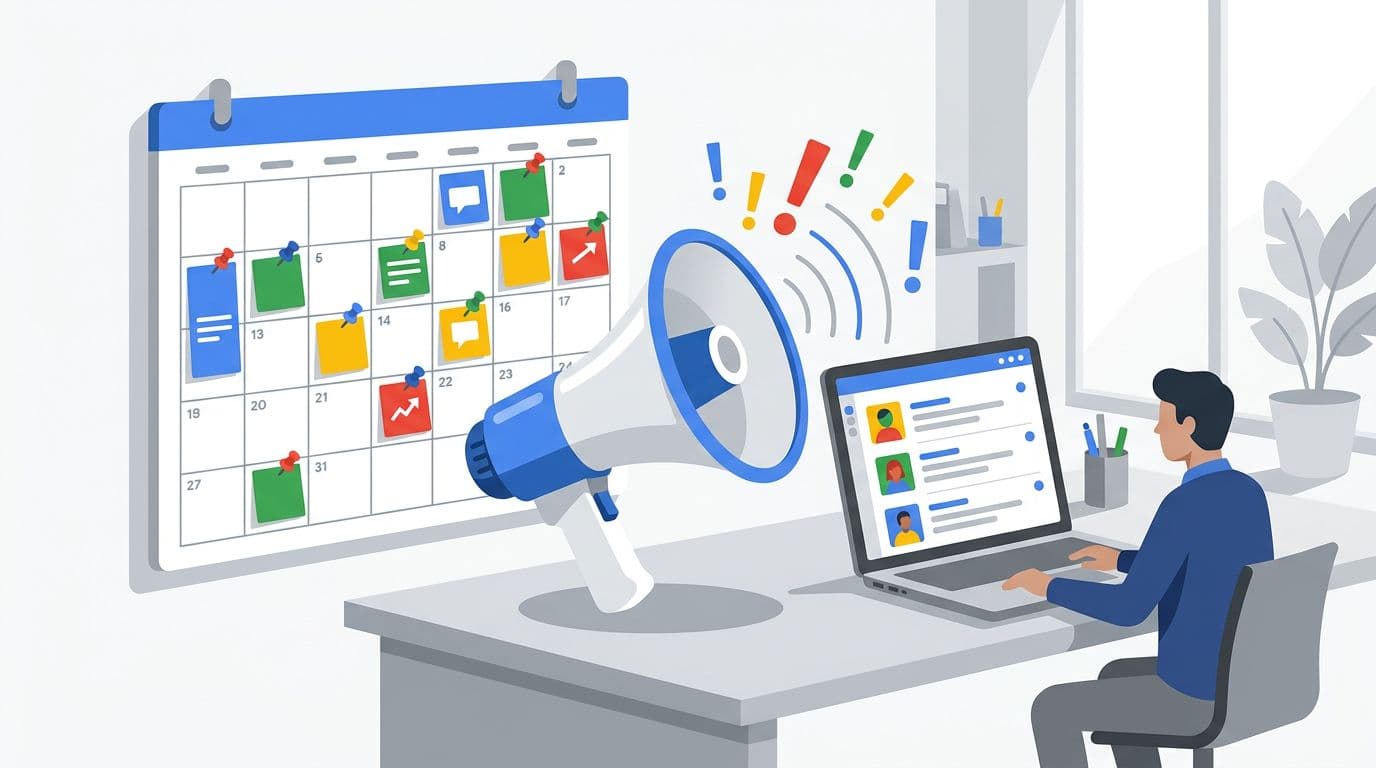
In 2026, Google posts can show near the top of your profile, especially on mobile. Even one post per week signals that you’re open, current, and worth a click. Active Google posts help increase your prominence in the local area.
Keep posts tight:
- One offer or update per post (sale, new service, event, limited slots).
- One clear action (Call, Book, Order, Learn more).
- One supporting photo that matches the message.
Avoid posting things you can’t honor. Expired deals and unclear terms drive bad reviews. Also, don’t recycle the same copy across every location. Swap local context, team photos, and service specifics.
If you want another checklist to compare posting and content choices, this GBP optimization checklist guide is a helpful reference. A well-maintained Google business profile signals a healthy business.
7) Track performance with UTMs, then maintain on a schedule (High impact)
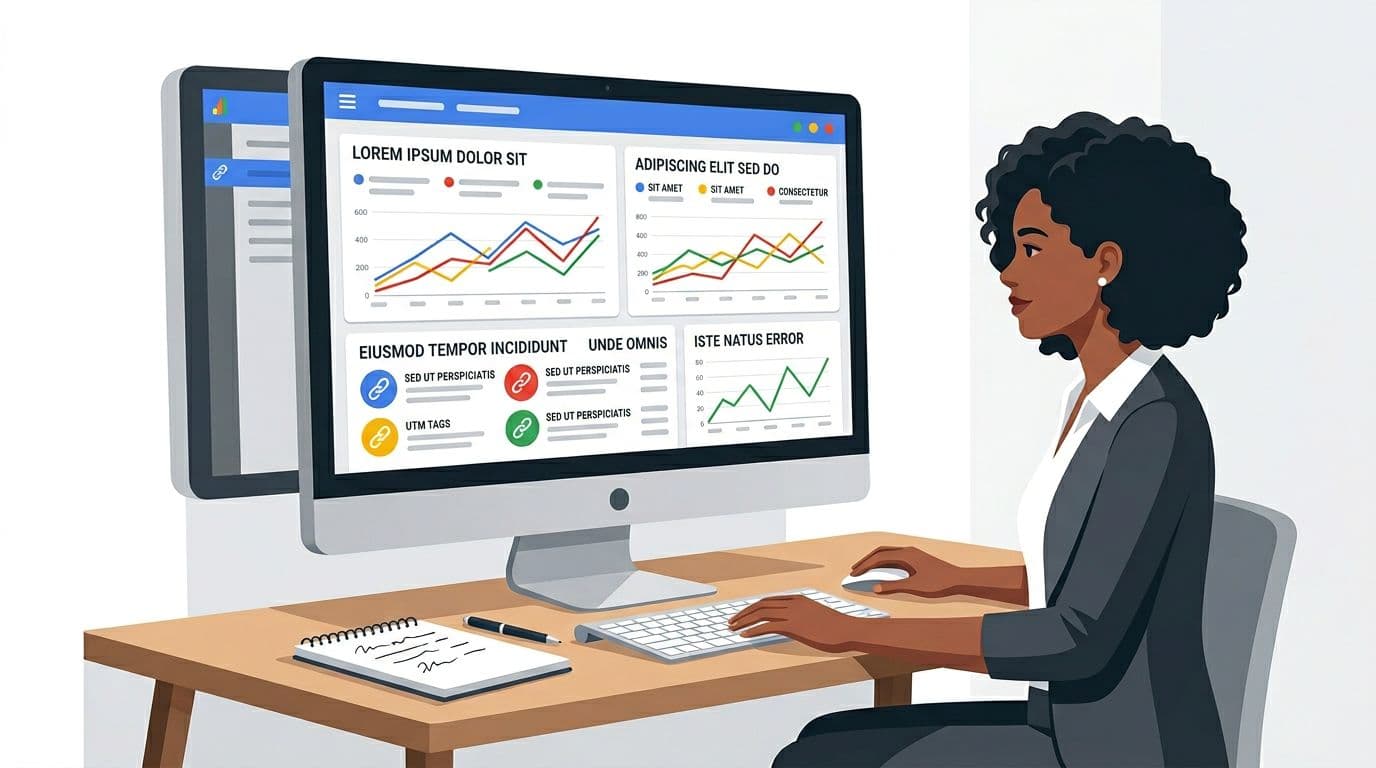
Without UTM tracking, you’ll argue about opinions. With UTM tracking, you’ll make clean calls while distinguishing branded search from generic clicks.
Add UTMs to the Website and Appointment links so you can see GBP traffic in analytics. Example UTM: ?utm_source=google&utm_medium=organic&utm_campaign=gbp&utm_content=website_link
Use a simple KPI tracker like this:
| KPI | Where to check | Target | Note |
|---|---|---|---|
| Calls | GBP performance | Up month-over-month | Watch missed-call hours |
| Website clicks | GBP performance + analytics | Up with stable conversion | UTMs required |
| Direction requests | GBP performance | Stable or rising | Great for retail; Google Maps interactions are a key metric |
| Photo views | GBP performance | Competitive in your area | Upload weekly |
Finally, run maintenance like a gym routine, not a one-time project. These local SEO efforts help you dominate the map pack and improve overall local search results:
| Task | Frequency | Priority | Owner |
|---|---|---|---|
| Special hours | Monthly, plus holidays | High | Manager |
| New photos | Weekly | Medium | Staff lead |
| Customer reviews | 2 to 5 times/week | High | Support |
| Services/products refresh | Monthly | Medium | Marketing |
| Category check | Quarterly | High | SEO lead |
Conclusion
A great profile feels like a well-run storefront: clear sign, correct hours, helpful staff, and fresh proof you’re active. Start with the high-impact fixes, then keep a simple weekly rhythm. These steps succeed old google my business tactics. In 2026, google business profile optimization rewards consistency more than clever tricks, leading to better placement in the local pack and google maps. Set your schedule today, and next month’s results will be easier to explain and repeat.