A visible map pin on Google can win trust or trigger a suspension, and for service businesses in 2026, the right choice is critical for your local SEO strategy. How you choose to display your location dictates how Google verifies your legitimacy.
Many owners still treat their business address settings like a simple marketing switch on their GMB profile. However, Google treats these settings like a truth test. If you work at customer homes, run a home-based operation, or use a non-public office, you should hide address Google Business Profile to avoid potential compliance issues.
Key Takeaways
- Prioritize Compliance Over Visibility: Only display your address if you have a physical location that is staffed and open to customers during your posted business hours.
- Avoid Risky Address Types: Do not use P.O. boxes, virtual offices, or mailbox services, as these frequently trigger Google’s automated suspension checks.
- Service-Area Businesses Should Hide Locations: If you travel to customers—such as plumbers, HVAC, or cleaners—it is standard and safer to hide your address to avoid policy violations.
- Consistency Builds Trust: Ensure your Google Business Profile information matches your website, official business documentation, and signage to maintain credibility with both Google and your customers.
Google’s rule on address visibility is simple, but strict
Google wants your Google Business Profile to reflect an accurate and reliable Google Maps experience for every user. If customers visit your location during posted hours, you can usually show the address. If you travel to customers and do not receive them at your location, you should hide it.
That rule matters more in 2026 because automated checks have tightened. Profiles get flagged faster when you try to verify business credentials using a registered office address that looks borrowed, inconsistent, or too polished to be real. A virtual office, mailbox, P.O. box, or coworking setup with no true customer-facing presence can raise risk quickly.
A service-area business is the clearest case for masking your location, which provides an added layer of privacy for home-based operations. Think plumbers, HVAC crews, house cleaners, mobile locksmiths, pest control companies, and electricians. These businesses go to the customer, so the public address is often unnecessary.
A hybrid business needs more care. If you both visit customers and welcome them at a staffed physical location, showing the address can be allowed. Still, the office has to be real, staffed by your team, and open for customer contact during stated hours.
If customers cannot visit your location during posted hours, choosing to hide address information is usually the right move.
This is not only about compliance. It is also about trust. A hidden address can look normal for a plumber. A fake-looking office address can do more damage than a hidden one.
If your profile is already under review or suspended, slow down. Rapid edits often make the case harder. Fix the setup first, gather documents that match the profile, then explain the correction clearly. A short, factual appeal works better than a long story.
Which service businesses should hide their address
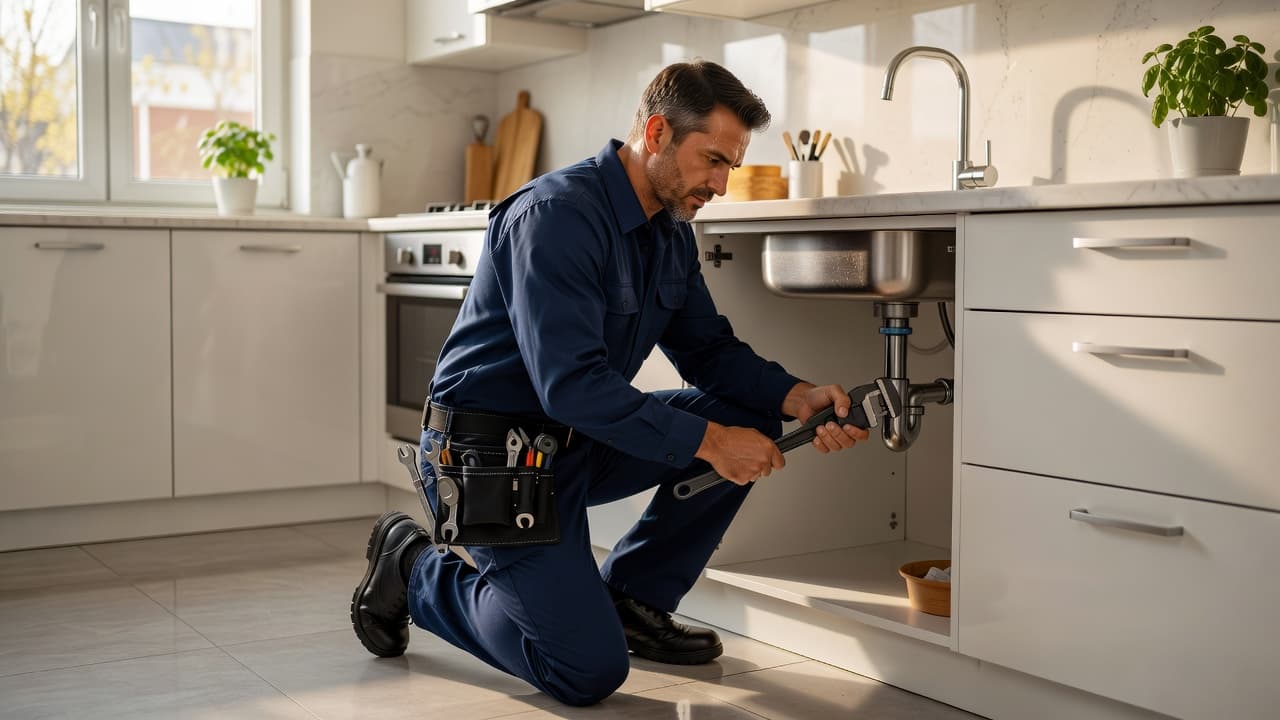
Most service-based companies should keep their location private. A plumber who dispatches from home, an HVAC crew working from a storage unit, or a cleaner operating from an apartment should not display that location unless customers are truly received there. For any home-based business, managing the business address correctly is essential to avoid policy violations. A spare bedroom, garage, or backyard office may be where you run the company, but that does not make it a public location. If no customer comes there for service, keep the address hidden.
Consultants need an extra reality check. If you only work online and never meet clients in person, you might not qualify for a profile at all. If you travel to client sites and have in-person contact, opting to hide address Google Business Profile settings is often the safer setup. However, if you maintain a staffed office where clients regularly come for meetings, that is a different scenario.
Using a virtual office as a shortcut is a significant risk. These locations may look more professional than a residential address, but they often fail Google’s trust test. When the address on the profile does not match signage, staff presence, or official business paperwork, you are likely to encounter problems.
Cleaning companies often struggle with this when moving or expanding. One owner might sign up for a shared office, add the address, widen the service area to half the state, and then wonder why the profile gets restricted. Google prioritizes consistency over ambition, and discrepancies here will negatively impact your search results and overall online visibility.
Choosing to hide address does not make your listing weak. You can still rank, collect customer reviews, post photos, and define honest service areas. In many cases, hiding a non-public location is the most compliant choice and the most believable one for your potential clients.
If your local setup, service pages, and profile details drift apart, it helps to tighten the basics with professional SEO support. Clean information is easier to trust, both for Google and for customers.
When a visible address helps, and how to decide
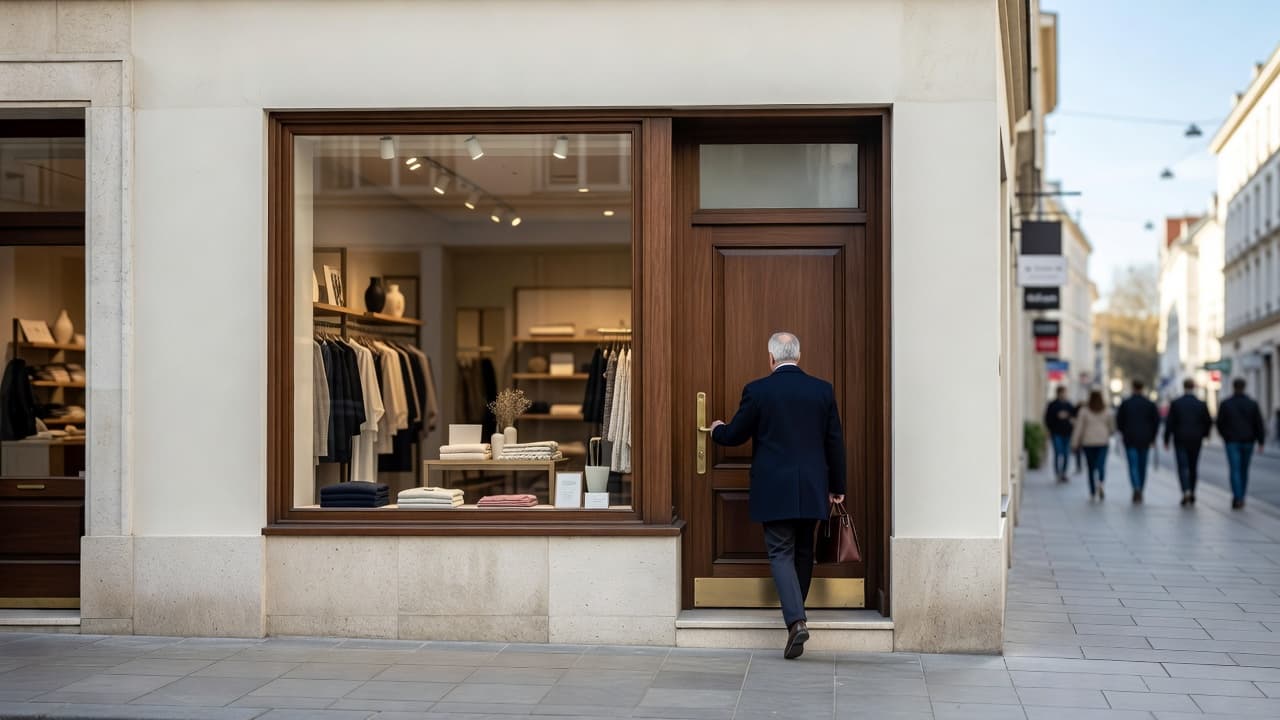
Showing your street address is the better move when customers genuinely come to you. That includes staffed storefronts, repair counters, clinics, showrooms, and offices where appointments happen in person during business hours.
For hybrid businesses, the key question is simple. Can a customer visit the location and get help there without calling your cell first or waiting for you to drive in from somewhere else? If yes, showing the business address may fit the rules.
A garage door company with a real front office can show it. An appliance repair shop with a service counter should show it. A tax consultant with a staffed office and booked meetings can show it. A warehouse with locked doors and no customer-facing desk should stay hidden.
A public location can improve trust when buyers expect a place to visit. It helps with directions, returns, walk-ins, and appointment confidence. Still, a visible location is not a ranking hack.
Google has never said that displaying your address alone lifts local search rankings. Relevance, proximity, and prominence still drive results. When you hide your address, Google can still use your location privately for matching. What changes most is the public experience, not the core rule set.
That means you should not force visibility for a small ranking edge. A policy-safe choice to hide address google business profile is usually better than a visible address that leads to a suspension. In 2026, a live profile beats a risky one every time. Proper profile optimization is a much more reliable strategy for growth.
This quick table can help you decide:
| Business setup | Clear address or hide? | Why it is safer |
|---|---|---|
| Home-based plumber with no customer visits | Hide | Work happens at the customer’s property |
| HVAC company with a crew-only warehouse | Hide | The location is operational, not public |
| Cleaning business using a virtual office | Hide | Borrowed addresses create trust issues |
| Consultant with a staffed office and client meetings | Show business address | Customers can visit during posted hours |
| Repair shop with signage and a front counter | Show business address | The location is clearly customer-facing |
The pattern is clear. Show the address only when the public can actually use it.
Run through this checklist before you edit profile settings in your info tab:
- Customers can visit the location during your stated hours.
- Your own staff is there, not a shared receptionist for many businesses.
- The address matches your website, documents, and signs.
- You are not using a mailbox, virtual office, or borrowed suite.
- Your service area reflects real coverage, not a giant map grab.
- Your business categories are accurate and represent your core services.
- You are not making large batches of edits all at once.
Your profile also needs to match the rest of your online presence. If your website says one thing and Google says another, trust slips. This is where Digital Marketing, SEO, Performance Marketing, Social Media Marketing, and Website Development all need to agree.
That also means your contact page, location details, and service pages should line up. Clean structure on the site helps, which is why professional website design and development matters during a profile cleanup. If the profile is messy, restricted, or heading toward suspension, Get In Touch With Us.
Frequently Asked Questions
Can I still rank on Google if I hide my business address?
Yes, hiding your address does not negatively impact your local search rankings. Google continues to use your location data privately for matching purposes, and focusing on other optimization factors like reviews and service areas remains a highly effective strategy.
Is a home-based office considered a valid customer-facing location?
Generally, no. A home-based business, such as a garage or a home office, should not display its address unless you regularly receive customers there during your stated hours. If you operate exclusively in the field, you should mark your profile as a service-area business and keep the address hidden.
What happens if I use a virtual office address for my business?
Using a virtual office or a shared coworking address often triggers Google’s trust filters, which can lead to profile suspensions. Because these locations often lack your own staff, clear signage, and consistent business operations, Google may flag them as illegitimate.
Should I display my address to appear more professional?
While a visible pin might seem more professional, it creates significant risk if it does not reflect your actual business operations. A hidden address is considered the professional standard for service-based companies, and maintaining a policy-compliant, active profile is far more valuable for long-term growth than an unverifiable address.
Final thoughts

The safest choice is usually the simplest one. If customers do not visit your location, hide the business address on your Google Business Profile and keep the rest of your information accurate.
A visible pin can help when you have a real customer-facing office. Otherwise, privacy and compliance matter more than appearances. In 2026, the businesses that keep their GMB profile active and searchable are the ones that provide accurate details that truly reflect how they operate.