If your plumbing, HVAC, dental, or landscaping business shows up in Google, you're already in a competition you didn't start. The winners usually look more “certain” to Google. They have consistent details, clear services, and strong local signals.
That's where local business schema helps. Think of it like a tidy label on a toolbox; structured data is the technical term. The tools are the same, but now anyone can find the right one fast. This data helps search engines understand your business name and category, especially for voice search queries.
This guide walks you through what to mark up in 2026, what to avoid, and copy-paste JSON-LD examples you can adapt for your site.
What local business schema actually does (and what it doesn't)
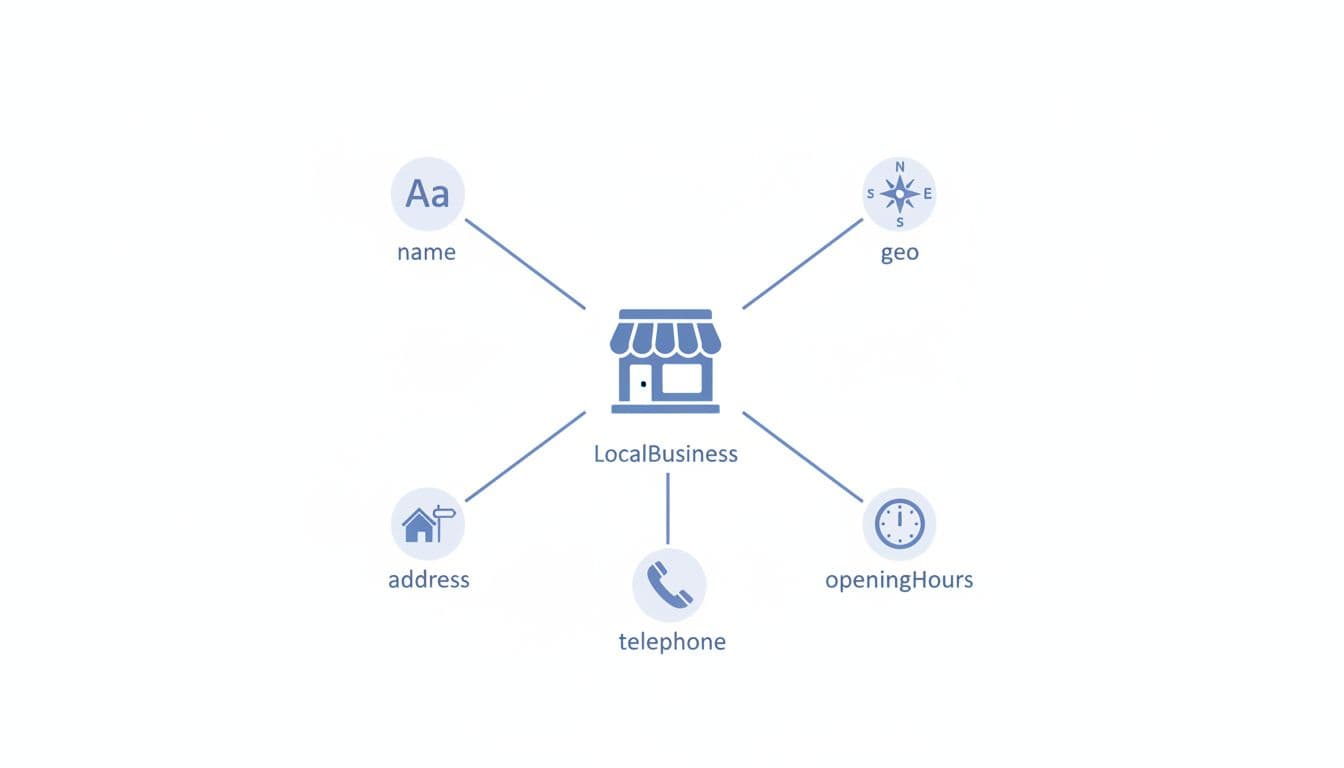
Local schema markup is structured data, a standardized format using schema.org vocabulary that tells search engines, “Here's who we are, where we are, and how to contact us.” In most cases, the foundation is the LocalBusiness entity type or a more specific subtype (like Plumber, Dentist, or HVACBusiness).
It doesn't replace good content, reviews, or a solid Google Business Profile. It also doesn't guarantee rich results or rich snippets. However, structured data reduces guesswork, especially when Google compares similar businesses in the same area, and it increases the chances of appearing in the Knowledge Panel.
If you're investing in local SEO services as part of your local SEO strategies, structured data with LocalBusiness is one of the few technical tasks that can support many other efforts at once (location pages, citations, and GBP consistency).
Gotcha: schema should match real-world info. If your markup says “open 24/7” but your GBP says “closes at 6,” trust drops fast.
Why service businesses need local business schema in 2026
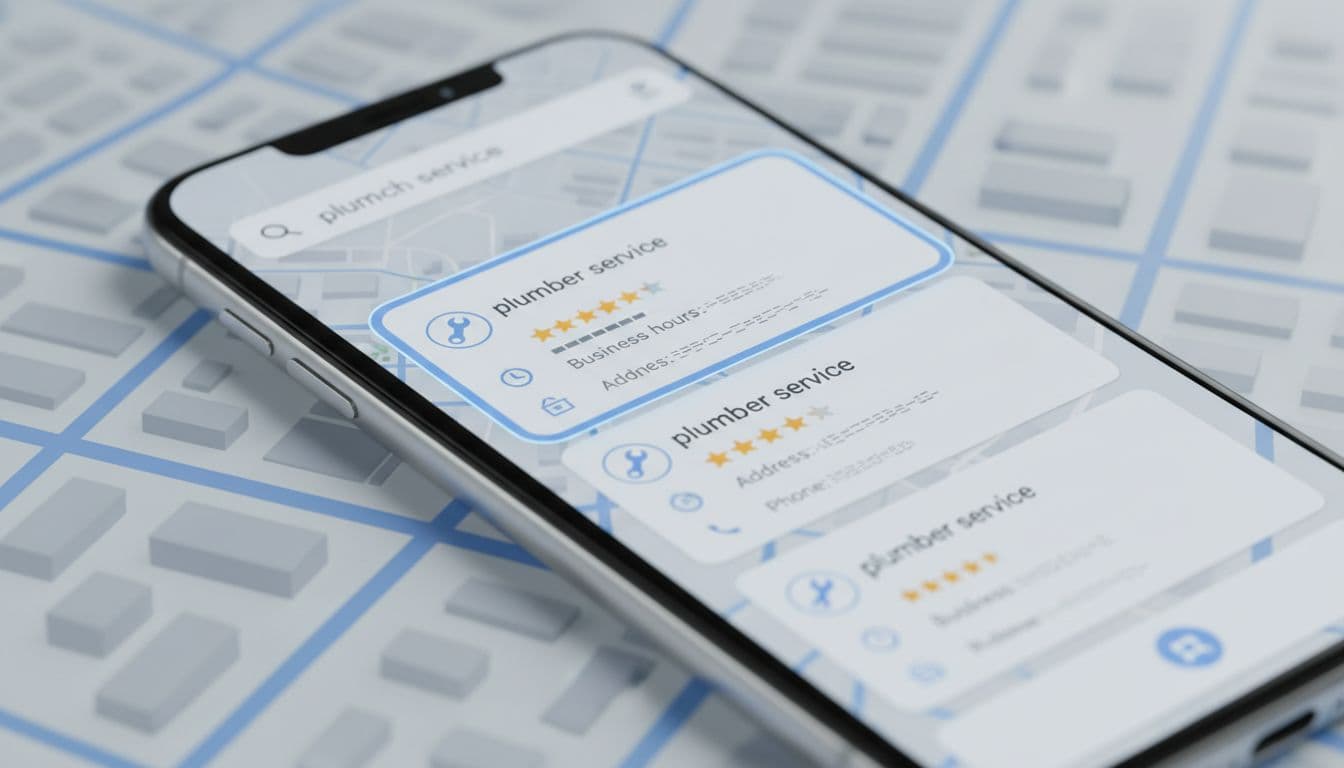
In March 2026, local search is even more “answer-first.” Many searches end on the results page. People tap to call, check hours, or pick the best-rated option without opening a website.
Accurate local business schema and structured data support the machine-readable facts Google needs: hours, address, phone, service category, and sometimes ratings. Search engines use LocalBusiness data to populate AI snapshots, while this structured data helps secure SERP features and visibility in rich results. It can also help AI-driven experiences pull the right business details when summarizing options, with a key benefit for service brands being appearances in the Knowledge Panel.
This setup works best when your Google Business Profile is also tight, especially for location pages. If yours needs cleanup, start with this Google Business Profile optimization guide and align your schema to it field-for-field.
For extra context on how schema ties into local results, including rich results, see this local SEO schema guide for 2026.
Essential schema properties that move the needle in 2026
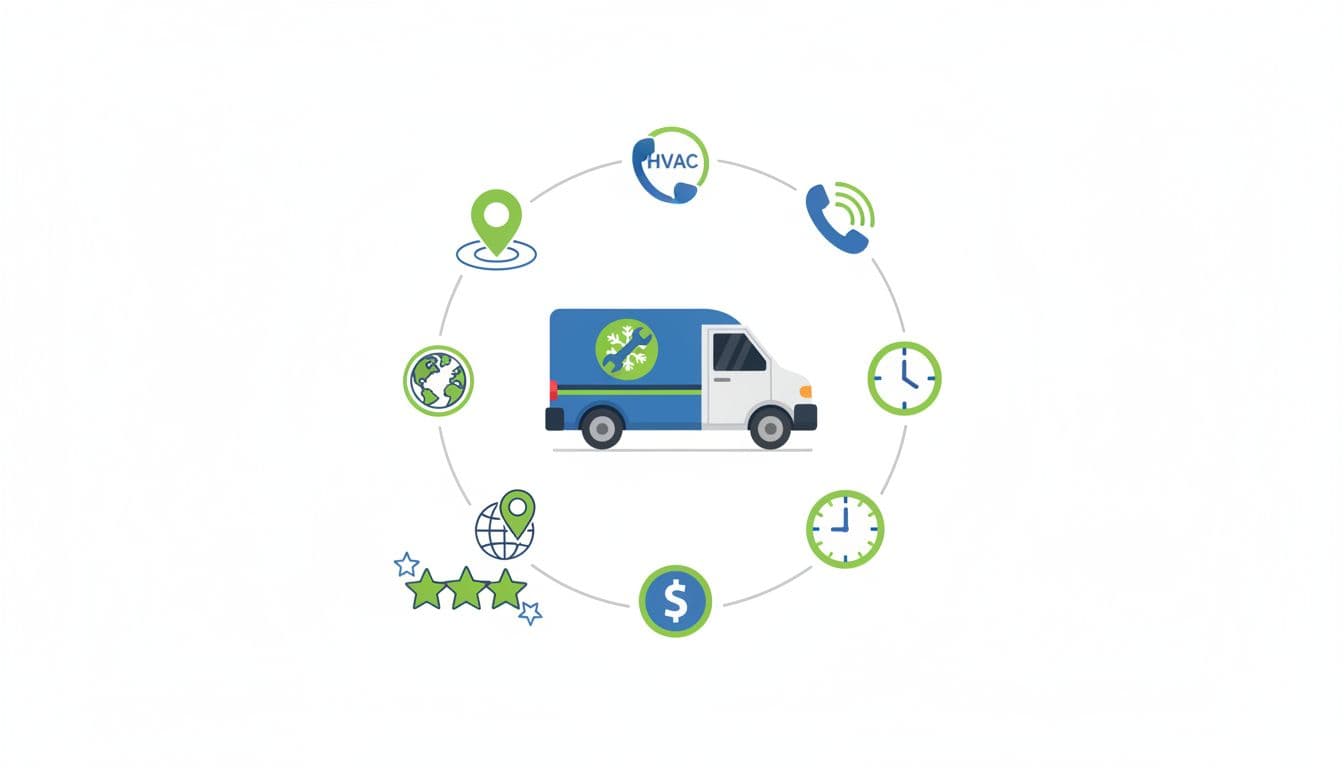
Most problems come from missing basics, not fancy fields. Start with the properties from schema.org that control “can Google trust this listing?”
Here's a quick reference for service businesses:
| Property | Why it matters | Common mistake |
|---|---|---|
@type (use a subtype) | Clarifies what you do | Using only LocalBusiness when a subtype exists |
name (business name), telephone, url (NAP details) | Core identity signals | Different telephone than GBP or footer |
address (PostalAddress) | Confirms postal address location and NAP | postal address Formatting that doesn't match citations |
geo (GeoCoordinates) | Helps pin the exact place with latitude and longitude | Using city-center coords instead of the storefront |
openingHoursSpecification | Shows accurate opening hours | Forgetting weekend hours or holidays |
aggregateRating, priceRange | Helps earn rich snippets | Omitting them despite customer reviews and prices |
hasMap | Connects to map reference | Linking to the wrong location map |
If you want a deeper explainer on LocalBusiness fields and examples, this overview is useful: LocalBusiness schema markup basics.
How to add LocalBusiness schema (JSON-LD) without breaking your site
JSON-LD is still the safest and preferred structured data format for most sites, recommended by search engines, because it doesn't interfere with page layout. Add it once per location page (or once site-wide if you only have one location and one main contact page). For multiple locations, check your location pages to ensure each has its individual JSON-LD script.
A practical process for implementing JSON-LD structured data:
- Pick the closest LocalBusiness subtype (Plumber, Dentist, Electrician, etc.).
- Copy details from your GBP (don't “improve” them).
- Add exact hours, plus holiday overrides if needed. Use openingHoursSpecification for this.
- Add
@idthat stays stable (even if URLs change). - Publish, then use the Rich Results Test for validation (don't assume it's fine).
JSON-LD LocalBusiness example (copy/paste, replace placeholders): {“@context”:”https://schema.org”,”@type”:”Plumber”,”@id”:”https://example.com/#plumber”,”name”:”YOUR_BUSINESS_NAME”,”url”:”https://example.com/”,”telephone”:”+1-000-000-0000″,”image”:”https://example.com/images/office.jpg”,”priceRange”:”$$”,”address”:{“@type”:”PostalAddress”,”streetAddress”:”123 MAIN ST”,”addressLocality”:”CITY”,”addressRegion”:”STATE”,”postalCode”:”ZIP”,”addressCountry”:”US”},”geo”:{“@type”:”GeoCoordinates”,”latitude”:00.0000,”longitude”:-00.0000},”openingHoursSpecification”:[{“@type”:”OpeningHoursSpecification”,”dayOfWeek”:[“Monday”,”Tuesday”,”Wednesday”,”Thursday”,”Friday”],”opens”:”09:00″,”closes”:”18:00″}]}
If you're building location and service pages from a mapped plan, this local SEO keyword research template helps you keep pages, services, and areas aligned.
Schema markup for multi-location and service-area businesses
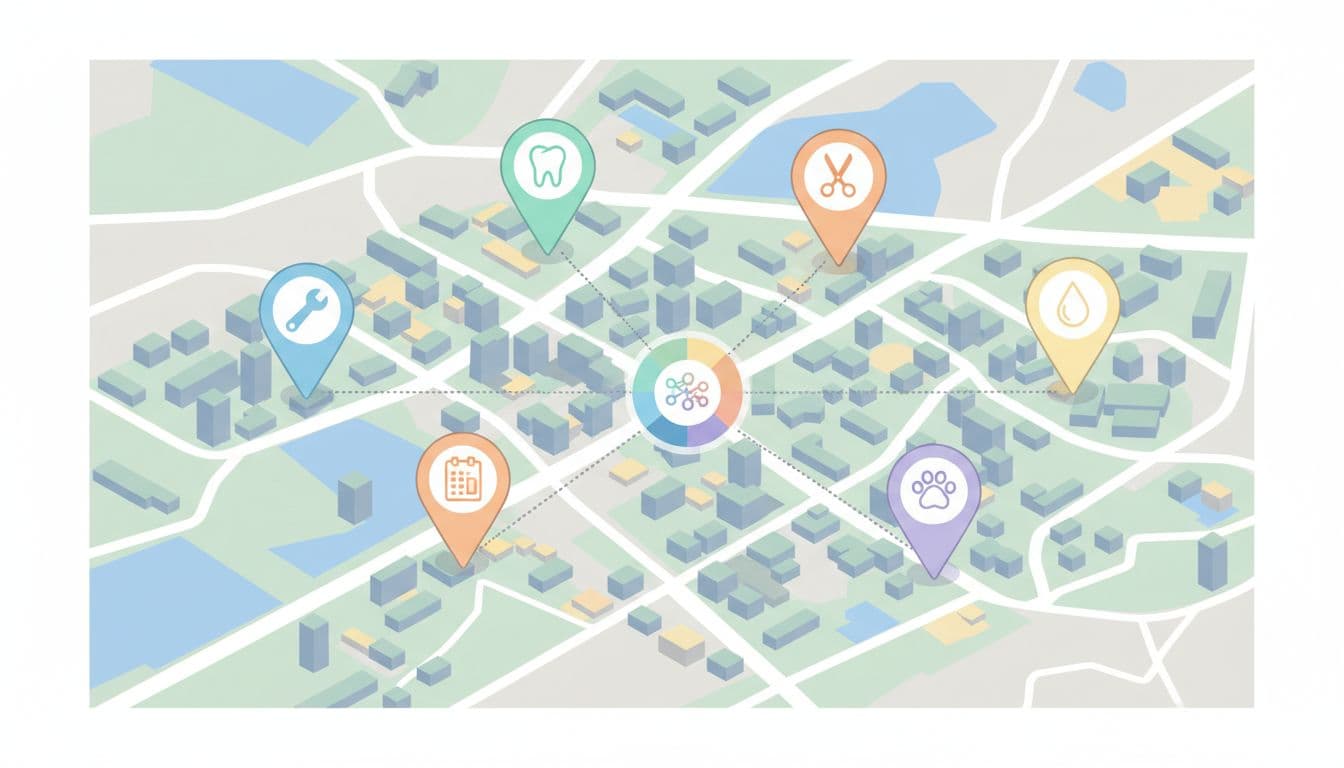
Multi-location structured data fails when every location looks identical to Google. Each branch needs its own location page, its own NAP details, and its own stable @id. The Organization entity acts as the parent that connects all the LocalBusiness entities, providing a global identity for the brand while each LocalBusiness represents a specific branch with unique NAP details and a postal address.
Also, service-area businesses often confuse “no public storefront” with “no address.” If you meet customers at their homes, you can still mark up your base address (as long as it's legitimate), and separately describe coverage using Service and areaServed.
Multi-location JSON-LD pattern (copy/paste, replace placeholders):
{
  "@context": "https://schema.org",
  "@graph": [
    {
      "@type": "Organization",
      "@id": "https://example.com/#org",
      "name": "YOUR_BRAND_NAME",
      "url": "https://example.com/"
    },
    {
      "@type": "LocalBusiness",
      "@id": "https://example.com/locations/location-1/#biz",
      "name": "YOUR_BRAND_NAME",
      "parentOrganization": {
        "@id": "https://example.com/#org"
      },
      "address": {
        "@type": "PostalAddress",
        "streetAddress": "ADDRESS_1",
        "addressLocality": "CITY",
        "addressRegion": "STATE",
        "postalCode": "ZIP",
        "addressCountry": "US"
      },
      "telephone": "+1-000-000-0000"
    },
    {
      "@type": "LocalBusiness",
      "@id": "https://example.com/locations/location-2/#biz",
      "name": "YOUR_BRAND_NAME",
      "parentOrganization": {
        "@id": "https://example.com/#org"
      },
      "address": {
        "@type": "PostalAddress",
        "streetAddress": "ADDRESS_2",
        "addressLocality": "CITY",
        "addressRegion": "STATE",
        "postalCode": "ZIP",
        "addressCountry": "US"
      },
      "telephone": "+1-000-000-0001"
    }
  ]
}
Rule of thumb: one location page, one location schema from the Organization markup. Don't stack five branches on a single “Locations” page and hope for the best.
Schema Markup Validation and Rich Results Test (Then Keep It Current)
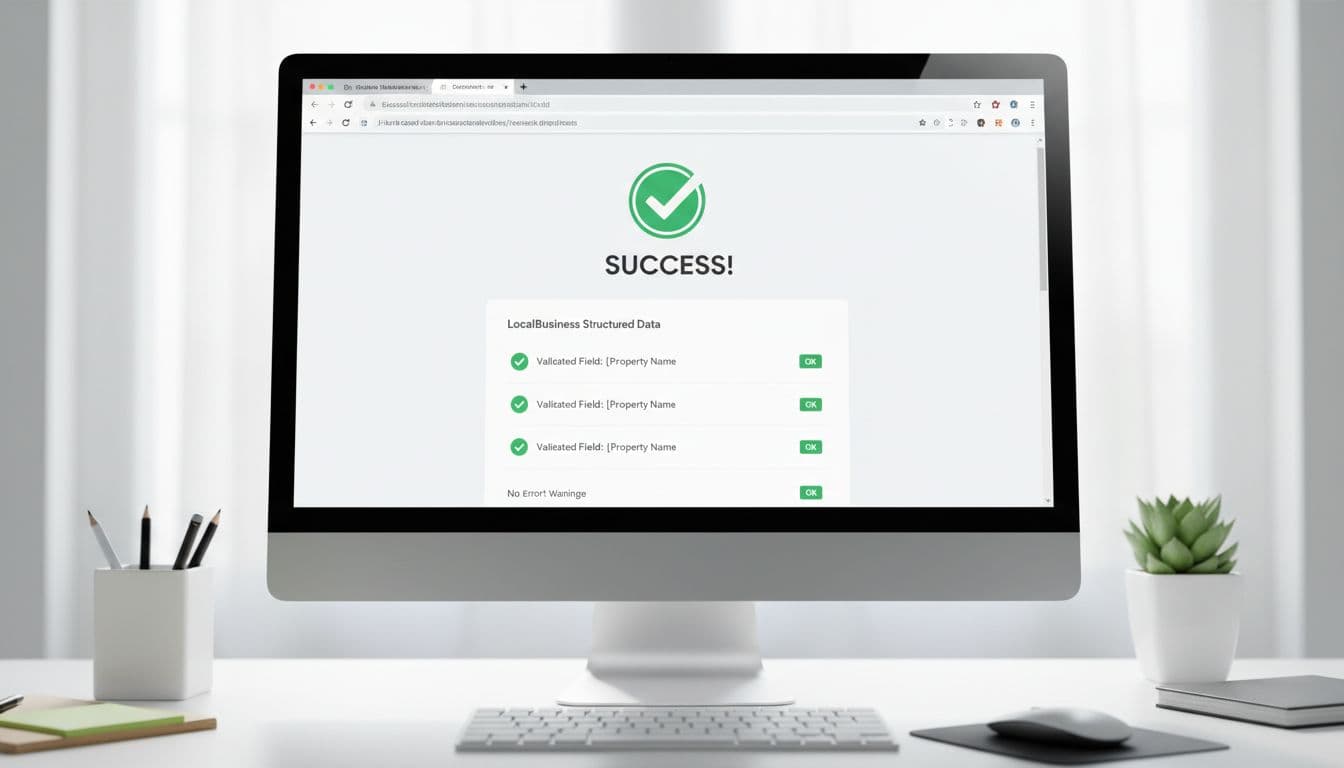
After publishing, run your page through Google's Rich Results Test and the schema.org validator for structured data validation. You're looking for two things: errors (must fix) and warnings (review, then decide). Use Google Search Console to monitor structured data health and rich results. In 2026, freshness also matters. If your opening hours change seasonally, update schema the same day you update GBP.
This is the simple end-of-project checklist many teams skip:
- Business name matches GBP exactly
- Telephone number matches header, footer, and GBP
- Address formatting matches citations (suite, abbreviations, ZIP)
@typeuses the closest subtype (not only LocalBusiness)- GeoCoordinates points to the real location, not the city center
openingHoursSpecificationmatches GBP opening hours, including weekends- Holiday changes use a special-hours approach (don't “fake” regular hours)
- Each location has a unique
@idand its own location page - Only one primary LocalBusiness entity per location page
- Re-validate with Rich Results Test and Google Search Console after major site edits or theme changes
For another angle on what rich results can show for local companies, see schema markup for local business rich results.
Conclusion
Local search rewards businesses that look consistent, verifiable, and easy to contact. Local business schema and structured data form the foundation of local SEO, but they won't carry a weak local strategy; they can remove friction from a strong one. Add the basics, use the right subtype, keep everything synced with your Google Business Profile, and perform validation through Google Search Console to keep the data working. Search engines rely on schema.org for rich results and SERP features, so the next time Google compares you to a nearby competitor, your details won't be the messy part.