A strong ad can still waste money if the wrong asset shows beside it. In 2026, Google Ads ad assets do more than fill space, they shape trust, clicks, calls, and lead quality.
For service businesses, that matters fast. A homeowner with a broken AC, a patient comparing dentists, or a legal prospect looking for help will judge your offer in seconds. The right asset mix helps them choose you, and helps unqualified clicks filter themselves out.
Why Google Ads ad assets matter more in 2026
Service ads now win or lose on clarity. Your headline starts the conversation, but assets often close the gap between interest and action. They give people extra paths to click, stronger reasons to trust, and quick proof that you serve their area.
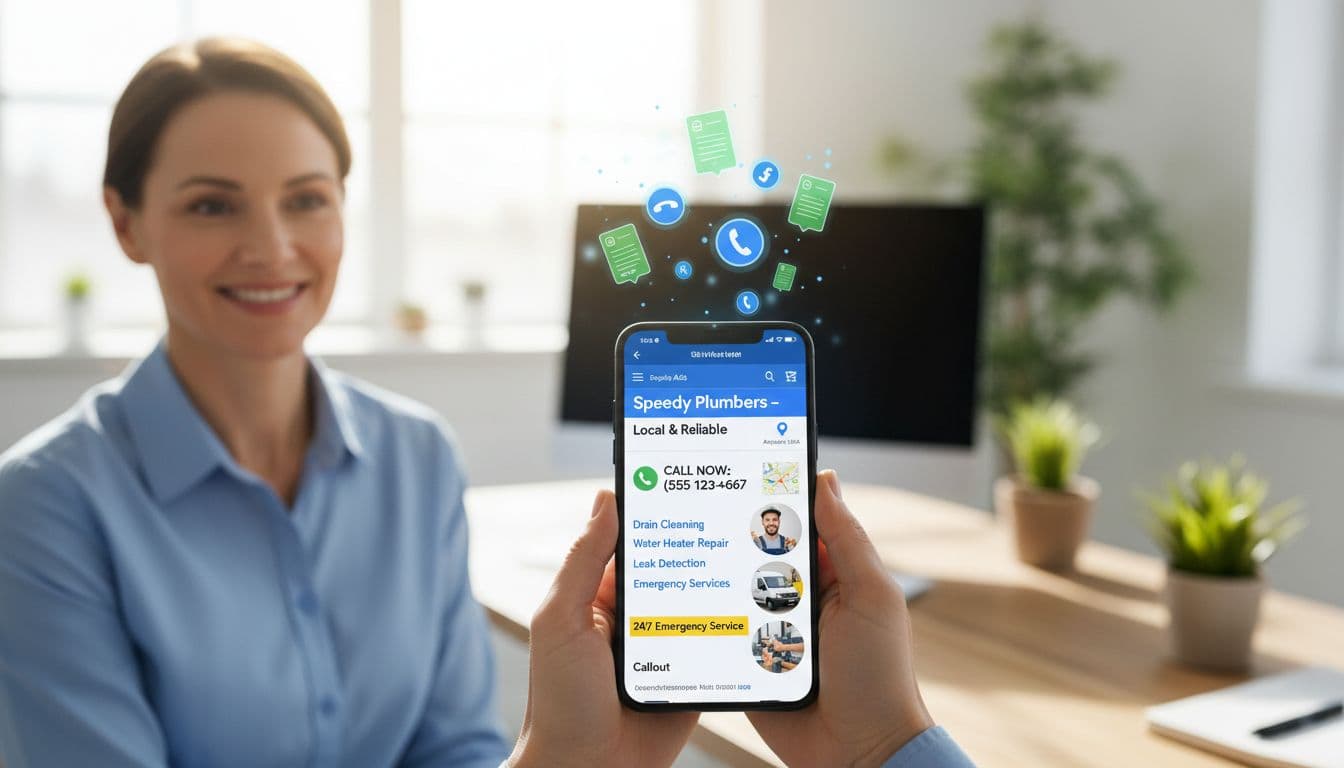
Google also gives assets real weight in ad visibility. As explained in this complete guide to all asset types, assets can influence Ad Rank, not only click-through rate. That means a weak setup can hurt reach before the lead even happens.
There’s another 2026 shift. Call-only ads ended in February, so call response now sits inside broader Responsive Search Ad setups. For service brands, that pushes asset strategy closer to account structure. If your campaigns are messy, your assets usually are too. A clean Google Ads campaign structure for qualified leads makes better asset matching possible.
Choose assets that match local search intent
Not every search needs the same next step. A search like “emergency plumber near me” calls for speed. A search like “best cosmetic dentist in Kolkata” needs more proof and more context. Good asset strategy works like a receptionist, it routes people to the right door.

This quick framework keeps asset choices practical:
| Search intent | Best assets | Why it works |
|---|---|---|
| Urgent repair | Call, location, sitelinks | Shortens time to contact |
| Research phase | Sitelinks, callouts, images | Builds confidence before contact |
| Multi-location search | Location, sitelinks, snippets | Helps the nearest branch win |
| Seasonal demand | Promotions, sitelinks, callouts | Gives a timely reason to act |
Use account-level assets only for messages that apply everywhere. Otherwise, go tighter. A law firm with family law and injury campaigns should not share the same sitelinks. A dental group with three clinics should attach location assets carefully, so the nearest office shows.
Build trust with sitelinks, callouts, and structured snippets
These are your trust-building workhorses. Sitelinks move people to the pages they already want, such as AC repair, financing, reviews, or service areas. Callouts add short proof points, like “licensed and insured” or “same-day appointments.” Structured snippets list categories, such as services, brands, or amenities.
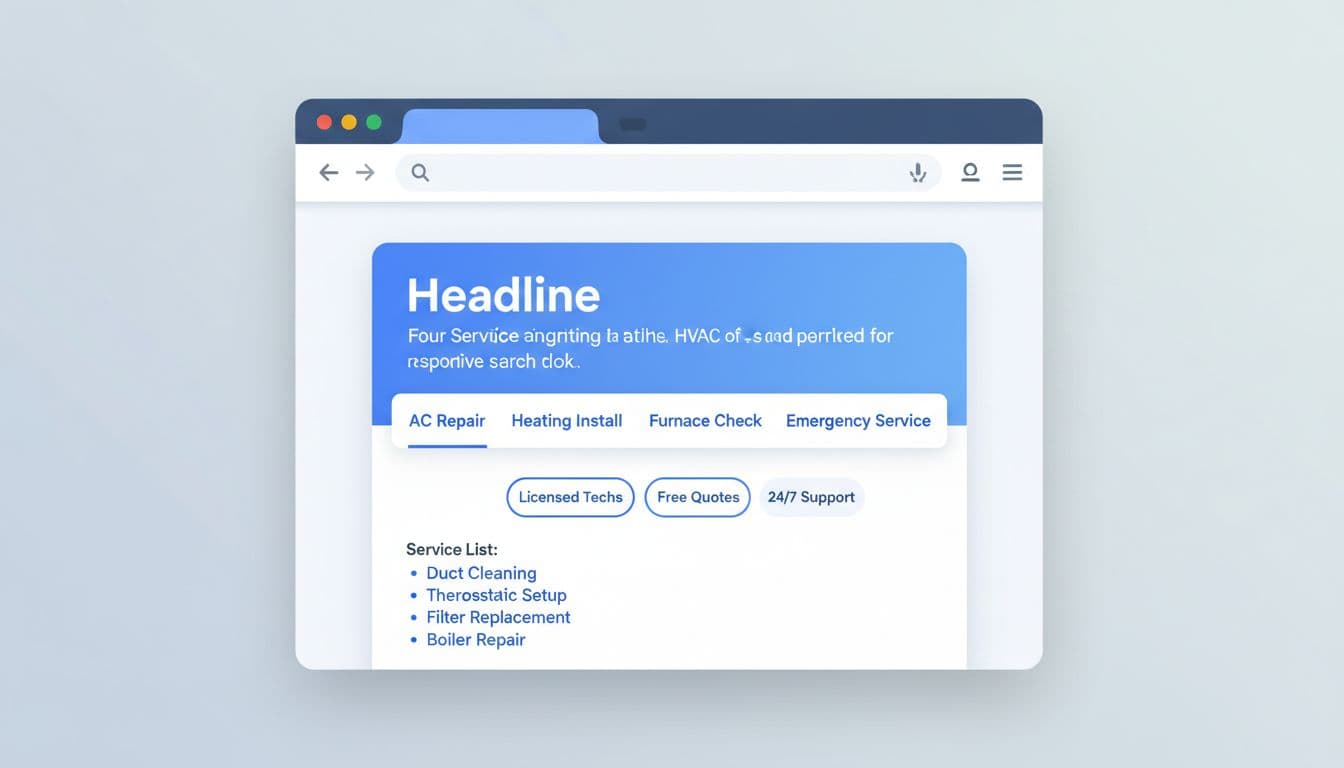
For an HVAC company, four smart sitelinks might be “AC Repair,” “Heating Installation,” “Financing Options,” and “Service Areas.” For a dentist, callouts might highlight “Weekend Hours,” “Sedation Options,” and “Insurance Help.” For a lawyer, structured snippets can list “Practice Areas: Divorce, Custody, Mediation.”
If a callout sounds like a slogan, rewrite it.
Keep these assets concrete. “Trusted experts” says little. “Background-checked techs” says much more. If you want a broader reference point, this breakdown of Google Ads assets explained is useful. Still, service advertisers should write for anxious local buyers, not for generic traffic.
Add visual punch with image, location, and promotion assets
Image assets help when the service is hard to picture before the click. Real office photos, technicians at work, vans, treatment rooms, and before-and-after context often beat polished stock shots. People trust what looks familiar and nearby.

Location assets do heavy lifting for local intent. They tell Google, and the searcher, that you’re close enough to matter. That’s especially useful for clinics, home services, and multi-branch firms. Meanwhile, promotion assets work best when the offer is simple and believable, like a furnace tune-up special or discounted first exam.
In 2026, Google’s Asset Studio tools can speed image and video production. That’s helpful, but review every asset like a cautious owner. Wrong uniforms, fake tools, or odd interiors can hurt trust fast. If you also run Performance Max campaigns for service leads, image quality matters even more because those assets travel across placements.
Capture leads fast with call assets and lead forms
For high-intent searches, the shortest path usually wins. That’s why call assets remain essential for plumbers, locksmiths, roofers, urgent care clinics, and other fast-response services. Since call-only ads are gone, attach call assets to your main search ads and set schedules around real answer times.

Lead form assets help when people can’t call right away. Keep the form short. Name, phone, ZIP code, service type, and preferred time are often enough. Every extra field lowers completion rate.
The bigger point is lead quality. Track call duration, booked jobs, and sales outcomes, not only form fills. When you feed CRM results back into Google Ads, bidding gets smarter. That’s where your Google Ads bid strategy for service businesses starts aligning with revenue, not vanity conversions.
Test, measure, and refine your ad assets
Assets are not “set and forget.” Service markets change by season, by location, and by urgency. A sitelink that works in winter may drag in summer. A promotion that lifts clicks might still send poor leads.

Review asset performance monthly. Check which sitelinks assist conversions, which callouts show often, and which image assets pull cheap but weak traffic. In 2026, reporting has improved, especially across automated campaign types, so you can see more of what each asset contributes.
Use three simple rules. Refresh stale assets, remove vague ones, and promote the assets tied to qualified leads. For a wider view, these 2026 Google Ads best practices offer a useful benchmark. Still, your own booked jobs, calls, and close rates should make the final call.
The best Google Ads ad assets strategy is simple at heart. Match each asset to buyer intent, local proof, and the next action you want.
Start with one live campaign this week. Cut the generic assets, tighten the trust signals, and make it easier for the right prospect to contact you. That’s where better lead quality usually begins.