A popular video can attract thousands of viewers who’ll never book your service. For Kolkata businesses, YouTube SEO should connect useful answers with people who need your help.
That means choosing customer questions, showing credible work, and making the next step obvious. Qualified enquiries matter more than a large audience outside your service area.
Start with the searcher’s problem, then build a video that answers it clearly.

Key Takeaways
- Build videos around real customer questions and local intent, choosing a clear next step for each viewer.
- Answer the question promptly with useful, credible evidence; accurate titles, descriptions, and thumbnails should reflect what the video delivers.
- Use YouTube Studio to review search queries, clicks, and retention, and track enquiries and bookings separately from views.
- Treat YouTube search, Google video visibility, local map results, recommendations, and paid campaigns as distinct channels; none guarantees rankings or leads.
YouTube SEO Starts with Customer Intent

Someone searching “why is my AC leaking water” needs an explanation. Someone searching “AC repair Kolkata” may be comparing providers. Create videos for both needs, with a different next step for each.
An educational video can cover safe checks and explain when professional help is needed. A service-focused video can show your process, service area, and booking options.
YouTube’s guidance on how YouTube search works says search considers relevance, engagement, and quality. Results aren’t simply ranked by views.
Search results can also vary based on a person’s search and viewing history. Your own position check isn’t a universal ranking report.
Local intent also belongs in your wider marketing plan. Connect videos to relevant service pages through a service business SEO plan. Keep your business name, contact details, and service coverage consistent across destinations.
YouTube visibility and Google’s local map results are separate. Uploading videos doesn’t guarantee a place in Google’s Local Pack.
YouTube Creators explains search and discovery in this video:
Find Video Keywords Customers Actually Use

Start with the questions customers ask before booking. Calls, WhatsApp enquiries, and consultations often reveal better video topics than broad industry terms.
Use YouTube autocomplete and local modifiers

Enter your service in YouTube’s search bar and review the suggested queries. Try again with problems, costs, and comparisons. Autocomplete offers ideas, not reliable search-volume data.
Add Kolkata, Salt Lake, or New Town when location affects the answer or service availability. Don’t add neighbourhood names to unrelated videos.
Consider language, too. If customers usually describe problems in Bangla, an accessible Bangla demonstration may work better than formal English.
Tools such as vidIQ and TubeBuddy can help organise ideas. Google Keyword Planner provides broader Google search context, but its figures aren’t YouTube search volumes.
Validate a topic before filming

Search for your proposed topic on YouTube and Google. Note whether the results favour demonstrations, comparisons, price explanations, or company introductions.
Then decide what you can explain better through first-hand experience. You might address missing safety advice or clarify what a quote includes.
Choose one main question for each video. Before production, record the target query, the buyer’s concern, and the next step. This keeps filming focused and helps you avoid covering every service at once.
Make a Useful Video Before Optimizing Metadata
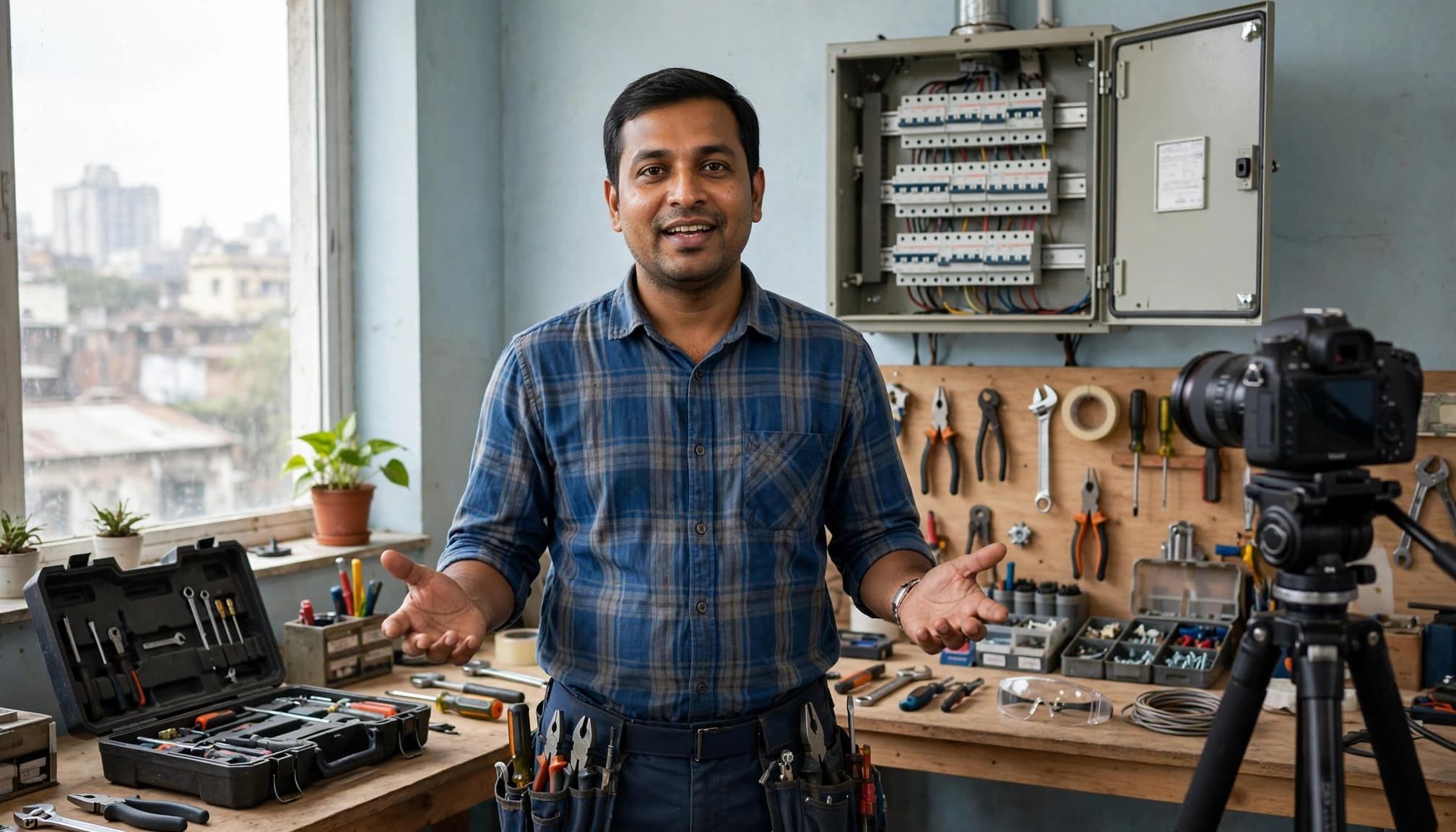
Open with the customer’s problem and start answering it right away. A long logo animation or company history delays the information viewers came for.
Show the inspection process, completed work, or relevant equipment when appropriate. For hazardous electrical work or medical topics, explain the limits and direct viewers to qualified professionals.
YouTube considers how well the video itself matches a query. Repeating keywords in metadata can’t make up for a video that avoids the question. There’s no published AI ranking formula you can reliably optimize for.
Build local trust with real evidence: completed projects, accurate service areas, and customer feedback shared with permission. Explain what affects pricing without promising rates you can’t honour.
Keep the call to action relevant. Someone researching repair symptoms may need an inspection. Someone comparing providers may want a quote.
Clear audio helps viewers understand. Review automatic captions, especially for Bangla speech, technical terms, and place names. Captions improve accessibility, but they aren’t a guaranteed ranking boost.
Finally, organize related videos into playlists so viewers can find the next useful explanation.
Optimize Titles, Descriptions, Thumbnails and Chapters

Metadata should accurately describe the video and help viewers decide if it answers their question.
Write clear titles and descriptions

Choose one or two main terms and use them naturally in the title and description. Lead with the subject when it improves clarity, but don’t force keywords to the front.
For cost videos, explain what affects the estimate. Avoid suggesting there’s one fixed price when materials, access, or job complexity can change it.
Write a unique description that summarizes the answer. Then include accurate service coverage and a relevant booking destination. There’s no need to meet an arbitrary word count.
For longer explanations, add timestamps or video chapters. Use chapter names that describe real sections, such as inspection, repair options, and next steps.
Design click-worthy thumbnails
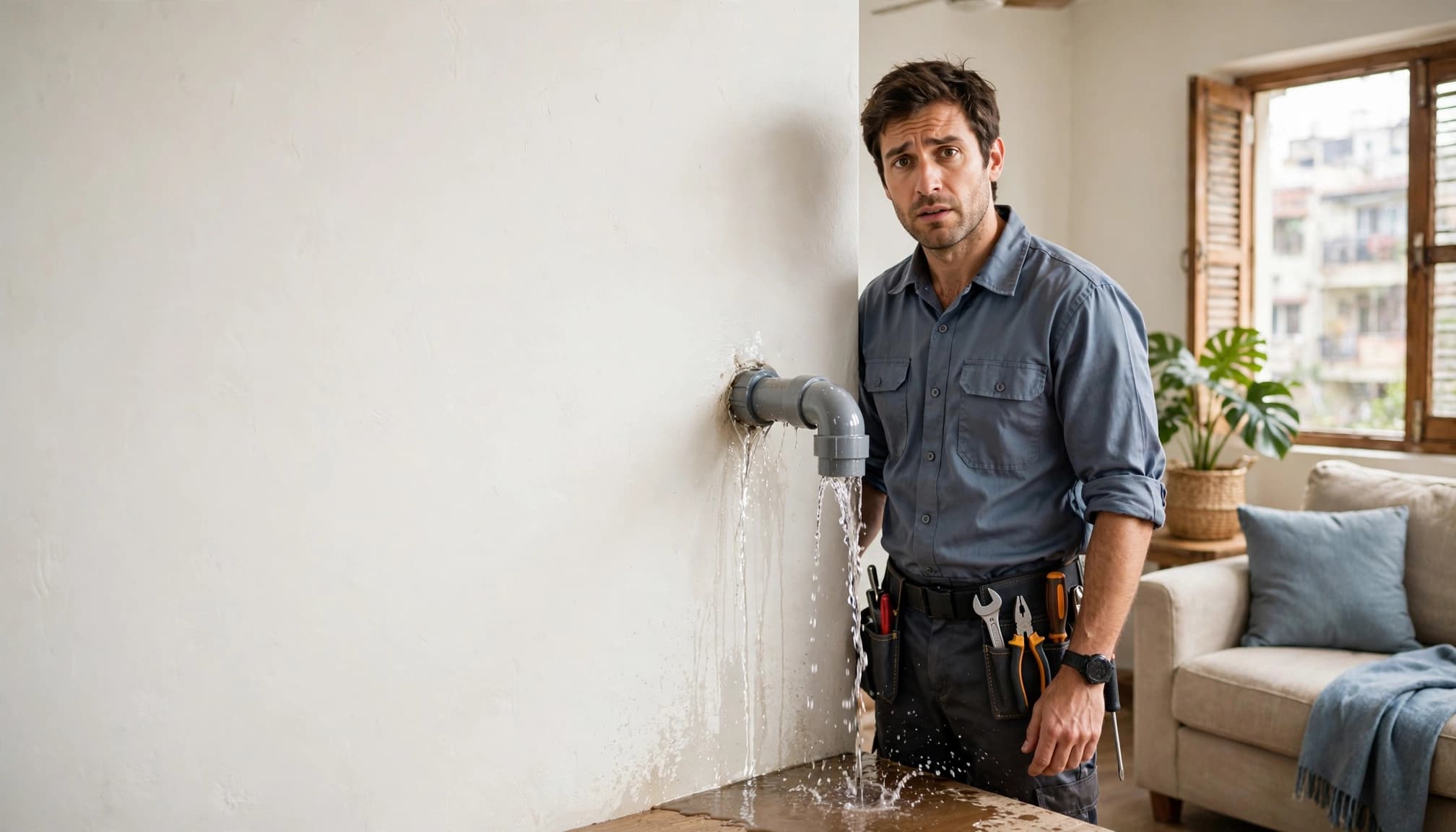
Choose a custom thumbnail with one clear focal point. A visible problem, finished result, or service professional usually communicates more than a crowded collage.
Canva can help you create consistent layouts. Check the thumbnail at phone size, where small details may disappear.
Use genuine project imagery whenever possible. Get permission before showing customer property or identifiable people.
The thumbnail and title should make the same promise. Exaggerated damage or unrealistic savings may earn clicks, but they can disappoint the people you want to convert.
Improve Retention and YouTube Search Performance
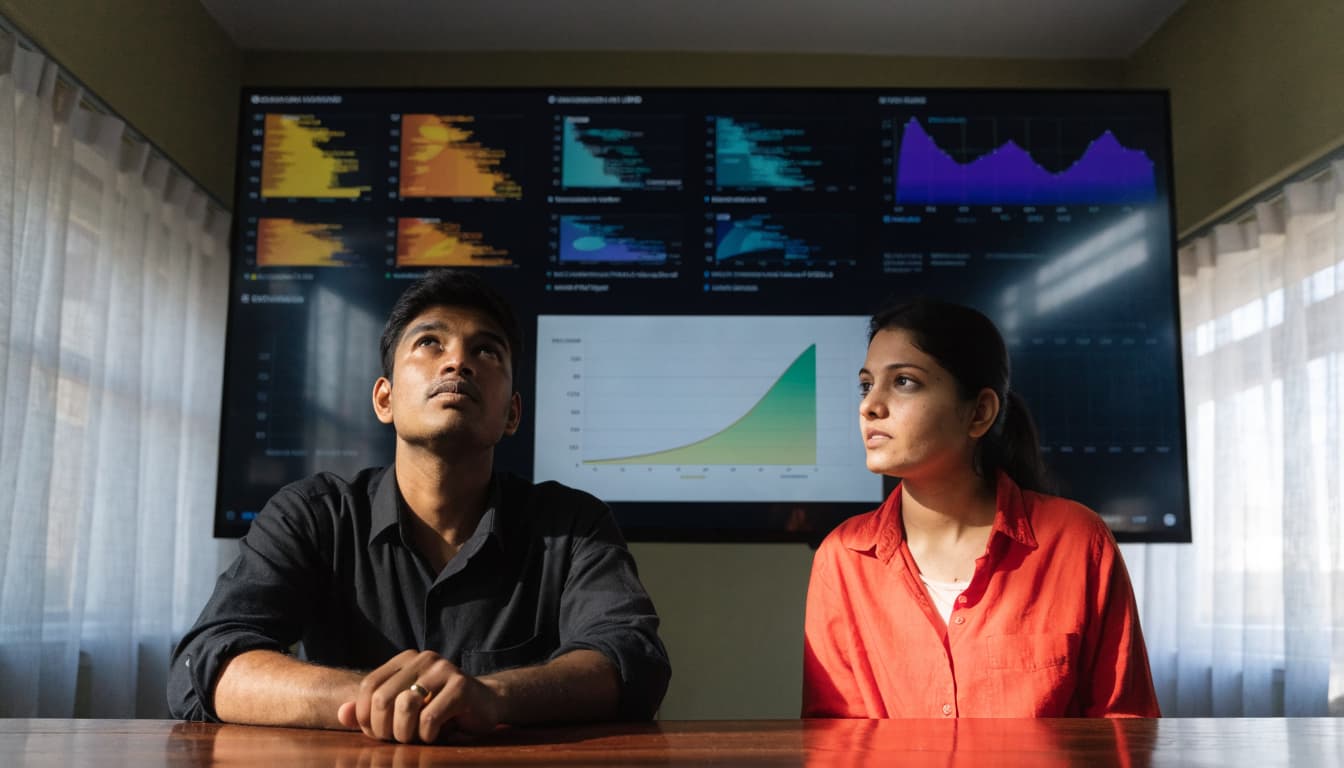
Review performance in YouTube Studio after publishing. Use the data to diagnose problems, not chase a universal benchmark.
Read analytics past the view count

Check search traffic, the queries bringing viewers, impressions and clicks, and audience retention. Search terms reveal whether your video attracts the intended questions.
Compare similar videos and traffic sources. A click-through rate from search isn’t directly comparable with one from homepage recommendations.
An early retention drop can flag a slow introduction or a mismatched promise. A later dip deserves a closer look.
Meanwhile, separate search performance from YouTube’s recommendation system. These discovery routes shouldn’t be treated as identical.
Keep expectations aligned with the thumbnail
If people click but leave quickly, review whether the opening delivers the promised answer. If viewers stay but impressions rarely become clicks, examine the title and thumbnail.
Watch time is an engagement signal, but there’s no published weight or universal retention target.
A strong click-through rate can hide a weak customer experience when the video doesn’t fulfil its promise.
Also track enquiries and bookings separately. Add UTM parameters to website links and record lead sources in your CRM. This connects video activity with business outcomes.
Help Videos Reach Google and Local Prospects

Google video visibility has requirements beyond YouTube search. Optimizing an upload doesn’t guarantee it will appear in Google video results.
For a website page to be considered for video indexing, place the video prominently on an indexed watch page. Make sure it’s visible and uses a valid thumbnail at a stable URL.
VideoObject structured data can help Google understand video details. It doesn’t guarantee indexing, rankings, or a specific search display.
You can also embed a relevant demonstration on a service page to help visitors make a decision. Keep the surrounding copy useful: explain the service, show local evidence, and make contact options easy to find. An embed alone doesn’t make a page eligible for video results.
For distribution, share videos where the topic is relevant. Send an explanation to opted-in customers, include it in related emails, or share it with permission in neighbourhood groups.
Adapt short clips for Instagram, Facebook, and your business profile. Follow these Google Business Profile video tips when creating local proof.
External sharing doesn’t automatically boost rankings. Its practical purpose is to reach relevant viewers.
Paid campaigns are separate. A YouTube ads strategy for leads can support acquisition, but buying views doesn’t guarantee better organic positions.
YouTube SEO FAQs

Do tags and video length matter?

YouTube considers tags as one possible relevance signal, but doesn’t publish their ranking weight. Keep tags relevant, but don’t make them your main strategy.
There’s no universal video length that performs best in search. Take enough time to answer the question and show the necessary details. Cut repetition instead of extending the video to suit an imagined algorithm preference.
How often should a business publish?

Choose a schedule your team can sustain. For a small business, consistently producing one useful explanation is more manageable than rushing to upload frequently.
Build topics around recurring customer questions. Review search terms, retention, and enquiries before choosing your next batch. Publishing frequency alone doesn’t guarantee rankings, and a larger library can’t replace clear answers.
Turn Search Visibility into Qualified Enquiries

Useful answers, honest presentation, and credible local proof give service videos a clear purpose. Measure success through qualified enquiries, search visibility, and viewer engagement.
Choose a customer question your team answers regularly. Build the video around it and connect the answer to a relevant next step.
For help connecting videos, service pages, and lead tracking, Get In Touch With Us.