A visitor clicks a service-page link, waits through several redirects, and lands on the wrong form. You may lose the enquiry without seeing an obvious website error. A redirect chain audit can uncover that broken path before it costs you leads.
For a lead-generation website, the work goes beyond counting redirects. Check where visitors land, whether the form works, and whether campaign tracking survives the journey. Start with the URLs that bring people to your business.
Key Takeaways
- Build a redirect-audit inventory from current, historical, and campaign URLs; preserve query parameters and record each URL’s source and lead value.
- Trace every URL through all redirect hops, checking status codes, loops, final destinations, and whether the landing page matches the visitor’s intent.
- Prioritize broken lead paths, high-traffic pages, and campaign URLs that lose tracking—not hop count alone.
- Fix lasting URL moves with direct redirects to the closest relevant page, and update internal links, CTAs, canonical URLs, and sitemaps.
- Retest the full journey after repairs: confirm forms and other enquiry actions work, leads reach the CRM, and analytics and campaign attribution are recorded correctly.
Why redirect chains matter on lead-generation websites

A redirect chain occurs when one URL sends a visitor to another, which redirects again before reaching the destination. These paths often develop during a site migration, an HTTP-to-HTTPS move, or repeated service-page URL changes.
Each hop adds a request, which may slow the journey and use crawl budget, though redirects alone don’t prove a ranking problem. A redirect loop sends visitors between URLs repeatedly, preventing them from reaching the landing page. These issues are part of technical SEO. Use Google Search Console crawl stats to check whether Googlebot is encountering redirects or errors; Semrush can also flag redirect paths. Validate the HTTP status and test the lead journey, since a status code won’t confirm the right form loads.
For a Kolkata service business, the lead risk is immediate: an old Google Business Profile link might still open, yet send someone searching for one service to a general page with a different enquiry form. The URL resolves, but the visitor’s original intent is lost.
Build a complete URL inventory before the crawl

A current-site crawl shows what your website links to today, including its internal links. It won’t necessarily find an old campaign URL in an email, backlink, or business listing. Collect current, historical, and campaign entry points before testing redirect paths.
Gather URLs beyond the current sitemap

Pull current URLs from your XML sitemap, Google Search Console, and GA4 landing-page reports. Check sitemap entries for outdated URLs and compare them with known active pages missing from the file. Record which sitemap file supplied each URL. Use Semrush to help discover URLs from backlinks.
Add historical URLs from old migration maps, plus destination URLs from Google Ads, email campaigns, QR codes, and social profiles. Include both www and non-www versions where they were used, along with HTTP URLs people may still visit.
Pay attention to service, location, pricing, consultation, and contact pages. A retired landing page with no current internal links can still receive paid clicks or bookmarked visits. Record these URLs even if a normal crawl never discovers them.
Tag lead value and campaign source

Give each source URL a row in one sheet. Record its source channel, expected landing page, enquiry action, current traffic, and any known enquiries. Note whether the page should contain a form, phone number, or booking link to support your technical SEO checks.
Keep the full campaign URL, including query parameters. If an ad link carries UTM parameters or Google Ads click identifiers, test whether they survive the redirect. Also flag URLs leading to a hosted form or scheduler, since the conversion may happen on another domain.
Trace every redirect path, including all hops

Test the URLs you collected, not just those on the live site, to uncover redirect chains. For every source URL, capture each HTTP status code, every intermediate URL, the final destination, and whether that destination loads successfully.
Configure Screaming Frog for a redirect audit

In Screaming Frog SEO Spider, crawl the live site to find internal links that still point to redirects. Then use List Mode to test old and campaign URLs in your inventory. The SEO Spider configuration guidance explains how List Mode can follow redirects to the final target, regardless of crawl depth. Compare those results with Semrush as a second crawl check.
Export the Screaming Frog results and keep the starting URL beside every path. During a site migration, compare each path with the approved old-to-new URL map. Test a sample on mobile as well, particularly if ads or QR codes send most visitors there. This technical SEO check can also reveal redirect issues that affect visitors.
Check status codes, final destinations, and loops

Review each finding in order:
- Check the expected number of hops and test for a redirect loop by looking for a repeated URL.
- Confirm the final page returns a successful HTTP status, usually HTTP 200, and check its status code for a 404 or server error.
- Confirm the destination matches the visitor’s original service or location intent.
- Flag temporary redirects used for permanent URL changes, and inspect campaign URLs for lost parameters.
A 301 or 308 indicates a permanent redirect; a 302 or 307 indicates a temporary redirect. The HTTP redirect status code reference explains the distinctions. A temporary redirect is valid for a temporary change, so judge the status code against the reason the URL moved.
Triage findings by lead risk, not hop count alone
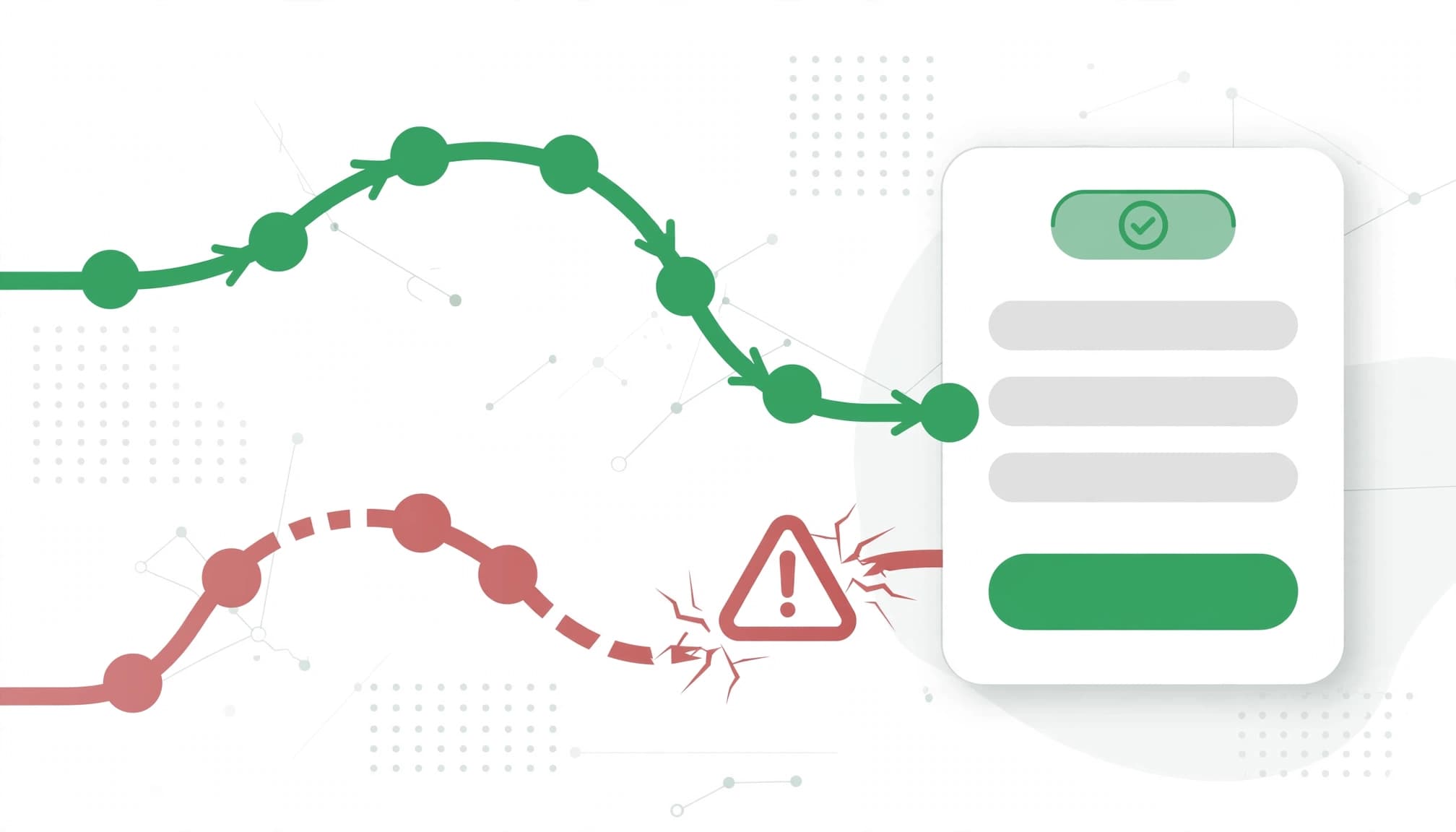
Redirect chains with several hops deserve attention, but hop count alone won’t tell you what to fix first. Start with URLs that receive paid traffic, attract organic clicks, generate confirmed enquiries, or have valuable backlinks. Compare Search Console performance with GA4, confirmed CRM enquiries, and Semrush’s Site Audit report.
Use this order when assigning repairs:
| Priority | Redirect finding | First action |
|---|---|---|
| Urgent | Broken path, error, or wrong service page on a live lead path | Restore the correct destination and test the form |
| High | Campaign URL loses tracking or a busy page has multiple hops | Repair the redirect and retest attribution |
| Routine | Low-traffic legacy URL reaches the right page after extra hops | Shorten the path in the next cleanup |
A successful HTTP status, including a 200 status code, doesn’t prove the landing page experience works. The final destination must answer the original request and offer a working way to enquire.
Check any homepage redirects closely. Sending a retired service page there may hide a missing page match and force visitors to restart their search.
Fix chains without losing traffic or link value

For a lasting URL move, use a permanent redirect from the original URL to its closest relevant live replacement. Google’s site-move guidance covers URL changes intended to minimize disruption in Search. Keep the original redirect working for visitors and backlinks that still use it. Removing intermediate hops should shorten redirect chains without losing the useful route or link equity to the final destination.
Update internal links and the redirect map

Update internal links, CTAs, canonical URLs, and sitemap entries to point directly to the final URL. This lets your own site reach the page without extra steps. Next, check important links you control outside the website, including ad destinations, email templates, and business profiles.
For a site migration, document each original URL, replacement, redirect type, and owner in the URL map. Keep a technical SEO record of the changes. If a service has been removed, choose a useful related page only when it answers the same need. The website migration SEO checklist can help your team review URL matches and post-launch checks.
Verify forms, analytics, and campaign tracking

Open the original URL in a fresh browser session and follow the full path. Submit a consented test enquiry. Confirm that the form succeeds, the notification arrives, and the lead appears in your CRM with the expected source. Test phone and booking CTAs separately if the page uses them.
In GA4 DebugView or Google Tag Manager Preview, confirm that a lead event fires on successful submission, not merely on a button click. Check that it fires once. For paid and email URLs, verify that tracking parameters reach the page; the guide to fixing unassigned GA4 traffic covers redirect-related source loss. Run a post-fix crawl in Semrush to validate the updated paths.
If a scheduler or hosted form changes domains, test that handoff too. A corrected redirect won’t fix attribution that breaks later in the journey.
Choose tools and combine their data efficiently

Use Screaming Frog to map URL paths and internal links, and Google Search Console to review search visibility and crawl signals. GA4 and CRM data show whether affected pages generate leads. Include Google Ads destination URLs, the sitemap, and backlink data where available. Semrush can find redirect chains during a technical SEO audit.
Compare Semrush crawl findings with URL paths and search signals to spot gaps. Export Semrush results with the other reports, then join them using the original source URL while retaining the full tagged version for campaign tests. Add columns for the final URL, hop count, issue type, business priority, repair owner, and retest result.
For a small site, a shared spreadsheet is enough. If many locations or campaigns create thousands of URLs, automate repeat checks against the same inventory and use Semrush to review exceptions by page template. If redirect rules, forms, and tracking ownership are split across teams, Get In Touch With Us to coordinate the repair and its conversion tests.
Redirects: Frequently Asked Questions

Should every redirect chain have three or fewer hops? Treat three hops as a warning sign, not a guaranteed safe limit or a Google rule. Semrush can help flag longer paths for review. For priority URLs, aim for one direct redirect from the old address whenever possible.
Will changing a temporary redirect to a 301 fix the problem? Only if the move is permanent. Also check where the URL leads, remove extra steps, and confirm the page still supports the intended conversion.
How often should a lead-generation site run this audit? Recheck priority URLs after migrations, campaign launches, domain changes, and redirect-rule edits. A quarterly review can catch older links that reappear in ads, profiles, or email templates.
Can a clean redirect still cause lost leads? Yes. The page might have a broken form, a missing phone CTA, or tracking that loses the campaign source. Test the complete journey before marking the fix done.
Keep redirects short and lead paths intact

The most useful redirect review follows an old link all the way to a confirmed enquiry. It checks the route, the destination, and the source recorded for the lead.
Fix the paths with the greatest lead risk first. Then keep the URL inventory current so future page changes don’t create redirect chains that put another detour between a visitor and your business.