One shirt can generate dozens of URLs before you’ve added a second product. For a Kolkata clothing retailer, color and size options quickly create more search destinations than useful landing pages. That makes search engine optimization part of the merchandising decision.
Product variant SEO starts with deciding which pages deserve to rank. Strong ecommerce product page SEO means one product page may cover every size, while selected colors may justify separate pages.
The right choice depends on customer demand, meaningful product differences, and your ability to maintain accurate pages. Start by separating shopping options from search landing pages.

Key Takeaways
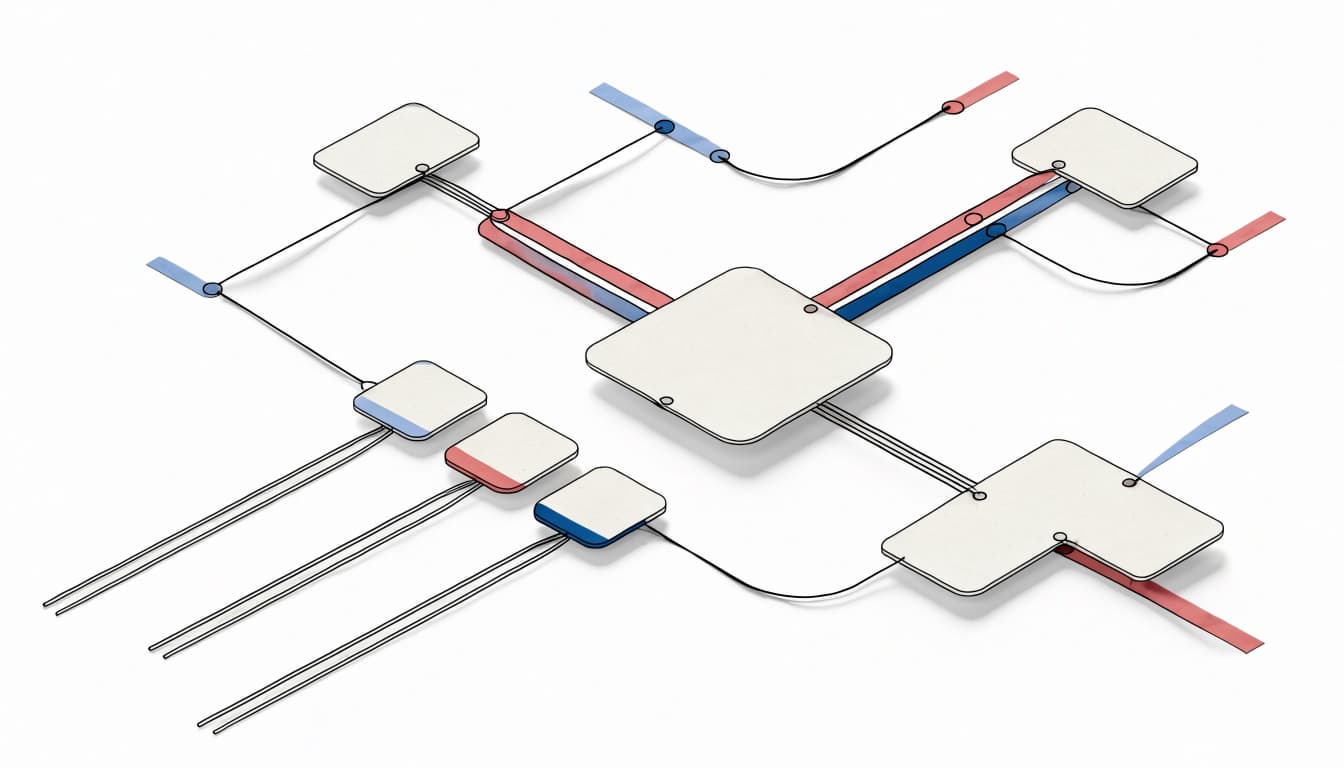
- Keep interchangeable options together unless separate pages meet distinct search demand.
- Choose which page should appear in search, then use canonical tags for equivalent URLs, noindex for search exclusion, and redirects when an old URL should retire.
- Keep variant selectors, structured data, shopping feeds, internal links, and sitemaps aligned with your URL policy.
Duplicate content doesn’t automatically cause a penalty. However, inconsistent signals can make Google select a different URL than you intended.
Compare Color and Size URL Strategies

Your ecommerce product page SEO approach should reflect search intent and whether each option merits a dedicated landing page. The url structure examples below show three ways to handle the same product family.
| URL pattern | Purpose | Possible indexing policy |
|---|---|---|
/products/cotton-kurta | Shared product page | Index the base page |
/products/cotton-kurta?color=blue&size=m | Preselected options | Canonicalize equivalent states to the base |
/products/blue-cotton-kurta | Dedicated color page | Self-canonical when independently useful |
The path format alone doesn’t determine indexability. Google’s ecommerce URL structure guidance favors persistent URLs, so avoid changing established handles merely to make them shorter.
Use One Canonical Page for Interchangeable Options
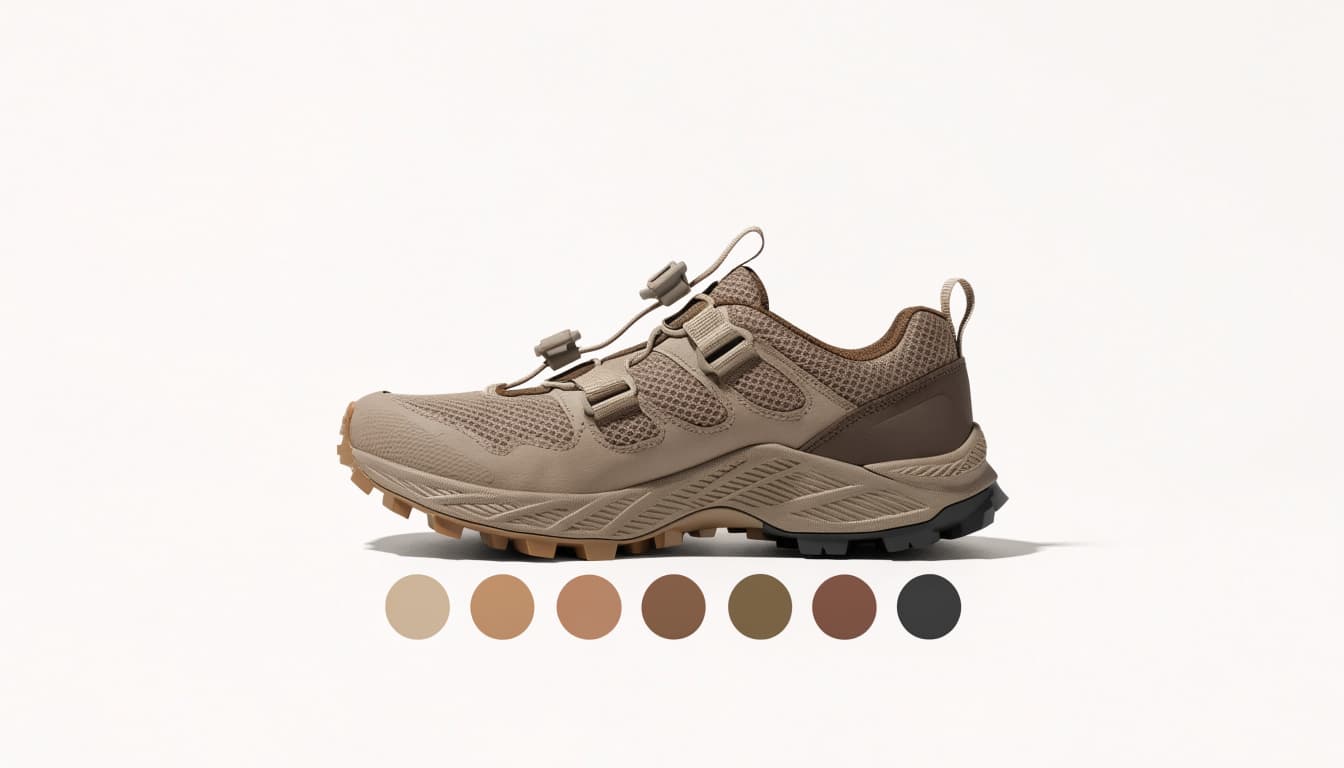
A shared page usually suits product variants with the same description, imagery, and buying purpose. It concentrates link equity and reduces maintenance.
However, shoppers still need shareable links that restore their chosen options. A parameter URL can preselect blue and medium while declaring the base product URL as canonical.
The tradeoff is less control over color-specific search landing pages. Make sure selectors update images, stock, and prices correctly. Also test a direct visit to the variant URL, not only selection after the page loads.
Separate Variants When Search Intent Differs

Separate pages can work when a color, material, or size has distinct search demand and enough useful information. Each approved page should return 200, allow indexing, and normally reference itself canonically.
Check Search Console queries, keyword research for long-tail keywords, and sales patterns before splitting pages. A color modifier alone doesn’t establish a business case, and overlapping pages can cause keyword cannibalization.
A hybrid policy can work: index dedicated color pages, but canonicalize their size-selection parameters to the relevant color page. This captures selected search intent without publishing every possible combination as an independent landing page.
Canonical Tags and Noindex Solve Different Problems

A canonical tag identifies your preferred version of duplicate or very similar content. It’s a consolidation signal, not a redirect or a guarantee that Google will select that URL.
For equivalent selector states with duplicate content, the base product may be the appropriate target. However, an independently useful color page shouldn’t automatically canonicalize to a generic parent.
Google’s canonical URL documentation explains how redirects, canonical declarations, and sitemap signals support preferred-URL selection.
Noindex has a different purpose: it excludes a crawlable page from search once Google processes the directive. Use it for pages that should remain accessible but shouldn’t become search entry points. Don’t use canonical tags as a substitute for excluding a page.
Blocking a duplicate in robots.txt can prevent Google from reading its canonical or noindex directive.
Robots.txt controls crawling. It doesn’t reliably remove an already known URL from search, and canonical tags don’t stop crawling.
When an obsolete route has no remaining user purpose, a relevant 301 redirect usually fits better. Competing landing pages can also cause keyword cannibalization. Keep live duplicates canonicalized only when they still support selection, sharing, or tracking.
Finally, align internal linking, XML sitemaps, and site architecture with preferred URLs to avoid conflicting discovery signals. Canonical targets should resolve directly, remain crawlable, and avoid noindex. Check both rendered HTML and response headers because an X-Robots-Tag can introduce an unexpected exclusion.
If Google chooses another canonical, investigate conflicting signals before changing several directives at once. Compare page similarity, redirects, accessibility, sitemap entries, and internal links.
Make Indexable Variant Pages Worth Finding

Separate URLs create an ongoing content commitment. Ecommerce product page SEO means each landing page needs a clear buying purpose, accurate information, and a dependable discovery route.
Add Variant-Specific Information

Show the actual color in product photography and describe relevant differences. Include measurements, fabric composition, care instructions, and availability where applicable.
Make product descriptions specific to the selected variant. Add useful buying guidance instead of reproducing manufacturer copy verbatim.
Write title tags and meta descriptions around the page’s real offer. Merely swapping “blue” for “red” across otherwise identical pages adds little value.
Reviews can add user-generated content when they genuinely explain how a variant fits, feels, or differs. Clear sizing and variant details help shoppers choose confidently and can improve the conversion rate.
Descriptive alt text should identify the visible product and color without keyword repetition. For Indian shoppers, make sizing conventions and measurements unambiguous.
Build Discovery Through Collections and Breadcrumbs

Use internal linking to connect category pages to preferred product URLs with real anchor links that include href attributes. Breadcrumbs help shoppers understand where a product belongs and support clear site architecture.
Broad searches may fit category pages better than another product variant page. ClickyOwl’s Shopify collection page SEO guidance connects commercial intent with collection structure.
Keep ordinary filters separate from approved search destinations. Also provide crawlable routes to products beyond the first listing page. Don’t automatically canonicalize later pagination pages to page one when they contain different products. Infinite scroll alone shouldn’t determine product discovery.
Structure Product and ProductGroup Data Accurately

Product describes an individual item or variant. ProductGroup connects product variants that share a parent product.
Use product schema for an individual item or variant. The productgroup schema describes the relationship between variants sharing a parent product.
Use productGroupID for the group identifier, variesBy for distinguishing attributes, and hasVariant to connect variant Product entries. For color and size, Google’s examples use https://schema.org/color and https://schema.org/size as property values. Together, these fields define the productgroup schema and its schema markup.
Each variant needs a unique identifier such as sku or gtin. Google’s product variant structured data guidance distinguishes single-page and multi-page implementations.
Single-Page Selector Model
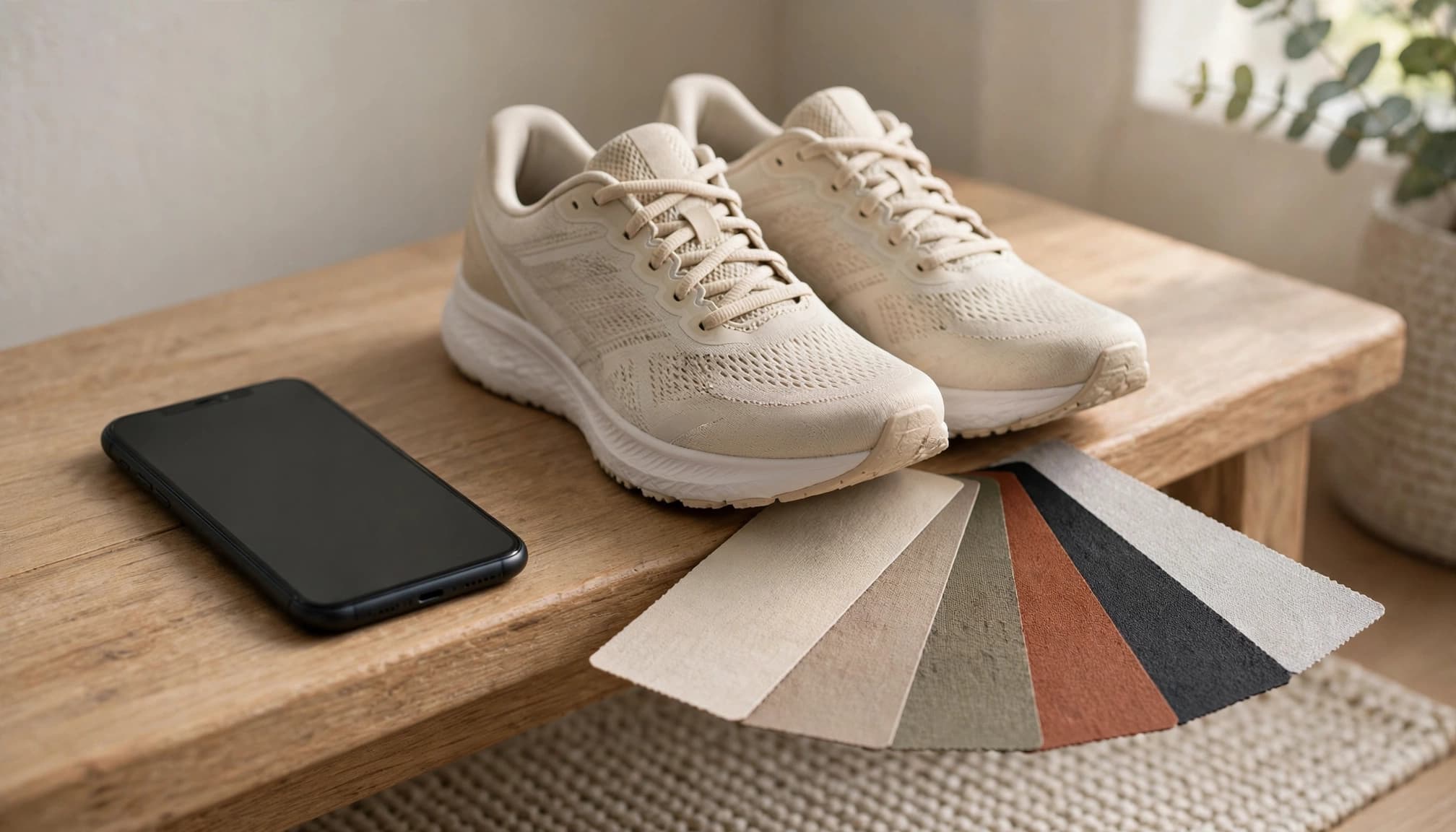
For one page containing selectable variants, use schema markup with a canonical URL for the overall group, typically the base URL without preselected options.
Describe variants with their actual attributes, identifiers, images, and offers. Variant URLs should restore the corresponding selection, including its price and availability.
Don’t output one generic offer if variants have different prices or stock states. Also check whether your theme and SEO app both generate markup. Conflicting structured data can describe a different product state than shoppers see.
Multi-Page Variant Model
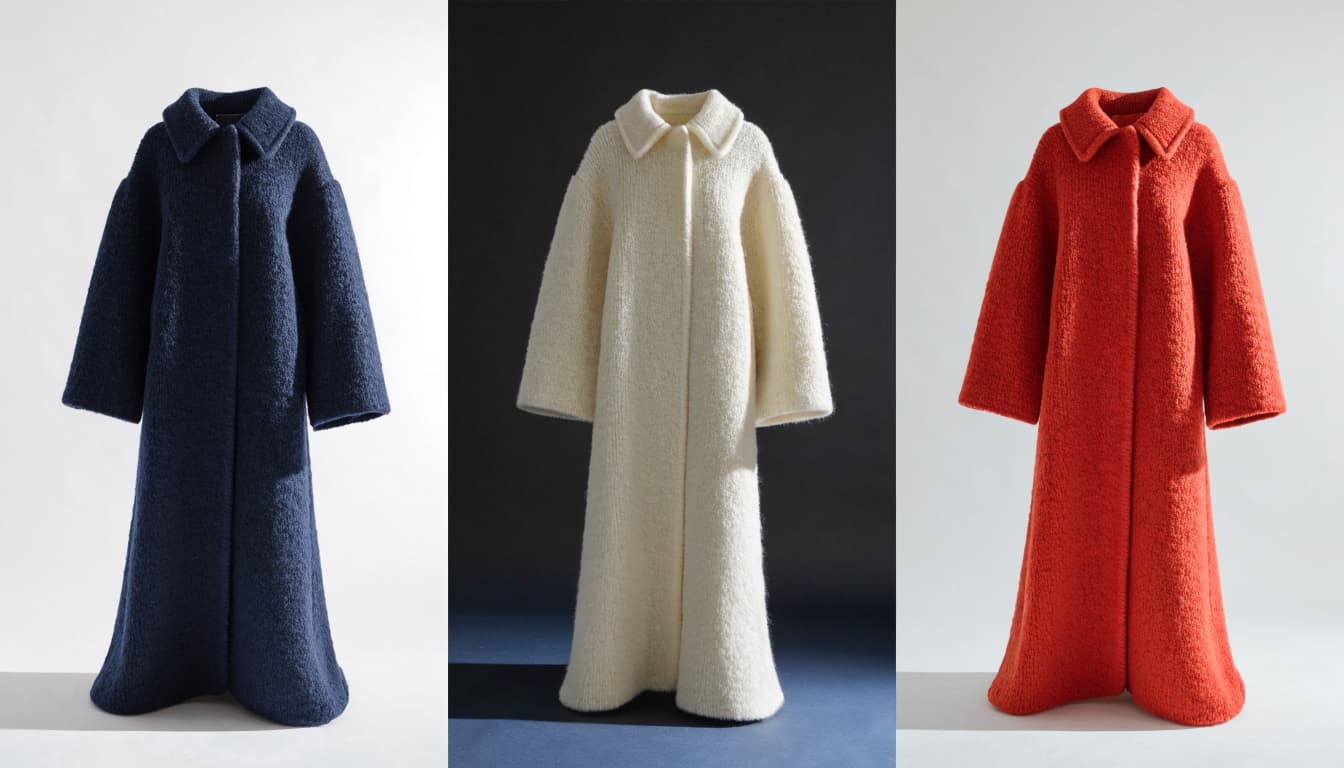
For Google’s multi-page structured data model, there isn’t one canonical URL representing the entire group. Google also advises against using ProductGroup.url for that setup.
Keep grouping identifiers consistent across pages while describing the variants appropriate to each destination. If you use both productGroupID and variant-level inProductGroupWithID, their values must match.
Validate the structured data and product schema with Google’s Rich Results Test, then inspect the rendered page. ProductGroup can clarify relationships and support eligible rich snippets, but it doesn’t guarantee rankings or citations from ai shopping assistants.
Control Catalog Growth With a Repeatable Workflow
At scale, product variant SEO needs shared publishing rules that support ecommerce product page SEO. A small store can start with a spreadsheet; a larger catalog can store its policy in a PIM, or product information management system.
Record the parent identifier, variant SKU, distinguishing attributes, preferred URL, canonical target, indexing decision, and sitemap eligibility. Merchandising should approve which variants warrant search pages. Developers should apply those decisions consistently across routing, templates, and internal linking.
Normalize parameter order and encoding so equivalent selections don’t generate endless alternative routes. This can help manage crawl budget, though not every parameter URL is wasteful. Test invalid values, unavailable combinations, direct requests, and browser back-button behavior before deployment.
Feeds need the same discipline. Google Merchant Center’s item group ID guidance uses a shared item_group_id for related variants and a unique id for each variant. Don’t submit the parent SKU as a separate purchasable item.
For an Indian storefront, ensure the selected variant’s INR price and availability agree across the page, structured data, and feed. Check that ProductGroup schema uses the same variant details. ClickyOwl’s guidance on Shopify product feed errors addresses these mismatches.
Accurate attributes support search engine optimization and help machine-readable shopping systems understand your catalog. Clear facts matter more than adding claims about “AI readiness.”
Roll out changes to one category first. Use Screaming Frog to audit URLs and Google Search Console’s URL Inspection to compare declared and Google-selected canonicals.
Track organic traffic and purchase revenue alongside indexing changes. A smaller index isn’t progress if useful products lose visibility. Record the deployment date and recheck templates, title tags, and Core Web Vitals after theme, app, or feed changes.
FAQ: Product Variant SEO

Should Shopify variants have separate indexable URLs?
Not automatically. Shopify commonly uses a variant query parameter to select an option. That selection URL doesn’t necessarily need its own search listing.
Collection-context routes can also provide alternate paths to a product. Inspect your theme’s actual canonical output rather than assuming every route should rank. The same principle applies to WooCommerce and Magento: verify implementation against your catalog policy.
Should an out-of-stock size be noindexed?
Usually, a temporarily unavailable size doesn’t justify changing the indexing policy for a useful product page. Update its visible availability, offer markup, and feed instead.
If an entire product permanently disappears, assess whether a relevant replacement exists before redirecting. Avoid sending unrelated discontinued products to a generic category merely to preserve every old URL.
Conclusion: Give Every Search URL a Clear Job

Color and size options need a deliberate indexing policy. Keep interchangeable selections together, and give separate pages to variants that satisfy distinct demand.
The strongest setup keeps page purpose and technical signals aligned. Canonicals, links, structured data, and feeds should describe the same product choices.
If your catalog has conflicting variant rules, Get In Touch With Us for a practical review before expanding or changing URLs.