Your google business profile, a key component of local SEO that helps you appear in the local pack, is often your real homepage. It shows before your site, before your ads, and sometimes before your competitors even load.
In 2026, google business profile optimization isn't about filling boxes once and forgetting it. Google rewards profiles that stay accurate, active, and easy for real people to trust fast.
Use this checklist to audit, fix, and maintain your profile, whether you previously used google my business or are starting fresh, with priorities, examples, and mistakes to avoid. Consistent updates improve visibility on google maps. Since features and policies can change, verify anything new against official GBP documentation before rolling it out across locations.
1) Run a 15-minute Google Business Profile audit first (Highest impact)
An at-a-glance profile audit checklist scene, created with AI.
This is your “does it pass the sniff test?” moment. If a customer has 10 seconds, can they tell what you do, where you are, and how to contact you?
Start with this quick audit table, then fix every “High” item before anything else. If you want a second checklist to cross-check your work, compare against a 2026-focused guide like Dyad's GBP checklist.
Audit item
Recommended setting (2026)
Priority
Common mistake
Ownership and verification
Correct owner account, verified status
High
Ex-employee owns the profile
Business name
Accurate business information, no extra keywords
High
Adding services or city names
Primary category
Most accurate core service
High
Picking a “bigger” category for volume
Address and map pin
Matches signage and mail address
High
Pin placed on a nearby road
Hours (regular + special)
Holiday and event updates added
High
Forgetting special hours
Phone and website
Accurate contact information, correct landing page
High
Call center number for every location
Description and attributes
Clear services, updated attributes
Medium
Marketing fluff, missing key attributes
Photos and logo/cover
Fresh, real photos, updated cover
Medium
Old photos, stock images
Products/services
Key offers listed and maintained
Medium
Leaving outdated pricing or items
If you only fix three things today: primary category, hours (including special hours), and the main landing page link.
2) Fix NAP, service areas, and location trust signals (Highest impact)
Storefront and directory consistency concept, created with AI.
NAP means name, address, phone. NAP consistency is vital for local ranking and appearing in local search results. In practice, it means “can Google trust you?” and “can customers reach you?” Keep your GBP NAP identical to your website header/footer, contact page, and key directories.
For service-area businesses, be strict about boundaries and service areas. Proximity to the user affects visibility, so recent 2026 updates have pushed tighter limits (often around a 2-hour drive range). Don't stretch it. A too-large radius can trigger edits, suspensions, or lead quality problems.
Also, update what “in-person” means for your model. In 2026, online-only listings are more likely to be rejected, so make sure your profile reflects a real, eligible customer experience (at your place, at theirs, or both).
If you manage a multi-location brand, standardize NAP formatting in a shared doc (suite rules, landmark hints, and phone formatting). High relevance across directories builds trust. The difference shows up in rankings over time, as seen in local wins like this local SEO case study for a pet grooming store.
3) Choose categories, services, and products like a customer would (High to Medium impact)
Category and service organization concept, created with AI.
Category choice is still one of the strongest levers, especially for discovery searches. Pick a primary category that matches your main revenue line, then add relevant secondary categories only when you truly offer them.
A practical example:
If you do mostly emergency pipe repair, “Plumber” usually beats “Handyman.”
If you mainly do installations and remodel work, a different primary may fit better.
Next, build out Services with plain names and short descriptions. Keep the business description clear and customer-focused, writing like your front desk talks, not like your brochure. For instance: “Water heater repair (same-day in most cases)” is clearer than “Comprehensive water heater solutions.”
Add Products if you sell items people search for, like “Brake pads,” “Facial serum,” or “Dog grooming package.” Keep them current, because stale menus and outdated offers can hurt trust. For more ideas on what to include this year, scan what to include in a 2026 GBP.
Mistakes to avoid: stuffing services into the business name, picking categories you “might” do, and listing every neighborhood as a service. A well-organized google business profile attracts more clicks.
4) Upgrade photos and videos for 2026 search behavior (Medium impact)
A storefront photo and video capture scene, created with AI.
In 2026, visuals do more than “look good.” Google's systems read what's in them and connect that to searches, so fresh, real photos and videos can help you match intent.
Aim for: exterior, interior, team at work, best-selling items, and “proof” shots (parking, entrance, accessibility). High-quality photos and videos also help with the conversion rate once a user finds you on Google Maps. Add short videos too, like a 10-second walk-in view or a quick service demo.
A simple weekly habit works: upload 2 to 5 new photos and videos per location. Rotate seasonal shots and remove anything that's misleading.
Common mistakes: stock photos, heavy filters, outdated storefront shots (old signage), images that don't match the category (for example, a “dentist” profile with only building photos and no clinic shots), and not visually confirming attributes like accessibility in your gallery.
5) Customer Reviews and “Ask Maps” answers: control what you can (Highest impact)
Review and customer conversation signals concept, created with AI.
Some markets have seen the classic QA section de-emphasized in favor of AI-style answers (often surfaced as “Ask Maps”). That means your customer reviews, photos, attributes, and services quietly become your FAQ, influencing your local ranking.
Request reviews right after a win moment (job done, appointment complete). Keep it simple, and never “gate” reviews by only asking happy customers.
Use response templates to stay fast, or leverage the messaging feature to respond to inquiries quickly:
Positive: “Thanks, [Name]. Glad we could help with [service]. Your customer review means a lot. If you need [related service], call anytime.”
Negative: “Sorry this happened, [Name]. Please contact [method] so we can fix it. We take this seriously.”
Also, seed your own “answers” by writing service descriptions that cover common questions: pricing ranges, parking, turnaround time, and warranty basics.
Need proof that steady review work supports local visibility? This beauty pros visibility case study shows how consistent local signals add up.
6) Use Google Posts to look active (Medium impact)
Posting cadence and updates planning scene, created with AI.
In 2026, Google posts can show near the top of your profile, especially on mobile. Even one post per week signals that you're open, current, and worth a click. Active Google posts help increase your prominence in the local area.
Keep posts tight:
One offer or update per post (sale, new service, event, limited slots).
One clear action (Call, Book, Order, Learn more).
One supporting photo that matches the message.
Avoid posting things you can't honor. Expired deals and unclear terms drive bad reviews. Also, don't recycle the same copy across every location. Swap local context, team photos, and service specifics.
If you want another checklist to compare posting and content choices, this GBP optimization checklist guide is a helpful reference. A well-maintained Google business profile signals a healthy business.
7) Track performance with UTMs, then maintain on a schedule (High impact)
Tracking and measurement workflow concept, created with AI.
Without UTM tracking, you'll argue about opinions. With UTM tracking, you'll make clean calls while distinguishing branded search from generic clicks.
Add UTMs to the Website and Appointment links so you can see GBP traffic in analytics. Example UTM: ?utm_source=google&utm_medium=organic&utm_campaign=gbp&utm_content=website_link
Use a simple KPI tracker like this:
KPI
Where to check
Target
Note
Calls
GBP performance
Up month-over-month
Watch missed-call hours
Website clicks
GBP performance + analytics
Up with stable conversion
UTMs required
Direction requests
GBP performance
Stable or rising
Great for retail; Google Maps interactions are a key metric
Photo views
GBP performance
Competitive in your area
Upload weekly
Finally, run maintenance like a gym routine, not a one-time project. These local SEO efforts help you dominate the map pack and improve overall local search results:
Task
Frequency
Priority
Owner
Special hours
Monthly, plus holidays
High
Manager
New photos
Weekly
Medium
Staff lead
Customer reviews
2 to 5 times/week
High
Support
Services/products refresh
Monthly
Medium
Marketing
Category check
Quarterly
High
SEO lead
Conclusion
A great profile feels like a well-run storefront: clear sign, correct hours, helpful staff, and fresh proof you're active. Start with the high-impact fixes, then keep a simple weekly rhythm. These steps succeed old google my business tactics. In 2026, google business profile optimization rewards consistency more than clever tricks, leading to better placement in the local pack and google maps. Set your schedule today, and next month's results will be easier to explain and repeat.
Hero-style landing page scene showing a focused CTA moment, created with AI.
High-intent clicks are expensive, and they're impatient. If your landing page copy feels vague, visitors bounce, even when they want what you sell.
This landing page copy template is built for your target audience of 2026 buyers, who move through various stages of awareness, self-educate fast, scan on mobile, and expect proof plus privacy clarity before they hand over an email.
Use it like a fill-in-the-blanks page script. Keep what fits, delete the rest, and make every line earn its spot by converting purchase intent.
The 2026 high-converting landing page structure (and the rules that make it work)
Value-focused icons that match how benefits should scan on a landing page, created with AI.
Think of the page like a good sales call that clearly defines the value proposition. First, name the outcome. Next, prove you can deliver. Then, make “yes” feel easy.
Here's the simple wireframe to follow:
This structure leverages visual hierarchy so users can scan the page quickly and intuitively.
Block A (Hero): Outcome headline, short subhead, 1 primary call to action, micro-proof line Block B (Proof bar): Logos, ratings, counters, or one hard stat Block C (Benefits): 3 to 5 benefits, tied to pain points like time, money, risk Block D (How it works): 3 steps, plain language Block E (Objections): 3 quick answers, no drama Block F (Form): Small ask, clear next step, privacy reassurance
Two rules keep this landing page copy template “high-intent” instead of “high-traffic”:
If your hero doesn't answer “What do I get?” in 7 seconds, it's not ready.
Before you pick words, match the copy to the unique selling proposition at the core of your offer. This table helps you stay tight.
Mobile-first form moment showing the “small ask” principle, created with AI.
Use these blocks as swap-in parts to create skimmable content for mobile blocks and improve conversion rate. Keep the tone direct. Add numbers only when you can back them up.
Headlines (copywriting formulas – pick one, then fill the brackets)
#
Headline formula
1
Get [desired outcome] in [timeframe] without [big pain].
2
[Role/team] use [product/service] to [measurable result].
3
Stop [pain]. Start [outcome].
4
The fastest way to [job-to-be-done], for [ICP].
5
[Proof] for [ICP] who need [outcome] now.
Subheadlines (choose one style)
Option A (clarity): “Built for [industry], works with [tool/workflow], and shows value on day one.” Option B (risk reduction): “See pricing, timeline, and what happens after you submit.” Option C (proof-led): “Teams report fewer delays and faster handoffs after switching.”
Benefit bullets (write 3 to 5, keep each under 10 words)
Examples to model: “Fewer manual steps”, “Same-day visibility”, “Clear owner for every task”, “No long setup”, “Audit-ready logs”, “Addresses specific pain points”
Call to action buttons (use 1 primary, 1 secondary max)
Primary CTA (high intent)
Secondary CTA (lower commitment)
Get a 15-min demo
See sample results
Start my free trial
Watch a 2-minute walkthrough
Get pricing for my team
Compare plans
Request a quote today
Ask a question
Book my consult
Check availability
Form field labels (lead gen, high-intent)
Full name Work email Company Role (dropdown) Team size (dropdown) What are you trying to improve? (short text)
Microcopy that reduces friction (paste near the form)
Click trigger reassurances Next step: “You'll get a calendar link after submit.” Time box: “Takes about 30 seconds.” Fit check: “Best for teams with [X] active users/projects.”
Error states (be helpful, not snarky)
Email: “Please use a work email (no Gmail or Yahoo).” Phone (if required): “Add country code, we'll only text if needed.” Required field: “This helps us route you to the right specialist.”
Social proof and objection handling that don't feel like fluff
Social proof moment showing how trust should be visible early, created with AI.
In 2026, buyers expect receipts. A page can look great and still lose, because it doesn't feel safe to believe.
If you have one strong number, use it. Storylane reported a redesign that drove 36% more impressions and a 30% boost in conversion rate, even with the same core copy. Proof changes behavior.
Social proof patterns (choose 1 to 2, repeat lightly)
Pattern
Copy you can paste
Logo bar + qualifier
“Trusted by teams in [industry] from [range] employees.”
Short testimonial or customer review + role
“”[Result] in [time].” [Name], [Title], [Company type]”
Outcome stat + context
“[X]% faster [process] after [change], based on [source].”
Objection-handling visual that matches an FAQ section, created with AI.
Objection blocks (write like a calm expert addressing common pain points from the customer's point of view)
“Is this for companies like mine?”
“Yes, if you have [fit marker]. If not, we'll tell you quickly.”
“How fast can we start?”
“Most teams start in [timeframe]. Your timeline depends on [variable].”
“Do I need to talk to sales?”
“Not unless you want to. You can [self-serve step] first.”
Mobile-first copy and AI personalization that stays respectful
Tablet-focused landing page scene reflecting personalization and mobile readability, created with AI.
Mobile rules the first impression, so write for thumbs first. Keep above the fold to one message, one CTA, one proof line.
AI personalization helps when it's subtle and earned. Swap the problem language by ad group, industry, or page path, not by guessing private details, while avoiding complex industry jargon. Also, personalize CTAs with a second-person point of view (“Get my…” often reads more direct than “Get your…”).
For teams that want AI-assisted workflows without losing trust, align your copy with a clear data stance and consistent messaging, similar to an AI-driven digital marketing agency approach.
Example: B2B SaaS demo page (paste-ready)
These examples clearly communicate the value proposition to the target audience. Headline: “See pipeline gaps in 15 minutes, not 15 tabs.” Subhead: “A live demo using your funnel stages, so you can spot leaks fast.” CTA: “Get a 15-min demo” Micro-proof: “No deck first, we go straight to the workflow.”
Example: Local professional service (quote request)
Headline: “Get a same-day estimate for [service], with clear next steps.” Subhead: “Tell us the basics, we'll reply with a price range and timeline.” CTA: “Request a quote today” Micro-proof: “No spam, no pushy calls.”
If organic traffic feeds your high-intent pages, ensure message match across ads and landing pages. For SaaS teams, SaaS SEO services can support those bottom-of-funnel visits.
Privacy and compliance microcopy for 2026 (clear, non-legal language)
Privacy-first visual that fits a form section and reassurance copy, created with AI.
People hesitate at the form because data feels permanent. Fix that with landing page copy in plain words, placed right under the button.
Privacy reassurance (short): “We'll only use your details to respond. We don't sell personal data.” Consent hint (optional checkbox): “Yes, email me product updates (you can unsubscribe anytime).” Data-minimization line: “Share only what's needed, we'll ask nothing extra.” Retention line (if relevant): “We delete inquiry data after [X] months if you don't become a customer.” Compliance comfort (general, non-legal): “We follow common privacy standards (GDPR-style rights: access, delete, opt out).”
Keep it honest. If you call, say you call. If you don't, say you don't.
A high-intent page is like a well-lit hallway. The visitor should see the door, the handle, and what's on the other side.
Build with this landing page copy template, then use A/B testing to refine it one change at a time based on performance. Tight copy plus real proof wins. These refinements are essential for capturing purchase intent and maintaining a high conversion rate. Clarity is still the fastest path to yes.
If your website is a lead-gen machine, SEO isn't the paint job, it's the engine. A ranking bump means nothing if forms break, pages don't index, or GA4 can't tie organic visits to pipeline.
This seo audit checklist is built for 2026 realities: AI-powered search overviews, higher standards for brand trust, Core Web Vitals with INP as the responsiveness metric, and less tolerance for spammy patterns. Each check includes clear pass/fail criteria and how to verify it with tools your team already uses.
The 2026 SEO audit checklist (with pass/fail criteria)
Use this as your baseline. Then prioritize fixes by impact on indexing, conversions, and attribution.
Audit area
Check
Pass
Fail
How to verify
Crawlability
Important pages accessible
Service and lead pages return 200, not blocked
4xx, 5xx, blocked by robots, soft 404
Screaming Frog or Sitebulb crawl, GSC Pages report
If Google can't crawl and index your lead pages cleanly, everything else is just guessing.
Audit your lead-gen page templates (service, location, comparison, case study)
Lead-gen sites usually win or lose on a small set of templates. Audit by template first, not by URL count.
Service pages (money pages).
Pass when each service page targets one clear intent, loads fast, and has a single primary CTA above the fold. Fail when one page tries to rank for five services, or when the CTA sits below a wall of text. Verify with GA4 landing page reports (engagement rate, scroll, conversion rate) and GSC query patterns (are you attracting buyers, not students?).
Location pages (the duplicate-content trap).
Pass when each location page has real proof and local detail: service area boundaries, photos, reviews, case snippets, unique FAQs, and clear contact options. Fail when pages are near-copies with just city names swapped. Verify by running a Sitebulb duplicate-content report, then review the worst clusters manually.
If you need a reference for what strong local intent can look like, compare against a real outcome-driven example like this pet grooming local SEO case study.
Comparison pages (high intent, high scrutiny).
Pass when claims are sourced, language is precise, and the page shows who it's for. Fail when it reads like vendor bashing or makes unverifiable promises. Verify by checking SERP intent and making sure the page answers “Which should I pick?” quickly, then backs it up.
Case studies (trust builders that also rank).
Pass when each case study includes constraints, actions, and measurable outcomes, plus links to related services. Fail when it's a vague success story with no numbers or timeline. Verify with on-page content review and internal linking depth, then look for assisted conversions in GA4. A practical example is this SEO case study for business consultants.
Lead-gen tracking and attribution checks (organic to lead to pipeline)
In 2026, reporting “organic sessions are up” won't satisfy anyone. You need clean attribution from organic click to lead event, then to CRM if possible.
Start with the basics: one primary conversion per lead type (demo, contact, quote, call). Then confirm those events fire reliably across templates and devices.
Here's a quick mini-audit for attribution hygiene:
Tracking item
Pass
Fail
Verify
Form submission tracking
GA4 event fires on successful submit
Fires on button click, or doesn't fire
GA4 DebugView, Tag Manager Preview
Thank-you page handling
Thank-you page is noindex
Thank-you page ranks or shows in GSC
GSC Pages, robots meta checks
Call tracking
Calls attributed to source
Calls show as direct or unassigned
Call tracking platform logs + GA4 events
Organic landing page mapping
Top GSC pages mapped to CTAs
High-traffic pages have weak CTAs
GSC Landing pages + on-page review
Bot and spam filtering
Lead spam controlled
GA4 polluted, CRM flooded
Server logs, GA4 filters, reCAPTCHA or alternatives
One more practical tip: if forms fail only sometimes, check browser console errors and blocked requests in DevTools. Ad blockers and strict tracking settings can break form libraries and call widgets.
AI Overviews, entity trust, and spam risks you can actually audit
AI-powered results reward sites that are easy to interpret and hard to doubt. That doesn't mean writing for robots, it means writing like a specialist who expects scrutiny.
Pass when your site shows consistent brand details (name, address, phone, leadership, author bios where relevant), and content matches what your schema claims. Fail when content looks mass-produced, thin, or mismatched (for example, FAQ schema that isn't visible on the page).
Verify trust signals with a quick sweep:
In Screaming Frog, extract structured data and look for errors or irrelevant types.
In GSC, review Enhancements and manual actions.
In content, check if key claims have proof (case studies, testimonials, certifications).
If your team is adapting content for AI visibility, align your review process with what AI-focused audits check, for example this AI SEO audit checklist for 2026.
If you publish pages at scale, make sure each one earns its existence, otherwise spam policies can turn “more pages” into “more risk”.
Remediation roadmap (0 to 30 days, 31 to 90, 90+)
Fix the blockers first, then tighten relevance, then build trust and depth.
Case study pipeline, authority content, partnerships and quality links, ongoing CWV work
Compounding growth in qualified leads and brand visibility
Conclusion
A lead-gen site doesn't need a perfect audit score, it needs fewer leaks and clearer proof. Run this seo audit checklist quarterly, and re-check after every template or tracking change. When you can connect crawlability, speed, intent, and attribution, you stop chasing rankings and start building predictable organic lead flow.
Leads from your lead generation efforts are only “trackable” in Google Analytics 4 until they aren't. One form change, one new subdomain, one consent banner update, and your numbers drift.
This GA4 setup checklist is built for lead-generation teams focused on B2B user acquisition in 2026 who need conversion tracking they can trust, even with tighter privacy rules. It's practical, it's opinionated, and it focuses on the events that actually move pipeline.
Property and stream basics that prevent dirty data
GA4 property and data stream setup for a lead-gen website, created with AI.
Before tags and events, set up your property in Google Analytics 4 to find your Measurement ID and lock the foundation. A messy property creates reporting debates later.
Check: Reporting time zone and currency. Default: match finance reporting (not “where your dev sits”). Why it matters: daily lead counts and CPL can shift across midnight.
Check: Data retention. Default: set to 14 months if available to you. Why it matters: longer lookbacks help with longer sales cycles and cohort review.
Check: Web data stream and Enhanced Measurement. Default: keep page views on, then selectively enable scroll, outbound clicks, and file downloads if they map to intent. Why it matters: fewer noisy events makes lead-path analysis easier.
Check: Unwanted referrals and cross-domain. Default: use referral exclusions for payment gateways, schedulers, and auth providers if they break sessions; add cross-domain tracking for your main site and booking domain. Why it matters: attribution often “falls” to the wrong referrer right before a lead submits.
If you want a broader implementation reference to compare against, Vital Design's GA4 best practice checklist is a useful second opinion.
GTM tagging defaults that won't double-fire
Google Tag Manager configured for GA4 lead tracking, created with AI.
For lead-gen sites, Google Tag Manager is usually the control room for Google Analytics 4. The goal is stable firing rules and clean parameters.
Check: One GA4 Configuration tag per site experience. Default: single config tag, fire on all pages, avoid duplicate installs (CMS plugin plus GTM). Why it matters: duplicate page_view inflates sessions and ruins funnels.
Check: Use a clear Data Layer contract. Default: push form metadata (form_id, form_name, lead_type) on interaction, not on page load. Why it matters: form tracking breaks less when layouts change.
Check: Form triggers that match reality. Default: prefer “success state” (thank-you page, success DOM event, fetch/XHR success) over generic “Form Submission” triggers, especially for tracking multi-step forms accurately. Why it matters: many forms “submit” even when validation fails.
Check: Linker and cross-domain settings. Default: handle in GA4 config, not scattered across tags. Why it matters: fewer places to forget when new domains launch.
Check: Naming. Default: GA4 | event | form_submit style, plus version notes in tag descriptions. Why it matters: faster audits during campaign launches.
Lead-gen event map (with names and parameters you can ship)
An event and parameter flow from form interaction to GA4 reporting, created with AI.
The event-based model of Google Analytics 4 lets you treat events like a funnel blueprint, mapping the form submission process effectively. If your events don't match decisions your team makes, they'll get ignored.
Check: Pick a small set of “decision” events. Default: 5 to 8 key events. Why it matters: GA4 gets noisy fast, and teams stop trusting it.
Check: Standardize event names. Default: use lowercase and underscores, avoid UI-specific names like button_click_red. Why it matters: you'll redesign the UI, but the funnel stage stays.
Check: Add parameters that explain lead quality, such as lead qualification. Default: keep 3 to 6 custom parameters per key event. Why it matters: it helps break down CPL by lead type without extra events.
Example event set for lead generation (with suggested parameters):
lead_qualified (lead_stage, value, currency, lead_id) (send when CRM qualifies)
In 2026, GA4 reporting also leans more on engagement signals such as “time to first action,” so clean interaction events make on-site intent easier to read. For more practical do's and don'ts, Measure Marketing Pro's GA4 best practices for 2026 is worth skimming.
Privacy and consent in 2026 (Consent Mode v2 and server-side)
Consent and privacy-first tracking for GA4, created with AI.
Privacy work isn't a legal box-tick anymore. Google Analytics 4 privacy settings are directly tied to whether your lead numbers match reality.
Check: Consent banner behavior. Default: block non-essential tags until consent, then fire tags based on consent state. Why it matters: it reduces compliance risk and avoids “ghost” tags.
Check: Consent Mode v2 configuration. Default: implement Consent Mode v2 through your CMP and GTM consent settings. Why it matters: GA4 can model gaps when users deny cookies, which helps stabilize trend lines.
Check: Server-side tagging plan. Default: start with server-side only for your highest-value conversion events. Why it matters: it can recover measurement lost to blockers, including for landing page performance, and improve data control.
2026 consideration: Consent Mode v2 plus server-side tagging is becoming the “default stack” for lead-gen measurement because it balances privacy with durable attribution.
Conversions, attribution, CRM handoff, and a quick QA plan
Marking lead events as conversions and aligning them with attribution and CRM, created with AI.
In GA4 conversion tracking, a “conversion” should mean “someone you can follow up with,” not a random micro-click.
Check: Key events set. Default: mark only bottom-of-funnel events (form_submit, generate_lead, call connect if you can). Why it matters: ad optimizations get worse when you feed weak conversions.
Check: Conversion values. Default: send value and currency for leads, even if it's a model (example: by lead_type). Why it matters: it lets you compare channels beyond raw volume.
Check: CRM key (lead_id). Default: generate a lead_id on submit, store it in CRM, and send it in GA4 events. Why it matters: it's your glue for CRM integration, offline qualification and deduping.
Check: UTM parameters into the lead record. Default: store utm_source, utm_medium, utm_campaign, plus click IDs when available. Why it matters: GA4 attribution is useful, but CRM is where revenue lives.
In early 2026, GA4's cross-channel reporting has continued to improve, including more flexible attribution systems per conversion in some accounts. These attribution systems help provide user journey insights and support funnel exploration for analyzing landing page performance. Use that to separate “any lead” from “qualified lead” reporting.
Here's a lightweight QA table you can run before scaling spend:
What to test
Tool
Expected result
Measurement ID in data stream
GA4 Admin > Data Streams
Correct Measurement ID shown
Page_view firing once
GTM Preview
One GA4 config hit per page load
Form submission tracking
GTM Preview + GA4 DebugView
Event fires only on real success
Parameters captured
GA4 DebugView
form_id and lead_type populate correctly
Cross-domain session continuity
GA4 realtime reports
No self-referrals, same session continues
Consent behavior
Browser dev tools + GTM Preview
Tags respect consent state
CRM lead_id persistence
CRM record review
Same lead_id appears in GA4 and CRM
Conclusion
If GA4 feels like a leaky bucket, it's usually one of three things: shaky triggers, unclear events, or missing consent logic. Troubleshoot your setup in Google Tag Manager to resolve lead generation discrepancies in Google Analytics 4. A strong conversion tracking strategy is vital for lead generation. Fix those, and your reporting stops being a debate. Start with the foundation, track a small lead-focused event set, then confirm everything with QA before pushing budget. Once the foundation is set, teams should explore predictive metrics for lead scoring and use Looker Studio to create custom reports or export data to BigQuery for deeper analysis. Which conversion in your funnel is most expensive to mis-measure right now?
If your leads are messy, your account will get messy too. In 2026, Google's automation can scale fast, but it can't fix weak setup choices. The fastest way to waste budget in lead generation is to optimize without proper conversion tracking.
This google ads account setup checklist focuses on what lead-gen teams actually need: clean access and billing, reliable GA4 and Google tag tracking, privacy-safe measurement, call and form attribution, and a feedback loop from your CRM so Google learns what a good lead looks like.
Get the Google Ads account structure fundamentals right for lead generation before you touch keywords
Start with the parts that are painful to change later. A strong foundation keeps reporting stable and reduces account risk.
Lock these in first:
Time zone and currency: Choose based on finance and reporting needs, not convenience. You can't change them without creating a new account.
Auto-tagging: Keep it on so GCLID flows into GA4 and your CRM. Without it, offline attribution becomes guesswork.
User access and security: Use the least privilege approach. Give Admin only to owners, keep Standard for day-to-day operators, and use Read only for stakeholders. Require 2-step verification on every user.
Google Ads account structure: If you run multiple clients or multiple brands, set it up under an MCC from day one. It prevents access chaos later.
Billing, tax, and payment profile: Add a backup payment method, confirm invoicing details, and align tax settings with your legal entity. Don't wait until launch day to find a card block.
Advertiser and business verification: Build time for it. Verification delays are a common reason campaigns don't serve.
Brand safety defaults: For lead gen, keep early traffic tight. Avoid expanding reach until tracking and lead quality are proven.
Campaign settings: Establish campaign settings early since they play a key role in lead generation success. Align bidding strategies, locations, and ad schedules with your target audience to drive quality leads.
A quick note on channels: if you're considering expanding beyond Google, it helps to understand the tradeoffs in a PPC platforms: Google vs Bing for leads comparison, because tracking and lead intent often differ by network.
Finally, set expectations with your team using a simple naming system. Before diving in, leverage the Google Keyword Planner to identify opportunities and define keyword match types; this step is essential for organizing ad group themes effectively. Consistent names make audits and scripts easier, and they reduce mistakes during handoffs.
Use a pattern like: Region | Service | Network | Match Type | Objective | 2026. Keep it boring. Boring scales.
Build conversion tracking you can trust using Google Analytics 4 and Google Tag Manager
For lead generation, conversion tracking is your steering wheel. If it's loose, every optimization drifts.
Set your measurement plan before campaign creation:
Define your primary conversions: lead form submits, qualified calls, and booked appointments. Landing page optimization is critical for maintaining a high click-through rate and conversion tracking accuracy. Everything else is secondary (scroll depth, page views, time on site).
Pick one “source of truth” per action: duplication is the silent killer. If the same form submit fires from Google Analytics 4 import and Google Ads tag, you'll inflate conversions and train bidding on noise.
Use Google tag or Google Tag Manager: Either is fine, but keep it consistent. Google Tag Manager is usually easier for agencies and multi-step funnels.
Enhanced Conversions for Leads should be treated like a default in 2026, not a bonus. It improves matching when cookies drop, as long as you pass first-party data correctly (email, phone) and only after the user submits. Google's setup details are here: Enhanced Conversions for Leads configuration.
Consent also matters now because measurement quality depends on how you handle opt-outs. If you operate in regions with consent requirements, implement Consent Mode through your CMP and tag setup, then validate behavior in Tag Assistant.
If you wouldn't bet your budget on the data, don't ask smart bidding to bet on it either.
Offline conversion tracking is a prerequisite for smart bidding success.
Here are practical default settings most lead-gen accounts should start with:
Setup area
Recommended default
Why it matters for leads
Conversion actions
1 to 3 primary actions (Form Submit, Qualified Call, Booked)
Keeps bidding focused on outcomes
“Include in Conversions”
Yes for primary, No for micro-events
Prevents optimizing to fluff
Count
One for forms and booked appointments
Stops repeat submits from inflating results
Attribution model
Data-driven
Better credit assignment across devices and touchpoints
Enhanced Conversions
On for lead forms
Improves match rate with privacy limits
Google Analytics 4 link + auto-tagging
On
Enables cleaner reporting and imports
Call tracking needs equal care. For ad extensions and call ads, use Google forwarding numbers where available so calls can become conversions with a clear source; ad extensions help lower the cost per lead through precise attribution. For website calls, use a tracked number on landing pages, and set a minimum call length that matches intent (for example, 45 to 90 seconds, depending on your sales cycle). If you need a broader view of setups and pitfalls, use this phone call conversion tracking guide as a reference.
Feed lead quality back into Google Ads (CRM, offline imports, spam control, QA)
Most lead generation accounts fail for one reason: they optimize for volume over cost per lead, then wonder why sales is angry.
Fix that with a tight feedback loop for better lead generation results.
First, capture click IDs and store them in your CRM. At minimum, collect GCLID on form submit and pass it into your lead record. If you rely on scheduled appointments, store the same ID on the booking event as well. This clean data supports a robust bid strategy like Target CPA or maximize conversions, powering Smart Bidding with quality signals to lower your cost per lead.
Next, import offline conversions based on quality milestones, not just raw leads. Common import events include:
Qualified lead (passed validation, correct location, correct service need)
Calls can also be imported when they happen outside Google's native call reporting, like in a contact center or call tracking platform. If you use the API route, reference: import call conversions via Google Ads API.
Now protect your account from junk leads in lead generation campaigns. Form spam doesn't just waste follow-up time, it poisons Smart Bidding. A few practical safeguards:
Add reCAPTCHA or an invisible challenge, plus a simple honeypot field.
Block obvious bot patterns server-side, not only in the browser.
Validate phone and email formats, then stop “[email protected]” style submits.
Focus on high-intent keywords, tighten geo targeting, and review the search terms report early, because broad match keywords invite spam.
Build negative keywords from day one to filter broad match keywords effectively.
If you use lead form assets, review answers and lead quality daily at the start.
Importing “Qualified Lead” often beats importing “Lead”, because it teaches Google what you actually want.
Common setup mistakes to avoid
Counting every form submit as success, even when spam is high and Quality Score suffers.
Importing duplicate conversions from both GA4 and Google Ads tag.
Leaving location targeting on Presence or interest for local services (it pulls in out-of-area leads).
Running ads 24/7 when your team only answers calls 9 to 6.
Skipping negative keywords until spend climbs (start building them day one; use the search terms report to spot issues with high-intent keywords).
Giving too many Admin users, then losing control of settings and billing.
Neglecting Quality Score by ignoring responsive search ads relevance or weak ad group themes.
Failing to leverage audience targeting for B2B lead generation or account-based marketing scenarios.
Overlooking ad extensions and landing page optimization, which boost Quality Score and responsive search ads performance.
Launch-day verification checklist (do this before scaling)
Submit a test lead form, confirm the conversion fires once in Google Ads.
Check Enhanced Conversions status, confirm it shows as recording.
Validate Consent Mode behavior with and without consent, if applicable.
Place a test call, confirm call reporting and conversion logic (duration threshold).
Confirm “Include in Conversions” only contains your primary lead actions.
Confirm attribution model and conversion windows match your sales cycle; review bid strategy like Target CPA or Target ROAS.
Verify location setting uses presence for local campaigns, review ad schedule, and ensure Performance Max campaigns receive quality signals.
Confirm leads land in the CRM with GCLID captured, then test an offline import flow.
Check remarketing list populations are growing and audience targeting layers align with ad group themes.
Scan for policy or verification warnings, fix them before increasing budgets; audit landing page optimization and responsive search ads for Quality Score impact.
Conclusion
A solid Google Ads account structure is the engine for effective lead generation in 2026. It's less about fancy campaign types and more about dependable measurement. Set tight access and billing, build GA4 and tag tracking you can trust, then send lead quality signals back through offline imports. Regularly refine negative keywords as a key maintenance task. Once the feedback loop works, scaling feels a lot less like gambling, especially with smart bidding helping maintain a high click-through rate for long-term lead generation success. The real question is simple: are you optimizing for leads, or for revenue-grade outcomes?
As more Kolkata businesses seek buyers online, the need for smarter SEO strategies keeps growing. Regular SEO just doesn't cut it anymore. In today's market, you need an edge—something that sets your business apart so you can actually reach Kolkata's millions of online shoppers. That's where AI-driven SEO comes in. It helps companies adapt instantly to Google's changes, respond to trends, and win more local customers.
ClickyOwl stands out as the top AI SEO company in Kolkata. They combine powerful AI technology with deep knowledge of what local businesses need. Their advanced tools help websites rank higher on Google, boost web traffic, and turn visits into real business. As more competitors fight for attention online, relying on old strategies is risky. AI SEO ensures you stay ahead, helping your business attract and keep loyal customers.
Kolkata's booming economy brings both opportunity and lots of competition. Only a few agencies really understand the blend of tech and local know-how needed to win here. ClickyOwl keeps things simple. They offer clear, honest advice with detailed reports and ROI-focused SEO that actually brings results. Whether you run a startup or a growing brand, their team uses proven methods to lift you above the competition. You don't have to be a tech expert to see real growth.
That's why more business owners choose ClickyOwl's digital marketing services to get found online, store more leads, and see measurable results. With innovative AI strategies, Kolkata market expertise, and a solid track record, ClickyOwl delivers what modern brands need most: visibility, growth, and value from every marketing dollar.
For businesses ready to take the next step, working with an AI SEO company in Kolkata like ClickyOwl is the smart move for 2025.
What Sets ClickyOwl Apart in AI SEO
Kolkata businesses need more than basic SEO tricks to stand out—they need smarter, custom solutions that keep up with both search engines and the city’s fast-paced market. ClickyOwl blends smart machine learning with a clear, hands-on approach, setting them apart as a forward-thinking ai seo company in kolkata. Their transparency and focus on results give local businesses a real advantage. Here’s how they do it, step by step.
Advanced AI Tools for Keyword and Content Strategy
ClickyOwl's toolkit is purpose-built for Kolkata firms that don’t want cookie-cutter results. Their AI-driven keyword research goes deeper than surface-level phrases to find search terms Kolkata shoppers actually use, even analyzing intent and predicting which trends will matter next month.
The AI sorts through thousands of search patterns, pulling out high-impact keywords for niche markets and local services—from online boutiques to home repair pros.
Every piece of content gets a boost from AI-guided recommendations, focusing on originality while never skipping SEO essentials.
Built-in features check for voice search readiness and mobile-first design, so your content gets seen on phones, smart assistants, and any device your customers use.
AI checks site speed and technical SEO in real time, making sure your site loads fast, keeps visitors happy, and grows your user experience score.
The result? Search pages that match what real people in Kolkata want, plus better site performance and more engaged visitors. Need step-by-step details on how to improve your rankings? See ClickyOwl’s Google SEO ranking plan for more.
Data-Driven Insights and Predictive Analytics
ClickyOwl doesn’t guess, they measure and predict. Their AI digs into thousands of local search data points, scanning what customers look for and how competitors adjust their campaigns. It’s like having a weather forecast for your traffic and leads.
Their tools pull from sources like Google Analytics and Search Console, but add predictive layers with AI. This means the team can spot rising search terms or sudden shifts before the competition even notices.
Businesses get custom, easy-to-understand reports showing real ROI, new leads, and how keyword placements drive growth—so you never wonder what’s working.
The AI watches your competitors, tracking their ranking moves and content updates, so you’re always ahead of local rivals.
Kolkata companies using ClickyOwl’s approach have seen sharper growth curves and more consistent visibility, thanks to responsive tactics and fast, automated adjustments. It’s not just tracking the past, it’s guiding the next steps for your business.
To learn more about how smart AI tools drive real results, explore their approach with our AI SEO services and see what’s possible for your website.
ClickyOwl’s Expertise in Local SEO for Kolkata Businesses
Photo realistic image of a modern Kolkata coworking office and AI SEO dashboard. Image created with AI.
When it comes to growing a business in Kolkata, location isn’t just street level—it’s digital too. ClickyOwl shines as an ai seo company in kolkata because their team understands how local culture, languages, and neighborhoods shape search intent. They combine AI with genuine Kolkata experience to drive real traffic, map rankings, and leads—whether you run a boutique in Park Street or a tech startup in Salt Lake.
Tailored Strategies for Kolkata’s Unique Market
Kolkata is a city where English and Bengali mix in every part of life—including the way people search online. ClickyOwl’s AI systems spot these language patterns, making sure your business gets found whether someone types “best sweets shop near me” in Bengali or “top cafe in Salt Lake” in English.
Their approach covers every local detail:
On-Page Optimization: Schema markup for local events, shop timings, and even festive offers. This makes Google show rich snippets, putting your business front and center for related searches.
Neighborhood Targeting: Want to target students in Rajabazar or shoppers in New Market? AI reviews user behavior and creates location pages and service areas that show up for hyper-local searches.
Google My Business Management: ClickyOwl optimizes profiles with Bengali and English descriptions, posts, and photos so you appear higher on maps and local packs.
Local Citations: AI tools make sure your business is listed (and consistent) across Kolkata business directories, government listings, and local news.
Looking for more detail on how this works? Their local SEO optimization in Kolkata tackles everything from map rankings to reviews—key for any business aiming for top local visibility.
Detailed digital map of Kolkata highlighting local business zones. Image created with AI.
Building Authority with Local Backlinks
Backlinks are like word-of-mouth recommendations—the more respected ones you get, the higher your authority. But for local SEO, not just any link will do. ClickyOwl uses AI to discover exactly which Kolkata-based directories, review sites, influencers, and bloggers can boost your trust factor.
Here’s how their AI-assisted link building helps small and medium businesses outrank the national agencies:
Spotting partnership and sponsorship opportunities with Kolkata events, food guides, and neighborhood blogs.
Suggesting outreach to local journalists who cover business stories in areas like Salt Lake, Behala, or Park Street.
Auditing your current link profile to close gaps and replace outdated links with fresh, local sources for better relevance.
By focusing on region-specific citations and authority links, ClickyOwl helps your business rise in both search results and community trust. Need more on building links without blowing your budget? Check out their tips for free automated SEO link building to get ahead, even if you’re just starting out.
With ClickyOwl, you get expertise tailored for Kolkata’s real market, not just another broad SEO plan. Each step is designed to help your business become a local favorite—on the street and online.
Proven Results and Client Success Stories
Modern Kolkata office with team members analyzing AI-powered SEO results. Image created with AI.
When it comes to picking an ai seo company in kolkata, the real test is always in the results. ClickyOwl stands out by focusing on real metrics you can see and measure. Each campaign brings detailed reports that track rankings, traffic, leads, and actual business growth. Their approach works across industries, helping clients in retail, hospitality, and tech transform their local online reach.
Case Examples from Kolkata Industries
ClickyOwl has delivered consistent growth for Kolkata businesses by putting AI and transparent data at the center of SEO work. Let’s look at how their methods pay off.
Retail Shops: A Kolkata-based clothing boutique struggled with seasonal slowdowns and weak local search presence. After ClickyOwl stepped in, organic traffic jumped over 200 percent within six months. What powered this growth?
AI surfaced fresh keyword targets tied to Bengali festivals and shopper habits.
The site was optimized for both mobile and desktop experience, improving stay time and lowering bounce rates.
Enhanced Google Business Profile results led to a surge in map visits and store calls.
Hospitality Providers: A mid-sized hotel in South Kolkata faced aggressive competition from bigger chains. ClickyOwl’s AI-driven approach tracked the popular search paths that local travelers used, then built out content targeting those exact queries. After three months:
Top 5 Google rankings increased by 60 percent.
Bookings from organic search doubled compared to the previous season.
Conversion rates on the contact form improved after AI-led user testing and landing page tweaks.
Tech Startups: A B2B software company wanted to grow inbound leads without spending heavily on ads. ClickyOwl connected the dots between what business buyers searched for, which content helped them, and which pages closed leads. Results spoke for themselves:
Traffic from target keywords increased nearly 250 percent in four months.
Lead generation forms saw a 45 percent jump in completions.
Repeat visitors and demo requests grew steadily due to smarter content updates suggested by AI.
These cases all share the same ClickyOwl focus on measurable outcomes and ongoing innovation. Clients don’t just see higher rankings, but meaningful jumps in calls, bookings, and sales. Data reports break down the exact numbers, so business owners always know where they stand and where to go next.
Curious about specific examples in similar industries? Dive deeper into proven strategies with our detailed SEO case study: makeup and hair salons, or see more retail growth stories in the jewellery store SEO case study. This commitment to honest, clear results is what makes ClickyOwl a trusted pick for businesses in Kolkata looking for real growth.
Why Choose ClickyOwl Over Other SEO Agencies in Kolkata
Modern Kolkata office scene with professionals using an AI SEO dashboard. Image created with AI.
In Kolkata's busy business world, picking the right ai seo company in kolkata can mean the difference between steady growth and wasted spend. ClickyOwl stands out by making advanced AI SEO accessible to more people, not just the largest brands or tech insiders. Their mix of smart automation, expert support, and true local focus gives their clients a real advantage. Here’s what makes them a top pick, especially for companies ready to get more value for every rupee.
Affordable and Scalable AI SEO Packages: Outline Flexible Pricing and How AI Reduces Manual Work to Keep Costs Low While Scaling for Growth
One common challenge for Kolkata startups and expanding brands is balancing a tight budget with the need for results. ClickyOwl offers scalable AI SEO packages designed for all sizes—new boutiques, established retailers, and tech firms alike can find a plan that fits without straining their resources.
What makes ClickyOwl’s approach different?
Their AI system automates repetitive research, reporting, and optimization tasks. This slashes the hours spent on manual checks and frees up experts to focus on strategy, not busywork.
By letting AI handle most of the heavy lifting, ClickyOwl cuts costs, so savings go straight to clients. Other agencies may still rely on slow, labor-intensive methods that quietly inflate your bill.
Packages grow with your business. You can start with targeted local SEO, then add advanced keyword or content services as your traffic increases.
Each package gets regular performance reviews. As soon as your results start to grow, their team adjusts your SEO plan, so you always get the best value.
Here’s why smart businesses in Kolkata keep coming back:
You only pay for the results and support you use—no hidden fees or locked-in rates.
ClickyOwl sets clear, honest expectations, with real progress displayed in simple reports.
Transparent pricing means small businesses and startups know exactly what they're getting before signing up.
It’s not only about price, though. The company is led by seasoned pros like Sparsha Majumder, known for deep search expertise and a transparent work ethic. This experience flows into every client project. Want to see who’s working on your campaigns? Take a closer look and meet the ClickyOwl team.
ClickyOwl also offers support well beyond simple keyword tweaks. Their services touch content, on-site tech fixes, reputation, and even local chatbot integration. If you're interested in tools that drive automation and offer more hands-off success, check out ClickyOwl’s selection of AI tools for digital marketers.
So, if you want an ai seo company in kolkata that's fast, affordable, and always ready to scale with you, ClickyOwl is a smart pick. Ethical, white-hat practices and full transparency help keep your growth steady, without taking shortcuts that could put your business at risk later.
Conclusion
ClickyOwl stands as the best AI SEO company in Kolkata because it brings together AI-driven strategies, true local expertise, and results you can trust. Their approach combines smart automation with a deep understanding of Kolkata's business scene. Each client benefits from solutions that are honest, clear, and designed for growth. The team is transparent and responsive, making sure you always know where your business stands.
You get more than higher rankings—you see new leads, better map visibility, and lasting results. Whether you're a retailer, service provider, or tech startup, ClickyOwl proves its value with honest reporting and consistent wins. Experience matters, but innovation and local knowledge are what set them apart.
Ready to see a real difference and grow your business online? Contact ClickyOwl for a free consultation and get started with the top ai seo company in kolkata. If you're serious about growing your presence, get started with ClickyOwl's AI SEO today.
Thanks for reading—your feedback helps shape future insights, so feel free to share your thoughts in the comments.
Search is changing at a record pace in 2025. Optimizing for Google alone isn't enough anymore. Today, brands and creators face three main strategies: traditional SEO, Answer Engine Optimization (AEO), and Generative Engine Optimization (GEO). Each holds its own answer to how people discover, trust, and use content in an AI-driven world.
GEO focuses on visibility within AI tools and generative engines. SEO is about ranking well in search results. AEO aims to get your brand chosen by answer engines and voice assistants. Comparing GEO vs SEO vs AEO helps content creators spot where to focus for lasting results. Getting these right means your content stands out and earns traffic, answers, and citations—no matter how people search.
What Is SEO?
Understanding where SEO fits in the world of GEO vs SEO vs AEO gives you a strong foundation. SEO, short for Search Engine Optimization, is all about helping your website rank higher in search results. By showing up first when people search on platforms like Google, you improve your site's chances of getting clicks, visitors, and new customers. SEO has been the go-to method for building online visibility for years, and even with the rise of AI tools, it's still a must for anyone who wants to stand out.
How SEO Works
SEO works by aligning your site with the signals search engines use to judge quality, relevance, and authority. Search engines crawl and index millions of pages. They look for answers to a searcher's question or need. SEO sends out strong signals that your page is the best choice to meet those needs.
Every time you update your site, add new pages, or improve your content, you're fine-tuning your place in the search results. Search engines read your site and decide where you belong for each keyword or topic.
A Quick Look at SEO’s History
SEO started in the late 1990s, when websites first realized that ranking on search engines could boost business. In the early days, you could rank just by stuffing your page with keywords. As Google grew smarter, it began rewarding sites that actually helped readers.
Over time, algorithms evolved. Now, sites must focus on user experience, high-quality content, and technical health. Google and other search engines make hundreds of updates each year. Staying current is essential. While AI and answer engines are rising, traditional SEO remains the backbone of web visibility.
Core Elements of SEO
When people talk about SEO, they usually mean getting the basics right first. The main building blocks include:
Keywords: Choose words and topics that your audience searches for. Place them naturally in your content, titles, and meta descriptions.
Content Quality: Search engines reward content that is well-written, helpful, and answers real questions. Detailed pages that provide value perform well.
Backlinks: Links from other sites show your content is trusted and recommended. More quality backlinks mean higher authority.
Site Health and Speed: A secure, fast website keeps users engaged and reduces bounce rates. Broken links and slow load times hurt your chances of ranking.
User Experience: Clean layouts, easy navigation, and mobile-friendly design help both people and search engines find what they need.
With so many factors involved, SEO can feel like solving a puzzle. It's about getting details right while keeping the big picture in mind.
SEO’s Traditional Focus: Ranking for Traffic and Clicks
Traditional SEO’s main job is to get you as close to the top of search results as possible. In simple terms, higher rankings lead to more clicks and more visitors. For years, this has meant targeting keywords with high search volume, analyzing competitors, and improving your content to match what searchers want.
The goal is clear: get your page in front of people who are ready to take action, whether that's reading, signing up, or buying.
Common SEO Tactics and Best Practices for 2025
The basics of SEO have stayed steady, but the tactics keep evolving. As search engines grow sharper, you need updated strategies. Here are some tactics that are working in 2025:
Focus on search intent (create content that solves real problems)
Use structured data to help search engines understand your site
SEO continues to set the standard for site visibility. Even as GEO and AEO grow, strong SEO skills equip you for any shift in how people find information online.
What Is AEO? The Rise of Answer Engine Optimization
What Is AEO? The Rise of Answer Engine Optimization
Search isn’t just about blue links anymore. In 2025, users turn to voice assistants, chatbots, and AI-powered search for fast, direct responses. That’s where Answer Engine Optimization (AEO) steps in. AEO helps your content get picked as those instant answers—whether someone’s asking their smart speaker for tonight’s weather or searching a chatbot for quick advice. Alongside GEO and SEO, AEO changes how brands, bloggers, and businesses reach people at the exact moment they want answers.
Defining Answer Engine Optimization
AEO is the process of optimizing content so that it’s easy for AI-driven answer engines to understand, select, and share as direct answers. Instead of aiming only for the top spot in classic search results, AEO focuses on getting your content featured in answer boxes, zero-click responses, and voice search readouts.
This means your content needs to be:
Clear and readable
Structured for quick scanning by both humans and AI
Directly relevant to the questions people ask
Featured snippets on Google, “People Also Ask” boxes, and results from smart assistants like Siri or Alexa are all prime targets for AEO.
AEO vs SEO: Different Goals, Different Tactics
Traditional SEO targets high rankings for specific keywords, drawing traffic to your site. AEO flips the script. It’s about making your content the best direct answer for a specific question, even if the user never clicks your link.
Here’s how they stack up:
SEO
AEO
Main Goal
Rank high in search results
Provide the answer directly in results
Measurement
Clicks and site visits
Appear in answer boxes, voice search, AI responses
Content Style
In-depth and keyword-rich
Concise, clearly structured, easy to extract
User Path
Clicks from SERP to your site
Gets answer right in the SERP or device
AEO is about owning the “zero-click” space, becoming the source that Google, Bing, or Alexa trusts to answer on your behalf.
How AEO Works: Methods and Tools
Optimizing for answer engines is actually pretty practical. To get featured in AI responses, these tactics make a real difference:
Use Q&A Format: Write out common questions (with their answers) that your audience asks regularly.
FAQ Sections: Add dedicated FAQ blocks to pages. These help AI pull structured responses with ease.
Bullet and Numbered Lists: Engines like Google love lists. They’re simple for AI to read and perfect for how-to or step-by-step queries.
Structured Data: Apply schema markup. This tells answer engines exactly where to look for specific pieces of information.
Summarize at the Top: Lead with a short, clear summary before getting deep into details.
Direct Language: Avoid fluff. Be direct and concise—think about how you’d answer a question out loud.
These are the moves that help your content get picked as the instant answer instead of just another result.
Why AEO Is Booming in 2025
AI-powered search rules the web in 2025. People expect crisp, no-nonsense answers when they ask a question—either by voice, mobile device, or through smart software at work. That shift has pushed AEO from a nice-to-have to a must-do.
Recent trends noted by Digiday and others show:
AI and voice assistants now field a huge slice of search traffic
Zero-click searches are the new normal, with users getting answers without ever visiting a website
Brands that adopt AEO early see higher visibility, especially as chatbots and AI platforms pick up direct responses
Adapting to AEO methods puts your content where users already look for answers, not just in link lists. Ignoring AEO can mean losing out to smarter, faster competitors already winning the attention of people using voice or AI to search.
For businesses and creators comparing GEO vs SEO vs AEO, understanding these differences means getting ready for the next big wave in discovery and authority. If you want to explore industry views and how brands are pivoting their strategy, see Digiday’s deep dive on AEO and GEO. This shift isn’t hype—it’s how search looks now.
What Is GEO? Generative Engine Optimization Explained
As search habits shift in 2025, Generative Engine Optimization (GEO) steps up alongside SEO and AEO. GEO is quickly becoming a main focus for marketers, creators, and brands who want their content to be visible not just in traditional searches, but inside conversation-centered AI like ChatGPT, Claude, Google Gemini, and Bing Chat. The lines between web search, instant answers, and AI-generated responses are blurring. GEO is about standing out in this new world, where AI pulls from many sources to generate its answers and content.
Breaking Down Generative Engine Optimization
GEO means optimizing your content to be recognized and cited by generative AI engines. Instead of aiming for a blue link or rich snippet, the goal is to have your content, ideas, or data referenced by AI as the trusted authority behind what it shares. When you win at GEO, your expertise becomes part of the AI’s knowledge and output.
GEO focuses on these AI-driven platforms:
Chatbots and AI assistants (like ChatGPT and Bing Chat)
Voice-activated tools using natural conversation rather than keyword searches
Generative engines that summarize, compare, or create new content by reading from the web
Unlike SEO and AEO, GEO is about citations and recognition inside AI results, not just clicks or direct answers.
How GEO Differs from SEO and AEO
It’s important to see the unique shape GEO takes compared to the more familiar SEO and AEO strategies. While SEO still aims for visibility in search and AEO for answer engines, GEO is about becoming a source for how AI tools learn and repeat information.
Let’s map out the main differences:
Goal
SEO
AEO
GEO
Main Focus
Rank in search results
Instant answers in AI/voice
Cited in AI-generated output
Platforms
Google, Bing, Yahoo
Google, Alexa, Siri
ChatGPT, Bing Chat, Gemini
Success Metric
Clicks, page views
Appear in answer boxes
Citations by AI, brand mentions
Content Style
Keyword-optimized
Q&A, FAQs, clear summaries
Expert, natural language, comparative
GEO raises the bar. Your content should inform and shape AI’s output, not just rank or answer questions.
What Makes GEO Unique?
GEO is about more than just structure—it’s about visibility inside a new layer of AI search. To optimize for GEO, you need to think differently about how your expertise appears and spreads.
Key requirements for GEO include:
Natural Language: Write like you’re talking to someone, not a robot. Generative AIs are trained on conversation; your content should sound clear, expert, and easy to quote.
Expert Q&A: Address complex topics and common questions with authority. Deep explanations and researched answers help AI engines trust your content more.
Credible Citations: Cite your sources and encourage others to reference your work. The more your brand and ideas are validated elsewhere, the more likely AI will recognize them as authoritative.
Comparison Content: AI platforms often summarize or compare options. Develop content that makes reviews, side-by-side comparisons, and pros-and-cons easy to extract and reuse.
Structured Data: While not exclusive to GEO, having your data organized helps AI pick up context about you and your expertise.
If you want to see a professional take on GEO in action, industry experts on Medium have discussed how these practices push content further into AI visibility. They note that GEO isn’t about winning a single search. It’s about building a reputation as a primary source that AI trusts to inform, compare, and explain complex ideas.
GEO’s New Rules for Content Creators
For writers, brands, and marketers, winning in a GEO-driven world requires a new approach:
Use a natural, expert voice in your writing. Avoid robotic sentences or keyword stuffing.
Cover topics deeply and provide clear, referenced answers to frequent or high-stakes questions in your space.
Build authority with original research, expert opinions, or first-hand experience. AI rewards sources that show unique insights.
Make sure reviews, guides, and comparison pieces are clear and current. AI likes content it can easily summarize for end users.
In short, think of GEO as influencing what “the robots” learn—and what they repeat back to people. You’re not just chasing traffic; you’re creating the facts and context behind tomorrow’s answers.
Why GEO Matters Right Now
SEO got your site in front of searchers. AEO won you a spot in answers from digital assistants. Now, with GEO, your brand or content becomes the data, ideas, or opinions that AI bots use to generate text and advice in real time. If you focus your efforts on GEO, you shape how AI explains your industry, your brand, or your area of expertise.
The rise of generative AI makes GEO a must for anyone wanting to future-proof their digital authority. Brands and marketers who keep up with GEO’s standards today are positioning themselves to get AI citations, mentions, and peerless authority. This is a key strategy to keep in mind as you compare GEO vs SEO vs AEO in your push for visibility, credibility, and trust in search and beyond.
GEO vs SEO vs AEO: Key Differences and Strategic Overlap
Before choosing where to spend your time and energy, it helps to see how GEO, SEO, and AEO stack up side by side. Each takes a different approach to discovery and visibility online, but their overlap is what sets winning brands apart. Comparing GEO vs SEO vs AEO gives you the full picture of how to reach both humans and AI-driven platforms wherever people search, ask, or interact.
Direct Comparison: GEO, SEO, and AEO at a Glance
Having all three strategies laid out makes the differences and similarities easy to spot. Here’s a quick table for clarity:
Strategy
Main Goal
Where to Win
Content Style
Success Metrics
SEO
Rank for search visibility
Google, Bing, Yahoo
Detailed, keyword-focused
Clicks, organic traffic
AEO
Get picked as the instant answer
Google Snippets, Voice Assistants
Concise, Q&A, structured
Featured answers, voice mentions
GEO
Be cited/used by generative AI
ChatGPT, Bing Chat, Gemini
Natural, expert, quotable
AI citations, source attributions
All three target visibility, but each aims for a unique spot—rank, answer, or citation. Their content demands can pull in different directions, but together they create a well-rounded digital presence.
Unique Goals and Focus Areas
Each model brings something distinct to your strategy:
SEO puts your website at the top for organic keyword searches to drive people to your content.
AEO positions your content as the best quick answer, not just a clickable link, but the very result voice assistants or answer engines deliver.
GEO ensures your expertise and unique ideas are referenced by AI-driven platforms that now respond to millions of queries daily.
If you ignore one, you risk less visibility as people use new search methods. GEO vs SEO vs AEO isn't a debate of which is best, but how to use all three together for the widest reach.
Where They Overlap
There’s real power in their overlap. Modern content that works well across all three does these things:
Focuses on topics users care about, addressed with authority and clarity.
Answers specific questions up front (helpful for AEO and GEO), but includes depth and detail for SEO.
Uses clean site structure, organized headings, and FAQ formats to help both answer engines and AI tools find clear, extractable facts.
Backs up information with sources and expert opinions so AI trusts your content and cites it in future answers.
Optimized content earns search clicks, instant answer features, and citations from platforms like ChatGPT. That’s triple the win for a single effort.
Practical Example: Addressing All Three at Once
Let’s say you run a website about sustainable home gardening. To target GEO, SEO, and AEO together, you could:
Write keyword-focused guides like “How to Start a Raised Bed Garden” with detailed tips (SEO).
Add a short summary or FAQ section at the top answering “What is the best soil mix for raised beds?” (AEO).
Provide expert insights and cite sources or data about soil science, so your content is credible for AI engines, which may pull your advice as a citation (GEO).
Structure your information with clear headings, bulleted tips, and a Q&A format, making your page easy for any search bot or AI to use.
Suddenly, your page shows up in Google’s featured snippet, gets referenced by voice assistants, and is cited in AI-generated answers. One piece of content, three big wins.
Why Brands Need All Three
Search behavior is split now. People use search, voice, chat, and AI tools depending on their mood or device. The best content doesn't pick one method. It adapts to get found whether someone types, speaks, or asks an assistant or chatbot.
SEO hooks traditional searchers. AEO wins at the answer moment. GEO builds brand credibility into the way AI tools recommend and explain topics. Over time, this multiplatform edge pays off with more consistent and varied visitors—plus brand authority everywhere your market asks questions.
Next Steps: Integrating GEO, SEO, and AEO Into Content Planning
To get ahead, brands should weave all three into their regular content routine. Start with these steps:
Map your topics for SEO using keyword research, then structure your content with clear subheadings.
Add concise answers and summaries as early as possible in your articles for AEO’s instant answer and featured snippet opportunities.
Build authority with data, sources, and expert viewpoints for GEO. When possible, get cited or linked by others.
Revise old content to meet modern standards: better structure, include FAQs, and add expert commentary.
Track which platforms drive your traffic and mentions using analytics tools that watch both human and AI referrals.
Blending GEO vs SEO vs AEO isn’t a shortcut—it’s how smart brands prepare for every search that happens today and tomorrow. Consistent effort across all three strategies makes your expertise visible, trusted, and quoted everywhere people and machines look for answers.
How to Optimize for SEO, AEO, and GEO in 2025
Winning online in 2025 isn't about picking only one strategy. To get found, featured, and cited—whether by people, voice assistants, or AI—you need to cover all three bases: SEO (Search Engine Optimization), AEO (Answer Engine Optimization), and GEO (Generative Engine Optimization). Each has its own playbook, but they also share common ground. Combining the right steps from all three means your site ranks high, gets used as a quick answer, and becomes a trusted source for AI-generated results.
Below, you'll find practical checklists and tips for optimizing your content for SEO, AEO, and GEO. Use these action steps to make your site a top pick for search, answers, and AI citations.
SEO Optimization Checklist: Ranking for Clicks
SEO is about making your site easy for search engines to understand, rank, and display to users looking for information.
Key steps to optimize for SEO:
Research keywords your audience uses, and match these with search intent (informational, transactional, or navigational).
Write original, useful content that fully covers your topic and solves the searcher’s problem.
Structure content clearly with headings (H2, H3), bullet points, and short paragraphs for scannability.
Use schema markup to give search engines extra clues about your pages, such as articles, recipes, reviews, or FAQs.
Earn quality backlinks from trusted sites to build authority.
Optimize on-page elements: Include keywords in titles, meta descriptions, headers, and image alt text.
Make your site fast and mobile-friendly. Site speed and responsiveness matter to both users and search engines.
Refresh old pages with new data, better images, and updates to keep content current.
Track results in Google Search Console and analytics tools.
SEO Quick Checklist
Use keyword research tools and focus each page on a core topic.
Write for readers first, but use keywords naturally in headings and throughout content.
Check your site for broken links and technical errors.
Use schema markup (Article, FAQ, Review) where appropriate.
Make sure your site is secure (HTTPS) and loads quickly.
Monitor rankings and organic clicks monthly.
Well-structured SEO builds the foundation. If you’re unsure about keyword intent and modern tactics, some guides like the ones at Nowspeed explain why SEO’s core work still matters.
AEO Optimization Checklist: Getting the Instant Answer
AEO helps your content land in answer boxes, voice assistants, and quick responses. It’s about clarity, structure, and directness.
Key steps to optimize for AEO:
Identify common user questions related to your topic (e.g., “What is GEO vs SEO vs AEO?”).
Structure pages with FAQ sections. Place questions as headings and give short, accurate answers.
Lead with a clear summary at the start of your articles.
Format answers for instant use with simple sentences, lists, or tables.
Apply FAQ and How-To schema markup. This guides Google and voice assistants to find and use your content.
Keep answers concise and to-the-point, aiming for 40-60 words for featured snippets.
Use plain language and avoid too much jargon.
Repeat key questions and answers in both your body text and structured data.
AEO Quick Checklist
Start each key page with a quick summary or definition.
Add a dedicated FAQ section answering several related questions.
Use Q&A or FAQ schema.
Keep answers brief, clear, and fact-based.
Organize answers with lists or tables to boost scannability.
Monitor your pages for appearances in featured snippets and voice search.
GEO Optimization Checklist: Becoming a Source for AI
GEO is your ticket to being cited or quoted inside AI-powered platforms like ChatGPT, Google Gemini, or Bing Copilot. Here, it's about authority, context, and structure for AI engines.
Key steps to optimize for GEO:
Write in-depth, expert content that answers complex questions and covers topics from every angle.
Use a friendly, conversational tone. AI prefers natural language over robotic writing.
Include verifiable facts, statistics, and sources. Link to trustworthy references.
Highlight your expertise (credentials, years of experience, awards, etc.) to boost content authority.
Create comprehensive comparison tables and review lists. AI often summarizes or extracts pros and cons.
Encourage others to reference your work (citations, shares, mentions on social or other websites).
Use structured data for people, organizations, reviews, and knowledge panels.
Make it easy to quote your content with clear statements, definitions, and summaries.
GEO Quick Checklist
Write clear, jargon-free explanations with plenty of detail.
Diversify your content: how-tos, comparisons, and expert guides.
Add citations, stats, and unique data to each long-form page.
Make sure authorship is visible and trusted.
Use schema for articles, people, and organizations.
Track mentions of your brand or site in AI-generated outputs.
Nowspeed’s AEO vs GEO guide offers more details on why building authority and structured data is key for GEO success.
Content Structure, Schema, and Advanced Tactics
Optimizing for GEO, SEO, and AEO means thinking about your page’s structure and trust factors from the ground up. Here’s how to bring it all together:
Use H2/H3 headers for logical steps and topics. These help search engines, users, and AI break down content easily.
Add FAQ sections to every major resource. This creates instant-answer opportunities while also feeding AEO and GEO needs.
Use table formats when comparing products, features, or stats. AI often extracts tables and lists.
Combine short answers with comprehensive deep-dives. The first 100 words should offer a crisp summary, while the rest unpacks the topic.
Implement structured data everywhere relevant. Article, FAQ, Person, Organization, and Review schema all add trust signals for search engines and AI.
Update and expand key resources regularly. Fresh content works better for both SEO and AI platforms.
Example Table: Optimizing Content for GEO vs SEO vs AEO
Step
SEO (Clicks)
AEO (Answers)
GEO (Citations/AI)
Keyword targeting
Yes
Some
Topical depth counts most
Content length
Long-form, detailed
Short, direct
Long-form, in-depth
Structure
Headings, sections
FAQs, Q&A, lists
Clear sections, references
Schema use
Article, FAQ
FAQ, How-To
Article, Person, Org, FAQ
External links/citations
Important
Useful
Critical
Author expertise
Helpful
Sometimes useful
Essential for trust
Brand trust
Good
Helpful
Essential
Update frequency
Regular
When needed
As often as possible
Best Practices to Maximize Search, Answers, and Citations
It pays to approach your website like you're building a toolbox for AI and search engines. Here are some simple best practices for all three:
Always keep your info up to date; AI and search prefer recent facts.
Make your about page and author bios detailed for authority.
Aim for clarity, not cleverness, in your phrasing—machines and people both appreciate it.
Answer popular questions in your field and back up claims with evidence.
Encourage others to reference and quote your work across the web.
By following these steps, your site will be ready for wherever users choose to look—giving you a top spot in search, AI summaries, instant answers, or all of the above.
Conclusion
GEO, SEO, and AEO each offer unique ways to be found, trusted, and recommended online—by humans and AI. SEO is the foundation for search visibility and organic traffic. AEO positions your content to become the answer voice assistants and answer engines deliver. GEO makes your expertise a go-to source for citations inside AI-generated results, raising your brand’s authority across new digital touchpoints.
Brands that combine all three strategies set themselves up for ongoing success. Adapting your site to rank in search, appear in AI answers, and get cited by generative engines opens doors that single-focus approaches miss. Start updating your content and marketing plans now so you’re not left behind as AI and search habits keep changing.
Taking action today means your content will be front and center tomorrow—gaining trust, more exposure, and the attention slower competitors will wish they had. There’s no better time to refresh your strategy. Keep learning and get ready for what’s next in digital marketing and visibility.
Gone are the days when customers would wait hours (or even days) for a response. With people expecting fast, friendly help at any hour, adding an AI Chatbot to your website is now a must for any business wanting to stand out. AI Chatbots can answer common questions, help shoppers find what they need, and take care of routine requests, so your team can focus on tougher problems that truly need a human touch.
Thanks to AI, your support can run around the clock without extra staffing headaches. This guide covers everything from AI Chatbot basics and choosing the right tool, to setting it up, fine-tuning its responses, and getting bots and humans working smoothly together. Whether you’re new to chatbots or looking to improve your customer service, you’ll find clear steps and practical tips to get started.
Understanding AI Chatbot Basics for Customer Support
Customer expectations are higher than ever, and immediate responses are the new standard. That’s where an AI Chatbot can transform your website’s customer support. By handling common questions and tasks, these bots free up your team for what really matters—solving problems that need a personal touch. To use an AI Chatbot confidently, it’s important to understand the basics and know what sets smart bots apart from old-fashioned ones.
What Is an AI Chatbot?
An AI Chatbot is like a digital assistant that lives on your website, ready to help anyone who visits—day or night. Unlike basic bots, these aren’t just working off a list of canned replies. They use three key technologies:
Natural Language Processing (NLP): NLP lets chatbots understand everyday language—even slang or typos—so people can ask questions in their own words. For example, a customer could type “Where’s my package?” or “Is my order shipped yet?” and get the right answer.
Machine Learning: With each conversation, an AI Chatbot can learn from how people talk. Over time, it gets better at handling more types of questions—like recommending the right shoe size or helping someone find a product.
Intent Detection: This helps the bot understand what someone means even if the question is unusual. So if a visitor asks, “Can I return a gift?” or “How do I get my money back?”, the bot knows they need help with returns.
Everyday tasks made easier with an AI Chatbot:
Checking order status (“Is my shirt on the way?”)
Answering shipping questions (“How much is delivery to Texas?”)
Offering product suggestions (“What sneakers go with these jeans?”)
Handling simple troubleshooting (resetting a password, where to find billing info)
Beyond speed, AI Chatbots help with:
Instant replies, 24/7—no more waiting.
Scalability—handle one or one hundred chats at once.
Smarter insights—analyze data from conversations to spot trends and improve service.
It helps to know the difference between an AI Chatbot and a rule-based chatbot. Both show up in chat windows, but they work in very different ways.
Here’s how they stack up:
Feature
Rule-Based Bot
AI Chatbot
Handles simple tasks?
Yes
Yes
Follows set scripts?
Always
Sometimes
Learns from users?
No
Yes
Deals with complex queries?
No
Often
Adapts to new questions?
No
Yes
Rule-based bots follow a narrow script. They’re strong with yes/no answers or basic choices. For instance, if you select “Order status,” they show a set message. But if you stray from their options, they quickly get lost.
AI Chatbots go beyond pre-written paths. If someone asks, “Did my last two orders ship together?” an AI bot understands the question and can look up that information—or hand the chat to a human if needed. These smart bots also spot patterns in how people ask for help, making your customer support both faster and more natural.
By understanding these fundamentals, you lay the groundwork for choosing and setting up the right AI Chatbot for your website’s customer support needs.
Choosing the Right AI Chatbot Platform
Smart customer support starts with picking the AI Chatbot platform that matches your needs, budget, and business goals. With dozens of strong options out there, it pays to focus on real-world features and compare what matters most to your team and your customers. The right choice helps you deliver fast, friendly help—without headaches or growing pains as your business evolves.
A visual look at popular AI chatbot platforms, focusing on chat features and analytics. Image created with AI.
Key Features to Evaluate
Choosing an AI Chatbot isn’t just about ticking a few boxes. It’s about building an experience that helps real people get real support. Here are the most important features to look for:
Infographic highlighting essential features like language understanding, custom flows, analytics, CRM integration, and human handoff. Image created with AI.
Natural Language Understanding (NLU): The AI Chatbot should grasp what customers are asking, even when they use casual words, slang, or misspellings. This leads to conversations that feel more like talking to a real helper, not a robot.
Customization Options: Each company has its own voice and customer journey. Look for chatbots that allow you to tweak responses, brand the chat widget, and set up work paths that match your products, tone, and support flow.
CRM Integration: Your AI Chatbot should play well with your CRM so customer data flows automatically. This lets you personalize conversations, log each support ticket, and tie every chat to the right customer profile.
Multi-Channel Support: Today’s customers bounce between website chat, email, social media, and even SMS. Top AI Chatbots connect all these channels, making sure support is consistent and easy to manage from one dashboard.
Easy Integration: Simple setup matters. The right platform will offer plug-and-play options or APIs to fit your current website and tools—without needing a week of work from IT.
Analytics & Reporting: You need to know how well your bot is performing. Look for features that track customer satisfaction, common questions, and how quickly issues are resolved. Good reporting is your key to improvement.
Human Handoff: Even the smartest bots can’t solve every problem. The ability for an AI Chatbot to hand off a conversation to a human agent, at the perfect moment, is vital for customer trust.
Pricing Models: Chatbot costs range from free plans for startups to advanced paid packages for growing teams. Consider what you get for your monthly fee: Are limits on conversations, integrations, or features going to slow you down as you grow?
When you’re weighing platforms, focus on how much time it’ll take to set up, how well it fits your support flow, and how easily your team can use the analytics to fine-tune your customer experience. For teams running digital campaigns, you’ll find tips on the best AI tools for digital marketers to maximize customer engagement.
Comparing Top Platforms
Several AI Chatbot platforms stand out for website customer support, but each one fits different teams and budgets. Here’s a snapshot of how HubSpot, Intercom, and Tidio compare—three favorites for US businesses in 2025.
Platform
Best For
Key Features
Price Range
Ease of Use
HubSpot
Sales-driven teams, existing HubSpot users
Built-in CRM sync, lead capture, automates FAQs, supports booking
Free–paid tiers
High (easy setup)
Intercom
Growing small to large companies
“Fin” AI agent, live chat, in-app messaging, robust help desk
Mid–premium
Medium (robust features)
Tidio
Small businesses, e-commerce
AI assistant “Lyro”, templates, live chat, CRM integrations
Free–affordable
High (simple interface)
HubSpot Chatbot is a natural fit for businesses already using HubSpot’s CRM or marketing tools. It excels at routing support tickets, booking meetings, and automating routine inquiries, all with data tied to your existing contacts. If your support process relies on tracking customer journeys, this integration saves time.
Intercom shines for businesses that expect to scale quickly, combining live chat, omnichannel support, and smart routing. Its “Fin” AI can handle open-ended questions, while human agents step in for complex needs. The platform offers a unified inbox for website, app, and social channels.
Tidio is made for speed and simplicity. It’s a top choice for small businesses and online shops, thanks to easy deployment, affordable pricing, and ready-to-use e-commerce templates. Tidio’s “Lyro” AI bot answers questions 24/7 and can switch to live agents for trickier requests.
For a hands-on comparison focused on support features and workflow, check out Tidio vs HubSpot Service Hub. If you need a crash course on pricing, integrations, and pros and cons, this deeper dive into HubSpot vs Tidio’s chatbot features and pricing breaks down real-world scenarios. Looking into head-to-head details, Tidio vs Intercom offers an excellent review of strengths for live chat, automation, and high-volume support.
Still researching? These resources highlight how features match different business models and provide practical comparisons:
When considering your options, use the key features above as a checklist. Match what matters most to your business—multi-channel support, analytics, CRM fit, and budget—to find an AI Chatbot platform that keeps your support team (and your customers) happy as you grow.
Setting Up the AI Chatbot on Your Website
Getting your AI Chatbot up and running is easier than you might think. With the right steps, you’ll have chat support ready to help visitors, just like a friendly shop assistant always at the door. From adding the chat widget to setting the tone with custom greetings, it all comes down to a smooth setup and smart configuration.
Modern chat widget in action, providing instant AI chatbot support. Image created by AI.
Installing the Chat Widget
Adding the AI Chatbot to your website is all about following clear steps. Whether you use WordPress, Shopify, or build your site from scratch, installation is straightforward.
For custom HTML sites:
Log into your chatbot platform’s dashboard.
Find the widget script tag, usually found in your “Install” or “Integrations” settings.
Copy the script tag provided.
Paste it right before the closing </body> tag on every page you want the chatbot to appear.
Save and refresh your site.
For WordPress:
Go to your WordPress Admin panel.
Search for your AI Chatbot plugin in the Plugins section, then click Install and Activate.
Go to the plugin settings and connect your account or enter your API key.
Customize where the chat should show (all pages or just specific pages).
Click Save, then check your homepage to confirm it’s working.
For Shopify:
From your Shopify Admin, select Apps.
Search for and install your AI Chatbot app from the Shopify App Store.
Click through setup, then copy any provided install code if needed.
Paste it into your theme.liquid file (before </body>) or simply enable the app as prompted.
Visit your storefront to check the new chat widget.
To keep your website’s branding, you can usually tweak the chat bubble color, icon, and opening message directly in the chatbot settings. Match your color palette and logo so the bot feels like a seamless part of your shop. If you want more guidance, many platforms offer simple setup tutorials, and you can compare setup experiences with reviews from resources like the customer service chatbots buyer’s guide for 2025.
Quick tips:
Always test on a private browser or with incognito mode.
If you use a website builder, check for native chatbot integrations (for Wix, Squarespace, and others, it often takes one click).
After the chat widget is live, it’s time to shape how your new AI Chatbot greets visitors and solves problems. This first impression matters. A warm, clear welcome message encourages people to engage, not just click away.
Welcome Message Ideas:
“Hi! Looking for something or need help with your order? I’m here 24/7.”
“Hello there! I can answer questions or connect you to our support team.”
Most platforms let you set this message within the widget dashboard. You’ll also want to prepare fallback answers for questions the bot can’t solve, such as “Let me find someone who can help with that!”
Setting Up Routing and Common Intents:
Define common intents: These are the purposes behind frequent customer questions (like tracking an order, returns, refunds, or product details).
Teach your bot what to do when it senses one of these intents. For simple queries, provide clear, single-step answers.
Route complex or sensitive questions to a real agent. Most AI Chatbot platforms allow you to set conditions—like if someone asks about account issues or uses certain keywords, the chat hands off to a live support agent.
Checklist for effective configuration:
Personalize the chat greeting for returning users with their name if possible.
Group common questions to reduce repeat setup (e.g., all shipping inquiries get one answer).
Balance between speed and empathy—short messages for quick answers, but thoughtful routes for tricky or emotional needs.
Smart routing and intent setup are especially important in e-commerce, where questions can jump from product availability to returns in seconds. For inspiration on how top online stores use AI chatbots for a smooth customer experience, check out the detailed guide at AI in ecommerce marketing 2024 update.
Data Privacy: Never skip reviewing your chatbot’s privacy settings. Make sure your bot follows proper privacy guidelines, offers clear disclosure that customers are interacting with an AI, and lets users know how their data will be used. This builds trust from the start.
What’s next? Now that the basics are set, you’re ready to fine-tune how your AI Chatbot responds and keeps your support smooth—even as your business grows.
Optimizing AI Chatbot Performance
Getting the most out of your AI Chatbot takes more than flipping a switch. You need to keep it sharp and helpful by training it with your best material, then continuously measuring and updating how it performs. This approach turns your chatbot into a true support partner that gets smarter with each conversation.
Training the Bot with FAQs and Knowledge Base
A visual guide to training an AI chatbot with your help center and FAQ content. Image created with AI.
The backbone of a helpful AI Chatbot is solid training data. Start by uploading your most useful resources:
Help center articles: Gather your current FAQ pages, how-tos, and troubleshooting guides. Upload these documents or paste their content into your chatbot platform.
Tagging intents: Organize questions and answers by intent. If someone types “Where’s my order?” or “Order status,” these belong under the “order tracking” intent. Most bot setups let you tag responses, making it easier for the AI Chatbot to understand and match user requests.
Testing scenarios: Build sample conversations for your most common questions. Try odd wordings or uncommon phrasings to see if the bot returns the right answer. This uncover gaps and confusing matches.
To keep your AI Chatbot sharp, set a schedule to review and update content at least monthly. Whenever you release new products or policies, add this info to the bot’s library as soon as possible. Curious how real teams train support bots? The guide on how to train an AI chatbot with a custom knowledge base offers practical tips for any business.
Conversation logs are your secret weapon. Dive in weekly, spot frequent questions or new pain points, and update your FAQ or bot flows. This pattern makes your bot’s answers more accurate over time. For more best practices, see this complete guide on building FAQ chatbots in 2025.
A dashboard visualization of key AI chatbot metrics: response time, resolution rate, and customer satisfaction. Image created with AI.
An AI Chatbot isn’t a “set it and forget it” tool. Regular check-ins ensure it keeps meeting your support goals. Start by tracking these important metrics:
First-response time: How quickly does the bot reply after a customer message? Fast answers set the tone for helpful support.
Resolution rate: The percentage of conversations the AI Chatbot solves without needing a human handover.
Customer satisfaction (CSAT): Ask for quick feedback after each chat. Was the reply helpful? Did the bot solve their problem?
Fallback rate: How often does the bot have to say “I’m not sure” or hand off to a human? High rates can mean gaps in your FAQ or unclear intent tagging.
Conversation logs: Regularly review what customers ask. Spotting new trends helps you update your support resources and train your bot on fresh topics.
A bi-weekly review works well for most small teams. For busy shops, weekly checks can spot problems faster. Use what you learn to add missing answers, reorganize intents, or update help center links. If your chatbot starts catching more complex queries, celebrate—this means your training is working.
Pro tip: Continuous improvement not only boosts support quality, it can also drive better website engagement. Higher engagement signals help your SEO by keeping people, and search engines, happy.
Want a real-world example? Check out the jewellery store SEO case study, where improved engagement and helpful chatbot answers made a measurable impact on organic search growth.
For even deeper tips on building effective support bots, you can explore top chatbot best practices for service and see why leading brands monitor and improve their AI Chatbots week after week.
Best Practices for Human‑Bot Collaboration
Human-bot collaboration is the key to a customer support experience that feels both smart and personal. Even the best AI Chatbot can’t do it all; sometimes, a live agent is the right solution. By combining the speed of AI with the empathy of your team, you help visitors get answers quickly without feeling lost in a loop. Let’s look at how to manage handoffs, personalized replies, and keep everything on-brand.
Seamless Handover to Live Agents
A visual guide to a chatbot transferring a customer to a live human agent. Image created with AI.
Solid handoff processes build trust when the chatbot reaches a limit. Customers notice when it’s clunky, so it’s important to get the key pieces right: triggers, context transfer, and notifications.
Common Triggers for Escalation:
Customer asks to speak to a person.
The chatbot doesn’t recognize or can’t solve a question after two tries.
Sensitive topics like billing disputes or technical errors come up.
User frustration is detected by certain keywords or repeated negative feedback.
Effective Context Transfer: The best AI Chatbot platforms collect details, so live agents aren’t starting from scratch. At the point of escalation:
The bot shares a summary of the issue, user account, and chat history.
Important context like order numbers or recent actions are included.
The conversation log is passed to the queue for the right support rep.
Pop-up alerts for support reps when a new chat is transferred.
Email or helpdesk notifications for out-of-hours queries.
Visual cues in your chat dashboard (tagging escalated chats).
To make your AI Chatbot fit right into a polished, user-friendly site, integrate chat widgets so the transition looks natural to visitors. If you want ideas for adding smart support features to a professional site, check out this comprehensive guide to B2B marketing websites for practical interface and integration tips.
Personalizing Responses and Maintaining Brand Voice
An AI chatbot using customer names and friendly, branded messaging. Image created with AI.
Personalized and on-brand responses can set your AI Chatbot apart from robotic or bland support. Even when chats shift to a human, using the same tone and details keeps things smooth and familiar.
How to Personalize Chatbot Responses:
Use dynamic variables to insert customer names, order details, or even tailored product tips: “Hi Ashley, your order #3218 is on the way!”
Set up response templates that change based on location, previous purchase, or support history.
Track returning visitors for a warm, “Welcome back!”
Maintaining Consistent Brand Voice:
Program the chatbot’s language using a style guide with clear dos and don’ts (e.g., always friendly, never too casual).
Adjust tone settings in your chatbot platform (many let you pick between formal, informal, or playful modes).
Train agents who take over to review the chat log so they match the same voice in their replies.
A strong brand voice isn’t just about sounding nice. It helps customers feel at home, whether they talk to your bot or your team. Consistency makes interactions more memorable and trustworthy. As AI to Human Handoff: 7 Best Practices describes, matching your agent’s style to the chatbot’s sets customers at ease and keeps the conversation flowing.
For more advice on aligning your website and chat support with overall brand messaging, the B2B marketing website overview provides helpful strategies on tone, content, and customer journey.
Strong human-bot collaboration depends on thoughtful handoffs and responses that feel unique, not generic. These best practices keep your AI Chatbot helpful and your brand personality front and center—no matter who’s typing.
Conclusion
An AI Chatbot gives your website the power to deliver fast, friendly support every day. With instant answers and less waiting, your customers stick around longer and feel valued. The real strength comes when you start with clear goals, match your bot's features to your business, and keep refining with real user feedback.
Better support means happier customers and stronger loyalty. If you want an edge that helps your team and keeps clients coming back, take the next step. Pick an AI Chatbot platform, set a plan for updates, and see how much smoother your service can run.
If you work in a highly regulated field or handle sensitive data, follow trusted digital security best practices as you set up your new tools. Thanks for reading—what are your goals for bringing AI Chatbot support to your site? Share your thoughts and keep the conversation going.
Digital marketing for dentists in 2025 will look completely different from a few years ago. Dental practices will need to keep up with new technology, smarter tools, and rising patient expectations just to stay ahead. More clinics are entering the market every year, which means standing out is no longer optional.
From AI-powered appointment reminders to patient-focused content and targeted ads, success comes from knowing what works now and what’s ahead. In this post, you’ll find the latest trends and proven strategies to help attract more patients, build trust, and grow your dental practice in 2025.
The New Digital Patient Journey in 2025
The way people find and choose their dentist is changing faster than ever. Digital marketing for dentists in 2025 means looking at every step from the patient’s first online search to their ongoing care. Patients expect speed, personal attention, and trustworthy answers in seconds. Every digital interaction, review, and chat shapes their decision. Dental practices that truly understand this journey can turn clicks into loyal patients.
Omnichannel Communication and Virtual Consultations
Patients today want choice and convenience in how they interact, just like they expect from retail or financial services. Tele-dentistry isn’t just a buzzword anymore; it’s a reality. Video visits, online scheduling, and secure messaging are routine for many dental clinics. When a parent can consult with a dentist about their child’s toothache from home, that’s real value. These touchpoints build trust even before a patient steps into the office.
Chatbots answer quick questions, handle scheduling, and send automated reminders. They don’t replace your front desk, but they allow your team to focus on higher-level care. Smart practices meet patients where they are: on Facebook Messenger, their website, email, or even text. Bringing together these channels means patients don’t need to repeat their story every time. Their files, conversations, and treatment history are all connected.
What’s the key? Integration. Practices that link their online forms, chatbots, and scheduling tools with their practice management software stand out. Patients can book appointments online, confirm through a quick text, and have a virtual pre-visit—all smoothly. Practices should keep the experience friendly and accessible whether it’s digital or face-to-face.
Stay updated on new tools: AI-powered chat can handle more complex tasks every year. Explore how AI tools for digital marketing are helping clinics automate repetitive work, respond faster, and personalize recommendations.
Personalized Experiences and Trust-Building Online
Today’s digital marketing for dentists isn’t just about being visible online; it’s about making each patient feel seen. People expect relevant information. They also want to know that their provider understands their needs. Personalization shows patients you care before they ever set foot in your office.
Simple touches matter:
Using a patient’s name in emails or appointment reminders.
Showing tailored content based on age, dental needs, or past visits.
Recommending services that match their specific dental history.
Practices can use secure analytics tools to track what matters most to patients— from common questions to feedback from post-visit surveys. This makes every digital touchpoint more meaningful.
Trust is key, especially in healthcare. To build it:
Offer patient reviews and clear credentials on your website. Peer stories carry more weight than ads.
Use secure channels for communication so patients feel safe sharing sensitive information.
Be upfront with pricing, treatment options, and expected outcomes. Short explainer videos or visual guides help patients understand and feel confident.
Every content touchpoint, from blog articles to FAQs, can boost trust and education. For practices ready to push forward, exploring faceless digital marketing strategies can let the quality of your content shine through, even when teams change. This approach can work in harmony with a warm, consistent patient experience, whether the interaction is online or in the chair.
By focusing on convenience, personalization, and transparency, practices not only attract new patients but also inspire trust and loyalty on every step of the digital journey.
Harnessing Next-Generation Technologies: AI, Automation, and Analytics
Dentists can’t rely on reputation alone in 2025. The smartest practices use the newest technologies to set themselves apart. By embracing artificial intelligence, marketing automation, and deep data analytics, dental teams now work smarter, not harder. These powerful tools turn everyday marketing into something precise and highly responsive, giving clinics a clear edge. Here’s how digital marketing for dentists is being shaped by these next-generation advances.
AI for Patient Engagement and Communication
From the first contact on your website to ongoing follow-ups, AI-powered solutions are raising the bar for patient care and satisfaction. Chatbots and virtual assistants aren’t just for big brands anymore. Dental offices are using them to:
Answer common questions instantly, like hours, insurance accepted, or what to expect for a procedure.
Automate appointment booking so patients can schedule a visit anytime, not just during office hours.
Send intelligent reminders, reducing last-minute cancellations by keeping schedules full and patients informed.
Follow up after visits with personalized care tips, surveys, or offers.
AI-based chatbots can handle routine requests, freeing up staff time for quality in-person care. Virtual assistants integrated with patient management tools keep communication flowing smoothly. Imagine a patient asking about whitening options on your site at 10 pm and getting a clear, friendly answer—no waiting needed.
Forward-thinking clinics even use AI-driven content creation tools to generate social posts, blog articles, or custom email newsletters in minutes. This tech gives smaller practices a way to compete with larger groups, providing resourceful patient engagement that feels personal, even when it’s automated. To see how similar tools are driving change across industries, check out the AI Revolution in E-commerce and Digital Marketing 2024.
Data-Driven Decision Making in Dental Marketing
Guesswork has no place in modern dental marketing. Advanced analytics turn every patient interaction into a valuable insight. Instead of relying on gut feeling, top-performing dentists use data to:
Segment their patient base for highly targeted campaigns, like reaching busy parents with pediatric tips or promoting cosmetic services to adults.
Predict which services will be in demand based on season, trends, or historical booking patterns.
Monitor campaign performance in real time, allowing fast tweaks to Google or Facebook ads that aren’t delivering results.
Track patient behaviors across channels, so content and offers can be refined for each unique audience.
Predictive analytics streamline workflow by identifying patients most likely to book follow-ups or refer friends. Clinics can fine-tune recall campaigns or set automated marketing triggers, like an email reminder six months after a cleaning. Performance dashboards make ROI clear, making every dollar count.
With data at the center of every campaign, marketing becomes less of a shot in the dark and more of a calculated, dependable part of growing a practice. For dentists who want results that last, patience and steady improvements are key—learn more about the SEO effectiveness timeline to put your data to work smarter.
AI, automation, and analytics are more than buzzwords. They’re reshaping digital marketing for dentists into something more responsive, data-backed, and genuinely patient-focused. The practices that act now will be tomorrow’s leaders.
Modern Local SEO and Voice Search Optimization
Dental marketing isn’t just about being found, it’s about being found first, and being found right where your patients need you. As digital marketing for dentists keeps evolving, local SEO and voice search give clinics the edge to stay in front of nearby patients who are ready to book. Practices that fine-tune their online presence now will reach more local families, show up in smart-home searches, and build stronger reputations—all while saving money on ads.
Optimizing for Local Search Visibility: Actionable Tips for Dentists
Standing out in local search results is more competitive than ever. Patients turn to Google Maps, review sites, and quick mobile searches to choose their next dentist. Here’s how to make sure your practice ranks high and stands out on every screen:
Claim and Optimize Your Google Business Profile: Fill out every section. Add up-to-date hours, crisp photos of your office, and service details. Keep your description clear and patient-focused.
Use Hyper-Local Keywords: Include not just your city but neighborhood names, nearby landmarks, and suburbs. Patients often search for a “dentist near [local school or park].” Find out how hyper-local keywords impact rankings in this SEO Tips for Small Business Owners guide.
Keep NAP Information Consistent: Your Name, Address, and Phone Number must be identical across your website, Google, dental directories, and social media. Even minor mismatches hurt your local SEO.
Encourage Reviews and Manage Reputation: Reviews influence both trust and rankings. Ask happy patients for reviews, respond to each one with a personal touch, and address negative feedback quickly and politely.
Local Listings Beyond Google: Claim and update your practice on healthcare directories and voice search platforms like Apple Maps, Yelp, and Bing Places. This increases visibility and helps you reach patients using varied devices.
Staying proactive with reputation management doesn’t just boost rankings, it brings in referrals and repeat visits. Dentists who invest in reviews and clear listings build a “digital word-of-mouth” that pays off for years.
Voice Search and Conversational Content Strategies
Voice assistants are now a staple in homes and pockets. Patients search for “best dentist near me,” “emergency dental office open now,” or “pediatric dentist that takes my insurance” while driving or multitasking. Optimizing for these voice-driven queries is essential for digital marketing for dentists in 2025.
Here’s how practices can future-proof their content and reach more voice-search users:
Write for Natural Language: Use simple, conversational phrases in your website copy, FAQs, and service pages. Answer common patient questions in a clear and friendly tone.
Target Long-Tail and Question-Based Keywords: Instead of focusing on “dentist,” include phrases like “who is the top-rated dentist for kids in [city]” or “how much does a dental cleaning cost near me?” Voice queries are longer and more specific.
Update Listings for Conversational Searches: Make sure hours, directions, and services are always current so voice assistants give accurate answers instantly.
Prioritize Mobile Readiness: Fast, mobile-friendly websites do best in voice search, since most voice queries happen on phones or smart speakers. Test your site speed and make sure buttons and forms are easy to use on any device. You can review the importance of adapting your site with a step-by-step Google SEO Ranking Plan.
Use Schema Markup: Add structured data to your website so search engines can easily find your hours, services, and reviews. This helps your practice answer voice queries directly and can earn you a “featured snippet.”
Leading clinics also adapt their blog content based on local conversational searches. Answering real patient questions in blog posts or quick tip videos helps you connect and rank higher for featured voice results.
Combining hyper-local strategies with mobile-ready, conversational content positions dental practices right where today’s patients are searching and speaking—whether it’s through a smart speaker or a quick chat on their phone.
Video, Social Media, and Reputation Management for Dentists
Video marketing and social media give dental practices powerful tools to win trust and patient attention in 2025. Short-form video, live streaming, and reputation management aren't just for influencers and big brands—smart dentists use these platforms to connect with local families in ways that feel honest and real. Learning how to show your expertise, celebrate your team, and highlight real patient stories on platforms like Instagram and TikTok helps build the credibility and word-of-mouth every growing practice needs.
Short-Form Video and Real-Time Social Content
Short-form video content is now the fastest way to get patients to notice and remember your practice. With people scrolling through Instagram Reels, TikTok clips, and YouTube Shorts, dental offices have a unique chance to show their approach with a human touch. By giving helpful advice, showing behind-the-scenes moments, and making everyday procedures less scary, dentists become more relatable and trustworthy.
Best practices for engaging dental videos:
Keep videos between 15 and 60 seconds for maximum impact.
Share practical tips (like brushing technique or what to expect during a cleaning) using real staff instead of stock footage.
Feature quick before-and-after tests or testimonials, with clear permissions.
Use captions or on-screen text—most people watch with the sound off.
Answer questions you get often, making content feel personal.
Share office milestones, celebrations, or team highlights to show the friendly side of your practice.
Interactive experiences like polls and Q&A in Instagram Stories boost engagement. Tools like augmented reality (AR) filters let users try a brighter smile, turning curiosity into appointments. Live streaming a “meet the dentist” session or virtual tours lets people ask questions in real time. Patients see your team’s personalities and feel more comfortable reaching out.
Trends to watch:
More AR effects that let patients see what a new smile could look like.
Real-time feedback through live comment sections and polls.
Scheduling regular live Q&As on social platforms to answer oral health questions.
Short-form video isn’t about acting like a celebrity. It’s simply sharing authentic moments and useful info, meeting people where they already spend time online. Done well, it can set your practice apart without expensive gear or complicated editing.
Managing Online Reviews and Building a Reputation
Nothing shapes your reputation online faster than reviews. In 2025, nearly every new patient checks Google Reviews, Facebook ratings, and even Instagram comment threads before booking. A trustworthy reputation means more appointments and referrals—it’s the backbone of digital marketing for dentists.
How to build and protect your clinic’s online reputation:
Make it easy for patients to review you. Send a personalized text or email after a visit with a direct link to your review page.
Respond to all reviews. Thank happy patients by name and be specific. For complaints, apologize sincerely and address concerns privately if needed. Never ignore negative feedback.
Show appreciation for honest feedback. Acknowledging a patient’s experience, even if it’s critical, shows you care and are working to improve.
Spot patterns in reviews. Use patient input to tweak office policies or services.
Share positive reviews on your website or social channels (with permission). Turn great testimonials into posts or Stories.
Strong reputation management isn’t just about fighting negative reviews; it’s about making every patient feel their voice matters. When doctors and staff take time to reply thoughtfully, it builds real trust.
Some practices go further by highlighting award badges or “top dentist” nominations in their profiles and posts. This boosts credibility. Encouraging patients to mention specific treatments or staff members in reviews also helps new patients understand what makes your dental office different.
Reviews are a public conversation. Answer honestly, correct mistakes quickly, and always keep patient privacy top of mind. A friendly tone, clear actions, and fast responses will help establish your practice as the most trusted option in your city.
By blending eye-catching video, interactive social content, and high-quality patient reviews, dental offices can create a digital presence that attracts new patients and keeps current ones coming back. Prioritize authenticity, education, and active listening—patients will notice.
Integrating Technology, Staffing, and Patient Experience
Balancing digital tools, strong teams, and every patient’s experience is a must for dentists in 2025. Today, smart practices connect their marketing, operations, and staff branding instead of treating each as a separate piece. When technology syncs with daily workflow and staff represent the practice online, both new and returning patients feel the difference. Let’s break down how top clinics are doing this and why it matters for growth.
Operational Efficiency and Marketing Alignment
Dental marketing works best when it isn’t an add-on, but a built-in part of daily operations. By using a tech stack that includes CRM systems, online booking, and call tracking tools, offices can finally connect their marketing with how the front desk and clinical teams work.
When marketing flows directly into day-to-day systems:
Online booking data syncs straight to your practice software. This saves time versus manual entry, reduces errors, and makes every patient’s journey smoother.
Automatic call tracking shows which ads brought in calls so you know what’s working and where to invest next.
CRM tools help map the full patient relationship, from their first click to their tenth cleaning, so you respond to patient needs faster and more naturally.
These tools can trigger tailored messages, appointment reminders, and follow-ups that boost both retention and satisfaction. Say a parent books online after seeing a Facebook ad: their data is already in your practice management system, and an automated, friendly reminder lands in their inbox. If they call with a question later, your team already has the context in front of them. This level of connection saves time for staff, reduces confusion, and makes the patient feel truly known.
Bringing it all together does more than just make things run smoother. It means marketing leads to booked appointments, follow-ups happen on schedule, and nobody slips through the cracks. Over time, those extra touches show up as higher patient retention and more glowing online reviews. Plus, clear data helps clinics plan staffing, scale campaigns, and fill untapped appointment slots so no time goes wasted.
Building an Employer Brand and Community Presence
A dental practice isn’t just the dentist. Every person on the team helps shape how patients feel. In 2025, showing your team’s personality and workplace culture is more than a perk; it’s a top recruitment and retention tool.
Your staff profiles, team spotlights, and stories build trust with both potential patients and future hires. Share what makes your group unique—maybe it’s the way you celebrate birthdays together, volunteer as a staff, or support each other at work. Personal touches signal to job seekers and current team members that your office is a great place to work.
Create community presence by:
Highlighting staff stories on social media, which helps humanize the brand and connect with local families.
Showing behind-the-scenes glimpses of training, continuing education, or fun team events.
Supporting local charities or community events, then sharing those efforts in stories, photos, and videos.
Encouraging staff to speak about their passion for dentistry or patient care—show the heart behind the clinic.
A strong employer brand attracts staff who share your values and are more likely to stay for the long term. Happy teams shape a friendly, reliable patient experience, fueling word-of-mouth and online reputation.
For dental practices, aligning technology, staff branding, and hands-on community involvement unlocks steadier growth and a positive cycle: Stronger teams improve patient experience, better patient experience draws more patients, and more patients give teams more pride and purpose at work.
Conclusion
Dentists who want to grow in 2025 need to embrace digital transformation, not as an option but as a must. Using smart technology, data-driven marketing, and genuine online communication builds trust with patients and makes daily operations smoother. AI, automation, and analytics take the guesswork out while freeing up time for better patient care.
Building your reputation, optimizing for local and voice search, and connecting through video and social platforms are now essentials. Practices willing to adapt, learn, and try new digital strategies will stand out — and stay top of mind for patients looking for quality care.
Now is the time to move forward, invest in tech that supports your team, and keep focusing on patient experience. Change in digital marketing for dentists happens fast, but staying proactive keeps your practice ahead. Thank you for reading — if you have thoughts or want to share your own digital marketing wins, join the conversation below.
Get a FREE 30-minute digital marketing consultation or a performance review of your current strategy! Unlock insights and expert tips to grow your business.



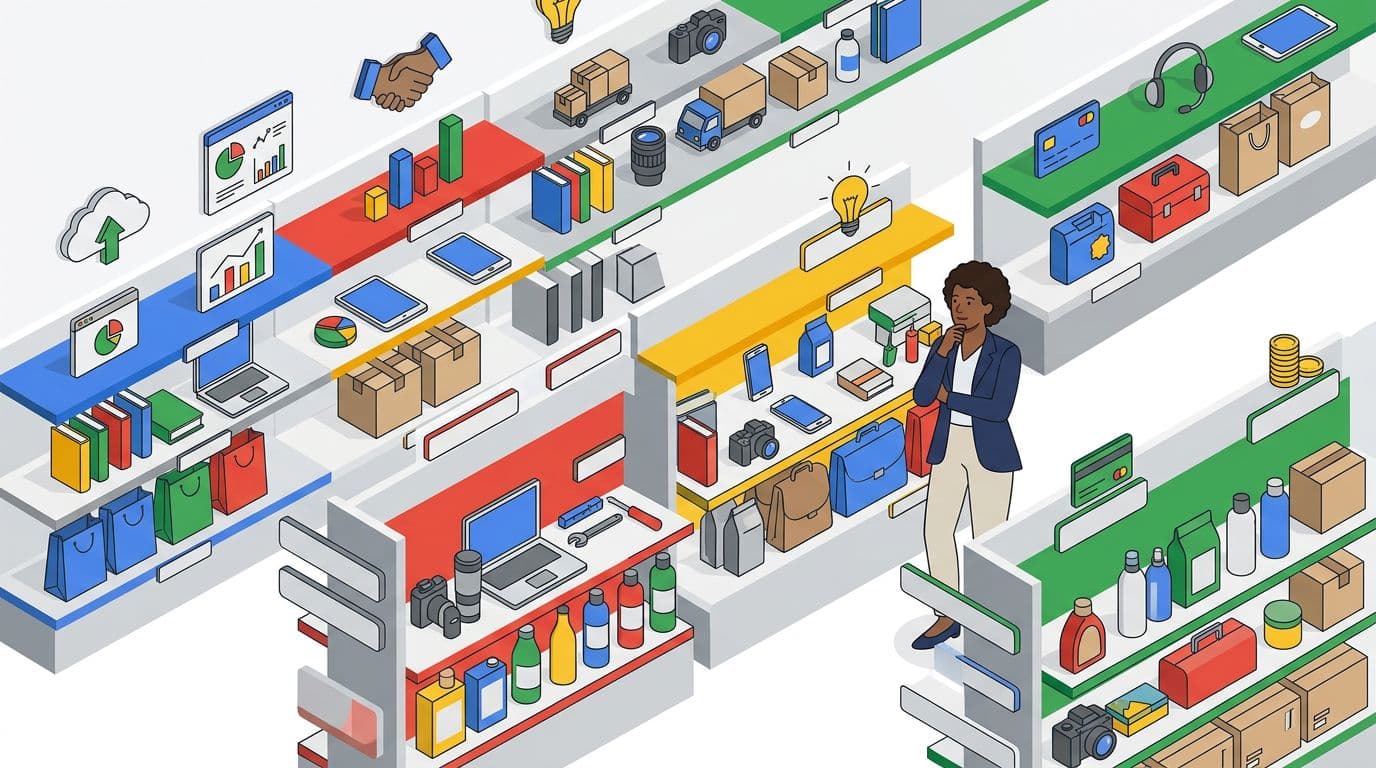
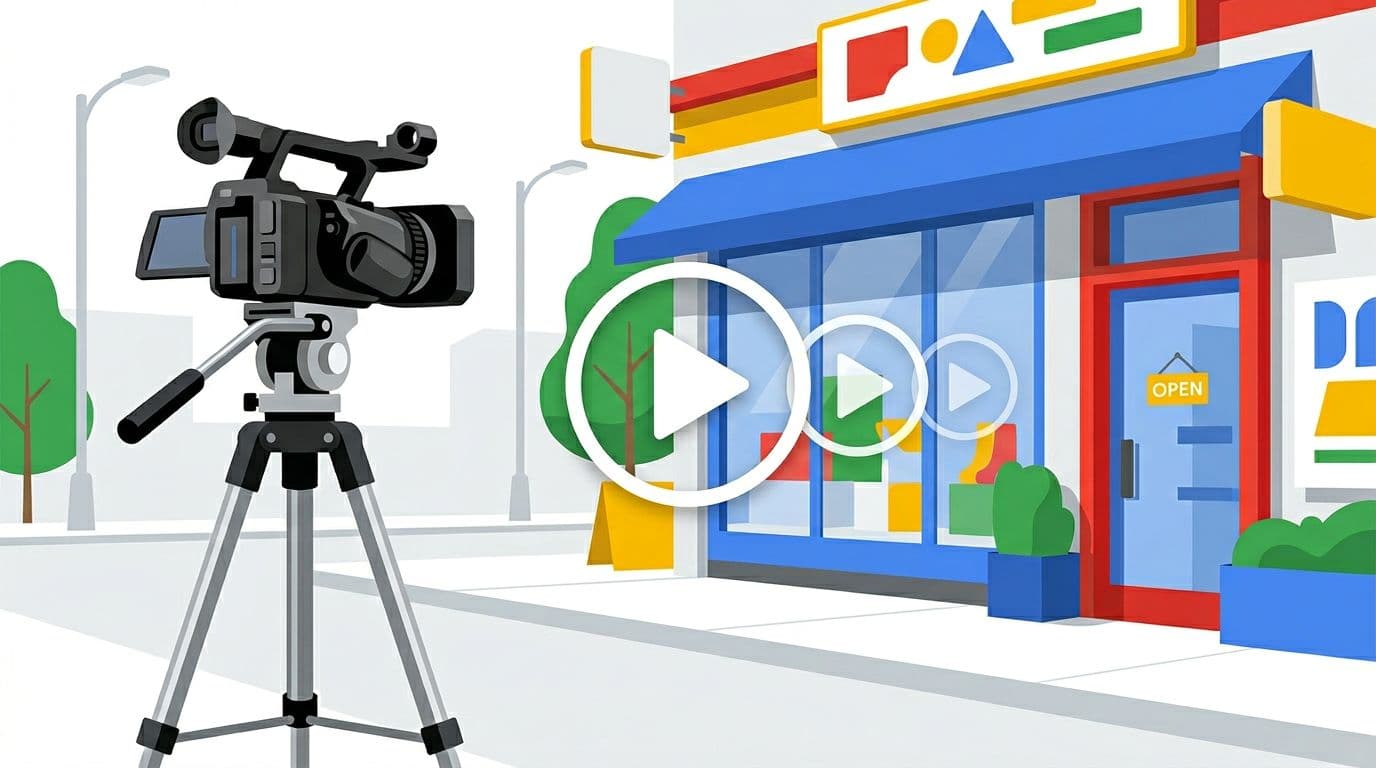
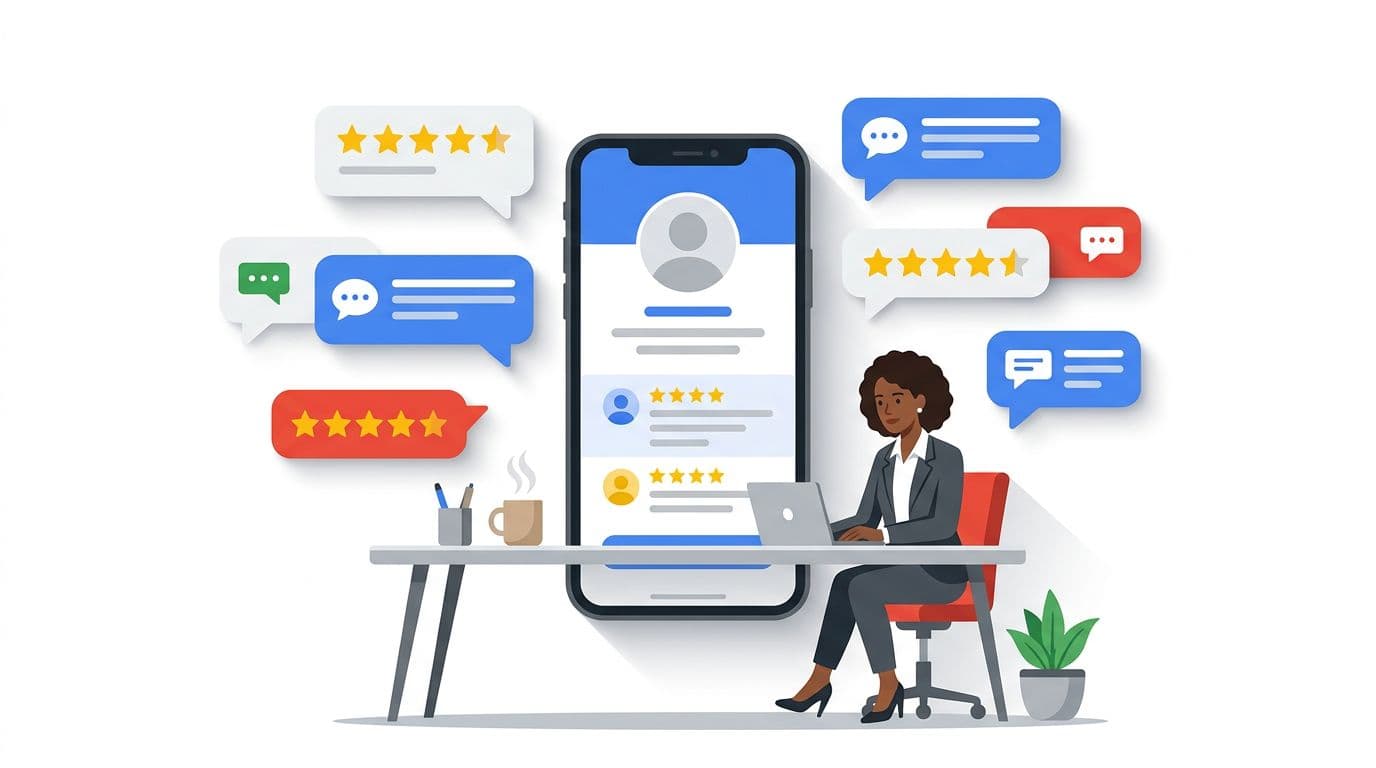
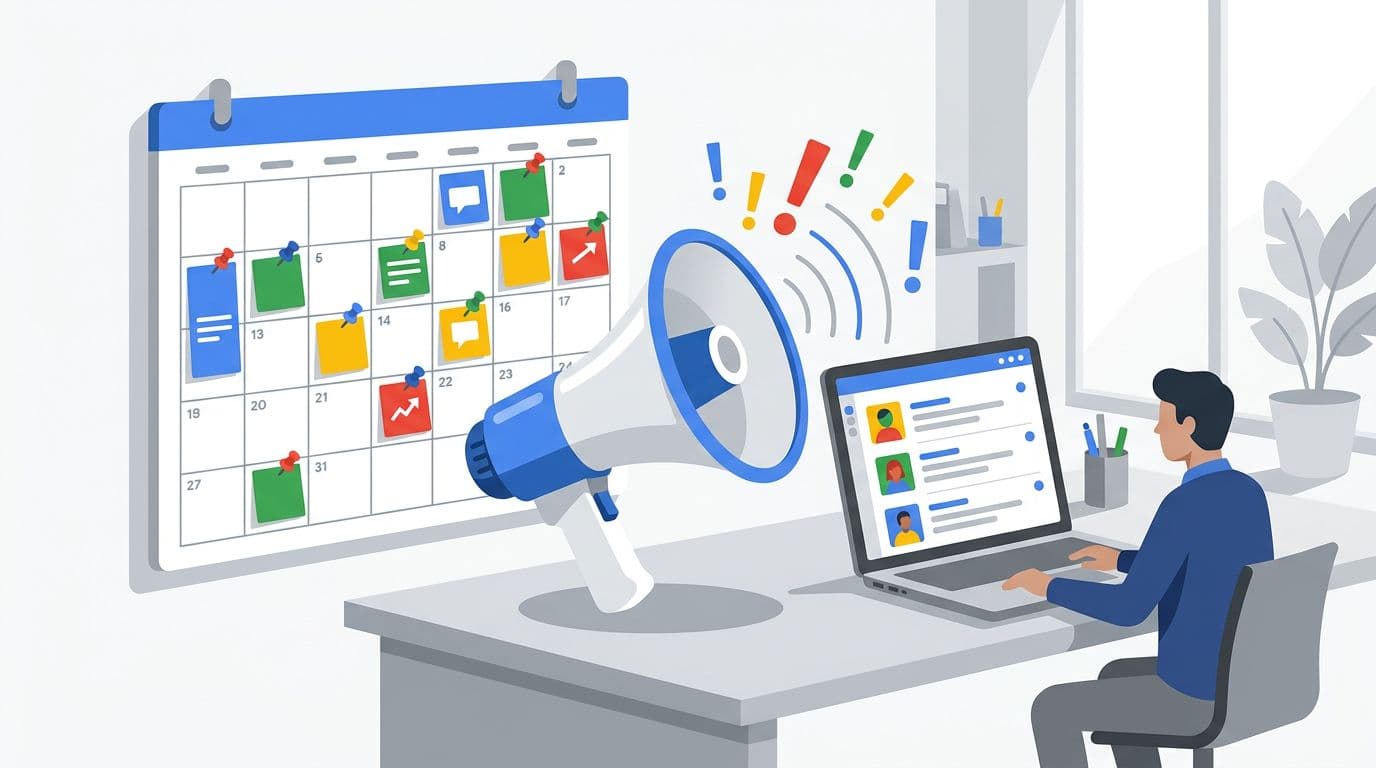
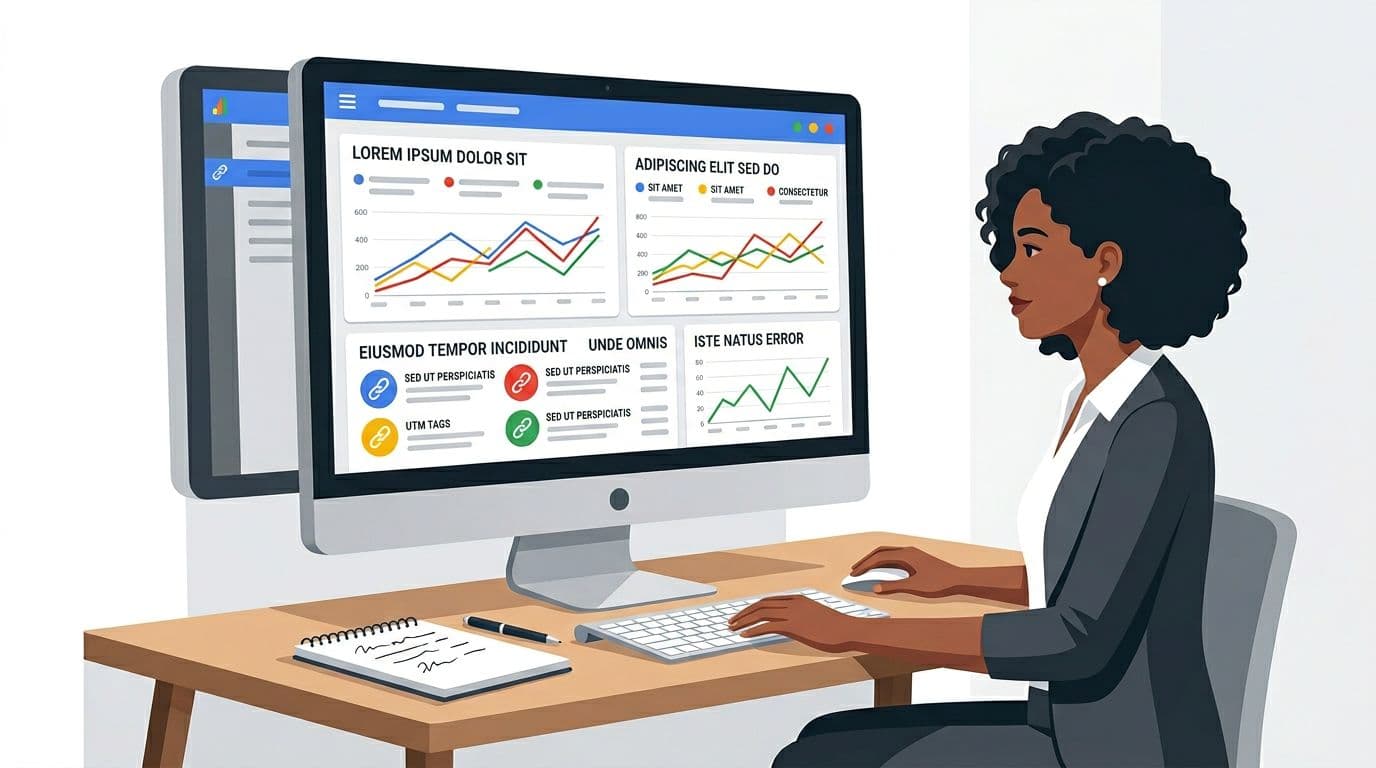



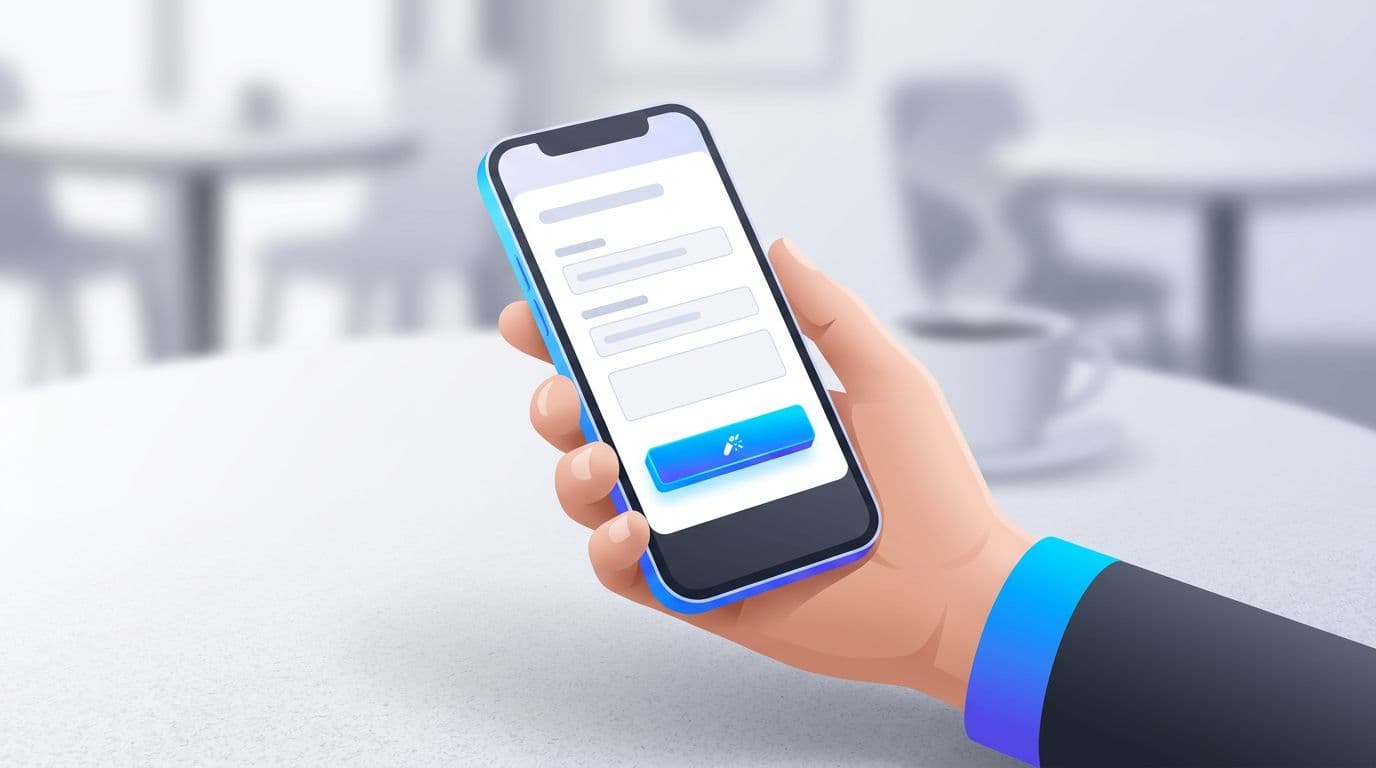




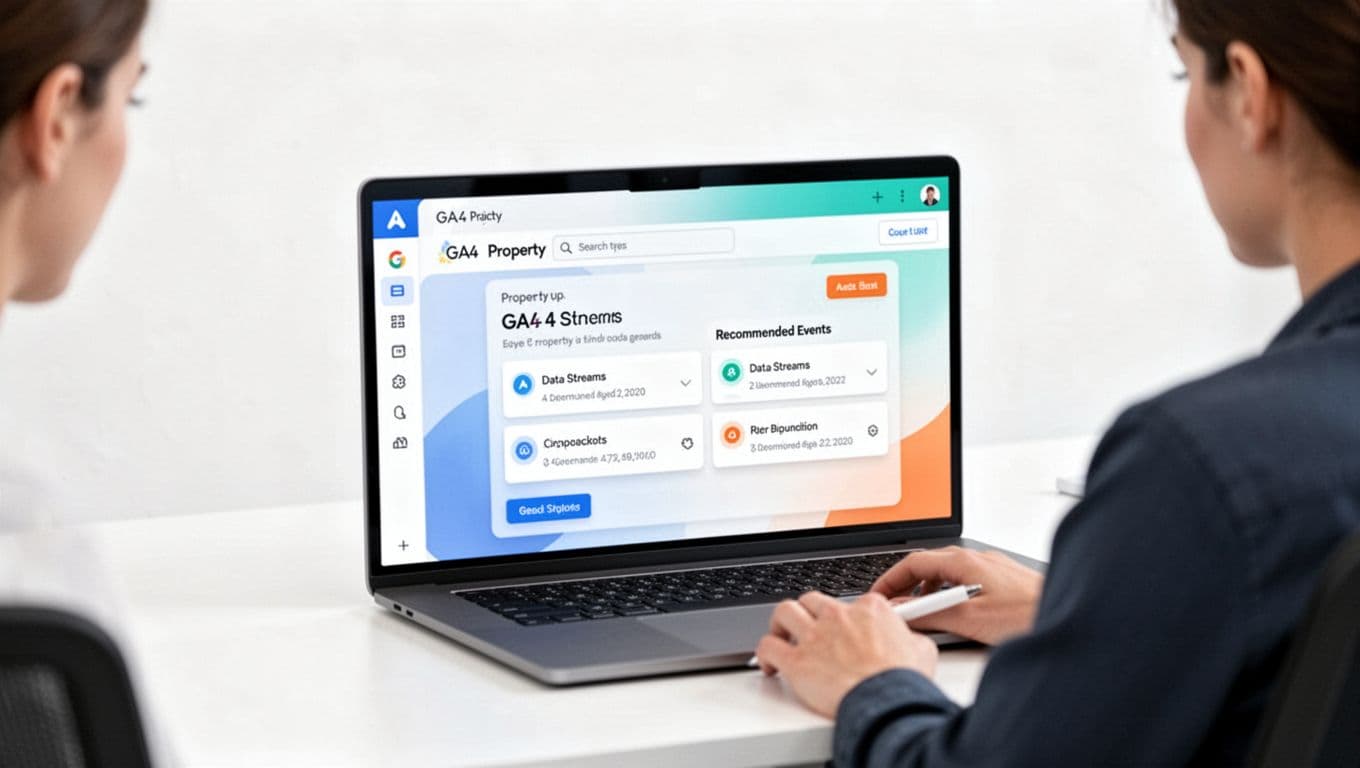

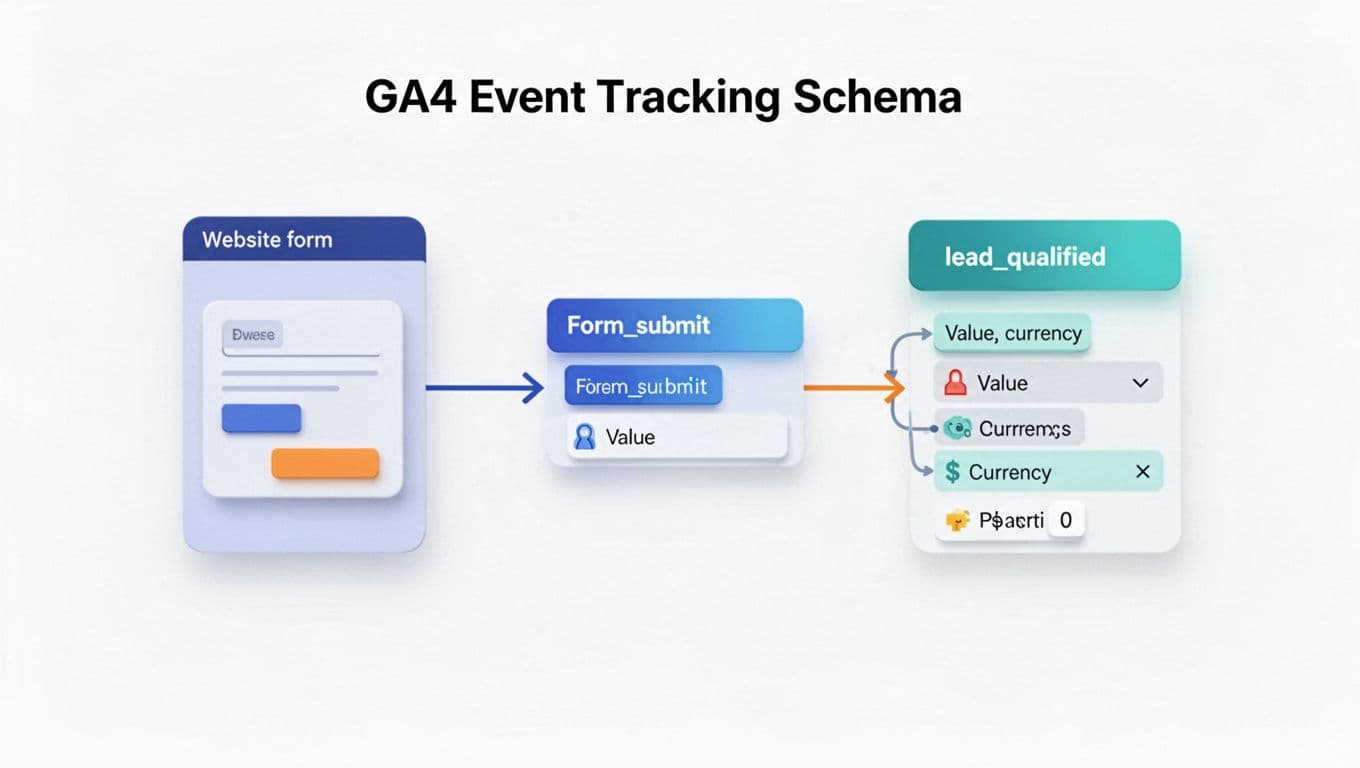

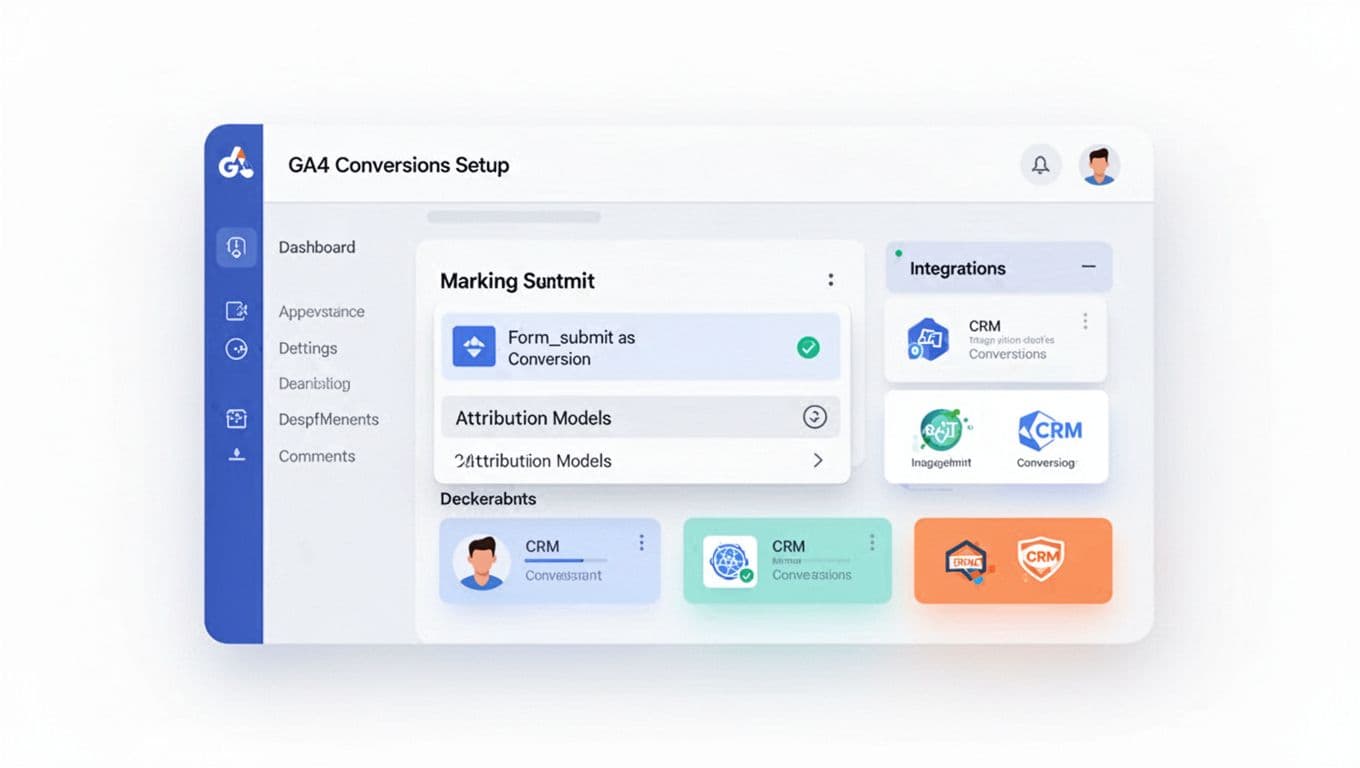



 Photo realistic image of a modern Kolkata coworking office and AI SEO dashboard. Image created with AI.
 Detailed digital map of Kolkata highlighting local business zones. Image created with AI.
 Modern Kolkata office with team members analyzing AI-powered SEO results. Image created with AI.
 Modern Kolkata office scene with professionals using an AI SEO dashboard. Image created with AI.







 A visual look at popular AI chatbot platforms, focusing on chat features and analytics. Image created with AI.
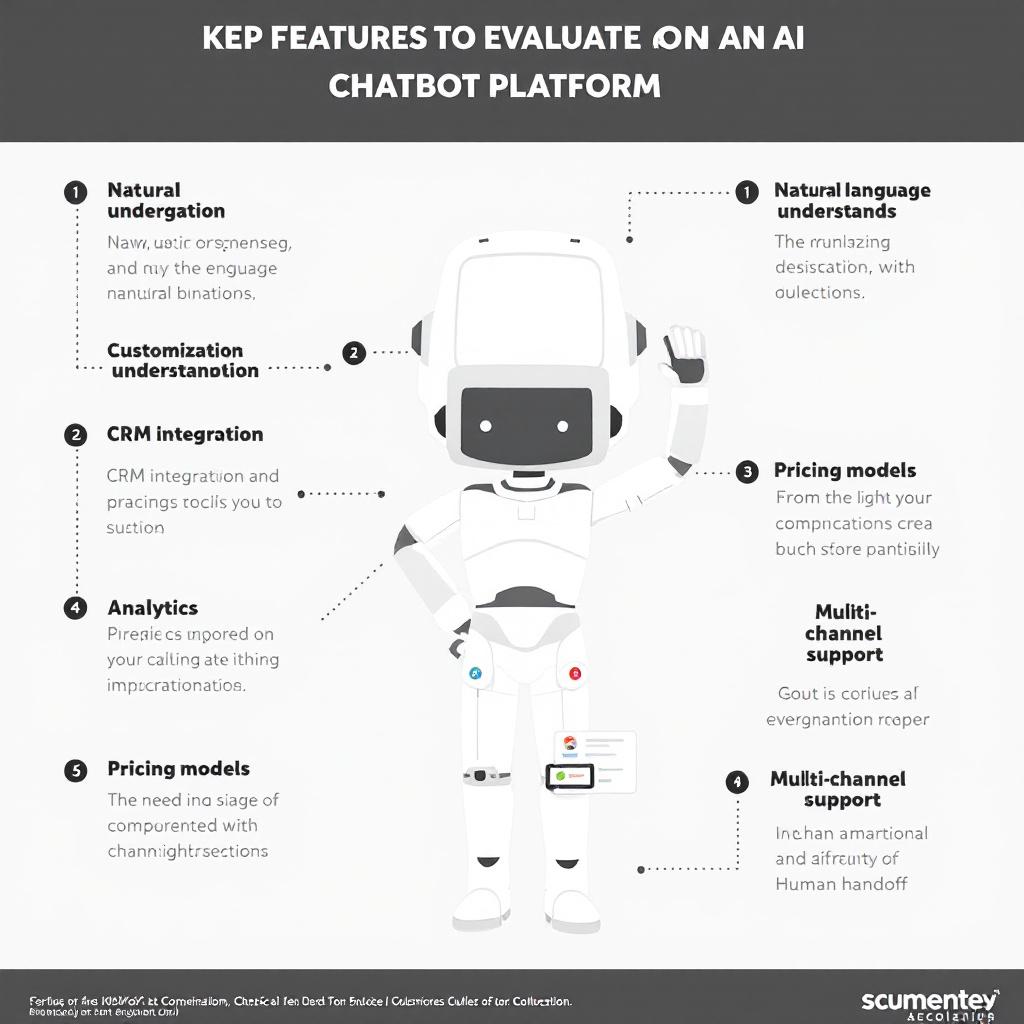 Infographic highlighting essential features like language understanding, custom flows, analytics, CRM integration, and human handoff. Image created with AI.
 Modern chat widget in action, providing instant AI chatbot support. Image created by AI.
 A visual guide to training an AI chatbot with your help center and FAQ content. Image created with AI.
 A dashboard visualization of key AI chatbot metrics: response time, resolution rate, and customer satisfaction. Image created with AI.
 A visual guide to a chatbot transferring a customer to a live human agent. Image created with AI.
 An AI chatbot using customer names and friendly, branded messaging. Image created with AI.


