Many owners set up Google and stop there. That leaves a gap with Bing Places for Business on Microsoft’s side of search, where buyers still look for nearby services, compare reviews, and ask AI tools like Microsoft Copilot and ChatGPT for local recommendations.
In 2026, bing places optimization can put your business in search results across Bing Search, Bing Maps, Copilot, Windows search, and partner results, often with less competition. That matters if you want calls, direction requests, and quote forms from people nearby. Bing should support your broader local SEO, not sit forgotten after setup.
Key Takeaways
- Bing Places optimization taps into low-competition local search across Bing, Maps, Copilot, and Windows, driving calls, directions, and leads from Microsoft users.
- Claim and verify your listing first, import from Google if current, then audit NAP, categories, hours, and map pin for accuracy—sync with Bing Webmaster Tools.
- Complete every field with matching site data, add high-quality photos/videos, targeted descriptions, and links to boost trust and clicks.
- Keep it active with review replies, fresh media, announcements, and monthly tracking of impressions, clicks, calls, and directions to measure ROI.
Why Bing Places still matters for small businesses

Bing Places for Business has a smaller market share than Google Business Profile, yet that share is still large enough to matter for local service businesses and stores. Impression Digital’s 2026 search engine comparison shows Bing still holds a real slice of search activity, while coverage of the new Bing Places experience points to easier imports, better dashboards, closer ties with Microsoft’s search products, and the option to sign in using a Microsoft account to streamline listings management.
That reach matters because your listing can appear across Bing Search, Maps, and Copilot-driven answers. For many Windows users, Bing is already the default path to local search.
Bing Places is low-competition local real estate. A complete listing can win leads faster than many owners expect.
If you handle Digital Marketing in-house, treat Bing Places as shared ground for SEO, Performance Marketing, Social Media Marketing, and Website Development. When your business details, landing pages, and photos match across channels, trust goes up and lead friction goes down.
Claim, verify, and import your listing the right way
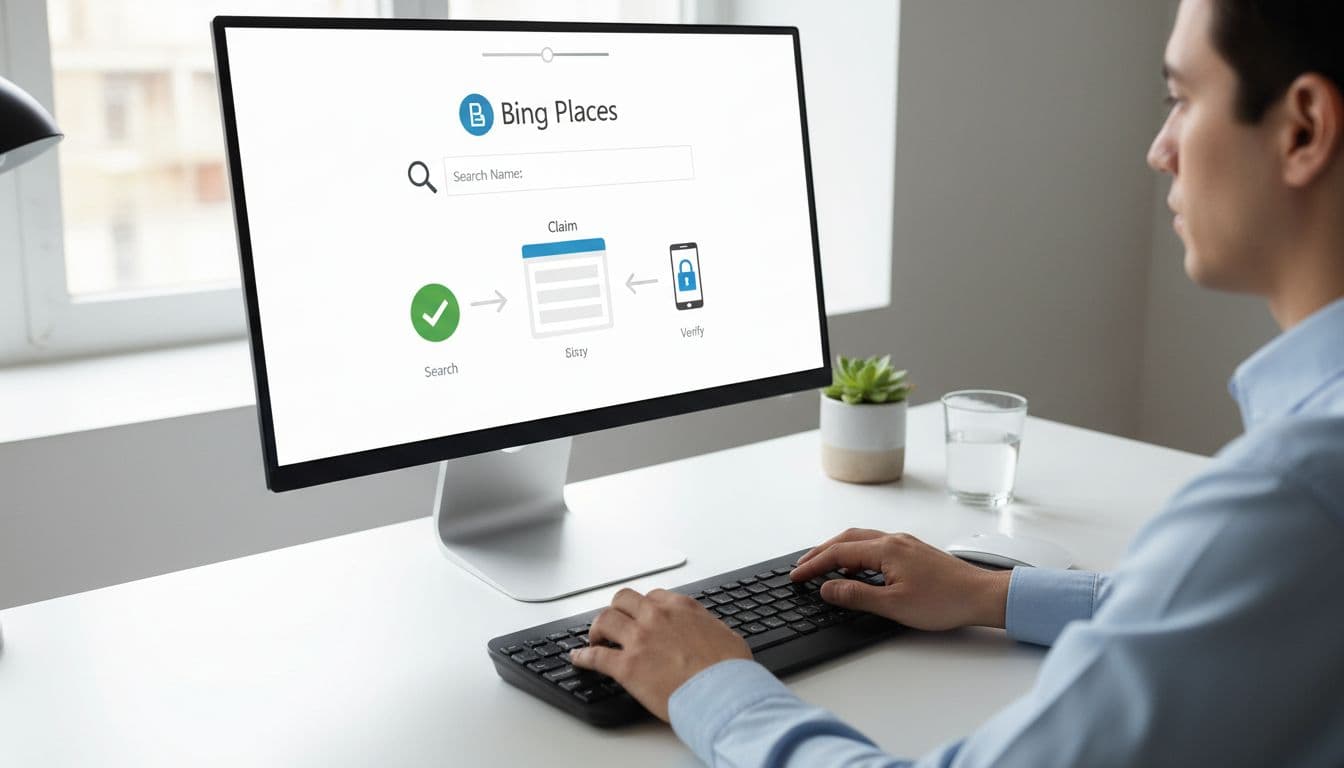
Start in the official Bing Places help center, where the verification process is the first critical step. If you already manage Google Business Profile, use the Import from Google tool to bring in that data first. The newer workflow saves time, but it still needs a manual audit.
Follow this order:
- Claim the profile and complete the verification process.
- Import from Google only if the source data is current.
- Check accurate NAP data (name, address, phone), hours, and category by hand, and ensure the map pin is accurately placed.
- Remove duplicates, old phone numbers, or closed departments.
- Add the best page on your site, not always the homepage.
A plumber should choose the right business categories, like “Plumber,” not a broad label such as “Home Services.” A dentist should link to the clinic page for that location, not a generic site page. Service-area businesses should also double-check hidden addresses, coverage zones, and call numbers before going live. Multi-location brands can streamline this with the bulk upload feature. Then sync with Bing Webmaster Tools so your site and listing support each other for technical SEO.
Complete every field that affects trust and clicks

Blank fields cost leads. Bing likes clear, structured data, and customers do too. Fill every useful field, then make sure it matches your site and local citations. This completeness influences Bing’s ranking algorithm.
Use this quick checklist:
- For service area businesses, keep service areas to 10 to 15 real cities, neighborhoods, or counties you actually serve.
- Choose one exact primary category, then add only true secondary business categories.
- Write a short description with service, location, and proof.
- Add booking, menu, or order links where they fit, along with business amenities.
- Upload high-quality images of the exterior, interior, team, and work.
For example, an HVAC company in Dallas might mention same-day AC repair, maintenance plans, and licensed technicians in the business description. Those details help users decide fast. Your website link should land on the page that best matches local intent, because strong Website Development makes that handoff smoother.
If your Google listing also needs work, align both profiles with this Google Business Profile optimization guide. Consistency matters, but Bing still needs its own field-by-field review.
Reviews, media, and small updates that keep the listing active
A claimed profile isn’t finished. In 2026, Bing rewards freshness and trust signals. That means recent images, accurate offers, and steady review activity.
Ask for reviews soon after a good job. Bing aggregates Yelp reviews, Facebook feedback, and TripAdvisor ratings, so your review plan should cover the wider web, not one platform. Then reply to feedback with calm, service-specific language.
A simple reply such as “Thanks for trusting us with your roof repair” is enough. It sounds human, and it reinforces what you do. Short videos can help too, even simple walk-throughs or team-at-work clips.
Fresh media helps keep the profile alive. Add a few new photos every month. Use the announcements feature to post seasonal offers, new services, or special hours. If your Social Media Marketing already produces jobsite photos or product shots, reuse the best ones here. Make these monthly updates part of your consistent listings management routine.
Frequently Asked Questions
Why should small businesses optimize Bing Places in 2026?
Bing holds a solid share of local search, especially among Windows and Microsoft ecosystem users, with less competition than Google. It appears in Bing Search, Maps, Copilot answers, and more, capturing leads Google misses. A complete profile builds trust and supports broader local SEO efforts.
How do I claim and verify my Bing Places listing?
Start at the Bing Places help center, claim your profile, and complete verification—use Import from Google only if data is current. Manually check NAP, hours, categories, map pin, and remove duplicates. Link to the best site page and sync with Bing Webmaster Tools.
What fields are most important to complete in Bing Places?
Fill name, address, phone, hours, primary/secondary categories, description, service areas (10-15 max), amenities, and links—match your site exactly. Add high-quality images of exterior, interior, team, and work. This structured data influences rankings and user decisions.
How can I manage reviews and keep my Bing Places active?
Ask for reviews post-service, reply personally to all feedback, and leverage aggregated sources like Yelp and Facebook. Upload fresh photos/videos monthly and use announcements for offers or updates. Steady activity signals freshness to Bing’s algorithm.
How does Bing Places compare to Google Business Profile?
Bing setup is faster with Google import, reaches Microsoft products, and benefits from wider reviews, while Google offers deeper insights. Track impressions, clicks, calls, and directions monthly on both. Optimize Bing as complementary low-competition real estate.
Bing Places for Business vs Google Business Profile, and what to track monthly
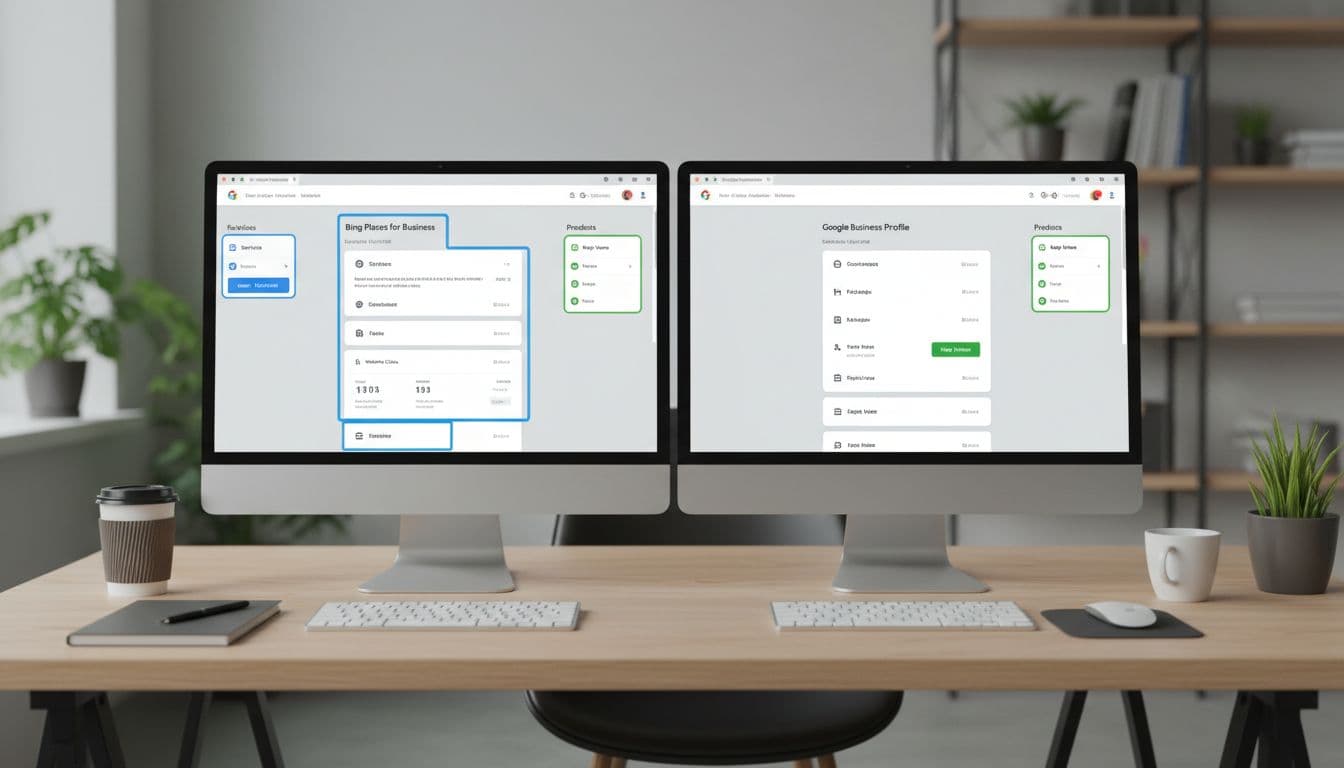
Bing and Google overlap, but they don’t behave the same. Bing setup is usually faster, Google still offers more features, and Microsoft’s ecosystem gives Bing an edge in places Google doesn’t reach, making Bing a key part of entity management for modern brands.
This quick table sets the priority:
| Area | Bing Places | Google Business Profile |
|---|---|---|
| Setup | Faster import from Google | More native fields and features |
| Reach | Bing, Maps, Copilot, Windows | Google Search and Google Maps |
| Reviews | Wider web reputation can help | Google reviews carry more weight |
| Insights | Lighter built-in reporting | Deeper engagement data |
Track four numbers every month: impressions, website clicks, calls, and direction requests. These metrics show how visibility in search results leads to conversions. Add UTM tags to your site link, compare listing activity with booked jobs, and keep Bing inside your monthly SEO reporting. If views stay low, tighten categories and add photos. If clicks stay low, improve the description, landing page, and offer.
Bing won’t replace Google, but it doesn’t need to. A clean profile, honest data, recent media, and steady review management create local trust through local SEO, and that trust turns into leads.
If your listing and website need work at the same time, Get In Touch With Us and fix the full path from search result to booked customer.