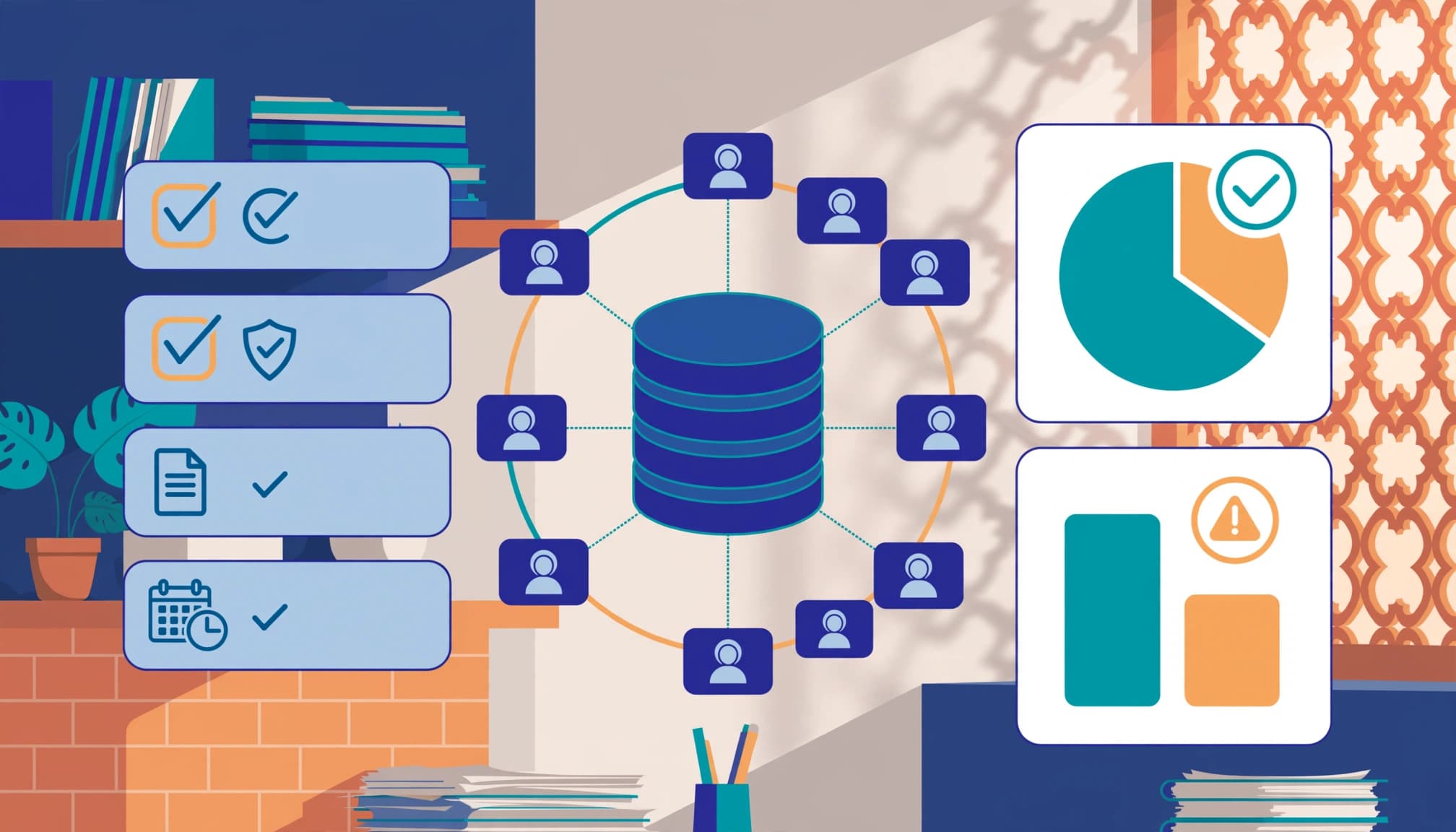
A missed call, duplicate enquiry, or incorrect service area can create revenue leakage. A practical CRM data quality audit restores confidence in bookings and reporting while providing a repeatable foundation for data quality management.
For Kolkata firms managing enquiries from calls, website forms, WhatsApp, referrals, and paid campaigns, clean contact records protect response time, revenue, and sales efficiency. Start with the records closest to active work, then make the process repeatable.
Why Service Businesses Need a CRM Data Quality Audit
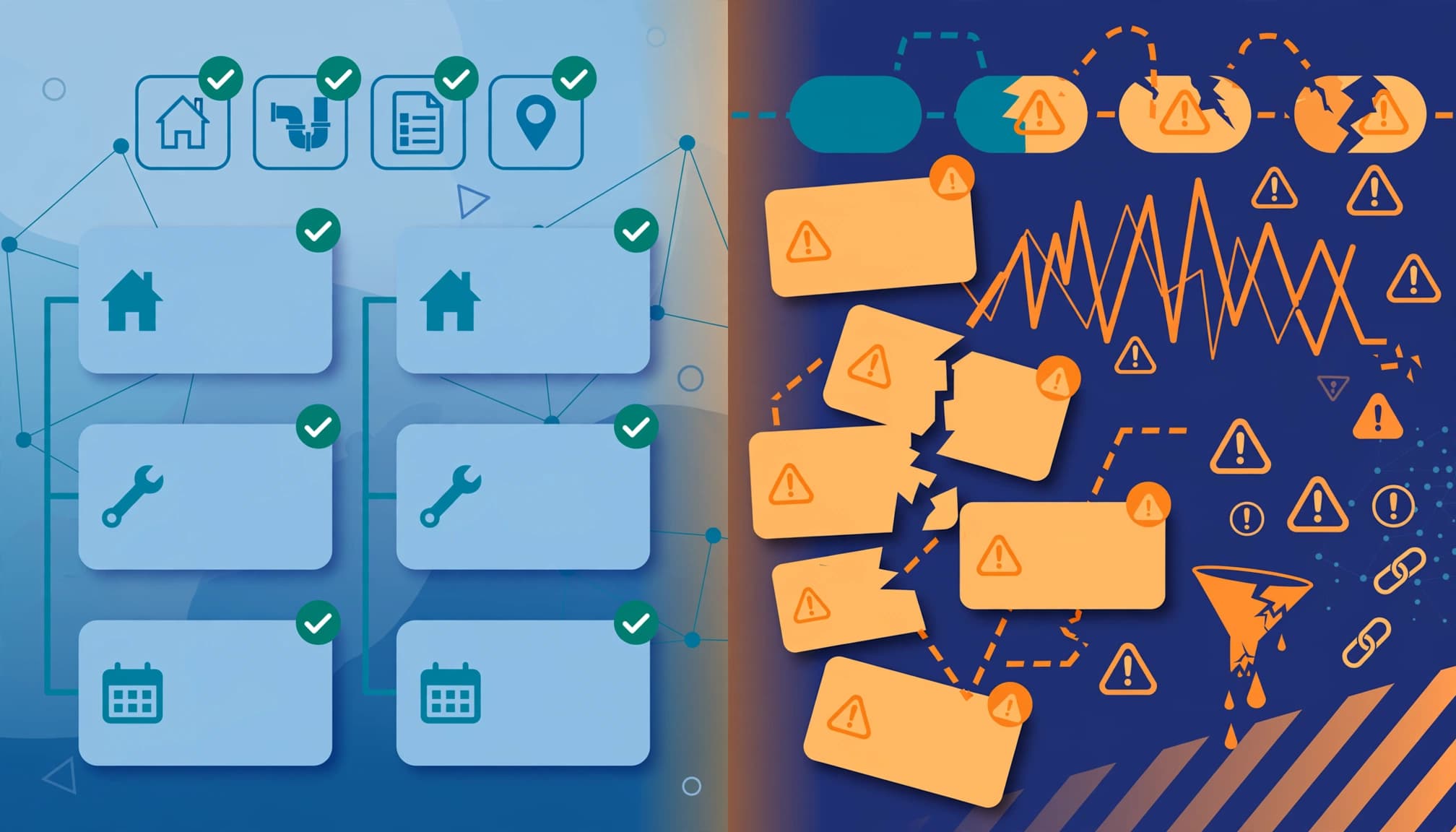
Poor CRM hygiene creates problems beyond messy dashboards. One customer who submits a quote enquiry twice may receive two calls, two automated emails, and conflicting follow-up tasks. Meanwhile, a manager may mistake duplicate leads for pipeline growth.
Bad records also distort sales forecasting. If closed jobs lack a reliable source, location, service category, or deal value, you can’t tell which campaigns generate profitable work. That affects SEO priorities, ad budgets, staffing, and lead-routing decisions.
The cost can be material. In its 2022 research, Validity’s CRM data-health report found that 44% of respondents lost more than 10% of annual revenue to poor CRM data quality.
Treat the audit as an operational review within your data governance process, not a one-off data cleansing exercise. It should identify where errors began, correct records safely, and prevent the same patterns from returning.
The CRM Data Quality Audit Checklist: Six Dimensions

Use the six data-quality dimensions to score your database. Review each dimension by record type, such as leads, contacts, companies, jobs, or opportunities.
Accuracy, completeness, and consistency
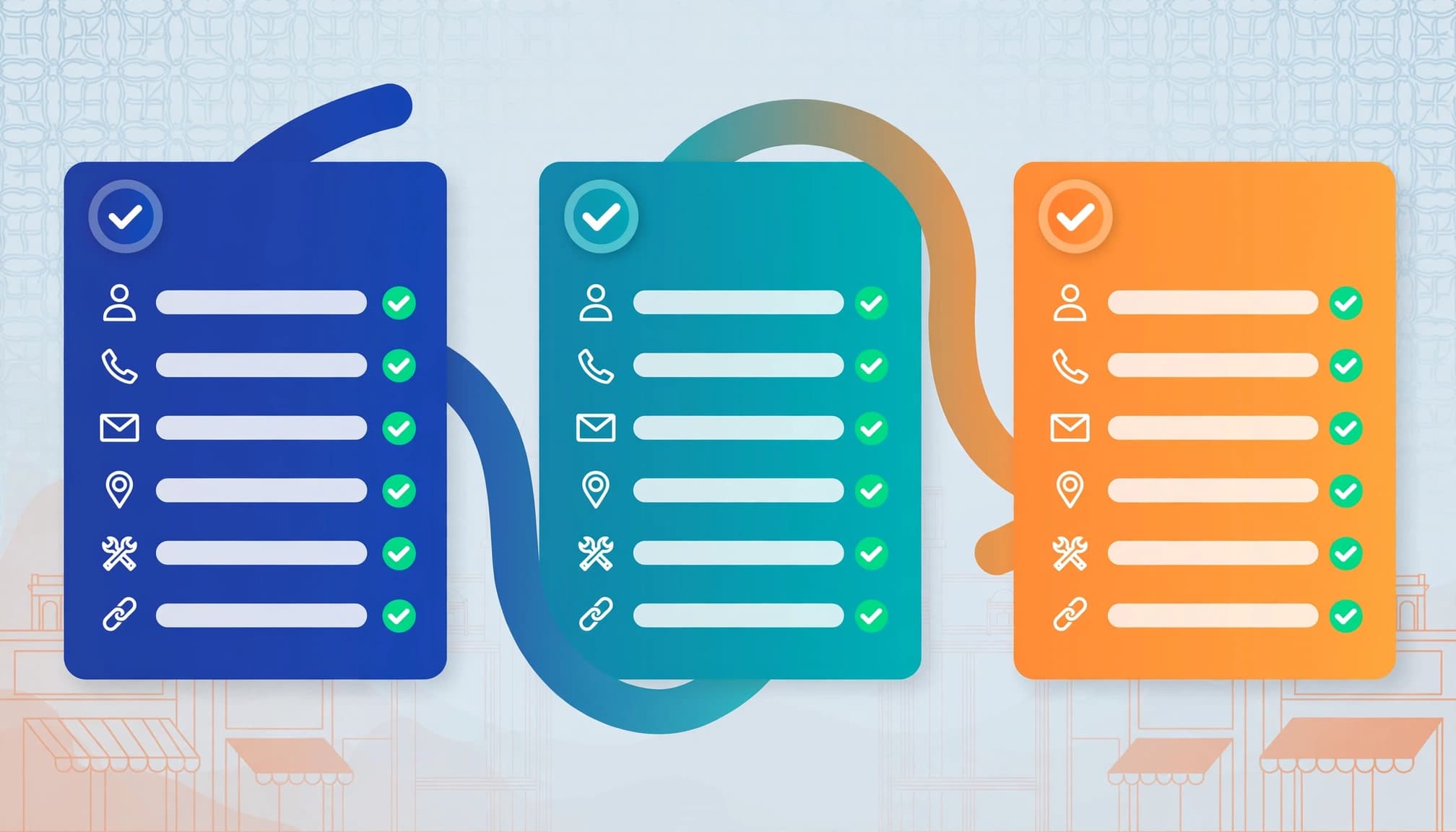
Accuracy asks whether a record matches reality. Call a sample of recent leads, check job addresses, and compare booked service type with the original enquiry.
Completeness measures whether required fields are filled. For a service business, review name, mobile number, email, service requested, location, lead source, owner, status, and next action.
Consistency checks whether data follows the same format across systems. “AC repair,” “air-conditioning repair,” and “AC Service” may describe one service, but fragmented labels make reports unreliable. Use standard picklists and validation rules where possible.
Timeliness, uniqueness, and validity

Timeliness means the record still reflects the customer. Contact details, owners, service areas, and deal stages become stale quickly. Landbase reports average B2B data decay of about 2.1% a month, or roughly 22.5% a year.
Uniqueness means one person or business has one appropriate primary record. A shared office number or family phone number needs review, not an automatic merge.
Validity checks whether a value meets its rule. A mobile field should contain an accepted number format, an email should have a plausible domain, and a postcode should fit your operating area.
Prepare the Audit Before You Touch Records
Create an export or saved report before changing live records. This controlled audit process creates a baseline before live records are edited. Include CRM record ID, creation date, owner, lifecycle stage, name, email, phone, company, service, location, source, landing page, consent status, activity history, associated deal, and sync source.
Keep original lead source, first-conversion timestamp, UTM values, and click IDs where available. Removing them during a merge weakens campaign attribution.
Map systems and fields

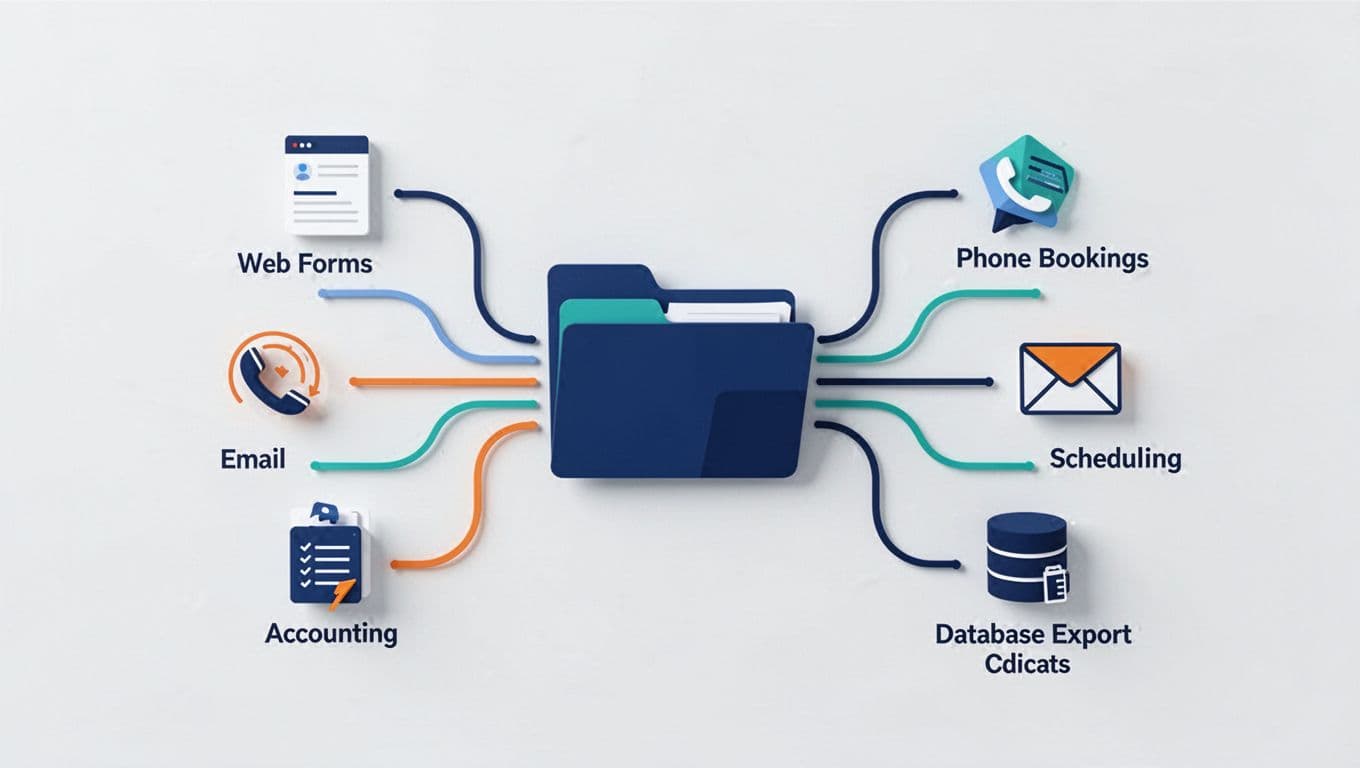
List every system that creates or updates contacts, including web forms, chat, call tracking, appointment tools, email platforms, spreadsheets, accounting software, and partner referrals. Document which system owns each field, especially those needed for lead routing. This mapping exposes data silos and clarifies how records move between systems.
A stable lead ID should move from the form submission into the CRM and analytics stack. Use this GA4 and CRM reconciliation guide when reported lead totals differ across channels.
Find the causes behind bad records
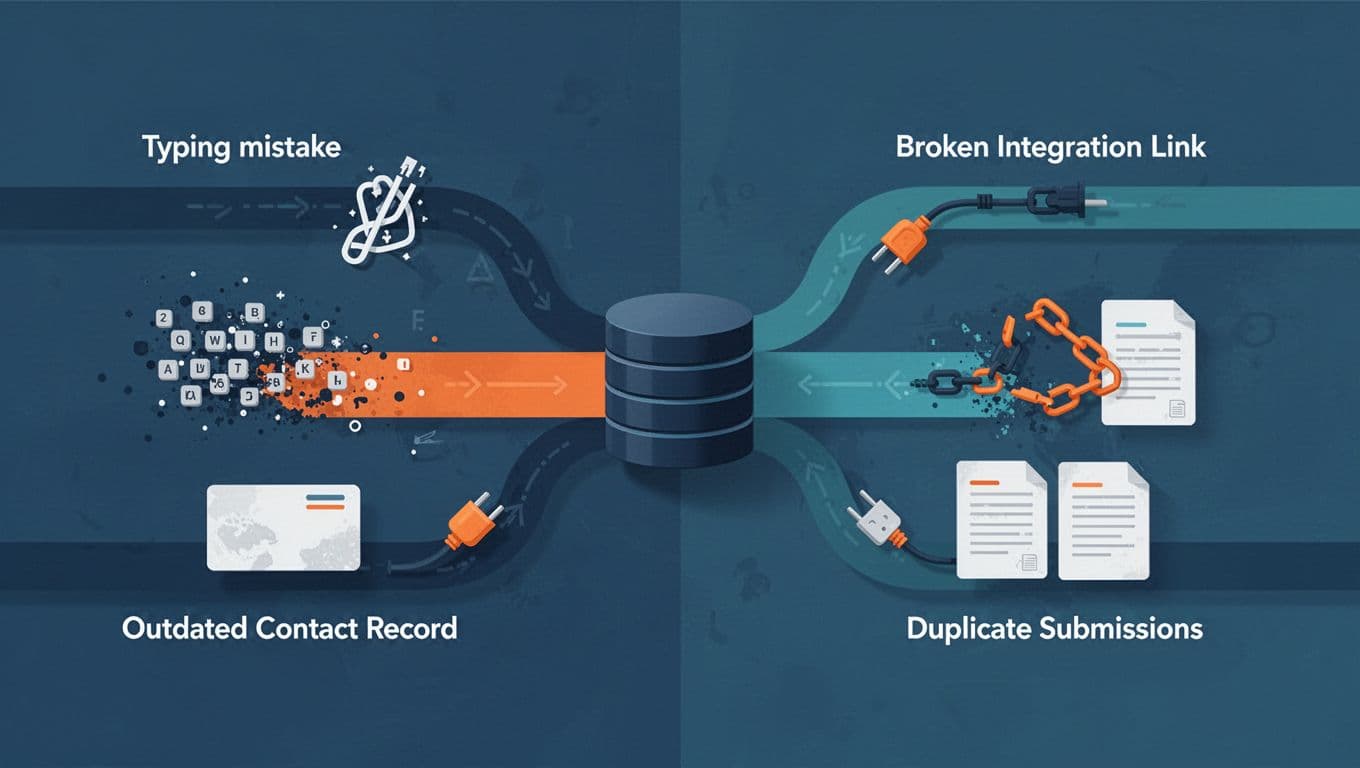
Manual entry, repeat form submissions, CSV imports, integration retries, and old workflows often cause duplicate records. A sudden cluster from one landing page may also indicate form spam rather than genuine demand.
Tag suspected spam separately. Review timestamps, source, form, message patterns, and repeated identity details before it reaches ordinary duplicate decisions. Spam records should not inflate lead totals or trigger sales alerts.
Run the Audit in Five Practical Passes

Use a controlled five-pass audit process: export the baseline, measure quality, flag issues, correct verified records, then test every connected system. Record the audit date, reviewer, decision, and outcome for each material change.
Measure, sample, and set pass criteria

Start with active leads, recent contacts, and open opportunities. Then inspect a random sample from each source and service line.
| Check | Pass criterion | Fail signal |
|---|---|---|
| Field completion rate | 90% or higher | Source, phone, service, or owner missing |
| Duplicate rate | Below 5% | Matching email, phone, or lead ID repeats |
| Email validity | Track a verified rate | Invalid domains or obvious placeholders |
| Stage hygiene | Every active deal has a lifecycle stage and next action | Old records with no follow-up |
| Attribution | Source and timestamp retained | Direct or unassigned spikes |
These targets are starting points, not universal laws. Set a higher field completion rate threshold for high-value services, where one lost enquiry can outweigh a large cleanup effort.
Prioritize fixes by revenue risk
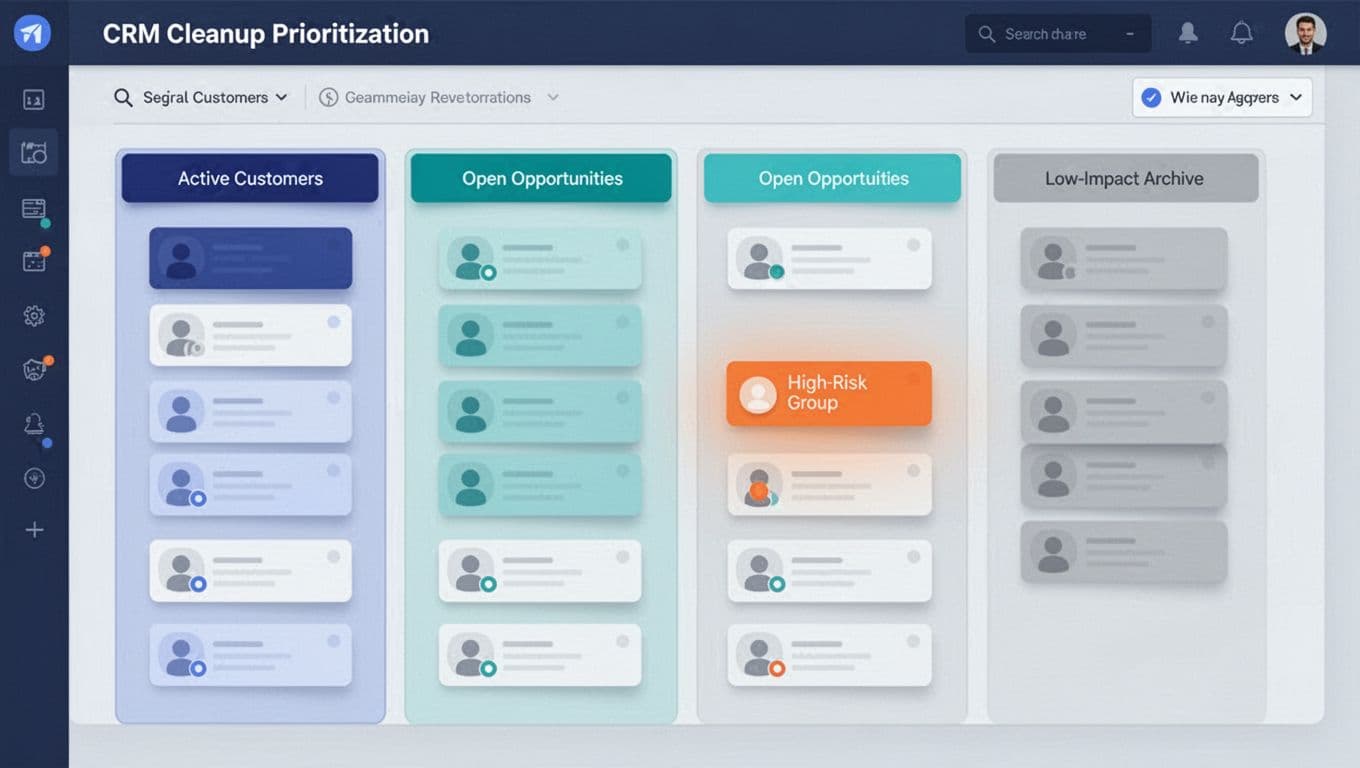
Fix open opportunities, booked consultations, active customers, and high-spend campaign leads first to limit revenue leakage. Next, review recent enquiries that have incomplete contact information or unclear ownership.
Archive or suppress clearly obsolete records only after checking retention rules and business needs. Don’t merge verified duplicate records immediately. Apply deduplication rules conservatively, then confirm the surviving record, linked activities, consent, source history, and deal relationship.
Fuzzy matching identifies records for investigation. It does not prove that two records belong to the same customer.
For a detailed merge process, use this guide to audit duplicate CRM leads.
Stop New Errors at the Point of Entry
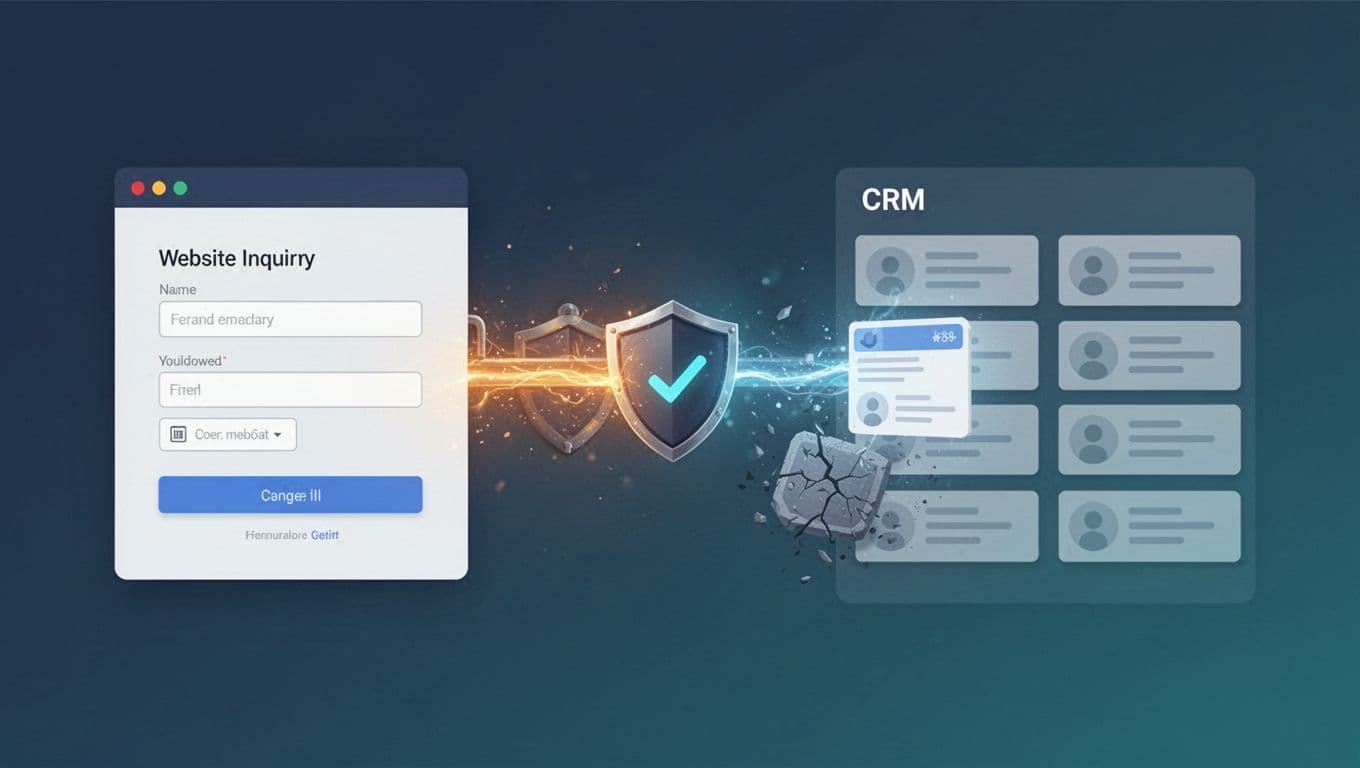
Cleaning legacy data won’t help if new records arrive with the same faults. Apply data enrichment controls before new records enter the CRM.
Validate fields before records sync
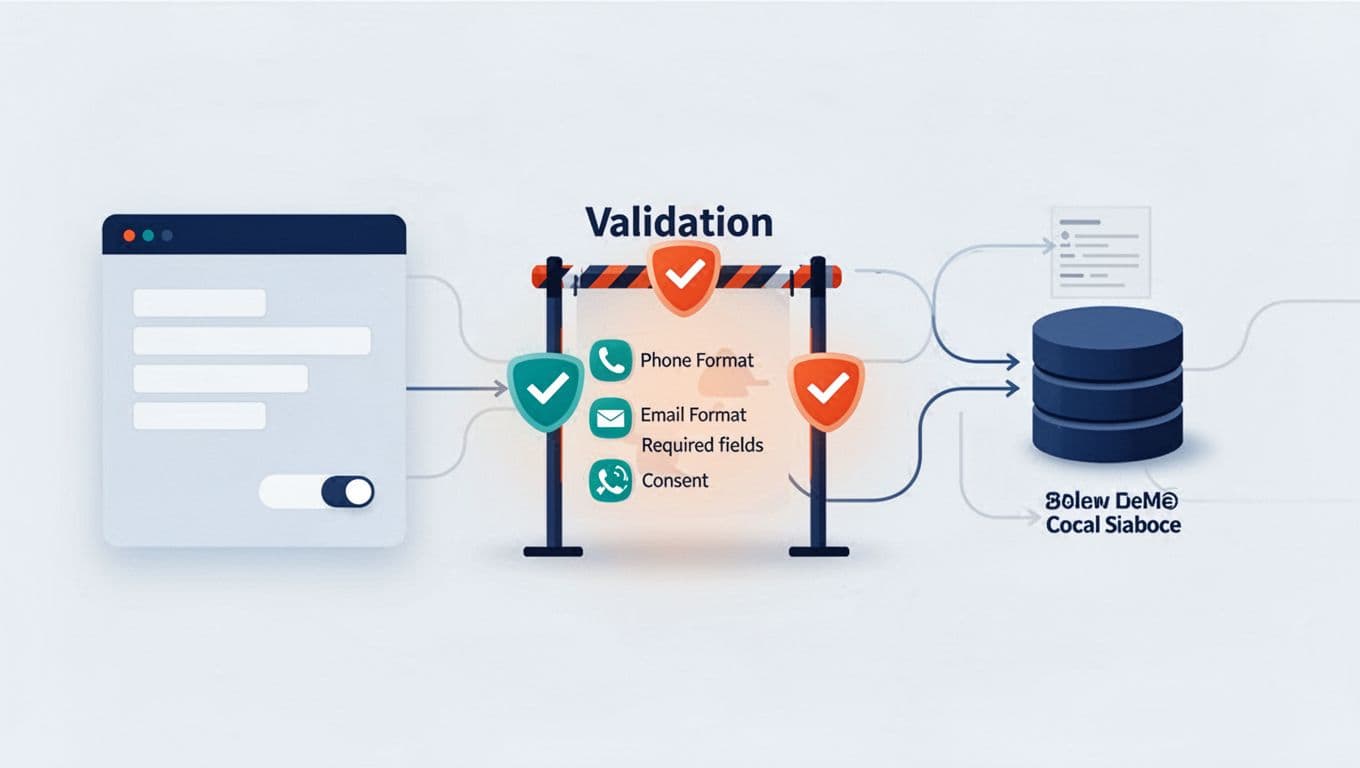
Run validation rules before records sync. Require only the fields needed to route and qualify an enquiry. Aim for at least a 95% field completion rate for those fields. Validate email structure, normalize phone numbers, standardize service and location values, and reject impossible formats server-side.
Check duplicate records using lead ID first, then normalized email and phone as secondary evidence. Test new form fields, CRM rules, and integration changes with realistic data before rollout.
Enrich and deduplicate across systems
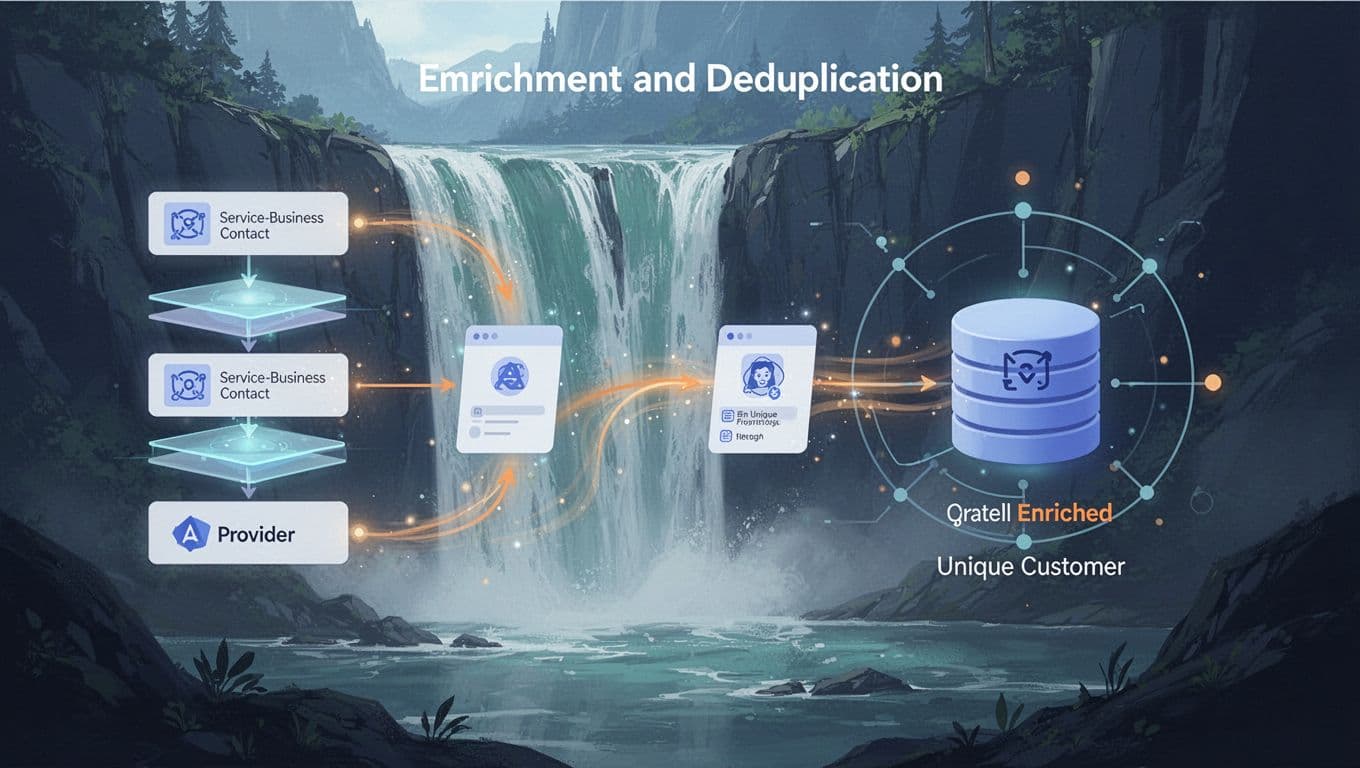
Waterfall enrichment queries one provider, then another only when a critical field remains empty. Reported match-rate benchmarks vary, so measure your own coverage by field and provider cost. For each waterfall enrichment path, track coverage, cost, and failure rates.
Use deduplication rules for clear exact matches. Send uncertain cases, such as similar names with different emails, through fuzzy matching and a human review queue. Retain the golden record’s first-touch source and consent details while preserving later interactions separately.
Turn Cleanup Into Ongoing Governance
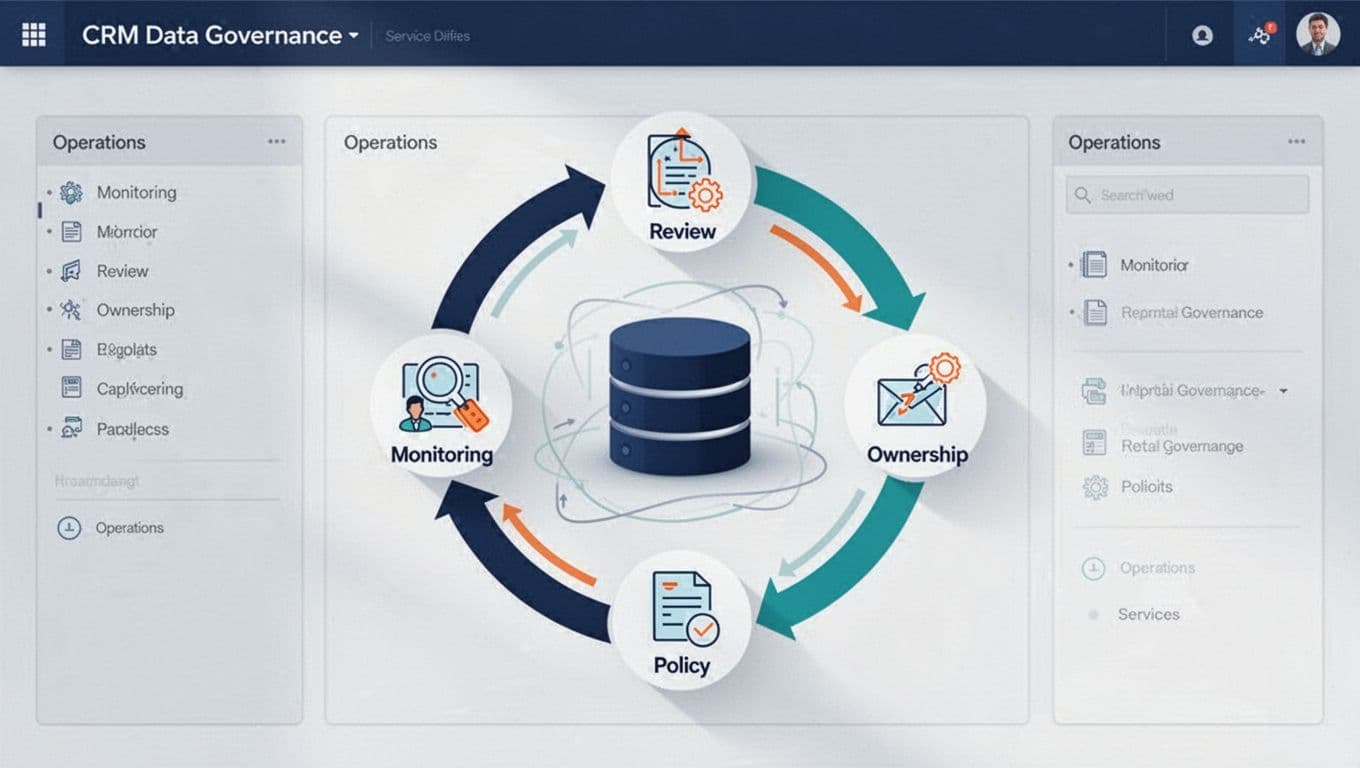
The recurring audit should become a regular operating rhythm. Include it in data quality management and broader data governance. Run a short weekly QA review after campaign launches, form changes, imports, or workflow updates. Run a broader review monthly or quarterly, based on lead volume.
Assign owners, stewards, and consumers
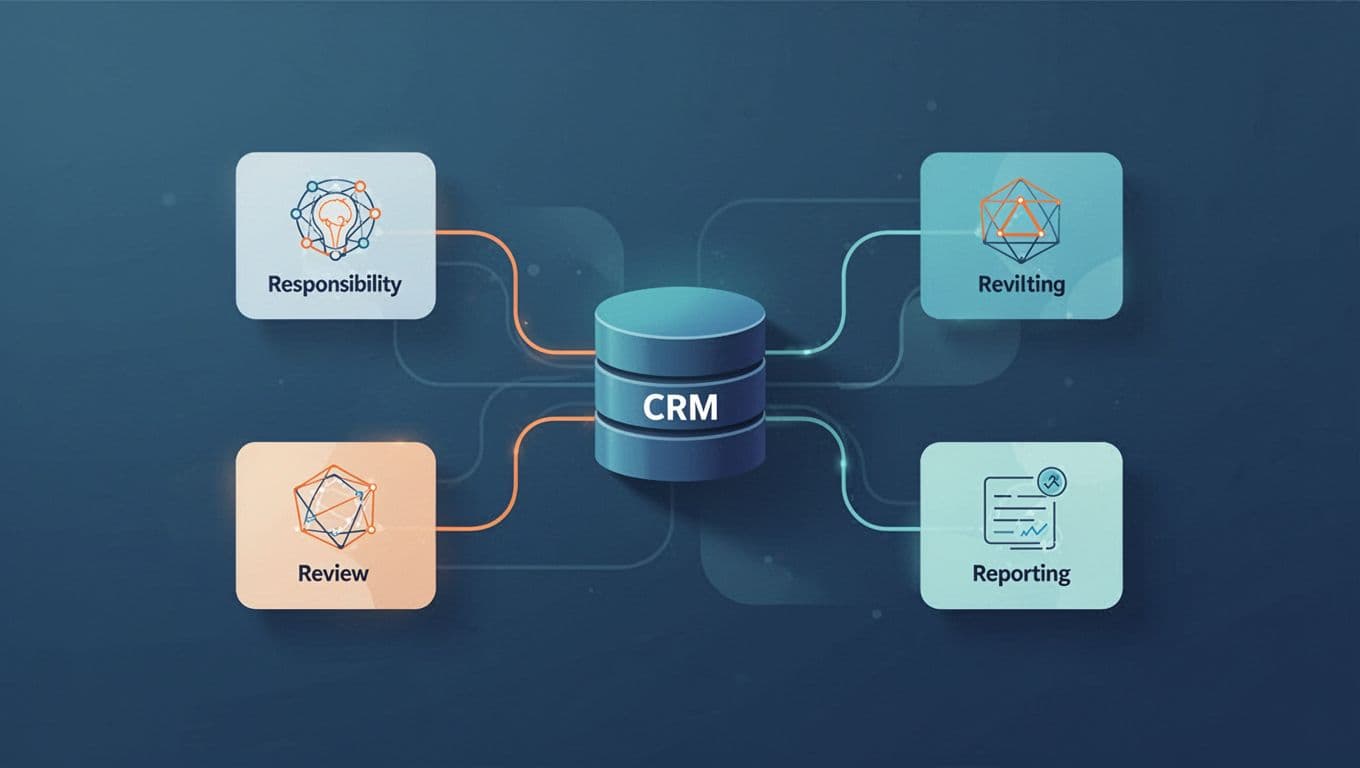
The data owner approves definitions, access, and major changes. The data steward monitors quality, resolves exceptions, and keeps documentation current. Data consumers, such as sales and marketing teams, report problems and use approved fields.
Document the audit process, its ownership, source definitions, service categories, stage rules, import approval steps, and merge outcomes. This prevents knowledge disappearing when a staff member or agency changes.
Build monitoring and AI readiness
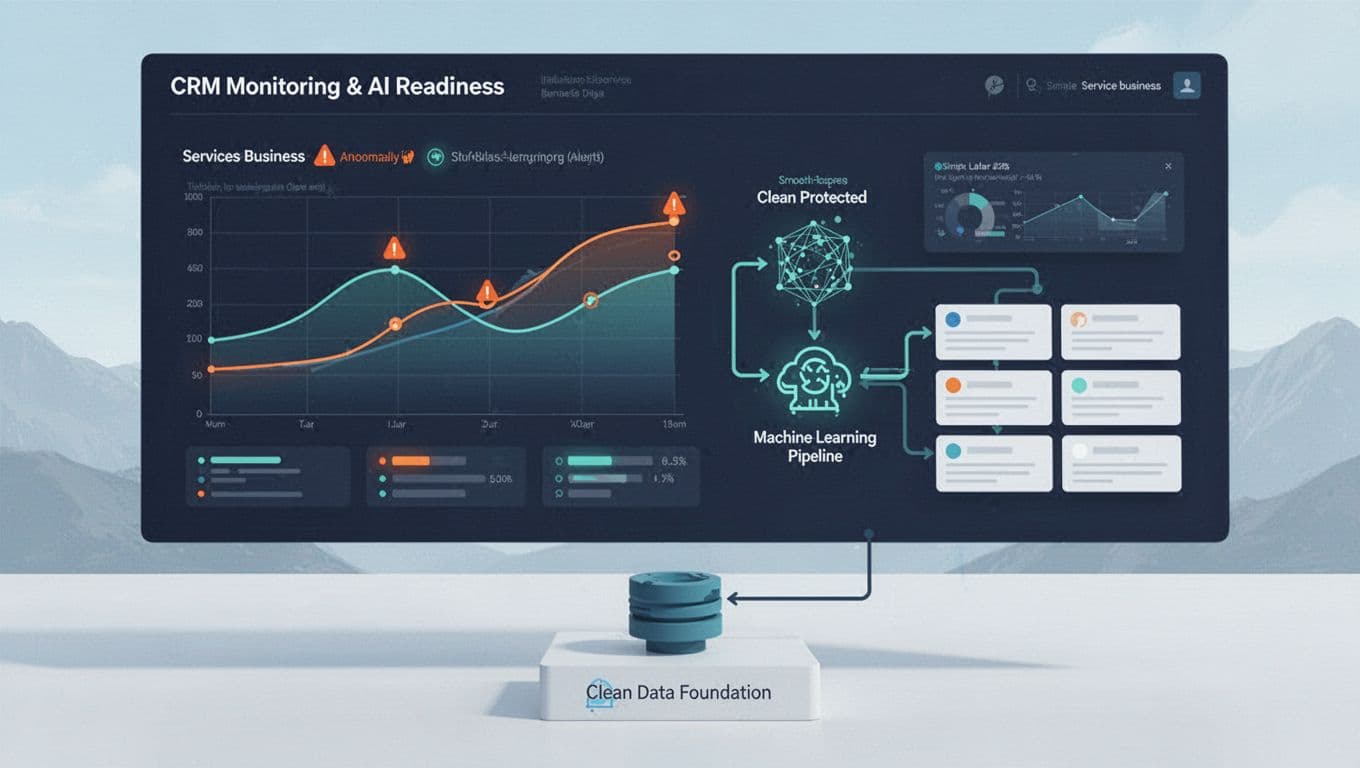
Monitor field completion rate, duplicate rate, invalid contacts, direct or unassigned source spikes, and aging by lifecycle stage for each form and campaign. Keep raw enquiries, deduplicated contacts, qualified leads, booked jobs, and closed revenue as separate measures.
Clean records create a better baseline for AI scoring and automation. They don’t make automated decisions reliable by themselves, so continue reviewing outputs against real bookings and revenue.
Key Takeaways
- Audit accuracy, completeness, consistency, timeliness, uniqueness, and validity together.
- Protect record IDs, consent, activity history, and original attribution before merging anything.
- Prioritize records tied to current revenue, then trace issues back to forms, imports, and integrations.
- Use human review for uncertain duplicate matches.
- Monitor CRM hygiene after every meaningful system change.
FAQ: CRM Data Quality Audits

How often should a service business audit CRM data?
Run lightweight checks weekly and after major changes. Schedule a more complete review every quarter, or monthly if lead volume and integrations are high.
Should duplicate records merge automatically?
Only obvious exact matches should be considered for automation. Shared phone numbers, generic email inboxes, and similar names need multi-field review.
What fields matter most for service leads?
Review lead ID, name, phone, email, service requested, location, source, submission date, owner, stage, next action, consent, and associated revenue.
Why don’t GA4 and CRM lead totals match?
GA4 records actions, while the CRM tracks people and sales stages. Timing, consent, duplicate removal, failed syncs, and different conversion definitions can all create gaps.
Make CRM Data Trustworthy
A clean CRM turns lead reports into a useful picture of booked work, customer demand, and marketing performance. The strongest process combines careful review, controlled fixes, and prevention at the point of entry.
If your leads, attribution, and sales stages don’t line up, Get In Touch With Us for a practical review of the data flow.