

To collect more Shopify product reviews, install a review app, automate requests after delivery, and make submitting feedback easy. Ask for honest feedback from every eligible buyer, rather than contacting only customers who seem satisfied.
A small Kolkata business can collect more Shopify product reviews with a simple setup. Start with an affordable app, then connect requests to the customer’s delivery and product experience.

Key Takeaways

- Shopify discontinued its Product Reviews app on May 6, 2024, so use a third-party app for storefront reviews.
- Start requests about 7 to 14 days after delivery, followed by one polite reminder.
- Publish genuine feedback, disclose incentives, and keep review markup consistent with your product data.
1. Choose a Shopify Review App

The discontinued Shopify app isn’t available to install. Choose a supported app that collects reviews and displays them in your theme.
These reviews apps suit different priorities. Compare reviews apps by the features you’ll actually use.
| App | Useful features | Starting consideration |
|---|---|---|
| Judge.me | Automatic requests, photo reviews, product groups, rich snippets | Free plan or Awesome at US$15/month |
| Loox | Visual photo and video reviews | Shopify App Store rating of 4.9 stars |
| Yotpo | Custom questions and Google Shopping integration | Consider for more complex review programmes |
Choose an app based on the features you’ll use, not the length of its feature list.
Start With a Lean Small-Business Setup

For most small stores, Judge.me’s review app is a sensible starting point. Its free plan includes unlimited requests, review widgets, star badges, CSV imports, and requests for customer photos or videos.
Upgrade when you need more customisation or integrations. For a Kolkata merchant budgeting in rupees, account for the app’s US-dollar subscription and the final converted charge.
Match Advanced Features to Actual Needs

Loox suits stores that prioritise visual customer content. Yotpo is worth considering for larger teams with more complex collection and integration requirements.
A larger platform isn’t necessary just because your catalogue is growing. Before paying for advanced features, decide whether you need custom questions, product grouping, or connections to other tools.
2. Install Review Widgets Without Coding

Most compatible Shopify themes support app blocks, so you usually won’t need Liquid edits.
- Open Settings > Apps and sales channels > Shopify App Store. Find your chosen review app and install it.
- Run its setup wizard. Enable the app embed if the app requires one.
- Open Online Store > Themes > Customize in the Shopify theme editor, then select the product template.
- Add the star-rating block near the purchase controls. Place the full review widget below the product description.
- Save, then test a live product page on mobile and desktop.
Also test products using different templates. Adding a widget to the default template won’t necessarily add it to every custom template.
Before enabling requests, configure your sender name, reply-to address, review form, and moderation rules. Submit a test review to confirm that the product association, notification, and display work.
If widgets don’t appear, inspect the selected template and app-embed setting first. Avoid installing a second review app to solve an embedding problem.
3. Automate Requests After Delivery

A request sent before arrival asks customers to judge something they haven’t used. Send requests after delivery to give customers a chance to try the product before writing product reviews.
Give Customers Time to Use the Product

Schedule review request emails 7 to 14 days after delivery. Allow longer when customers need time to assess durability or results.
Send one polite reminder if they haven’t reviewed, then stop. Suppress requests for cancelled orders and pause them during unresolved delivery problems. For cash-on-delivery orders, base eligibility on successful delivery rather than order creation.
When delivery data is unavailable, allow a conservative transit period after fulfilment. Meanwhile, keep early thank-you messages and product-use guidance separate from review requests.
Make Each Request Short and Product-Specific
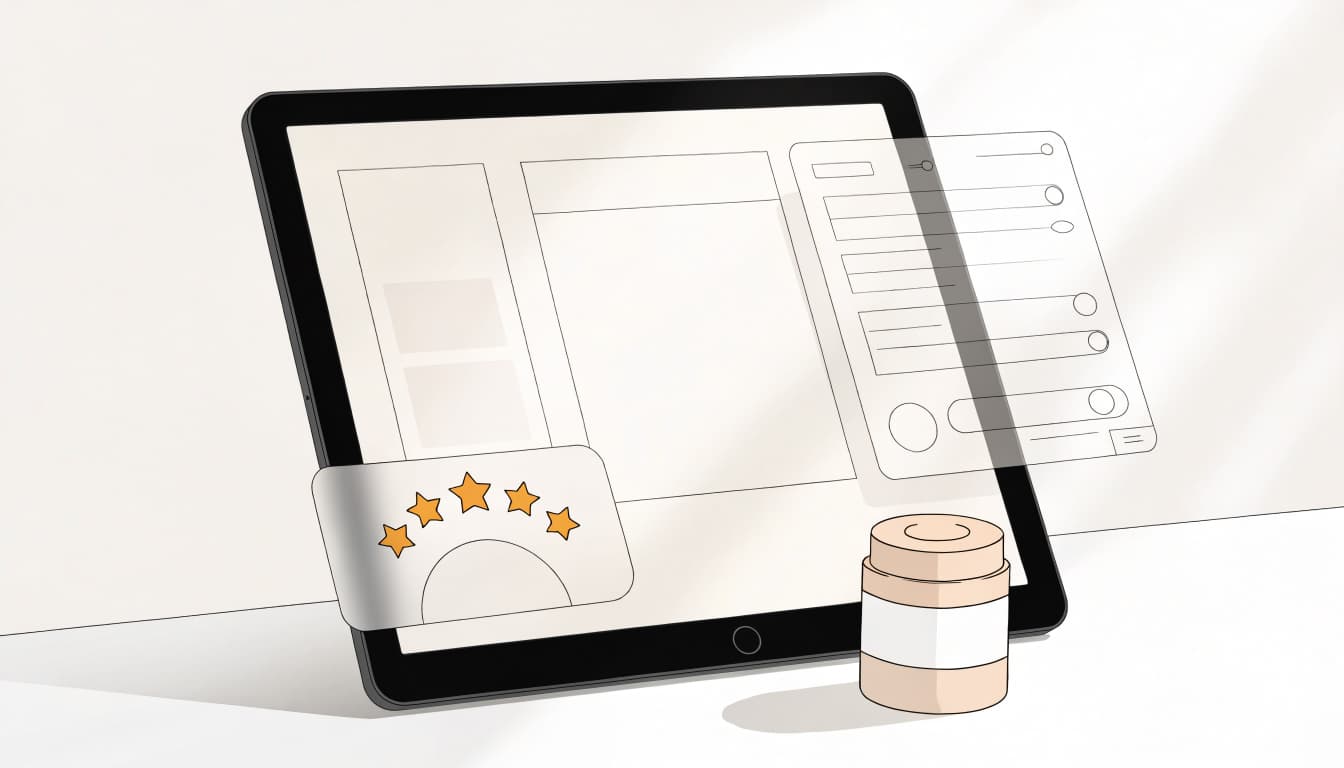
Show the purchased item’s name and image, then link directly to its review form. Ask about useful details such as fit, material quality, or ease of use. For multi-item orders, start with one product rather than presenting a long questionnaire.
Assign review requests to one sending platform. If a retention platform such as Klaviyo sends them, disable overlapping requests in the review app.
Keep Shopify’s essential order notifications active. Also respect recorded Bengali or English preferences and applicable consent rules. Never infer language from a customer’s name.
4. Encourage Honest Photo and Video Reviews

Customer photos and clips are user-generated content (UGC) that provide social proof and help shoppers assess appearance and scale. However, a demanding submission form can discourage participation.
Make written feedback quick to submit, then offer an optional photo or short video upload. Explain what would help another buyer, such as showing the item’s texture or fit.
If you run a loyalty program, award loyalty points for an honest review, with bonus points for photo or video submissions. Never tie rewards to positive ratings.
Keep a referral program separate from review rewards, and never make referrals depend on a positive review.
Disclose incentives beside the published review. Also distinguish storefront collection from syndication: Google’s Product Ratings policies govern reviews submitted to its shopping programme.
Keep incentives affordable. The reward should recognise participation without pressuring customers to praise the product.
5. Display Reviews Where They Help Shoppers

Place star ratings near the add-to-cart button and link them to the full review feed below the description. On collection pages, show ratings only where genuine reviews exist.
Repeated “0 reviews” labels can make a catalogue look untested. Hide empty badges and collect authentic feedback before a wider launch where possible. Genuine ratings and feedback are trust signals. There’s no universal minimum review count.
For SEO, your app can add review schema and aggregate-rating data to product JSON-LD. First, inspect existing theme output, since Shopify themes can already generate structured data through Liquid’s structured_data filter.
Give one system responsibility for core product information. Check that review schema describes the same product, and keep INR prices, availability, and variants consistent.
Our product schema markup guide explains these connections. Follow Google’s review-snippet guidance and test the output after installation. Check for duplicate markup as a technical SEO check.
Valid markup can make products eligible for search stars. It doesn’t guarantee their appearance, SEO gains, or higher rankings.
6. Import Existing Reviews Responsibly

CSV imports can preserve customer reviews when you change platforms. However, access to a review doesn’t automatically give you permission to republish it.
For reviews from Amazon, AliExpress, or Etsy, obtain the necessary rights and follow marketplace terms. Etsy reviews require explicit customer permission before republication.
Use your app’s CSV template. Map each review’s product identifier to the correct Shopify product ID or handle. Keep the original rating, review body, date, reviewer attribution, and authorized image links in their corresponding fields.
Run a small import first. Then check product matching, dates, images, and non-English characters before importing the remaining records.
Don’t label imported reviews as verified Shopify purchases unless purchase records support that claim. Product groups should also contain genuinely equivalent products, not unrelated items combined to inflate review counts.
7. Respond to Feedback and Track Results

Collection works better when someone owns the follow-up. Assign responsibility for moderation, customer support, and reporting.
Resolve Complaints Without Hiding Them

Respond to negative reviews by acknowledging the customer’s experience, showing empathy, offering a practical solution, and inviting private follow-up. Keep order numbers and personal details out of public replies.
A response template can follow this structure:
“We’re sorry your item arrived damaged. Please contact our support team with your order number and a photo so we can help arrange the appropriate resolution.”
Adapt the remedy to your actual policy. Don’t promise replacements you can’t provide or hide genuine negative reviews just because they lower the average.
Separate Product Feedback From Local Reviews

For a physical Kolkata shop, also manage feedback on Google Business Profile, Facebook, and Yelp, where customers use those platforms. Google’s local ranking guidance recognises review quantity and positive ratings; replies alone aren’t a guaranteed ranking boost.
For Shopify, track completed reviews divided by delivered requests, photo-review share, product coverage, and conversion rate. Compare these measures before changing request timing or incentives. A change in conversion rate alone doesn’t prove reviews caused the result.
Repeated complaints about sizing, packaging, or delivery should trigger operational fixes. A growing review count won’t solve the underlying problem.
Frequently Asked Questions

Will review widgets slow down my store?
They can add JavaScript, images, and layout shifts. Use one review app, reserve space for widgets, and defer below-the-fold media. Our Shopify product page speed guide explains how to identify the cause before removing useful content.
Should I ask only happy customers?
No. Invite all eligible buyers under consistent rules. Support unhappy customers without withholding their opportunity to publish feedback.
Does Shop replace a storefront review app?
Shop supports its own customer-review experience, but it isn’t the discontinued Product Reviews app. For product-page widgets, automated requests, and imported reviews on your online store, choose a compatible review app.
Make Reviews Part of Every Completed Order

More Shopify product reviews come from a reliable routine: ask after delivery, remove submission friction, and respond when customers need help. Start with one app and improve the process using completed-review data.
If you need help connecting your Shopify widgets, automation, and ecommerce SEO, Get In Touch With Us. We can help bring those parts together without adding overlapping tools.