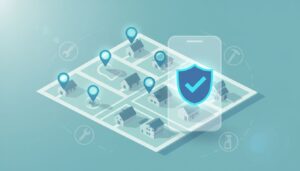
When a homeowner searches “plumber near me” on the search results page (even via voice search) with water on the floor, Local Services Ads are what they see first. They're not browsing. They're hiring. Local services ads setup is still one of the fastest ways to get those high-intent phone calls in 2026, but it only works when your account is tight, verified, and responsive.
This guide is written for busy home services owners and managers. It covers what changed in 2026, the clean setup steps, and a simple playbook to improve lead quality (not just lead volume).
What changed with Local Services Ads in 2026 (and why it affects setup)
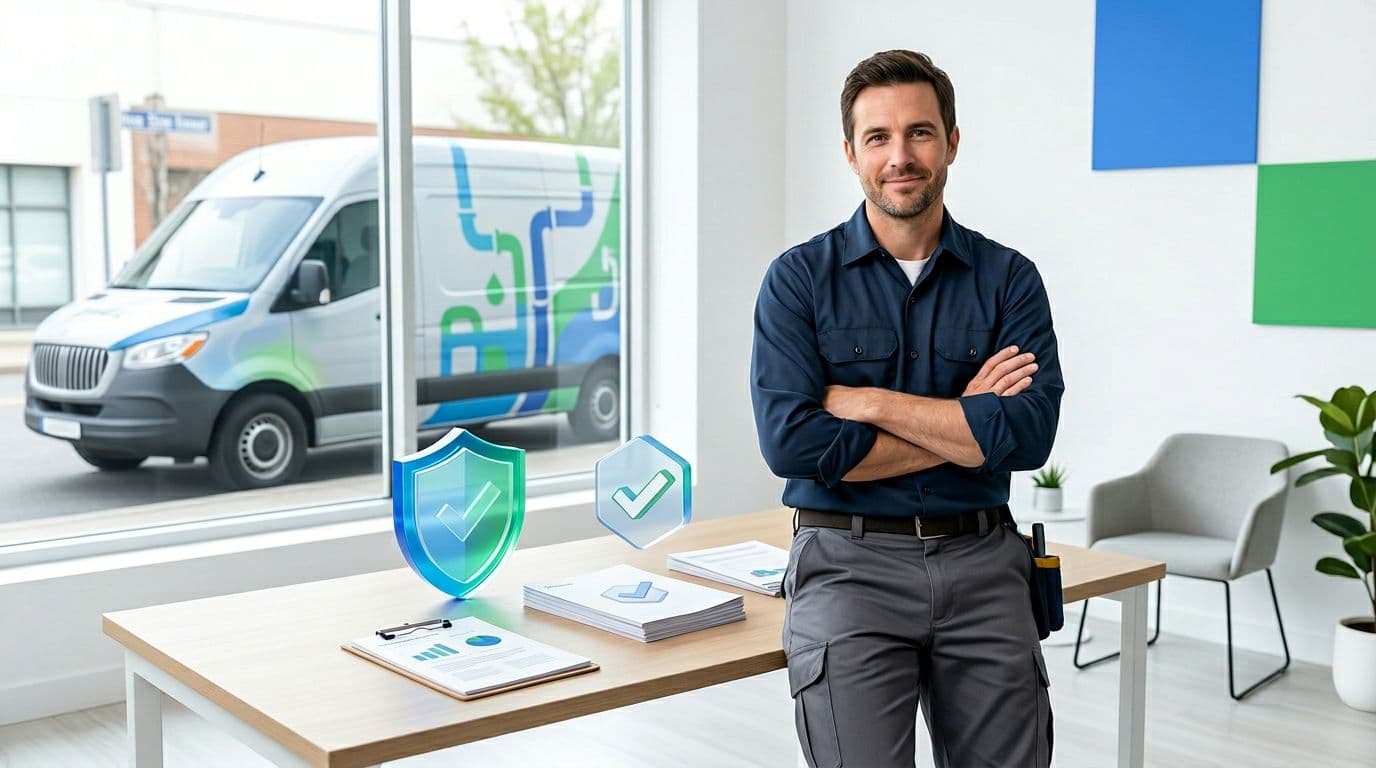
In March 2026, the biggest shift is that Google is treating LSAs more like a trust and service experience than a simple ad unit. Verification is still required, and a background check along with screening and verification are being enforced more strictly. Small mismatches (business name, address format, owner details) can slow approvals or trigger re-checks.
A second change matters for new businesses: Google has removed the “customer reviews requirement” from the verification flow, so you can get verified and earn the Google Verified badge without hitting a minimum review count first. Reviews still matter for rank, but they're no longer a setup gate.
Finally, responsiveness has become a ranking signal you can feel. If you miss calls, reply late to messages, or let leads age out, responsiveness affects your ad rank and visibility tends to slide.
Fast response isn't just “good customer service” in 2026. It's part of how you earn placement.
For Google's official overview of how LSAs connect you with customers, keep Local Services Ads help documentation bookmarked.
Pre-setup checklist: eligibility, proof, and profile basics
Before you touch bidding or budgets, start with an eligibility check and get your “proof stack” ready to create a strong business profile. Think of it like showing up to a jobsite with the right tools, you'll finish faster and avoid rework.
Here's the short checklist most home service businesses need:
- Business identity consistency: Same legal name, DBA (if used), address, and phone everywhere (website, invoices, directory listings).
- Licenses and insurance: Have current license and insurance documents ready to upload if your category requires professional licenses.
- Ownership and staffing details: Use accurate owner/officer info, because background checks can validate it.
- Hours and service types: Don't claim 24/7 unless someone truly answers 24/7.
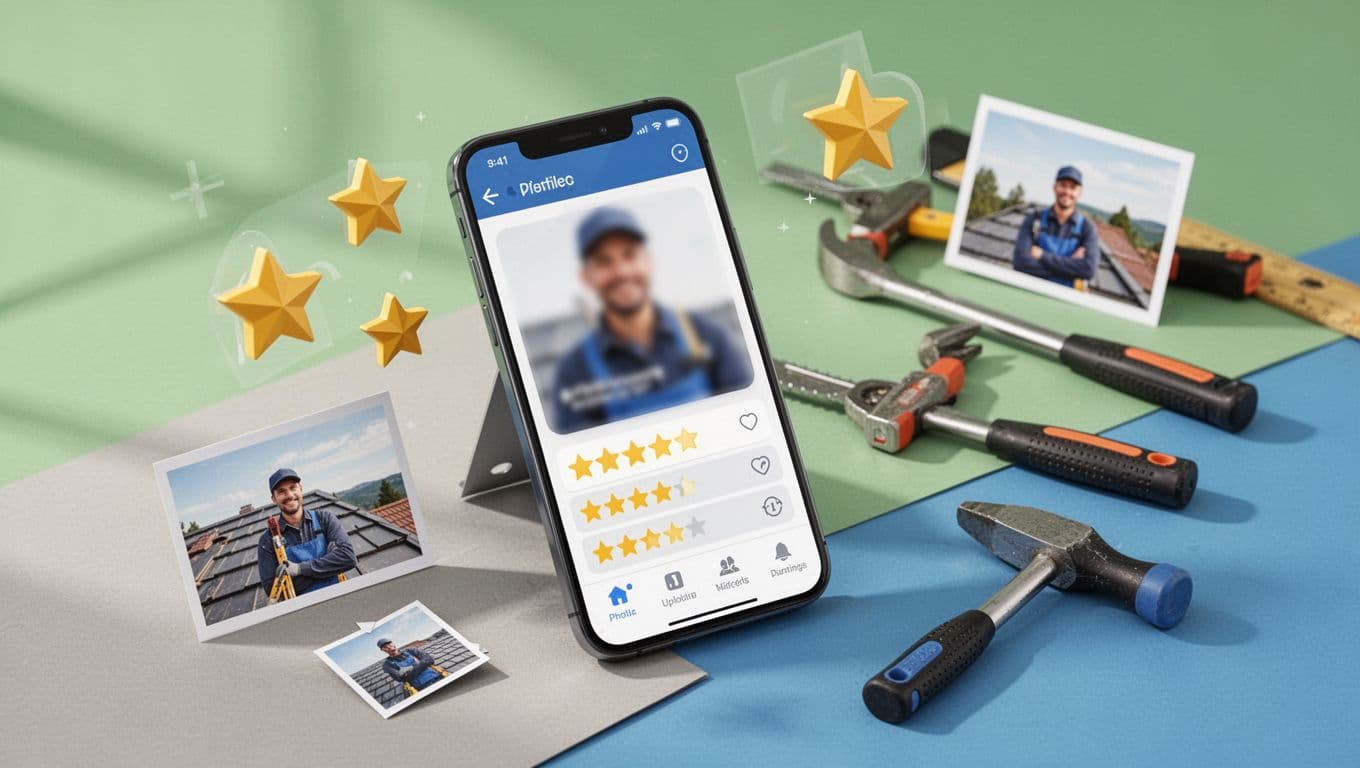
- Photos that prove you're real: Team shots, trucks, uniformed techs, before/after work (no stock photo vibes). These visuals serve as a trust badge for customers.
Also, don't run LSAs in a vacuum. Pairing LSAs with Google Ads and strong local organic visibility makes your brand look “everywhere” in the same zip codes. If you want a real example of local visibility compounding results, see this boosted local rankings example.
For a broader third-party view of LSA requirements and how the channel has evolved, this LSA guide for 2026 is a solid reference.
Local Services Ads setup in 2026: the clean step-by-step flow
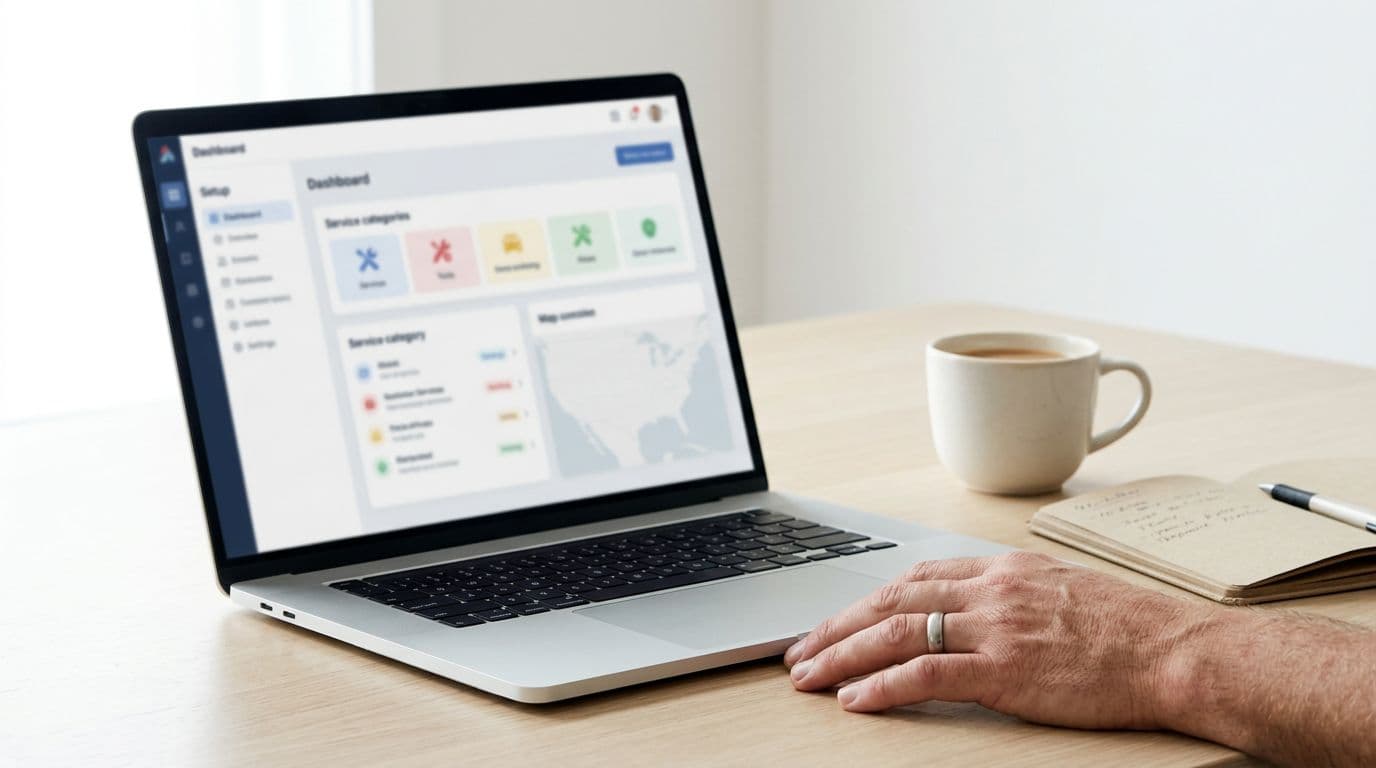
Use this order so you don't paint yourself into a corner later. The goal is simple: get verified, define what you want, then control lead quality.
- Choose the right business and category Pick the primary service category that matches your best jobs. Add secondary services later, after you've proven lead quality.
- Complete your profile like a “sales page” Use plain language. Describe what you do, where you do it, and what you won't do. Add photos and confirm hours.
- Finish verification and background checks Expect stricter validation in 2026, including Google Guarantee checks. Keep documents handy, and don't rush entries that must match legal records.
- Set lead types and contact routing Decide whether you want phone calls only, direct message, or both. Then route leads to a dispatcher, office line, or dedicated phone.
- Turn on lead tracking habits on day one Mark booked, completed, and unqualified leads consistently to manage leads. That data helps you spot patterns fast.
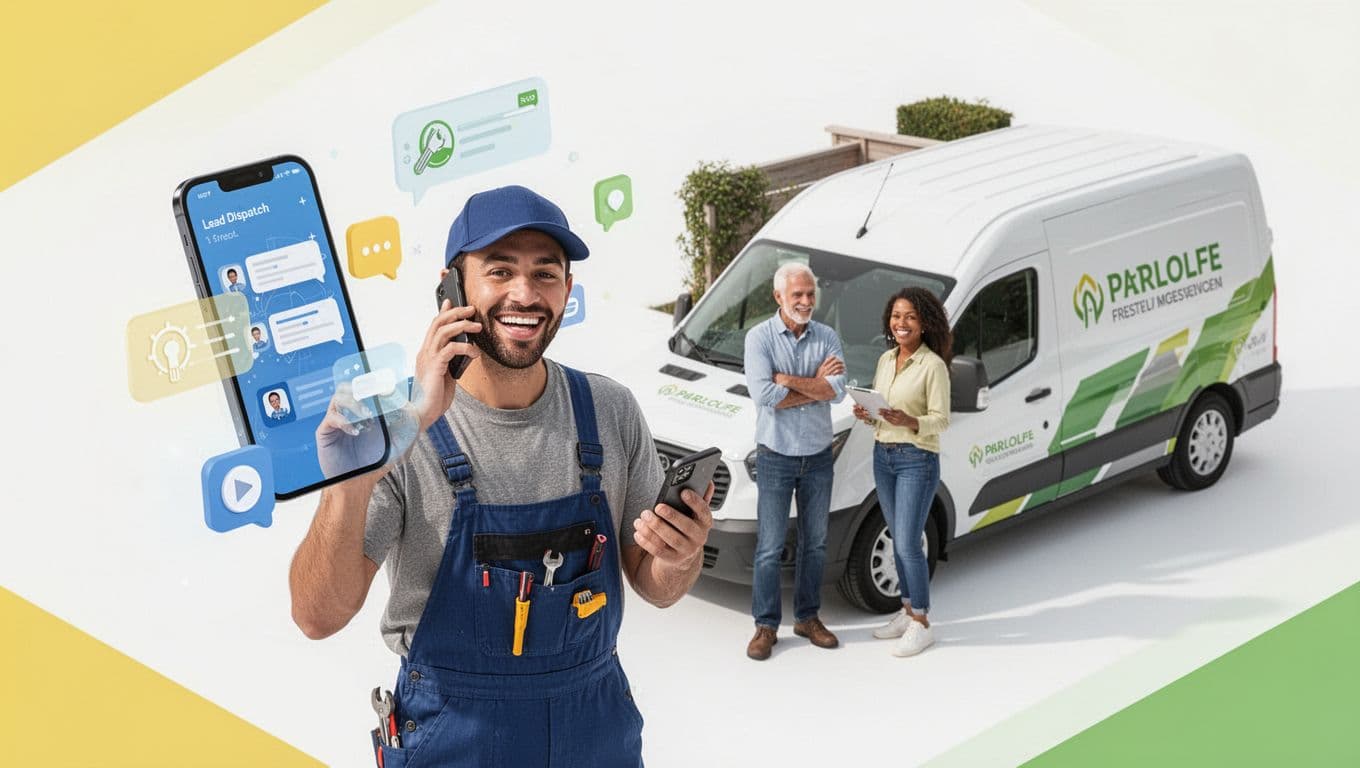
One more 2026 note: if you still rely on call-only search ads outside LSAs, plan your shift. Google is sunsetting call-only ads by February 2027, so move to Responsive Search Ads with call assets for that part of your mix.
If you're also running traditional PPC, a quick refresher on channel fit can help align spend. This comparison of Google Ads vs Bing Ads is useful when you're deciding where LSAs sit in your lead stack.
Service areas and job types: the fastest way to improve lead quality
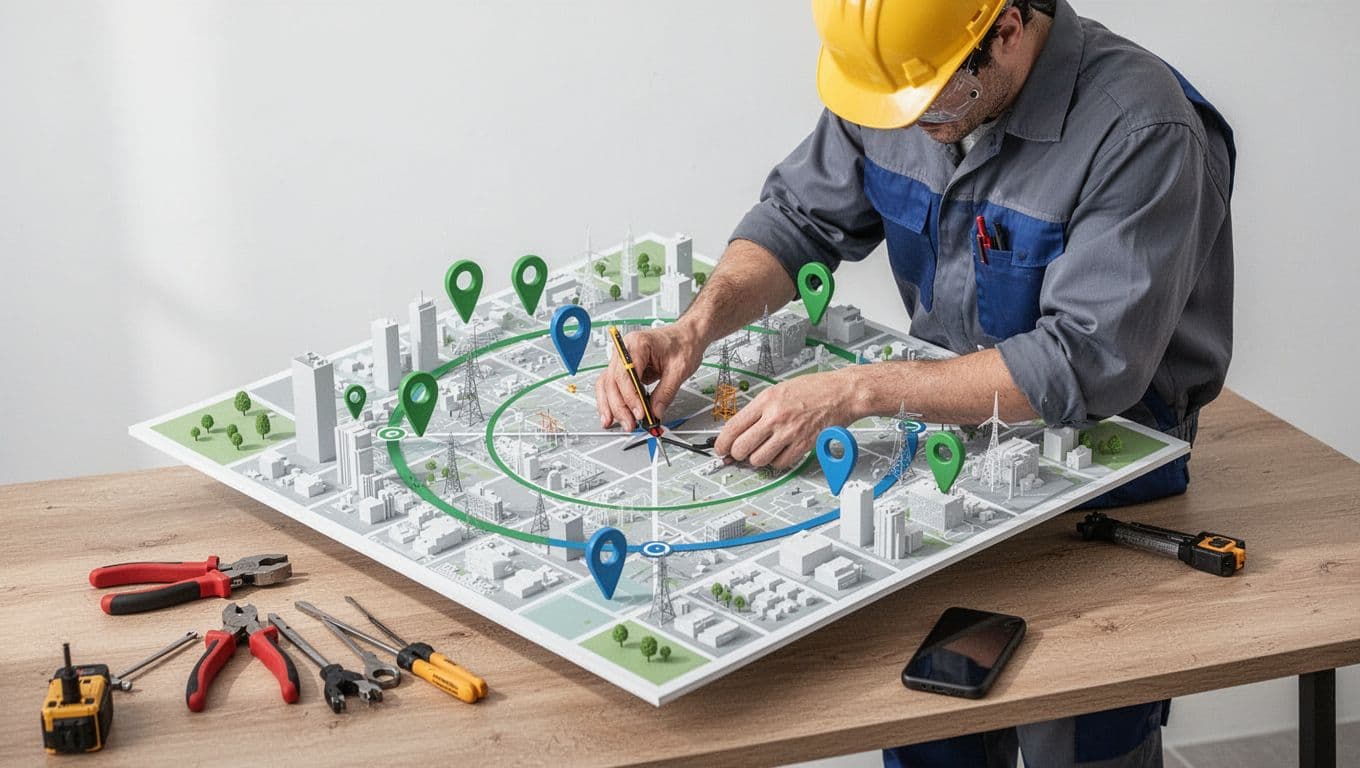
A wide service area feels like more opportunity, but it often acts like a leak in your bucket. You get more calls, yet fewer good ones, because response time and travel time get ugly.
Start tighter than you think you should. Then expand only after you hit your answer-rate and booking targets.
Use “screenshots-style” thinking when you set this up: imagine a map view with a clear radius circle or zip code settings for your service area. Ask, “Can I get a tech to any point inside this circle fast, most days?” If not, shrink it.
Job type control matters just as much. Exclude work you don't want (or can't schedule quickly). The goal isn't to be everything to everyone. It's to be the obvious choice for the jobs you actually want. This targeting drives effective lead generation with better close rates.
For another modern walkthrough on Local Services Ads targeting and setup steps, this step-by-step LSA guide lays out additional examples.
Budget, bidding, and lead disputes in 2026 (simple rules that hold up)

Local Services Ads can feel “set and forget,” until spend jumps or lead quality dips. Operating on a pay per lead model, they result in a specific cost per lead that demands careful financial management. In 2026, treat budgeting like a thermostat. Make small changes, then wait long enough to see the effect.
A practical approach:
- Set a weekly budget you can support for at least 2 to 3 weeks, while monitoring your monthly budget for overall accountability.
- If you need more volume, expand hours first (if you can answer), then expand service area, then raise budget.
- If quality is poor, tighten job types and geography before lowering budget.
Also, protect your ROI with disputes. When a lead is clearly wrong (outside your area, wrong service, spam), dispute charges quickly and keep notes. Several vendors track patterns and qualification workflows well, including this 2026-focused perspective on LSAs and disputes in LeadTruffle's LSA guide.
Mini playbook: improve LSA lead quality (and ranking) in 30 days
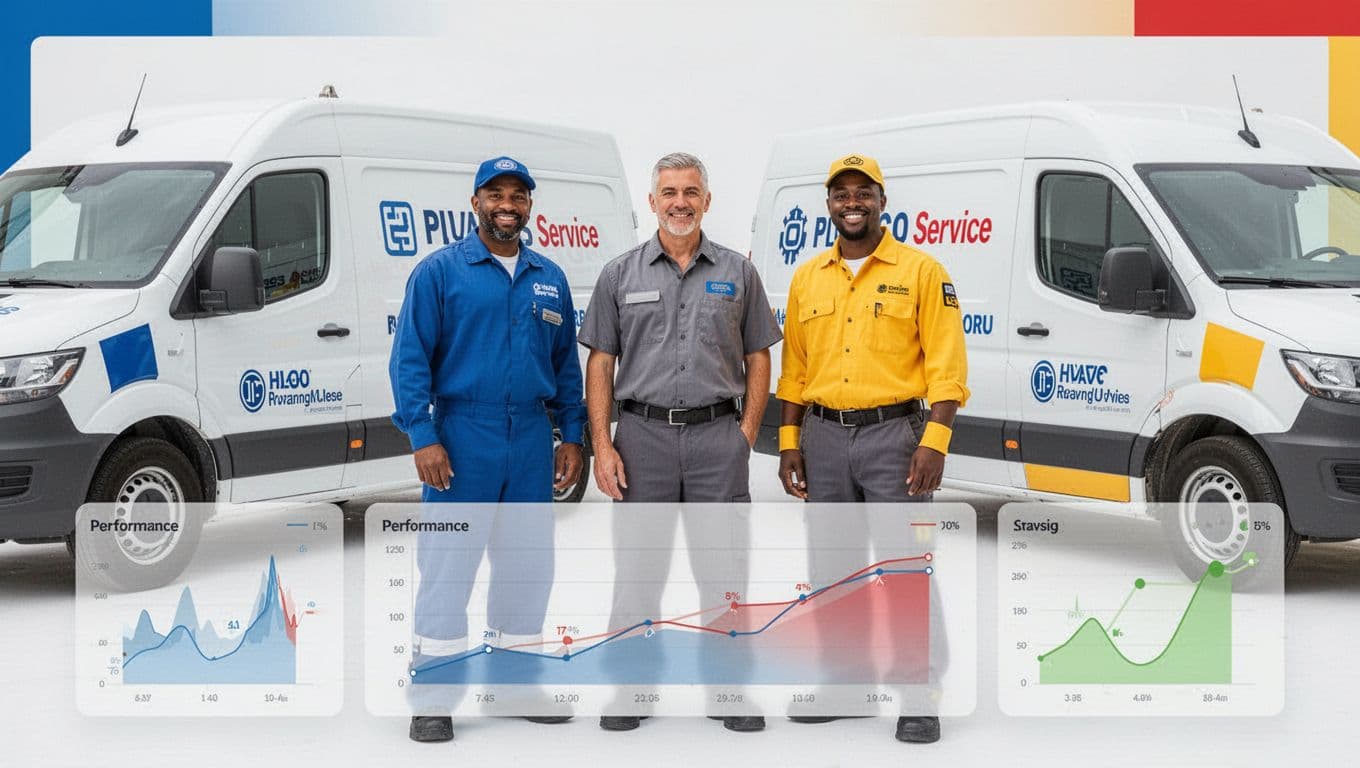
If Local Services Ads are the faucet, operations are the water pressure. Here's a simple 30-day rhythm that improves quality without fancy tricks, including steps to manage leads through screening and verification:
- Service area tightening: Reduce coverage until your average arrival promise is realistic.
- Job type exclusions: Remove low-margin work that clogs the schedule (and triggers price shoppers).
- Responsiveness SLA: Aim to answer calls fast and return missed calls quickly. If you can't, use a backup answering plan.
- Customer reviews velocity: Ask for customer reviews from your best customers weekly, not in random bursts. Reply to customer reviews in a human tone.
- Profile freshness: Add new photos monthly, especially real work and team shots.
If you want better leads, first build a system that answers, qualifies, and books fast.
To make this concrete, here are example settings you can start with and adjust after two weeks while tracking booked jobs as a key metric:
| Trade | Service area starting point | “Yes” job types (examples) | “No” job types (examples) | Response SLA target | Weekly budget starting point |
|---|---|---|---|---|---|
| HVAC | 10 to 15-mile radius around dispatch | No-cool, no-heat, maintenance, system replacement estimates | Window units, handyman work, long-distance service calls | Answer live or call back within 5 minutes | Set to what you can sustain for 2 to 3 weeks |
| Plumbing | 8 to 12-mile radius, tighter in traffic-heavy metros | Leak repair, water heater, drain clearing, sewer diagnostics | “Quote shopping,” out-of-area emergencies, small fixture installs (if low-margin) | Answer live or call back within 5 minutes | Start stable, then scale after quality holds |
| Electrician | 10-mile radius plus specific nearby zip codes | Panel upgrades, troubleshooting, EV charger installs | Low-cost “swap a bulb” calls, out-of-scope low-voltage jobs | Answer live or call back within 10 minutes | Hold steady, adjust after 14 days |
If you'd rather have a team handle the full paid and organic mix, including Local Services Ads tracking, Google Ads, lead generation, and landing-page support, see ClickyOwl's PPC management services.
Conclusion
In 2026, local services ads setup is less about pushing buttons and more about proving trust with the Google Verified badge, controlling coverage, and answering fast. Start with clean verification, tighten service areas, exclude the wrong jobs, and commit to a response SLA you can actually hit. Then track lead quality like you track callbacks and warranties. The best LSA accounts don't chase every lead; they build a system that earns the right ones for effective lead generation in Local Services Ads.