Facebook Pixel-only tracking now misses too much data, as third-party cookies are no longer reliable for lead generation tracking. If your site depends on contact forms, demo requests, quote requests, or booked calls, that gap hurts reporting and ad delivery.
The fix is pairing the Meta Conversions API, the standard for 2026, with the Pixel, then sending cleaner lead events from your site and CRM. When setup is tight, Meta sees more real outcomes, removes duplicates, and learns which inquiries turn into real sales conversations.
Key Takeaways
- Pair Meta Pixel with Conversions API for reliable lead tracking in 2026, as browser-only misses data due to privacy rules, ad blockers, and cookie deprecation.
- Send server events only after backend validation (e.g., form accepted, booking confirmed) using matching
event_nameandevent_idto avoid double counting and boost match quality. - Include rich parameters like hashed emails,
form_name,lead_type, andevent_source_urlto help Meta optimize for qualified leads over junk form fills. - Test in Events Manager, align with CRM milestones, and compare against other channels like Google Ads for consistent reporting.
- Better lead signals beat more data—focus on validated outcomes for stronger ad delivery and attribution.
Why lead gen websites need Meta Conversions API now
A lead gen website lives or dies by signal quality. Browser tracking still matters, but ad blockers, cookie deprecation, consent flows, and iOS 14 privacy rules now strip out a big share of form activity. That means Meta may optimize toward the wrong users, even when your forms look busy.

CAPI helps because your server sends first-party data straight to Meta. In 2026, that isn't an extra nice-to-have. It's the base layer for stable tracking. Meta's own getting started guide and best practices both point toward dual tracking, not Facebook Pixel alone.
This matters even more for service businesses. A law firm, SaaS company, clinic, or B2B agency doesn't want cheap leads. It wants qualified conversion leads. So track both the first lead and the later milestone, such as a booked consultation or CRM-qualified lead. Meta's reporting has become more granular in 2026, so clean event naming matters more than it did a year ago. If you compare Meta with paid search, keep those lead definitions aligned with your Google Ads campaign structure for leads too.
A practical setup path for websites and forms
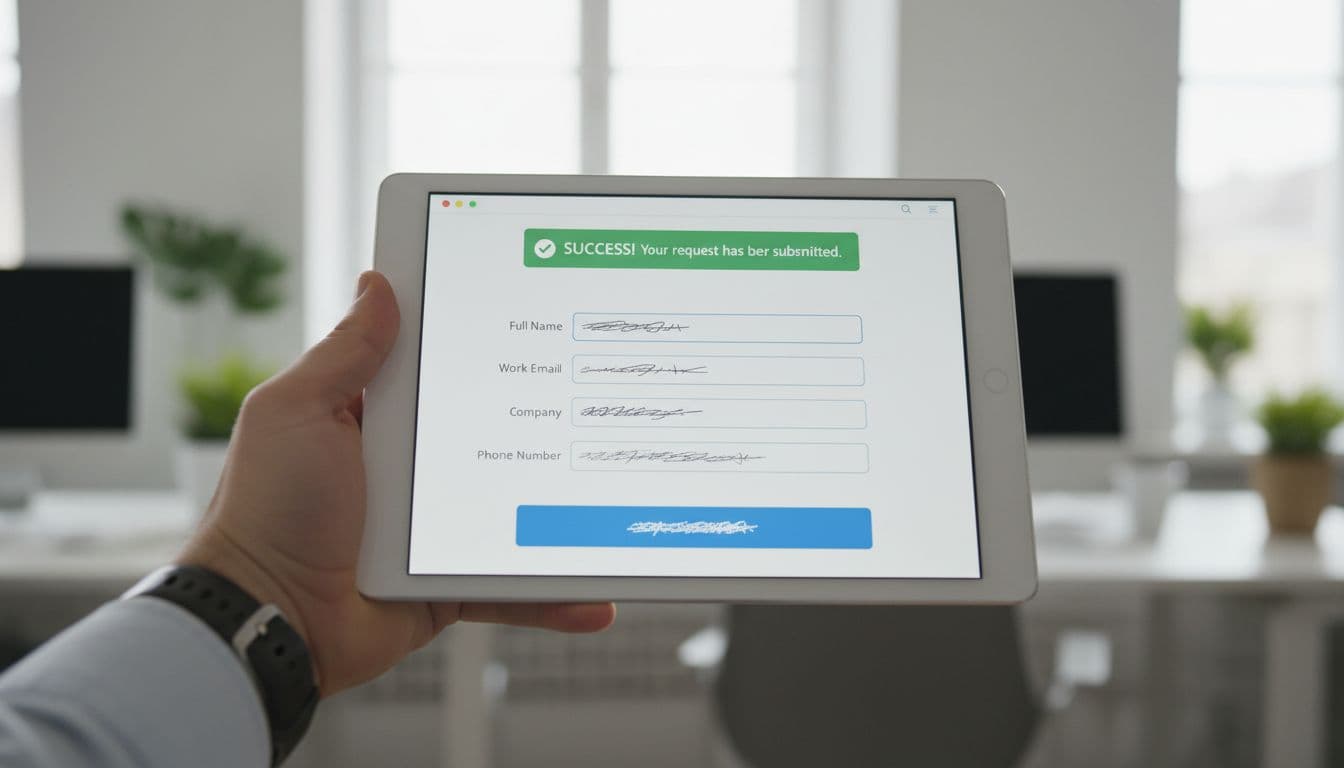
Start with the Facebook Pixel on every public page, then add browser events where they belong. For lead gen sites, that usually means Lead or Schedule on the true success state, not on the submit button. Button clicks lie. Validated submissions don't.

Then add server-side sending. Most teams in 2026 choose one of these paths:
- A native CRM integration when the form lives inside that platform.
- Server-side tracking with Google Tag Manager or the CAPI Gateway for more control.
- A direct backend call when the site uses custom forms or booking tools.
From there, link the Pixel ID, generate an access token within Business Manager, and send test events. Respect consent rules before sending personal data. Server-side tracking doesn't erase privacy duties.
For lead forms, fire the server event only after your backend accepts the record, ensuring data privacy compliance. That means the email is valid, required fields pass, and the lead is written to your database or CRM. If a consultation is booked through Calendly or a similar tool, send the event when the slot is confirmed. For teams working through custom form logic, this lead-gen tracking walkthrough is a useful companion to Meta's docs.
Event structure that helps Meta optimize for better leads
Most setups fail because they send too little context via the Meta Conversions API. A bare Lead event is better than nothing, but it doesn't tell Meta much about form type, service interest, or later quality.
For lead gen sites, these Web events using standard events usually work well:
| Lead action | Event name | When to send it | Helpful extra data |
|---|---|---|---|
| Contact form accepted | Lead | After backend validation and save | form_name, lead_type, service_interest |
| Quote request stored | Lead or Contact | After request reaches CRM | quote_type, location, value |
| Consultation booked | Schedule | After booking confirmation | appointment_type, calendar_source |
| Lead becomes qualified | Custom event, such as QualifiedLead | After CRM stage update | pipeline_stage, score |
The pattern is simple, fire early-stage events only after a real success, then send later-stage quality signals from your CRM.
Along with the event name, send event_time, event_id, action_source, and event_source_url. In user_data, include hashed email and phone when you have them as hashed data for security. Add name, city, state, external ID, fbc, fbp, IP, and user agent when allowed. Meta documents these in its server event parameters and customer information parameters, particularly the customer information parameters sent from the site's data layer.
Don't send empty placeholders. Also, don't fire Lead on every tiny interaction. A form open isn't a lead, just like ringing a doorbell isn't a meeting.
How to pair Pixel and CAPI without double counting
The best setup in 2026 is still browser plus server. Event deduplication pairs the Facebook Pixel's page context and on-site behavior with CAPI, filling the gaps when the browser misses the action. Together, they produce stronger attribution and better match quality.
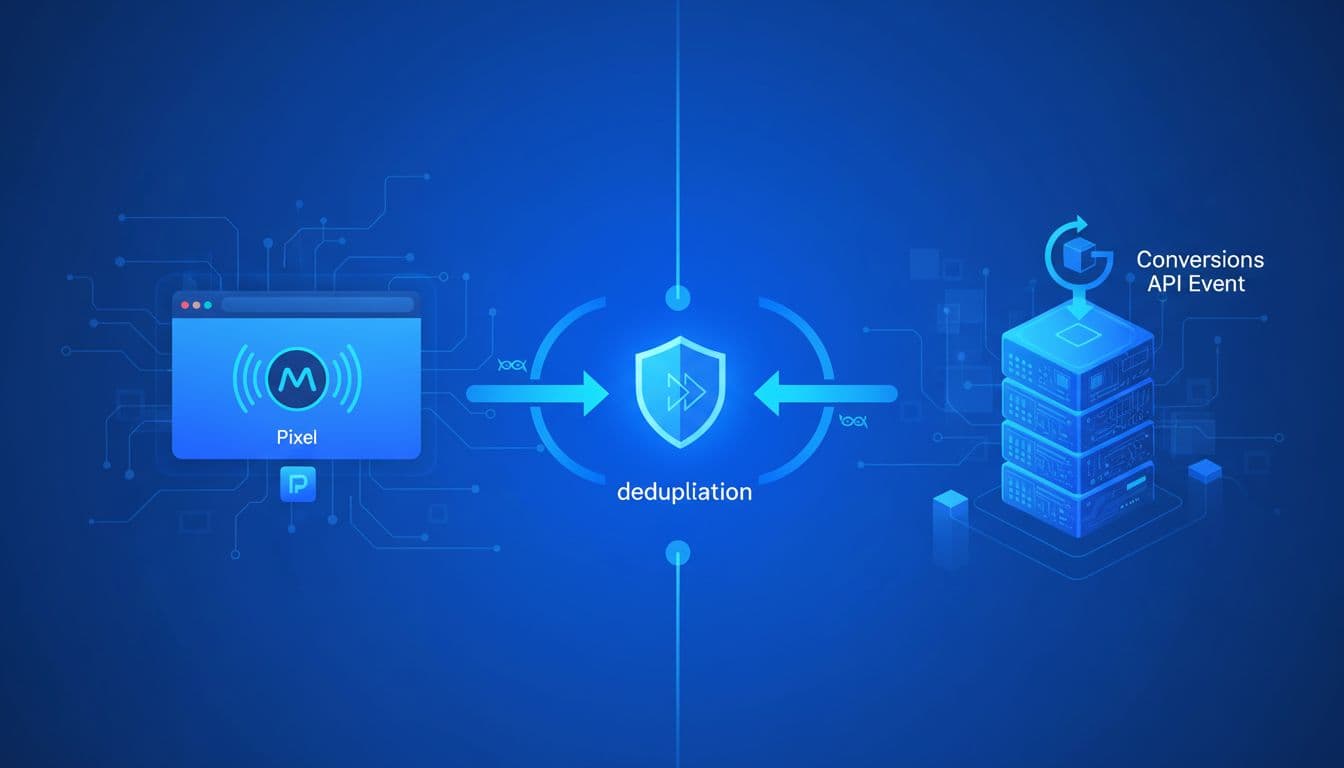
The rule is simple. For the same action, send the same event_name and the same event_id from both sources. If the browser fires Lead with event ID abc123, the server should send Lead with that same ID via the Meta Conversions API after the form is stored. Meta then counts one conversion, not two. Matching events sent within Meta's dedup window will collapse into a single result.
Same action, same event name, same event ID.
Match quality also improves when both sources send consistent user data. Event forwarding from the server helps improve conversion attribution. A common pattern is to generate the event ID in the browser, pass it with the form payload, and reuse it server-side. If you're also building warmer audiences, clean tracking makes Facebook and Instagram remarketing far more reliable.
Troubleshooting missing events and low match quality
When results look off, start in Events Manager with Test Events and Diagnostics. Check Event Match Quality as a key metric there. In 2026, Meta Ads Manager's conversion count views also make mismatches easier to spot, so use both screens together.

Most lead tracking problems come from a short list. The event fires on button click instead of success. Browser events and server-to-server events use different IDs. Email or phone values aren't normalized before hashing. fbc and fbp never make it into the server request. Or the CRM sends a later-stage event with no link back to the original lead.
If events are missing entirely, check Business Manager settings first. Then check one real submission end to end. Watch the browser event, inspect the server log, then confirm the same lead appears in Meta once. Also check time stamps. A late server event, or one sent in the wrong time zone, can muddy reporting fast. Track offline conversions for leads that convert weeks later in the CRM. If totals still drift, use Meta Ads Manager to verify reporting totals against CRM data, and compare your Meta setup with the way you define qualified leads in other channels, including your Performance Max setup for service leads when both platforms feed the same sales team.
More data isn't the goal. Better lead signals are. When Meta receives validated, deduplicated, match-rich events, it can optimize toward booked calls and real opportunities, not junk form fills.
If your setup still relies on a thank-you page and one browser pixel, you're training the system with partial data. For lead gen websites in 2026, that costs more than the setup work ever will.
Frequently Asked Questions
Why do lead gen websites need Meta Conversions API in 2026?
Browser tracking via Pixel alone fails with iOS privacy, ad blockers, and cookie phaseout, starving Meta of form submission data. CAPI sends first-party server events directly, filling gaps for accurate optimization toward qualified leads. Dual tracking is now the standard per Meta's guides.
How do you pair Pixel and CAPI without double counting?
Use the same event_name and event_id for the same action from both browser and server sources. Generate the ID in the browser, pass it with form data, and reuse server-side—Meta deduplicates within its window. Consistent user data like hashed emails from both improves match quality.
When should you fire a ‘Lead' event?
Only after backend validation: email valid, fields complete, lead saved to CRM or database—not on button clicks or form opens. For bookings like Calendly, send on slot confirmation. This ensures real successes train Meta, not false positives.
What parameters improve CAPI event quality for leads?
Always include event_time, event_id, action_source, event_source_url, and hashed em (email), ph (phone). Add custom like form_name, lead_type, service_interest, plus fbc/fbp if available. Avoid empty fields; follow Meta's server and customer info parameter docs.
How to troubleshoot missing events or low match quality?
Check Events Manager's Test Events, Diagnostics, and Event Match Quality scores. Verify end-to-end: browser fire, server log, Meta receipt, timestamps. Common fixes: normalize hashing, match IDs, respect consent, and align CRM stages with event names.