Meta Lead Ads CRM Sync Troubleshooting for Service Businesses

Laptop showing lead data flowing through connected nodes to a CRM dashboard with one warning icon.

A missed lead can cost more than a failed ad click. When Facebook lead ads bring in a quote request for plumbing, legal help, home renovation, or a consultation, a broken Meta lead ads sync can leave that prospect waiting while a competitor replies first.

The fix usually isn’t complicated, but it does require checking the whole handoff. Your business page, form, permissions, CRM connection, and sales alerts must support campaigns designed for lead generation. Start by locating the exact point where the lead handoff stops.

Key Takeaways

  • Start by identifying where the lead stops: in Meta, during connector delivery, or inside the CRM workflow.
  • Check Page ownership, Business Suite lead access, CRM authorization, selected forms, and account permissions before reconnecting the integration.
  • Run one controlled live lead test and compare timestamps, automation history, CRM records, ownership, notifications, and follow-up tasks.
  • Map Meta form fields carefully, prevent duplicate records, and preserve original source, campaign, form, consent, and conversion data.
  • Build follow-up and reporting around qualified leads, booked appointments, and revenue—not just raw form submissions.

Find the Exact Point Where Leads Stop Moving

Don’t begin troubleshooting by reconnecting every tool, even if permissions seem suspicious. First, identify whether Meta failed to capture the lead, the integration failed to deliver it, or the CRM accepted it but hid it from the right user.

A service business needs to separate an advertising issue from an operations issue. A lead that reaches HubSpot or Salesforce but receives no response is a lead management, routing, and follow-up problem. A lead that appears in Meta but never reaches the CRM points to a lead sync failure.

A business manager checks a laptop and phone beside a CRM workflow diagram.

Check Meta’s lead records first

Open the relevant Facebook Page in Meta Business Suite and review the newest lead records. Meta’s Leads Center gives smaller teams a built-in place to view and manage lead data before it reaches a full CRM. This overview of Facebook Leads Center explains how it brings lead-ad and message-based leads into one workspace.

If the test lead isn’t visible there, inspect the instant forms. Confirm that the ad is active, the correct form is published, and the business page owns the campaign. Also check whether a person submitted an older saved version of the form.

Compare timestamps across systems

If Meta shows the lead, copy the submission time, email address, phone number, and form name. Then search those details in the CRM, automation platform, and any Google Sheets backup.

A delay of a few minutes may be normal. Compare timestamps across the CRM, automation platform, and spreadsheet destinations to isolate the delay. A lead missing for hours points to a disconnected app, webhook failure, expired token, or paused automation. Record the exact timestamps before changing settings, because that evidence prevents guesswork.

A CRM can receive a lead successfully and still fail the business if ownership, notifications, or response-time rules don’t trigger.

Permissions That Keep the Connection Working

Most access failures come from mismatches between Page ownership, business portfolio membership, CRM authorization, and the account selected for the campaign. A user may have account access but lack permissions to download or route lead data.

For a reliable Meta lead ads sync, confirm that the Page producing the campaign is inside the correct business portfolio and is the same business page selected in the integration. Then verify that the connected CRM integration can access that Page.

Review lead access in Business Suite

In Meta Business Suite, go to Business portfolio settings, then Integrations. Meta lets administrators assign lead access to people, partners, and connected CRM systems. An administrator can confirm the connected account in Ads Manager before checking the integration.

Check these permissions carefully:

  • The person reconnecting the CRM has the needed Page and business permissions.
  • The intended CRM system appears in the assigned CRM list.
  • The Page selected inside HubSpot, Salesforce, GoHighLevel, Zapier, or Make matches the Page used by the campaign.
  • A former employee’s login or disconnected business portfolio isn’t still tied to the integration.

Access can change after a Page transfer, agency transition, password reset, or security review. Reconnecting the app without correcting those permissions often produces the same error again.

Reconnect only after the access audit

Once access is correct, open the CRM’s Meta integration settings and reconnect the account. Select the correct ad account and Page, then confirm the desired lead form appears.

HubSpot users should also review the platform’s Facebook lead ads FAQ, particularly when forms don’t show after connection or lead records fail to populate as expected.

Existing lead recovery has limits. Many Meta lead workflows document a roughly 90-day retrieval window, but the exact availability varies by connector and account setup. Export or sync leads promptly rather than treating Meta as long-term lead storage.

Run One Controlled Lead Test Before Changing Campaigns

A controlled lead sync test tells you more than a dashboard total. Use real contact information, including an email address and phone number, that your team can search in every destination. It also verifies lead quality before you change campaigns.

A CRM manager works on a laptop beneath a wall of connected nodes and check marks.

Follow the lead through each handoff

Use this sequence to isolate a failed handoff:

  1. Submit a test through the live Facebook lead ads source form and note the exact time.
  2. Confirm that Meta recorded it under the right Page and form.
  3. Check the automation history in HubSpot, Zapier, Make, LeadsBridge, LeadSync, or your native CRM connector.
  4. Search the CRM by email address, phone number, and submission time.
  5. Confirm the record owner, notification, task, and email or SMS workflow fired.

A failure at step three points to the connector. A lead found at step four without an owner points to CRM workflow logic. If the lead has an owner but no response, review staffing and notification rules.

Continue troubleshooting with webhook and token checks

Webhook-based integrations are intended to provide real-time sync as new data arrives. When a webhook subscription breaks, a connector may report successful setup while no new leads appear.

Look for expired authorization tokens, failed task runs, rate-limit messages, inactive scenarios, or a lead form added after the original connection. Third-party tools often require you to select newly created instant forms manually. Create a test every time you launch a new form, location, or service campaign.

Fix Field Mapping Before It Pollutes Your CRM

A lead sync can look healthy while the sales team receives unusable records. Common errors include blank phone numbers, first names in the wrong field, missing service interests, and consent answers that never reach the CRM.

Map form fields deliberately. Reliable CRM lead management starts with preserving key context on the contact record. Keep the original lead source, campaign, form name, landing context when available, and first conversion timestamp.

Match form questions to CRM properties

Use standard CRM fields for essentials such as name, email, and phone. Create controlled custom fields for service type, preferred appointment time, postcode, project budget, or qualification responses. These support workflow automation for ownership, routing, and notifications.

Meta form valueCRM destinationWhy it matters
Name, email, phoneContact propertiesSupports fast contact and deduplication
Service requestedControlled dropdownRoutes the lead to the right team
Form name and campaignOriginal source fieldsConnects the enquiry to campaign reporting
Submission timestampOriginal conversion timeSupports response-time and attribution reviews

Don’t map free-text answers into fields that sales reps never see. Put useful qualification details where the team works, such as the contact record, deal, or opportunity.

Stop duplicate records at the point of entry

Duplicates inflate lead totals and can trigger two calls, two sales tasks, or overlapping nurture emails. They also make a campaign look cheaper than it is.

Set exact-match rules for email and normalized phone number before creating a new contact. Keep uncertain matches in a review queue rather than merging them automatically. A family business may share a phone number, while one prospect may use different email addresses.

The CRM should preserve lead data, including verified identity, original source, consent, activity history, and the primary sales record. A new submission can update that record without replacing its first-touch source.

Choose the Right Connection Method for Your Team

Native CRM connections for Facebook lead ads work well when your platform supports the fields, routing, and reporting you need. A simple lead sync is easier to maintain than a multi-step middleware flow, but your CRM integration must support deduplication and ownership rules.

Native connectors suit simpler workflows

HubSpot, Salesforce, and several other systems offer Meta connections that reduce the number of moving parts. Native tools are often easier to maintain, especially for one Page and a few forms.

Confirm the selected Page and ad account, then inspect mapping, historical retrieval, dedupe behavior, and ownership rules. A green status icon only confirms that systems can communicate. It doesn’t prove records arrive in a usable state.

Middleware helps with complex routing

Middleware and other automation tools help when you need multiple destinations, custom fields, filters, attachments, or fast SMS alerts. Zapier, Make, LeadsBridge, and LeadSync can route leads to a CRM, spreadsheet, inbox, call platform, or messaging system.

That flexibility helps multi-location businesses assign enquiries by postcode, service type, or availability. LeadsBridge and LeadSync can apply those rules before delivery.

Google Sheets can work as a free backup destination for low-volume campaigns. It isn’t a replacement for CRM lead management because it lacks dependable ownership, task tracking, consent controls, and sales-stage history. Use it to monitor delivery, not as the system of record.

Protect Attribution and Improve Lead Quality Signals

A raw form completion is an enquiry, not proof of commercial value. Lead management should show whether lead generation turns enquiries into qualified leads, booked appointments, proposals, and closed revenue.

Keep first-touch lead data stable after contact creation. Later interactions such as remarketing clicks, email visits, and branded searches belong in separate fields or activity history.

Store source data where sales can use it

At minimum, retain the original lead source, campaign, ad set when available, form name, submission time, and landing-page context. Avoid allowing a later direct visit or email click to overwrite “paid social” as the original lead origin.

This is where Digital Marketing, SEO, Performance Marketing, Social Media Marketing, and Website Development teams need shared definitions for their marketing efforts. The same form may receive leads from every channel, but reporting stays useful only when source labels and qualification stages remain consistent.

For a stronger reporting structure, use a lead source naming convention and compare Meta lead totals against qualified leads and closed revenue in the CRM.

Send qualified outcomes back to Meta

Meta’s Conversions API can send later-stage CRM events back to the ad platform. Instead of optimizing only for form submissions, you can feed back qualified leads, booked consultations, or other meaningful outcomes.

Meta’s CRM setup for qualified leads outlines the connection path through Ads Manager or Events Manager. Review outcome-event settings in Ads Manager before sending events. HubSpot also documents how to sync CRM lifecycle events through Meta’s Conversions API.

This feedback can help Meta find people who look more like your accepted leads. It won’t fix vague targeting, weak offers, or poor call handling, so review those issues alongside the data connection.

Build a Follow-Up Process Around the Sync

The best Meta lead ads sync becomes pointless when nobody responds quickly. Clear ownership rules and workflow automation support effective lead management, with automatic assignment, notifications, tasks, and follow-up. Measure whether each lead receives a human response within your service-level agreement, because an autoresponder can’t replace personal contact.

Track the numbers that reveal real problems

Review raw enquiries, duplicate records, spam, lead quality, qualified leads, contact rate, booked appointments, proposal-to-sale rate, and closed revenue. GA4 and CRM totals won’t match perfectly because analytics counts actions while CRM systems manage people, deduplication, and sales outcomes.

Use the CRM as the source of truth for qualification and revenue after the initial enquiry. Where applicable, the Conversions API can pass downstream outcomes back for measurement.

A GA4 CRM reconciliation guide can help with troubleshooting by separating attribution gaps, duplicate records, stage delays, and tracking logic.

If your team needs help tying lead delivery, form rules, and campaign outcomes together, Get In Touch With Us for a practical tracking review.

Frequently Asked Questions

Why are Meta leads visible in Meta but missing from the CRM?

This usually points to a connector, webhook, authorization, or automation failure. Check the integration history for failed runs, expired tokens, inactive workflows, rate limits, or forms that were added after the original connection.

What permissions are needed for a Meta lead ads sync?

The connected user needs the appropriate Page and business portfolio permissions, while the CRM or automation tool must have lead access to the correct Page. Confirm that the Page, ad account, and form selected in the integration match the campaign settings.

How can I test whether the lead sync is working?

Submit one test lead through the live Facebook form using contact details your team can search across every destination. Then verify the lead in Meta, the connector history, and the CRM, including field mapping, ownership, notifications, and follow-up tasks.

How do I prevent duplicate Meta lead records?

Use exact-match rules based on email and a normalized phone number before creating a new contact. Keep uncertain matches in a review queue instead of merging them automatically, since shared phone numbers and multiple email addresses can represent legitimate contacts.

Should Google Sheets replace a CRM for Meta lead management?

Google Sheets can provide a useful backup for low-volume campaigns, but it does not reliably handle ownership, tasks, consent, deduplication, or sales-stage history. Use it to monitor delivery while keeping the CRM as the system of record.

A Reliable Sync Protects More Than Lead Volume

A working integration gives your team more than faster imports. It preserves the context needed to reply well, qualify fairly, and judge advertising by revenue rather than vanity totals.

Check permissions first, test one live submission, inspect field mapping, and protect first-touch data. With those habits in place, troubleshooting the connection becomes a clear operational task instead of an expensive mystery.


White Label PPC Quality Control Checklist for Agencies

A monitor displays PPC dashboards and a magnifying glass over connected conversion icons.

A campaign can look polished and still waste budget if a form fails, calls go unanswered, or conversions count spam. Those mistakes become your agency’s problem, even when a partner built the account.

That is why white label PPC needs a clear approval process before launch and a review rhythm after it goes live. This checklist helps agencies protect client trust, reporting accuracy, budget control, and accountability while preserving invisible fulfillment behind their brand.

Key Takeaways

  • White label PPC quality control separates campaign execution from agency accountability, so the provider can build and optimize campaigns while your agency retains final approval.
  • A complete launch brief should define the commercial outcome, lead criteria, budget, targeting, tracking destinations, sales follow-up, and approval requirements before campaign build begins.
  • Pre-launch QA must test every conversion path, reconcile tracking across ad platforms, GA4, CRM, and call tracking, and verify budgets, targeting, exclusions, landing pages, and policy compliance.
  • Ongoing reviews should compare platform conversions with qualified leads, appointments, sales, and call outcomes while documenting meaningful account changes.
  • The right fulfillment partner welcomes access reviews, clear reporting, transparent pricing, documented processes, and shared responsibility for protecting the client relationship.

How white label PPC quality control protects your agency

White label PPC lets a specialist team manage paid search and social media advertising under your agency’s name. For digital marketing agencies, this model keeps fulfillment behind the scenes while your client sees your strategy, reporting, and account leadership. However, the fulfillment partner handles technical work, optimizations, and campaign execution.

Quality control turns that arrangement into a documented operating system. It gives everyone a shared definition of what “ready to launch” means.

Separate execution from accountability

The provider can handle Google Ads management, Microsoft Advertising, Meta Ads, and remarketing campaigns. This campaign management includes builds, optimizations, and technical work behind the scenes. A credential such as Google Premier Partner can indicate platform expertise, but it doesn’t replace your agency’s approval process.

Your agency should still own the client relationship, commercial decisions, and final approval.

Set this boundary in writing:

  • The provider prepares campaigns and flags risks.
  • The reseller approves budget, locations, offers, and client-facing claims.
  • The client owns the ad account, conversion data, creative assets, and payment method where practical.
  • Only approved agency contacts join client calls or receive white-labeled reports.

For agencies expanding their offer, white label services work best when the workflow makes those responsibilities visible.

Keep one source of truth

Use a project brief, change log, and approval record for every account. Store the target audience, conversion definition, budget cap, locations, landing pages, offers, exclusions, and launch date in the same place.

A partner shouldn’t have to search chat threads to find the latest approved price or service area. Likewise, your account manager shouldn’t guess which campaign edits happened last Friday.

Build a launch brief with pass or fail criteria

A strong brief starts with business conditions, not ad settings. “Generate leads” is not enough. Define which lead types the sales team can accept and what happens after a prospect calls or submits a form.

Define the commercial outcome first

Agree on the primary conversion, such as a qualified consultation, booked service, demo request, or ecommerce purchase. Then identify supporting actions, such as phone calls, quote forms, chats, or brochure downloads.

Include these details in the brief:

  • The offer, pricing language, service restrictions, and approved claims.
  • Geographic areas, operating hours, languages, and excluded locations.
  • The target cost per qualified lead or target return on ad spend.
  • The landing page URL, form fields, call-routing number, and CRM destination.
  • Sales follow-up ownership and the expected response window.
  • Conversion rate optimization priorities, including planned form, call-to-action, or landing-page tests, with a clear link to lead quality.

A form completion is an analytics event. It becomes a business lead only after the CRM removes duplicates, spam, wrong numbers, and poor-fit enquiries.

Confirm access, billing, and handoff

Before a build begins, verify account IDs, administrative permissions, billing status, conversion tracking, Analytics and Tag Manager access, CRM access, and call-tracking ownership. Confirm that the partner can do the work without receiving unnecessary client credentials.

Also define how performance tracking will reconcile data from ad platforms, GA4, CRM records, and call tracking. Monthly reports need a defined attribution model and a plain-language explanation of what counts as a conversion.

A campaign can report a low cost per lead while the CRM shows weak sales quality. Both figures can be true, so the agency must reconcile them.

A media manager reviews PPC charts and a printed checklist at a desk.

White label PPC quality control before launch

Pre-launch review is the final campaign management gate for paid search campaigns. It belongs in the live account, not a slide deck. Even when a Google Premier Partner completed the build, live QA verifies the work. Give the reviewer a pass, fail, or revision status for each item.

Test conversion tracking and attribution

Run a real test through every lead path. Submit the form, place a test call where possible, confirm the thank-you event, and check that the CRM receives the correct source and landing-page information.

Google’s instructions for setting up web conversions are a useful baseline. Google also advises advertisers to confirm that tracking tags work and review each conversion action’s settings before launch.

Check whether a page refresh fires duplicate conversions. Confirm that call tracking records legitimate calls without counting internal tests. Add UTM parameters so the CRM can separate paid search, paid social, remarketing, and referral traffic.

Audit targeting, budgets, and exclusions

Review daily budgets against approved ad spend and the monthly ceiling. Check campaign dates, ad schedules, device adjustments, locations, radius settings, language targeting, and audience exclusions.

For Microsoft Advertising, verify that imported campaigns retain the approved budgets, targets, schedules, and exclusions.

Match types need the same scrutiny. Broad, phrase, and exact match can each fit a campaign, but they need different search-term review rules. This Google Ads match type overview explains the practical differences.

Mark these campaign checks as complete before launch:

  • Conversion actions fire once and match the agreed lead definition.
  • Final URLs, UTM parameters, forms, phone numbers, and thank-you pages work on mobile.
  • Budgets, bidding strategy, location targets, and schedules match the signed brief.
  • Negative keywords exclude irrelevant searches at the campaign or ad-group level.
  • Brand terms, competitor terms, and existing-customer audiences follow the approved strategy.

Review ads, landing pages, and platform policy

Ad copy and landing pages must tell the same story. A “free consultation” ad should not send visitors to a page that hides a mandatory fee. A local service ad should not promise coverage outside the actual service area.

Preview the full visitor journey

Use ad previews and test links to review multi-channel campaigns across desktop and mobile. Check headlines, descriptions, assets, display URLs, tracking templates, call extensions, lead forms, and destination pages.

The landing page should load quickly, return the correct page, and render properly on mobile. For landing page optimization, check offer clarity, form usability, and the next action to support conversion rate optimization. For a deeper account review, use this Google Ads audit template.

Paid search can also reveal questions worth answering on service pages and FAQs, and social media advertising can expose related buyer concerns. Validate those paid search queries with keyword research before letting them inform SEO, GEO, or AEO work.

Check policy and brand promises

Review sensitive claims, restricted categories, trademark references, and editorial rules in the ad copy before submitting ads. Meta’s rules cover both ad content and business assets, so creative reviews should include the page, profile, and lead form rather than the ad alone.

A clear approval record protects the agency if a client later requests a claim that violates policy or conflicts with the landing page. It also reduces last-minute rewrites after the account enters review.

A reviewer checks blurred campaign panels beside a monitor and laptop.

Keep PPC quality control active after launch

Launch approval is the first checkpoint, not the final one. After a white label PPC launch, build recurring reviews around platform health, search quality, lead quality, and client communication.

Use a simple cadence for reviewing paid search campaigns, and assign clear ownership for campaign management.

Review timingQuality control focus
Daily during launchAd spend pacing, disapprovals, conversion tracking breaks, search anomalies, and sudden lead spikes
WeeklySearch terms, negative keywords, placements, audience overlap, conversion quality, and change logs
MonthlyCRM outcomes, lead-to-sale rate, attribution gaps, budget decisions, and client reporting

Reconcile ad data with CRM outcomes

Compare ad-platform conversions with CRM records every month. Track total submissions, duplicate or spam leads, qualified lead rate, contact rate, booked appointments, sales, and loss reasons.

Reconcile monthly reports with CRM records, checking qualified leads, booked appointments, and sales against platform totals.

Call reporting needs the same discipline. A practical human answer rate is:

Calls answered by a person or approved answering service / eligible incoming calls x 100

Missed calls, voicemail, and abandoned calls belong in the denominator after documented spam exclusions. If ads generate calls that nobody can answer, changing bids won’t fix the real problem.

For larger accounts, a Google Ads analytics diagnostic framework can help teams investigate attribution conflicts instead of relying on a single dashboard total.

Log every meaningful account change

Record budget shifts, bid strategy changes, new negatives, paused ads, conversion-setting edits, and landing-page or form conversion rate optimization tests. For each entry, include the owner, reason or hypothesis, date, expected outcome, and approval source.

That cadence creates consistent performance tracking and gives your team context when performance moves. It also makes provider handoffs safer and protects the client relationship when someone asks why results changed.

Choose a partner that can pass the checklist

A capable provider should welcome quality control. If a partner resists access reviews, documents little, or can’t explain its tracking method, that creates risk before the first click.

Ask how they handle onboarding, account ownership, and documented campaign management. Verify whether the provider is a Google Premier Partner through transparent processes and supporting evidence. Request a sample report with white-labeled branding, clear performance tracking, and a split between platform metrics and CRM outcomes.

Pricing needs clarity: common white label PPC pricing models include flat fee pricing and a percentage of ad spend. Calculate profit margins against projected ad spend, including onboarding time, strategy, reporting, creative revisions, and account management. Cheap fulfillment can become expensive when your team spends hours repairing avoidable errors.

Digital marketing agencies often combine PPC with SEO, social media marketing, and website development. A partner must account for dependencies, such as web releases, new offers, or sales-process changes. Ask for evidence of conversion rate optimization in forms, landing pages, and lead quality, plus a plan to protect the client relationship when results suffer.

Agencies that need a behind-the-scenes paid media process can Get In Touch With Us to discuss campaign QA, reporting, and branded fulfillment.

Frequently Asked Questions

What is white label PPC quality control?

White label PPC quality control is a documented process for reviewing campaigns before launch and after they go live. It verifies tracking, targeting, budgets, ads, landing pages, lead quality, and reporting while keeping fulfillment behind the agency’s brand.

Who is accountable for a white label PPC campaign?

The provider is responsible for preparing campaigns, completing technical work, and flagging risks. The agency should retain ownership of the client relationship, commercial decisions, approvals, and client-facing communication.

What should agencies test before launching a PPC campaign?

Agencies should submit test forms, place test calls where possible, verify CRM and call-tracking data, and confirm that conversion actions fire once. They should also review budgets, bidding, locations, schedules, negative keywords, URLs, mobile experience, ad claims, and platform policy requirements.

How often should white label PPC campaigns be reviewed?

Review campaigns daily during launch, weekly for search quality and account changes, and monthly for CRM outcomes, attribution, budget decisions, and client reporting. This cadence helps identify tracking breaks, wasted spend, lead-quality problems, and unexplained performance changes before they damage the client relationship.

Final thoughts

The strongest white label PPC programs make quality control routine. They test conversion paths, document approvals, review search quality, and compare reported leads with actual sales outcomes.

A clean account matters, but trusted reporting matters more. When every campaign has an accountable owner and a repeatable review process, your agency can scale paid media without losing control of the client experience.

Meta Instant Forms for Higher-Intent Service Leads

Smartphone showing a blank lead form beside service-business tools and a glowing connection path.

A cheap lead can cost more than an expensive one if no one answers the phone or the contact record is false. Meta Instant Forms remove delays between seeing an ad and sharing details, making them useful for service businesses that rely on mobile enquiries.

That speed also creates a lead quality risk, as pre-filled details can produce duplicate, out-of-area, or low-fit enquiries. The answer is thoughtful form design, clear qualification, and timely follow-up, so contacts have a realistic chance of becoming sales conversations.

Key Takeaways

  • Meta Instant Forms reduce mobile friction, but shorter forms can also increase duplicate, out-of-area, or low-fit enquiries.
  • Use clear ad messaging, service-area targeting, custom questions, conditional logic, and SMS verification to improve lead quality before sales follow-up.
  • Test every form and CRM handoff before launch, including field mapping, attribution, deduplication, routing, notifications, and automated follow-up.
  • Measure cost per qualified lead, contact rate, appointments, opportunities, and revenue—not just cost per lead or total form submissions.
  • The strongest campaign is the one that consistently delivers reachable prospects with a genuine reason to speak with your sales team.

How Meta Instant Forms Capture Intent on Mobile

Meta Instant Forms are native lead forms that open inside Facebook or Instagram when someone taps Facebook lead ads. Since people don’t need to wait for a page to load or type every contact field, fewer fields can support a stronger conversion rate on mobile.

A professional reviews colorful analytics charts on a laptop at a minimalist desk.

Every standard form has four core sections. Make the privacy policy clear before someone submits:

  1. The optional greeting introduces the offer and sets expectations.
  2. The questions section collects pre-filled contact details and custom questions.
  3. The privacy section includes a mandatory privacy policy link.
  4. The confirmation screen confirms submission and can direct the user to your website or a phone call.

Meta allows up to 15 custom questions, but adding more does not automatically produce better enquiries. Each field should help your team qualify, contact, or route the enquiry. Otherwise, it only creates abandonment.

Choose the form type in Ads Manager based on the trade-off between friction and completion rate.

Form typeHow it worksBest fit
More volumeKeeps the journey short with fewer confirmation steps.Low-friction offers, retargeting, and services with fast follow-up.
Higher intentAdds a review step before submission.Higher-value services, complex projects, and campaigns that attract weak enquiries.
Rich creativeGives more space for visual content and offer context.Services that need proof, process details, or strong imagery before a prospect submits.

The more volume option can work when your offer already filters the audience. However, a higher intent form is usually the safer starting point for cold audiences and services with substantial project values.

Rich creative forms give advertisers more room to explain what happens next. Review the available options in Ads Manager before producing creative around one format. Placement and format availability can vary by campaign settings, so check Ads Manager before building your creative.

Qualify Prospects Before They Reach Sales

Lead quality starts with the ad, not the form. An offer that promises a generic “free quote” may attract people with no clear need, budget, or fit with your service area.

Before launch, check audience and location settings in Ads Manager, and align the offer with the service area and target audience. Then state the service, location, and likely next step in the ad itself. A kitchen renovation campaign should not sound like a general home-improvement giveaway. Clear targeting and honest creative reduce junk leads before the user opens the form.

Then use custom questions that change what your sales team does next. These instant form examples show how to qualify without asking everything of everyone. Useful examples include:

  • Ask for postcode or service area before routing the lead to a local branch.
  • Request the service needed, property type, or project timeframe to assess fit and assign the right quoting path.
  • Use a realistic budget range when pricing determines fit, so sales can prioritize viable projects.
  • Ask B2B buyers for a work email and company name when business size matters. This work email filtering confirms business context and assigns ownership.

Conditional logic makes these answers more useful. A prospect selecting commercial work can answer questions about premises or project scope. That information routes the enquiry to the right specialist, while residential prospects follow a shorter path.

A smartphone beside a notebook and coffee cup on a wooden desk.

SMS verification adds a stronger filter when a valid mobile number is essential to your sales process. The user confirms a one-time code before submission, making fake or mistyped numbers harder to submit, though it won’t solve every quality issue. Cosentino Group reported a 32% drop in invalid phone numbers after using SMS verification.

A question belongs in the form only when its answer changes qualification, ownership, or the next sales action.

Don’t apply the same friction to every campaign. A consumer service may lose good leads when work email filtering blocks personal addresses. A B2B consultancy may waste sales time if it accepts unverified personal details with no company context. Match the qualification level to the value and complexity of the enquiry.

Test the Form and Lead Handoff Before Launch

A form can look correct in Ads Manager and still break at the point that matters: lead delivery. Before launch, use Meta’s lead ads testing tool in Ads Manager to preview and submit the form. Then test every new instant form on a real mobile device.

  1. Open the form preview and complete it as a user would, including every conditional logic branch.
  2. In Ads Manager, check required fields, answer choices, pre-filled details, and the privacy policy link on each branch. Confirm that the privacy policy is current and approved.
  3. Review the completion screen and confirm that its call-to-action matches your follow-up process.
  4. Submit a test lead using a recognizable test email or phone number.
  5. Confirm that the record reaches the CRM with the original lead source, campaign, ad set, ad, and form identifiers. This verifies delivery and attribution.
  6. After checking CRM mapping and notifications, submit a second test lead to verify downstream routing. Check deduplication, owner assignment, work email filtering, and the first-response workflow. Confirm that automated follow up reaches the right owner on time and escalates correctly.

Lead Center in Meta Business Suite can help with short-term checks, but it should not become your lead archive. Meta retains lead data there for up to 90 days, so use an automated CRM connection or a documented export routine. Review Meta Business Suite exports and failed syncs weekly, especially after changing fields or CRM workflows.

You cannot edit a published form in place once it is attached to a live ad. In Ads Manager, duplicate the form, revise the copy or questions, test the new version, then update the ad to use it.

CRM Integration Makes Form Data Useful

A direct CRM integration reduces delay and protects your reporting. Native connections, Zapier, LeadsBridge, and other connectors can send form submissions into systems such as HubSpot, Salesforce, Zoho CRM, or Pipedrive.

Pass the original lead source, campaign, ad set, ad, and form identifiers into the CRM when the record is created. Later touches, such as a branded search, email reminder, or sales call, should add context without replacing that first-touch source. Otherwise, source-level revenue reporting becomes unreliable.

Your CRM should capture more than “new lead.” Use defined stages such as valid contact, qualified lead, booked consultation, opportunity, closed-won, and lost reason. Marketing platforms count submissions, while CRM systems track people and pipeline stages. Those totals will differ, especially when duplicate records merge or sales updates arrive days later.

Optimize Meta Instant Forms for Qualified Pipeline Value

For lead generation campaigns, cost per lead is an early signal, not a final score. A campaign with a $15 CPL can be worse than one with a $50 CPL if its leads never answer, qualify, book, or progress.

Track lead quality beside cost per qualified lead, contact rate, appointment rate, opportunity rate, and closed revenue. This cost per qualified lead guide explains why raw form completions often hide the true acquisition cost.

Advantage+ leads campaigns can help Meta find likely converters, but the system needs the right signal. Send later-stage outcomes through Conversions API or report them as offline conversions when your CRM confirms a qualified lead, booked appointment, or sale. Don’t send every form submission as a success event if most are spam or poor fits.

Use Ads Manager for campaign-level reporting and cohort review. A lead generated this month may not close until next month, so compare leads with enough time to move through the normal sales cycle. Then review quality by service, audience, location, creative, and form version.

Good performance marketing uses one scorecard across channels, with Ads Manager helping reconcile platform results with CRM outcomes. Facebook lead ads may generate a fast first response, while SEO often reaches prospects who are already researching a need, so compare both with qualified outcomes, not click or submission volume alone. Website development also affects outcomes when you compare a native form with a landing page, since the better experience produces qualified conversations, not simply the higher conversion rate. Meta Business Suite supports daily lead or notification checks, while broader digital marketing reporting matters when channel data connects to qualified conversations and revenue.

If your form submissions, CRM stages, and ad reports tell different stories, Get In Touch With Us for a practical review of the lead handoff and tracking gaps.

Frequently Asked Questions

What are Meta Instant Forms?

Meta Instant Forms are native lead forms that open inside Facebook or Instagram when someone taps an ad. They use pre-filled details to reduce typing and help mobile users submit an enquiry quickly.

How can I improve lead quality from Meta Instant Forms?

Start with clear ad messaging that states the service, location, and likely next step. Then add only the custom questions that affect qualification, ownership, or the next sales action, such as service area, project timeframe, budget, or company details.

Should I use the More Volume or Higher Intent form type?

More Volume forms suit low-friction offers, retargeting, and services with fast follow-up. Higher Intent forms add a review step and are usually a safer starting point for cold audiences, higher-value services, or campaigns receiving weak enquiries.

How should Meta Instant Forms connect to my CRM?

Use a direct CRM integration or a reliable connector to send submissions into your CRM with the original lead source, campaign, ad set, ad, and form identifiers. Test routing, deduplication, owner assignment, notifications, and follow-up before launching the campaign.

Which metrics matter most for Meta lead generation campaigns?

Cost per lead is only an early indicator of performance. Track contact rate, cost per qualified lead, appointment rate, opportunity rate, closed revenue, and later-stage outcomes alongside form submissions.

Build for the Leads Your Team Wants to Call

Fast forms are valuable because they respect mobile attention, but speed should never lower your standards. Clear ad messaging, targeted questions, conditional logic, verification, and rapid CRM follow-up create a stronger filter around every enquiry.

The best Meta Instant Forms campaign is not the one with the lowest CPL. It is the one that consistently gives your sales team reachable prospects with a genuine reason to talk.

Server-Side GTM Setup for Lead Gen Websites in 2026

If your ads report 50 leads but your CRM shows 37, the missing 13 often vanished before the hit left the browser.

In 2026, browser limits, stronger blockers, and tighter consent rules make browser-only tracking less dependable. A solid server-side GTM setup gives lead gen websites cleaner conversion data, better attribution, and more control over what gets shared.

That matters most when every form fill, call, and qualified lead can change budget decisions.

Why server-side GTM matters on lead gen sites

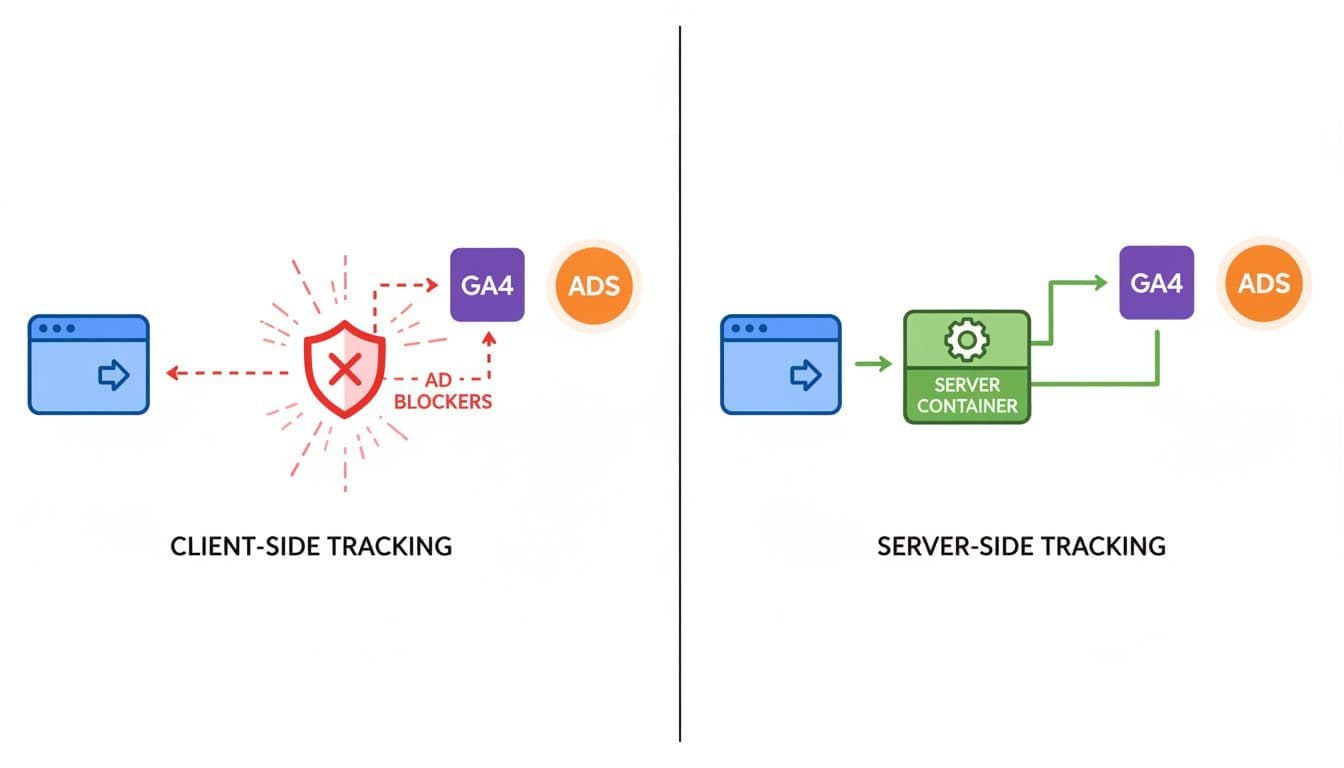
A server-side GTM setup sends tracking data to a server container you control, then forwards it to GA4, Google Ads, Meta, LinkedIn, or other tools. That extra stop often cuts data loss and reduces messy duplicate logic.

Diagram comparing client-side vs server-side GTM tracking flows for lead gen websites: left side shows browser sending data directly to vendors with blockers; right side shows browser to server container then to vendors using clean lines, icons, and bright colors.

For lead gen sites, the gain is simple. You protect high-value actions like successful form submits, click-to-call events, and later-stage qualified leads. You also get a cleaner path between analytics and CRM reporting, which makes a GA4 lead tracking checklist far easier to keep stable.

Recent server-side tagging best practices for 2026 point to the same issue: browser-side loss is growing, not shrinking. For small teams, DIgital Marketing, SEO, Performance Marketing, Social Media Marketing, and Website Development all depend on the same source data. When that data breaks, every report starts to argue with the next one.

Server-side tracking won’t make data perfect, but it removes a lot of avoidable loss.

What you need before you touch the container

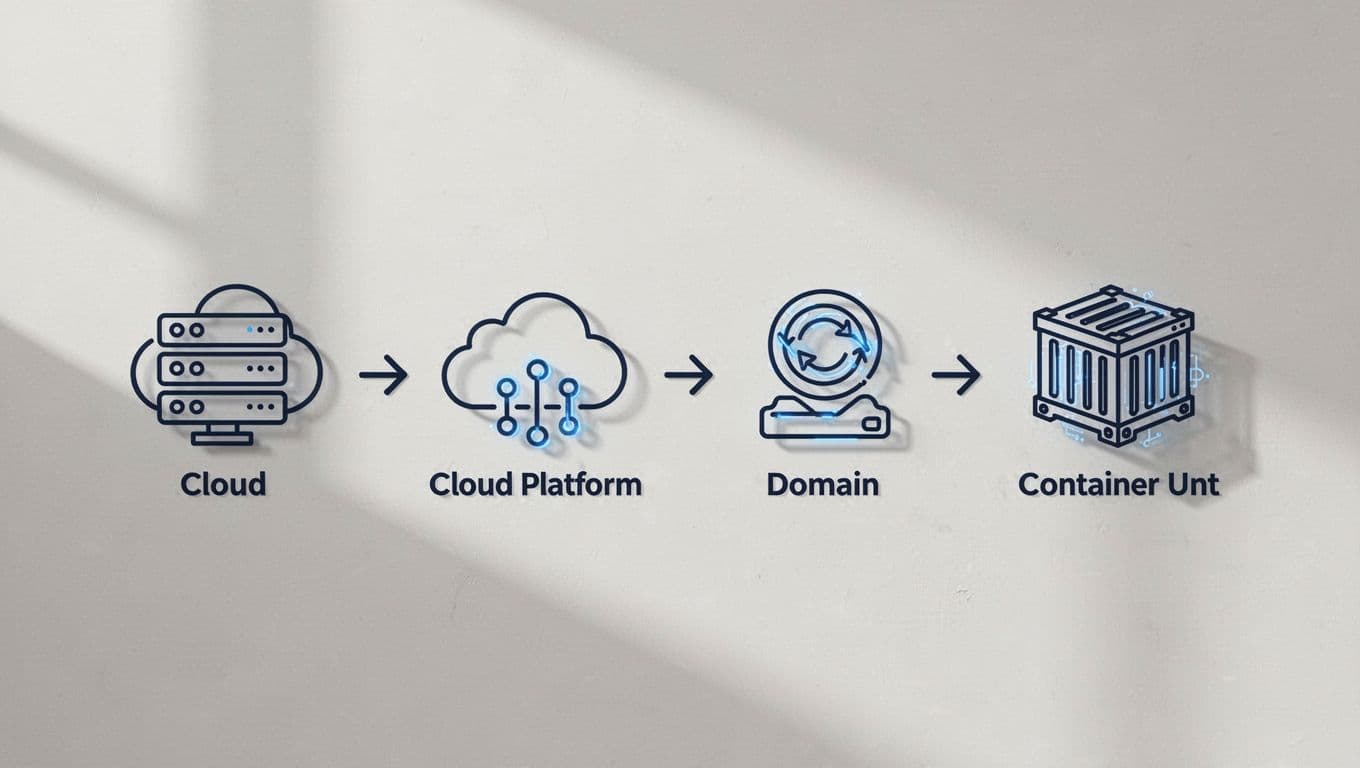
Start with a clean base. You need one web GTM container, one new server container, a GA4 property, and a plan for where lead data should end up after the website collects it.

Icons diagram of prerequisites for server-side GTM including cloud server, domain setup, and GTM containers, arranged in a checklist flow with simple line art in professional tech style.

Hosting choice matters too. Managed options like Stape are faster for small teams. Google Cloud Run gives more control, but it asks more from your technical setup. Either way, use a same-site subdomain such as analytics.yoursite.com, not a third-party hostname. That keeps tracking closer to your own domain and helps first-party context.

Also decide three things before launch: your consent rules, your event names, and your lead_id strategy. If the lead record in your CRM can’t match the web event later, attribution still breaks. For a broader reference, Trackingplan’s sGTM guide is a useful outside read.

The core server-side GTM setup steps

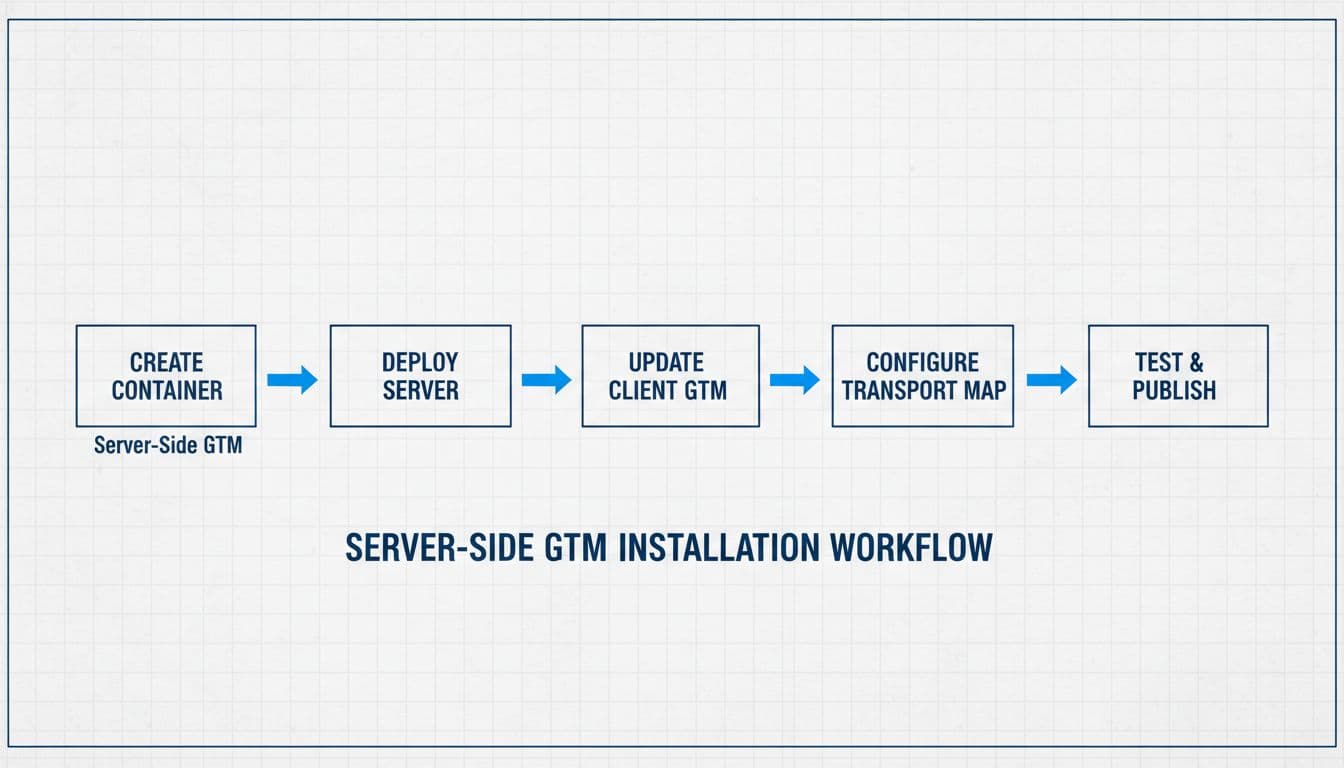
The actual build is not hard, but the order matters.

Clean blueprint-style flowchart showing the main path for server-side GTM container installation: create container, deploy server, update client GTM, transport map, with arrows connecting empty boxes in monochromatic tones with accents.
  1. Create a new Server container in GTM.
  2. Deploy it to your chosen host, then connect your custom subdomain.
  3. In the server container, confirm the GA4 client is available and receiving requests.
  4. In your web container, update the GA4 tag so hits route through the server endpoint, commonly with server_container_url.
  5. Preview both containers before you publish anything.

If your team last touched server-side tagging a while ago, review current templates and client behavior. A lot changed during 2025, so old screenshots can mislead. After the server receives GA4 traffic, keep your web container light. Let the browser capture intent, and let the server decide what each vendor should receive.

A practical build walk-through for lead capture flows is available in this GA4 server-side tracking for lead generation guide.

Configure tags for real lead events, not vanity actions

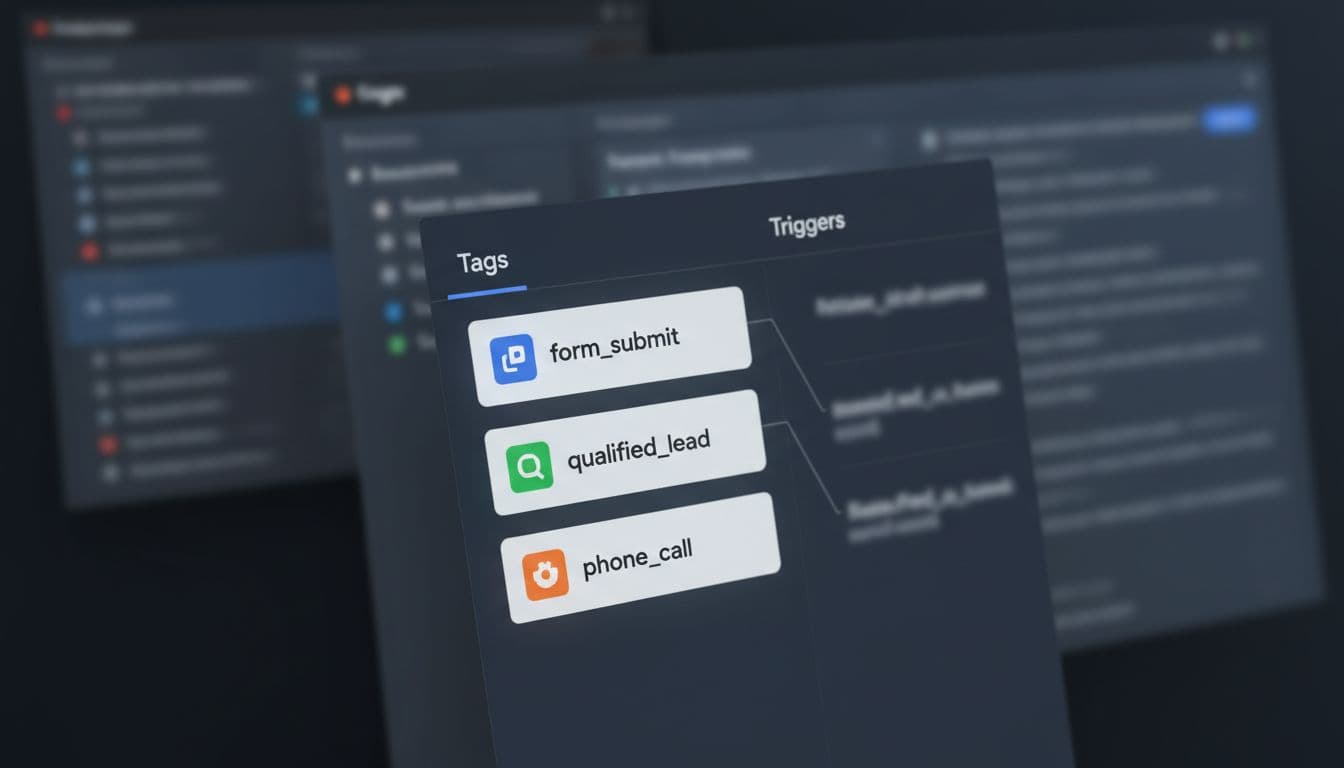
This is where many setups go off track. Fire on success, not on hope. A form button click is not a lead if validation fails or the request never reaches the backend.

GTM dashboard mockup showing three configured tags for lead events: form_submit, qualified_lead, and phone_call. Blurred screens with focus on tag list and triggers in realistic angled UI screenshot style.

Use this simple event map:

Event Fire when Helpful parameters
form_submit Success message, thank-you page, or confirmed XHR form_id, lead_type, page_type, lead_id
phone_call Click on tel: or connected call from call platform placement, page_type, call_source
qualified_lead CRM or backend marks the lead as valid lead_id, value, currency, lead_stage

Keep personal data out of GA4. Don’t send names, email addresses, or phone numbers there. If you need stronger ad matching, pair the setup with enhanced conversions setup for Google Ads leads. For qualified_lead, send the event from your CRM or backend into the server container, then forward it where needed.

Test consent and data flow before launch

Preview mode is not optional. Test the web container, the server container, and the final hit in GA4. Then test again on mobile, because click-to-call behavior often differs from desktop.

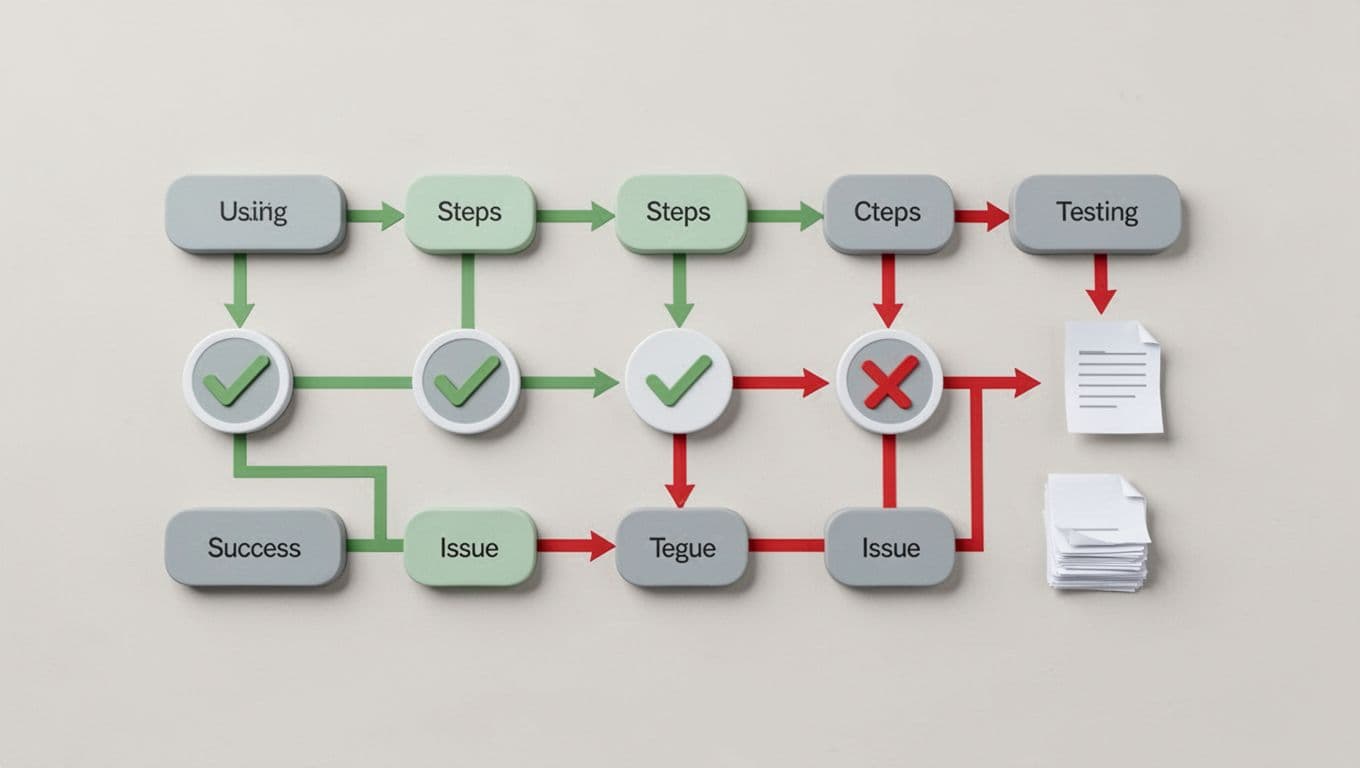
Infographic flowchart depicting the server-side Google Tag Manager (GTM) testing process, including preview mode, debug requests, and GA4 event validation with sequential steps, checkmarks, green/red paths, and tool icons.

Check four things every time: the event fires once, the right parameters are present, consent state is respected, and no self-referrals appear from booking or form tools. Consent Mode v2 still matters with server-side tagging. Your server can filter and control data better, but it should not ignore consent choices. This 2026 Consent Mode v2 guide is a helpful comparison point.

If a redesign is coming, keep this website migration SEO checklist nearby, because new templates often break working triggers.

What gets better after launch

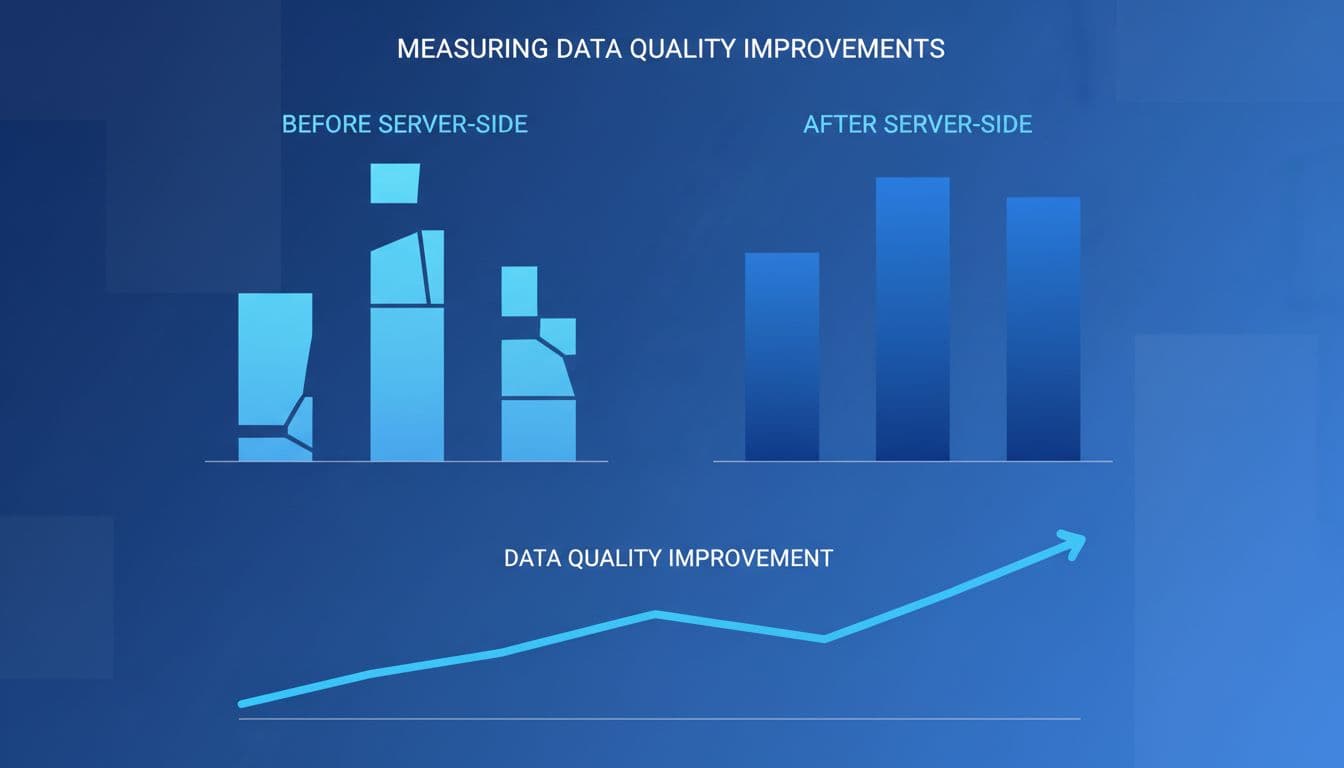
After launch, watch the gap between platform leads, GA4 leads, and CRM leads. The goal is not perfect matching. The goal is a smaller, explainable gap.

Side-by-side before-and-after charts in dashboard style: left bar chart with gaps showing poor data accuracy, right with full bars for improved attribution; rising line graph for data quality, blue tones, professional, no labels.

A good server-side GTM setup usually improves lead capture consistency, reduces unassigned traffic, and gives ad platforms cleaner conversion signals. It also gives you more control over privacy filtering before data leaves your stack. When reporting still disagrees, use a GA4 CRM reconciliation guide to find whether the problem sits in attribution, identity, or sales-stage logic.

The missing leads from the start of this post usually come from setup gaps, not campaign failure. Fix the tracking path, and your numbers become much easier to trust.

If you want help building or auditing the setup, Get In Touch With Us before the next form update or campaign launch.


Meta Lead Ads vs Landing Pages for Service Businesses in 2026

Cheap leads can look great in Ads Manager, then fall apart on the phone. That’s why meta lead ads versus landing pages is still one of the biggest choices a service business can make in 2026.

For most owners, the real test isn’t cost per lead. It’s booked jobs, show-up rates, and revenue after follow-up. If you’re sending paid social traffic from Facebook or Instagram, the destination matters as much as the ad.

Why the traffic destination changes lead quality

Meta Lead Ads keep people inside Facebook or Instagram. A prospect taps the ad, sees a short form, and Meta often pre-fills contact details. Friction drops, so lead volume usually goes up.

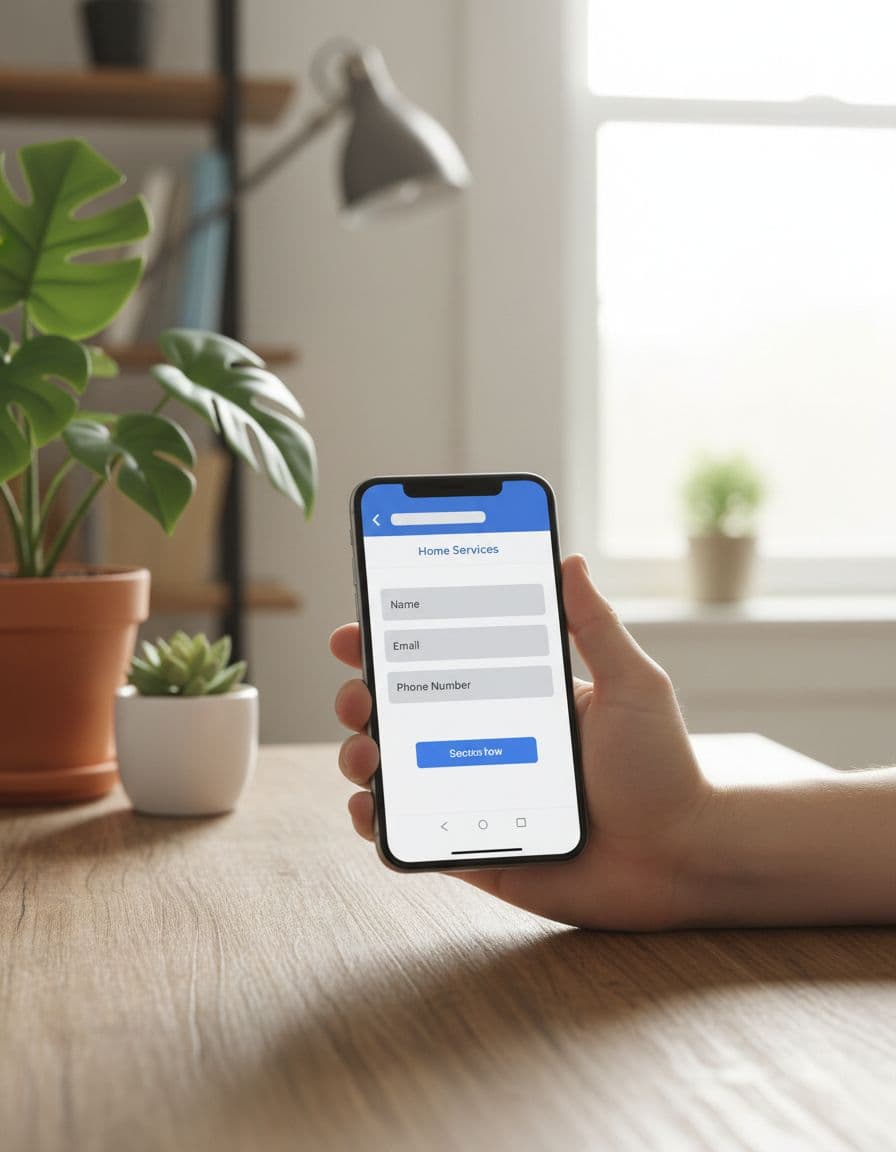
Smartphone held in hand showing minimal Meta Facebook lead ad form for home services in casual home office with plants and natural light, photorealistic.

That speed helps when timing matters. A home services company running AC repair ads during a heat wave can win by capturing demand fast. The same goes for a coaching offer tied to a webinar or limited-time consultation.

Landing pages ask for more from the user. They leave the app, wait for the page to load, read the offer, and then fill out a form. That extra step filters out casual clicks. Fewer people convert, but the ones who do often want the service more.

This side-by-side view shows the tradeoff:

FactorMeta Lead AdsLanding Pages
Form completion rateUsually higherUsually lower
Lead intentLower to mediumMedium to high
Qualification controlLimitedStrong
Pixel trackingPartialBetter
Retargeting depthLimitedStrong
Best fitSpeed and volumeQuality and bookings

That pattern matches what many 2026 advertisers are seeing. In Barham Marketing’s 2026 comparison, native forms tend to win on raw lead count, while landing pages often do better once sales quality enters the picture.

Booking rates and show-up rates tell the real story

A lead is only the first domino. If it never turns into an appointment, it’s noise.

Cheap leads get expensive when your team spends hours calling people who never meant to book.

For higher-ticket services, landing pages often pull ahead after the first conversion. A med spa, family law firm, executive coach, or B2B services company usually needs space to explain price, trust, process, and next steps. A page can do that before the form even appears.

Realistic photograph of a single laptop on a modern desk in a cozy professional office, displaying a med spa service business landing page with implied contact form and before-after images. Soft overhead lighting illuminates the scene with a coffee mug nearby, screen angled slightly away with no readable text, no people or logos.

Take a med spa selling injectables. A Meta form may collect plenty of names. A landing page can pre-qualify by treatment interest, budget, location, and availability. That usually means fewer leads, but more bookings and fewer no-shows.

Legal and B2B campaigns show the same pattern. If someone is hiring a lawyer or a consultant, they want proof before they talk. Reviews, FAQs, case studies, and a stronger offer on-page help warm the lead before sales gets involved. Indeeleads’ breakdown of Meta lead funnels makes a similar point, website paths tend to work better when intent matters more than sheer volume.

Still, Meta Lead Ads can outperform when urgency is high. A roofer after storm damage or a cleaning company with same-week slots may care more about fast contact than long-form education.

What changed in 2026, and why old advice falls short

Meta’s automation is stronger now. Broad targeting often works better than tight audience stacks, and automated creative systems can test hundreds of combinations quickly. That helps Social Media Marketing teams move faster, but it also creates a catch. Meta will optimize for the easiest form fills unless you feed it better sales data.

That’s where attribution breaks down. With lead ads, the user stays in-app, so your site pixel sees less of the journey. You get weaker page-level behavior data and fewer retargeting signals. Landing pages still matter because they give Performance Marketing teams better tracking, deeper remarketing pools, and cleaner ties to Website Development improvements.

Privacy changes make this more important. Lookalikes aren’t what they were a few years ago, so first-party data matters more. Lead ads can sync instantly into a CRM, which is great for speed. Some brands now add extra questions or OTP-style verification to filter junk. Even so, landing pages still offer better routing by zip code, service type, budget, or urgency before a lead reaches sales.

AI-assisted follow-up also changes the math. A missed call no longer kills the lead if AI texts, emails, and books fast. Lead ads benefit from that speed. Yet landing pages often give AI more context, because you can pass page behavior and detailed form answers into your CRM. That matters across DIgital Marketing, especially when paid social supports local SEO services for businesses or broader comprehensive digital marketing services.

When to use Meta Lead Ads, landing pages, or both

Use Meta Lead Ads when speed matters, the offer is simple, and your team responds fast. They fit emergency home services, low-friction promotions, short coaching funnels, and mobile-first audiences that won’t wait.

Choose landing pages when the service is expensive, trust-heavy, or regulated. Legal services, med spas, consulting, and most B2B offers usually need more context before a lead is ready to book.

Combine both when you want scale without giving up quality. Send colder audiences to Meta Lead Ads, then retarget opens, non-bookers, and warmer prospects to a landing page. KHC Group’s guide to Meta ads for service businesses points in the same direction, the funnel matters more than the format alone.

The cheaper lead isn’t always the better customer. In 2026, the winning path is the one that improves booked revenue, not the one that makes your dashboard look busy.

If you want help mapping the right funnel for your business, Get In Touch With Us.

Facebook Ads Strategy for Local Service Businesses in 2026

Most local service ads don’t fail because Facebook is too expensive. They fail because the campaign is built for clicks, not booked jobs.

If you’re an HVAC owner, plumber, roofer, cleaner, dentist, or med spa marketer, your facebook ads strategy needs tighter targeting, better lead screening, and cleaner tracking than it did a year ago. In 2026, Meta gives you more automation, but it also expects better signals back.

Build a campaign structure that matches how people buy

A middle-aged local plumber business owner sits focused at a wooden desk in his workshop, reviewing the Facebook Ads Manager dashboard on his angled laptop with tools and pipes in the background under natural daylight.

A local business rarely needs one all-in-one campaign. Emergency services, quote requests, and repeat customers behave differently, so split them early. That gives Meta cleaner signals and helps your team judge results faster.

This simple structure works well for most local brands:

| Goal | Campaign type | Best audience | | | | | | New leads | Leads or Sales | Broad local cold audience | | Retargeting | Leads or Sales | Site visitors, video viewers, page engagers | | Repeat business | Leads or Engagement | Past customers and warm audiences |

Start with one clear offer per campaign. A plumber might run “same-day leak inspection.” A dentist might run “new patient exam.” A cleaner might promote “weekly home cleaning quote.”

Meta also changed how some metrics work in 2026. Link clicks now mean actual link clicks, not every tap, so weak landing pages show up faster. If you want a broader overview, this Meta Ads guide for local businesses in 2026 gives useful context.

Target local leads without paying for the wrong zip codes

Marketing professional in modern office pinning service areas on digital map for Facebook ad targeting, with city map showing radius around neighborhoods and laptop nearby.

Your service area should shape the account. Don’t let a 40-mile service radius sit inside one ad set if only half that map is profitable. Break areas into clusters by job value, travel time, or close rate.

For example, a roofing company can separate high-income suburbs from lower-ticket rural zones. A pest control brand can split family neighborhoods from commercial areas. Meanwhile, a med spa may want one campaign for a 5 to 8 mile radius and another for a nearby city center.

Keep interests light. In many cases, broad local targeting plus strong creative beats a crowded interest stack. For home services, add interests only when they match the service, like home improvement, lawn care, or pet owners for pest control.

Also, watch sensitive-category rules. If Meta classifies an ad under housing, employment, credit, or a related category, geo options can tighten fast. Paid ads also work better when paired with local SEO services, because search captures people already looking for help.

Create ads and forms that screen bad leads early

A relaxed hand holds a smartphone displaying a Facebook ad carousel for local HVAC services with home comfort images, positioned on a cozy home office desk with plants and natural light, realistic style, no readable text or logos.

The best local ads look familiar, not polished to death. Use your trucks, your staff, your jobs, and your neighborhoods. Meta is pushing original short-form content harder in 2026, so fresh photos and short Reels-style clips can beat stock creative.

Match the ad to one problem and one next step. An HVAC ad can show a tech at a unit with a fast promise like seasonal tune-up or no-cool diagnostic. A dental ad should show the office and team, then push a simple booking step. If you want extra ideas, this look at what works for service businesses in 2026 lines up with that approach.

Your lead form should do some filtering before the phone rings. Ask for:

  • service zip code
  • service needed
  • timeline
  • best call window

Cheap leads aren’t a win if your staff spends the day calling people outside your service area.

If you use AI-made images or video in ads, disclose that when required. Meta’s checks are tighter now, and mismatched ad copy and landing pages can trigger rejections.

Manage budget by qualified lead, not raw lead count

A mid-40s local service business owner smiles confidently at a rising graph comparing ad spend to qualified leads on his angled computer screen in a warm-lit modern office with calculator and phone on desk.

A good starting point for most local markets is one cold campaign at $30 to $100 per day, based on service value and city size. Put another 10 to 20 percent into retargeting. Small towns can often start lower. Legal, dental, and roofing usually need more room.

Don’t scale because lead volume looks pretty. Scale when cost per qualified lead and booked appointment stay healthy for at least several days. Then raise spend in small steps, usually 15 to 20 percent.

Meta now allows more budget control inside ad sets, including percentage limits. That helps protect warm audiences from being starved. For service businesses with a longer sales cycle, remarketing ads on Facebook and Instagram are still one of the easiest wins.

Track the signals that tell Meta who should convert

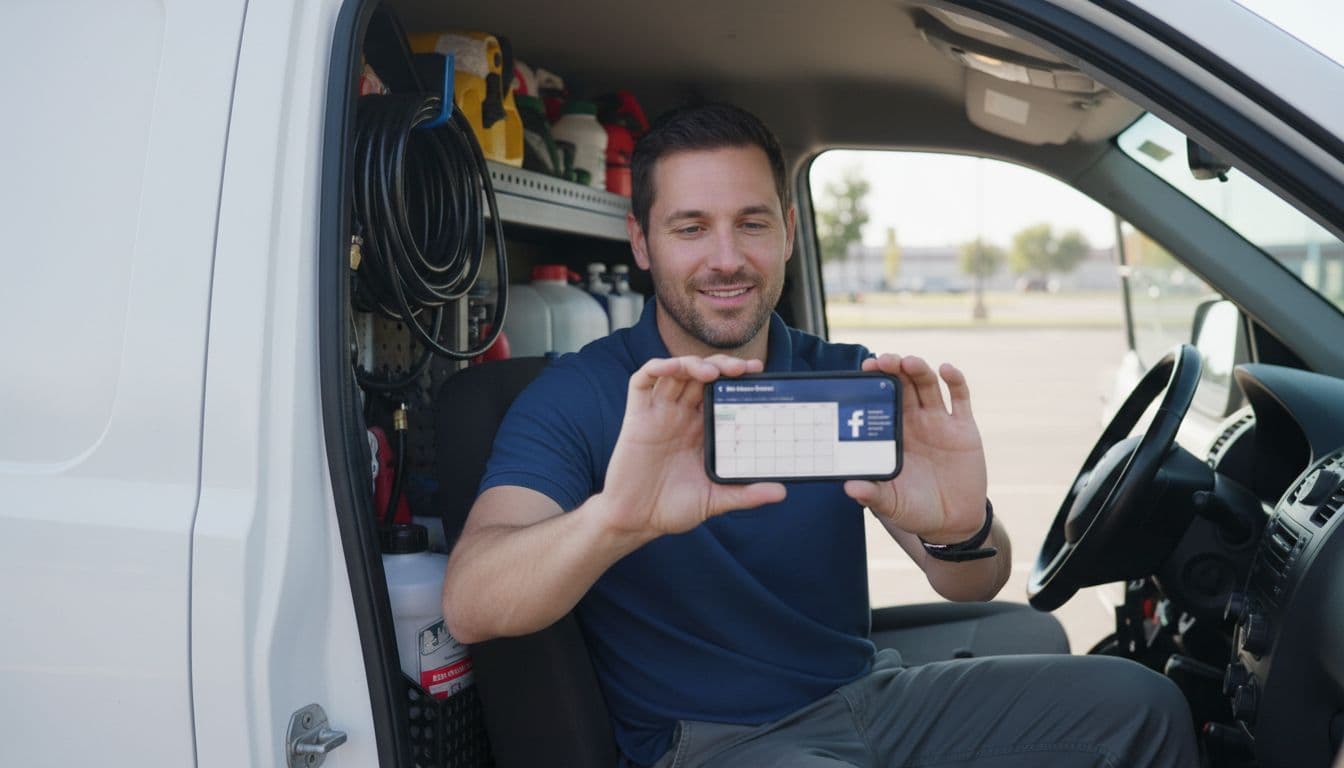
A pleased 30-year-old pest control technician in his van checks his phone for new leads from Facebook ads, with a blurred calendar app on screen and service tools in the background, set in a daylight parking lot.

If Meta only sees form fills, it will chase more form fills. If you send back qualified leads, booked estimates, and closed jobs, it can learn what a real customer looks like.

Use the Pixel and Conversions API together. Then connect your CRM or call tracking so offline events go back into the ad account. For local businesses, the most helpful milestones are usually lead, qualified lead, booked appointment, and sale.

Check Account Quality often. Keep your ad copy, lead form, landing page, and thank-you page aligned. Avoid claims you can’t prove, especially in health, finance, or legal ads. This Facebook ads for local services lead generation guide also makes the same point: the best campaigns teach the platform what a good lead is.

A strong facebook ads strategy doesn’t chase more names. It chases more qualified leads that turn into jobs.

If your phone rings but the jobs don’t fit, fix the system first. Tighten the campaign structure, filter the form, and send better conversion data back to Meta this week.

Looker Studio Reporting Dashboard Template for Lead Gen Campaigns (2026)

If your lead gen reporting feels like cooking the same meal every day, you’re not alone. Most marketing teams still stitch together google ads, Meta, LinkedIn, GA4, and CRM numbers by hand, then argue about what’s “real.”

A reusable looker studio dashboard template fixes that, because it turns manual reporting into automated reporting. You’ll spend less time exporting CSVs and more time spotting where CPL is rising, which forms are converting, and whether those “leads” ever become MQLs and SQLs.

This guide walks through a practical 2026 template layout, with exact charts, fields, and build steps you can copy.

Why a Looker Studio dashboard template saves time (and reduces reporting fights)

Image prompt suggestion: A marketer reviewing a clean marketing dashboard on a laptop in a bright office, no readable text.

Professional marketer sitting relaxed at a modern desk with natural office window light, reviewing vibrant marketing dashboard on laptop displaying charts for lead metrics like total leads, CPL, and sources.

A Looker Studio dashboard template helps because it forces consistent definitions. “Leads” means one thing, not five. It also standardizes filters (date, channel, campaign, geo), so every stakeholder sees the same slice.

In 2026, the best setups blend paid media, google analytics 4 on-site conversions, and CRM stages. You can keep it light inside Looker Studio, a powerful data visualization tool, at first, then move to a warehouse later if you need more control. If you want inspiration for structure and layout, skim these Looker Studio dashboard examples or check out free Looker Studio templates to save even more time, and note how they separate exec KPIs from drill-down pages.

Gotcha: templates don’t fix messy tracking. If your form event fires twice, your pretty dashboard will double-count, too.

Key marketing metrics to track in your lead gen dashboard (the ones teams actually use)

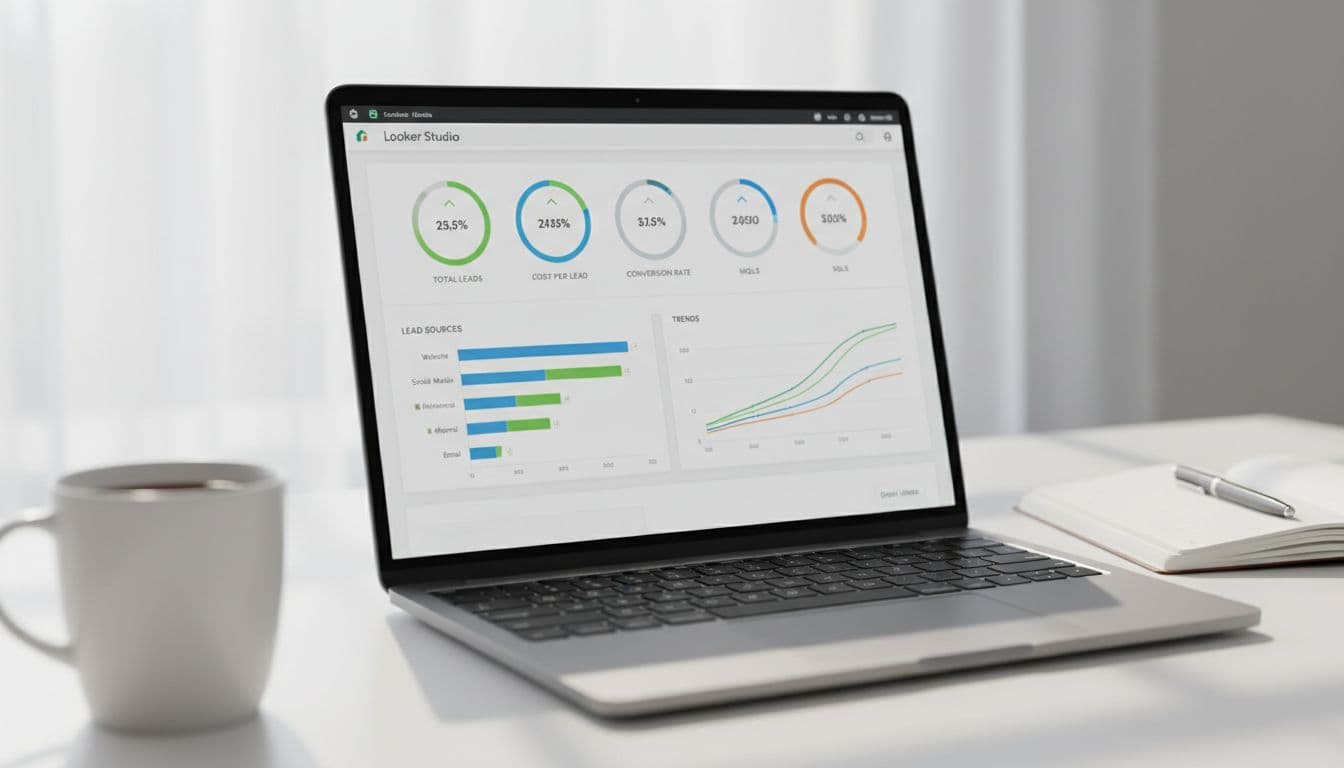
Image prompt suggestion: A desk scene with a laptop showing KPI tiles for leads, CPL, MQL, SQL, plus trend lines, no readable text.

Close-up laptop screen in a bright workspace showing Looker Studio dashboard with KPI scorecards for total leads, cost per lead, conversion rate, MQLs, SQLs, bar chart for lead sources, and line chart trends; coffee mug and notebook nearby.

Start with metrics that lead to decisions. Keep vanity numbers (like impressions) available, but not center stage.

Use this as your “north star” set for tracking campaign performance:

KPIWhere it comes fromRecommended calculation
LeadsGA4 event or Ads platform lead objectiveCount of generate_lead or form_submit
CPLAds platformsSpend / Leads
Conversion rate (click to lead)Ads + GA4Leads / Clicks
MQL rateCRMMQLs / Leads
SQL rateCRMSQLs / MQLs
Cost per SQLAds + CRMSpend / SQLs

Build steps (field picks):

  • Use GA4 for on-site conversions (form submits, demo requests, click-to-call).
  • Use google ads, meta ads, linkedin ads connectors for spend, clicks, impressions.
  • Use CRM data (HubSpot, Salesforce, or a clean export in Sheets/bigquery) for lifecycle stages.

To avoid chaos, name metrics the same across charts (for example, “Leads (GA4)” vs “Leads (CRM)”) and show both when they differ.

Build the overview page step-by-step (one page your execs will open)

Image prompt suggestion: A laptop showing an overview dashboard with KPI tiles and a weekly trend chart, no readable text.

Laptop on a modern desk displaying Looker Studio overview page with large KPI tiles for leads and revenue, trend line chart for weekly performance, and top campaigns table in a relaxed office setting with plants and warm daylight lighting.

Think of the overview page, your marketing dashboard, like a car dashboard. It shouldn’t explain everything; it should show what needs attention.

Build steps (recommended components):

  1. Add a Date range control (default: last 28 days) and a Data control if you manage multiple accounts.
  2. Add 5 to 7 Scorecards: Spend (for budget tracking), Leads, CPL, MQLs, SQLs, Cost per SQL, and (if available) Pipeline value.
  3. Add a Time series chart: dimension = Date, metrics = Spend and Leads (dual-axis).
  4. Add a Table called “Top campaigns”: dimension = Campaign, metrics = Spend, Leads, CPL, MQLs, SQLs. Sort by SQLs (desc) for actionable insights.
  5. Add drill-down on the campaign table: Campaign -> Ad group -> Keyword (Google Ads) or Campaign -> Ad set -> Ad (Meta).

If your conversion setup is still evolving, use this internal guide to stabilize it: track website conversions in Google Analytics. For extra layout ideas, this collection of report templates is useful for page structure.

Lead sources and ad platform breakdown (where CPL rises first)

Image prompt suggestion: A marketer holding a tablet showing stacked bars for leads by channel and a CPL table, no readable text.

A single marketer in business casual holds a tablet displaying Looker Studio charts: a stacked bar graph for leads from Google Ads, Meta, and LinkedIn, plus a performance table with CPL by platform, set against a blurred office background with natural light.

This page analyzes cross-channel performance to answer a simple question: which channel is producing real leads at a sane cost?

Build steps (charts that work well):

  • Stacked bar chart: dimension = Week (or Date), breakdown dimension = Platform (Google Ads, Facebook Ads, Meta Ads, TikTok Ads, LinkedIn Ads), metric = Leads.
  • Bar chart: dimension = Campaign, metric = CPL (use a filter for min spend to avoid tiny-sample noise).
  • Scatter chart: X = CPL, Y = Leads, bubble size = Spend, dimension = Campaign (great for spotting waste).
  • Detail table: dimensions = Platform, Campaign, Landing page (if available), Instagram Insights; metrics = Spend, Clicks, Leads, CPL, GA4 CVR.

Add cross-filtering so clicking “Meta Ads” updates the whole page. Also include a landing page filter when you can, because one weak form page can make a good campaign look bad.

Blend CRM data for full-funnel tracking (MQL and SQL, not just form fills)

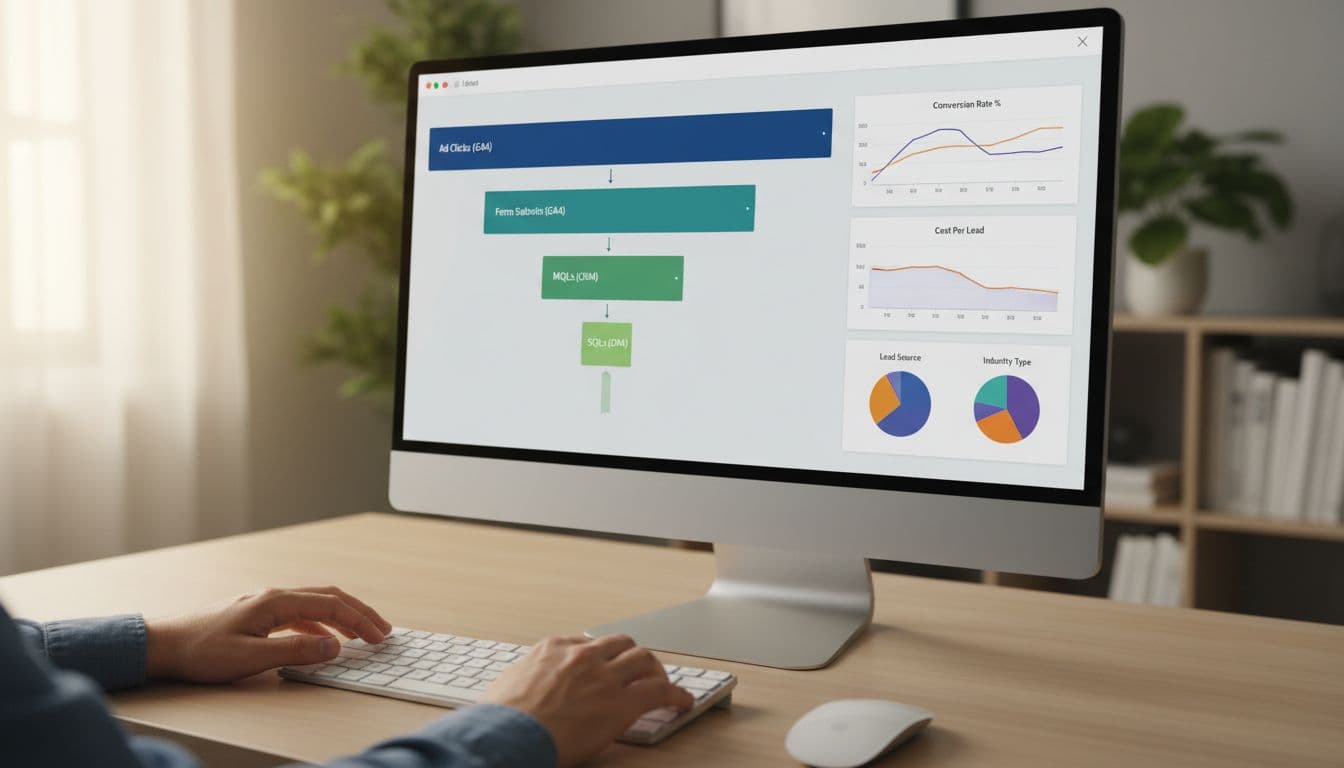
Image prompt suggestion: A desktop screen showing a funnel from clicks to form submits to MQL and SQL, no readable text.

Desktop screen displaying Looker Studio funnel visualization with horizontal bars tracking ad clicks to form submits (GA4), MQLs, and SQLs (CRM), alongside blended data charts. Modern desk setup includes keyboard, mouse, and one person's relaxed hands under soft lighting.

Ad platforms optimize to what you feed them. If you only report form fills, you’ll often buy more low-quality leads. This full-funnel approach is essential for both lead gen and ecommerce analytics.

Build steps (a clean join plan using data source connectors):

  1. In your CRM export, include: Lead ID, Created date, Stage (Lead, MQL, SQL), Source, Campaign, UTM fields, and click IDs (gclid, fbclid) when possible.
  2. In Google Analytics 4, capture a lead_id on submit (or a stable dedupe key like email hash), plus UTMs.
  3. In Looker Studio, blend data on Lead ID (best), or on Email (risky), or on Date + Campaign (least accurate).
  4. Build a funnel chart: metrics = Clicks (Ads), Leads (GA4), MQLs (CRM), SQLs (CRM).

For tracking hygiene that holds up over time, keep this bookmarked: GA4 lead tracking checklist for B2B.

Attribution caveat: CRM stages often happen days later. Use both “lead created date” and “stage change date,” then report with clear labels.

Quick implementation checklist (copy this and ship the template)

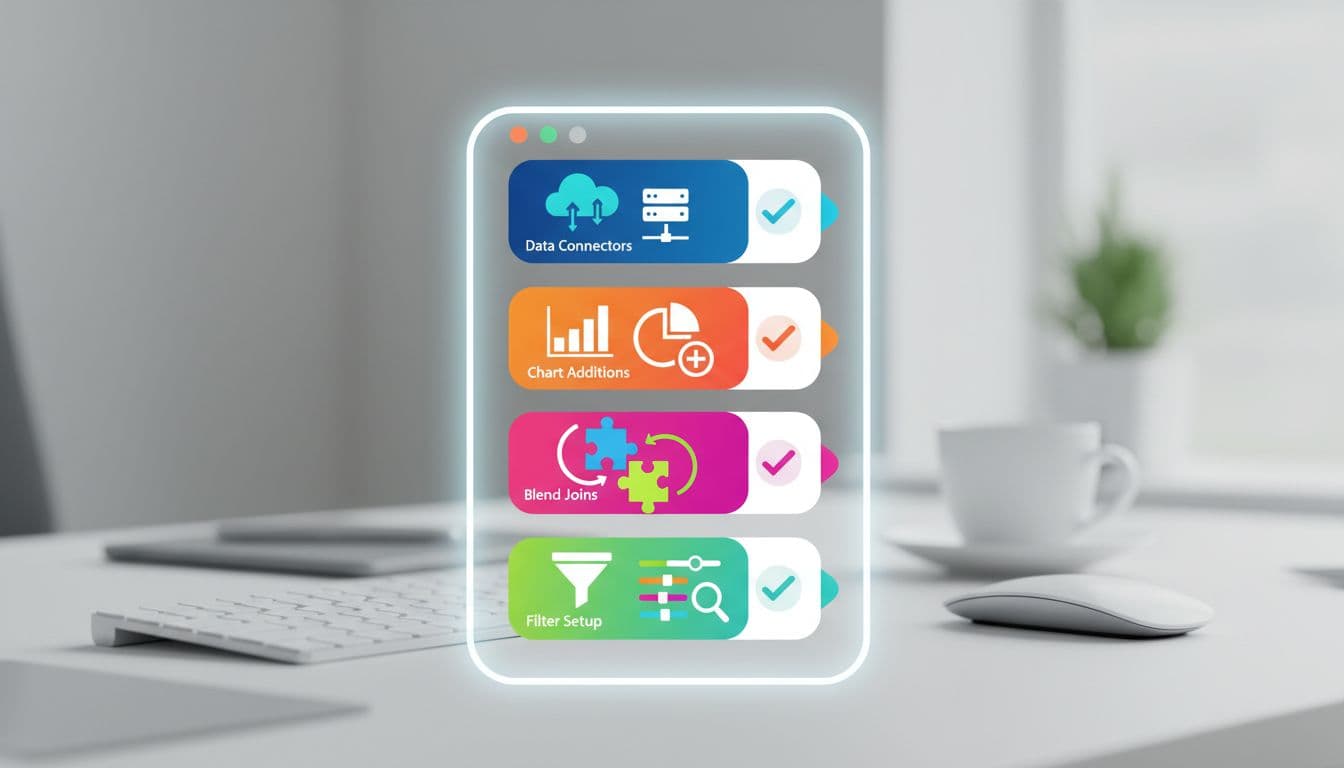
Image prompt suggestion: Simple icons showing connectors, charts, blends, and filters as a visual checklist, no readable text.

Abstract icons on a screen illustrating dashboard building steps including data connectors, chart additions, blend joins, and filter setups in a vibrant infographic style with blurred desk background.

This checklist helps data analysts create white-label report templates for clients.

Copy this checklist:

  • Define lead events in Google Analytics 4 (form_submit, demo_request, click_to_call) and test in DebugView.
  • Connect sources using data source connectors: Google Analytics 4, Google Ads, Google Search Console, Meta, Amazon Ads, LinkedIn, Shopify, and CRM (native connector or a clean Sheets export).
  • Build 3 pages: Overview, Source and Platform, CRM Funnel.
  • Add global controls: Date range, Platform, Campaign, Geo, Device.
  • Add drill-downs: Campaign -> Ad group -> Keyword (or Ad set -> Ad).
  • Data analysts should verify dedupe rules in CRM exports (one row per Lead ID, latest stage).
  • Label metrics clearly (Leads GA4 vs Leads CRM) and document definitions in a small text box.
  • Set refresh expectations (15 minutes to daily) based on data source speed.

If you prefer starting from an established layout, this campaign dashboard report template can help you compare page structure before you finalize yours.

Conclusion

A dependable looker studio dashboard template should do one job well: connect spend to pipeline for digital marketing performance. When you standardize KPIs, build a tight overview page, and blend CRM stages, reporting stops being a weekly debate and provides real-time insights for the team.

Set it up once, then improve it monthly. If you want help building a version that matches your exact ad mix and CRM workflow, skip generic free looker studio templates; start with ClickyOwl’s performance marketing agency team and make the dashboard part of the campaign process, not an afterthought.

Top 5 WhatsApp Marketing Tools You Need in 2026

WhatsApp Marketing Tools

Connecting with customers has never been more important. By 2025, WhatsApp Marketing is set to redefine how businesses interact with their audience. With nearly instant communication, personalized messaging, and vast global reach, these tools are becoming key to enhancing customer engagement. Advancements in technology are transforming these tools to simplify tasks like automating responses, sending bulk updates, and tracking campaign success. Whether you’re managing small campaigns or large-scale marketing efforts, the right tools can help you stay ahead and make the most of this ever-growing platform. Now, let’s explore the top options that can power up your strategy.

Why WhatsApp Marketing is Crucial for Businesses in 2025

Why WhatsApp Marketing is Crucial for Businesses in 2025

As consumer behavior evolves, businesses need platforms that help them engage directly, efficiently, and personally. WhatsApp, with its 2.7 billion global users, stands out as a critical tool for businesses to connect with their audience. But why is it particularly essential in 2025? Let’s break it down.

WhatsApp Marketing: An Overview

WhatsApp is no longer just a messaging app. It’s a business powerhouse. By 2025, it is estimated that 175 million people message businesses daily on WhatsApp. Its reach encompasses diverse demographics and geographies, making it an ideal tool for brands targeting both local and international markets. For instance, the app has achieved adoption rates exceeding 95% in countries like Brazil and India, broadening its commercial use cases.

With an open rate of 98%, WhatsApp campaigns drastically outperform email marketing (average open rates of 20-25%). This high engagement stems from its personal, real-time nature, allowing businesses to cut through digital noise and connect meaningfully. Industries ranging from e-commerce to travel have already embedded WhatsApp in their strategies. According to a WhatsApp statistics report for 2025, businesses using WhatsApp Chatbots are projected to save up to 2.6 billion hours annually, highlighting its efficiency.

For entrepreneurs and marketers, these trends translate into greater opportunities for customer retention, conversions, and overall ROI. You can read more about the transformative role of digital marketing in industries like graphic design over at our guide on digital marketing strategies.

Advantages of WhatsApp Marketing over Traditional Marketing

Why adopt WhatsApp Marketing instead of sticking to traditional methods like email or SMS? Here’s a breakdown of its key advantages:

  • Cost-Effectiveness WhatsApp eliminates expenses on paper, delivery logistics, or high SMS fees. This is especially beneficial for small businesses looking to scale. Compared to traditional mediums, the app offers tools like WhatsApp Business API that enhance communication without skyrocketing costs.
  • Personalized Messaging Features Unlike other platforms, WhatsApp enables highly personalized interactions. Using customer data, businesses can address individual needs, recommend products, send appointment reminders, and confirm deliveries—all with ease. Personalization establishes trust and fosters brand loyalty.
  • Automation with Chatbots Automation is a game-changer in marketing, and WhatsApp’s chatbot feature integrates seamlessly. These bots can handle FAQs, assist with bookings, and even process payments—making customer support fast and frictionless. By 2025, the increased use of such automations is expected to revolutionize how businesses handle customer queries.
  • Data-Driven Insights WhatsApp Marketing isn’t just about engagement; it’s about learning what works. Businesses can track metrics like message delivery rates, open rates, and customer response behaviors. These insights enable them to refine their strategies for better outcomes, much like how certain AI tools for marketers enhance precision in campaigns.

WhatsApp blends the immediacy and personalization of traditional face-to-face marketing with the scale of modern digital tools. With features that make communication easier and more effective, it’s clear why businesses are prioritizing WhatsApp Marketing over conventional approaches in 2025.

Criteria for Selecting the Best WhatsApp Marketing Tools

Criteria for Selecting the Best WhatsApp Marketing Tools

Choosing the right WhatsApp marketing tool can feel like navigating a crowded marketplace with endless options. However, with a clear plan and checklist, your decision becomes much simpler. From automation and integrations to compliance, here’s how to identify what works best for your business.

Essential Features to Look For

The right WhatsApp marketing tool should offer specific features that fit your strategy and business goals. Here are the must-have functions to ensure you’re equipped for success:

  1. Automated Messaging Automation is the heart of WhatsApp marketing. Look for tools that allow you to send pre-set messages like welcome texts, follow-ups, and campaign updates. This feature saves time and provides consistent communication, helping your team focus on strategic priorities.
  2. API Integration Seamless integration with existing business systems is crucial. Whether it’s your CRM software or e-commerce platform, tools offering API functionalities enable a smoother workflow. For instance, syncing customer interactions into one dashboard ensures better organization and fewer missed opportunities.
  3. CRM Capabilities A robust CRM (Customer Relationship Management) system integration allows businesses to maintain meaningful relationships with their audience. From categorizing leads to tracking every interaction, these insights help you deliver personalized customer experiences, often improving brand trust and loyalty.
  4. Advanced Analytics Data-driven marketing is more important than ever. Tools with in-depth analytics help you monitor message delivery rates, open rates, and click-through rates. Using these insights, you can fine-tune your campaigns to enhance their effectiveness. Businesses can transform their data strategies by integrating AI-powered tools, similar to concepts explained in this post on AI tools for digital marketers.
  5. Customer Segmentation Segmentation helps target specific customer groups based on behaviors, preferences, and location. This granular targeting enables businesses to run more personalized campaigns, ultimately driving better engagement and conversions.
  6. Bulk Messaging with Personalization Ensure the tool offers both bulk messaging for scale and personalization features for individual client connections. Striking this balance can significantly increase your open and response rates without losing the human touch.

For more inspiration on optimizing these features, check out this detailed overview of advanced marketing tools for businesses.

Compliance and Legal Considerations

While features are necessary, compliance is non-negotiable when it comes to WhatsApp marketing. Missteps can lead to penalties or even getting banned from the platform, so staying within legal boundaries is crucial.

  1. Adherence to GDPR and Data Protection Laws If you’re targeting audiences in regions like the EU, General Data Protection Regulation (GDPR) compliance is mandatory. The tool you choose should store data securely and collect only relevant, legally permissible information.
  2. User Consent for Messaging WhatsApp requires explicit user consent for businesses to deliver messages. Look for a tool that helps you manage opt-ins, whether through website forms, app notifications, or other user-friendly methods.
  3. Aligning with WhatsApp Business Terms All tools should operate in line with WhatsApp’s official Business Policy. This ensures that your account and campaigns comply with platform guidelines to avoid service interruptions.

By combining powerful features with strong compliance measures, you can ensure smooth operations and sustainable growth. For additional insights about effective marketing platforms and compliance, explore this ultimate WhatsApp marketing guide.

Top WhatsApp Marketing Tools to Watch in 2025

Top WhatsApp Marketing Tools to Watch in 2025

With WhatsApp solidifying its position as a must-have business communication platform, businesses are increasingly relying on specialized tools to enhance their marketing efforts. These tools not only simplify customer communication but also help drive campaigns for better engagement and ROI. Whether you’re managing a small shop or a large enterprise, there’s a solution tailored to your needs. Below are some of the best WhatsApp marketing tools worth exploring in 2025.

Wati: Real-Time Customer Interaction and CRM Integration

If you’re looking for a streamlined solution to interact with customers in real-time, Wati stands out. It is designed with small to medium businesses in mind, offering seamless customer interaction through WhatsApp. One of Wati’s biggest advantages is its CRM integration, allowing businesses to track every customer interaction across various channels.

Wati also supports automated messaging and chatbots, making it easier to provide consistent customer support without overwhelming your team. For businesses looking to connect multiple sales agents under one roof while maintaining professionalism, Wati ensures smooth communication channels.

Learn more about incorporating effective CRM tools into your digital strategy over in our guide on digital marketing strategies.

Twilio WhatsApp API: Enterprise-Grade Scalability

Twilio’s WhatsApp API has long been trusted by large enterprises that demand scalability and robust technical capabilities. Whether you want to send transactional updates or marketing campaigns to millions of users, Twilio provides the infrastructure to do so without breaking a sweat.

One of the biggest draws? Twilio’s integration flexibility. From e-commerce platforms to CRMs like Salesforce, this API can fit into virtually any workflow. Its developer-friendly design ensures IT teams can deploy custom solutions tailored to business-specific requirements. If your organization operates on a global scale, Twilio handles localization with ease.

You can read more about the best strategies for using WhatsApp on an enterprise-level in this external guide.

AiSensy: Affordable Automation for SMEs

Not all businesses have a giant marketing budget—here’s where AiSensy shines. Tailored specifically for small and medium enterprises (SMEs), AiSensy offers affordable pricing without compromising on essential marketing functionality. You can automate response templates, manage bulk campaigns, and track user interactions, making it a one-stop platform for WhatsApp marketing.

Its intuitive dashboard is easy to navigate, simplifying tasks like sending notifications, collecting feedback, or updating users on new launches. AiSensy also prioritizes data insights, giving small businesses the ability to refine their strategies using metrics like open rates.

Explore more tools that empower SMEs to succeed in marketing on this comprehensive software overview.

Zoko: E-Commerce Integrations and Targeted Campaigns

For businesses in the e-commerce space, Zoko is your go-to WhatsApp marketing tool. It offers excellent integration capabilities with platforms like Shopify, WooCommerce, and Magento, making it a favorite among online store owners. With Zoko, you can send targeted campaigns based on customer purchase history, abandoned carts, or browsing behavior.

One standout feature is its ability to run payment processes directly within WhatsApp, eliminating friction for customers ready to make a purchase. Its broadcasting and segmentation functionalities also allow brands to create hyper-specific campaigns that get users to engage and convert faster.

Curious about effective e-commerce marketing strategies? Here’s a detailed guide to marketing software examples and use cases.

Respond.io: Multi-Channel Support and Analytics Dashboard

Looking for a tool to centralize your customer communication channels? Respond.io is an excellent solution offering multi-channel support, integrating WhatsApp, Facebook Messenger, Instagram, and more into one easy-to-use dashboard. For businesses juggling multiple social platforms, this significantly improves workflow efficiency.

What also sets Respond.io apart is its analytics dashboard. You can track how customers interact across different touchpoints, helping you make better data-driven decisions. Whether it’s measuring response time, tracking open rates, or monitoring team performance, Respond.io ensures that businesses never lose sight of what works.

For a tech-driven exploration of this tool, check out this blog on marketing tools tailored for 2025.

By identifying the features that align with your business model, you can make the most of these tools to deliver effective WhatsApp marketing campaigns in 2025.

Case Studies: Successful WhatsApp Marketing Campaigns

Case Studies: Successful WhatsApp Marketing Campaigns

Exploring the practical applications of WhatsApp Marketing reveals how real businesses unlock its potential for growth. From improving customer engagement to achieving significant ROI, these case studies showcase the tangible outcomes that businesses can achieve. Let’s dive into two examples of companies that effectively leveraged WhatsApp to transform their operations.

E-commerce Success Story: How Zoko Improved Abandoned Cart Recovery Rates

For e-commerce businesses, cart abandonment is an all-too-common challenge. One online retailer partnered with Zoko, a WhatsApp Marketing tool tailored for e-commerce operations, to tackle this issue head-on. Through Zoko’s advanced automation capabilities, the retailer implemented a targeted abandoned cart recovery campaign using WhatsApp.

Here’s how they did it:

  1. Personalized Follow-Ups Using Zoko, the retailer crafted messages tailored to each customer’s browsing and cart activity. Customers received gentle reminders about their incomplete purchases, including product thumbnails, pricing, and a direct link back to their cart.
  2. Timely Automation By deploying automated reminders 30 minutes, 24 hours, and 72 hours after cart abandonment, the retailer ensured that their messaging stayed relevant without overwhelming the customer.
  3. Seamless Payment Integration With Zoko’s payment options embedded directly within WhatsApp chats, customers could complete their purchases in just a few clicks, removing barriers often associated with traditional checkout processes.

The results were stunning. Over the course of three months, the retailer saw a 25% increase in recovered carts—a significant boost to their bottom line. For more on how tools like Zoko help businesses thrive, check out this case studies page.

SME Growth Through AiSensy: Scaling Customer Support and Conversions

Small and medium enterprises (SMEs) often struggle to balance limited resources with the need to efficiently scale their operations. One such SME turned to AiSensy, an affordable WhatsApp marketing platform, to solve this issue. The business was facing lagging customer support times and low lead-to-conversion rates.

Here’s the strategy they used:

  1. Automated Customer Support AiSensy’s AI-powered chatbots were deployed to handle FAQs, order tracking, and simple inquiries. This freed up human agents to focus on complex customer interactions, slashing response times by 40%.
  2. Lead Nurturing through Personalized Campaigns Every potential customer engaging with the business through WhatsApp was segmented based on their interactions. AiSensy automated personalized follow-ups with discount offers and service reminders, increasing conversion rates.
  3. Effortless User Interaction Customers valued the simplicity of WhatsApp for communication. For instance, AiSensy integrated automated appointment confirmations and feedback collections—eliminating the back-and-forth typically seen with email or phone calls.

In just six months, this SME experienced a 30% increase in customer conversions and a marked improvement in overall customer satisfaction. Their story highlights how automation tools like AiSensy can supercharge customer relationships. Dive deeper into SME-focused WhatsApp marketing strategies on this insightful blog.

These real-world applications underline WhatsApp’s versatility and effectiveness in addressing different business challenges. Whether it’s tackling abandoned carts or enhancing customer support, the right tools make all the difference.

Best Practices for Implementing WhatsApp Marketing

Best Practices for Implementing WhatsApp Marketing

Implementing WhatsApp marketing effectively requires a strategic approach that prioritizes personalized communication, consistent engagement, and measurable outcomes. Businesses need to harness the platform’s potential while delivering meaningful value to their audiences. Here’s how you can refine your WhatsApp marketing strategy.

Personalized Messaging and Audience Segmentation

Generic messaging doesn’t work anymore. Your customers expect communication that feels personal and relevant. WhatsApp makes it easier to personalize the experience through segmentation.

Segmentation involves categorizing your audience based on variables like age, location, purchasing behavior, or even interaction history. Once segmented, you can craft messages tailored to each group.

For example:

  • Existing Customers: Share upcoming product updates or loyalty rewards.
  • New Leads: Send welcome messages and introductory offers to hook their attention.
  • Cart Abandoners: Use gentle reminders to entice users back to their pending purchases.

Need a practical tip? Align your WhatsApp campaign messages with customer preferences. Personalization builds trust and fosters loyalty. In fact, personalized messages are known to boost customer retention rates significantly. Find out how businesses build successful strategies with tools like WhatsApp to streamline personalization in this resourceful guide.

Automation for Consistent Engagement

Keeping your audience engaged 24/7 is difficult without some level of automation. That’s where WhatsApp features like quick replies, chatbots, and broadcast lists come into play.

Automation ensures you stay connected without overburdening your team. Here’s how to use it effectively:

  1. Quick Replies: Pre-set responses save time and standardize communication for FAQs like opening times or service details.
  2. Chatbots: Guide users through product catalogs, assist with purchases, or address common concerns.
  3. Broadcast Lists: Distribute campaign updates, product launches, or limited-time offers to multiple users while maintaining privacy.

By reducing response times and ensuring round-the-clock availability, automation empowers businesses to stay top-of-mind with customers. For a deeper dive into creating consistent engagement via automation, visit this expert-led overview.

Measuring Campaign Effectiveness

Metrics matter. Tracking performance lets you identify what’s working and what needs improvement. WhatsApp analytics allow marketers to measure campaign impact in real-time.

Key performance indicators (KPIs) to monitor include:

  • Open Rates: Understand how many people are actually reading your messages.
  • Click-Through Rates (CTR): Gauge customer interest in your offers or product links.
  • Response Times: Measure customer satisfaction by tracking how quickly issues are addressed.
  • Conversion Rates: Assess how well your campaigns are driving sales or achieving specific goals.

Integrating analytics insights into your strategy sharpens your focus. For marketers, this means making data-driven decisions to refine funnels or assess outreach effectiveness. More on this is highlighted in this comprehensive article.

When implementing WhatsApp marketing, combining personalization with automation and analytics ensures your campaigns achieve maximum impact.

Conclusion

WhatsApp Marketing in 2025 opens a door to boundless opportunities for businesses to engage with their customers in meaningful and efficient ways. The right tools can simplify automation, enhance personalization, and provide actionable insights, helping your business stay competitive.

By integrating WhatsApp Marketing into your strategy, you’re not just adapting to a trend—you’re embracing what’s quickly becoming an essential component of digital engagement. For businesses eager to step forward, exploring resources like AI-driven digital marketing strategies for small businesses can provide additional insights into leveraging emerging tools effectively.

Now is the time to prioritize customer-centric strategies and technologies that will shape the future of communication and marketing. Start today, and position your business for success in 2025.