If you count every form fill as a win, Google Ads learns the wrong lesson. Service businesses make money later, when a call gets qualified, an estimate gets booked, or a job closes. Offline conversion tracking fixes that gap.
In 2026, the core setup still starts with GCLID capture, CRM storage, and privacy-safe imports back to Google Ads. Once that loop is working, campaigns can optimize toward qualified leads, booked jobs, and real revenue instead of noisy top-of-funnel actions.
Why service businesses need offline conversion tracking
A plumbing call from outside your service area is not a conversion. Neither is a spam form or a price shopper who never answers. When Google only sees raw leads, it optimizes for volume, not quality.
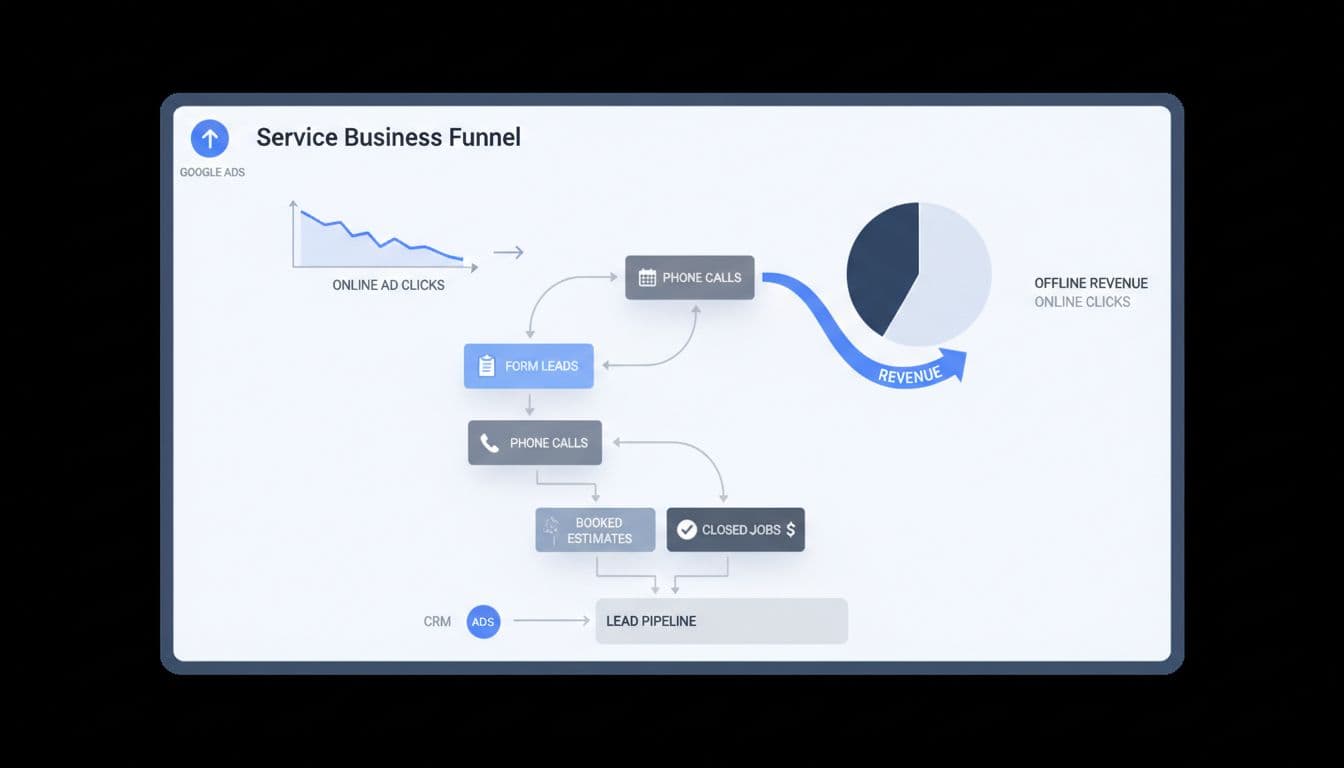
For service businesses, better signals are qualified lead, booked estimate, deposit paid, or closed-won job. A recent 2026 setup guide for offline conversion tracking makes the same point: campaigns get smarter when you feed them real business outcomes.
That matters even more in local services, where lead quality can swing hard by keyword, zip code, or device.
What to have ready before setup
Before setup, turn on auto-tagging in Google Ads. That adds the GCLID to your click URLs, and it still drives most offline matching in 2026. On some iOS and YouTube traffic, you may also see WBRAID.
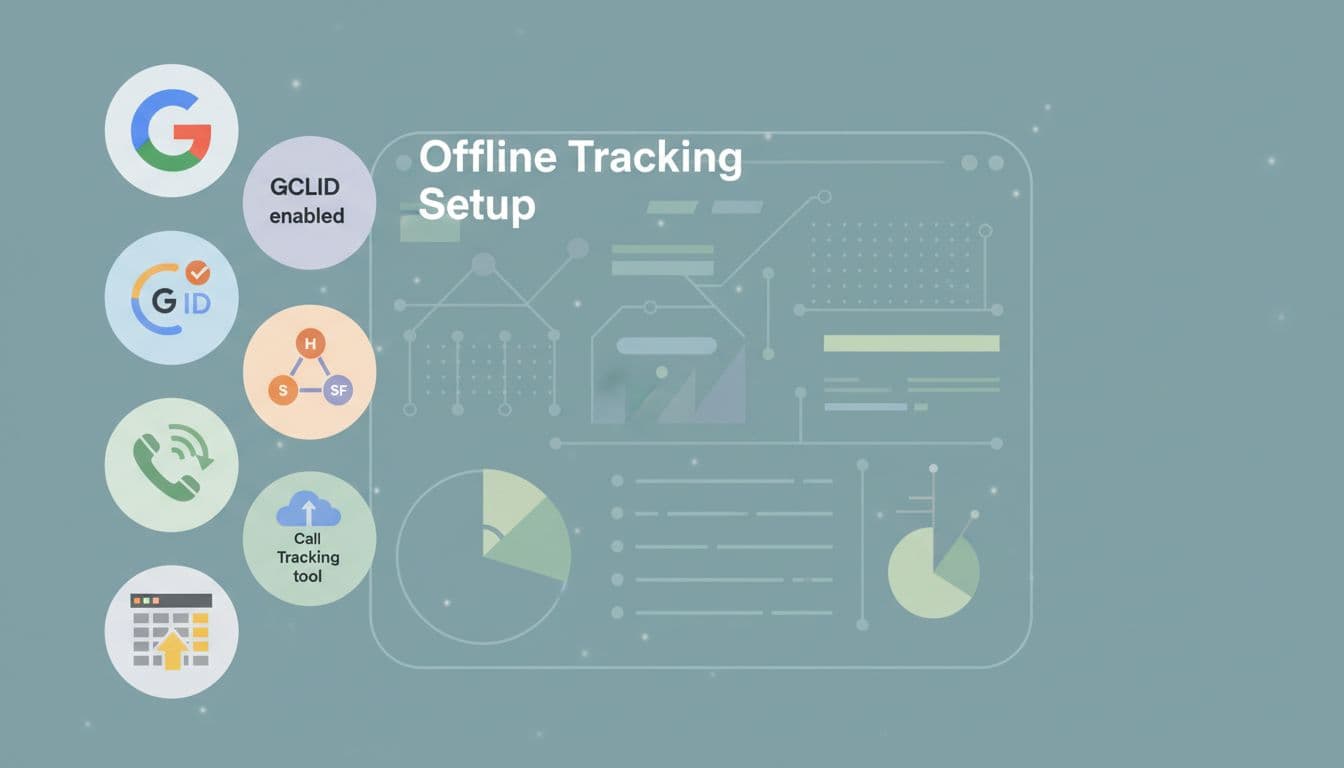
Next, capture the click ID on landing pages and pass it into your CRM with the lead record. Keep that first-party data for at least 90 days. You also need call tracking, a consent banner, and clean account basics. Many teams now use server-side tagging because browsers block more client-side tracking. If your foundation still needs work, this Google Ads account setup checklist for leads is a useful starting point.
Step-by-step Google Ads setup in 2026
In the current interface, go to Goals, then Summary, then create a new offline conversion action. Use separate actions for the stages that matter to your sales team.
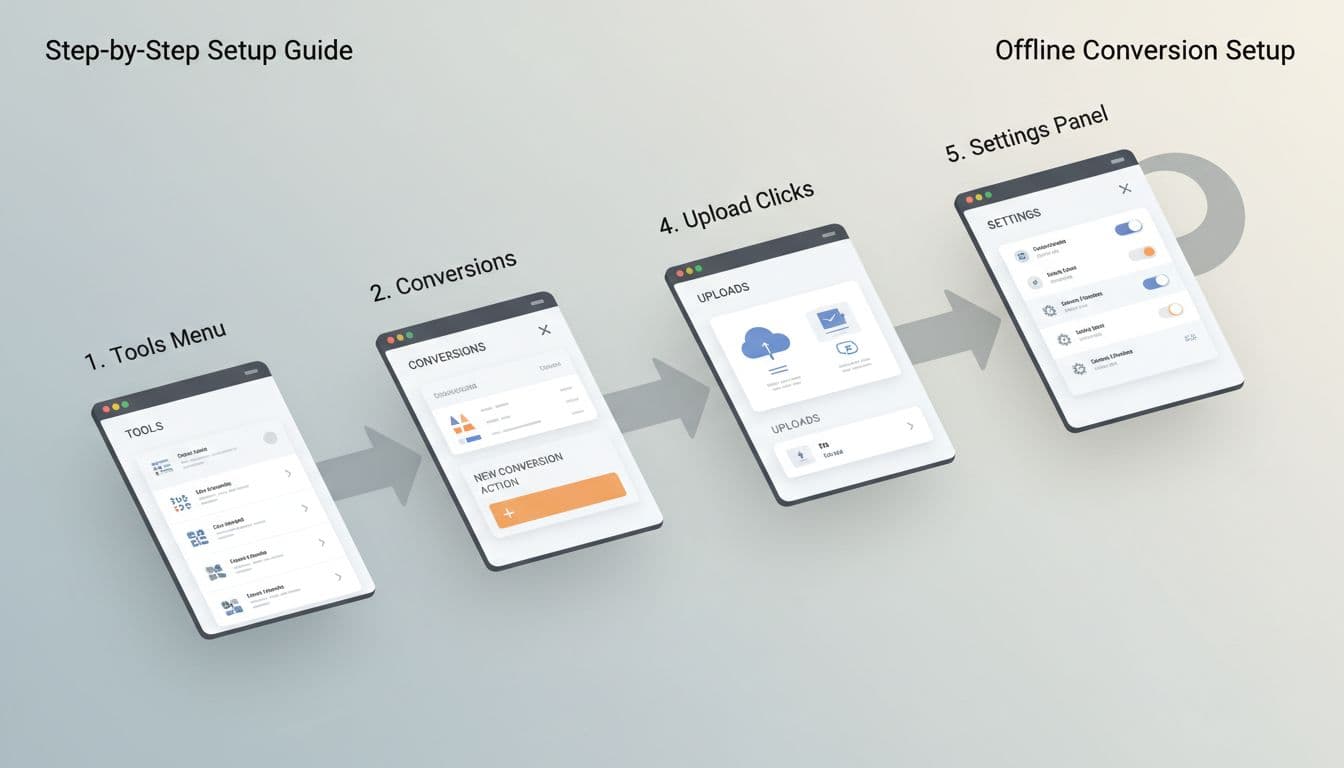
- Turn on auto-tagging in account settings.
- Capture GCLID on every landing page, store it, and send it with each form lead or tracked phone call.
- Create offline conversion actions such as Qualified Lead, Booked Estimate, Booked Job, and Closed Won Revenue.
- Assign values. A booked estimate may use a fixed proxy value, while a closed-won job should use actual revenue or a profit proxy.
- Mark only the actions you want bidding to learn from as Primary. Keep raw leads as Secondary if you still want them for reporting.
Each imported row needs a click ID, conversion name, conversion time, value, and currency. After your first test upload, check diagnostics inside Google Ads for match issues. If you want a simple file-based start, this Google Sheets import walkthrough is handy.
If the click ID never reaches the CRM on day one, you can't recover it later.
Connect your CRM and call tracking
Your CRM is the memory of the whole system. Every lead should carry the click ID, lead source, consent status, and stage changes. For call-heavy businesses, use a call tracking tool that swaps numbers on the site, ties the phone call back to the ad click, and sends that record into the CRM.
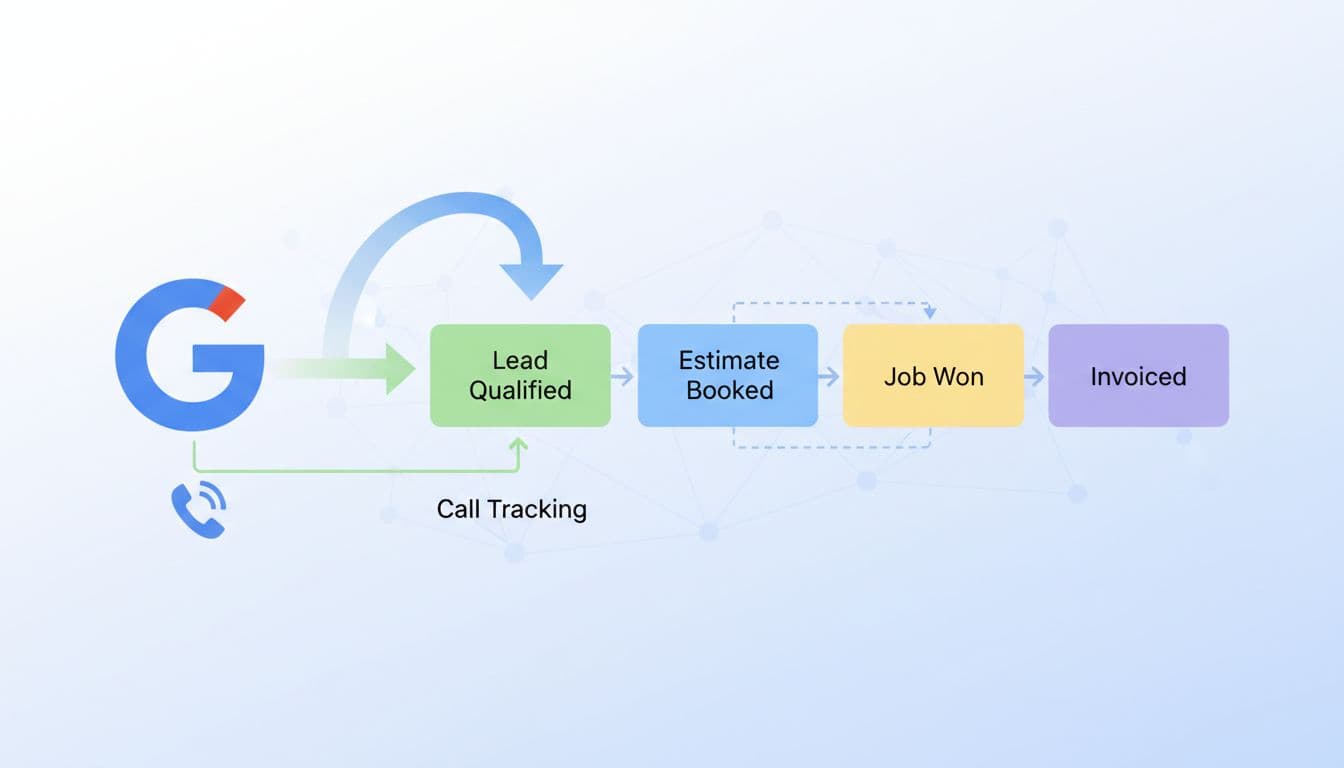
This simple stage map works well for most service teams.
| Stage | Example | Import as Primary? |
|---|---|---|
| Raw lead | Form fill or first call | Usually no |
| Qualified lead | Service area, job type, budget confirmed | Often yes |
| Booked estimate | Inspection or consult scheduled | Yes |
| Closed-won job | Deposit paid or invoice won | Best signal |
The key is consistency. If one rep marks a lead as “qualified” and another writes “good call,” the data gets muddy fast.
Import qualified offline conversions back into Google Ads
Manual uploads still work for lower lead volume. A weekly CSV can be enough for a local roofer, lawyer, or dental clinic. However, agencies and larger brands usually get better results from CRM or API-based imports, because Google receives faster feedback.
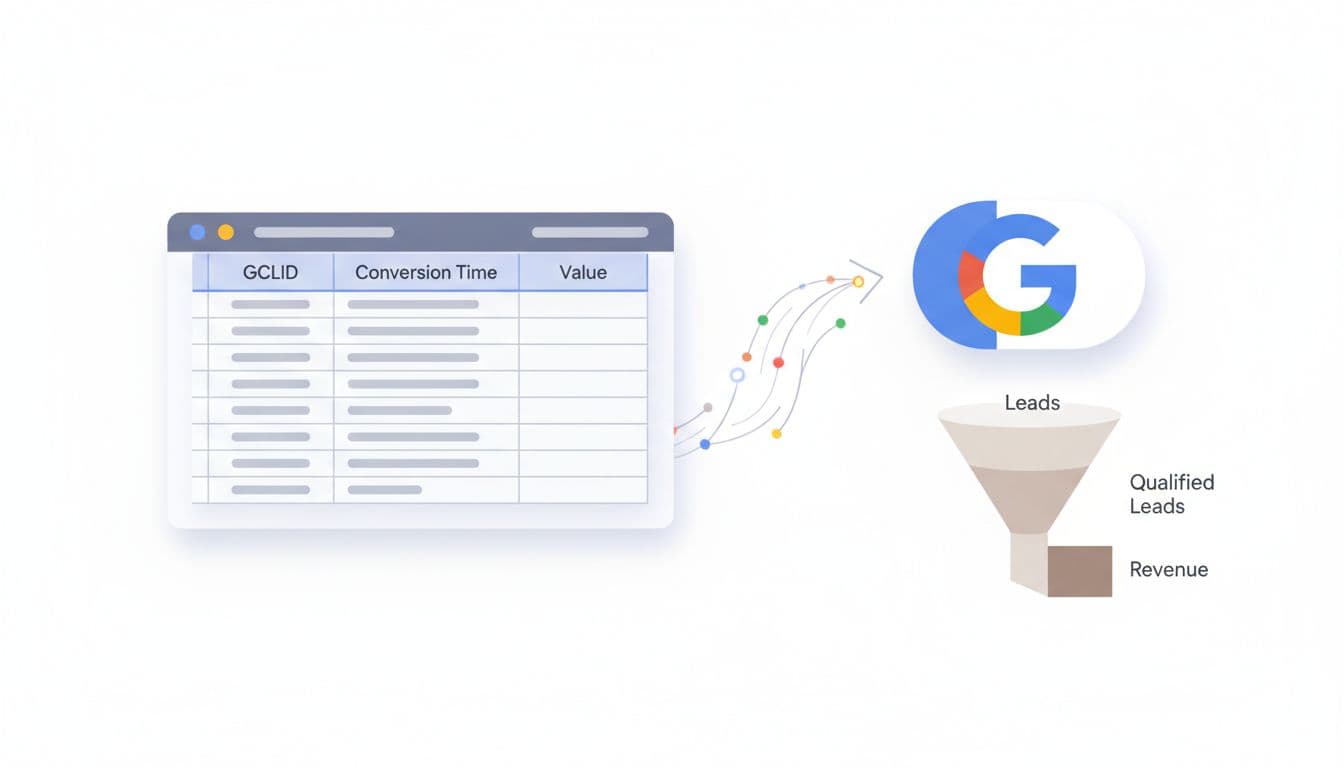
HubSpot, Salesforce, Jobber, ServiceTitan, and even Sheets can all work. Keep it privacy-safe: use first-party capture, respect consent, and send only the fields needed for matching and value reporting. GCLID alone can be enough. Hashed email or phone may help in some setups, but never send raw notes or private case details. For a wider view of current options, this 2026 Google Ads conversions guide is a useful companion.
Optimize for booked jobs and revenue
Once imports run cleanly, stop judging campaigns by cost per form. Look at cost per qualified lead, booked estimate rate, booked job rate, close rate, and revenue by campaign. Then let bidding follow the money.
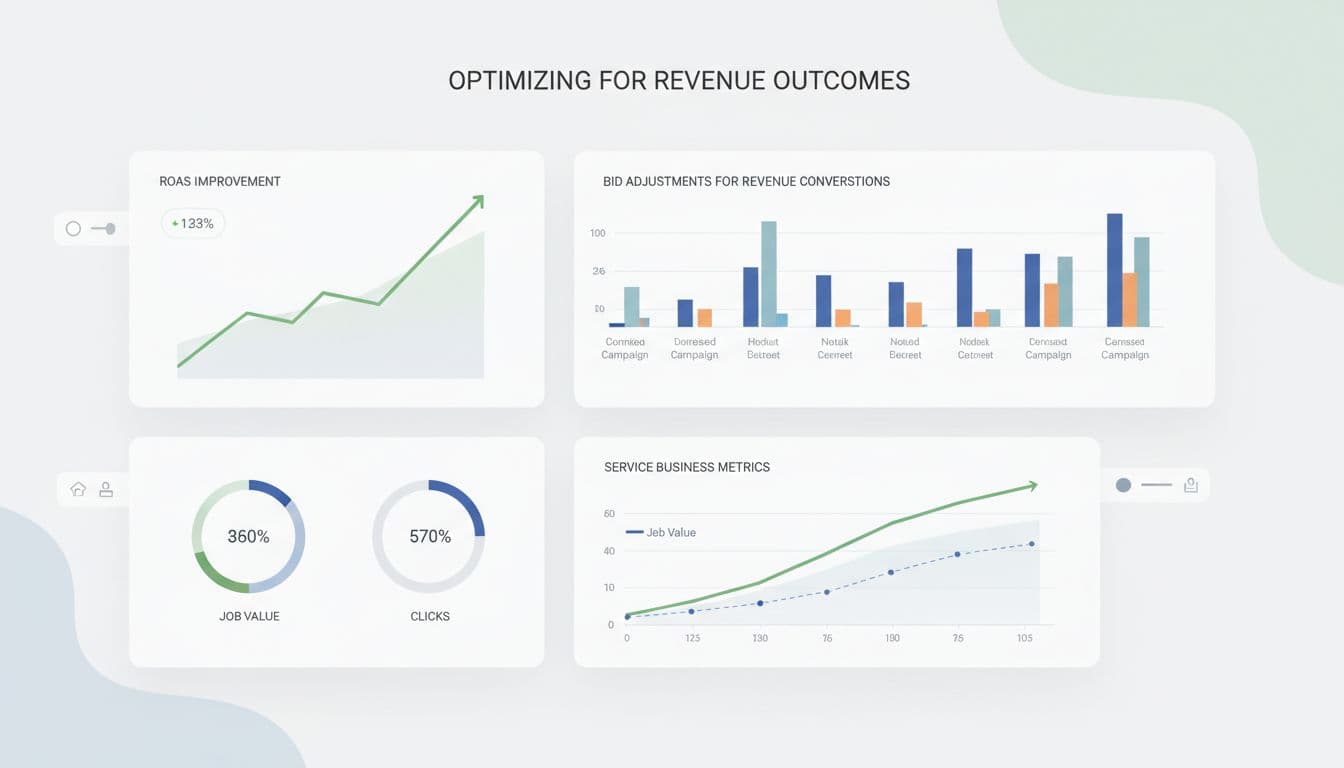
If closed-won volume is low, start by optimizing toward qualified leads or booked estimates. As volume builds, switch to value-based bidding so Google chases higher-value jobs, not just cheaper ones. That helps with HVAC replacements, legal matters, implants, and med spa packages, where lead values vary a lot. If you also run automation-heavy campaigns, this Performance Max campaign setup for service leads pairs well with revenue-based imports.
Bottom line: treat Google Ads like a salesperson, not a slot machine. Feed it the stages that predict revenue, keep the data clean, and offline conversion tracking will push more budget toward jobs that actually close.