
If you serve multiple cities, your website can't treat every location the same. People don't search that way for home services. They look for a service, then they look for proof you'll show up where they live. This behavior drives local SEO.
A strong service area pages template helps you publish faster without shipping a pile of near-duplicate pages. It also keeps your service area pages focused on one job as high-converting landing pages: turning local intent into calls, bookings, and quote requests.
This guide gives you a ready-to-use template (with placeholders), word-count targets, custom content ideas per city, and checks to avoid doorway-page trouble.
What service area pages need to accomplish in 2026
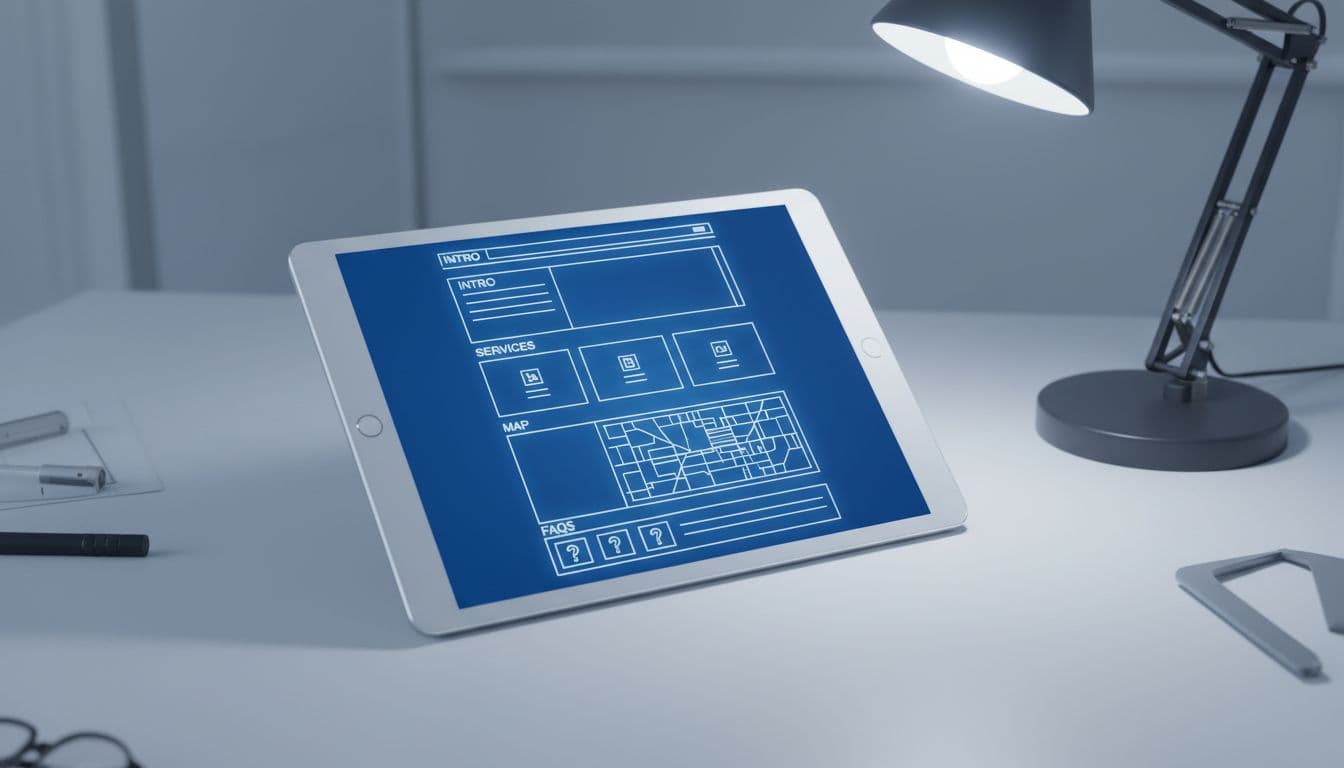
In March 2026, many local searches end on the search results page. People tap to call, read reviews, or pick from the map pack. So to compete with strong local search visibility, your service area page has to do two things well: match local intent fast, and reduce doubt fast.
For a service area business, unlike traditional brick and mortar setups, that means clear coverage (where you serve), clear scope (what you do there), and clear next steps (call, booking, quote). It also means your page should support your Google presence, especially your profile details and reviews. Matching these acts as one of many trust signals that can improve the conversion rate. If your on-site claims and profile details don't match, trust drops.
For a practical refresher on the profile side, see this Google Business Profile optimization guide.
Reusable pieces vs what must be customized (with word-count targets)
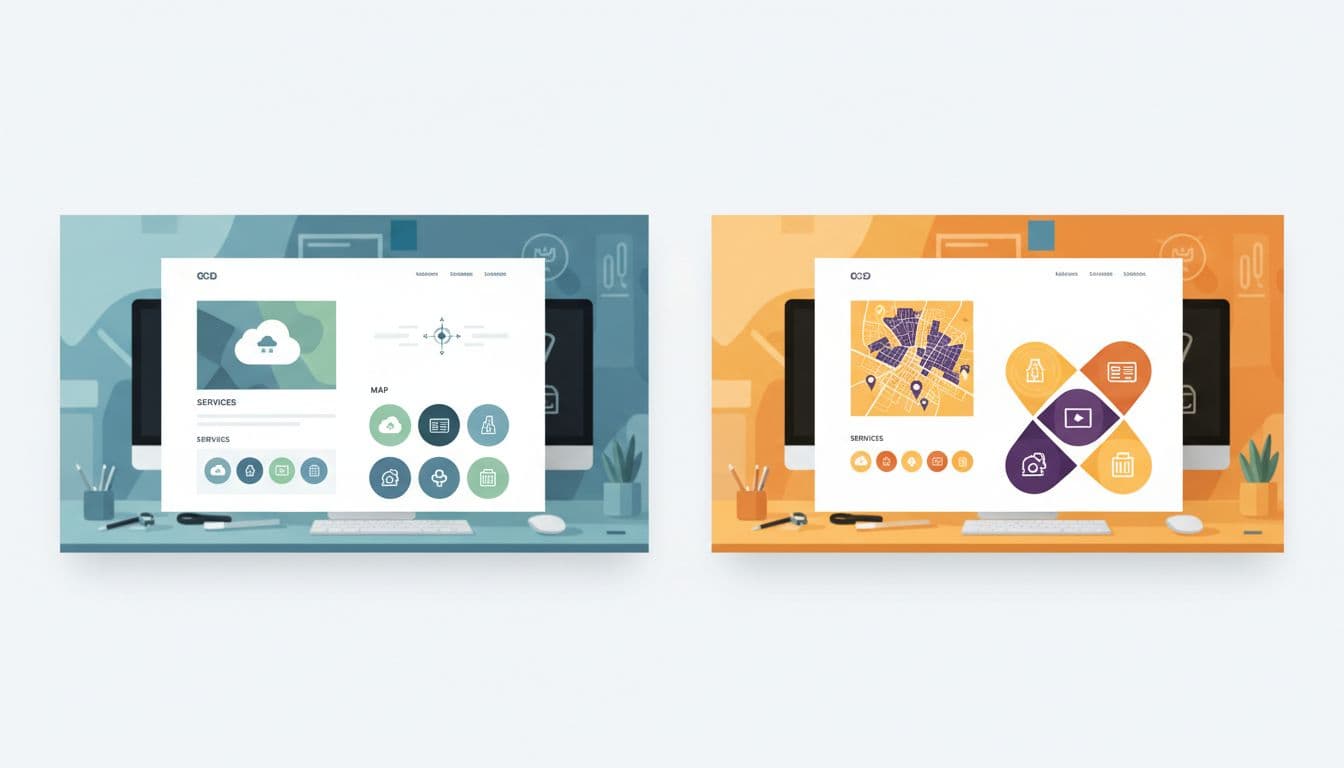
Think of location landing pages like store shelves. The shelf shape can match, but the products can't be identical. Reuse structure, CTA styling, and compliance language. Customize the localized content that proves you actually serve that area.
Here's a simple range to keep pages useful without turning them into long essays:
| Page section | Recommended words | Reusable? | Must customize per location? |
|---|---|---|---|
| Above-the-fold intro + trust line | 70 to 120 | Structure | City, main pain point, local proof |
| Services list (scannable) | 80 to 140 | Structure | Service priorities, local exclusions |
| Neighborhoods / suburbs served | 60 to 120 | Structure | Real coverage only |
| Service radius + boundaries | 40 to 80 | Partial | Radius, landmarks, edge cases |
| Customer reviews / proof snippet | 60 to 120 | Partial | Customer reviews tied to that area when possible |
| FAQs (3 to 6) | 150 to 250 | Partial | Local pricing, timing, access, parking |
| CTA block | 40 to 90 | Yes | City, tracking number, offer (if any) |
Takeaway: reuse the frame, but change the “unique content.” Unique content is what keeps pages from looking cloned. Localized content is key to avoiding duplicate content issues.
The ready-to-use service area pages template (copy, paste, fill)
Use this as your go-to service area pages template. Keep the headings consistent across cities, then fill the placeholders with real details.
Page H1: [Primary Service] in [City], [State]
URL slug idea: /[primary-service]-[city]/
1) Above the fold (70 to 120 words)
[2 to 3 sentences on the main job you solve in City.]
[1 sentence on response time or scheduling window.]
[1 trust line: licensing, warranty, years, or “local team.”]
Explicitly include contact information such as phone details.
Call to action button label: [Get a Quote] / [Call Now] / [Book a Visit]
Call to action link: [CTA URL]
Phone: [City tracking number or main number]
Sample intro block (paste and edit):
Serving [City], we help with [Primary Service] when you need it done right the first time. You'll get clear pricing, tidy work, and updates you can understand. Most [service type] jobs in [City] can be scheduled within [time window], and urgent requests get priority when available.
2) Services in [City] (80 to 140 words)
List your top services for this location. Keep it honest.
- [Service 1]: [One short line on what's included]
- [Service 2]: [One short line]
- [Service 3]: [One short line]
Sample service list block:
- [Primary Service]: Diagnosis, parts, and fix on the same visit when possible.
- [Secondary Service]: Replacement options with clear warranty coverage.
- [Maintenance]: Seasonal checks to prevent repeat problems.
3) Neighborhoods and nearby areas served (60 to 120 words)
Neighborhood specific details; Neighborhoods: [Neighborhood 1], [Neighborhood 2], [Neighborhood 3]
Nearby: [Suburb 1], [Suburb 2]
Service boundary note: We don't serve [Not served area] from this location.
Sample neighborhoods block:
We regularly serve [Neighborhoods], plus nearby areas like [Nearby suburbs]. If you're near [Landmark], you're usually within our normal route.
4) Reviews and local proof (60 to 120 words)
[2 short review snippets or a summary line.]
Review source: [Google / industry platform]
Optional proof: [Before/after photos], [case note], [team member in City]
5) FAQ for [City] (150 to 250 words)
Add 3 to 6 questions that people in this city actually ask.
- Do you serve [Neighborhood]? [Answer]
- What does [Service] cost in [City]? [Range + what changes it]
- How fast can you arrive? [Realistic timing]
- Do you handle permits/parking/building access? [Answer]
6) Map embed + service radius (40 to 80 words)
Google Map embed placeholder: [Google Map embed]. Cross-reference the Google Map embed and Google Business Profile links for consistency.
Service radius: [X miles or X km]
Coverage notes: [Rivers, bridges, tolls, traffic constraints]
7) Internal linking (placeholders, keep relevant)
Internal link placeholder: [Core service page URL]
Internal link placeholder: [Pricing page URL]
Internal link placeholder: [Contact or booking URL]
Unique content ideas for each location (so pages don't blur together)
If every city page says the same thing, Google and customers notice, especially since service area pages are essential for mobile businesses. Landing pages should vary across regions. Instead, rotate in location-specific “proof blocks” that are still easy to produce:
- Localized content on local job patterns: common issues in that area (older buildings, hard water, seasonal demand).
- Route logic: how you schedule that city (days, zones, typical arrival windows).
- Building types: apartments, gated communities, industrial parks, coastal homes.
- Photos that match reality: team, vehicles, tools, and real before/after from that city.
- Local policies: parking, permits, access rules, or HOA restrictions.
When you plan topics and page targets, a simple location keyword map helps. This local SEO keyword research template can speed up the planning.
Compliance: avoid doorway-page signals and duplication issues
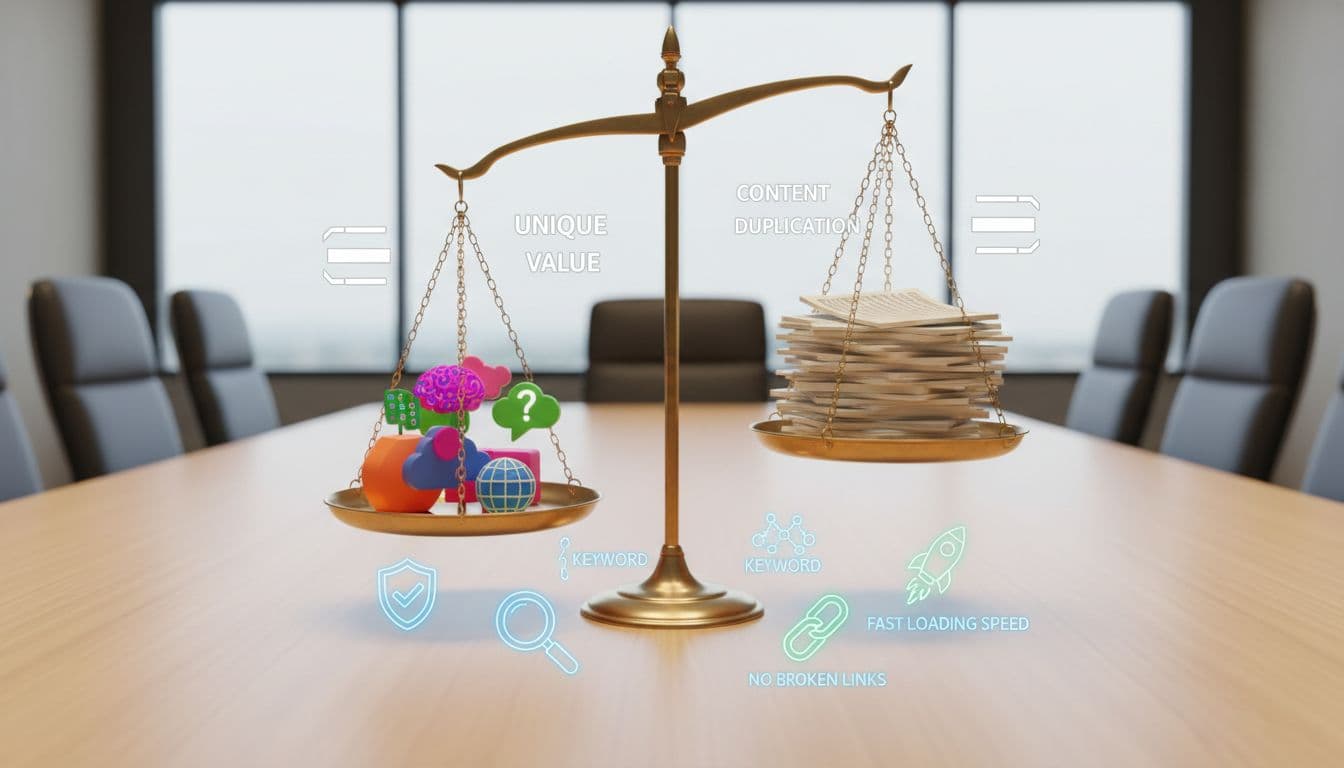
Doorway pages usually look like this: lots of cities, same copy, same promises, and no real differences. This duplicate content can hurt your search engine rankings, and it can confuse customers.
Unique content is the primary defense against being flagged for doorway pages.
Keep these rules tight:
- Only publish a location page if you can actually serve that area at normal quality and speed.
- Don't fake offices. If you're a service-area business, say so clearly.
- Avoid swapping only the city name. Change the proof, the FAQs, and the coverage detail.
- Use honest boundaries. A giant radius “just in case” looks suspicious and creates bad leads.
If a page can't answer “Can you help me here, with this problem, today?” in 10 seconds, it's not ready.
Final publish checklist (and a clean wrap-up)
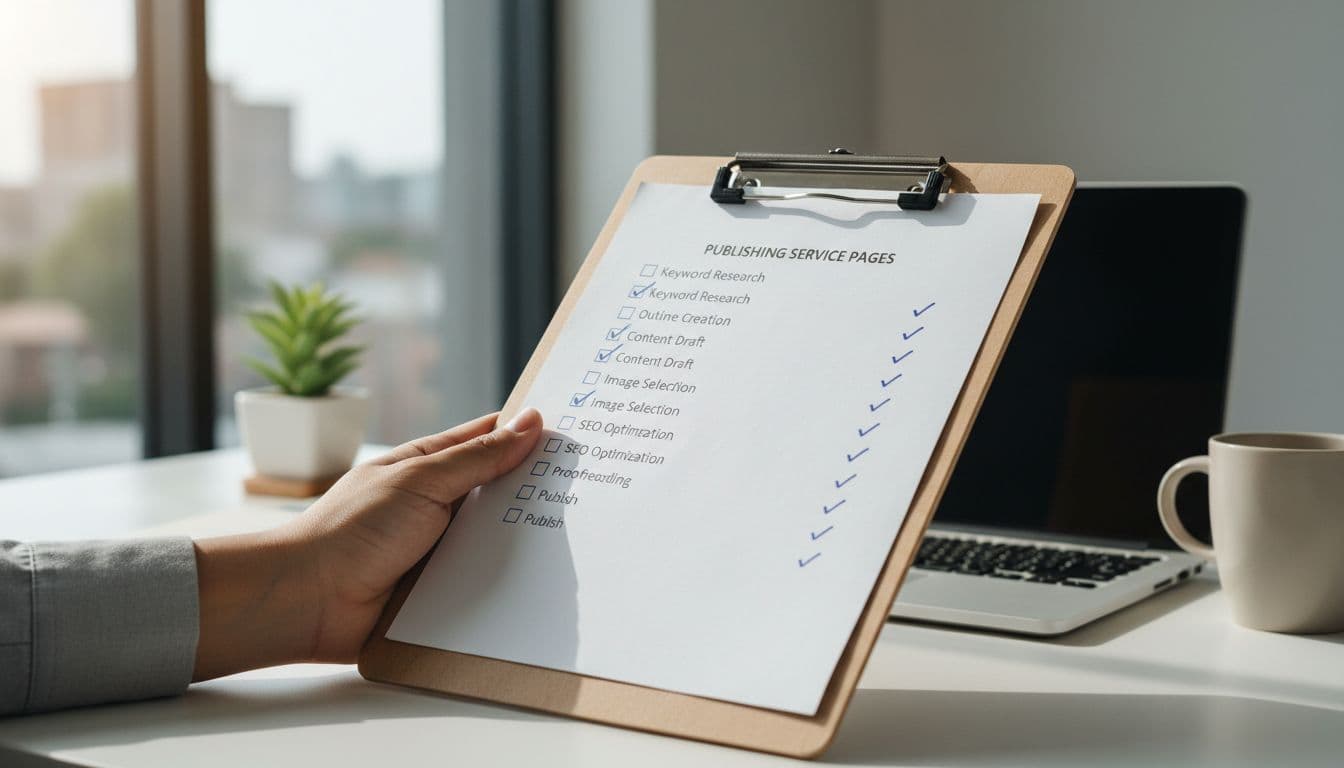
Before you publish, run this quick pass:
- Page targets one city (or one tight region), not a whole state.
- Intro mentions [City] naturally, plus one real local detail.
- Neighborhood list matches your actual dispatch coverage.
- Service radius notes include at least one boundary or landmark.
- FAQs include at least one city-specific pricing or timing answer.
- Reviews or proof feel real, not generic.
- Map embed loads and matches the coverage claim.
- Schema markup is implemented for local business structured data.
- Call to action appears above the fold and near the bottom.
- Phone and booking links work on mobile.
- Internal links point to the most relevant next step.
- Title tag and meta description aren't copy-pasted across cities.
If you want help building this system across dozens of locations, start with a clear process like these local SEO services teams use to keep pages consistent and measurable.
In the end, a good service area pages template should feel like a reliable checklist, not a content factory. This strategy boosts organic traffic and local SEO performance for landing pages. Keep the structure repeatable, keep the proof local, and your pages will earn trust before the call even starts.