One capital letter can split one source into two reports. That tiny mistake is why many lead gen teams still argue over pipeline numbers.
In 2026, attribution and campaign tracking are harder, not easier. GA4 can model gaps when consent is denied, ad platforms keep more data inside their own walls, and sales still wants one clean answer from the attribution data: where did this lead come from? A solid UTM governance template gives you that answer.
Key Takeaways
- Consistent UTM naming is non-negotiable: Lowercase platforms, fixed medium lists, and structured campaign patterns like
offer + audience + region + dateprevent data splits across GA4 and CRM reports. - Build a boring template with ownership: Use spreadsheets or link builders with validation, approval rules, and fields for source, medium, campaign, content, term—plus owner and status—to eliminate launch-day debates.
- Capture first- and latest-touch in CRM: Hidden form fields and write-once rules ensure GA4 sessions align with revenue-proven pipeline, turning leads from
(not set)into traceable sources. - Rollout discipline beats creativity: Lock values, add form capture, map attribution fields, and audit weekly—the rule is simple: no template tag, no launch.
Why lead gen teams need UTM governance now
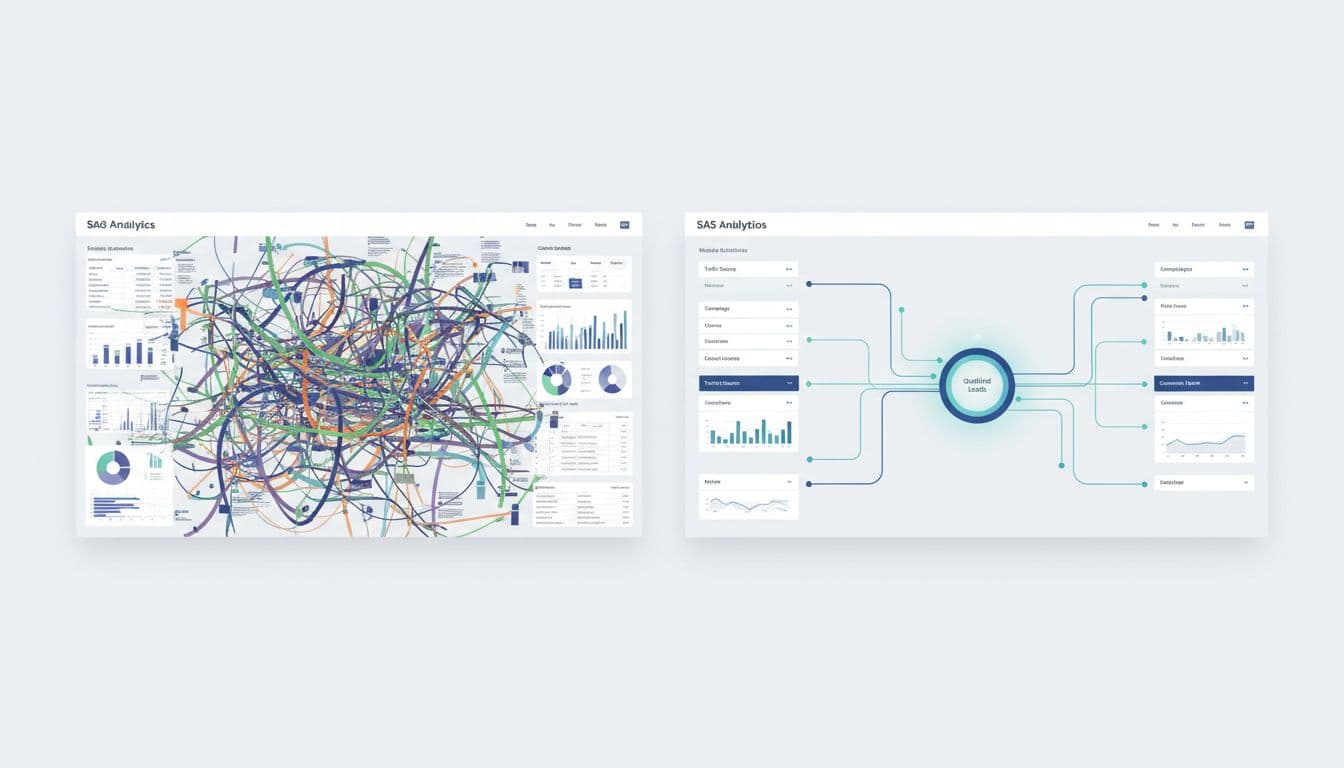
UTM parameters are still the label makers of marketing. Without them, GA4 sees traffic. With them, your tracking links let your team trace leads across paid, owned, and partner channels.
The problem is rarely missing tags. It's bad governance. One person uses linkedin, another uses LinkedIn, and a third uses paid-social due to inconsistent naming conventions. Now the same channel lives in three places. Reporting breaks slowly, then all at once.
That matters more in 2026 because GA4 and CRM reports often serve different jobs. GA4 helps your marketing operations team read sessions, conversions, and assisted paths. Your CRM proves pipeline and revenue. If the handoff is sloppy, the lead record turns into “direct” or “(not set),” harming data hygiene. For a deeper look at naming rules and validation, this UTM parameter governance guide is a useful reference.
If UTMs stop at GA4, your sales team loses the trail.
Also, keep one hard rule: never tag internal links with UTMs. That rewrites source data and muddies session attribution. If you're tightening measurement at the same time, this GA4 lead tracking checklist for B2B pairs well with UTM cleanup.
The template: fields, rules, and ownership

A good template should feel boring. That's the point. It removes debate before launch day.
Start with spreadsheet templates in Google Sheets or a campaign log link builder that has dropdown validation, locked formats, and one approver. Besides the five UTM fields, add columns for destination URL, owner, approved-by, launch date, and status.
This is the core structure:
| Field | Rule | Example |
|---|---|---|
utm_source |
Lowercase platform or publisher name | google, linkedin, partner_acme |
utm_medium |
Use a fixed channel list only | paid_search, paid_social, email, webinar, partnership, organic_social |
utm_campaign |
Use one pattern across teams | demo_it_us_q2_2026 |
utm_content |
Describe asset, placement, or variant | carousel_v2, cta_footer, email_03 |
utm_term |
Use only for paid search or paid intent grouping | crm_software |
Keep campaign names readable with solid naming conventions. Most teams do well with this order: offer + audience + region + date. For example, webinar_ops_emea_apr_2026.
Set approval rules too. Demand gen can request UTMs, RevOps can own the taxonomy design, and marketing ops can approve launches. That split keeps speed without chaos. If your paid media naming is already messy, this lead-focused Google Ads organization guide can help align campaign names with your tracking names.
Sample UTM naming conventions by channel
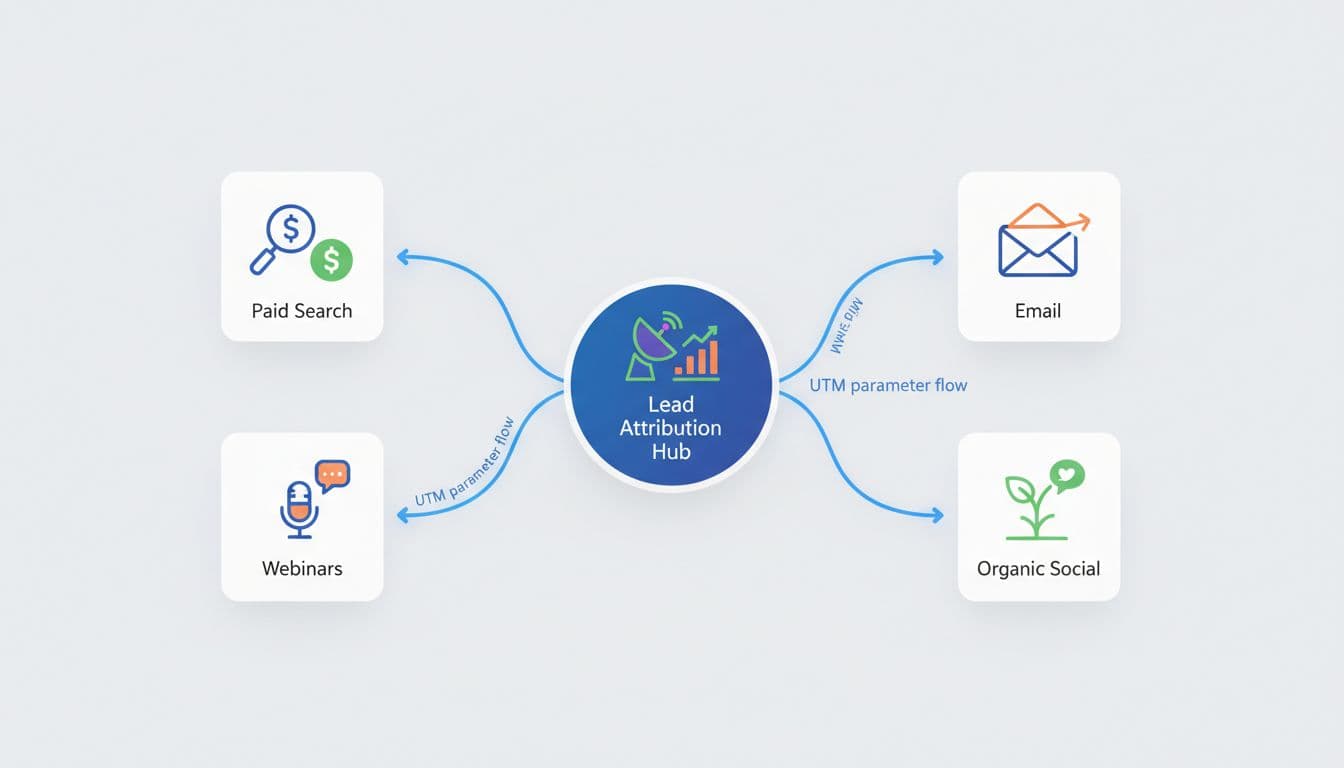
Consistency in naming conventions beats creativity here. A naming system should work when the team is busy, not only when one careful operator builds the link with a UTM builder.
Use these examples as a starting point:
| Channel | utm_source / utm_medium / utm_campaign / utm_content / utm_term |
|---|---|
| Paid search | google / paid_search / demo_cfo_us_q2_2026 / rsa_a / erp_software |
| Paid social | linkedin / paid_social / ebook_revops_us_q2_2026 / single_image_v1 / |
hubspot / email / nurture_sql_q2_2026 / email_03_cta / |
|
| Webinar | goldcast / webinar / attribution_workshop_apr_2026 / registration_page / |
| Partnerships | partner_acme / partnership / co_marketing_finance_q2_2026 / newsletter_link / |
| Organic social | linkedin / organic_social / thought_leadership_q2_2026 / carousel_post_01 / |
A few rules keep this clean. First, use lowercase only, enforced by regex patterns. Next, keep utm_medium controlled, even if platforms name channels differently. Also, don't stuff campaign names with every detail. If you need more context, use utm_content.
For paid search, keep auto-tagging on when possible. Then store gclid alongside UTM parameters in the CRM. That gives paid teams cleaner ad-platform matching and gives RevOps a backup key when UTMs go missing.
If you want another strong reference for long-term naming discipline, build a UTM tagging system that scales covers the operational side well.
Frequently Asked Questions
Why do lead gen teams need UTM governance in 2026?
Attribution gets harder with GA4 modeling consent gaps and ad platforms walling off data, while sales demands one clean source for leads. Inconsistent tags like linkedin vs LinkedIn fragment reports across GA4 and CRM, turning pipeline into (not set). A governance template enforces rules upfront to align marketing ops with revenue truth.
What are the core rules for UTM fields?
Use lowercase for utm_source (e.g., google, partner_acme), fixed lists for utm_medium (e.g., paid_search, email), and patterns like demo_cfo_us_q2_2026 for campaigns. utm_content describes assets (carousel_v2), and utm_term is paid search only (crm_software). Never tag internal links, and enforce via validation and approval.
How do you connect UTMs to CRM and GA4?
Capture UTMs in hidden form fields and write first-touch/latest-touch to lead records at submit. Use write-once for first-touch demand creation and refresh for latest-touch conversions in automation. This makes CRM the source of truth, with GA4 handling sessions—store gclid as backup for paid matching.
What are the rollout steps for UTM governance?
Lock allowed values, build a validated link generator with approval, add form capture for UTMs/IDs, map attribution fields across tools, and audit weekly for casing or unapproved tags. Run links through a shortener last. The golden rule: untagged campaigns don't launch.
Connect UTMs to GA4, CRM, and automation workflows
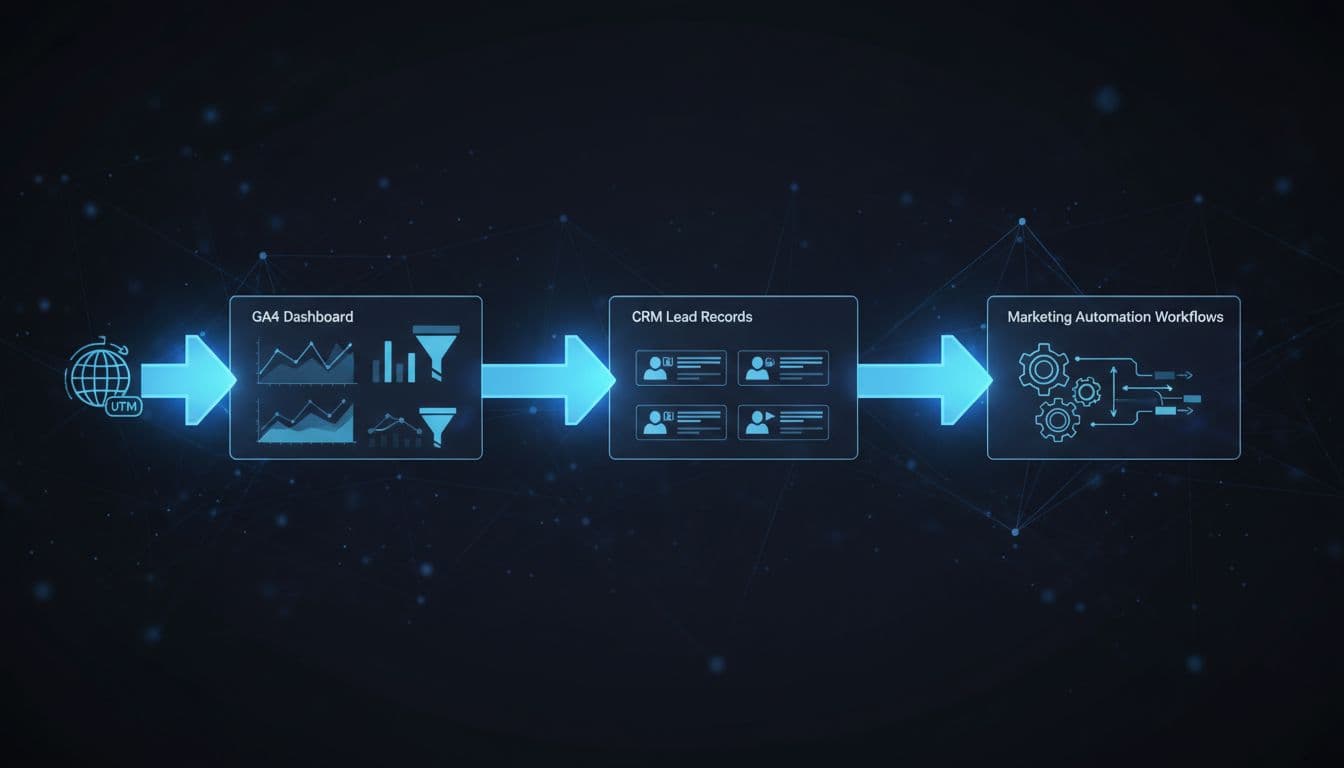
A clean template matters only if the data survives the trip.
On the website, capture UTMs in hidden form fields. Then write the attribution data into the lead record at submit. In the CRM, keep both first-touch and latest-touch fields, and make the lead record the source of truth for revenue. First-touch tells you what created demand. Latest-touch tells you what pushed the form fill.
GA4 tells you what happened. Your CRM tells you what paid off.
In marketing automation, don't overwrite original source values every time a lead clicks a new email. Use write-once rules for first-touch fields and refresh rules for latest-touch fields. Also store click IDs and a lead ID where possible. Helpful walkthroughs on how to track custom UTM parameters in your CRM and integrating UTM tracking with CRM and lead management show the mechanics.
Rollout works best in five steps for quality assurance:
- Lock your allowed values for source, medium, and campaign format.
- Build a shared link generator with validation and approval, then run links through a link shortener as a final step before launch.
- Add hidden UTM fields, click IDs, and lead ID capture to forms.
- Map first-touch and latest-touch fields across GA4, CRM, and automation.
- Audit weekly for broken links, bad casing, unapproved mediums, and a complete audit trail.
The strongest governance habit is simple: if a campaign wasn't tagged through the template, it doesn't launch.
Dirty UTMs don't look dramatic. They look normal, right until quarter-end, when data discrepancies emerge. That's why the best UTM governance template is less about naming and more about discipline.
When every channel follows the same naming conventions, GA4 acquisition reports, your CRM, and your automation platform finally tell the same story.