Leads from your lead generation efforts are only “trackable” in Google Analytics 4 until they aren’t. One form change, one new subdomain, one consent banner update, and your numbers drift.
This GA4 setup checklist is built for lead-generation teams focused on B2B user acquisition in 2026 who need conversion tracking they can trust, even with tighter privacy rules. It’s practical, it’s opinionated, and it focuses on the events that actually move pipeline.
Property and stream basics that prevent dirty data

Before tags and events, set up your property in Google Analytics 4 to find your Measurement ID and lock the foundation. A messy property creates reporting debates later.
- Check: Reporting time zone and currency. Default: match finance reporting (not “where your dev sits”). Why it matters: daily lead counts and CPL can shift across midnight.
- Check: Data retention. Default: set to 14 months if available to you. Why it matters: longer lookbacks help with longer sales cycles and cohort review.
- Check: Web data stream and Enhanced Measurement. Default: keep page views on, then selectively enable scroll, outbound clicks, and file downloads if they map to intent. Why it matters: fewer noisy events makes lead-path analysis easier.
- Check: Unwanted referrals and cross-domain. Default: use referral exclusions for payment gateways, schedulers, and auth providers if they break sessions; add cross-domain tracking for your main site and booking domain. Why it matters: attribution often “falls” to the wrong referrer right before a lead submits.
If you want a broader implementation reference to compare against, Vital Design’s GA4 best practice checklist is a useful second opinion.
GTM tagging defaults that won’t double-fire
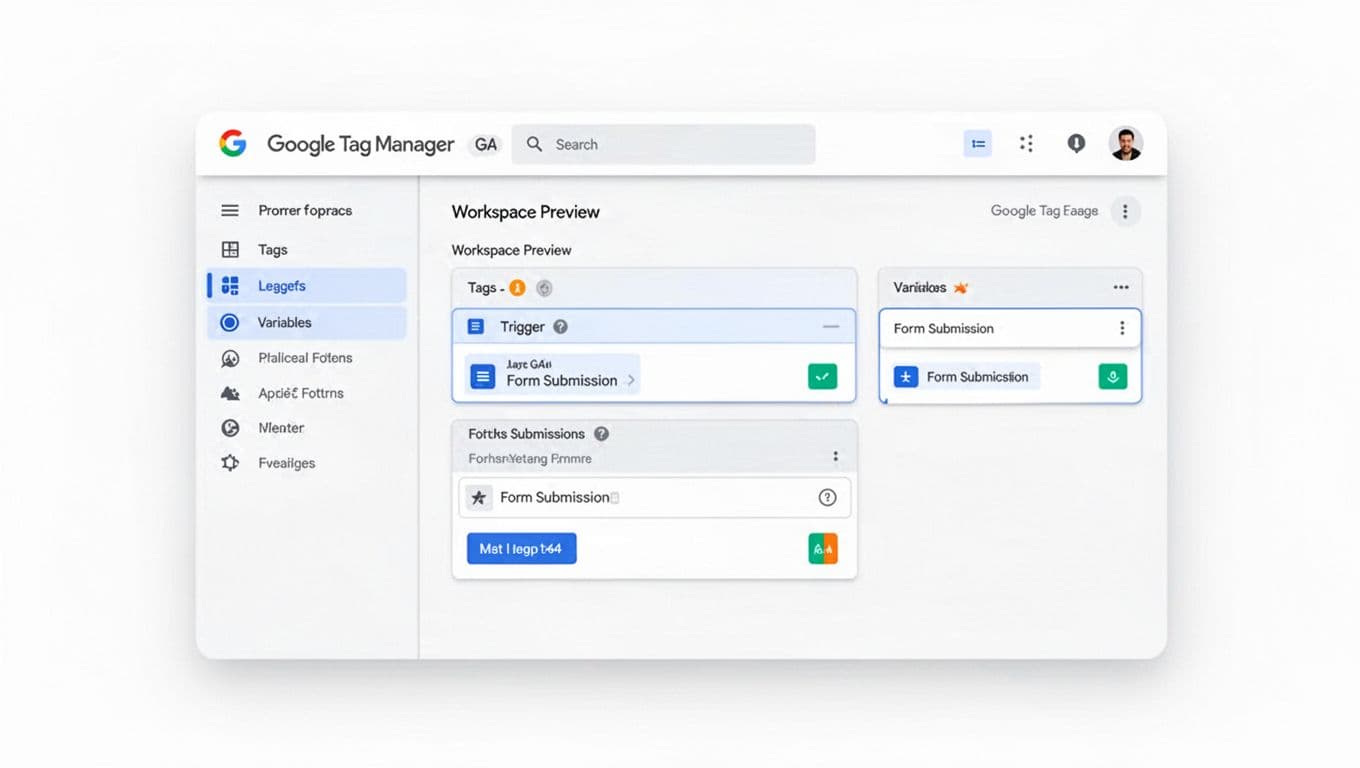
For lead-gen sites, Google Tag Manager is usually the control room for Google Analytics 4. The goal is stable firing rules and clean parameters.
- Check: One GA4 Configuration tag per site experience. Default: single config tag, fire on all pages, avoid duplicate installs (CMS plugin plus GTM). Why it matters: duplicate page_view inflates sessions and ruins funnels.
- Check: Use a clear Data Layer contract. Default: push form metadata (form_id, form_name, lead_type) on interaction, not on page load. Why it matters: form tracking breaks less when layouts change.
- Check: Form triggers that match reality. Default: prefer “success state” (thank-you page, success DOM event, fetch/XHR success) over generic “Form Submission” triggers, especially for tracking multi-step forms accurately. Why it matters: many forms “submit” even when validation fails.
- Check: Linker and cross-domain settings. Default: handle in GA4 config, not scattered across tags. Why it matters: fewer places to forget when new domains launch.
- Check: Naming. Default:
GA4 | event | form_submitstyle, plus version notes in tag descriptions. Why it matters: faster audits during campaign launches.
Lead-gen event map (with names and parameters you can ship)
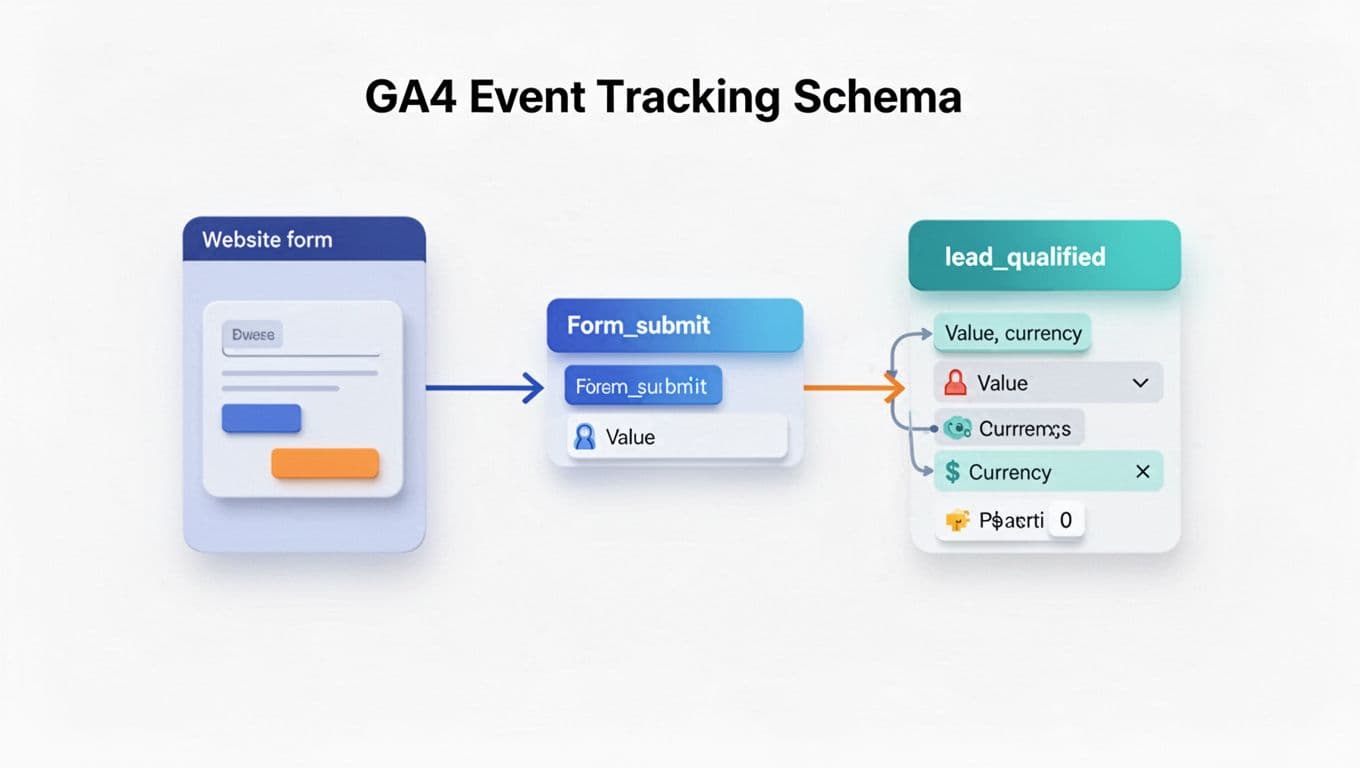
The event-based model of Google Analytics 4 lets you treat events like a funnel blueprint, mapping the form submission process effectively. If your events don’t match decisions your team makes, they’ll get ignored.
- Check: Pick a small set of “decision” events. Default: 5 to 8 key events. Why it matters: GA4 gets noisy fast, and teams stop trusting it.
- Check: Standardize event names. Default: use lowercase and underscores, avoid UI-specific names like
button_click_red. Why it matters: you’ll redesign the UI, but the funnel stage stays. - Check: Add parameters that explain lead quality, such as lead qualification. Default: keep 3 to 6 custom parameters per key event. Why it matters: it helps break down CPL by lead type without extra events.
Example event set for lead generation (with suggested parameters):
view_form(form_id, form_name, lead_type, page_location)form_start(form_id, method, step_count)form_submit(form_id, lead_type, value, currency, lead_id)generate_lead(lead_type, value, currency, lead_id)click_to_call(placement, business_unit) (avoid sending phone numbers)lead_qualified(lead_stage, value, currency, lead_id) (send when CRM qualifies)
In 2026, GA4 reporting also leans more on engagement signals such as “time to first action,” so clean interaction events make on-site intent easier to read. For more practical do’s and don’ts, Measure Marketing Pro’s GA4 best practices for 2026 is worth skimming.
Privacy and consent in 2026 (Consent Mode v2 and server-side)
Privacy work isn’t a legal box-tick anymore. Google Analytics 4 privacy settings are directly tied to whether your lead numbers match reality.
- Check: Consent banner behavior. Default: block non-essential tags until consent, then fire tags based on consent state. Why it matters: it reduces compliance risk and avoids “ghost” tags.
- Check: Consent Mode v2 configuration. Default: implement Consent Mode v2 through your CMP and GTM consent settings. Why it matters: GA4 can model gaps when users deny cookies, which helps stabilize trend lines.
- Check: Server-side tagging plan. Default: start with server-side only for your highest-value conversion events. Why it matters: it can recover measurement lost to blockers, including for landing page performance, and improve data control.
2026 consideration: Consent Mode v2 plus server-side tagging is becoming the “default stack” for lead-gen measurement because it balances privacy with durable attribution.
If you’re planning more advanced tracking, this guide on GA4 plus server-side tracking with UTM parameters can help you think through the moving parts. Also, tighten access and credential sharing around analytics and ad accounts, especially with agencies involved; ClickyOwl’s protecting data with digital marketing partners is a solid baseline.
Conversions, attribution, CRM handoff, and a quick QA plan
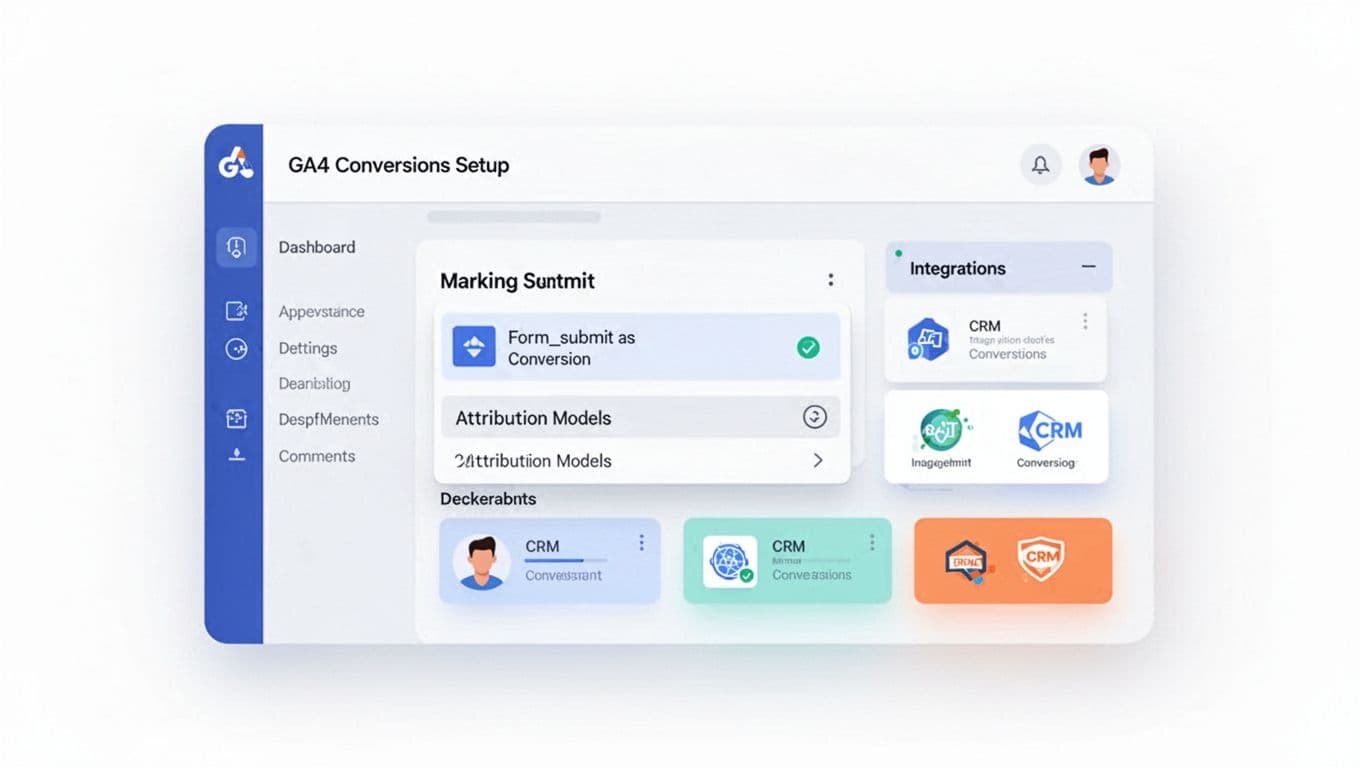
In GA4 conversion tracking, a “conversion” should mean “someone you can follow up with,” not a random micro-click.
- Check: Key events set. Default: mark only bottom-of-funnel events (form_submit, generate_lead, call connect if you can). Why it matters: ad optimizations get worse when you feed weak conversions.
- Check: Conversion values. Default: send
valueandcurrencyfor leads, even if it’s a model (example: by lead_type). Why it matters: it lets you compare channels beyond raw volume. - Check: CRM key (
lead_id). Default: generate a lead_id on submit, store it in CRM, and send it in GA4 events. Why it matters: it’s your glue for CRM integration, offline qualification and deduping. - Check: UTM parameters into the lead record. Default: store utm_source, utm_medium, utm_campaign, plus click IDs when available. Why it matters: GA4 attribution is useful, but CRM is where revenue lives.
In early 2026, GA4’s cross-channel reporting has continued to improve, including more flexible attribution systems per conversion in some accounts. These attribution systems help provide user journey insights and support funnel exploration for analyzing landing page performance. Use that to separate “any lead” from “qualified lead” reporting. For ads specifically, Google Ads view-through conversions show when display or YouTube impressions contribute to qualified leads before anyone clicks.
Here’s a lightweight QA table you can run before scaling spend:
| What to test | Tool | Expected result |
|---|---|---|
| Measurement ID in data stream | GA4 Admin > Data Streams | Correct Measurement ID shown |
| Page_view firing once | GTM Preview | One GA4 config hit per page load |
| Form submission tracking | GTM Preview + GA4 DebugView | Event fires only on real success |
| Parameters captured | GA4 DebugView | form_id and lead_type populate correctly |
| Cross-domain session continuity | GA4 realtime reports | No self-referrals, same session continues |
| Consent behavior | Browser dev tools + GTM Preview | Tags respect consent state |
| CRM lead_id persistence | CRM record review | Same lead_id appears in GA4 and CRM |
Conclusion
If GA4 feels like a leaky bucket, it’s usually one of three things: shaky triggers, unclear events, or missing consent logic. Troubleshoot your setup in Google Tag Manager to resolve lead generation discrepancies in Google Analytics 4. A strong conversion tracking strategy is vital for lead generation. Fix those, and your reporting stops being a debate. Start with the foundation, track a small lead-focused event set, then confirm everything with QA before pushing budget. Once the foundation is set, teams should explore predictive metrics for lead scoring and use Looker Studio to create custom reports or export data to BigQuery for deeper analysis. Which conversion in your funnel is most expensive to mis-measure right now?