If your phone isn’t ringing like it should, google business profile reviews are often the missing proof you need to get more reviews and fuel business growth. In 2026, google reviews don’t just shape trust for your google business profile, they also influence whether people tap “Call,” “Directions,” or “Website” without thinking twice.
The catch is simple: Google’s enforcement is tighter than it was a few years ago. Quick-win tactics can trigger removals, posting delays, or even a temporary freeze on new reviews. A real system has to be consistent, fair to every customer, and easy for staff to run daily.
Why Google Business Profile Reviews Drive Growth in 2026

A great review profile works like a familiar face in a new neighborhood. Even if people haven’t met you, they feel safer walking in.
In 2026, buyers compare options fast, often right on Google Maps. That means google business profile reviews do three jobs at once:
- Reduce doubt: Customers evaluate profiles at a glance with the star rating, and they trust other customers more than ads.
- Answer “Will this work for me?”: Details in reviews (timing, cleanliness, outcomes) help close the gap.
- Lift actions, not just rankings: More calls, more direction requests, more website button clicks, more bookings.
If your profile looks “complete” but still underperforms, it’s usually friction. Weak photos, slow responses, and sporadic reviews create hesitation. Pair your review workflow with a strong Google Business Profile foundation, like this Google Business Profile optimization guide, so the whole listing converts better.
Google’s Rules for Review Generation (What Changed for 2026)

Google’s algorithm is better at spotting manipulation patterns like fake reviews now. Sudden spikes, repeated wording, or “too perfect” timing can look unnatural, even if you meant well. Reviews can disappear, and some profiles may get blocked from receiving new reviews for a period, or even face a suspended account, if Google suspects manipulation.
The non-negotiables are straightforward:
- Don’t offer money, discounts, gifts, or freebies for reviews.
- Don’t ask only happy customers (no review gating).
- Don’t pressure people on-site to post immediately.
- Don’t tell customers what to say, or require certain keywords or staff names.
A safe rule: ask everyone the same way, at the same point in your service, using the same link for Google Business Profile reviews at that location.
Owner replies can also be moderated before they appear. So, keep responses calm and professional, because edits and reversals take time. For a practical breakdown of the 2026 shifts, see GBP review policy changes in 2026.
Train Your Team to Ask for Reviews (Without Feeling Pushy)
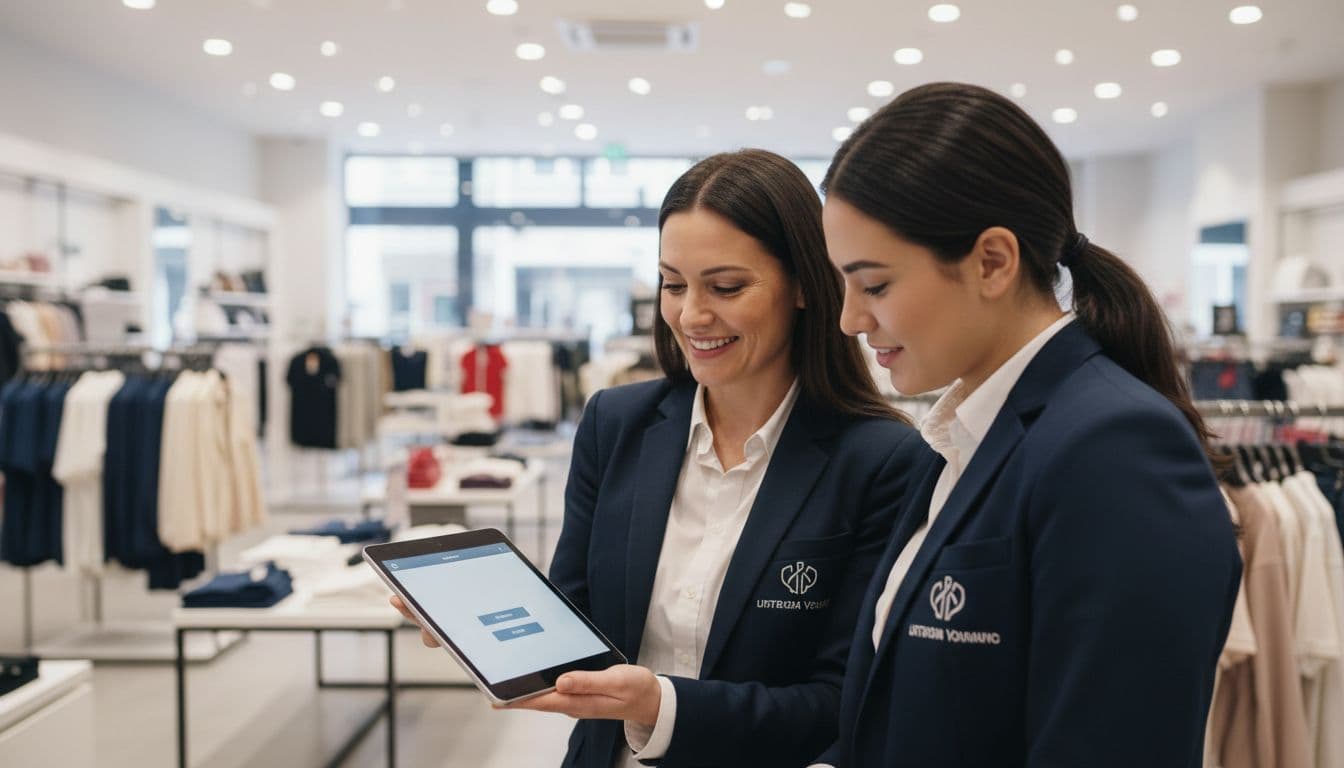
A review system fails when it lives only in the owner’s head. The fix is to train your team to get more reviews: a simple script, one moment to ask, and a backup plan to share review link.
Pick the “success moment” for each location. For a dentist, it might be post-visit checkout. For home services, it’s right after confirming the job is complete. For restaurants, it’s after the bill, not during the meal.
Staff ask script (in person):
“Thanks for coming in today, it really helps us if customers share honest Google reviews. If you’ve got a minute later, I can text you our review link.”
Staff ask script (phone follow-up):
“Quick check, did everything get resolved today? If you have a moment, we’d appreciate an honest Google review. I can send the link.”
Keep training tight. Role-play twice, then move on. Don’t set quotas like “get 10 reviews today.” That kind of pressure creates weird patterns and risky behavior. If you need broader profile support alongside Google Business Profile reviews, compare your workflow to this Google Business Profile best practices for 2026.
SMS and Email Review Request Templates (Plus Receipt Text and Follow-ups)
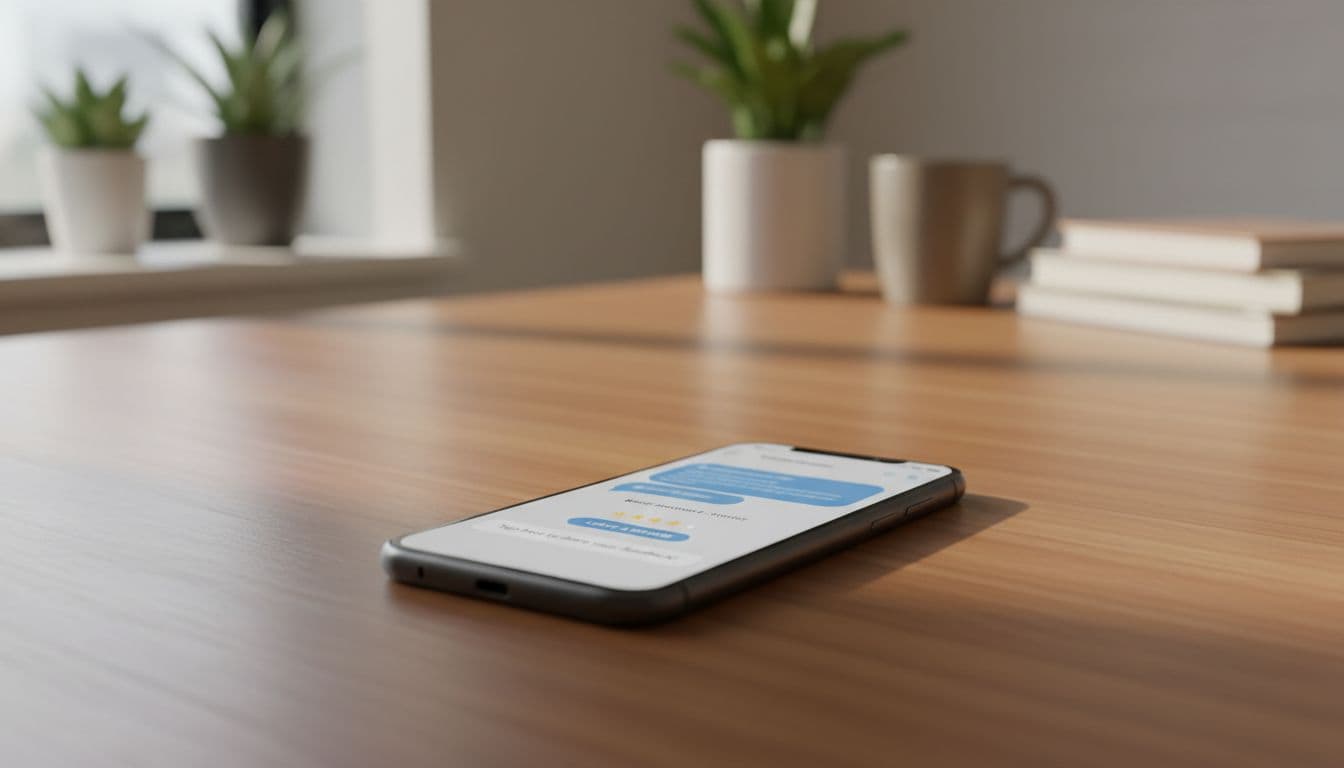
Speed matters because memory fades. Send your request to share review link within 30 to 120 minutes of the completed service when possible. Always use the correct review link for that specific location (consider a url shortener for cleaner presentation).
SMS (first ask):
Hi {FirstName}, thanks for choosing {business name} today. Could you share an honest Google review? It helps local customers find us: {ReviewLink}
Email (first ask):
Subject: Quick feedback on {Service}
Hi {FirstName}, thanks again for visiting {business name}. If you can spare a minute, please leave an honest Google review here: {ReviewLink}. Photo reviews are a valuable addition (we read every one).
Receipt or invoice text (printed or PDF):
“Tell us how we did on Google: {ReviewLink}”
Follow-up sequence (no spam, just one gentle reminder for google reviews):
- Day 0: Send SMS or email within 2 hours.
- Day 2: “Just checking, any feedback from your visit? Here’s the link if you didn’t get a chance: {ReviewLink}”
- Day 7 (optional): Only for high-value services, one last note: “Thanks again, your honest review helps our local team a lot: {ReviewLink}”
If your audience prefers QR codes, put them where customers naturally pause (front desk, packaging insert, appointment card). Just don’t corner people into scanning in front of staff.
Review Response Library (Positive, Neutral, Negative)

Replying to diverse feedback types builds trust and helps manage your online reputation, even when the review isn’t glowing. In 2026, fast responses to google reviews also help you control the story before it spreads. Stay alert for video reviews as an emerging format.
Positive review response:
Thanks, {Name}! We’re glad you loved the {Service}. If you ever need {RelatedService}, we’re here to help.
Neutral (3-star) response:
Thanks for the customer feedback, {Name}. We’re reviewing your notes about {Issue}. If you’re open to it, please contact us at {Phone/Email} so we can make it right.
Negative review response (keep it calm):
Hi {Name}, sorry this was your experience. We want to understand what happened and fix it. Please reach us at {Phone/Email} with your visit details (date and service), and we’ll follow up.
Avoid arguing point-by-point in public. State intent, offer a direct contact path, then take it offline.
Key KPIs to Track Review Performance (What “Good” Looks Like)

Track a few signals that connect reviews to real revenue, not vanity wins. Here’s a simple scorecard to use monthly.
| KPI | How to measure | Target for most local businesses |
|---|---|---|
| Review frequency per location | New reviews count | Steady weekly flow (no spikes) |
| Average star rating | GBP rating | Stable and realistic for your niche |
| Review diversity | Variety of sources and themes | Balanced across customer types |
| Response time | Time to first reply | Under 24 to 48 hours |
| Response rate | % of reviews replied to | 90% plus |
| Sentiment trend | Tag themes (service, price, wait) | More “service outcome” mentions over time |
| Conversion impact | Calls, direction requests, bookings, business ranking | Upward trend after review gains |
When review frequency climbs but conversions don’t, your listing or offer is the bottleneck. That’s where broader local SEO services can support landing pages, tracking, and map visibility across locations for growing businesses.
Review Generation Checklist and SOP (Multi-location Ready)
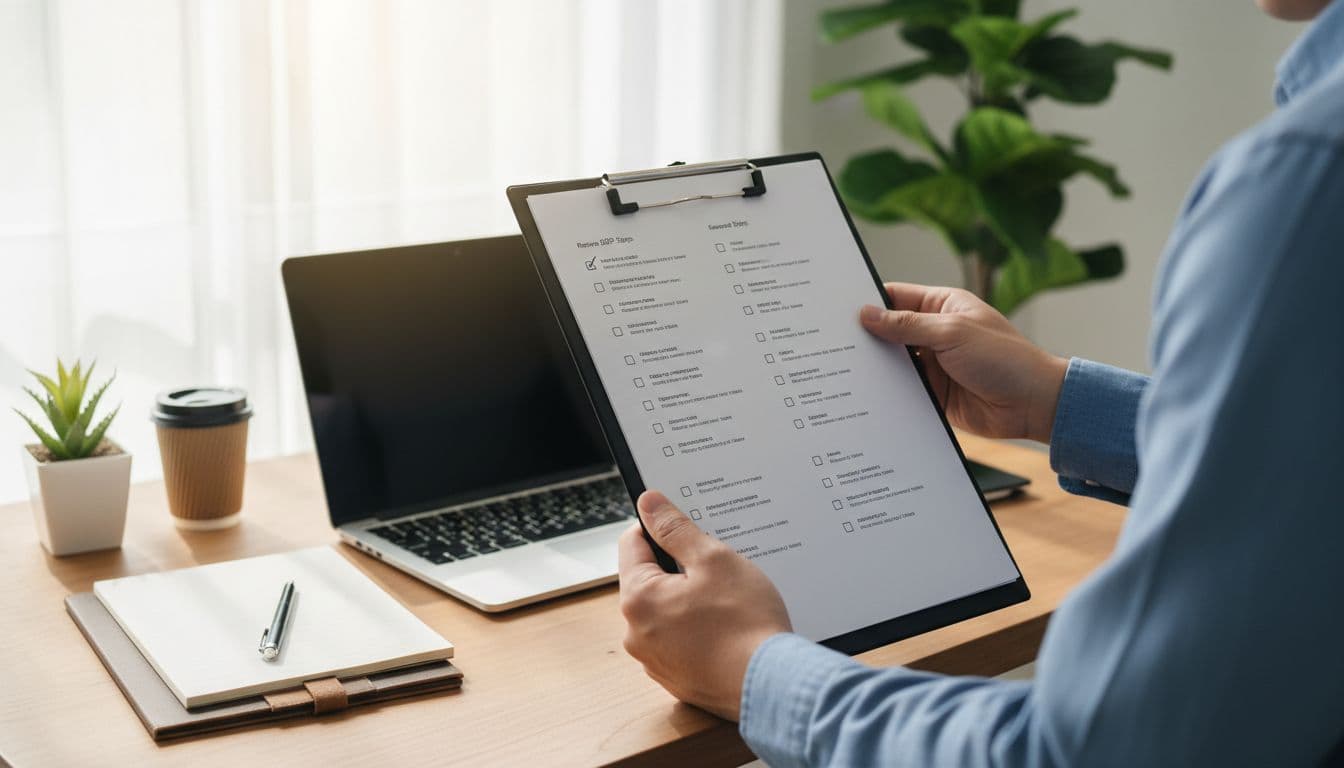
A good SOP feels boring, and that’s the point. You want repeatable actions that don’t depend on one “motivated” employee.
SOP steps (run per location):
- Assign an owner for review management (store manager or marketer).
- Set the “ask moment” (after success, never before).
- Use one approved SMS and one approved email template.
- Send the request to all customers who completed a service (where you have consent to contact) to gather genuine reviews.
- Monitor new reviews daily using the Google Business Profile app, respond within 24 to 48 hours.
- Log themes weekly (top 3 praises, top 3 complaints).
- Report suspicious reviews through GBP tools, don’t fight publicly.
Weekly checklist (10 minutes):
- Confirm the correct review link is used for that location (users need a Google account to post).
- Check for unusual spikes or repeated wording; monitor Facebook reviews and Yelp reviews for overall brand consistency.
- Reply to every new review.
- Share one service insight with the ops team (what customers loved or hated).
For agencies, standardize templates across clients, but keep the “ask moment” unique per industry. For a deeper, policy-safe playbook, compare notes with proven, policy-safe review strategies.
Conclusion
A reliable system for google business profile reviews isn’t about pushing harder, it’s about removing friction to achieve a five star rating. Ask every customer fairly, use simple templates, and reply quickly with a steady tone. Then track KPIs that connect reviews to calls and bookings. The businesses that win in 2026 treat reviews like daily operations, not a once-a-quarter campaign. Get more reviews by starting today.