Bad leads cost more than bad clicks. In 2026, a service business can show decent click-through rates and still waste money on calls from the wrong city, weak form fills, or people who never book.
A solid Google Ads audit template fixes that. It helps owners, in-house teams, and agencies judge what matters: qualified leads, booked jobs, and revenue. It also keeps Google Ads aligned with your DIgital Marketing plan, including SEO, Social Media Marketing, Website Development, and the rest of your Performance Marketing efforts.
Why Your Service Business Needs a Google Ads Audit in 2026
Google Ads now leans hard on AI, local intent, and business data. That helps good accounts grow faster, but it also makes bad setup more expensive. If your Google Business Profile has old hours, missing services, or weak reviews, your ad quality suffers. If your location targeting is too broad, AI can spend into areas you never serve.

For a plumber, dentist, lawyer, or HVAC company, the audit starts with one question: are you buying leads that can turn into paying work? If not, the problem is rarely one setting. It is usually structure, tracking, targeting, and offer fit working against each other. If you want to compare your process with another framework, this 2026 audit checklist is a useful benchmark.
Essential Metrics Beyond Clicks and Impressions
Service businesses don’t need prettier dashboards. They need a scorecard tied to sales. That means moving past clicks, CPC, and raw conversions.
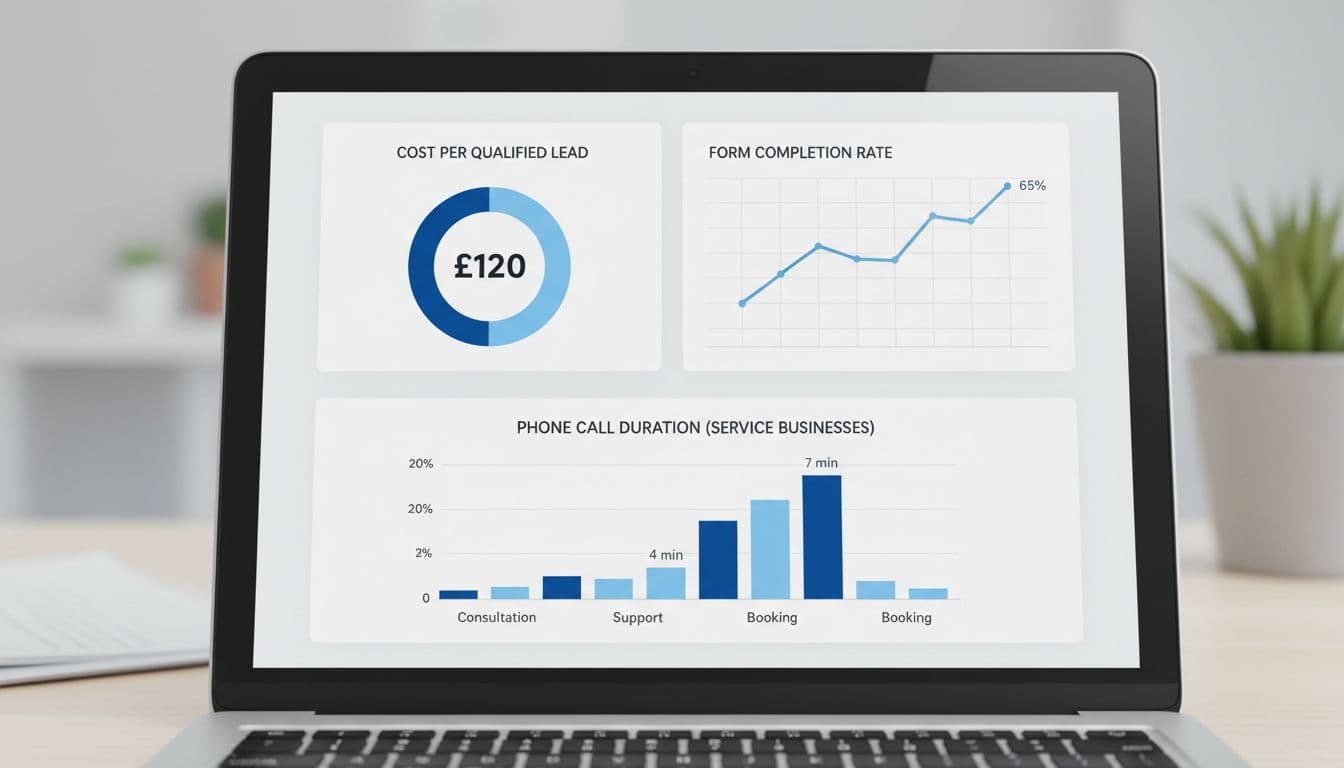
Use this quick audit table to spot weak reporting:
| Metric | Why it matters | Red flag |
|---|---|---|
| Cost per qualified lead | Shows if leads match your service and area | Low CPL, poor close rate |
| Call duration or booked-call rate | Short calls often mean bad intent | Many calls under 30 seconds |
| Appointment or estimate rate | Tells you who moves forward | Forms submit, but no bookings |
| Revenue by campaign | Connects ads to real jobs | Best-looking campaign closes least |
For local services, also watch direction clicks, review response time, and CRM outcomes. Google’s automation is stronger when your data is clean. It is weaker when every form fill counts the same.
If your CRM says the leads are bad, the audit has already found the real issue.
Audit Your Account Structure Step by Step
Start with campaign design. Most service accounts get messy because they mix too many goals. One campaign tries to sell emergency repairs, maintenance plans, and branded searches at once. That blurs budget, search terms, and bidding signals.
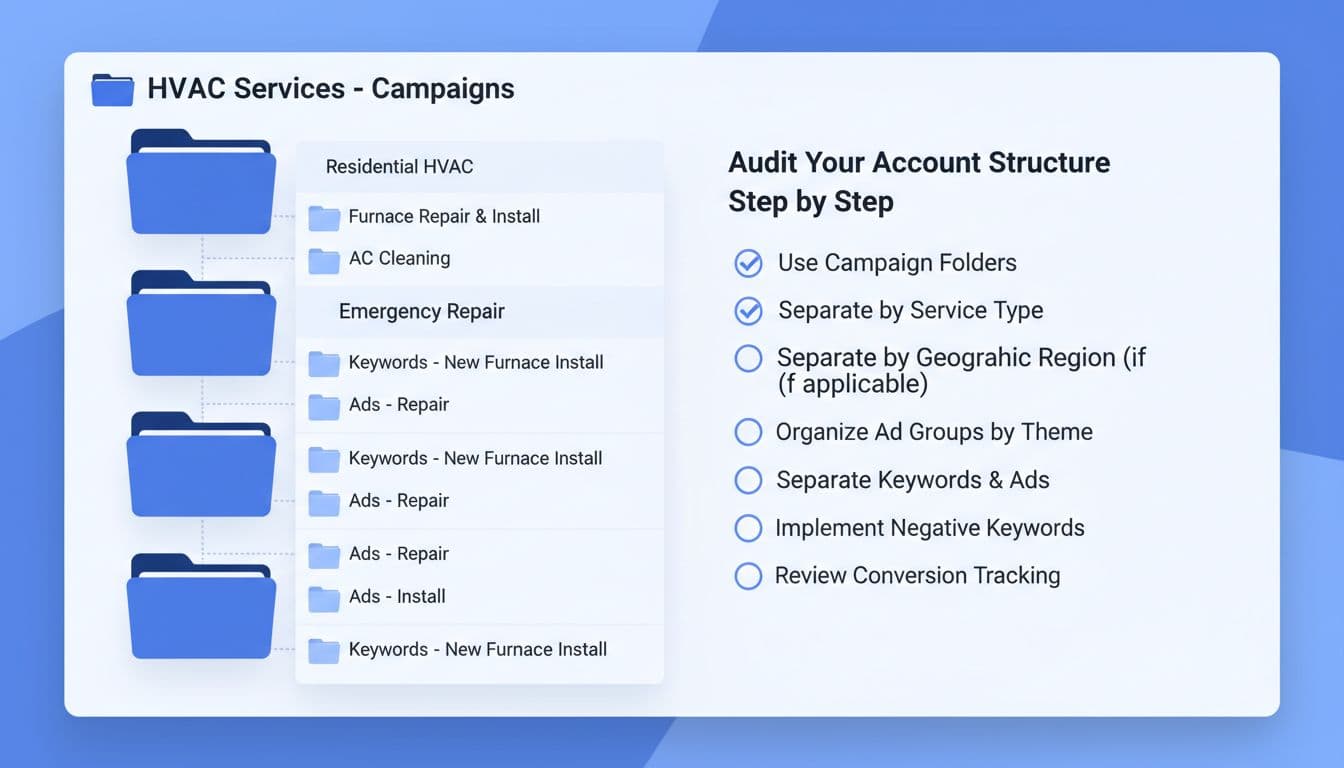
Split campaigns by service line, location, or lead value. A dental office might separate implants from general cleaning. An HVAC business should separate emergency repair from seasonal tune-ups. Keep branded search apart from non-brand. Also confirm that location settings use presence, not broad interest, when you only serve defined areas.
If your setup needs a cleaner blueprint, this Google Ads campaign structure guide is a solid reference. Also check that your Google Business Profile is connected and current, because local trust signals now affect ad strength more than many teams realize.
Review Keywords and Match Types
Broad match can work in 2026, but only when the account has sharp negatives and clean conversion data. Without those guardrails, it becomes an open door for low-intent traffic.
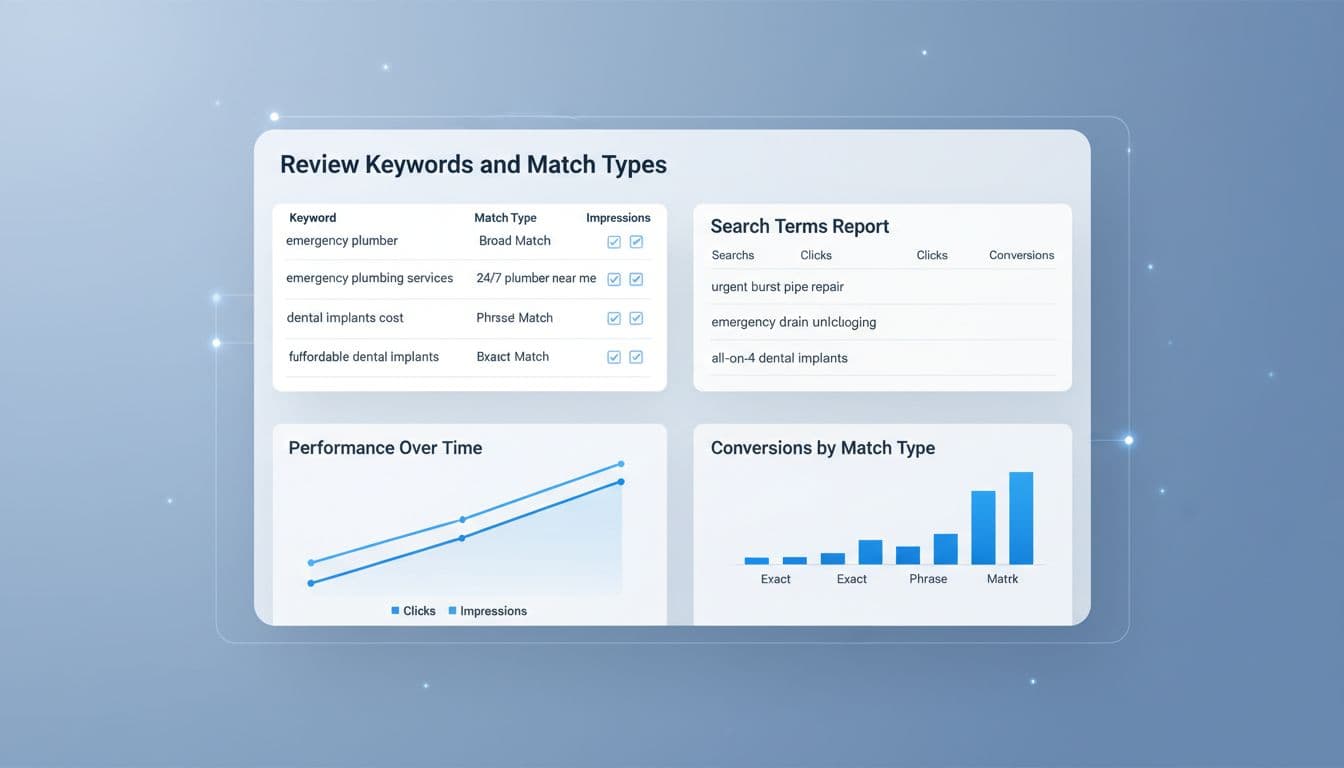
Audit search terms every week. Look for phrases that signal research, job hunting, free help, DIY intent, or the wrong geography. A lawyer may need to block “free legal forms.” A plumber may need to exclude “salary,” “course,” or distant suburbs. Keep high-intent queries close to the ad copy and landing page. Match types matter less than intent alignment.
Also note that Google’s older search automation keeps moving toward AI-led intent models, and Dynamic Search Ads are expected to shift into AI Max later in 2026. That makes search-term mining more important, not less.
Optimize Ad Copy and Extensions
Good service ads don’t chase clever lines. They answer the search. State the service, the area, the response time, and the proof. “Emergency AC repair in South Dallas” will beat vague copy almost every time.
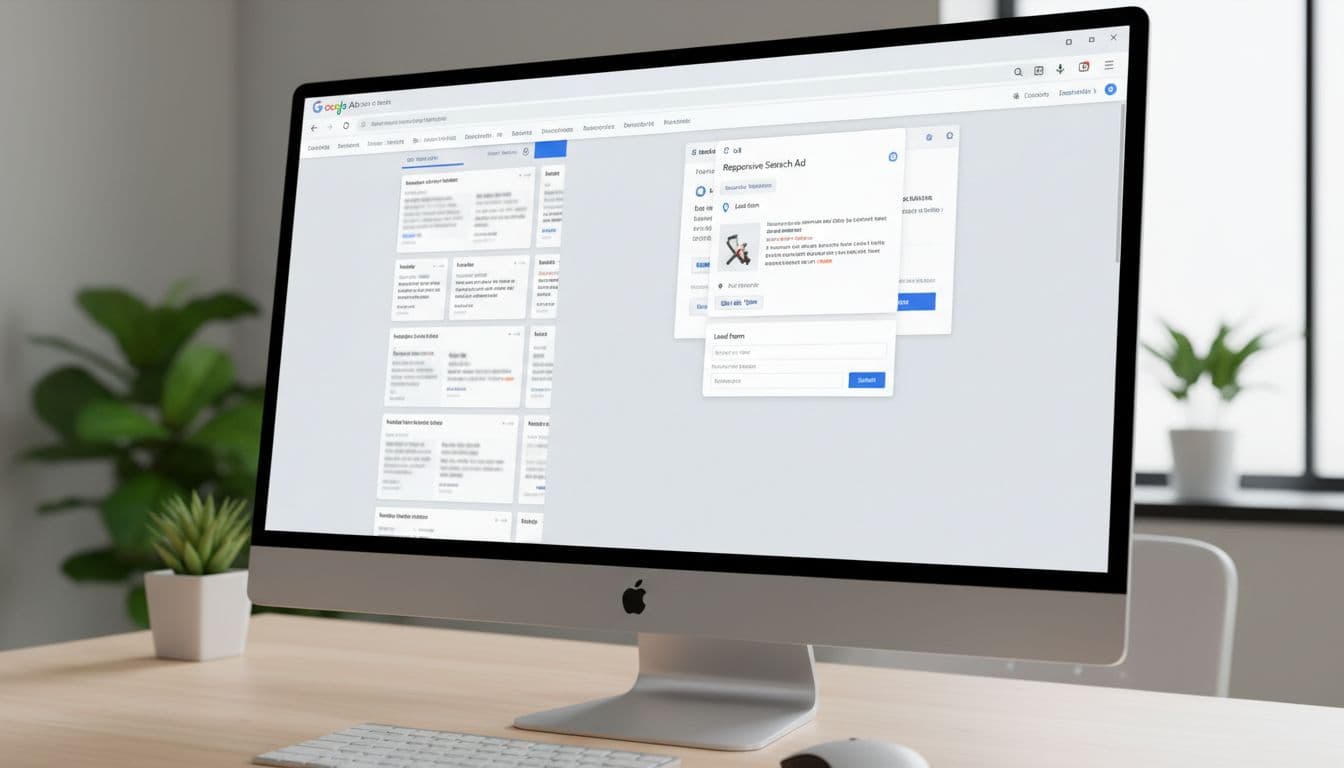
Audit whether your ads mention trust signals such as reviews, years in business, financing, or same-day service. Then check assets. Call assets, location assets, lead form assets, images, and short videos can lift local performance, especially inside Performance Max. Google is rewarding stronger creative inputs in 2026, including custom images and short video.
Then compare the ad to the landing page. If the ad promises 24/7 repair, the page must show that fast. If the page is slow, cluttered, or off-message, the account leaks money no matter how strong the ad looks.
Check Conversion Tracking and Bidding
This section decides whether automation helps or hurts. Many service accounts still count every call, every form, and every page action as equal. That trains Smart Bidding on junk.
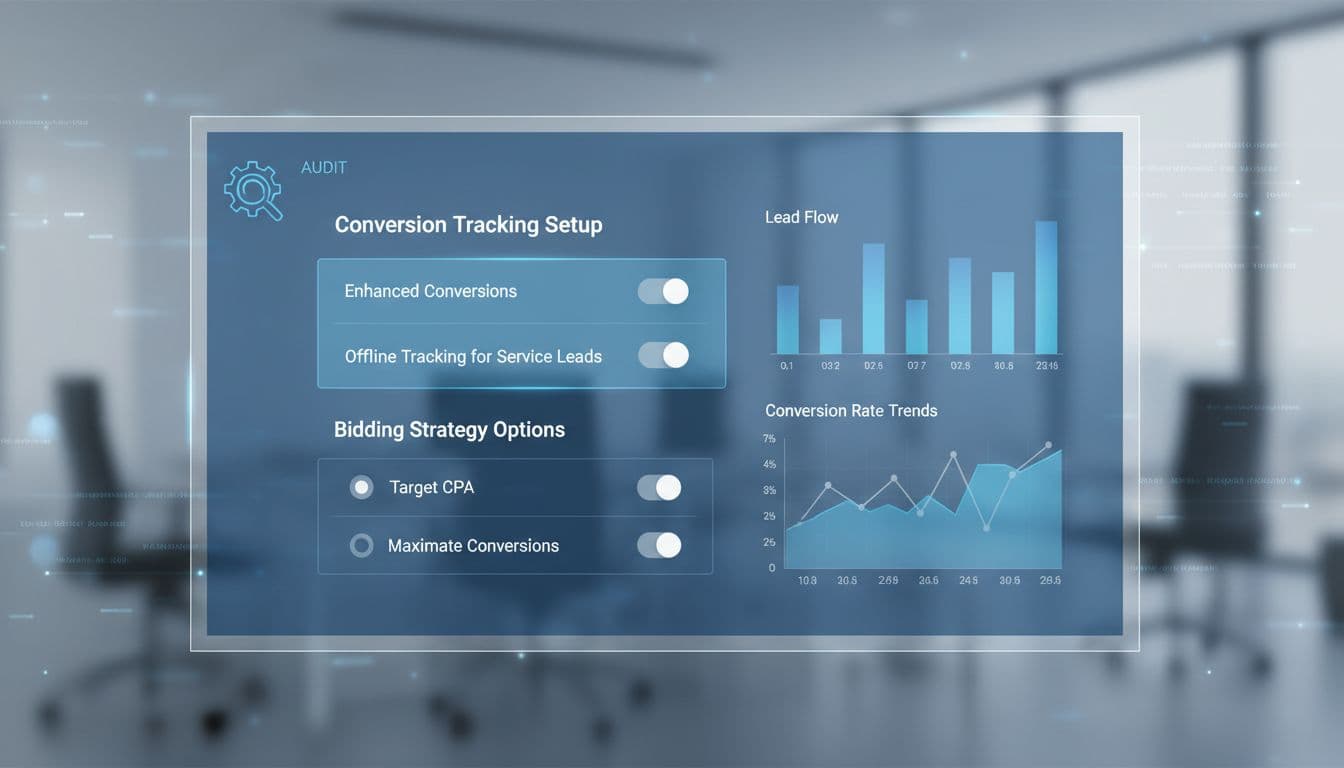
Track the actions that predict revenue: qualified phone calls, booked estimates, consultation requests, and closed jobs from your CRM. Use enhanced conversions and offline imports. Also move toward Data Manager API workflows, because old methods lose value as privacy rules and Google data handling keep changing in 2026.
For bidding, value-based rules beat flat lead goals. An implant consult should carry more value than a teeth-cleaning inquiry. An emergency HVAC call should weigh more than a maintenance form. If you need a deeper framework, this guide to Google Ads bid strategy helps map bidding to real lead value. For a broader view of current privacy, PMax, and tracking checks, see this Google Ads optimization checklist.
Budget Allocation and Negative Keywords
An audit should show where spend belongs, and where it should stop. Budget should follow margin, close rate, and service priority, not habit.
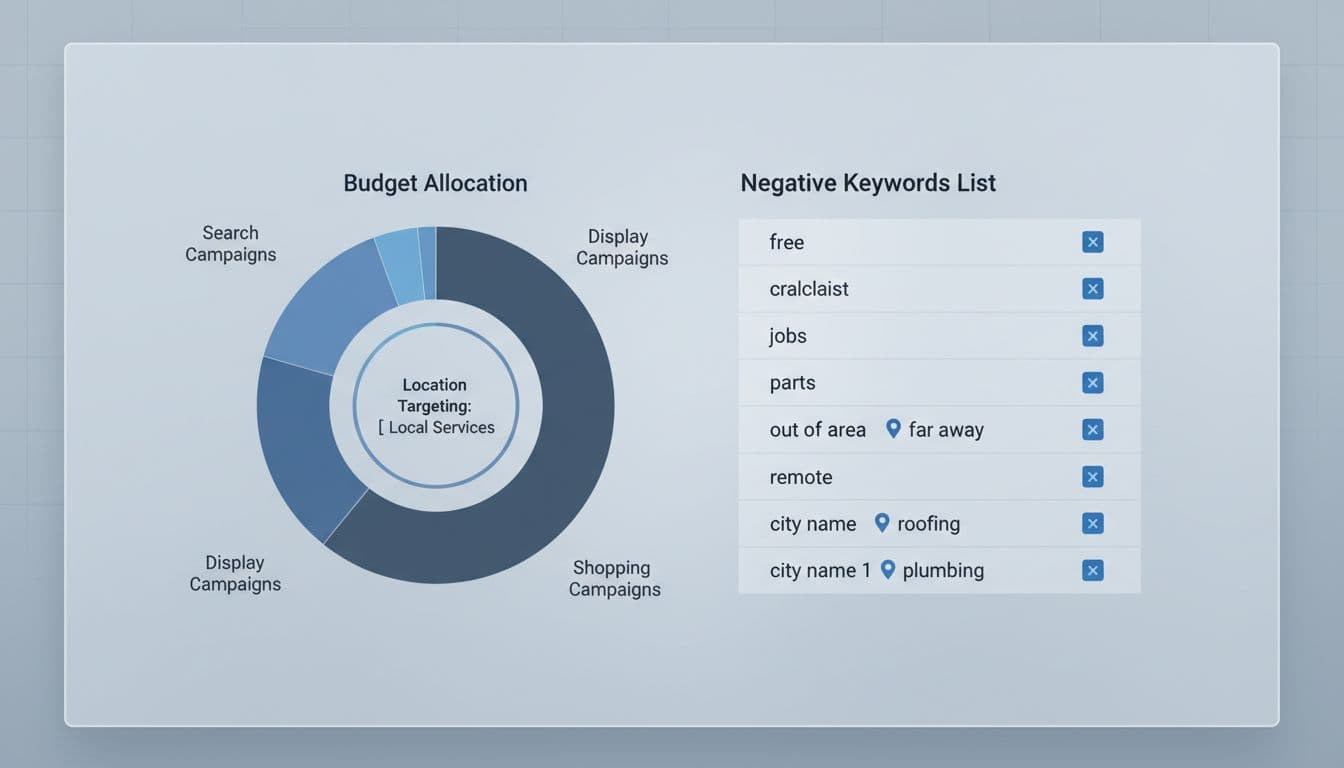
Use these checks during review:
- Put more budget behind services that close well, not services that only click well.
- Separate branded, competitor, and non-brand campaigns so one does not hide the other.
- Review device, daypart, and location reports for waste.
- Refresh negative keywords every week, especially in broad match and Performance Max accounts.
Performance Max can work well for local services when the data is clean and the asset group is tight. It fails fast when it runs with loose geo settings and weak negatives. If you want a bigger worksheet to score your account, this 50-point audit template is worth saving.
Final Thoughts
A useful audit is not a long spreadsheet. It is a clear way to find which parts of the account create booked work and which parts only create noise.
Before you raise budgets or change bids, ask what your CRM says about lead quality. If you want a second set of eyes on your account, Get In Touch With Us.