Your GA4 says 120 leads. Your CRM says 87. Sales says only 34 were worth calling. That gap between systems is normal; it often signals a breakdown in lead quality assessment, but it shouldn’t stay mysterious.
In 2026, GA4 CRM reconciliation is less about chasing one perfect number and more about achieving full-funnel attribution so teams can see the complete path from click to close and get the right number for the right decision. As of April 2026, the basics still hold: clean tracking, shared definitions, and a repeatable way to explain gaps.
Key Takeaways
- GA4 leads and CRM stages rarely match due to attribution differences, identity stitching issues, duplicates, time lags, privacy limits, and offline updates—focus on explaining the gap rather than forcing a perfect match.
- Build a strong tracking foundation with a shared lead_id, standardized UTM/GCLID capture, success-based triggers, and consistent form handling across tools like embedded forms and chat widgets.
- Implement a simple reconciliation framework using same-date rules, ID-based matching, gap bucketing (attribution, identity, etc.), and shared team definitions for reliable full-funnel insights.
- Map specific GA4 events like
form_submitorgenerate_leadto precise CRM stages (new lead, MQL, SQL, etc.) without overlap, and push offline conversions back via Measurement Protocol for complete attribution. - Run a weekly QA checklist to verify event firing, duplicates, source capture, stage flows, and consent impacts, treating reconciliation as an ongoing process for trusted reports.
Why GA4 leads and CRM stages rarely match
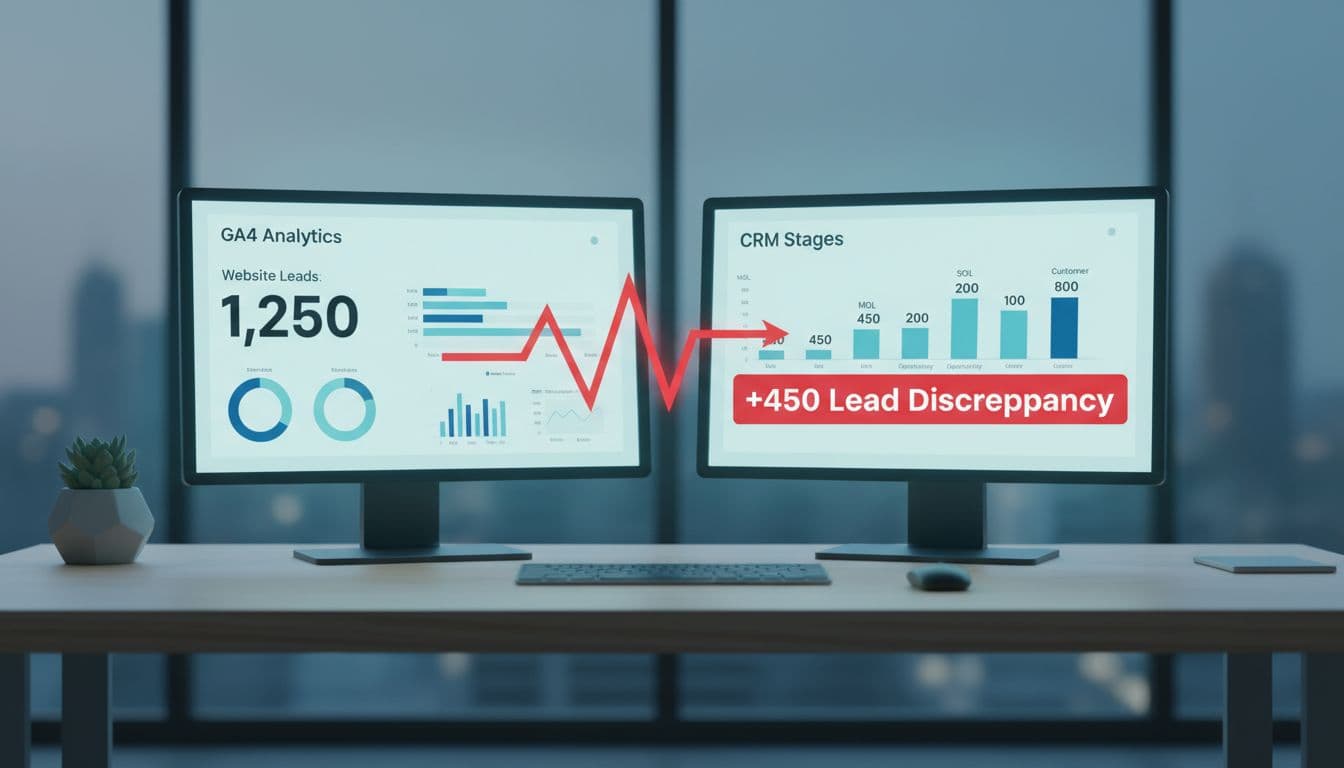
GA4 tracks web actions. Your CRM tracks people, records, and stage changes. Those are not the same thing, so the totals drift.
Attribution is the first reason. GA4 may credit the last non-direct touch, while the CRM may keep first-touch fields, last-touch fields, or rep-entered source values due to different attribution model settings. Identity stitching is another common break. One person can visit from mobile, return on a laptop, then fill the form later with a work email. GA4 may split that journey, while the CRM creates one contact. This poses a challenge in mapping the customer journey, and conversion path analysis in GA4 helps explain why web totals and CRM records diverge.
Then there are the messy causes. Duplicate submissions inflate GA4. CRM dedupe rules may merge them. Time lag also matters. A form fill can happen today, but marketing qualified leads, sales qualified leads, opportunity, and customer stages may update days or weeks later. Offline updates widen the gap further when a rep logs a call, meeting, or contract after the web session ended.
Privacy also plays a role. Consent Mode, ad blockers, and browser limits can suppress or model some data. Form tool mismatches do the rest, especially when embedded forms, schedulers, chat widgets, or native HubSpot and Salesforce forms fire different events. Self-reported attribution collected on forms can help bridge the gap when digital tracking fails.
Reconciliation works best when you explain the gap, not when you force zero difference.
If this sounds familiar, this guide on why ad, GA4, and CRM numbers never match shows how often these issues stack together.
Build the tracking foundation before you compare counts
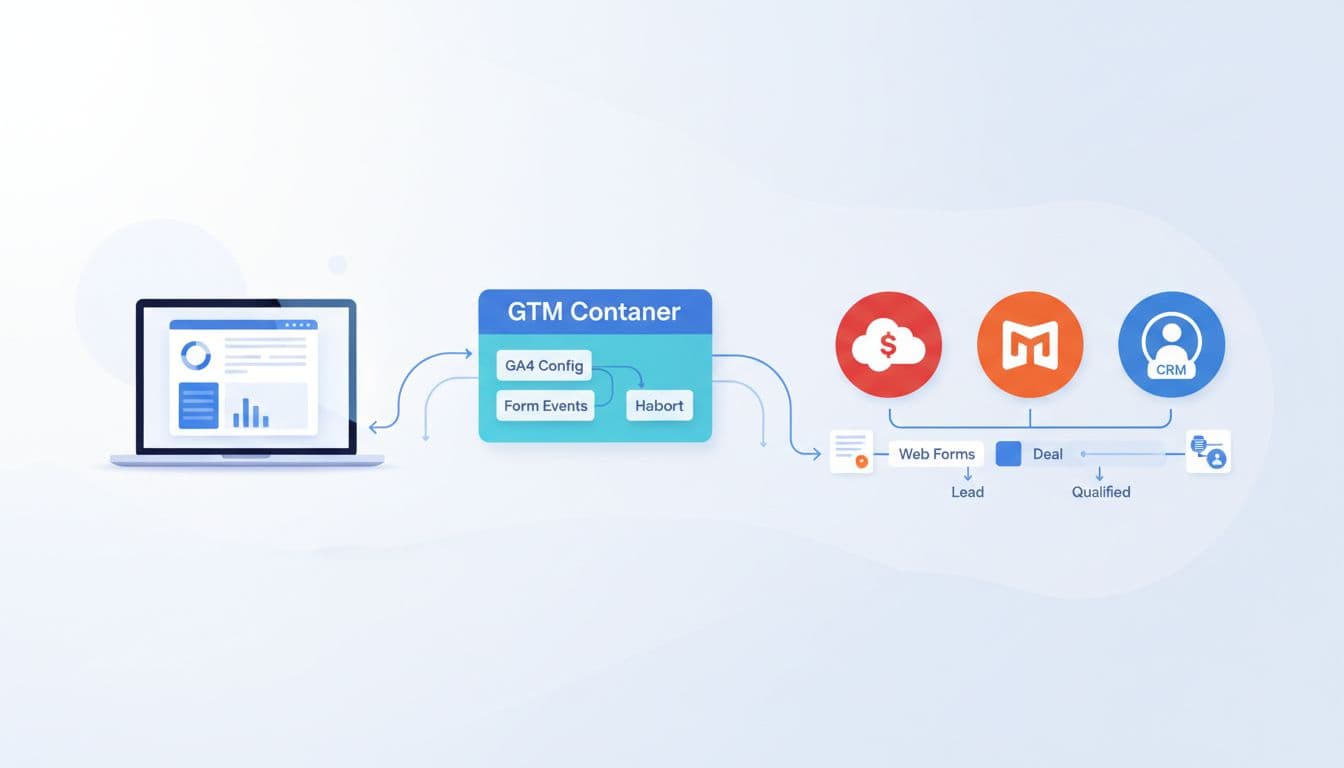
Start with one shared key, usually a lead_id created at form success, alongside Client ID and User ID for better matching. Send that ID into GA4, your CRM, and any offline conversion flow. Without it, matching records turns into guesswork.
Next, standardize your source fields. Pass GCLID and UTM parameters (essential for ad-to-CRM flow), landing page, referrer, and click IDs when available. Use success-based triggers, not button clicks. If a form validates but fails server-side, GA4 should not count it as a lead. Additionally, moving toward server-side tracking helps secure first-party data and improve accuracy.
This is where small business teams often get tripped up. A site may use one form on the main site, another on a booking tool, and a third inside a chat widget. That is partly an analytics issue and partly a Website Development issue. Cross-domain setup, thank-you logic, and hidden field capture all need to line up. A successful CRM integration depends on these technical anchors being consistent across all form types.
A simple baseline helps:
- one GA4 config path
- one lead event definition
- one shared lead ID
- one owner for stage mapping
If you need a starting point, use this GA4 lead tracking checklist before you audit reports. If you automate stage syncs, a tool like n8n for GA4 and CRM workflows can push CRM updates without manual exports.
Create a reconciliation framework your teams can stick to
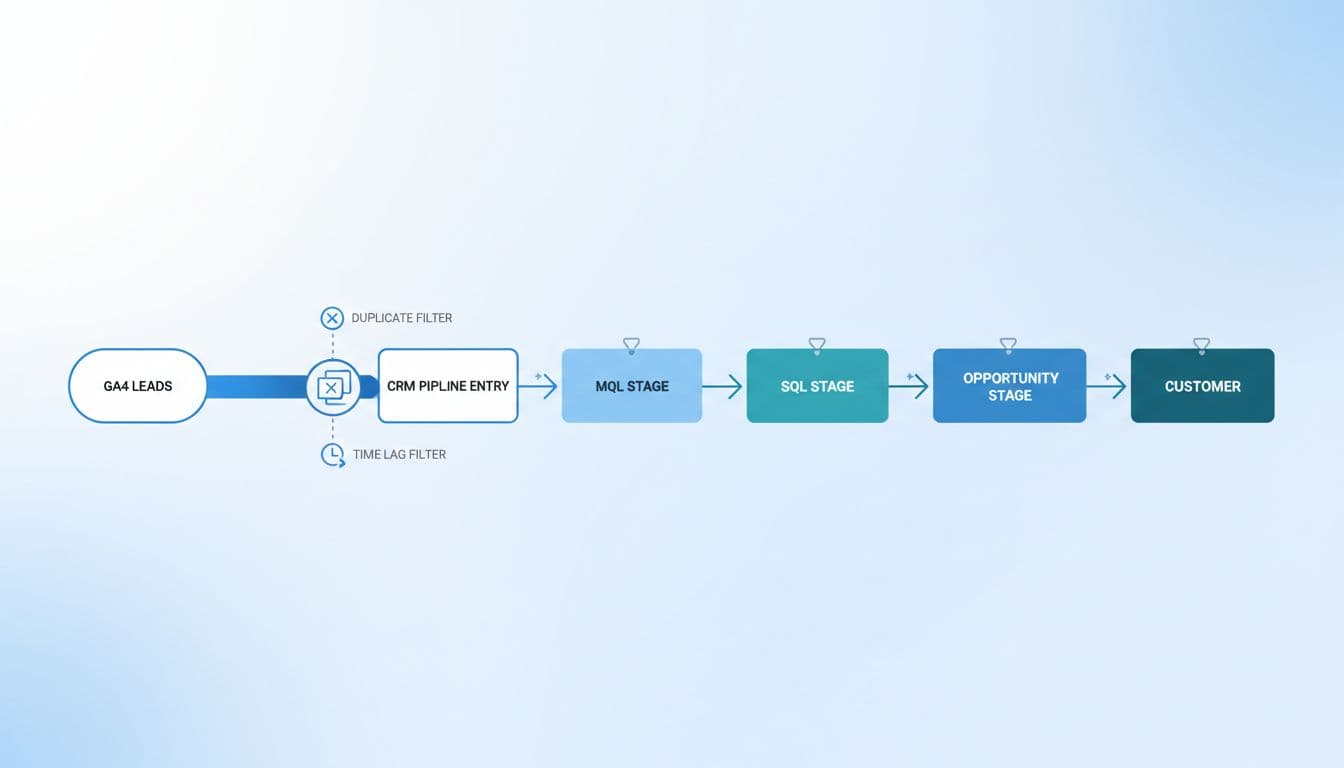
A good framework does not pick one tool as the source of truth for everything. Instead, it gives each tool a job.
Use GA4 for demand generation trends, landing pages, and channel mix. Use the CRM for stage progression, revenue, and sales outcomes. With a BigQuery export and solid CRM integration, you can join web events and CRM records more reliably over time.
Keep the framework simple:
- Compare the same date rules. Form submit date and MQL date are different facts.
- Match on lead_id first, then email or phone only as backup.
- Separate gross leads from deduped leads.
- Break gaps into buckets, attribution, identity, privacy, offline updates, and stage delay.
- Review by channel and by form tool, using the lead acquisition report to verify UTM parameters and campaign taxonomy consistency.
This is also where team language matters. Marketing may call every completed form a lead. RevOps may count only accepted records. Sales may treat marketing qualified leads as noise unless an SDR qualifies them into sales qualified leads. Across DIgital Marketing, SEO, Performance Marketing, Social Media Marketing, and Website Development, shared definitions matter more than dashboard design.
Once your basic reconciliation sticks, advance to revenue attribution and data-driven attribution as the mature phase of this framework.
If organic lead quality is part of the debate, pair reconciliation work with a lead-gen SEO audit checklist.
Map GA4 conversions to CRM stages clearly
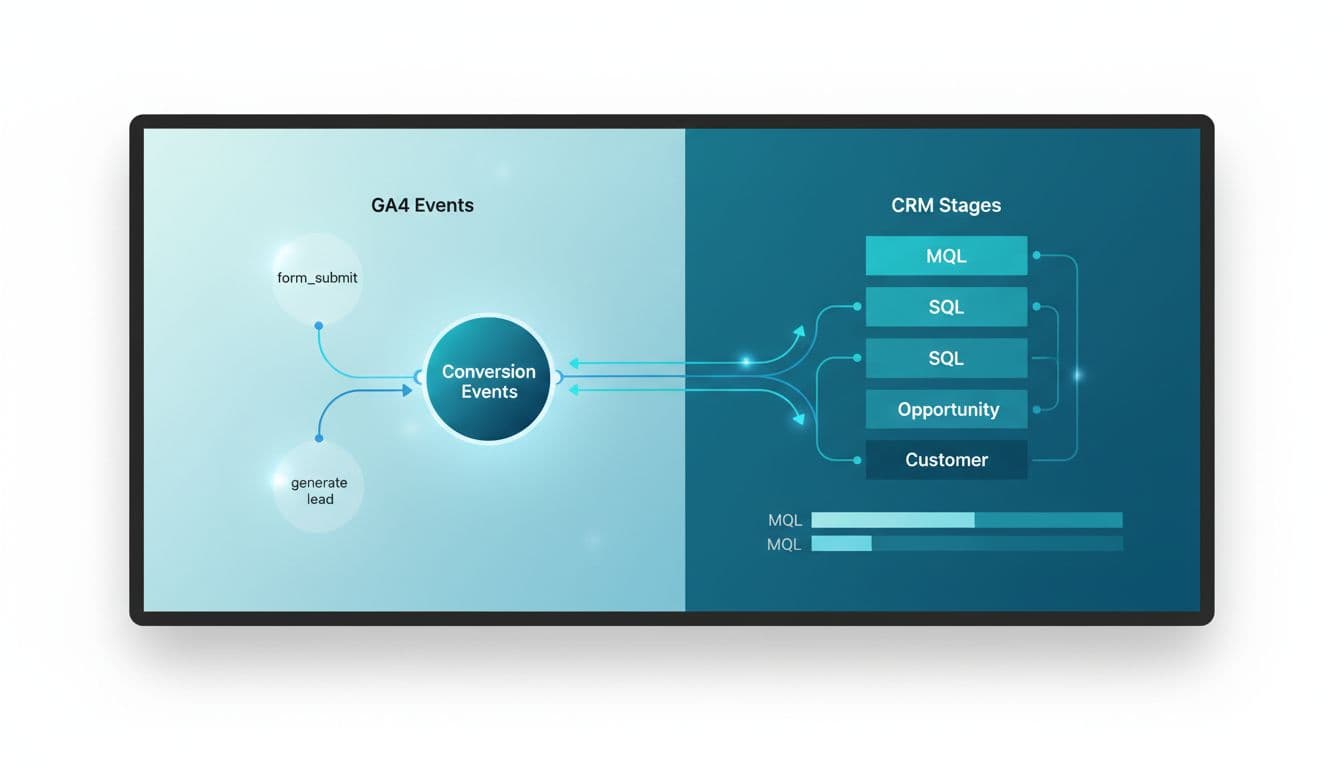
Before the table, one rule matters most: don’t map one GA4 event to four CRM stages.
| GA4 signal | CRM stage | What it usually means |
|---|---|---|
form_submit or generate_lead event | New lead | A valid web conversion happened |
| CRM rule or SDR accepted record | MQL | Lead meets agreed fit or intent rules |
| Meeting booked or rep qualified | SQL | Sales accepted and is working it |
| Deal record created | Opportunity | Revenue path is real |
| Closed-won update sent back to GA4 or warehouse | Customer | Sale happened, often offline |
In Salesforce, this may map to Lead Status, Opportunity Stage, and Closed Won. In HubSpot, it may map to Lifecycle Stage and Deal Stage, allowing you to map GA4 events to CRM lifecycle stages clearly. The labels differ, but the logic should not. Track metrics like MQL to SQL conversion through this mapping for better insights.
This process is the heart of a solid CRM integration.
For long B2B cycles, push later-stage events back from the CRM using offline conversion tracking. This guide on offline conversions through GA4 Measurement Protocol is useful for sending offline events back to GA4 when opportunities and customers happen well after the initial visit.
Frequently Asked Questions
Why do GA4 lead counts rarely match CRM pipeline stages?
GA4 tracks web actions and events, while CRMs track deduped people, stage changes, and offline updates, leading to drifts from attribution models, identity splits, duplicates, time lags, and privacy restrictions. The gap often stacks multiple issues like form tool mismatches and self-reported sources. Reconciliation succeeds by categorizing and explaining these differences, not eliminating them.
How do I set up reliable tracking for GA4 to CRM reconciliation?
Start with a shared lead_id sent to GA4, CRM, and offline flows, plus standardized GCLID/UTM parameters and success-based triggers in GTM. Ensure consistency across all form types, including embedded, chat, and native CRM forms, with server-side tracking for better accuracy. Use one GA4 config, event definition, and stage mapping owner to avoid guesswork.
What makes a good GA4 CRM reconciliation framework?
Assign GA4 to demand trends and channels, CRM to stage progression and revenue, then apply rules like same-date comparisons, lead_id matching, gross vs. deduped separation, and gap bucketing by cause. Align team definitions across marketing, sales, and RevOps for MQL/SQL thresholds. Advance to BigQuery joins and data-driven attribution once basics stick.
How should I map GA4 events to CRM stages?
Map form_submit or generate_lead to new leads only, then CRM rules to MQL, rep qualification to SQL, deal creation to opportunity, and closed-won to customer—never one GA4 event to multiple stages. Adapt labels for Salesforce (Lead/Opportunity Status) or HubSpot (Lifecycle/Deal Stage) but keep logic consistent. Send offline stages back via GA4 Measurement Protocol for long B2B cycles.
What’s in the weekly QA checklist for reconciliation?
Check generate_lead fires on success, lead_id syncs, duplicates by email/phone/ID, time-based comparisons (same-day, 7-day MQLs), consent/browser impacts, workflow jumps, source spikes, and offline event flows. Spot-check pipeline and revenue sync post-changes like form edits or campaigns. Regular audits prevent leaks that distort decisions.
Use this QA checklist every week
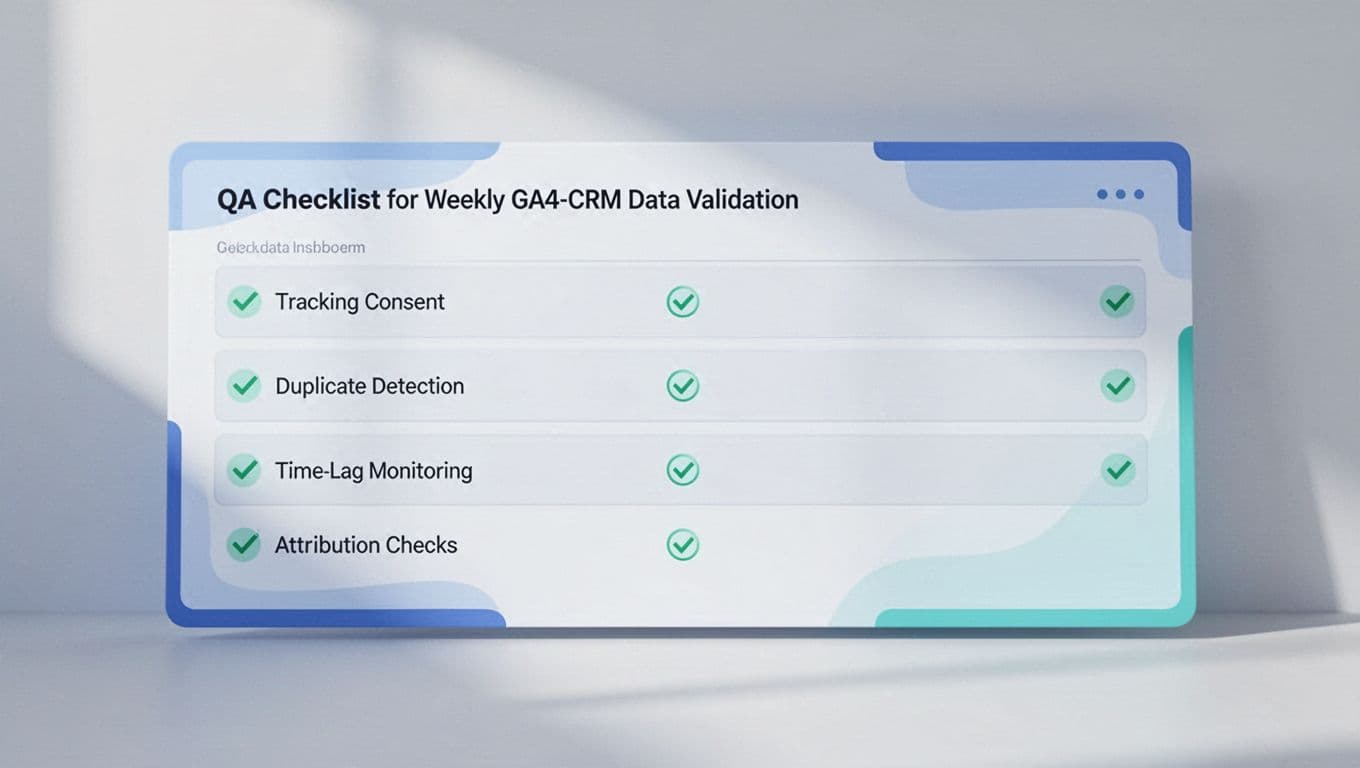
Run a short QA pass every week, especially after form edits, campaign launches, or CRM workflow changes.
- Check that the generate_lead event fires only on real success.
- Confirm the lead_id appears in GA4 and the CRM.
- Review duplicates by email, phone, and lead_id.
- Compare same-day leads, 7-day MQLs, and 30-day opportunities separately.
- Audit consent impact by browser and device.
- Spot-check Salesforce or HubSpot workflow rules for unexpected stage jumps.
- Review source capture for direct, unassigned, and self-referral spikes.
- Verify pipeline performance and the flow of closed-won revenue data.
- Confirm syncing of offline events via Measurement Protocol to ensure late-stage deals are accounted for.
A regular GA4 data accuracy audit helps catch leaks before they distort budget calls.
When GA4 says 120 and the CRM says 87, the answer is rarely “someone is wrong.” The real answer is usually timing, identity, definitions, or missing data flow.
Once you treat reconciliation as an operating process, not a one-time fix, your reports become easier to trust and easier to act on. This process improves overall lead quality visibility by ensuring data consistency across the funnel.
If you want help cleaning up the setup, stage mapping, or QA process, Get In Touch With Us.