If your Google Ads account treats every form fill like a win, bidding learns the wrong lesson. If you’re searching for enhanced conversions leads setup, this enhanced conversions leads approach makes the goal simple: send better first-party lead data back to Google in a privacy-safe way.
As of April 2026, Google is rolling out a more unified setup to boost conversion tracking and conversion measurement accuracy, so menus may look a little different across accounts. The core process stays the same, and once your tagging, consent, and CRM data line up, the system is much easier to trust.
Key Takeaways
- Enhanced conversions for leads improves Google Ads bidding by sending hashed first-party user data (like email or phone) from offline conversions, bridging messy multi-device lead journeys.
- In 2026, expect a unified account-level setup with multiple data sources (tags, Data Manager, API), but start with one conversion action for safer testing.
- Prerequisites include a Google Ads conversion action, GTM lead trigger with data access, consent handling, and CRM integration for qualified offline imports.
- Test with real leads using diagnostics, GA4 DebugView, and Tag Assistant; common issues are triggers, mapping, or consent—matching can take 24-48 hours.
- Prioritize privacy with SHA256 hashing, clear consent, and clean data to avoid junk signals, turning better measurement into lower CPA and higher ROAS.
What enhanced conversions for leads actually does
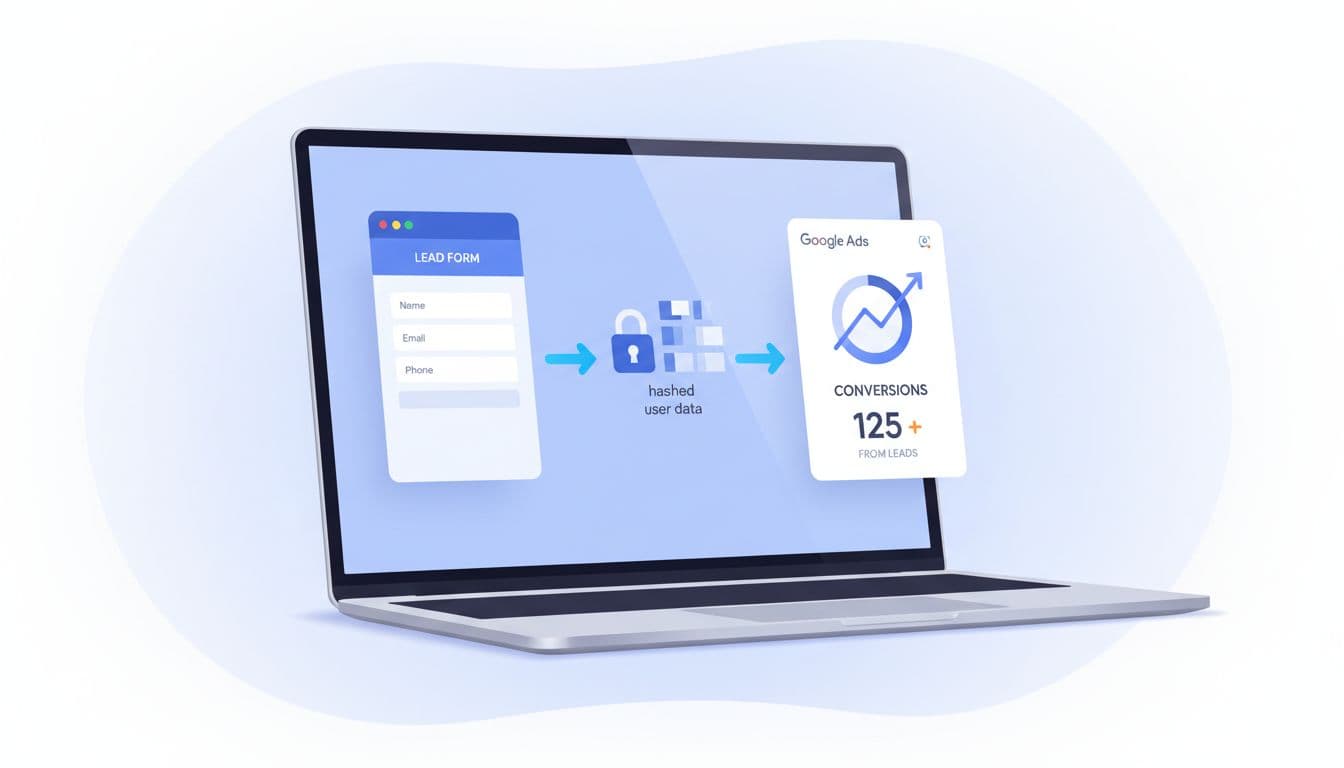
Enhanced conversions leads adds hashed user-provided data, such as email or phone strings, to your offline lead import process. Google uses that data to improve matching after someone clicks an ad and converts later.
That matters because lead journeys are messy. A person may click on mobile, fill a form on desktop, then close the deal after a sales call. Google’s own help page on enhanced conversions for leads explains the matching model and the data rules.
For small businesses, enhanced conversions leads means less guesswork, better signals for smart bidding algorithms, and more high-quality leads.
Why this setup matters more in 2026
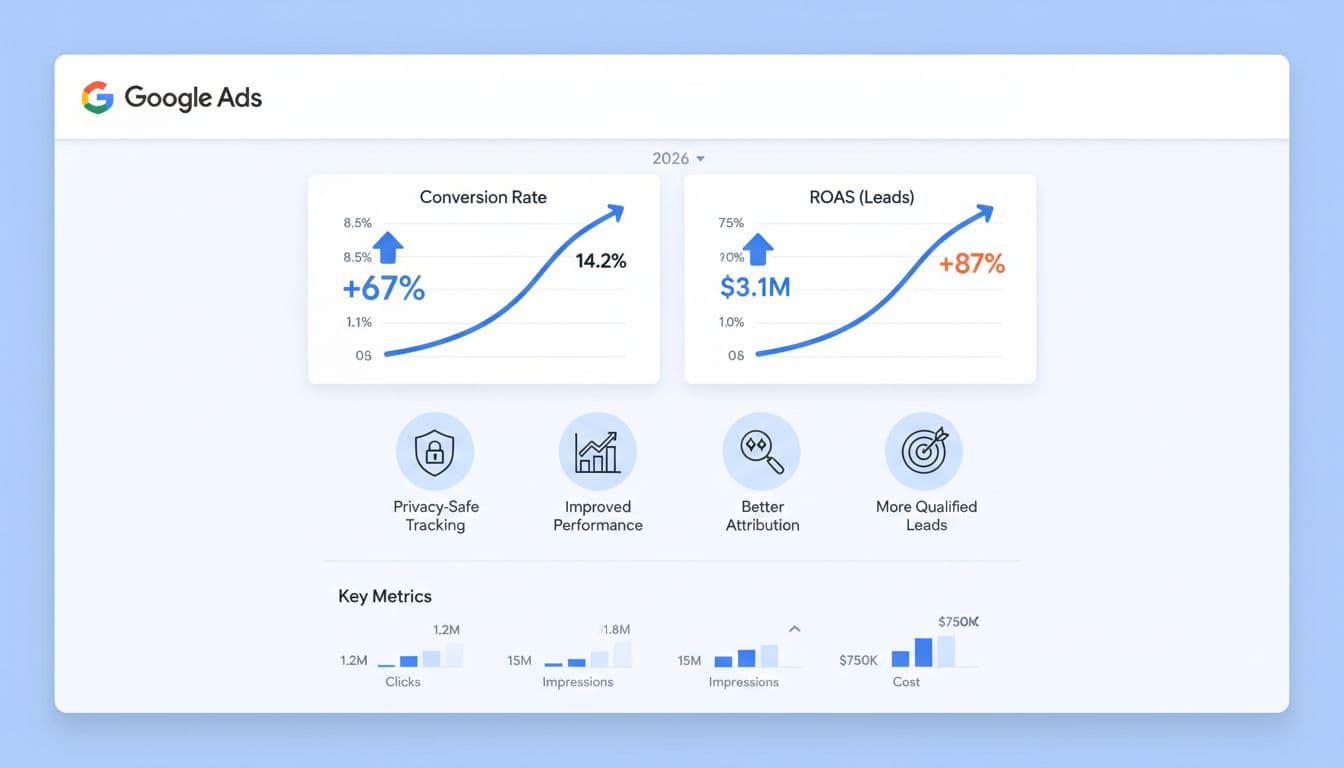
Google started allowing multiple data sources in April 2026 for enhanced conversions leads, which means tags, Data Manager, and API-based inputs can work together. Google has also said the separate web and lead settings are moving toward a single account-level switch by June 2026.
That change helps, but better measurement still depends on strong inputs and a clean Google Ads campaign structure for qualified leads. If you spend across Digital Marketing, SEO, Performance Marketing, Social Media Marketing, and Website Development, cleaner lead data improves return on ad spend and lowers cost per acquisition with reliable conversion tracking, helping every report make more sense.
Prerequisites before you turn anything on
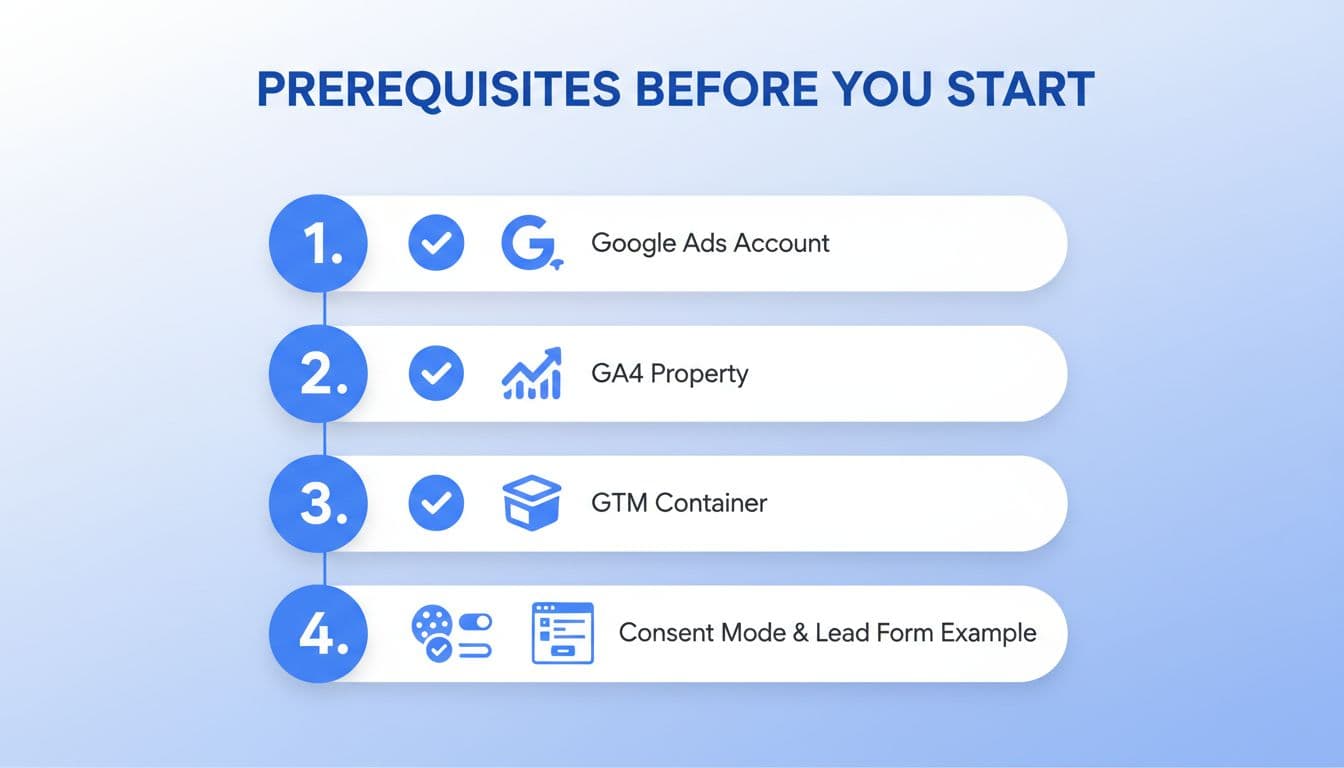
Get these pieces ready first:
- A Google Ads conversion action for the lead event you want to improve.
- A lead form submission or thank-you-page trigger in Google Tag Manager or gtag.js.
- Access to user-provided fields via CSS selectors or Javascript variables; email is the main one (requiring SHA256 hashing), while phone (in E.164 standard) and address can help.
- Consent handling in place, especially if you operate under GDPR or similar laws.
If your thank-you page doesn’t expose the lead data, automatic capture may fail.
The most common setup problem is simple: the form fires, but the user data never reaches the tag.
Step-by-step setup guide in Google Ads
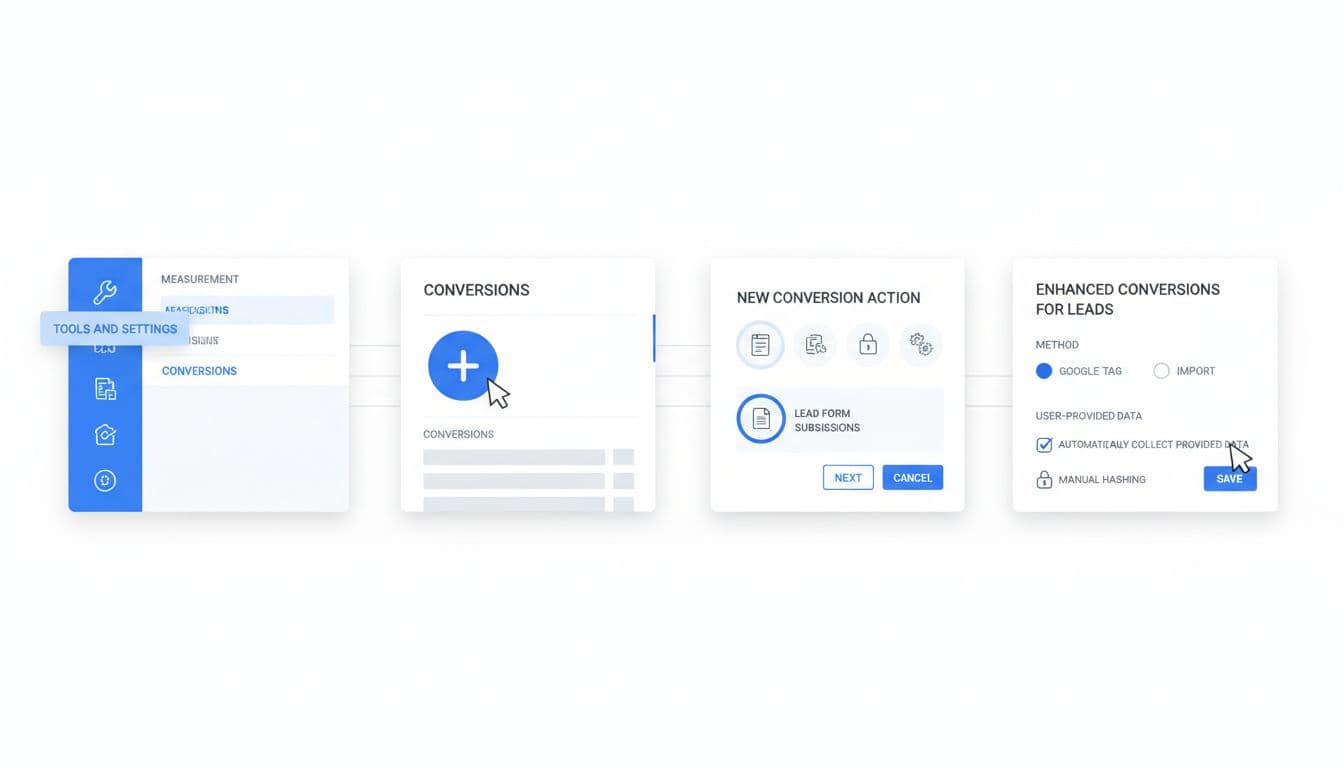
Interface labels may shift a bit during the 2026 rollout of enhanced conversions leads. If you see separate options now, that’s normal. Google’s account-level enhanced conversions guidance is the best reference if your menus differ.
- Open Google Ads, then go to Goals > Conversions > Settings and turn on enhanced conversions leads for your conversion goal where available.
- Pick whether you want account-level coverage or to start with one conversion action. For most small businesses, one lead action is the safer first test.
- Accept Google’s customer data terms, then choose your collection method, usually GTM, gtag.js, Data Manager, or API.
- In GTM, create or update the Google Ads tag so it sends user-provided data when the lead event fires. Match the correct conversion ID and label.
- If your sales team qualifies leads later, import that offline event from your CRM. If not using an API, you can use the offline conversion import method via GCLID uploads. Google’s developer guide for enhanced conversions leads covers API-based imports.
- Publish changes, submit a real test lead, then check diagnostics before you scale spend.
A practical example helps. Say a local clinic gets consultation requests. Count the form submit, but also import converted leads like “appointment booked” from the CRM. That second signal gives bidding better feedback than raw form volume alone.
How GA4, GTM, and your CRM should work together
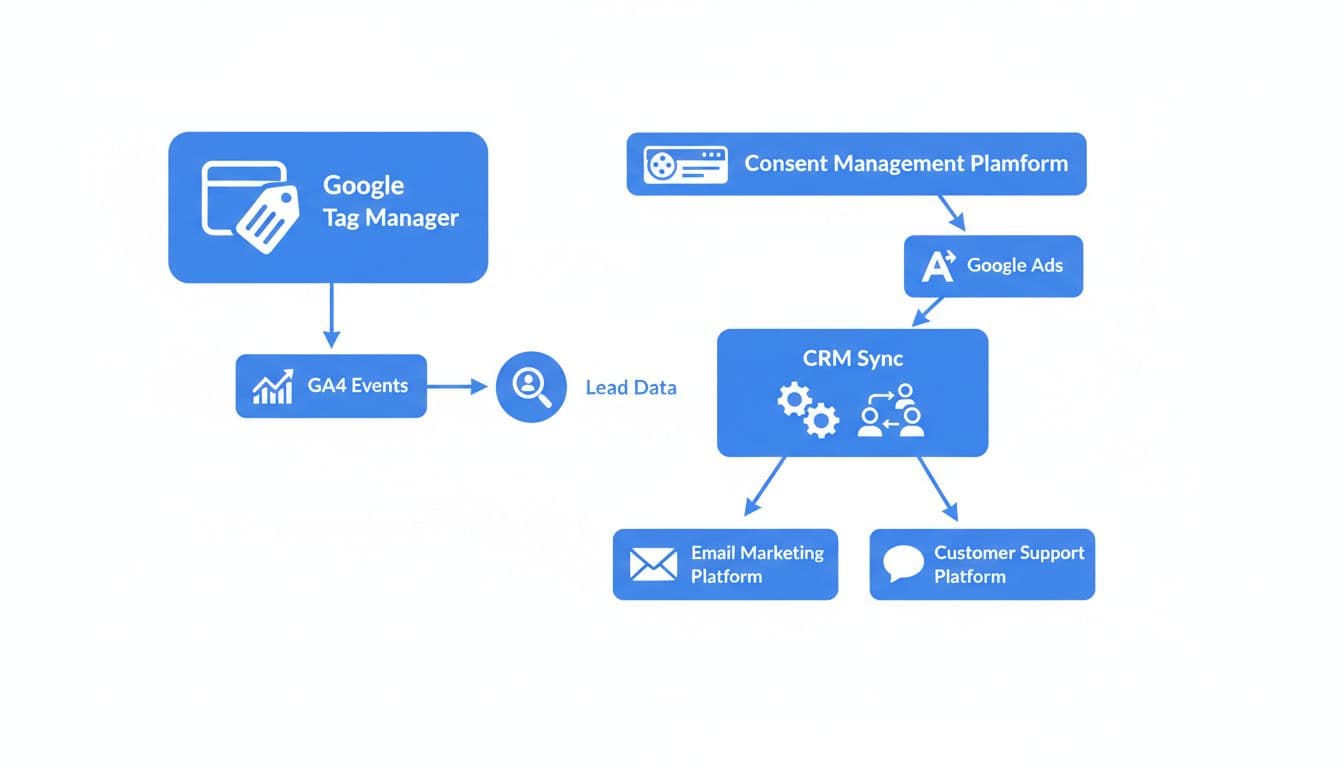
GA4 doesn’t replace Google Ads enhanced conversions for leads matching, but it helps you audit the journey. Send the same form event to GA4 and Google Ads, and keep naming consistent so reports stay readable.
GTM is usually the control center. Your website captures the form event, GTM passes the first-party customer data (while some legacy systems still rely on the Google Click ID or GCLID for the handoff), and the CRM database closes the loop later as the source of truth. If you also run Meta, align your naming and handoff rules with your Meta Conversions API for lead tracking setup so one platform doesn’t report leads differently from another.
Testing and troubleshooting without wasting budget
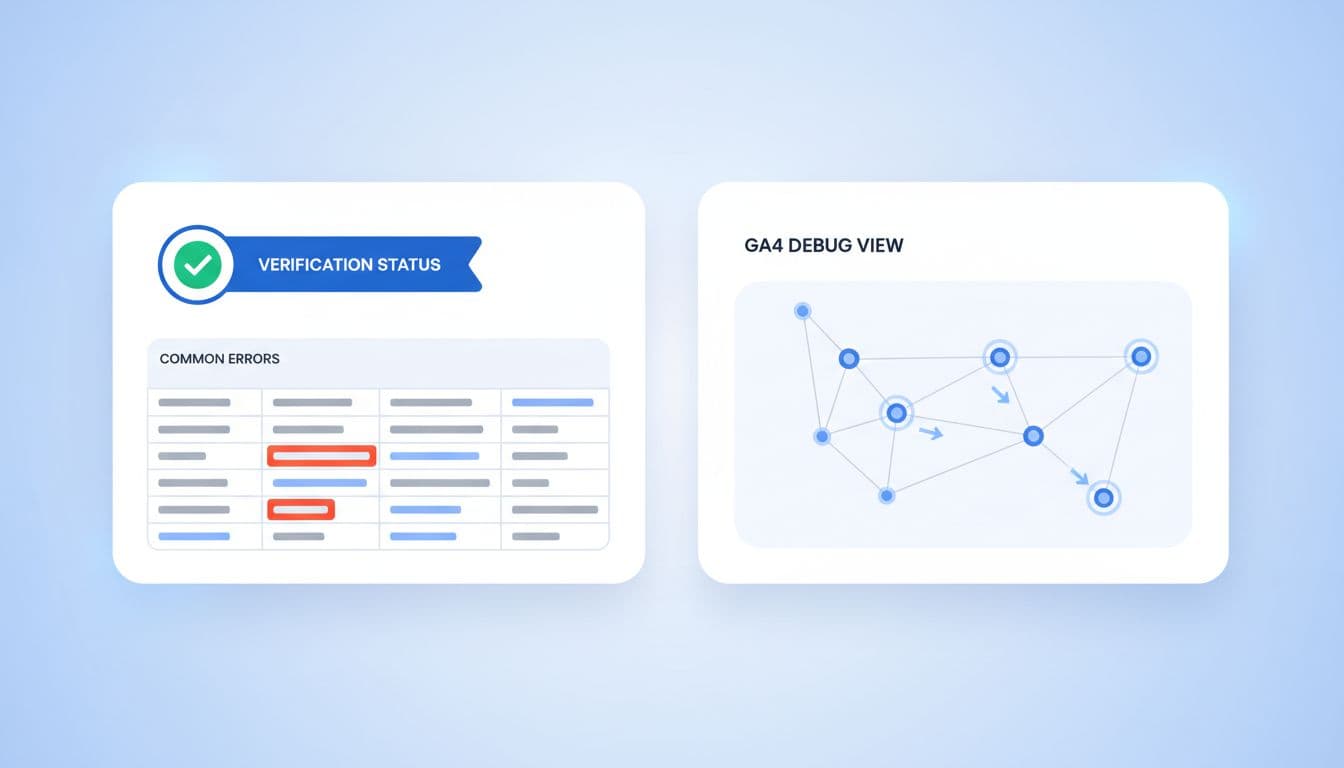
Run one real test lead with a valid email to verify your enhanced conversions leads setup. Then check Tag Assistant, GA4 DebugView, and the Google Ads diagnostics panel.
If something breaks, the cause is usually one of these: the wrong trigger, automatic event detection left unmanaged causing duplicate triggers, missing consent, bad field mapping, or a mismatch between the conversion action and the tag. Matching imported data can take 24-48 hours to appear, so don’t panic after five minutes. An automated import schedule is best for CRM health. Google’s upgrade guide for offline imports is useful if you already import CRM conversions.
Frequently Asked Questions
What are enhanced conversions for leads?
Enhanced conversions for leads adds hashed user-provided data, such as email or phone, to your offline lead imports, helping Google match ad clicks to later conversions across devices. This reduces guesswork for Smart Bidding, especially for small businesses tracking form fills to sales. Google’s matching model uses this first-party data for more accurate signals than click-based tracking alone.
What prerequisites do I need before setup?
You’ll need a Google Ads conversion action for your lead event, a form submission trigger in GTM or gtag.js with access to user fields (email hashed via SHA256, phone in E.164), and consent handling for privacy laws like GDPR. If your thank-you page doesn’t expose data, automatic capture may fail. A clean campaign structure also helps maximize benefits.
How do I set up enhanced conversions for leads in Google Ads?
Go to Goals > Conversions > Settings, turn on enhanced conversions for your lead goal, accept data terms, and choose GTM, gtag.js, or API. Update your GTM tag to send hashed data on the lead event with matching conversion ID/label, then import qualified CRM outcomes. Publish, test a real lead, and check diagnostics—interface may vary during 2026 rollout.
How do I test and troubleshoot the setup?
Submit a real test lead with valid email, then verify in Tag Assistant, GA4 DebugView, and Google Ads diagnostics. Common fixes: correct triggers, field mapping, consent, or duplicates from unmanaged events. Offline matching takes 24-48 hours; use scheduled CRM imports for reliability.
What privacy best practices should I follow?
Hash customer data (SHA256 for email) before sending, collect explicit consent where required, and use only necessary first-party fields. Avoid junk like spam or duplicates to prevent bad bidding signals. This keeps you compliant while improving data quality for real growth.
Privacy-safe best practices that protect data quality
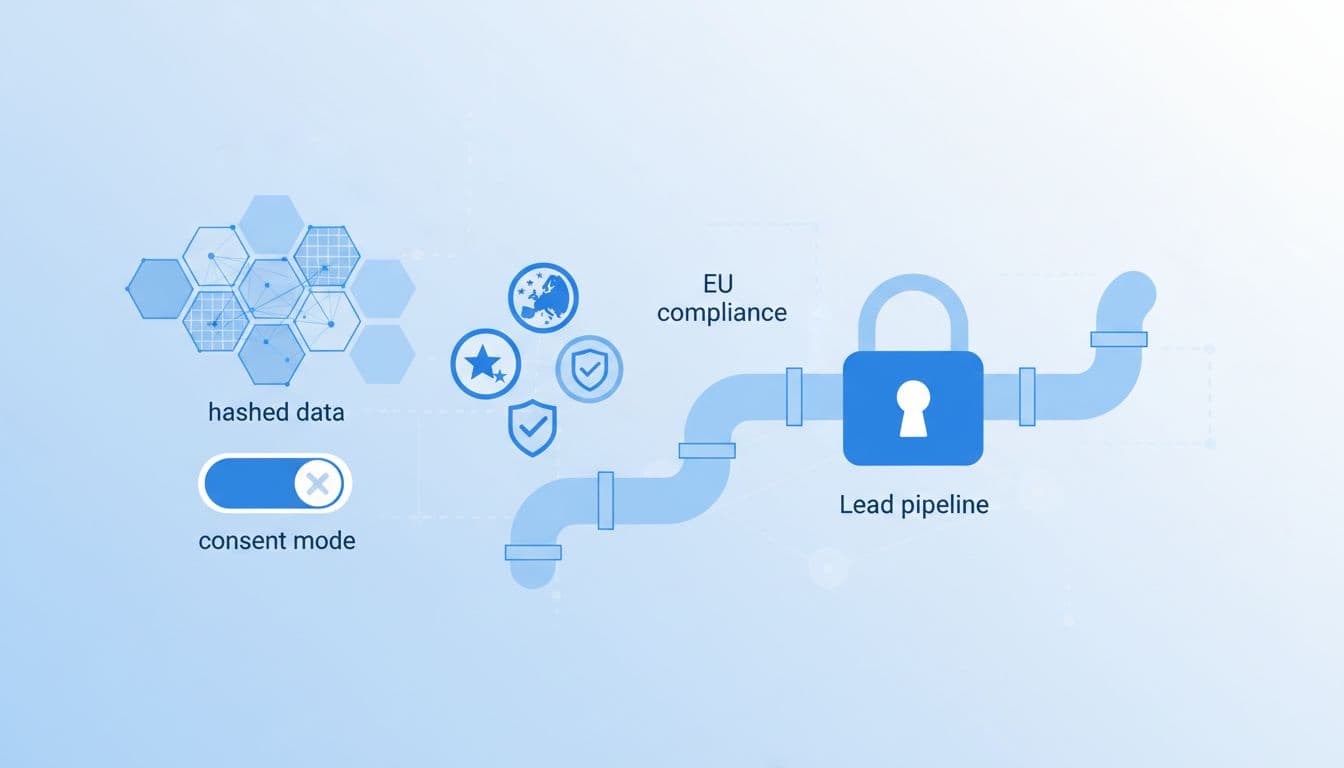
Use first-party customer data only. Hash customer data before sending it to comply with privacy regulations and Google’s customer data policies, collect clear consent where required, and keep only the fields you need.
Also, don’t send junk. If spam leads, job seekers, or duplicate form fills enter the system, Smart Bidding learns from bad examples. The cleanest setups pass both the initial lead and the later qualified outcome, assigning the correct conversion value. That is where enhanced conversions leads becomes a real growth tool, not another tag to maintain.
If your setup touches forms, CRM stages, and ad platforms at once, Get In Touch With Us for a second set of eyes.
Better lead tracking doesn’t start with more clicks. It starts with better signals.
When Google can tell a weak form fill from a real sales opportunity through enhanced conversions leads, your budget has a much better chance of finding high-quality leads.