One small mistake in your google search console setup can hide the pages that bring calls and form leads. Service pages may never index, while thank-you pages can slip into Google and waste crawl attention.
If you handle DIgital Marketing, SEO, Performance Marketing, Social Media Marketing, and Website Development for your business, you need clean search data. This setup gives you that, and it helps you focus on pages that turn visits into leads.
Why Google Search Console matters for lead gen sites
Google Analytics shows what people do after they arrive. Search Console shows how Google sees your site before they arrive. That difference matters for lead generation.

For a lead gen website, GSC helps you spot four things fast: whether your money pages index, which queries bring buyers, where mobile issues hurt conversions, and which low-value URLs should stay out of search. It also gives you a clean way to review search changes after Google updates. Keep in mind, GSC tracks search visibility, not closed deals, so pair it with GA4 and call tracking for the full picture.
Create your GSC account and add the right property
Start inside Search Console and add a new property. If you want one clean view of your whole site, choose a Domain property. That pulls in http, https, www, non-www, and subdomains in one place. Google explains the options in its property setup help.

Use a URL-prefix property only when you need to track one section, such as a subfolder or staging copy. For most small businesses, domain-level tracking is the safer choice because it reduces blind spots. Also, add access with a business-owned Google account, not only your freelancer’s or old agency’s login.
Verify your website property the durable way
DNS verification is usually the best option. It lives at the domain level, so it survives theme edits, plugin changes, and many redesigns.
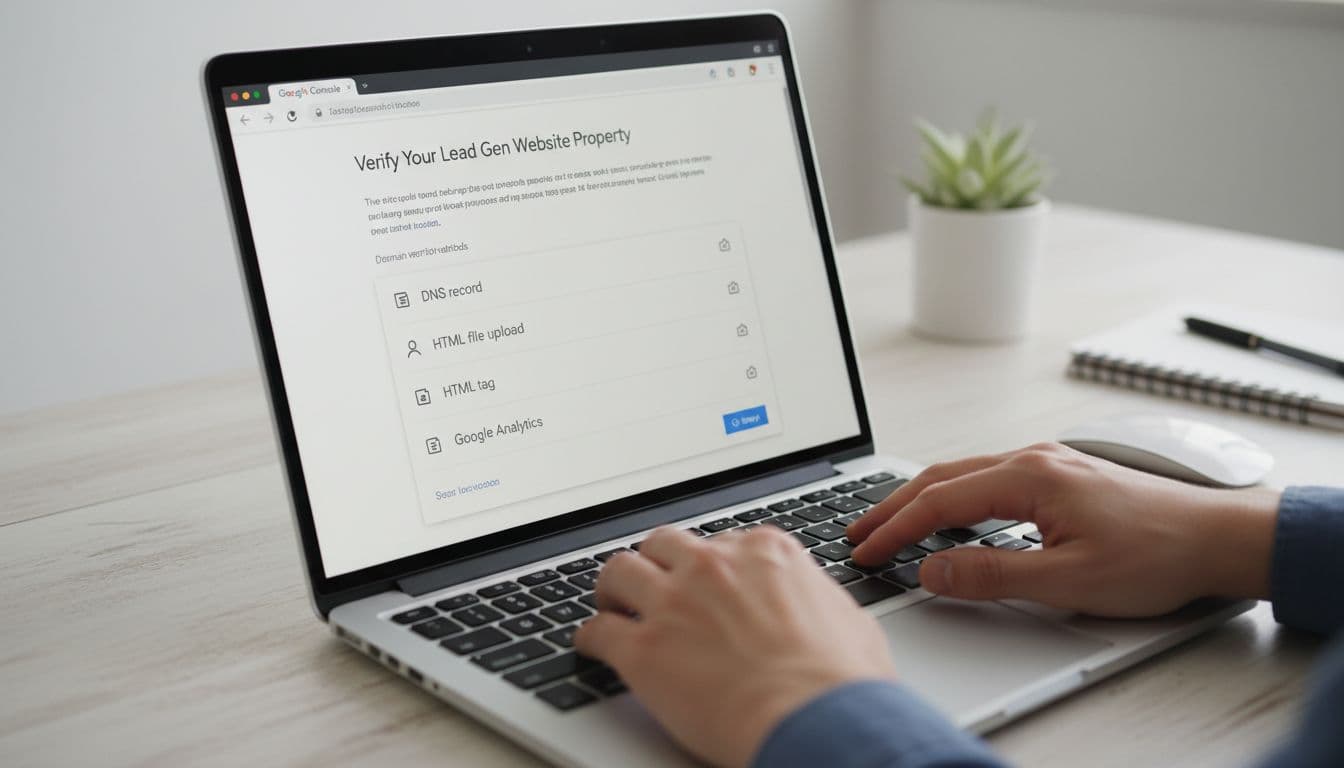
If your host manages DNS, ask them to add the verification record. Then confirm the property and save a note in your internal docs. That small step prevents headaches later.
Verify with DNS if you want your Search Console access to survive future site changes.
Once verified, wait a day or two for initial data. If your site already existed, GSC may start filling with useful history quickly.
Submit a sitemap and control which URLs can index
Next, submit your XML sitemap in the Sitemaps report. Only include URLs you want Google to crawl and rank. A messy sitemap creates messy reporting.

This quick rule helps:
| URL type | Index? | Why |
|---|---|---|
| Service pages | Yes | These bring buyer-intent traffic |
| Location pages | Yes, if unique | Good for local leads |
| Thank-you pages | No | They add no search value |
| Filter, search, or UTM URLs | No | They create clutter and duplicates |
For more background, Google’s getting started guide is still useful. On lead gen sites, thank-you pages should stay noindex, because they can show thin content and confuse reporting.
Check indexing for service and location pages
Use URL Inspection on your top service pages, core location pages, and key landing pages. This tells you whether a page is indexed, when Google crawled it, and what blocked it.
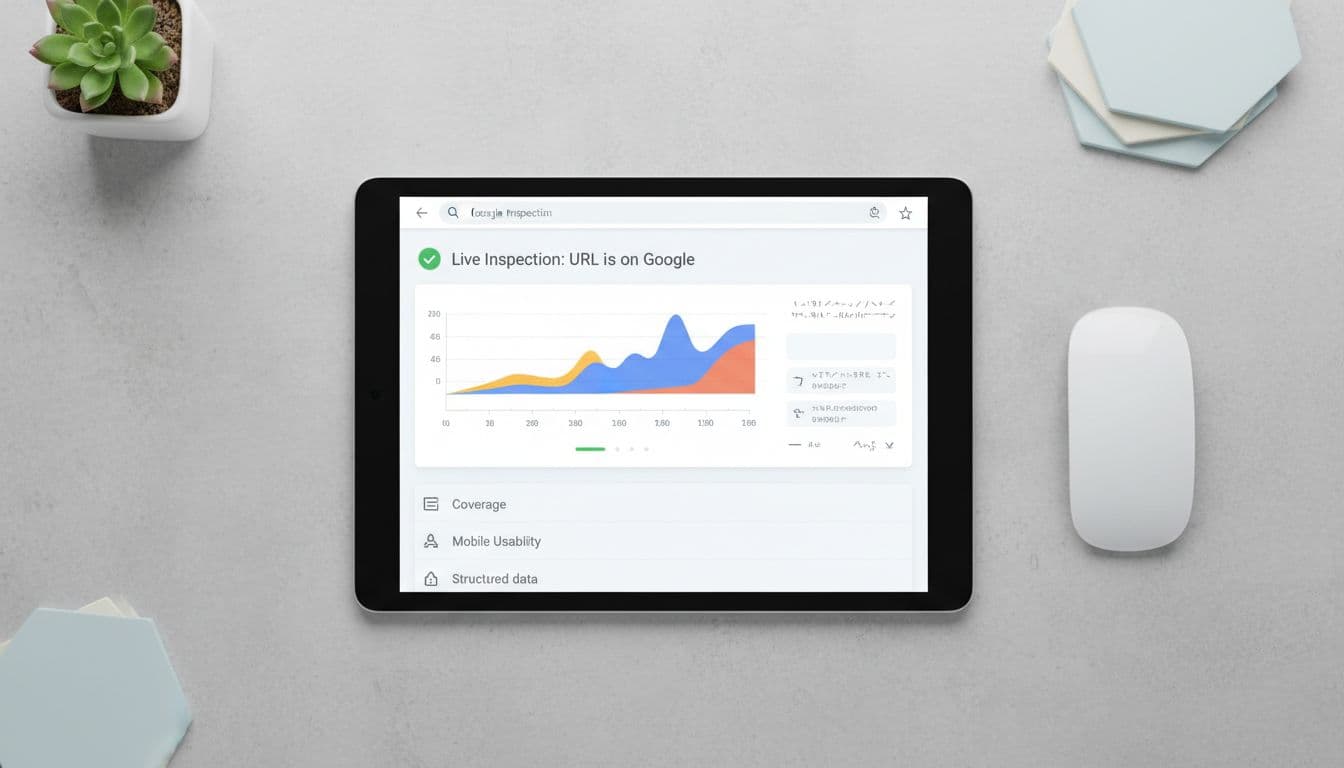
If a lead page is missing, check for noindex tags, wrong canonicals, weak content, or duplicate location pages. Many local pages fail because they swap city names and nothing else. Phone-call-driven pages need enough unique copy, trust proof, and local detail to stand on their own. After setup, a broader lead-gen site SEO audit helps catch template-level issues faster. For a complete walkthrough of indexing statuses and how to fix crawled currently not indexed pages, see our Google Search Console indexing report guide.
Optimize Core Web Vitals on lead pages
Search Console’s Core Web Vitals report is where many lead leaks show up. Slow mobile pages, sticky banners, heavy chat tools, and clunky forms often hurt calls and form fills before rankings drop.
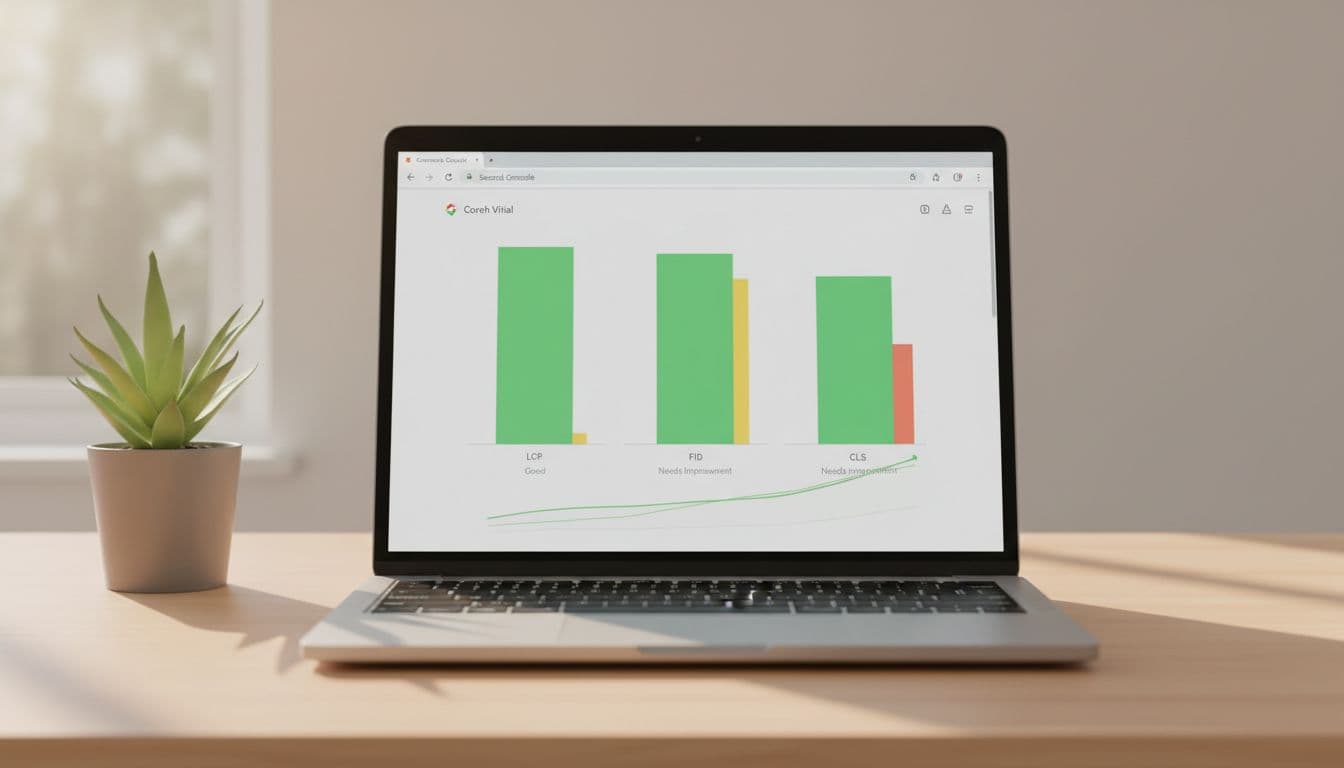
Focus on templates, not random pages. If one service page template is slow, dozens of pages may share the same problem. That’s why GSC is useful after any Website Development change. Fix the form, speed up the mobile layout, and make sure call buttons respond fast on tap.
Use performance reports to turn clicks into leads
The Performance report is where setup turns into action. Filter by page, query, device, and country. Then look for pages with high impressions but weak clicks. Those are often quick wins.

In 2026, two features matter a lot for lead gen teams. First, the branded queries filter helps you separate people searching for your business name from new prospects. Second, the AI-powered report builder can surface patterns like “high impressions, low clicks” or local terms such as “near me.” That saves time, especially for small teams.
Still, GSC doesn’t track lead quality by itself. Match it with GA4, CRM data, and phone tracking. If you also run paid campaigns, this guide to Meta Conversions API for lead tracking helps close the attribution gap.
A strong google search console setup protects the pages that matter most. When service pages index, thank-you pages stay out, and performance data connects to real leads, search becomes much easier to manage.
Review GSC every week, especially after site edits. Small fixes on the right pages often bring more leads than a full redesign.