Most service businesses don’t lose Google Ads because of one bad bid. They lose because they read auction dynamics like a traffic report, not a lead report.
If you run HVAC, plumbing, legal, dental, or local contractor campaigns, Google Ads Auction Insights can show who keeps appearing beside you, above you, and ahead of you. Used well, it helps you stop paying for weak clicks and put budget behind searches that turn into calls, forms, and booked jobs. Selecting the right search keywords allows for more informed strategic decisions when competing for local leads.
The value is not in spotting every competitor. It’s in making better decisions with the ones that matter.
Key Takeaways
- Google Ads Auction Insights reveals competitor overlap, position above rates, and outranking shares in auctions—but focus only on those tied to qualified leads and booked jobs, not vanity metrics.
- Prioritize high-value search keywords and auctions where impression share drops signal lost revenue, using 30-90 day trends over daily noise.
- Combine auction data with CRM, call tracking, and lead quality to adjust bids, tighten targeting, improve landing pages, and benchmark 2-3 real rivals.
- Integrate insights with SEO, social, and website work to win right searches in right places, turning pressure into profitable growth.
- The best accounts don’t chase highest impression share; they filter for decisions that pay off in calls, forms, and revenue.
What the Google Ads Auction Insights Report Reveals About Your Competition
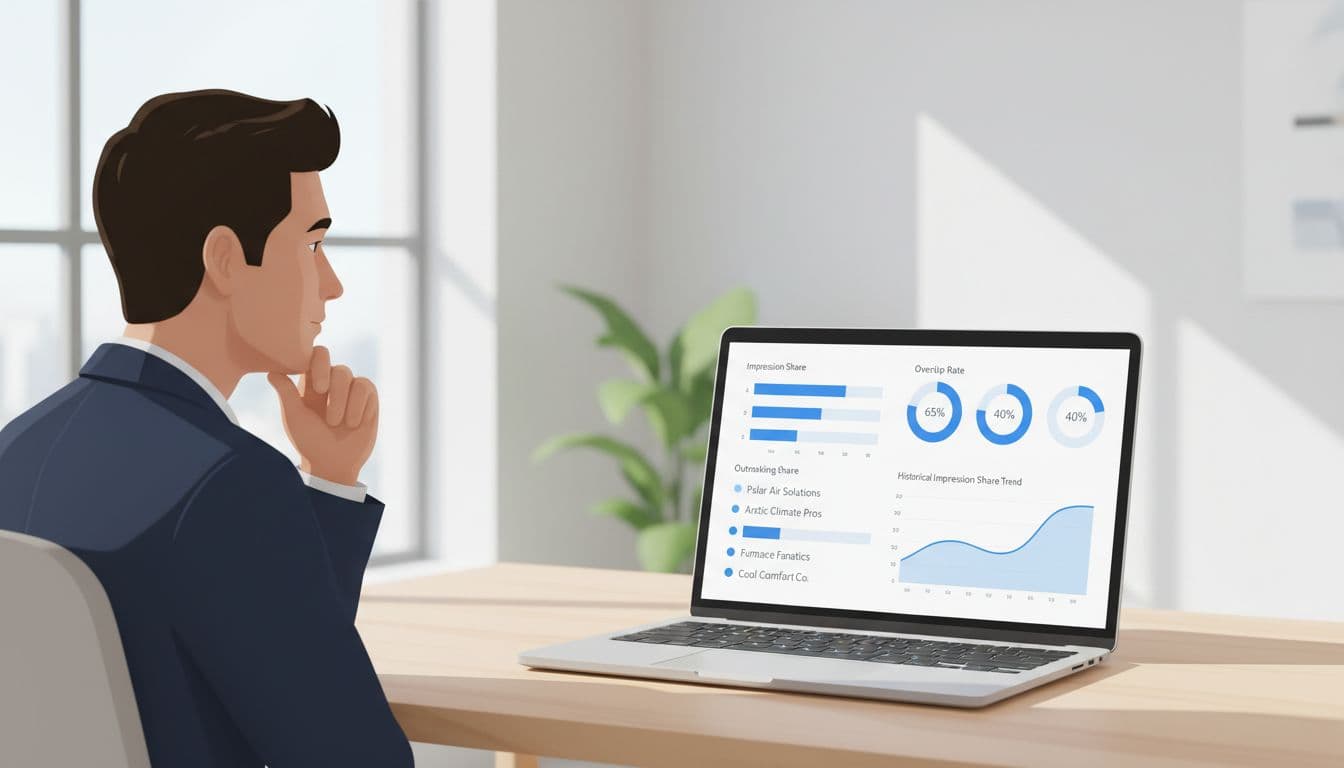
The auction insights report provides a detailed view of your search campaigns performance against competitors who share your ad auctions. It shows impression share, overlap rate, position above rate, top of page rate, absolute top of page rate, and outranking share. For a plumber, that might reveal a national lead site taking clicks on “emergency plumber near me.” For a family law firm, it can show whether local rivals or directory brands keep jumping ahead on expensive case terms.
That matters because a crowded auction often feels like a budget problem when it’s really a targeting problem. If your dental office keeps losing the top spot on “emergency dentist,” that’s one issue. If you’re paying for broad cosmetic searches that bring price shoppers, that’s a different one.
Still, the report has limits. It doesn’t show competitor bids, budgets, ad copy, or keyword lists outside your overlap. It also won’t tell you if their leads are any good. Since Google’s double-serving policy change in 2025 allowed more than one ad from the same advertiser on a search results page, short date ranges can look noisy. In 2026, 30 to 90-day trends are more useful than daily swings.
For service businesses, the real question is simple: are the auctions you’re trying to win tied to revenue? If they aren’t, beating competitors faster only wastes money faster.
Access Auction Insights Reports in 2026
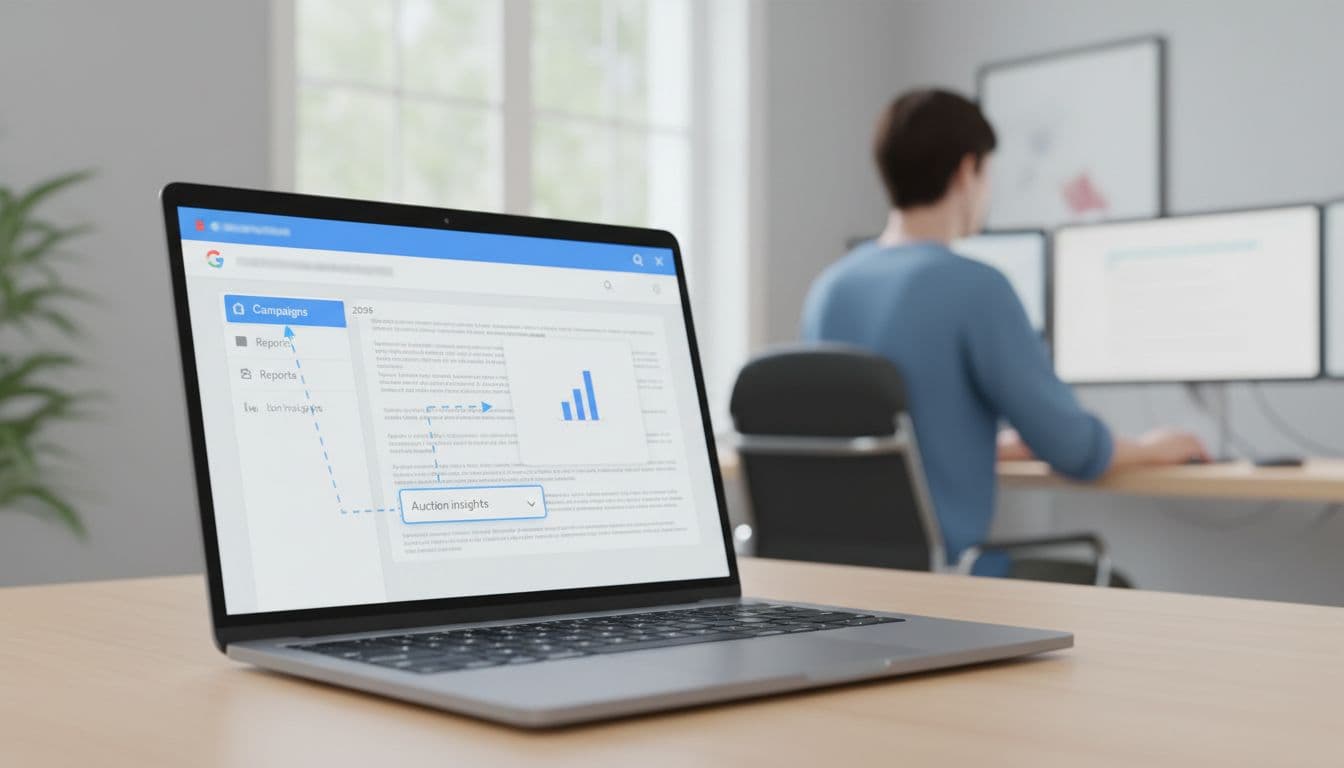
Start at the campaign level, then narrow your view to the ad groups or keywords that drive booked work. A local contractor doesn’t need auction data for every campaign. They need it for the jobs that pay well and close often.
A simple review process works well:
- Open Google Ads, go to “Insights and reports,” then select Auction Insights.
- Review a search campaign first, because that’s where lead intent is clearest; navigate to the auction insights report at the ad groups level for deeper detail.
- Compare the last 30 days with the previous 30 days.
- Segment by device segmentation, day, and hour if calls matter to your business.
- Export the report each month so you can spot patterns over time.
If impression share falls below 10%, the report may disappear for that period. That’s not only annoying, it’s a warning that you’re barely in the auction. Also, don’t expect a smooth reporting workflow yet. Auction Insights still has no direct API access, and it doesn’t flow cleanly into Looker Studio.
For performance max campaigns, review search campaigns and shopping campaigns views separately when Google makes that split available. The data is thinner there, so use it as a clue for search keywords analysis, not a final verdict.
Key Metrics That Drive Lead Quality
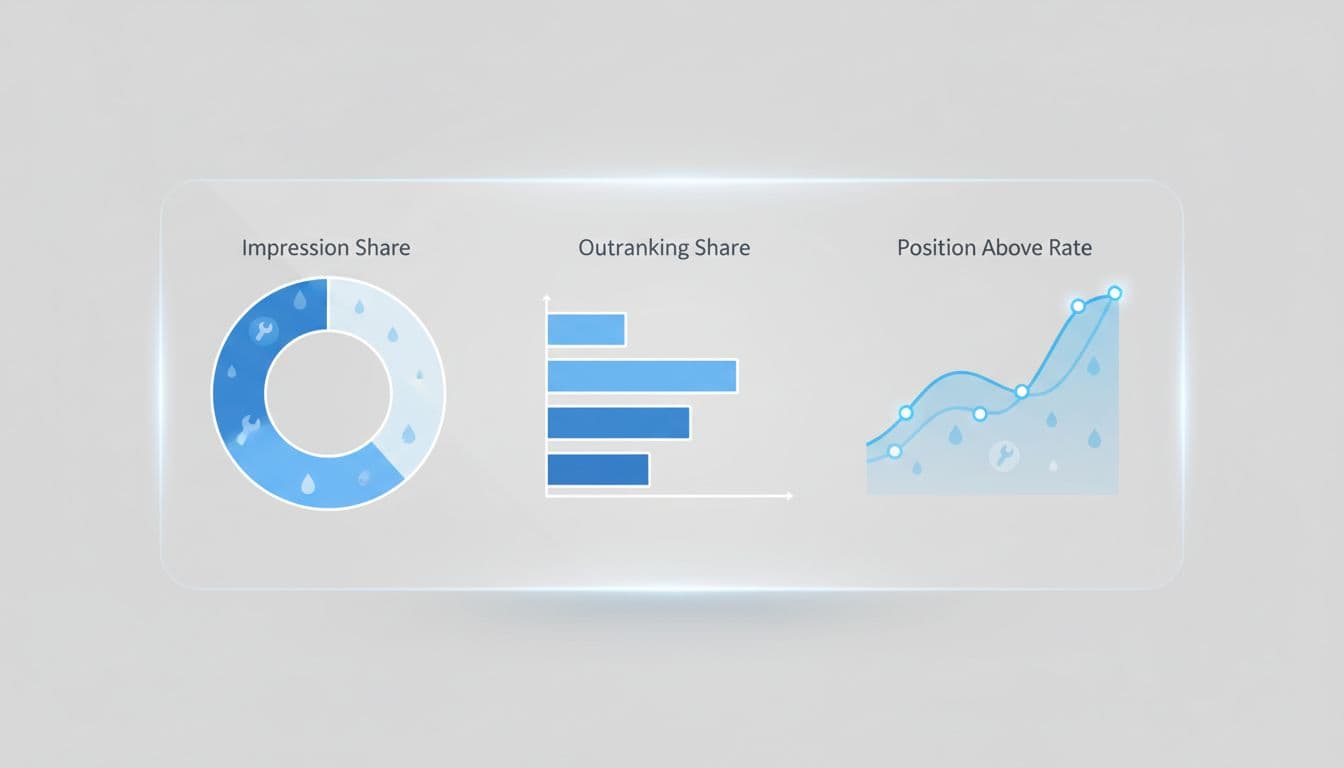
Not every metric deserves the same weight. The right one depends on how your leads turn into jobs, consultations, or patients.
Impression share metrics help determine if you are reaching your full potential in the Search Network. Quality Score impacts these rankings by affecting your ad position and eligibility.
This quick view keeps the data grounded:
| Metric | What it tells you | What to do with it |
|---|---|---|
| Impression share | Percentage of eligible impressions your ad received | Raise bids or budget only on high-value terms |
| Overlap rate | How often a competitor appears with you | Use it to find your real auction rivals |
| Position above rate | How often a competitor ranks above you | Check if that gap hurts qualified leads |
| Outranking share | How often you beat a competitor overall | Track pressure from specific rivals over time |
| Top of page rate | How often you appear near the top | Push harder only where top placement pays off |
| Absolute top of page rate | How often your ad appears in the very top position | Prioritize for urgent, high-intent searches |
High impression share on weak searches can drain budget faster than low impression share on the right ones.
For example, an HVAC company may need a strong top of page rate after hours on repair terms, because urgent callers usually choose fast. A dental clinic may not need the absolute top spot for every whitening search, because those clicks often shop around. A law firm may see heavy overlap from lead aggregators, but that doesn’t mean those auctions deserve more spend if the signed-case rate is poor.
The best read usually comes from combining overlap rate, position above rate, and your own lead outcomes. Auction data tells you where pressure exists. Your CRM, call tracking, and booked jobs tell you whether that pressure matters.
Competitor Benchmarking Tactics

Don’t treat every name in the report as an equal threat. Some advertisers show high overlap rates with you but bring weak market pressure. Others appear less often yet claim high outranking shares, stealing the best clicks in your core area.
For effective competitor analysis, rank rivals by overlap rate, outranking share, and whether lead quality drops when they gain ground. This competitive intelligence lets service businesses outperform generic PPC accounts.
A legal practice, for instance, might see both local firms and intake platforms in the same auction. If the intake platform boasts a high outranking share but your signed-case rate stays steady, don’t panic. If one local firm rises above you on your best case-type keywords and intake quality falls, that’s worth action. Guidance from this professional services ad strategy lines up with that approach.
Home service brands should also benchmark by geography and local market share. If your overlap rate spikes in zip codes you barely serve, those clicks may never become profitable jobs, especially if competitors dominate both paid visibility and organic search results there. That’s why a tighter service-area structure, like the one described in this local service business guide, often improves lead quality faster than a broad budget increase.
Keep your competitor list short. For most small businesses, three real rivals are enough.
Turn Auction Data Into Bid, Budget, and Landing Page Moves
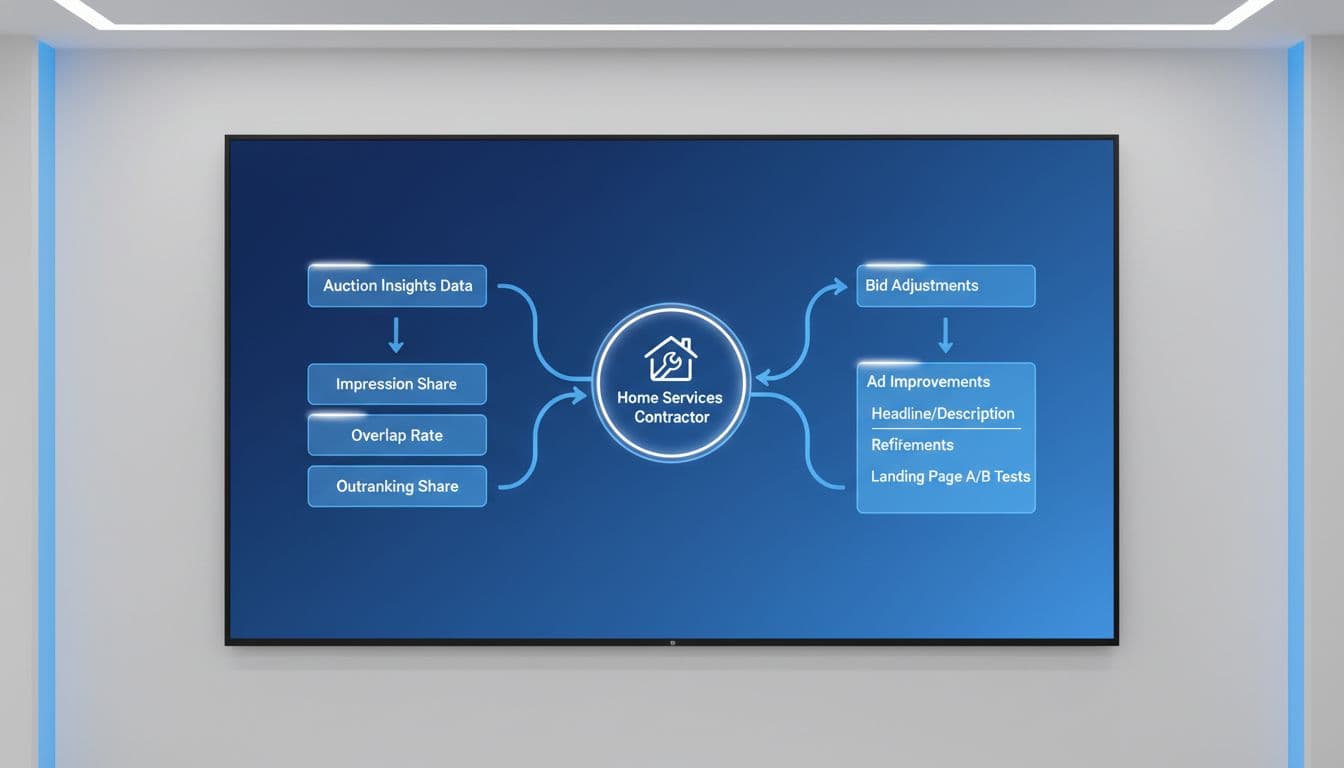
Auction data should change decisions, not sit in a spreadsheet.
If impression share is low on profitable searches, refine your bid strategy or budget allocation there first, especially if automated bidding needs tweaks based on conversion data and impression share trends. If impression share is healthy but leads are poor, tighten match types in your search campaigns and ad groups for search keywords in the search network, add negative keywords, and cut weak locations. A plumbing company that shows well on “plumber near me” but gets calls from outside its service area doesn’t need more visibility. It needs better control.
Schedule matters too. Many HVAC and plumbing accounts see their best job value after hours, even if conversion rate shifts by time of day. That makes hourly segmentation useful. This HVAC PPC guide for 2026 highlights the same pattern, especially for emergency work.
Then fix the click path. If a competitor keeps outranking you on high-intent terms, don’t assume bidding is the only answer. Better ad copy, faster mobile pages, clearer service-area language, financing details, and stronger call handling often lift results without a major CPC jump. For dentists, that might mean separate pages for implants, emergency visits, and cosmetic services. For lawyers, it means landing pages by case type, not one generic firm page.
If your account needs tighter structure, call tracking, or ongoing bid management, targeted Google Ads management can often close the gap faster than another budget increase.
Integrate Auction Insights With SEO and Other Channels
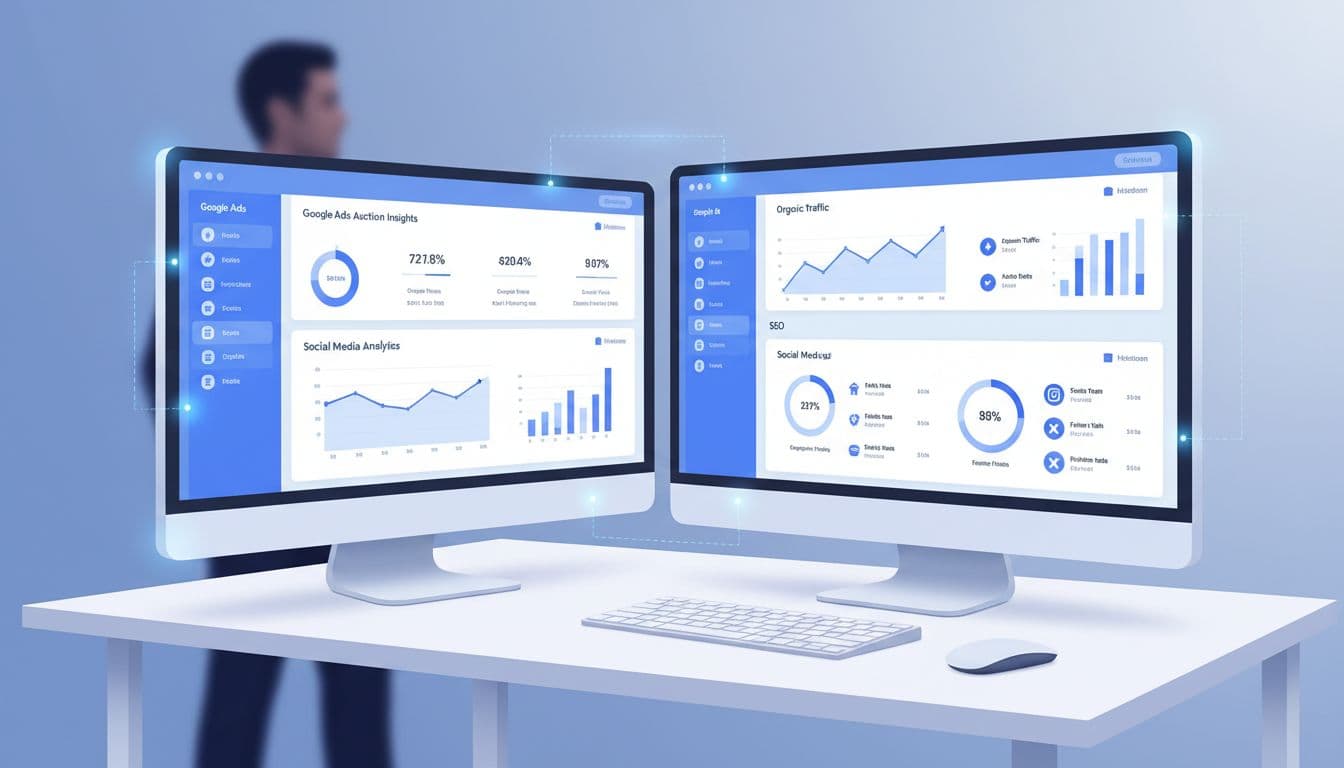
Google Ads auction insights works best when it feeds the rest of your marketing and informs broader strategic decisions. Good Digital Marketing connects paid search with SEO, Performance Marketing, Social Media Marketing, and Website Development.
If paid search shows strong overlap and strong lead quality on “same-day AC repair,” that topic belongs in your organic content plan too. If “emergency dentist” brings calls but your site lacks a focused page, your Website Development work is lagging behind demand. If visitors from high-intent ad groups don’t convert on the first session, Social Media Marketing remarketing can keep your practice or service brand in front of them.
This is where a broader Digital Marketing services plan helps. Paid auction data can shape landing pages to boost click-through rate, call-to-action language, local service pages, and remarketing audiences. Auction insights report findings can also sharpen your SEO plan by showing which service terms attract real buyers, not casual researchers, while improving organic search results and overall performance marketing.
In 2026, small businesses also have better ways to speed up analysis, including using the report editor to customize views of Google Ads auction insights. Leverage AI-driven marketing support to spot trends faster, but the judgment still has to come from real lead quality. Auction pressure matters. Booked revenue matters more.
Frequently Asked Questions
What does the Google Ads Auction Insights report show?
It reveals impression share, overlap rate, position above rate, outranking share, top of page rate, and absolute top of page rate for competitors in your auctions. For service businesses, this highlights pressure on high-intent terms like “emergency plumber near me” without showing bids, budgets, or lead quality. Use it to spot auctions worth fighting for based on your revenue data.
How do I access Auction Insights in Google Ads?
Go to “Insights and reports” at the campaign level, then drill into ad groups or keywords driving leads. Review 30-90 day periods, segment by device/time, and export monthly for trends. Impression share below 10% may hide the report, signaling you’re out of key auctions.
Which metrics matter most for service businesses?
Overlap rate and position above rate paired with your lead outcomes pinpoint real threats. Impression share guides budget tweaks only on profitable terms; ignore high shares on weak searches that drain budget. Track outranking share over time against 2-3 key rivals.
What are the limits of Auction Insights?
No competitor bids, ad copy, or keyword details; noisy short ranges post-2025 double-serving changes. Data thinner in Performance Max; no API yet. Always validate with your CRM and call data to confirm auction wins deliver revenue.
How should I act on Auction Insights data?
Refine bids/budgets on low impression share for high-value searches, tighten match types/negatives for poor leads, and optimize landing pages/ad copy where rivals outrank. Segment by hour/device for after-hours services like HVAC. Integrate with SEO for terms showing paid demand.
Final Thoughts
Google Ads auction insights is not a scoreboard. For service businesses, it’s a filter for better decisions, with the auction insights report serving as a key tool for evaluating impression share.
The best account isn’t the one with the highest impression share. It’s the one that wins the right searches, in the right places, at the right times, and turns them into qualified leads.
Google Ads auction insights drives long-term service business growth. If you want a second set of eyes on impression share, service-area targeting, landing pages, and lead quality, Get In Touch With Us.