If every summer sends your phones into overdrive, your Google Ads bids shouldn’t act surprised. In 2026, that’s where Google Ads seasonality adjustments can help, but only when you use them for the right kind of spike.
Many service businesses waste money because they treat this tool like a fix for every busy season. It isn’t. A good setup gives Smart Bidding a short-term heads-up, while a bad setup feeds the system the wrong signal.
Key Takeaways
- Google Ads seasonality adjustments signal Smart Bidding for short-term conversion rate changes during brief, planned events like heatwave promos or tax deadlines—not for long-term seasons or routine patterns.
- Service businesses like HVAC, plumbing, and legal firms benefit most from sudden surges tied to weather, storms, or deadlines, where automation needs a quick heads-up to avoid missed leads or overspending.
- Base adjustments on narrow historical data, apply only to relevant campaigns with precise dates, monitor daily metrics like cost per lead, and remove them promptly to keep bidding signals clean.
- Skip adjustments for ongoing trends; instead, use budgets, ad schedules, landing page updates, and full digital marketing integration for better results in 2026.
- Common pitfalls include broad application, wild estimates, or ignoring intake capacity—pair with strong tracking and management for real impact.
The 2026 Shift: Why Service Businesses Can’t Ignore This
Service businesses feel demand swings faster now. Weather changes, local events, staffing gaps, and short promo windows can all change lead quality and campaign performance in a matter of days.
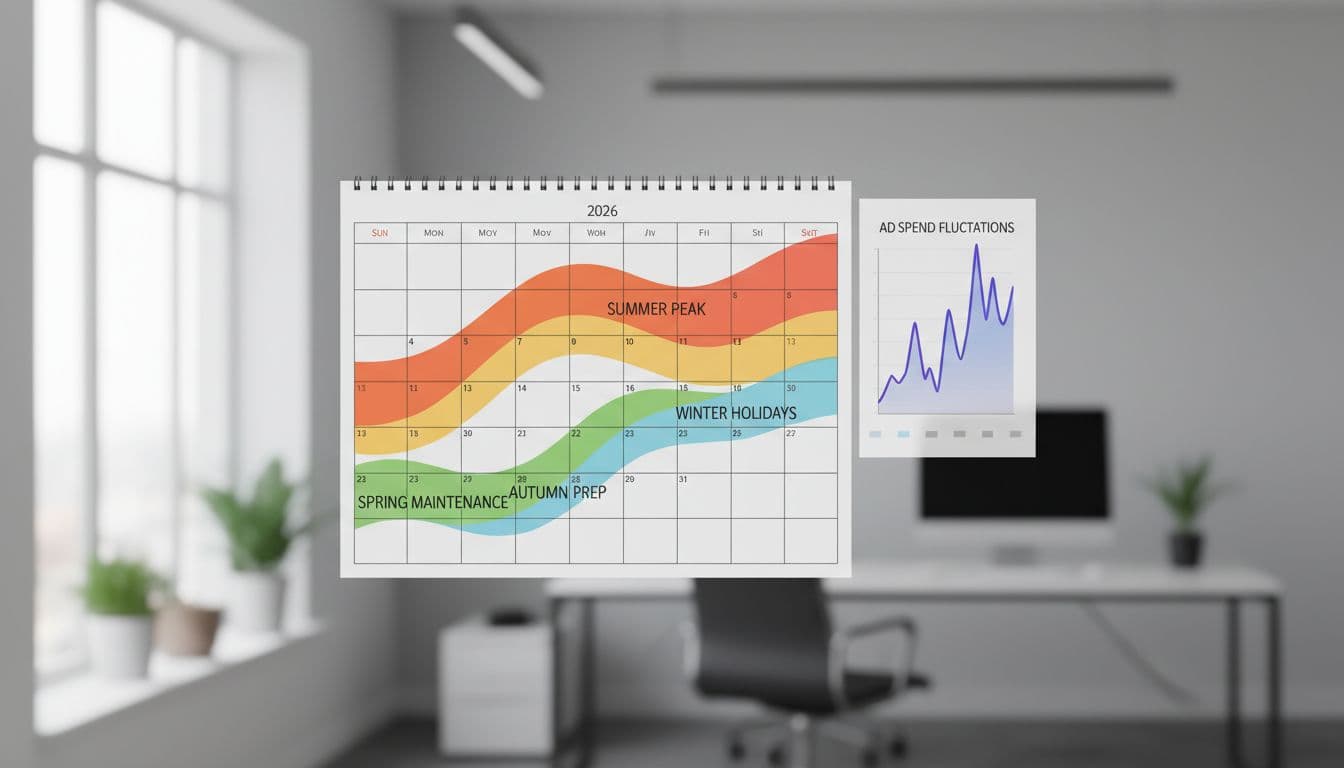
In 2026, more Google Ads accounts rely on automated bidding, tighter tracking, and lead quality signals. That’s helpful, but Google’s system still doesn’t know your promo calendar, your technician capacity, or when a heatwave will flood your call queue. If you know short-term events are coming, you can warn the system before it reacts too late.
This matters most for service businesses with sudden surges. HVAC companies see sharp jumps during extreme heat. Tax and legal firms often get a rush near deadlines. Plumbers may get bursts after storms or cold snaps. Businesses like these rely on Search campaigns fueled by local search volume. When those windows are brief, waiting for automation to learn on its own can mean missed leads or overspending.
Paid search also works better when it isn’t isolated. Some owners still split Google Ads from Digital Marketing, SEO, Performance Marketing, Social Media Marketing, and Website Development. In 2026, that separation creates problems. A slow landing page, weak call tracking, or poor follow-up can hurt conversion rate faster than any bid change can fix. That’s why many businesses tie their ad planning into broader digital marketing services instead of treating PPC like a stand-alone task.
What Google Ads Seasonality Adjustments Mean for You
A Google Ads seasonality adjustment is a signal to automated bidding. It tells the system to expect a temporary change in conversion rate during a defined period.

That last part matters. This tool is about conversion rate, not general demand. If more people search for “AC repair near me” during July, Smart Bidding often learns that from history. But if you know your three-day heatwave promo will raise lead rates well above normal, a conversion rate adjustment can help the system react faster.
Use seasonality adjustments for short, known changes, not for long-term trends or regular weekly patterns.
That means you should not use them for normal Monday slowdowns, monthly peaks, or your usual busy season that returns every year for weeks at a time. Those patterns belong in budgets, ad schedules, forecasting, better account structure, and good historical data. In many cases, regular campaign management with bid strategies does the job better than manual intervention, especially for Target CPA and Target ROAS.
This quick table shows the difference:
| Situation | Use an adjustment? | Better move if not |
|---|---|---|
| 4-day emergency AC promo during a heatwave | Yes | Set dates tightly |
| Tax filing deadline push for one week | Yes | Limit to relevant campaigns |
| Every summer is busier than spring | No | Use budgets and history |
| Lower lead volume every weekend | No | Use ad scheduling |
| A 3-month service expansion | No | Rework campaign strategy |
The short version is simple. If the event is brief, planned, and likely to change performance sharply, seasonality adjustments can help. If the pattern is ongoing, routine, or lasts too long, skip the tool.
Step-by-Step: Setting Up Your Adjustments
The setup itself is easy. The hard part is estimating the change without fooling your own bidding strategy.
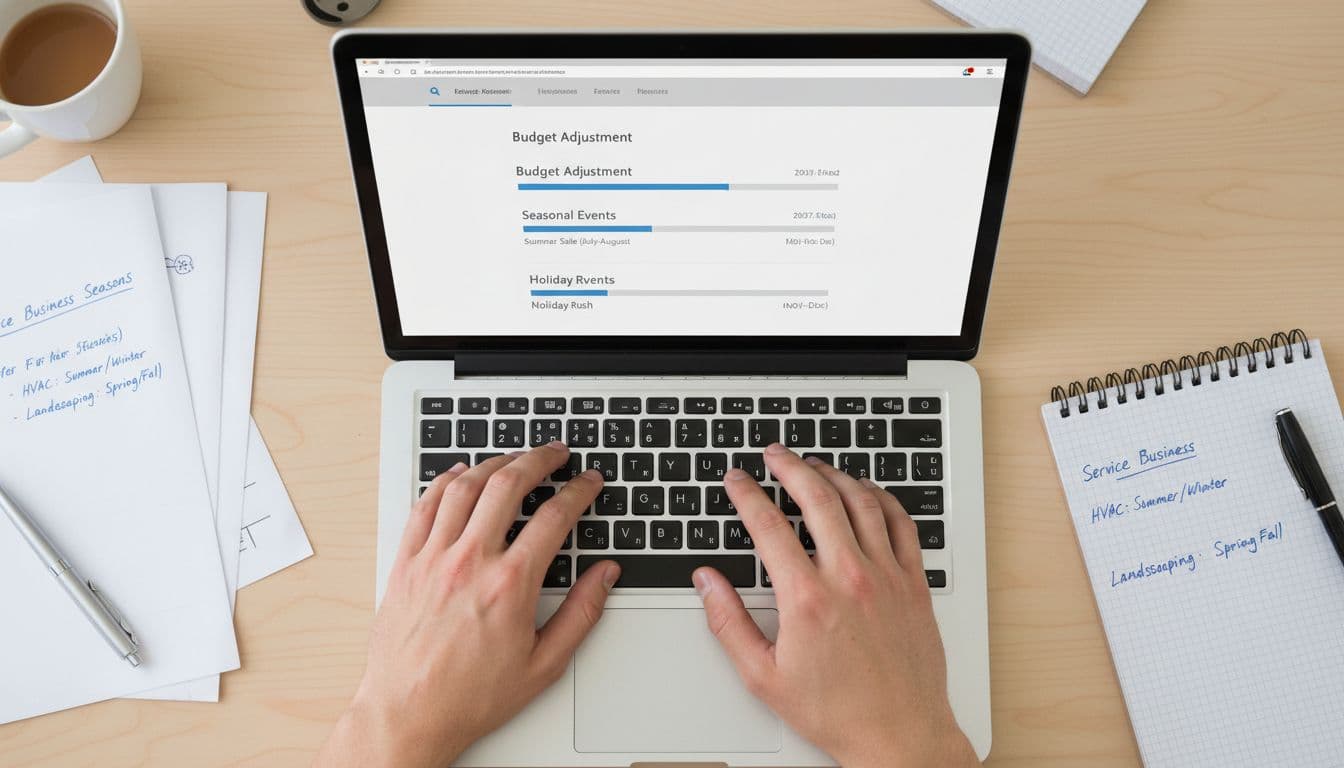
Start with last year’s data to estimate the percentage increase or drop during specific periods, but keep your view narrow. You want short windows that match a real event, not a broad season. For example, compare a normal week in June with the exact days around last year’s heatwave promo, or compare a typical March week with the final tax deadline push.
- Pick a short event such as promotional events with clear start and end times. Shorter windows are safer because the signal stays clean.
- Estimate the expected lift or drop in conversion rate. Use past data, call volume, promo response, and staff capacity.
- Apply the conversion rate modifier only to the campaigns that need it. A local plumbing promo in one city should not affect your whole account.
- Set exact dates and times. If your offer ends Sunday night, don’t leave the adjustment running until Tuesday.
- Watch conversion rate, cost per lead, and impression share every day during the event.
- Remove the adjustment as soon as the event ends, then review what happened.
Keep your estimate grounded. If your historical conversion rate rose 20 percent during a similar event, don’t tell the system to expect a 200 percent jump. Big guesses create big mistakes.
Also remember that this is not a rescue tool for bad intake. If your phones go unanswered on peak days, ad performance will suffer no matter how well you set the adjustment. The bidding algorithm learns from the leads you track, so clean call handling and accurate CRM data matter as much as the ad settings.
Service Industry Examples: HVAC, Plumbing, and Legal
Service businesses don’t all peak the same way, with seasonal trends shaping longer patterns while short-term spikes create urgent opportunities. That’s why broad advice often misses the mark.

For HVAC, the best use case is a short burst tied to weather and a specific offer. A five-day heatwave plus an emergency repair promo is a solid example. The change is brief, the intent is high, and conversion rate can move fast. By contrast, the whole summer season is too long. That should live in budget planning, ad copy rotation, and landing page updates.
Plumbing can be similar, but the trigger is often local. A freeze warning, storm damage, or holiday backup risk may create a sudden spike. If you know calls usually convert better during those short windows, a seasonality adjustment can help your automated bidding react sooner. If you’re seeing the same pattern every month, though, don’t use it. That’s a scheduling and forecasting issue.
Legal and tax firms often have deadline-based surges. The final week before filing deadlines can change buyer intent fast. People who waited until the last minute may convert at a higher rate because the need is urgent. That makes a short adjustment more reasonable. Still, if your entire quarter gets busier every year, use stronger planning, not a temporary override.
Examples help, but account history matters more than industry averages. If you want to compare how different campaigns are built, such as Performance Max for HVAC services or Shopping campaigns for parts, reviewing real client project showcases can help you spot patterns in structure, offers, and landing pages.
Pitfalls to Avoid with Seasonality Adjustments
The biggest mistake is using this tool for something it was never built to handle. Long-term demand shifts, standard monthly cycles, and normal busy seasons should not be managed with seasonality adjustments.

If the pattern happens every week, every month, or every full season, the fix usually sits elsewhere. Use ad schedules for routine day-part changes. Raise budgets when demand stays high for weeks. Refresh landing pages if seasonal intent changes. Update location targeting when storms or local events affect only part of your service area.
Another common error is applying the adjustment too widely. A short promo like a flash sale or classic promotional events such as Black Friday and Cyber Monday for one service line should not change bidding for every campaign in the account. The more precise your scope, the less chance you have of corrupting good data.
Small businesses also run into trouble when they set the adjustment and walk away. You still need daily checks with data analysis. If lead quality drops, if staff can’t answer calls, or if the promo underperforms, remove the adjustment early. Strong Google Ads management solutions help because they combine data analysis, timing, and practical business limits, not ad settings alone. Larger businesses or agencies often use a manager account to monitor adjustments across multiple sub-accounts, while advanced users might leverage the Google Ads API to automate these for large-scale operations.
Frequently Asked Questions
What are Google Ads seasonality adjustments?
Seasonality adjustments tell automated bidding like Smart Bidding to expect a temporary shift in conversion rates during a specific period. They’re ideal for short spikes in lead quality from events like promos or weather changes. This helps the system react faster without waiting for historical learning.
When should service businesses use seasonality adjustments?
Use them for brief, known events that sharply boost conversion rates, such as a 4-day heatwave promo for HVAC or a one-week tax deadline rush. Limit to relevant campaigns with exact dates based on past data. They’re perfect when your capacity or promo timing outpaces normal automation.
When should you avoid seasonality adjustments?
Skip them for long-term busy seasons, weekly slowdowns, or monthly cycles—these belong in budgets, ad schedules, and account structure. Broad or routine patterns confuse bidding signals and waste effort. Focus on forecasting and historical data instead.
How do you set up a seasonality adjustment properly?
Pick a short window, estimate the conversion rate lift from last year’s similar event, apply narrowly to affected campaigns, and set precise start/end times. Monitor cost per lead and impression share daily, then remove it right after. Ground guesses in real data to avoid big bidding errors.
What are the biggest pitfalls with seasonality adjustments?
Applying too widely across accounts, using for non-temporary trends, or setting and forgetting without checks leads to overspending or poor signals. Ignoring call handling, CRM tracking, or staff capacity undermines results. Tie into broader Google Ads management for precision.
Conclusion
Google Ads seasonality adjustments work best as a short-term signal, not a seasonal crutch. When you use them for brief, planned changes in conversion rate, they can help service businesses spend smarter during high-pressure windows while targeting conversion volume as the ultimate goal.
The safest rule for 2026 is simple. If the pattern is temporary and specific, consider an adjustment to stabilize return on ad spend and cost per click. If it’s routine, broad, or long-running, fix the campaign structure, budget plan, and tracking instead.