One small profile change can suddenly put your listing back under review. If Google Business Profile reverification appeared after you edited your name, address, or phone, you’re dealing with a common 2026 headache for local businesses.
The hard part is that Google confirms some rules and leaves many triggers unstated. You need to separate what is confirmed, what shows up as a common pattern, and what still depends on the profile in front of Google at that moment.
Why profile edits trigger reverification in 2026

Google treats a Business Profile like a trust record. If an edit changes who you are, where you are, or what customers should expect, Google may stop and ask for proof before it accepts the update.
That makes sense from Google’s side. Maps results are full of spam pressure, fake locations, keyword-stuffed names, and listings that try to rank outside their real service area. Reverification is one of the ways Google tries to cut that down.
What Google clearly confirms
As of June 2026, the confirmed part is straightforward. A verified profile can be asked to verify again after some edits, and the changed fields may stay pending until Google approves them. Google also decides which verification methods are available in most cases, so owners usually can’t choose their preferred option.
Video remains a common method. When Google asks for video, it often wants proof of the outside location, proof the business exists inside, and proof that you manage the place. That can mean showing signage, the entrance, work areas, tools, stock, or a moment where you unlock the door or access a staff-only space.
What businesses commonly see
Many owners report that name, address, primary category, phone, website, and service area edits trigger the most scrutiny. Hours can also cause a check, especially if the change is large, unusual, or conflicts with the website.
Reports in the Google Business Profile Help Community show that even long-standing listings sometimes get pushed into re-verification right after an edit. A recent 2026 verification update roundup matches that pattern, especially around stricter video review.
What still depends on the profile
Google does not publish a full list of triggers or exact thresholds. So some outcomes remain case by case. The same phone update can pass on one listing and stall another. A category change may slide through for one business and trigger a full review for the next.
Profile age, prior edits, account trust, website consistency, and business type all seem to matter. That is why two owners can make the same change and get different results.
If Google gives you only one verification method, take that route first. Most businesses can’t switch methods on demand.
What to do after changing your name, address, phone, category, hours, website, or service areas
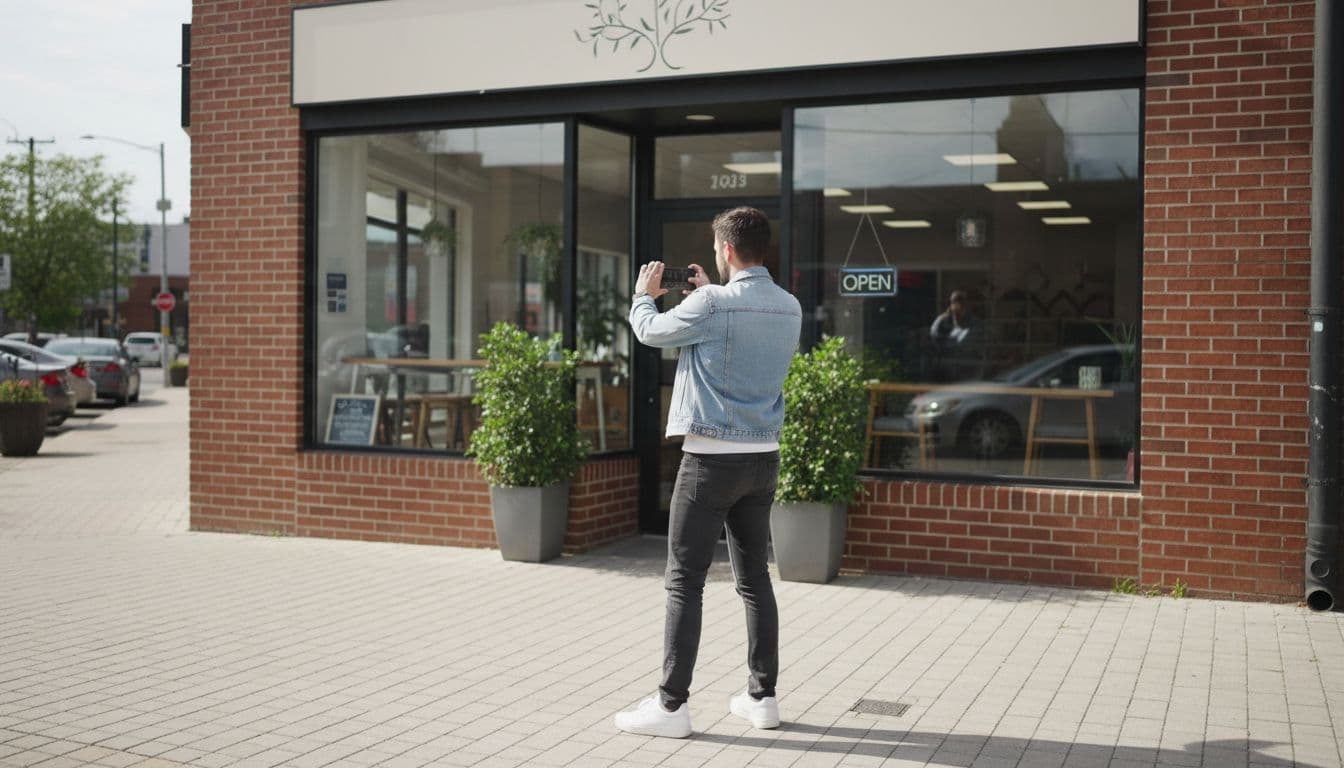
When Google asks for reverification, move carefully. Speed helps, but matching proof matters more than speed.
This quick table shows common 2026 patterns, not guarantees.
| Profile edit | Common review level | Best proof to prepare |
|---|---|---|
| Business name | High | Storefront sign, legal docs, website header, invoices |
| Address | High | Exterior video, street number, suite sign, lease or utility record |
| Phone number | Medium to high | A direct business line that matches the website |
| Primary category | High | Clear proof of the main service at that location |
| Hours | Low to medium | Real operating hours, staffed access, holiday settings |
| Website URL | Medium | A live site you control with matching business details |
| Service areas | Medium to high | Real service regions, not a long list of distant cities |
For hours, use special hours for holidays or one-off closures when possible. Changing your regular schedule for a temporary exception can create confusion.
What each edit needs from you
A business name change should match the real-world brand, not a ranking tactic. If the sign says “Green Leaf Dental” and the profile says “Green Leaf Dental Implants Emergency Cosmetic Dentist,” you are asking for trouble. A name edit works best when the storefront, paperwork, and website all show the same version.
An address change needs physical proof. Show the street number, entrance, suite details, and inside of the space if Google asks for video. If you changed your phone number, make sure the new number reaches the business directly and already appears on your contact page. For a category change, pick the truest primary service, not the category you hope ranks better.
A website change should point to a real domain or booking page you control, with matching business details in the header, footer, or contact page. If you update service areas, keep them realistic. Listing every nearby city may look aggressive and can invite more review. With hours, post what customers can rely on, not the hours you wish you could cover.
A practical response plan
- Read the exact reverification prompt before you edit anything else. Google sometimes limits you to one method.
- Pause extra profile edits while the review is pending. More changes can slow approval.
- Check your website before you submit proof. The name, address, phone, and hours on the site should match the listing. If you need a cleanup plan, this Google Business Profile optimization page is a useful starting point.
- Gather proof first. For video, plan one clean route from the street to the business, then show the entrance, interior, equipment, and proof you manage the location.
- Keep the video simple. Shaky footage, poor lighting, or missing signage often leads to avoidable rejection.
- For service-area businesses, show branded vehicles, tools, invoices, appointment records, or other business materials tied to the same business identity. Keep private details out of frame when you can.
- If the review fails, look for mismatches before you resubmit. Old suite numbers, old phone numbers, missing signs, and stale website details are common problems.
- Contact support only after you have corrected those gaps and tried the requested method again. Support works better when your evidence is already clean.
While you wait, some information may still show publicly, but edited fields can remain pending. In some cases, visibility or features are limited until the review finishes. That delay is frustrating, but it is normal.
After approval, keep your profile stable and connect it to your wider marketing

Passing reverification is not the end of the job. The next edit is easier when your listing, website, and local citations all tell the same story.
Match your profile to your site and local signals
Your business name, address, phone, hours, and service pages should stay aligned across every customer touchpoint. That helps Maps trust your data, and it also supports local SEO services that aim to improve how often nearby customers find you.
If you move, rebrand, or shift your main service, update the website first or at the same time. A contact page with the right details, fresh location photos, and clear service pages will not force Google to approve an edit, but they do make the edit easier to trust.
Also control who can edit the listing. Too many managers, old agency logins, or former staff accounts can create conflicting changes. Keep access tight and document what changed, when it changed, and who changed it.
Treat the profile as part of the whole funnel
A Business Profile works best when it fits the rest of your marketing. DIgital Marketing, SEO, Performance Marketing, Social Media Marketing, and Website Development should all reinforce the same business facts, offers, and locations.
If your Maps listing says one thing while your site or ads say another, trust falls fast. Calls get missed. Leads get confused. On the other hand, a clean listing paired with a solid website and clear conversion paths can turn local searches into booked jobs, visits, and phone calls.
If repeated reverification requests keep slowing you down, it helps to review the profile, the website, and the citation trail together. If you want help with that, Get In Touch With Us.
Conclusion
A reverification request after an edit feels abrupt, but it usually means Google wants better proof, not that your listing is gone. The safest move is to slow down, match every field to the real business, and submit the exact proof Google asks for.
When your name, address, phone, category, hours, website, and service areas stay consistent across every channel, future edits tend to move more smoothly. That consistency is what keeps a local profile trusted in 2026.