A complex B2B sale rarely starts and ends on one service page. Buyers need answers about the problem, the options, the risk, the proof, and the next step before they involve colleagues or contact sales.
A clear site structure gives those buyers a better user experience. It reduces wasted clicks, supports stronger SEO, and helps a small business compete when its offer needs explanation.
A good structure turns scattered pages into a decision path that feels useful at every stage.
Key Takeaways
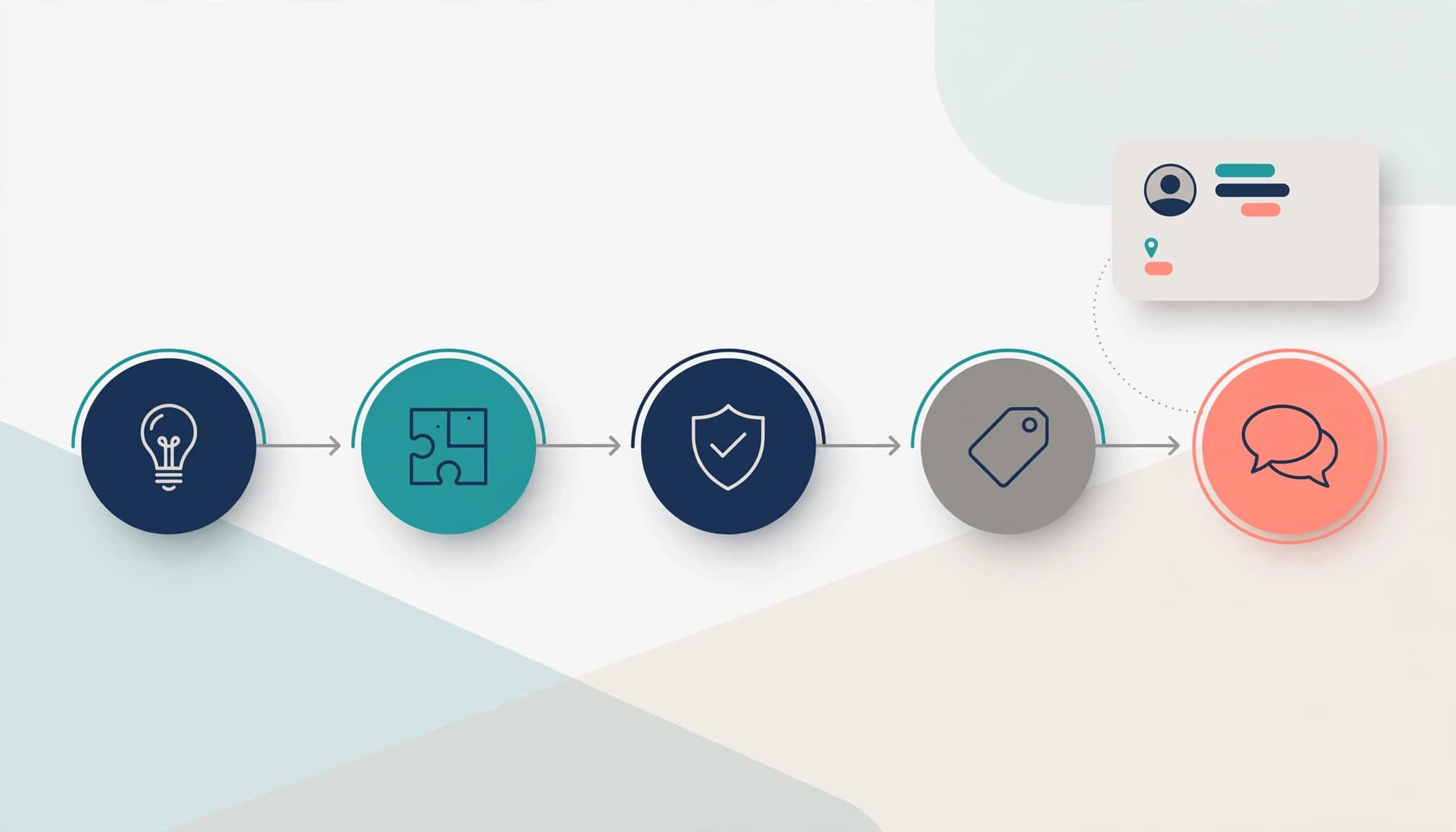
- Organize your site’s information architecture around buyer decisions, such as comparing providers, checking integrations, or preparing a purchase case.
- Give technical evaluators, business leaders, and procurement teams different routes to the evidence they need.
- Define taxonomy and content organization before scaling a complex content library or product catalog.
- Test labels, navigation, and user flows before development, then measure whether visitors reach meaningful actions.
- Assign ownership for content, tags, redirects, and navigation changes so the site stays useful as the business grows.
B2B Information Architecture Starts With Buyer Intent
Information architecture is the system that organizes pages, labels, navigation, search, and relationships between content. In B2B, it must support a longer research process than a typical consumer purchase.
An enterprise software buyer may first research integrations, then assess implementation risk, security, costs, and business outcomes. If each answer lives in isolation, visitors must reconstruct the story themselves.
Map buyer personas to the job they need to complete
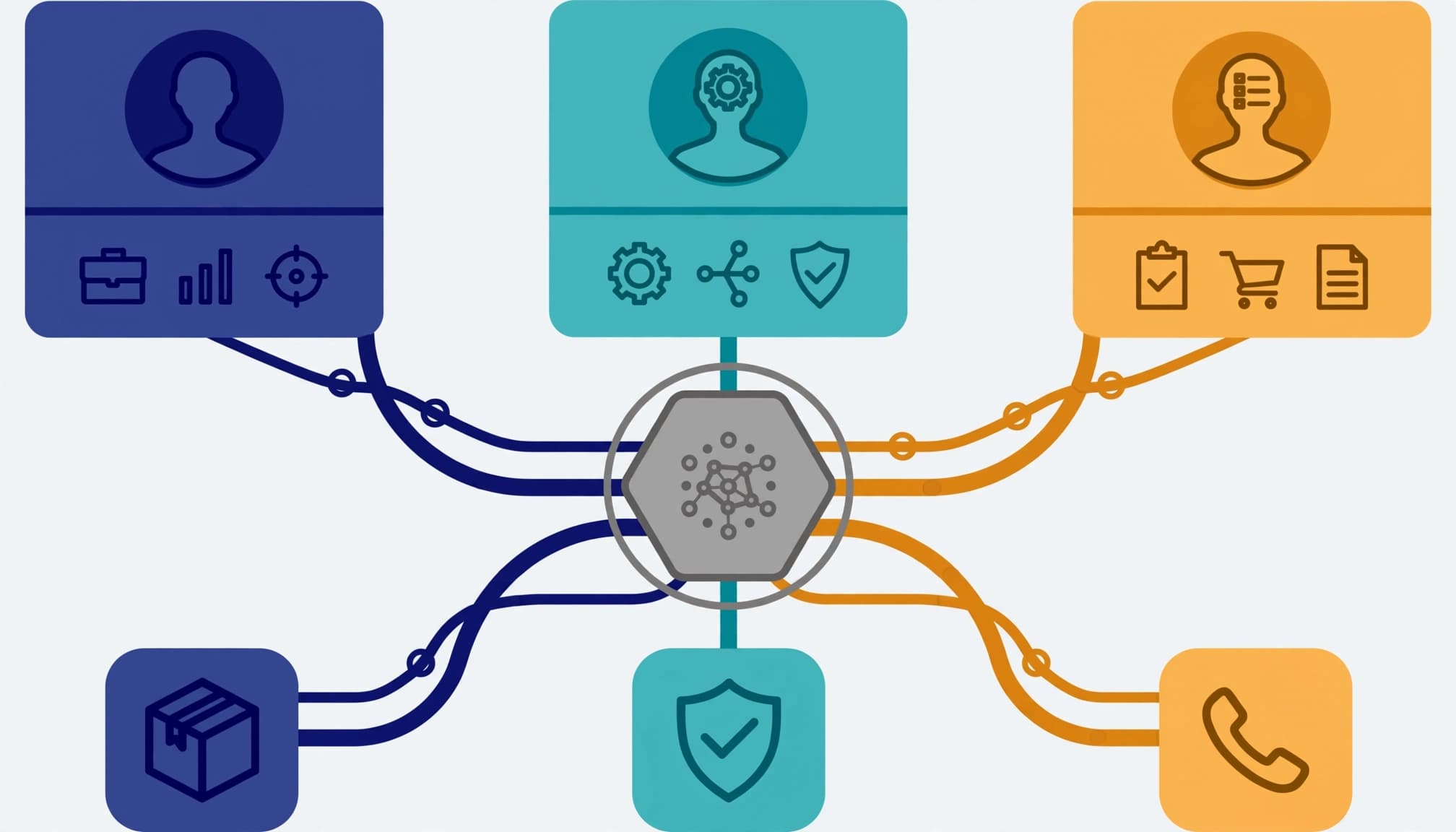
Job titles help, yet tasks reveal stronger user mental models. Map buyer personas to tasks, evidence needs, and decision responsibilities, rather than treating them as demographic labels.
Create a route for each task. Routes can share pages, but they shouldn’t force every visitor through the same generic service description. That increases cognitive load and can create duplicate content for similar personas.
Organize around decisions, not internal departments
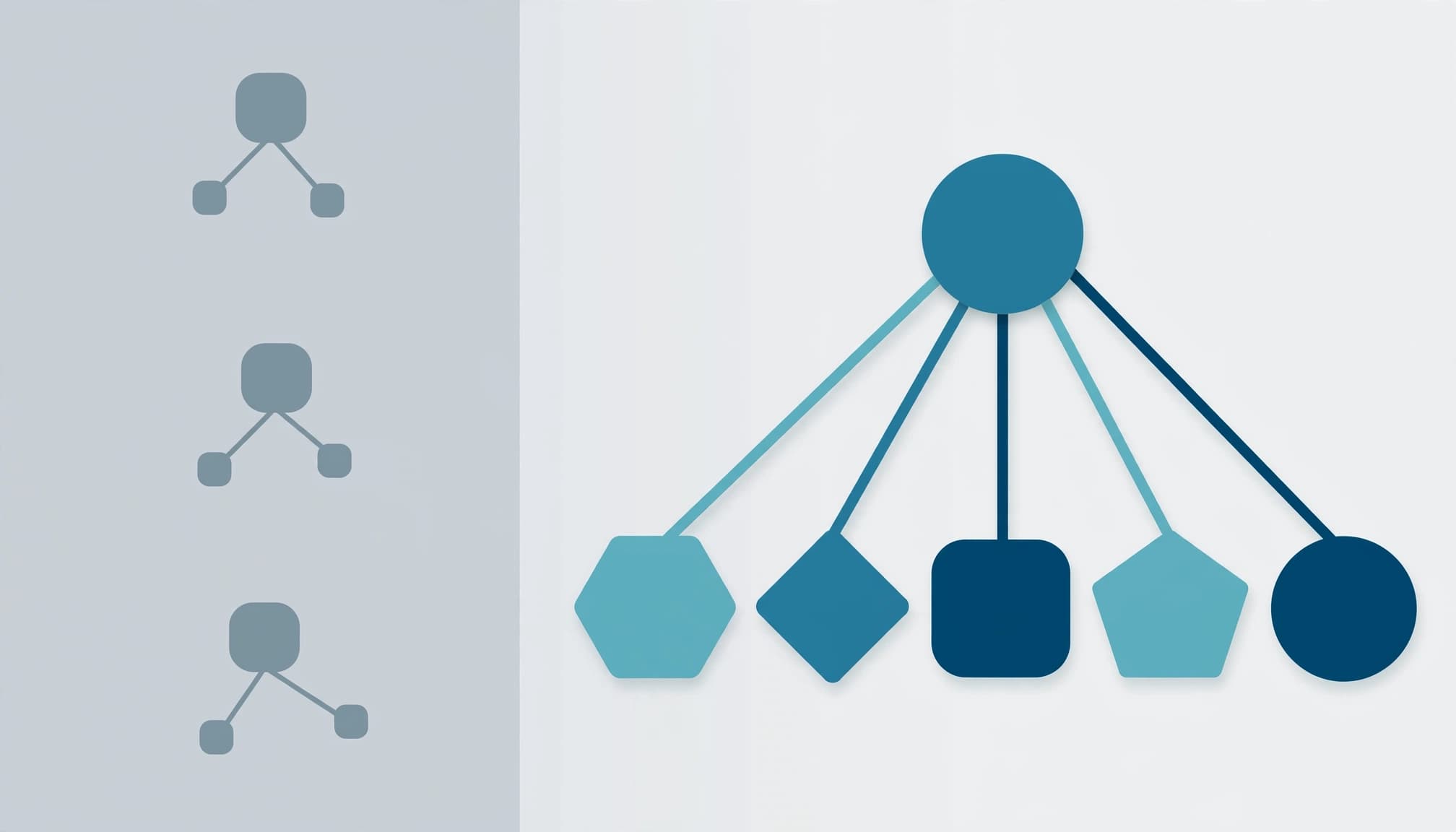
Buyers don’t think in terms of your marketing, delivery, or partnerships departments. They look for a solution to a business problem and evidence that your company can handle it.
Design the site’s navigation systems around buyer decisions, not internal teams. For a complex service, useful top-level routes often include solutions, industries, use cases, resources, customer proof, and company information.
These routes create a hierarchical structure for evaluation content. Comparison pages, pricing factors, implementation guides, and case studies should sit close to the relevant routes. Decision-oriented paths feel clearer and more useful, improving the user experience.
A page earns its place when it helps a buyer make a real decision or move to the next one.
Build the Core Information Architecture Blocks
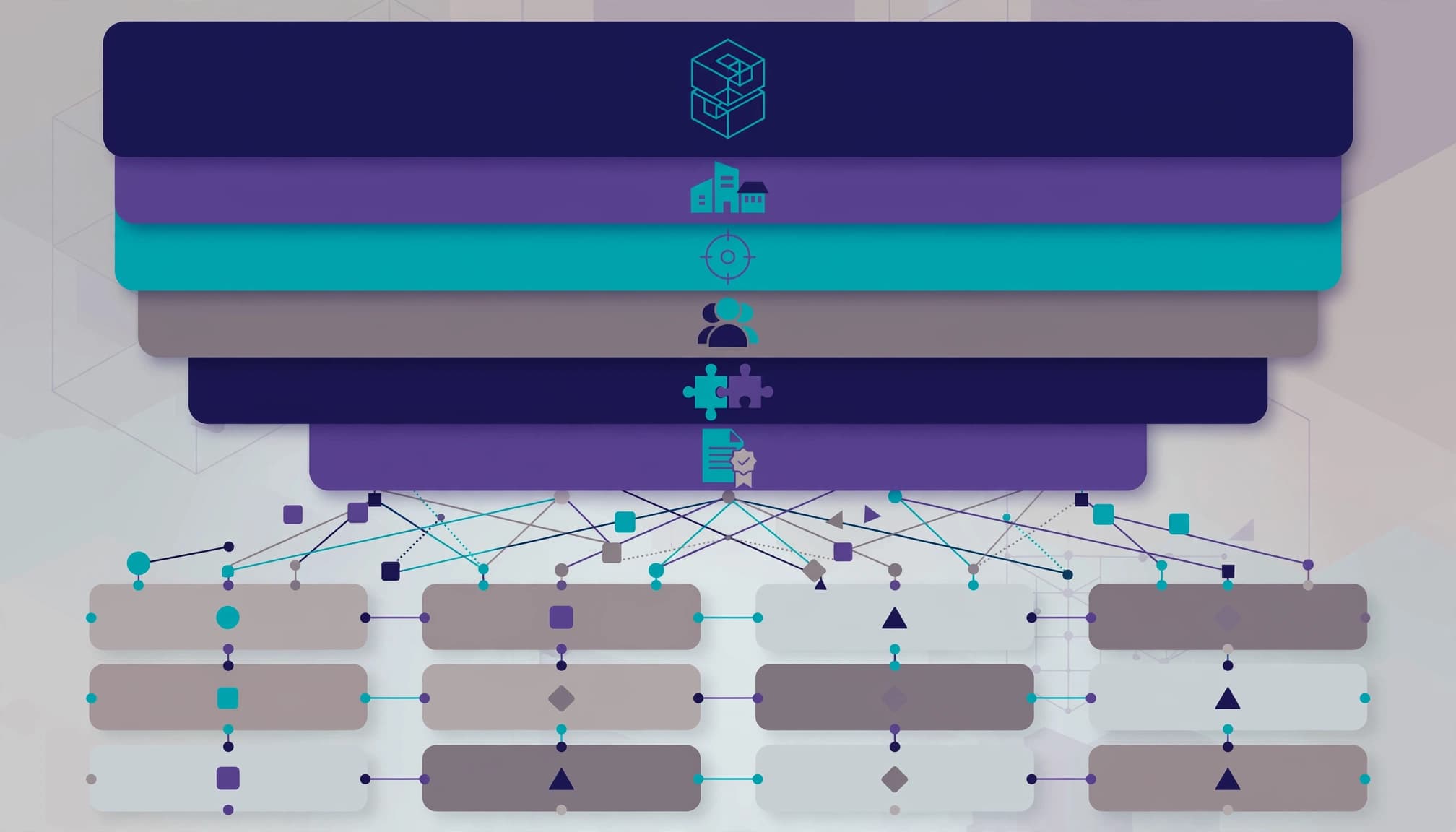
A scalable site combines hierarchy with cross-connections. This content organization gives visitors predictable routes while preserving alternate paths.
A hierarchical structure supports predictable browsing. A sequential structure supports implementation or onboarding. A matrix structure lets visitors enter through industry, product, role, or use case.
Navigation systems turn these structures into menus, contextual links, and pathways. Use sitemaps to map the hierarchy, then test wireframes with representative buyer tasks.
Dan Brown’s principles offer a practical review lens. Keep choices focused and reveal detail gradually to reduce cognitive load. Provide examples, support more than one classification path, and leave room for growth.
Define taxonomy and metadata before publishing at scale
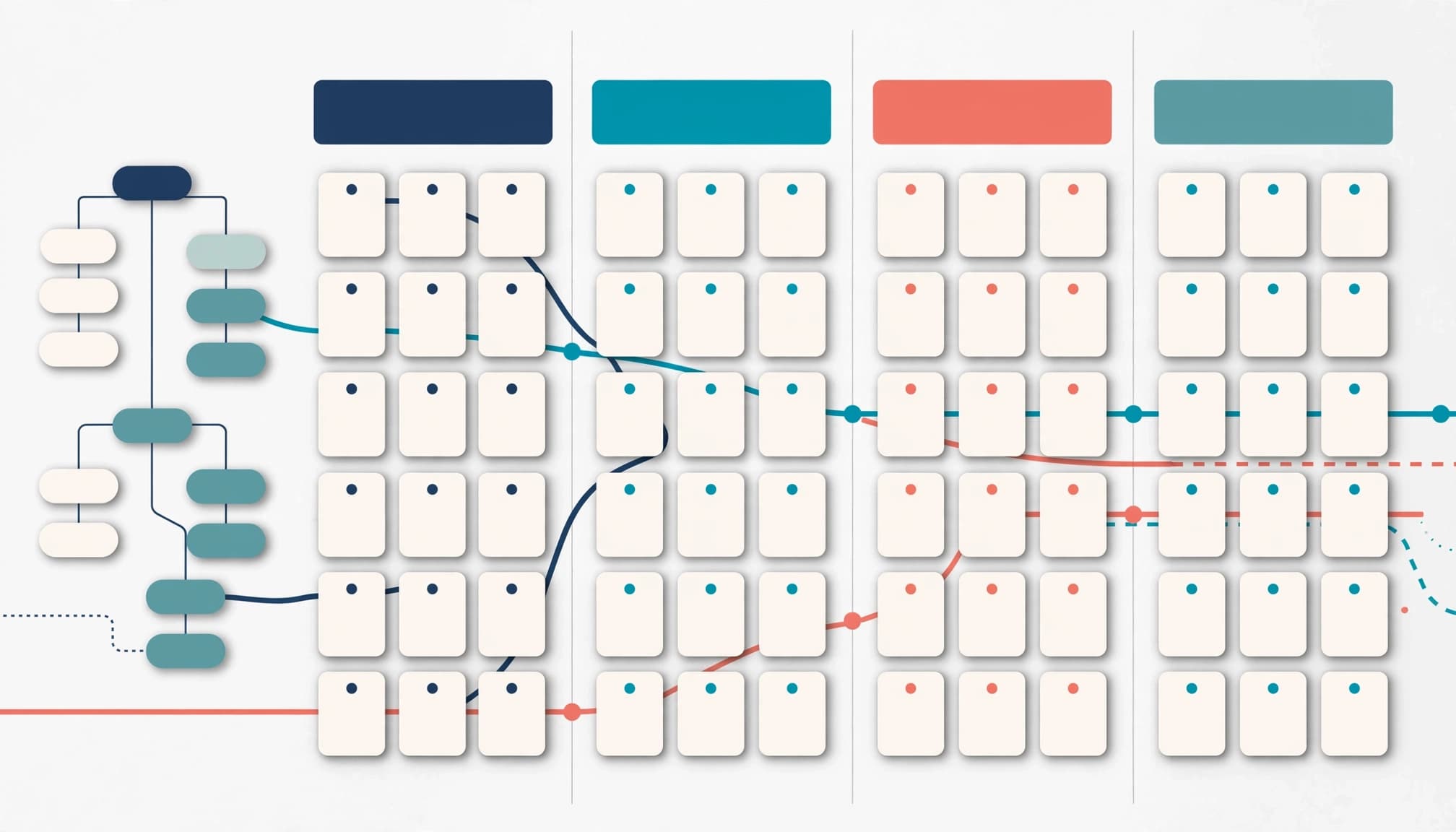
A taxonomy is a shared vocabulary for sorting content. Metadata applies that vocabulary consistently to each page, product, resource, or case study.
A content model defines shared fields and relationships across those assets. This helps a headless CMS or product database distribute consistent information across site sections.
A B2B company might tag assets by:
- Product or service line
- Industry and company size
- Use case and buyer role
- Integration or platform
- Buying stage and content format
- Region, language, or access level
This structure helps content teams find gaps and gives visitors useful filters. It also supports consistent publishing across channels.
Make navigation, labels, and search work together
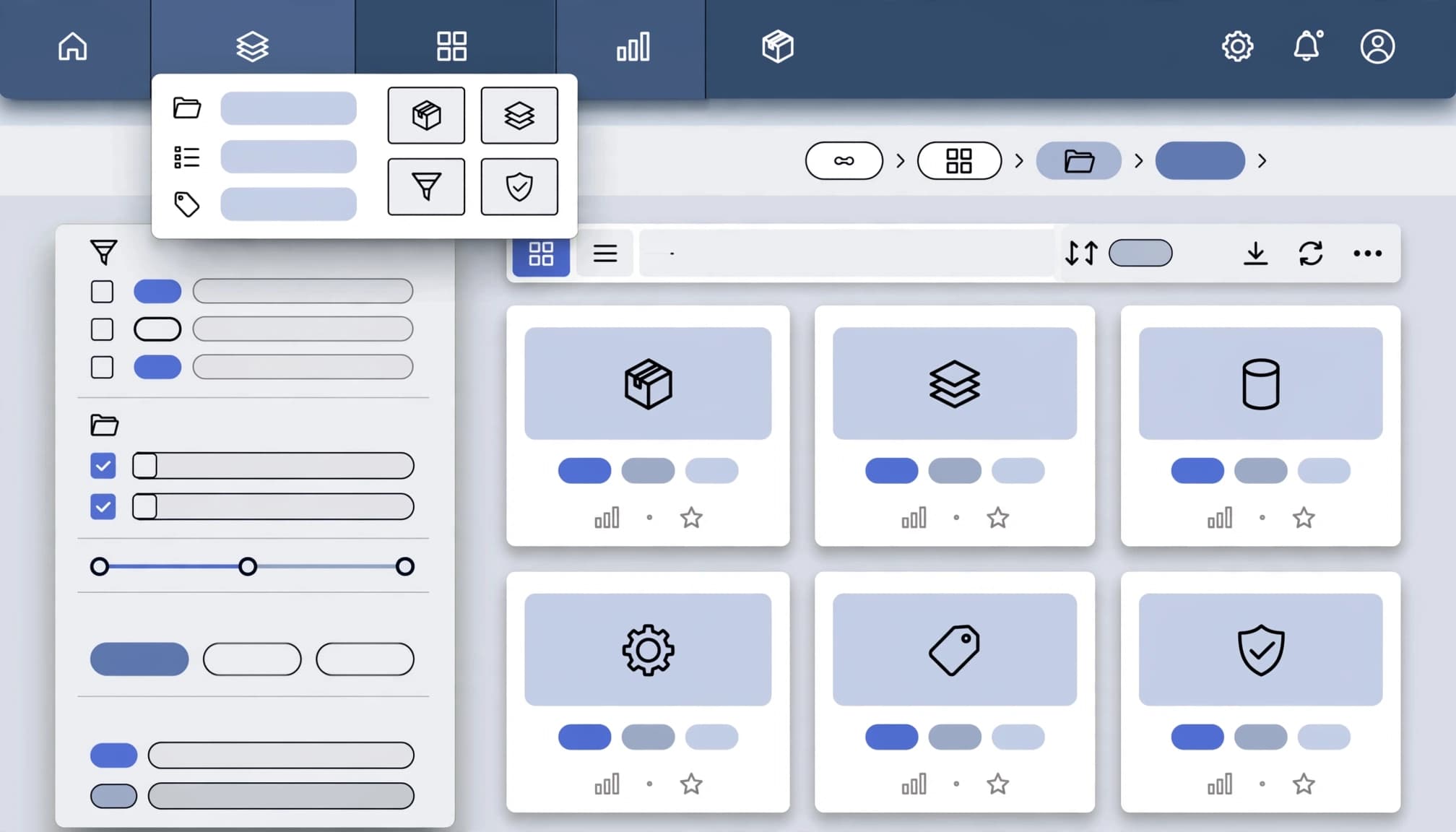
Clear labeling systems should use the language buyers use in calls, proposals, and searches. Internal labels such as “Capabilities” or “Enablement” may sound polished, yet they often hide meaning.
Use global navigation for major routes, contextual links for the next relevant decision, and breadcrumbs for real hierarchy. Large catalogs need search functionality with autocomplete and faceted search.
For enterprise software, filters should reflect buyer priorities, such as integrations, deployment model, compliance, or compatibility. Keep filters useful without creating thousands of thin URLs.
Your Google Search Console indexing report can help identify which filtered pages should remain out of search results.
Audit Content Before Redrawing the Sitemap
Start with a formal content audit covering pages, PDFs, videos, landing pages, product records, forms, and templates. Record the owner, audience, intent, evidence, conversion action, traffic, and internal links for each item. Use the findings to expose gaps in the current information architecture.
Then map assets to buyer decisions. Identify which assets belong in which branches of the sitemaps, and which should be merged, redirected, or removed. A generic service page cannot answer every concern. Supporting content may need to explain pricing drivers, integration dependencies, timelines, scope boundaries, or proof from a comparable customer.
Sales call notes and lost-deal feedback often reveal these missing pages faster than keyword tools alone. Repeat the content audit after restructuring to compare coverage and confirm that important buyer questions have clear destinations.
Use card sorting to reveal buyer mental models
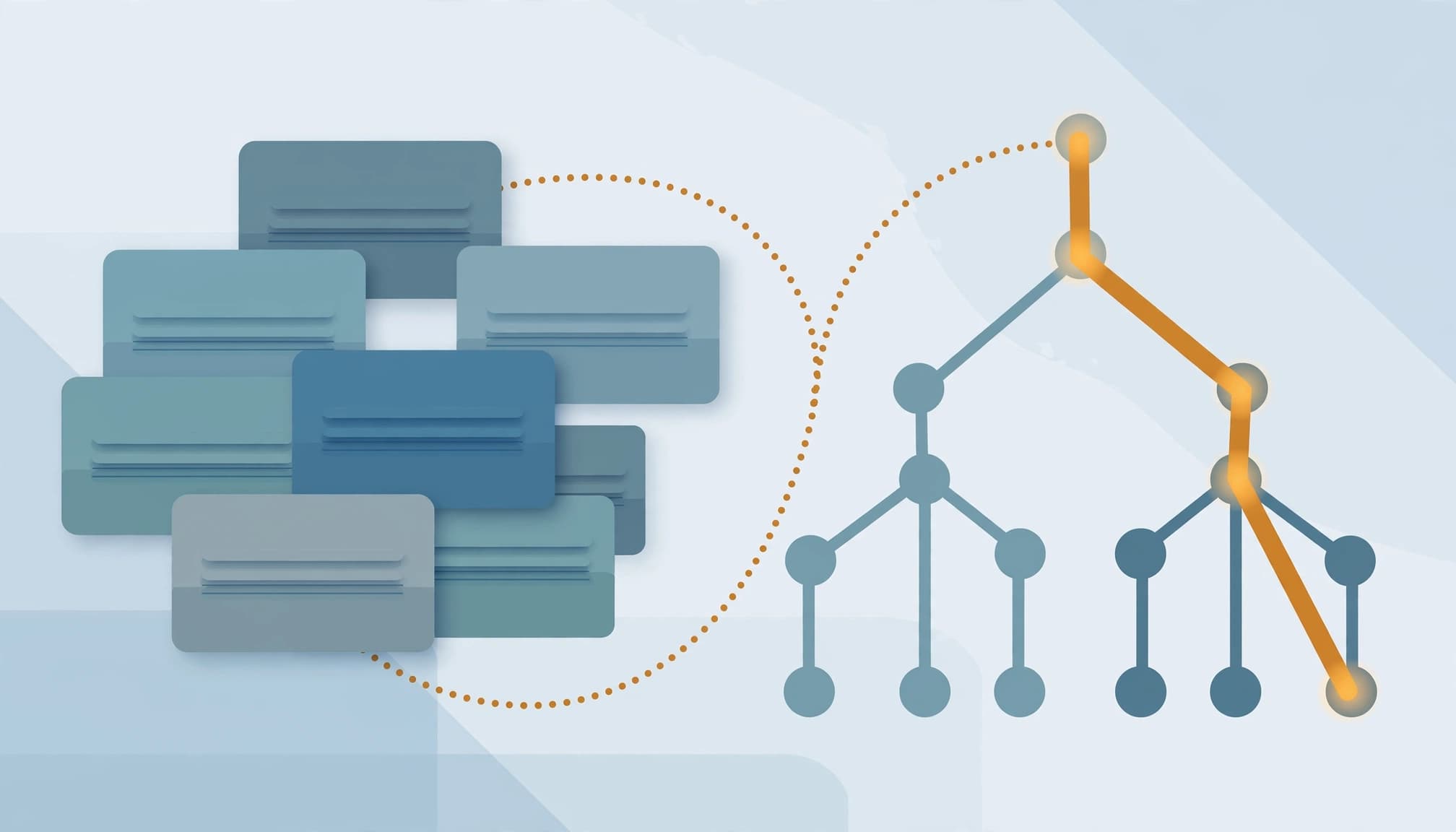
In open card sorting, participants group content and name the groups themselves. Closed card sorting asks them to place content into categories you provide. Both methods expose language gaps between your team and your audience, revealing user mental models and expected groupings.
Card sorting and content mapping can test how people expect information to be grouped before menus become expensive to change. Recruit a mix of customers, prospects, and internal subject experts, then compare patterns rather than treating one response as a rule.
Tree-test labels before building the interface
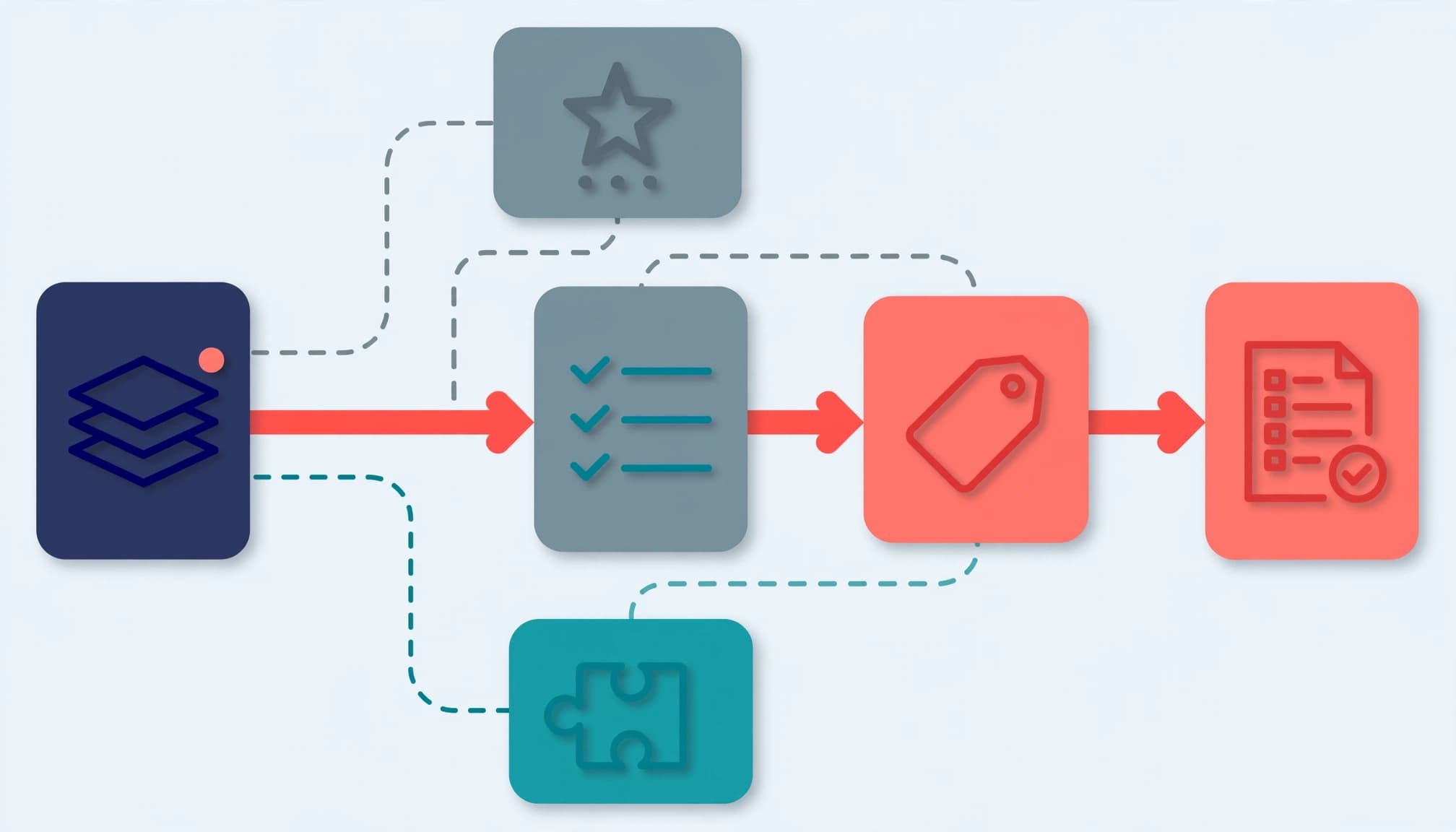
Tree testing removes visual design and asks users to find a destination within a text-only hierarchical structure. Give participants realistic tasks, such as finding an integration guide, a pricing explanation, or a case study for a particular industry.
Measure task success, time, first-click direction, and wrong turns. Include a step-by-step implementation or buying task to evaluate a sequential structure. After labels and hierarchy are validated, create wireframes rather than treating them as a substitute for testing.
A Nielsen Norman Group intranet project reduced seven navigation categories to four after card sorting and tree testing, as described in its Intranet Design Annual. The lesson is to follow evidence, not chase a fixed number of menu items.
Design Evaluation Paths for High-Intent Buyers
Information architecture should give high-intent visitors momentum without pressure, while supporting a clear user experience. A product or service overview should connect specifications, implementation details, integrations, proof, pricing context, and a conversation option without forcing premature contact. User flows should make that route clear. An implementation or onboarding guide can use a sequential structure, while still connecting each step to evaluation and proof pages.
For service businesses in Kolkata selling nationally or internationally, this often means placing delivery details and comparable proof beside the service claim. A visitor comparing providers shouldn’t need to dig through a blog archive to find them.
Put commercial evidence beside the claim
A strong evaluation route pairs each promise with evidence. Link a capability to a case study, a process page, a practical checklist, or a clear explanation of what happens after an enquiry.
Comparison pages and cost guides also help internal champions explain a recommendation to their team. They should answer real concerns, not repeat sales copy with a different heading.
Give buying committees connected paths
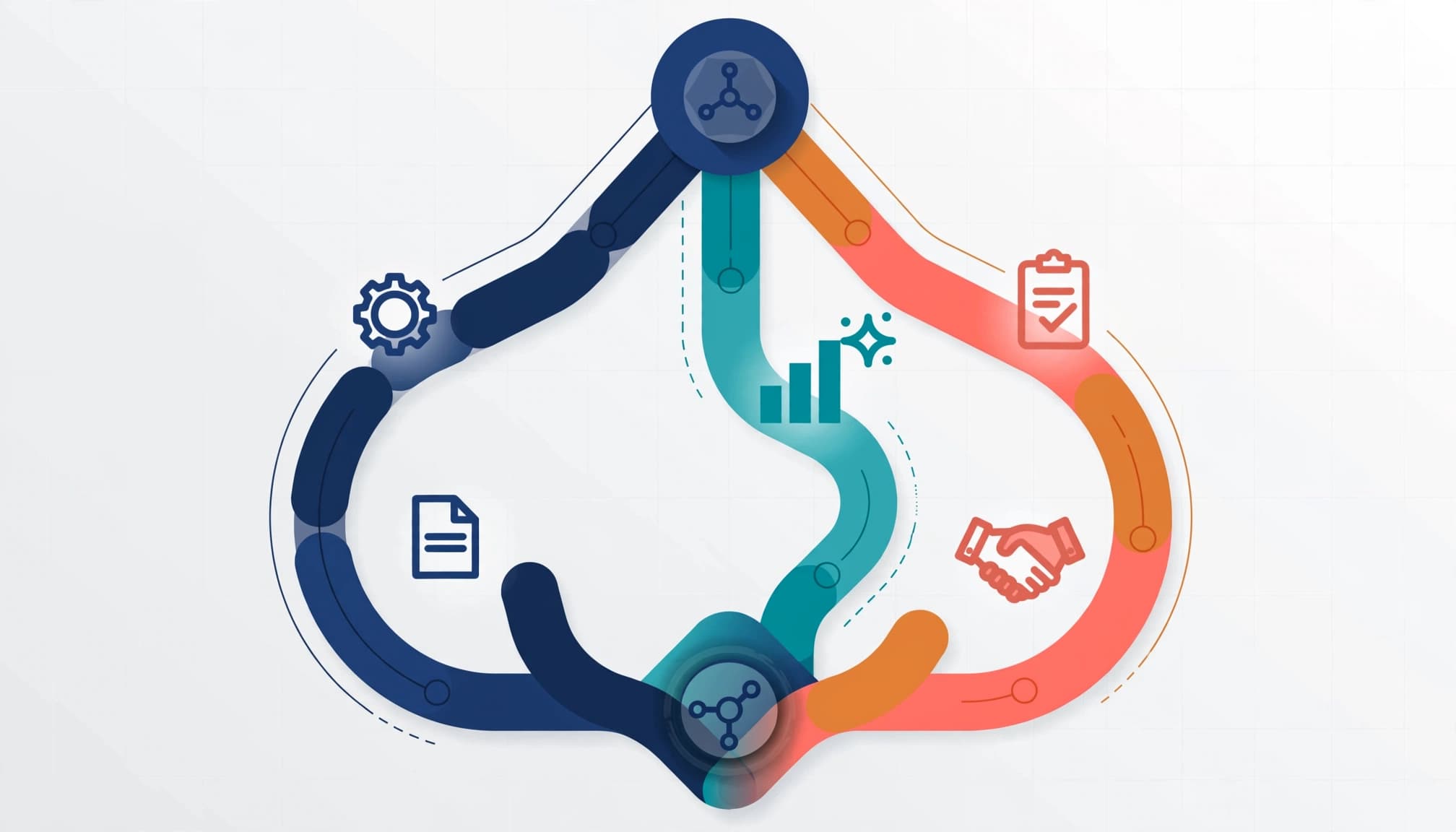
Technical users evaluating enterprise software may need integration, deployment, security, and documentation details. Executives may care about outcomes, risk, and proof. Procurement teams often need vendor information and commercial clarity.
A matrix structure lets the same evidence be reached by role, industry, service, or use case. Use shared content objects with role-based entry points instead of building isolated microsites. A case study can appear under an industry hub, a service page, and a resource center when its metadata supports those routes.
Connect the Website to Operating Systems

Your information architecture reaches beyond navigation. A CMS, CRM, ERP, product database, consent tool, and analytics platform can shape what buyers see and what your team learns.
Define a shared content model and source of truth for product names, service categories, customer segments, evidence, and conversion events. Consistent metadata keeps labels and fields aligned across navigation, reporting, search, and reusable content objects. Otherwise, a renamed offer can break menus, reports, forms, and sales workflows at once.
Technical quality matters too, especially for enterprise software catalogs with complex integrations, versions, permissions, and documentation. Test mobile menus, search functionality, forms, redirects, structured data, and JavaScript-rendered pages. A JavaScript SEO audit for lead-generation sites can uncover pages or forms that appear functional while failing to render, index, or pass lead data correctly.
Keep the Structure Healthy With Governance

Architecture decays when every new campaign adds a page, category, or menu item without review. Use an ownership matrix to assign responsibility for content organization, taxonomy, templates, redirects, metadata, content quality, navigation changes, and review cycles.
Create a simple change process. Every proposed page should state its audience, search intent, parent section, metadata, internal links, conversion goal, and owner. Run a quarterly content audit to evaluate inactive, duplicated, thin, or outdated pages before they damage findability or create competing routes. Merge duplicates and redirect retired URLs.
When a restructure affects pipeline pages, Get In Touch With Us for a practical website and search review before development begins.
Measure Whether Buyers Can Find What They Need
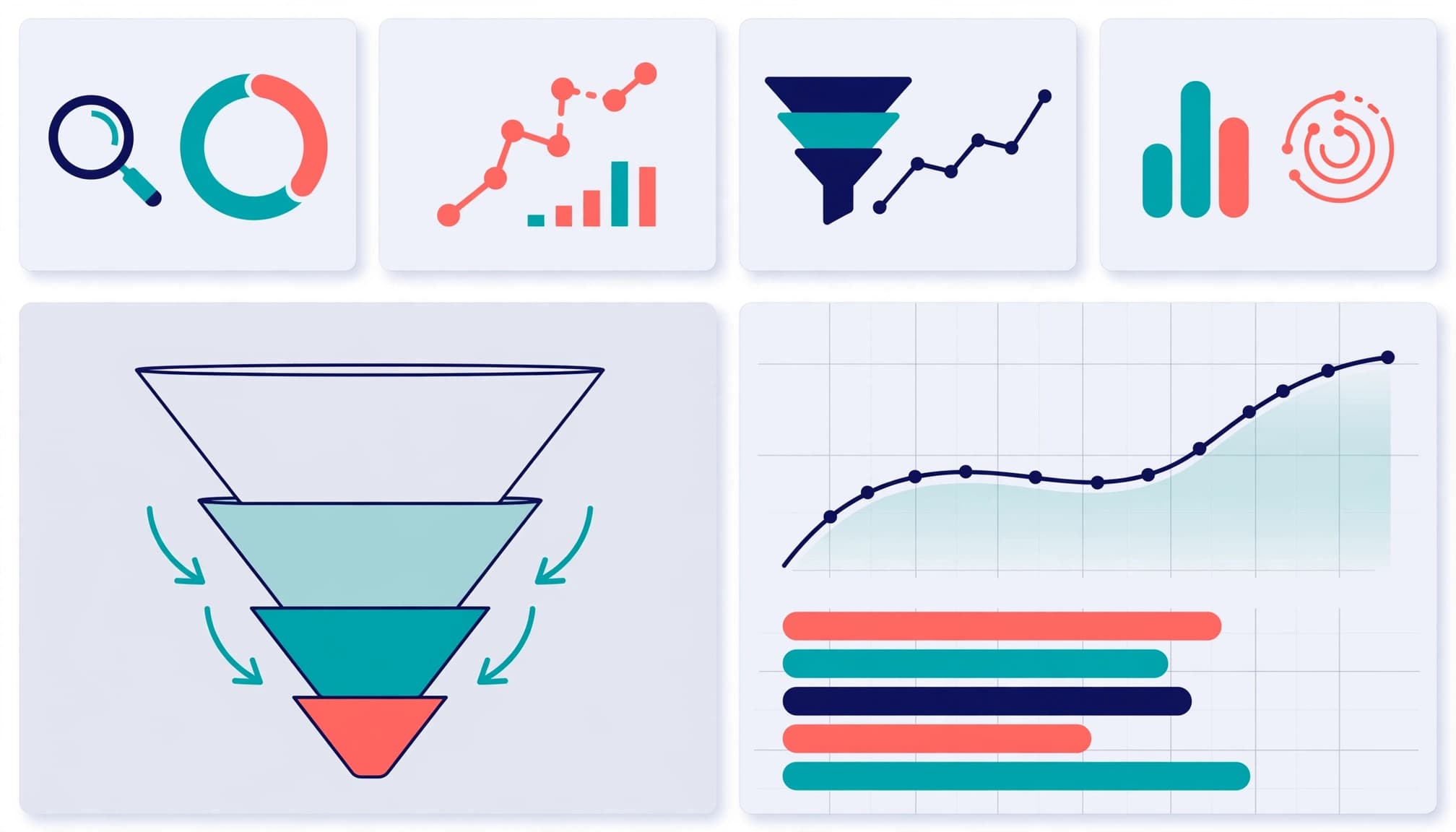
Measure whether the information architecture helps buyers find the right content and progress through intended routes. Focus on useful user experience signals, not vanity traffic alone. Track search functionality success, no-result searches, path completion, proof-content engagement, form completion, and qualified opportunities. For faceted search, measure filter usage, zero-result combinations, and routes from filtered results to proof or conversion pages.
GA4 can show how visitors move through pages, funnels, and user flows. Focus on completed evaluation paths rather than raw pageviews. The CRM records deduplicated contacts, qualification, sales stages, and revenue, so the totals shouldn’t match perfectly. Use GA4 funnel explorations for lead tracking to investigate where strong prospects leave a route.
Search visibility needs separate attention. Search Console shows impressions, queries, and indexing status, while your CRM shows commercial outcomes. Pair both with a B2B SEO strategy and analytics plan so high-value pages are findable and measurable.
Frequently Asked Questions
How does B2B information architecture differ from B2C site structure? B2B buyers usually face higher risk, longer research cycles, and several stakeholders. They need deeper product, process, proof, and commercial information before contacting a supplier.
Should every product or service have its own menu item? No. Main navigation should present meaningful choices. Use hubs, filters, contextual links, search, and breadcrumbs to help visitors reach detailed pages without crowding the menu. Breadcrumbs should reflect genuine hierarchy and help evaluators return to the relevant solution or category route.
When should a company redesign its site architecture? Start when buyers struggle to find important information, content teams create duplicates, search filters become messy, or sales repeatedly sends pages that customers cannot locate.
Can information architecture improve SEO? Yes. Clear hierarchy, descriptive labels, useful internal links, and well-managed indexation help search systems understand important pages. The same work also improves the buyer experience after the click.
Build a Structure Buyers Can Trust
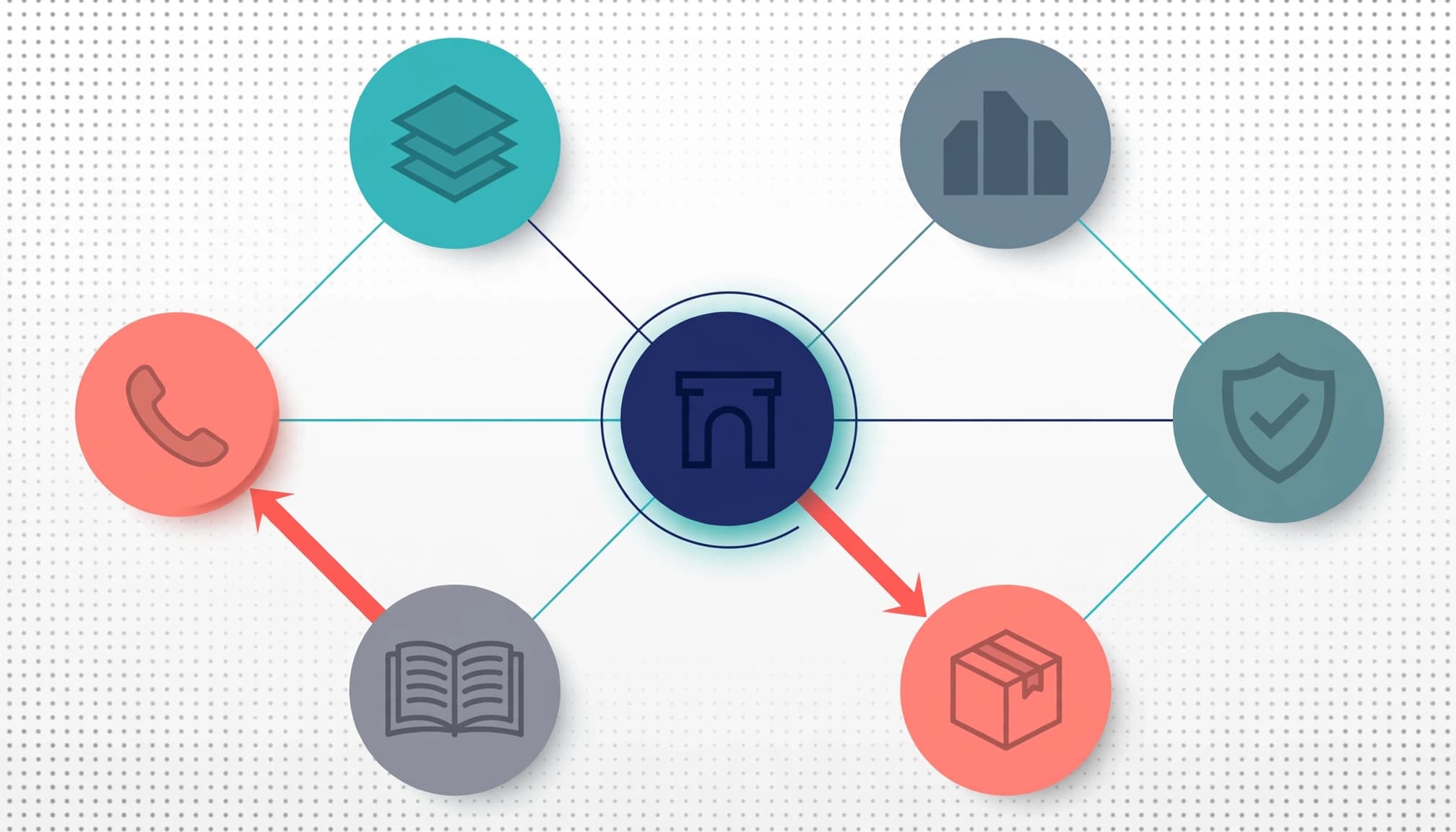
A high-performing B2B website uses information architecture and a clear user experience to make a difficult purchase easier to assess. It connects a buyer’s problem with relevant expertise, credible proof, practical details, and a clear route to contact.
The strongest architecture is never finished. Keep testing buyer paths and user flows. Review content, remove friction, and simplify the site structure as offers and customer needs change.
Clarity gives high-intent buyers a reason to keep moving instead of returning to the search results.


![How to Learn Digital Marketing: 5 Free Resources to Start Today [2025]](https://clickyowl.com/wp-content/uploads/2025/06/modern-digital-marketing-workspace-studio-photo-300x171.jpg)