A CRM report can show hundreds of new leads while sales teams struggle to find worthwhile conversations. The difference is often definition, not demand.
For agencies, consultants, and local service firms in Kolkata, that clarity connects the buyer journey with sales and marketing processes. It also turns reports into decisions about budget, follow-up, and staffing.
Start by agreeing on what evidence moves a record forward.
Build HubSpot Lifecycle Stages Around Real Client Progress

The lifecycle stage property shows where a contact or company is in your commercial process. It also makes handoffs visible between marketing, sales, and client-service teams. HubSpot’s guide to contact and company lifecycle stages is a useful reference when reviewing your current setup.
Define a stage by buyer evidence
A lifecycle stage should describe a meaningful change in the client’s position, not a task completed by your team. “Sent email” and “left voicemail” are activities. “Confirmed a service need and agreed to a discovery call” is real progress.
For example, a Kolkata web design agency might call a lead qualified only after confirming company type, project scope, decision-maker access, and likely launch timing. A home-services company may require a valid phone number, serviceable postcode, job type, and appointment request.
Give each handoff an owner
Every new record needs an owner, response deadline, and next action. Marketing owns the quality of an MQL handoff. Sales owns the documented acceptance, rejection, or return-to-nurture outcome. Client service owns onboarding after the deal closes.
A lead that has no named owner and no next action is not in a stage. It is sitting in a database.
Lifecycle data management becomes reliable when each team agrees on the evidence required to enter and exit a stage.
HubSpot Lifecycle Stages vs. Lead Status
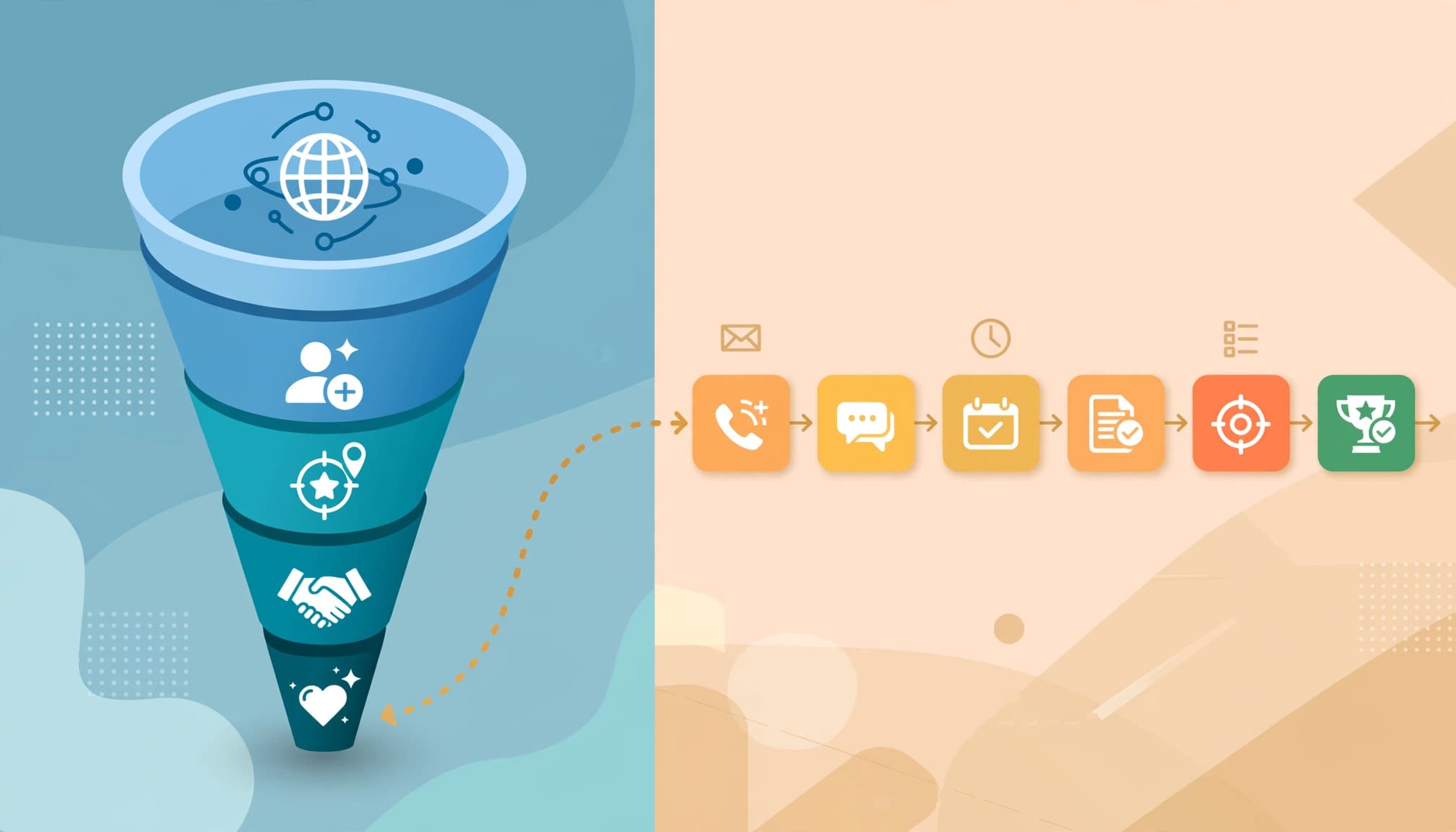
Lifecycle stages and sales statuses answer different reporting questions. Using both prevents a sales team from turning the broader customer journey into a cluttered activity log.
Lead Status manages daily sales work
HubSpot lifecycle stages usually follow the wider path from early interest through qualification, opportunity, customer, and advocacy. They support reporting on major milestones, such as Lead to Marketing Qualified Lead (MQL), MQL to SQL, or Opportunity to Customer.
A contact shouldn’t move to Sales Qualified Lead because a rep made three calls. The move should reflect confirmed fit, need, timing, and a credible sales conversation. Lead scoring can prioritize review, but it doesn’t independently prove qualification.
Lead Status tracks what is happening within active sales outreach. Teams often map Lead Status values such as New, Open, In Progress, Attempted to Contact, Connected, Open Deal, Unqualified, and Bad Timing. Review the options in your own portal rather than assuming every account uses the same set.
Use Lead Status to manage rep follow-up. Use lifecycle stage to measure business progress. Deal stages still track the commercial process after an opportunity exists, while ticket pipelines track support and delivery work. No single property replaces the others.
A Lifecycle Framework for Agencies and Service Firms
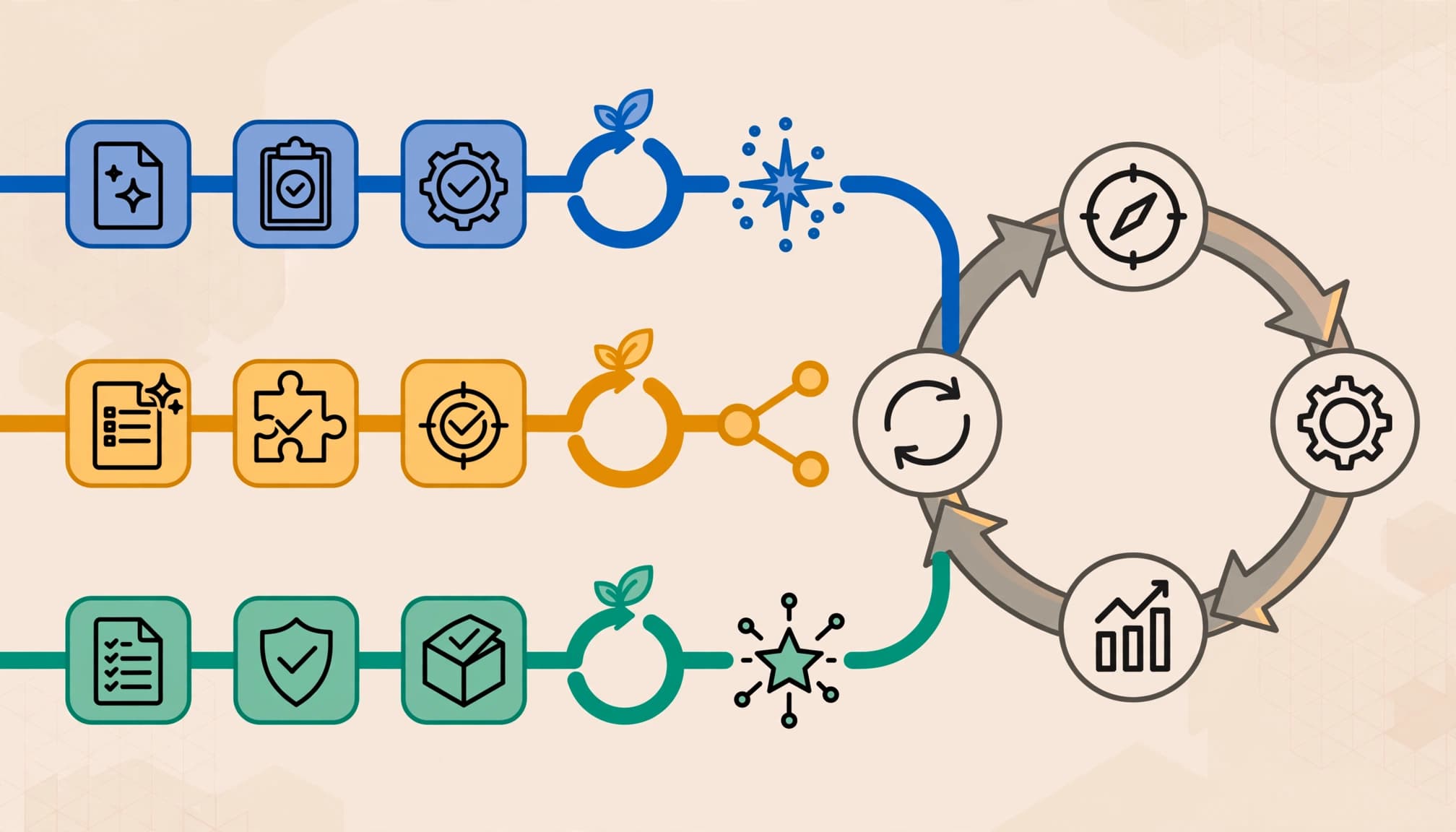
A short, shared framework is easier to maintain than a long chain of overlapping labels. Start with stages your team can define consistently, then add a custom stage only when it changes how you report or act.
Use a simple core model
This framework works for many agencies, consultancies, and B2B service providers:
| Lifecycle stage | Minimum entry evidence | Primary reporting use |
|---|---|---|
| Lead | A form, call, chat, referral, or event enquiry enters HubSpot | Demand by source and service |
| MQL | The record meets agreed fit, need, and evidence criteria, with lead scoring used as supporting input | Marketing quality |
| SQL (Sales Qualified Lead) | Sales confirms a credible need and active conversation | Handoff and response performance |
| Opportunity | A deal has a real commercial path | Pipeline value and conversion |
| Customer | A deal is closed-won and service begins | Revenue and acquisition reporting |
Subscriber can remain useful for people receiving updates who have not made an enquiry. Evangelist may fit a mature referral program. However, don’t add labels merely because they appear in a generic funnel.
Cumulative time in stage can reveal stalled handoffs, even when the core framework remains short. Review those delays alongside conversion rates and source quality.
Keep delivery milestones elsewhere
An agency may need onboarding complete, campaign live, monthly review held, renewal due, and renewal won. Those are valuable signals, but they often belong in a client-service pipeline, project record, ticket, or custom property.
For instance, a consultant can remain a Customer throughout delivery while a project property records whether discovery, research, or implementation is complete. This preserves the Customer lifecycle stage for client reporting without hiding operational work.
HubSpot supports custom lifecycle stages when your customer journey needs a distinct, reportable milestone.
Build Reports That Show Quality, Not Just Volume

A monthly total of form fills can hide weak targeting, slow response, or poor qualification. Put quality and time-in-stage metrics beside volume so owners can see where performance changes.
Create an executive reporting view
Build one dashboard with a date range and a small set of decision-ready measures:
- Lead, MQL, SQL, Opportunity, and Customer counts by source.
- Conversion rates between each lifecycle stage.
- Median time from Lead to sales outreach and from MQL to SQL.
- Time in each lifecycle stage and cumulative time through the funnel.
- Open opportunity value, win rate, and closed-won revenue.
- Disqualified and closed-lost reasons by service line or campaign.
Use lifecycle stage calculated properties to capture entered and exited dates. These fields make time-in-stage reporting more consistent and easier to audit.
Compare paid search, referral, social, and SEO leads on conversion, lead scoring, opportunity value, and revenue, not volume alone. Ten ebook downloads may look good, yet one well-qualified website redesign enquiry can produce more revenue.
For blended reporting, a Looker Studio lead-generation dashboard template can help connect marketing spend, web conversions, and CRM lifecycle data.
Segment before judging a channel
Separate reports by service line, geography, pricing model, and acquisition source when volume permits. A low-cost campaign for social media management may create many Leads but few Opportunities. SEO may generate fewer contacts who convert into higher-value retainers.
Compare cumulative time in each stage across service lines, sources, and geographies. These comparisons can show where response or qualification delays affect otherwise strong channels.
Google Analytics 4 should record website actions such as successful form submissions or click-to-call events. HubSpot should remain the authority for qualification, pipeline value, and revenue. Reconcile differences rather than forcing both systems to report identical totals with a GA4 CRM reconciliation process.
Automate Updates With Guardrails
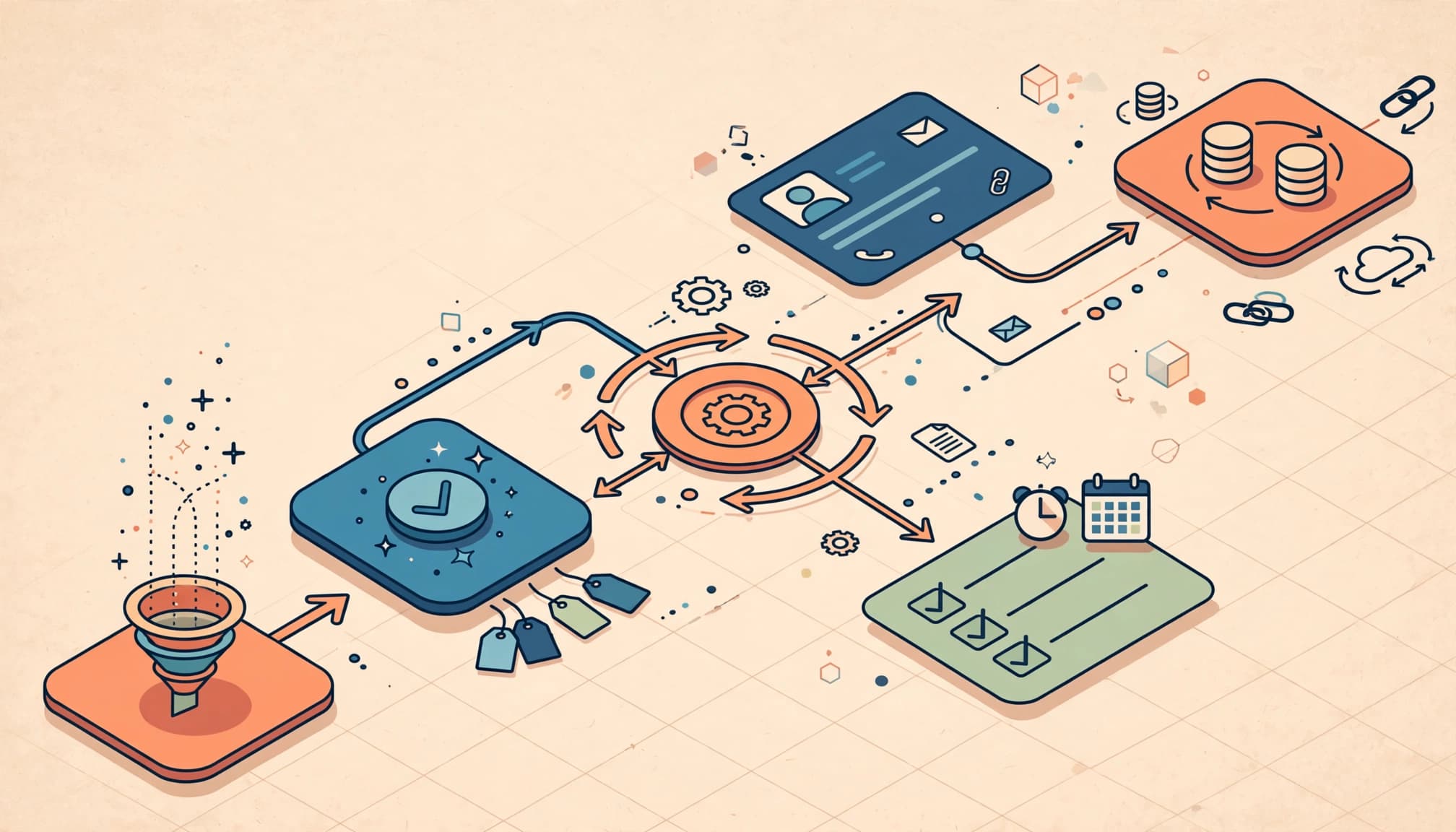
Automation can speed up handoffs, but it can also create misleading stage jumps. Build workflows around verifiable events, then test them with real sample records.
Map triggers to clear business events
A successful enquiry can trigger automatic updates, create a Lead, and record source details. HubSpot workflows can assign an owner and create a follow-up task. Lead scoring or a qualification form can identify an MQL. Sales should usually confirm SQL after a conversation or trusted pre-qualification process.
Keep source, service interest, location, company type, expected value, and lead disposition in contact properties. Don’t bury those details in notes where reports can’t use them.
Test associations and escalation rules
A contact associated with a company doesn’t automatically make their lifecycle data identical. Decide which object is the reporting authority for each situation, then use HubSpot workflows to test associations and escalation rules before updating related records.
Add an escalation workflow for unworked inbound leads. If no call, email, logged task, or other qualifying action appears within the agreed window, notify a manager or reassign the record. A voicemail is an attempt, not a conversation.
Review automatic updates, form submissions, duplicate matching, owner assignment, attribution, and unexpected stage changes every week as part of data management. After workflow changes, check cumulative time in each stage for unusual patterns. A lead-generation SEO audit checklist can also help verify that organic enquiries arrive in the CRM with usable attribution data.
Handle Repeat Business Without Rewriting History
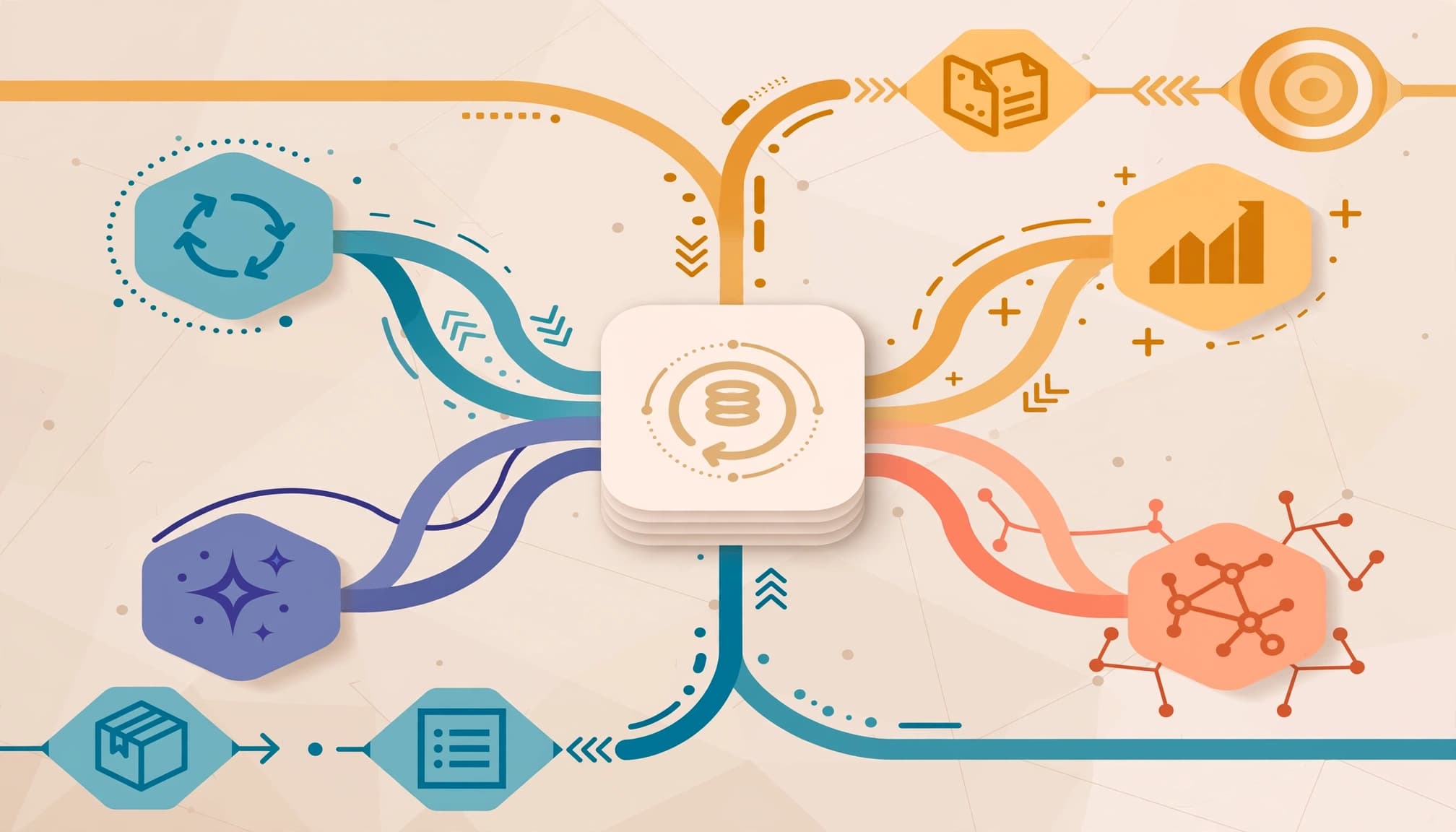
Service relationships are rarely linear. A former web development client may return for SEO support. A retained client may add paid advertising. A customer may refer another company while an unresolved support ticket remains open.
Preserve the Customer record
Keep the original contact or company at Customer once it has purchased. Create a new deal for expansion, renewal, or reactivation work. Use deal type, service line, renewal date, and client segment properties to report the new commercial motion.
Report re-engagement separately
Track returning customers through a reactivation or expansion deal view instead of moving them backward to Lead. This protects original acquisition reporting and shows how much pipeline comes from existing relationships.
Lifecycle stage calculated properties can reveal bottlenecks across acquisition, expansion, renewal, and reactivation motions. HubSpot documents stage calculated properties, including date-based and time-in-stage analysis that can compare cumulative time across those motions.
Check your subscription and object settings before building reports around any field.
Key Takeaways
- Define lifecycle stages around verified buyer progress, not sales activity.
- Use Lead Status for outreach management, deal stages for commercial progress, and service records for delivery.
- Measure source quality through MQLs, SQLs, opportunities, revenue, and time to follow up.
- Automate repeatable handoffs, then audit workflows for duplicate records and incorrect stage changes.
- Keep customers as customers, and report renewals or expansions through new deals and properties.
Frequently Asked Questions
What default lifecycle stages should a service business use?
Review the default values available in your HubSpot account, then retain only the labels your teams can apply consistently. Most service-business reporting needs a clear path for Lead, Marketing Qualified Lead, Sales Qualified Lead, Opportunity, and Customer.
A Subscriber stage can separate newsletter contacts from active enquiries. Custom stages should earn their place by changing a report, routing rule, or ownership decision.
Which calculated properties matter most?
Start with lifecycle stage calculated properties, including dates entered and exited, latest time in stage, and cumulative time in stage. These fields help identify slow MQL reviews, stalled SQLs, or opportunities that sit too long before a proposal or decision.
Pair time-in-stage metrics with an owner and next action. Long durations need context, since they don’t automatically prove poor performance. A complex sale, poor follow-up, or workflow problem may explain the delay.
Make Lifecycle Reporting a Management Habit
Useful lifecycle reporting starts with shared definitions, clear ownership, and evidence that anyone can verify in the CRM. The strongest dashboard is not the busiest one. It shows where qualified demand becomes revenue and where it stops.
Review stage conversion, response time, stalled records, and source quality every month. If your team needs help connecting lifecycle definitions, attribution, and CRM reporting, Get In Touch With Us for a practical measurement plan.



![How to Learn Digital Marketing: 5 Free Resources to Start Today [2025]](https://clickyowl.com/wp-content/uploads/2025/06/modern-digital-marketing-workspace-studio-photo-300x171.jpg)