If you spend money to get leads, website call tracking means phone calls no longer have to be a mystery. Yet many teams still see “Calls” as a single bucket, with no source, no quality signal, and no clear owner.
A solid call tracking setup fixes that. You'll know which Google Ads, marketing campaigns, pages, and keywords drive qualified conversations, not just dials. You'll also stay on the right side of privacy rules that got stricter again in 2026.
Below is a practitioner-focused setup you can ship, test, and maintain.
The 2026 call tracking architecture (what you're building)
Think of call tracking like a “return address” on every phone lead. The site shows a number, a visitor calls it, and the system maps that call back to the session that saw the number, delivering visitor-level insights.
At a minimum, your stack needs five parts:
- Number inventory (local and toll-free numbers), with a plan for static and dynamic use.
- DNI script (dynamic number insertion) to swap numbers per visitor.
- Attribution storage to hold UTMs,
gclid, landing page, and referrer. - Event output into GA4 (and ad platforms), plus offline conversion sync if you can.
- CRM handoff so sales outcomes feed back into “qualified call” reporting.
In 2026, measurement breaks most often at the seams. For example, your landing page is on one domain, scheduling is on another, and the call happens after a return visit. So the real goal is not “track a call.” It's stitch identity and intent across the customer journey without collecting risky data to boost marketing ROI.
Gotcha: if you only report “calls,” you'll optimize for spam and wrong numbers. Track qualified calls as the primary conversion, and raw calls as a diagnostic metric.
DNI vs Static Call Tracking, Plus Pool Sizing Math That Won't Burn You
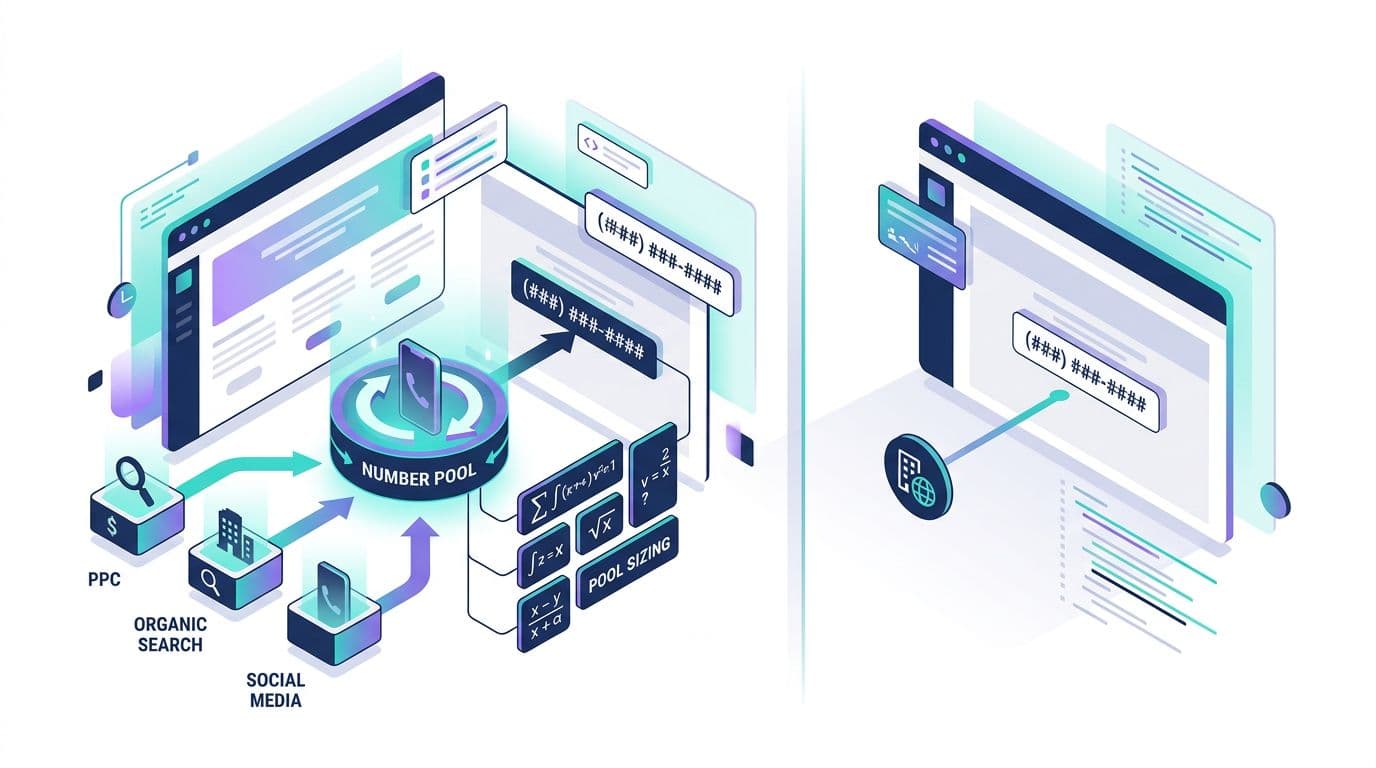
Use static call tracking with static numbers when you don't need per-visitor attribution. Good examples are Google Business Profile (using Google forwarding numbers or the phone snippet), billboards, or a specific partner page.
Use DNI (dynamic call tracking) when you need source, campaign, keyword, landing page, and returning-visitor mapping with a unique tracking number. That typically means PPC landing pages and high-intent SEO pages.
Pool sizing is where teams stumble. If the pool is too small, two visitors can share one tracking number. Attribution becomes random.
A practical way to size the pool is to plan for concurrency:
Pool size (minimum) ≈ peak concurrent sessions eligible to see DNI × safety factor
“Eligible” means sessions where you display the swapped number (often all sessions on key pages). Use a safety factor of 1.5 to 2.0 until you've observed collisions.
Here's a quick example to calibrate:
| Traffic pattern (example) | Peak concurrent eligible sessions | Safety factor | Suggested pool size |
|---|---|---|---|
| Low-volume local service | 8 | 1.5 | 12 |
| Mid-volume PPC burst | 25 | 1.8 | 45 |
| High-volume multi-campaign | 60 | 2.0 | 120 |
Recommended defaults that work for most lead gen sites:
- DNI cookie duration: 30 days (match your sales cycle if longer).
- Session hold time for a number: 30 to 60 minutes.
- Separate pools for brand PPC vs non-brand PPC marketing campaigns, if budget allows.
- Fallback static number if the script fails or consent blocks DNI.
Common pitfall: using one static number site-wide, then hoping GA4 “source” explains calls. It won't, because the phone system can't see the session.
Call tracking setup in GTM and GA4 (including SPAs and cross-domain)
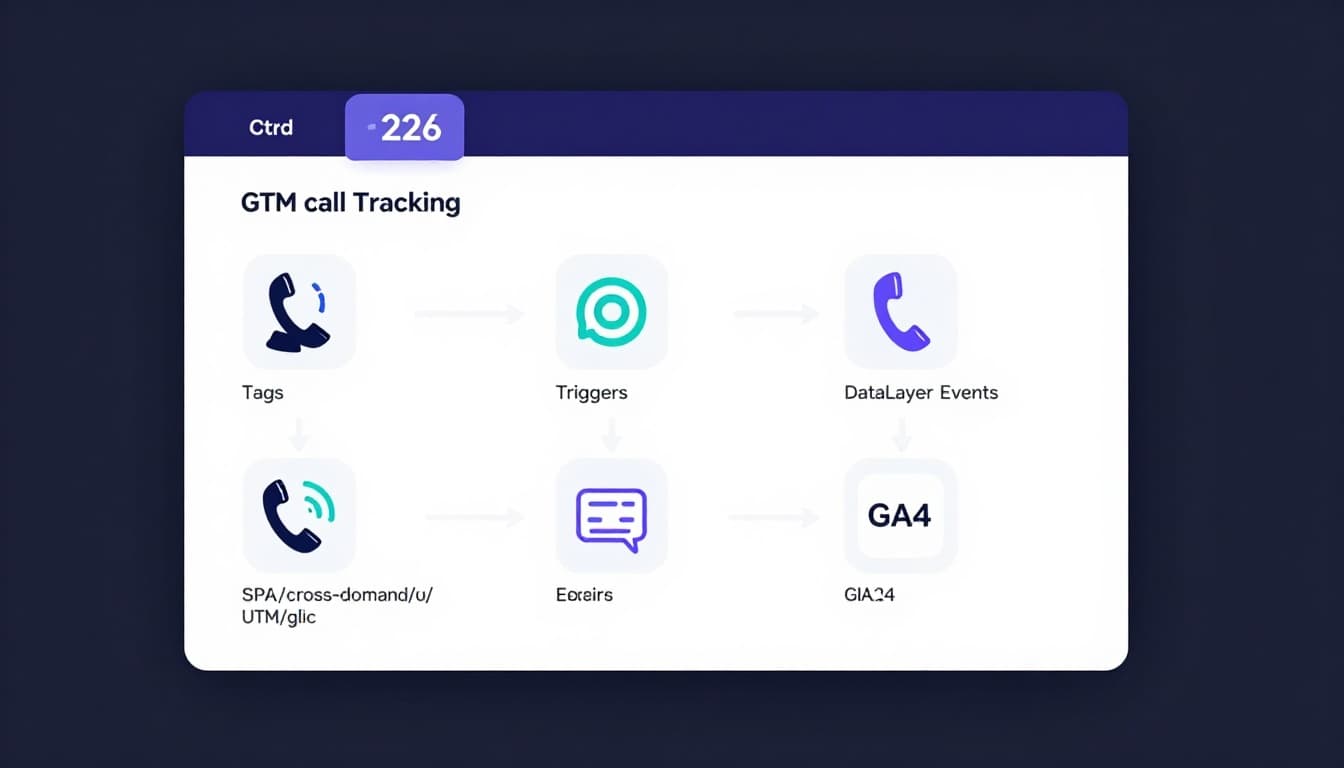
Your call tracking vendor handles DNI, but you still need clean analytics events. The simplest model is: send “call events” to Google Analytics, then send “qualified call” as offline conversions later from the CRM.
Start with a clear event map for conversion tracking:
click_to_call(user taps a tel link)call_start(vendor detects an inbound call)call_connected(optional, answered call)call_qualified(conversion action sent later from CRM based on outcome)
Implementation steps (ship in this order):
- Define attribution fields you care about:
utm_source,utm_campaign,gclid, landing page, referrer, plus alead_id. - Enable cross-domain in GA4 if any step uses another domain (scheduler, payment, subdomain). For GA4 hygiene, keep a reference like this GA4 lead tracking checklist.
- Persist UTMs and
gclidin a first-party cookie (or localStorage if allowed). Refresh on each landing. - SPA support: trigger DNI swaps on route changes, not just initial load. In Google Tag Manager, that usually means a History Change trigger plus a DOM-ready guard.
- Push events to the dataLayer so Google Tags don't depend on fragile CSS selectors.
Example dataLayer push patterns for conversion tracking (keep them small and consistent):
dataLayer.push({event:'click_to_call', placement:'sticky_header'})dataLayer.push({event:'call_start', call_id:'<vendor_id>', source:'dni'})dataLayer.push({event:'call_qualified', call_id:'<vendor_id>', reason:'sales_accepted'})
Then, in Google Tag Manager:
- Create a GA4 Event tag for each event name.
- Use Custom Event triggers that match
click_to_call,call_start, and so on. - Pass only non-sensitive parameters (never send phone numbers to GA4).
For more conversion wiring patterns, this guide on how to track conversions in Google Analytics is a useful cross-check.
On server-side tagging: if you run a tagging server, forward call events server-to-server (or via Measurement Protocol). That reduces loss from blockers and gives better control over identifiers.
Recording, transcription, AI spam filtering, and lead scoring workflows
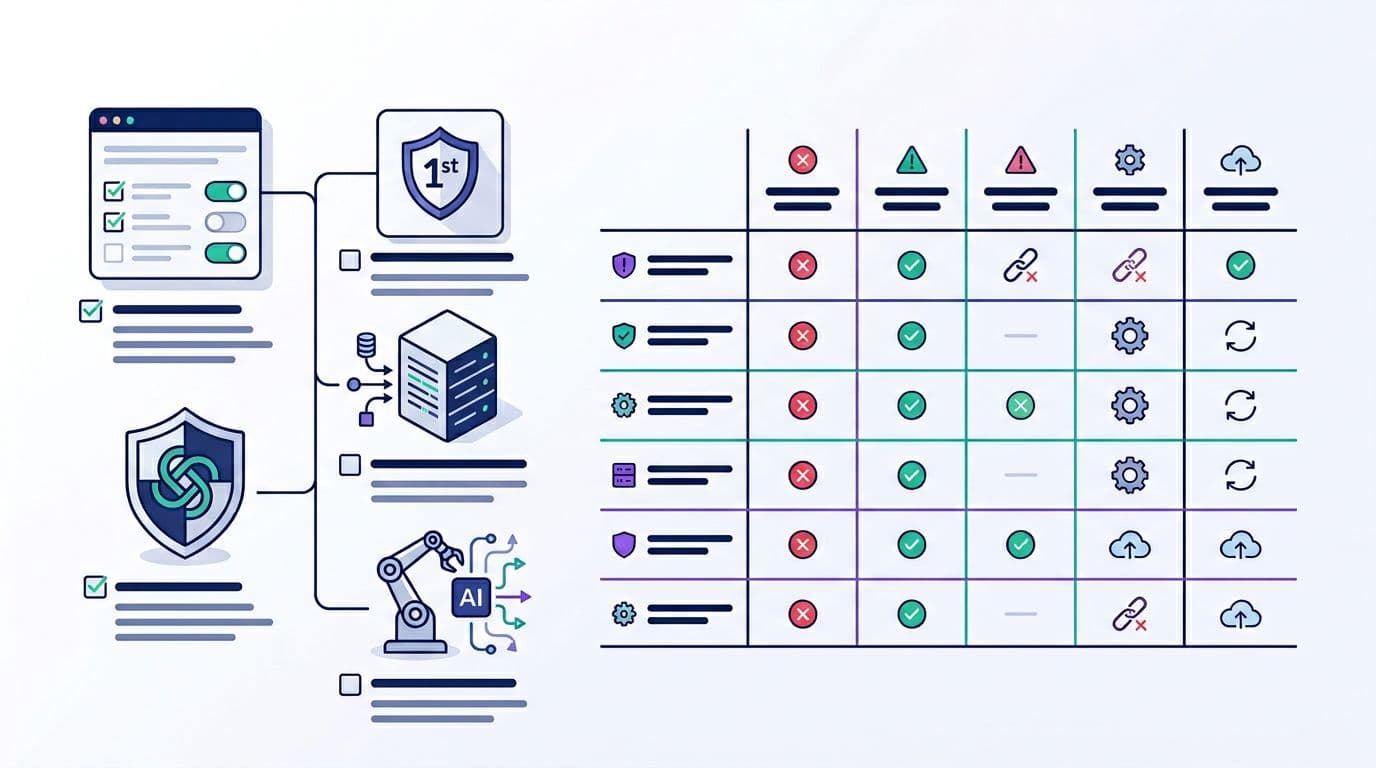
Call recordings boost coaching and dispute handling, but they also raise risk. In 2026, treat them like sensitive data by default.
Practical compliance basics:
- Disclose recording at call start (and respect two-party consent regions).
- Set retention to the shortest window that still supports operations (often 30 to 90 days).
- Avoid collecting PCI or PHI in recordings. If payments happen by phone, use pause or stop recording.
- Restrict access by role, and log exports.
Transcription helps, but don't store more than you need. Many teams store:
- A short summary,
- Intent category (sales, support, wrong number),
- Qualification fields (budget, timeline, service fit),
- A spam flag.
For AI-powered spam filtering and lead scoring, a reliable workflow looks like this:
- Run basic filters first (repeat callers, very short duration, known spam patterns).
- Transcribe, then classify intent and sentiment.
- Assign a lead score based on lead quality and handle call routing in the CRM (sales queue vs nurture).
- Mark qualified calls only after a human outcome, not just a model guess, and feed outcomes back through CRM integration to refine the scoring model.
QA test cases and a troubleshooting matrix you can hand to a team
Run QA like you're testing a checkout. Small tracking bugs become expensive fast.
High-value test cases (do these on desktop and mobile):
- Google Ads call-only ads with
gclid: number swaps, call maps to the correct campaign. - Google Ads call extensions: number swaps, call maps to the correct campaign.
- GMB call tracking: calls from local sources map to the correct listing.
- UTM-only visit: no
gclid, still attributes to source and campaign. - Return visit within 7 days: same visitor sees a number and attribution holds.
- SPA route change: number stays correct after navigation, no flicker to fallback.
- Cross-domain hop: user goes to scheduler domain, comes back, then calls.
- Consent denied: site shows fallback number, analytics does not fire blocked tags.
- Qualified outcome: CRM marks the call qualified, GA4 receives
call_qualified.
Use this troubleshooting matrix when something looks off:
| Symptom | Likely cause | Fast fix |
|---|---|---|
| Tracking calls show as “direct” | UTMs not persisted, or cross-domain breaks session | Store UTMs first-party, add GA4 cross-domain linker |
| Wrong campaign on conversion tracking | Pool too small, number collisions | Increase pool, shorten session hold time, add safety factor |
| DNI doesn't work on SPA pages | Swap runs only on page load | Add History Change trigger, re-run swap on route updates |
| GA4 events double-fire | Multiple tags or triggers overlap | Add once-per-page guards, tighten trigger conditions |
| Recording missing or partial | Consent flow or IVR step blocks recording | Verify recording settings, add disclosure timing check |
Conclusion
A modern call tracking setup is part analytics, part operations, and part compliance. When you size the DNI pool correctly, support SPAs and cross-domain journeys, and optimize your marketing efforts for qualified calls, attribution stops being a debate, even for high-volume Google Ads campaigns.
If your next Google Ads campaign doubles traffic tomorrow, will your call tracking still hold up, or will it blur phone call leads into noise?