If your lead reports still start arguments, the GA4 interface probably isn’t enough. You need raw event data, stable joins, and a way to connect form fills to real pipeline.
That is why GA4 BigQuery export matters so much in 2026. Even for smaller businesses, it gives you room to track lead quality, not only lead volume, and it usually does that without a heavy software bill.
Why Lead Gen Teams Need GA4 BigQuery Export in 2026
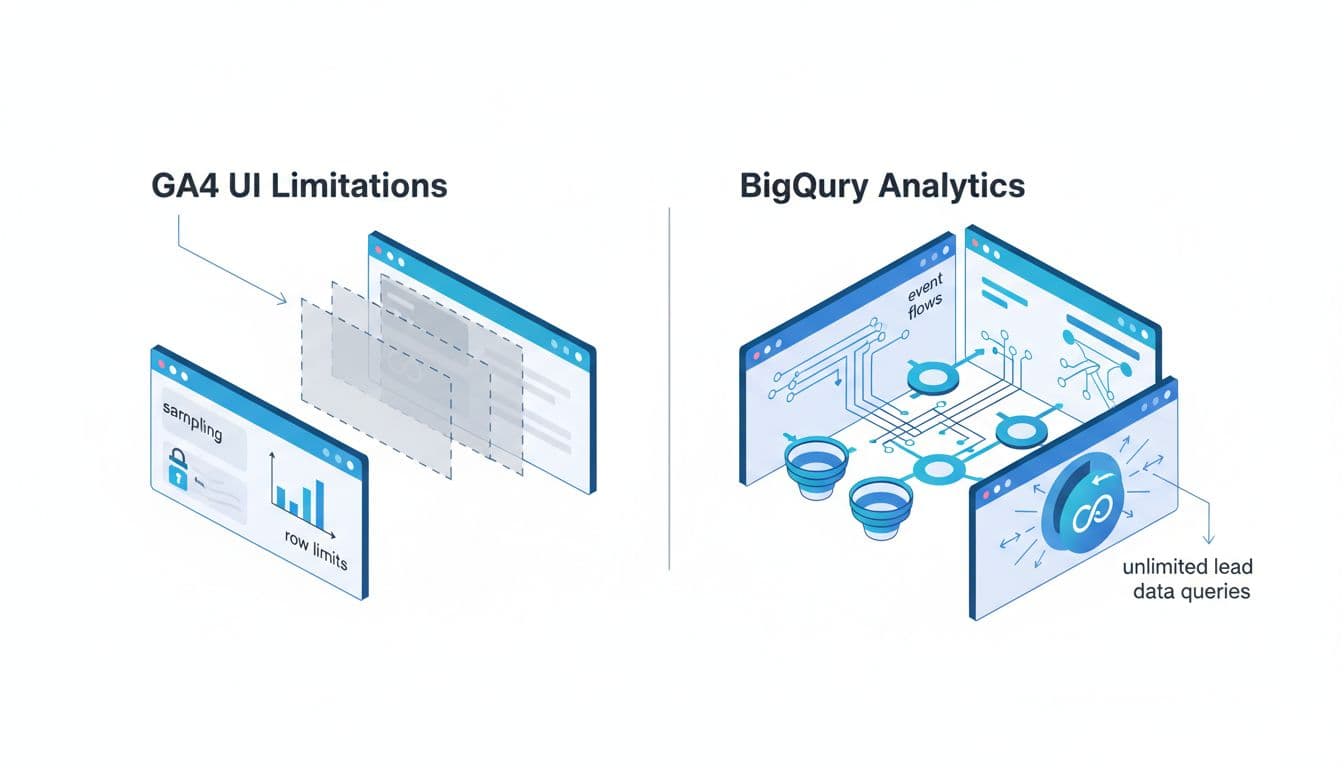
GA4 reports are fine for quick checks. But lead-gen teams rarely stop at “how many conversions did we get?” They need to know which channels created good leads, which landing pages pushed MQLs, and which campaigns produced SQLs or revenue.
BigQuery gives you the raw event stream behind GA4. That means unsampled analysis, custom joins, and long-term history. As of April 2026, the export is still free for all GA4 properties, standard daily export still caps at 1 million events per day, and streaming remains best-effort. For many lead-gen sites, storage and query costs stay modest, often in the $5 to $20 range each month. For setup detail, this complete setup and analysis guide is a useful companion.
A quick comparison makes the gap clear:
| Need | GA4 UI | BigQuery |
|---|---|---|
| Unsampled raw events | Limited | Yes |
| Custom MQL/SQL joins | Hard | Easy |
| Long-term history | Limited by interface views | Keep it as long as you want |
| Complex attribution logic | Limited | Fully custom |
| Offline conversion matching | Minimal | Strong |
The takeaway is simple. GA4 shows what happened on the site. BigQuery helps you connect that behavior to the sales outcome. Before you go deep, make sure your event setup is clean with this GA4 lead tracking checklist.
Setting Up Your GA4 BigQuery Export
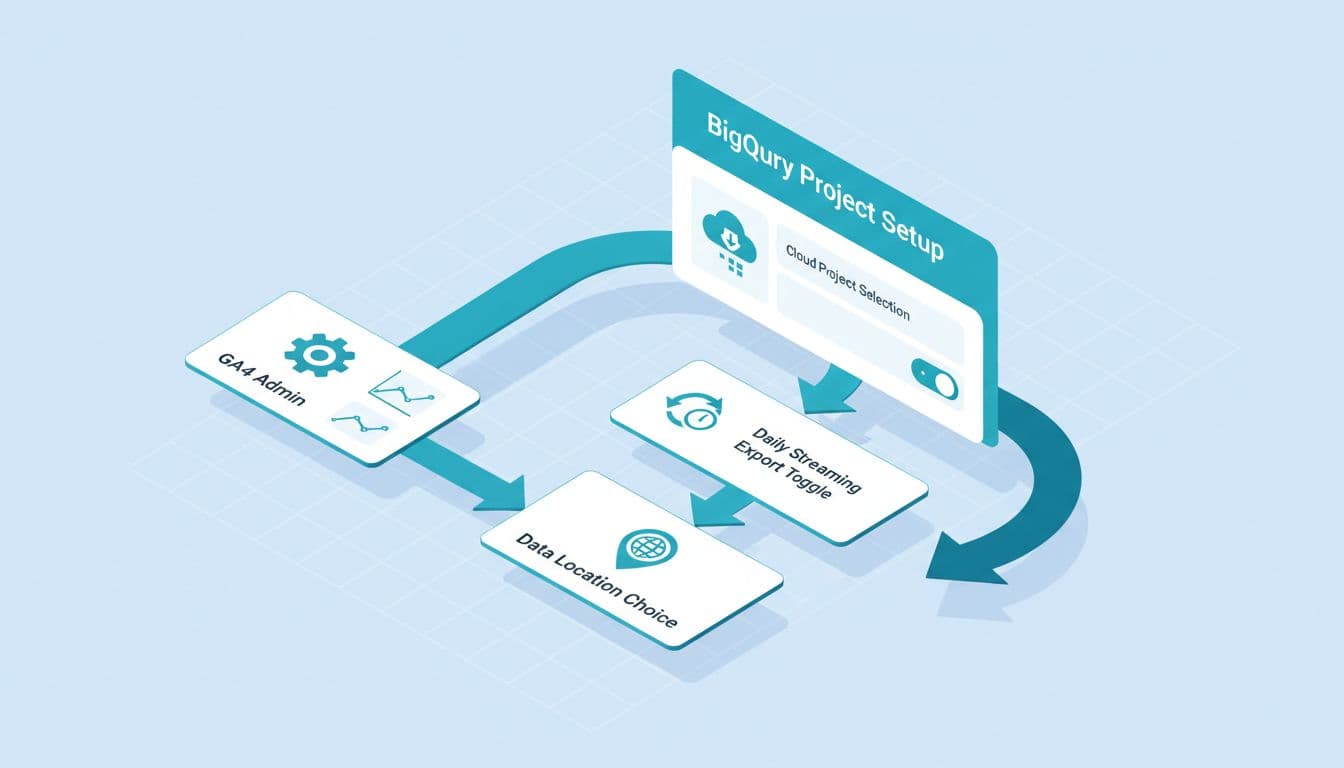
The setup is short, but the timing matters. GA4 does not backfill old data into BigQuery.
Link the export now, because tomorrow’s history starts today.
In GA4, go to Admin, then BigQuery Links. Choose your Google Cloud project, set the right data region, and turn on both daily and streaming export if you need same-day checks. Google Cloud billing must be active, even if your usage stays tiny.
Keep this short checklist in mind:
- Turn on the export as soon as the property is live.
- Use daily tables for reporting, and intraday tables for near-real-time checks.
- Filter queries by
_TABLE_SUFFIXso you don’t scan every table. - Capture UTMs and ad click IDs on forms from day one.
If you want a current walkthrough, this 2026 GA4 setup guide explains the schema and cost basics well. Also, clean campaign naming matters more than most teams expect, so keep a shared UTM governance template 2026 in place.
Essential Queries for Lead Tracking
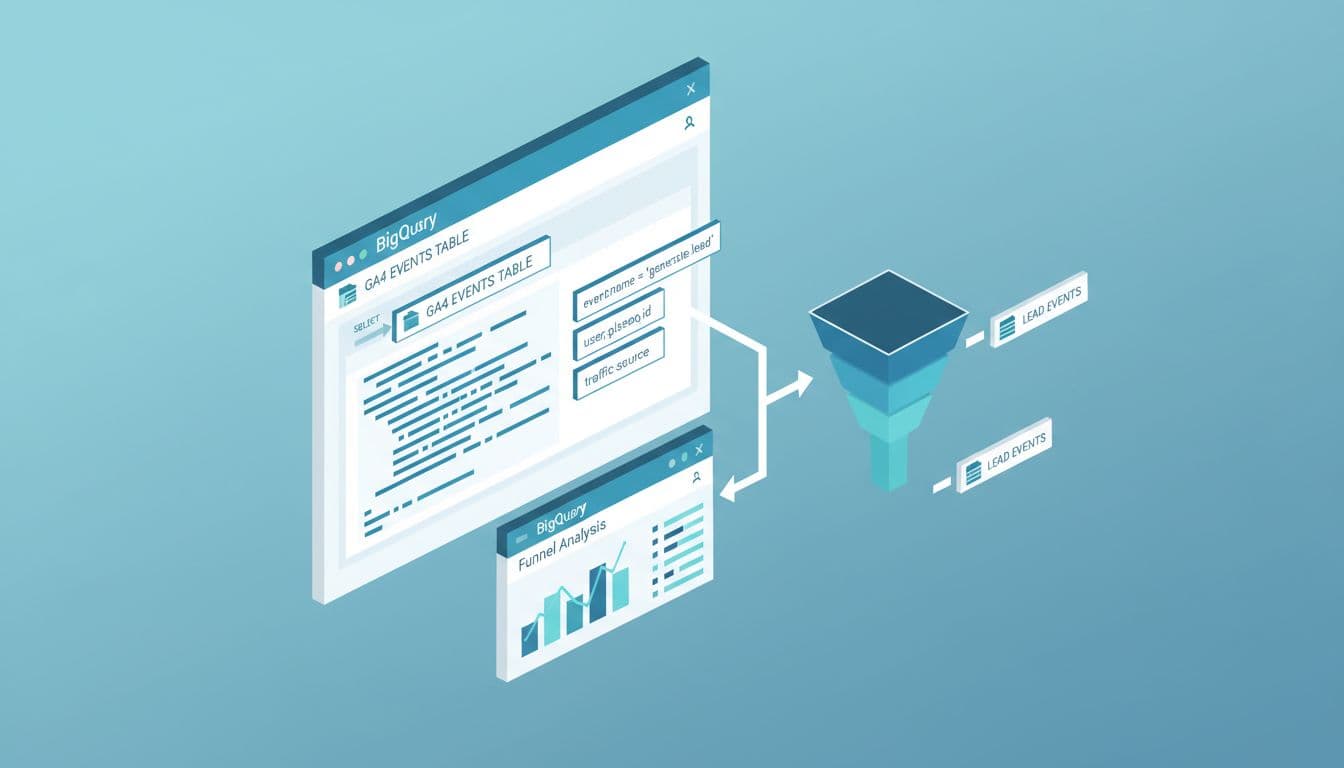
Lead tracking gets better fast once you start with a few useful query patterns. You don’t need a data team to ask better questions.
Start with three basics:
- Count lead events by date and source, for example
COUNTIF(event_name = 'generate_lead')grouped byevent_date,source, andmedium. - Pull landing pages tied to leads by extracting
page_locationand joining it to the same session. - Build a session key from
user_pseudo_idplusga_session_idso you can track the path before the form fill.
These patterns answer common questions that the GA4 UI struggles with. Which organic pages create leads? Which paid campaigns drive repeat visits before conversion? Do chat leads behave differently from form leads?
For lead-gen teams, I also like a simple event map: view_pricing, form_start, generate_lead, book_call, and qualify_lead. That small set is enough to spot friction and intent. If you want more examples, this guide on practical query patterns is worth saving.
MQL and SQL Funnel Analysis in BigQuery
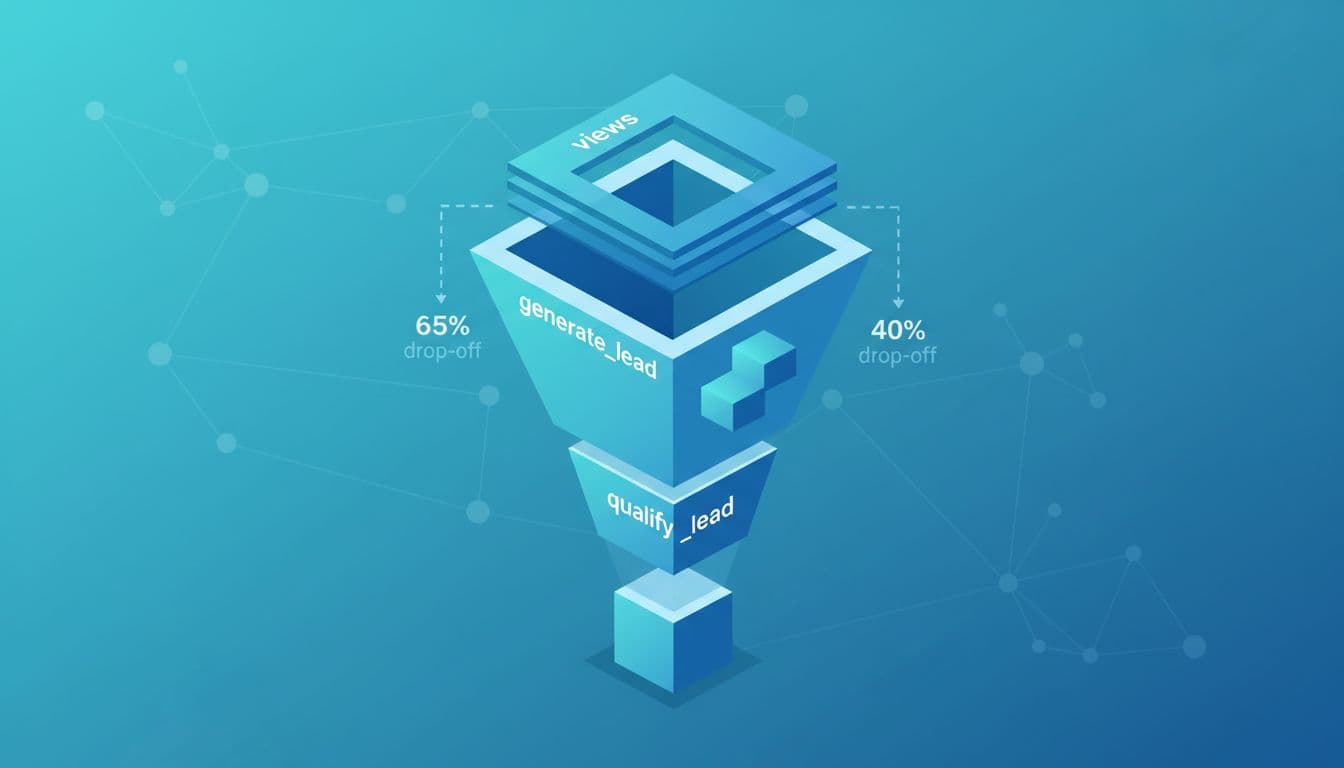
This is where the export starts paying for itself. GA4 can tell you a form was submitted. It usually can’t tell you whether that lead became an MQL or SQL without help from your CRM.
In BigQuery, you can join web activity to CRM stages with a lead ID, user ID, or another reliable key captured at submit. Then you can compare lead quality by channel, campaign, landing page, or even first content touch.
That changes budget decisions. A paid social campaign may create 80 leads, while organic search creates 30. Yet if organic creates 12 SQLs and paid social creates 3, the better channel is obvious. If you’re fixing gaps between analytics and sales records, this GA4 CRM reconciliation guide helps tighten the join.
The same setup also helps teams across DIgital Marketing, SEO, Performance Marketing, Social Media Marketing, and Website Development work from one set of numbers.
Campaign Performance and Attribution Insights

Attribution gets messy when real buyers need days or weeks before they convert. One click rarely tells the full story.
With BigQuery, you can keep both first-touch and latest-touch views, then compare them with SQL outcomes. That helps when SEO starts the journey, branded search closes it, and retargeting sits in the middle. It also helps when Social Media Marketing produces soft leads while paid search produces fewer but stronger ones.
A practical model is to store first-touch UTMs once, refresh latest-touch UTMs at each conversion point, and keep gclid as a backup key for paid matching. Then build reports around cost per lead, cost per MQL, and cost per SQL, not only top-line conversion count.
Offline Conversions and CRM Enrichment
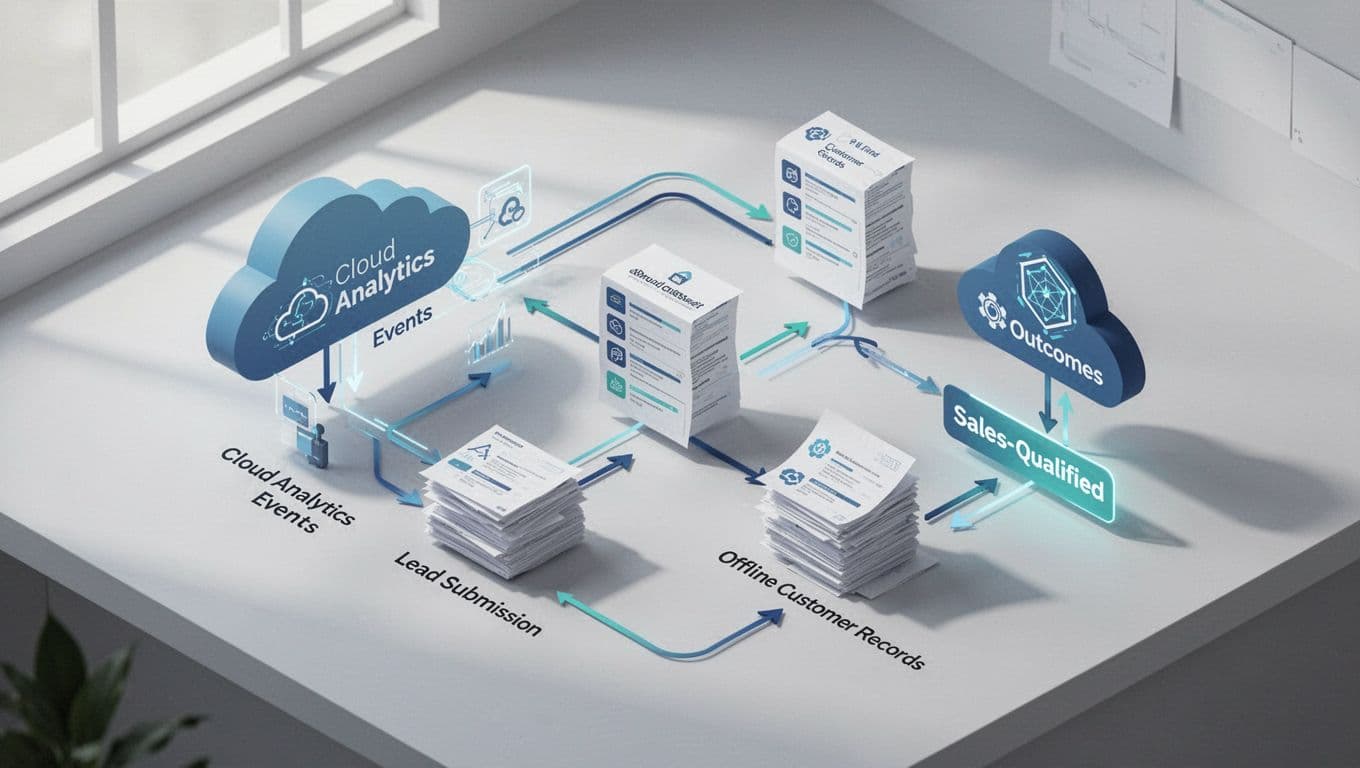
Many sales outcomes happen away from the website. Calls are answered, demos are booked, and deals move in the CRM days later. If those milestones never come back into your reporting, campaign performance looks flatter than it is.
BigQuery fixes that by joining GA4 events with offline records such as MQL accepted, SQL created, opportunity opened, and closed won. In April 2026, Google Cloud also kept expanding transfer options between warehouses and databases, which makes these joins easier when your CRM or sales data lives outside GA4.
Use daily export for trusted reporting. Use intraday data for monitoring, not final totals.
If your team wants help setting up the joins, event plan, or reporting model, Get In Touch With Us for a practical build-out.
Conclusion
Lead gen teams don’t need more dashboards. They need clean joins between web behavior and sales outcomes.
Once your GA4 data lands in BigQuery, you can track what created the lead, what qualified it, and what drove revenue. That makes reporting calmer, budget calls sharper, and growth easier to trust.