Every wasted click from the wrong town feels like paying for a service call you'll never book. That's why Google Ads location targeting matters even more in 2026.
Google keeps adding automation, and that can widen reach fast. Still, local service businesses win by matching campaigns to real service areas, drive times, and job value. Start with the map, then build the campaign around it.
Why Precise Location Targeting Saves Your Ad Budget

The best account map should look a lot like your dispatch board. If your team covers 12 ZIP codes well, don't target 40 because they're nearby.
Broad targeting often brings cheap clicks and weak leads. Many accounts still lose money through common location setting mistakes. A roofer who only works west of town shouldn't pay for east-side storm searches.
Your ads also work better when the landing page matches the area you target. That's one reason local SEO services for businesses often support paid traffic so well. The message stays consistent, and the lead feels like a fit from the first click.
Core Setup for Google Ads Location Targeting
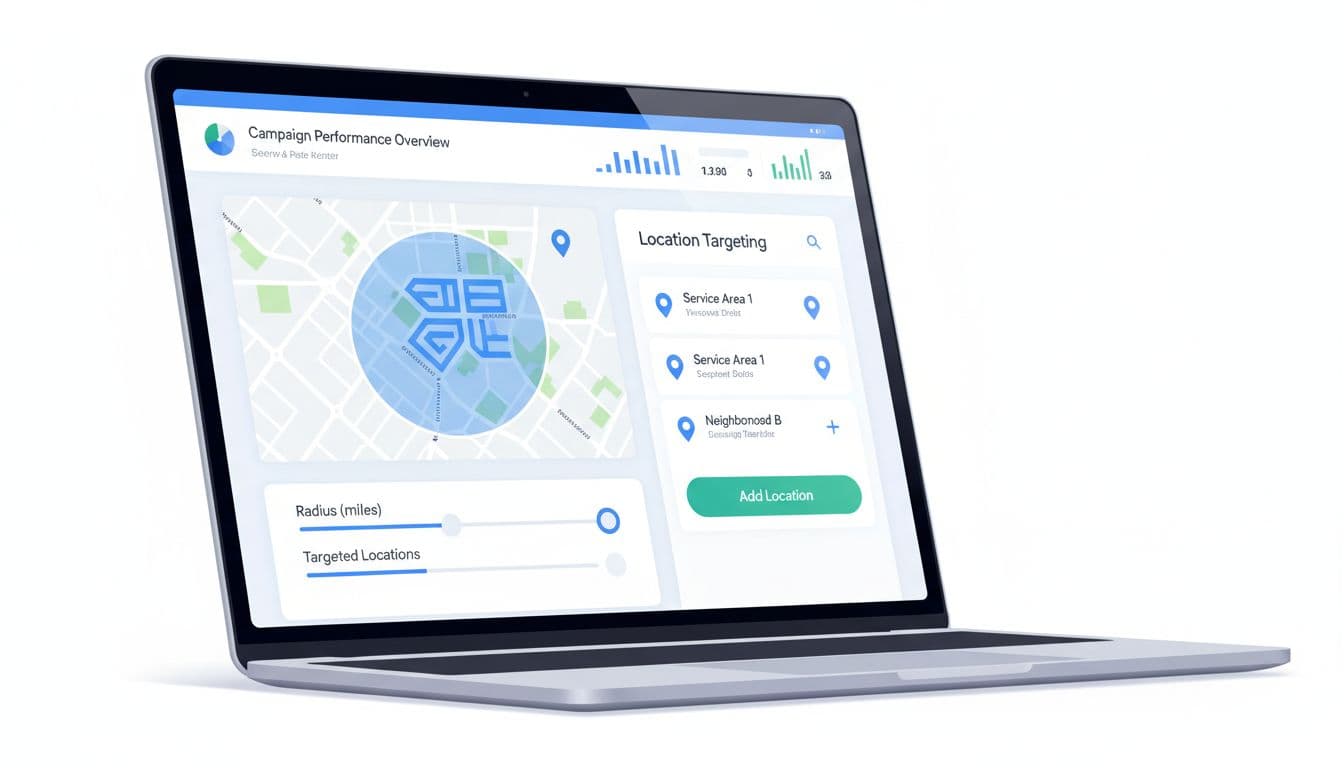
For most service brands, simple beats fancy. Build campaigns around service zones, not whole states or oversized metro areas.
A strong starting setup looks like this:
- Split areas by value: Keep high-margin suburbs separate from low-margin zones or dense city cores.
- Keep lead-gen reach tight: Start with people in, or regularly in, your service area. Test interest-based reach in a separate campaign.
- Add exclusions early: Remove cities, counties, or ZIP codes where drive time, permit limits, or low close rates hurt profit.
This structure makes reporting clearer, too. If the account itself needs cleanup, this guide to Google Ads campaign structure for qualified leads pairs well with a location reset.
Radius Targeting vs. City Targeting: Pick the Right One
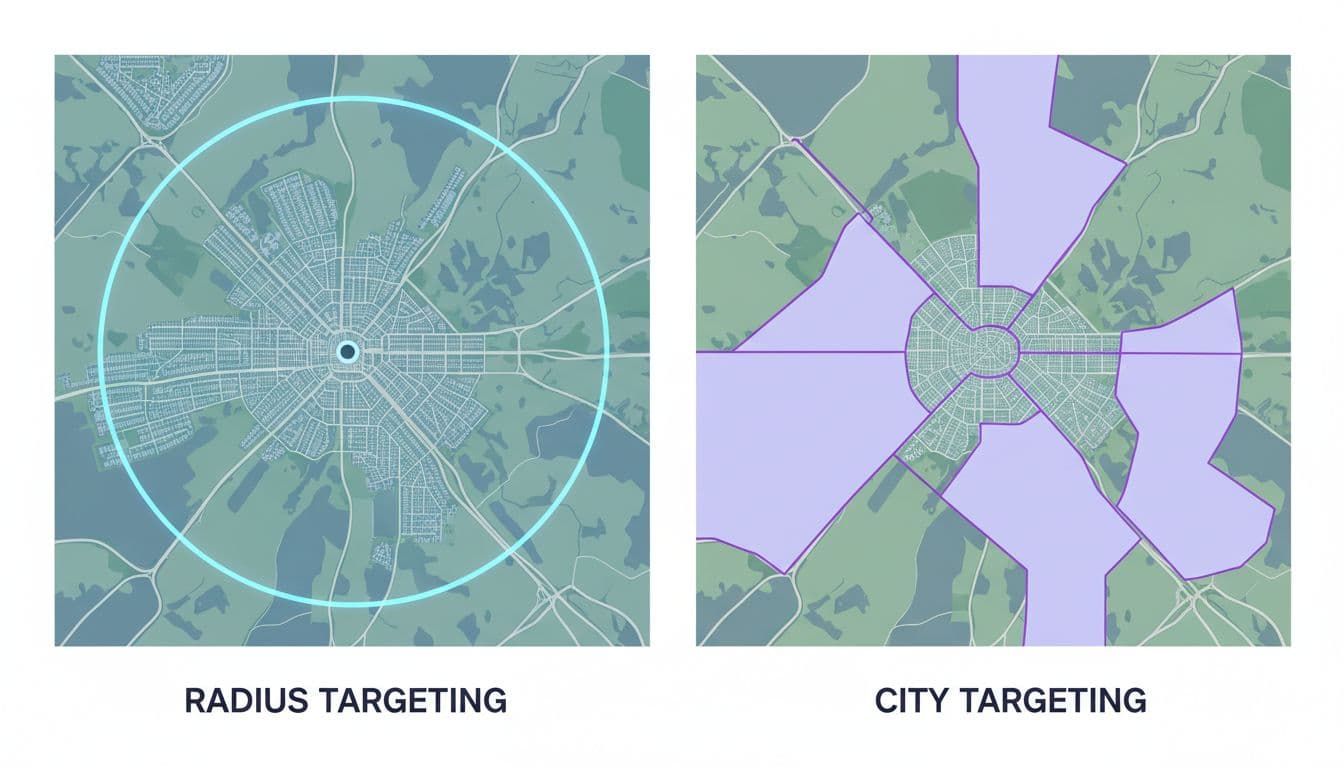
Use this quick guide when you're choosing between radius and city targeting.
| Option | Best fit | Watch out for |
|---|---|---|
| Radius | One hub, predictable drive times | Circles cross rivers, traffic, and weak neighborhoods |
| City | People search city names, legal borders matter | Misses nearby areas outside city limits |
| Both | Multi-city service businesses | Overlap can hide poor-performing pockets |
Radius targeting works best when crews leave from one base. City targeting works best when your ads and landing pages use city terms, for example, “HVAC repair in Naperville.”
Another practical take on how location targeting drives high-value local leads makes the same point. The map isn't the market. Travel time, local search habits, and job quality matter more than a neat circle.
Advanced Options: Geo-Fencing and Location Exclusions
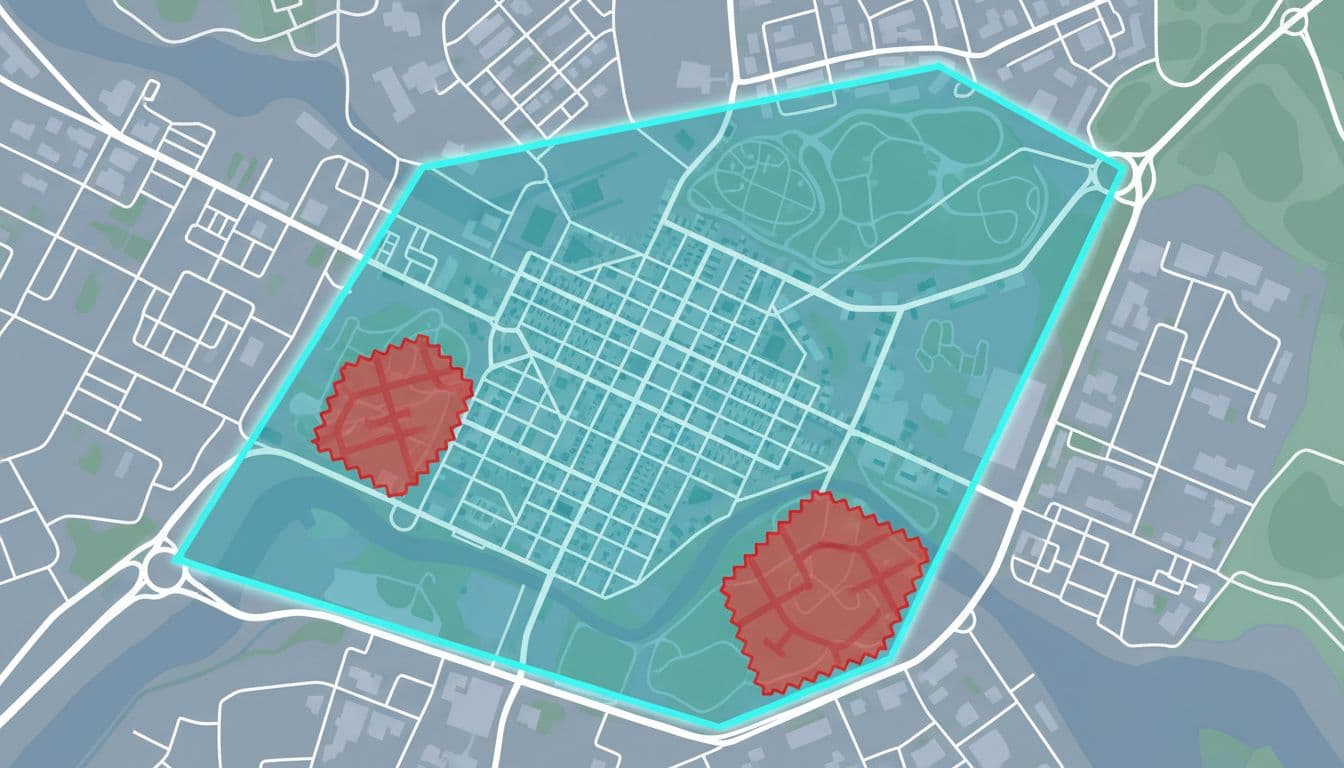
Most service businesses don't need true geo-fencing. In Google Ads, tight location targets plus smart exclusions usually do the heavy lifting.
That means cutting areas that look close on a map but don't work in real life. Think toll-heavy routes, licensing limits, mountain roads, hard-to-park downtown pockets, or neighborhoods where close rates stay poor. Those clicks can drain budget even when cost per click looks fine.
If a lead can't be booked at a profit, that location doesn't belong in the campaign.
Think like a dispatcher, not a tourist. If the crew hates the drive and the margin is thin, cut the area and move budget where jobs close faster.
2026 Updates You Need to Use Now
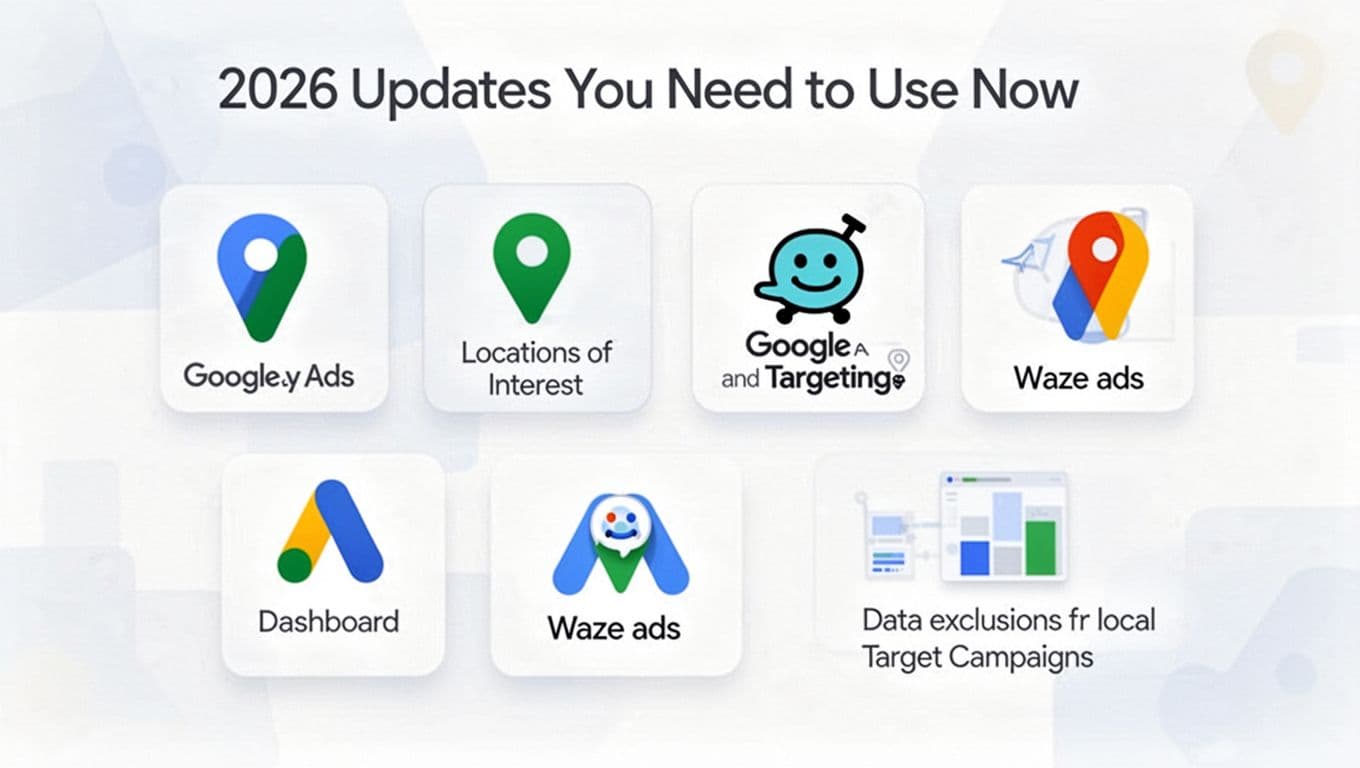
In March 2026, Google is pushing harder into AI-assisted reach. The biggest location change is Locations of Interest inside AI Max for Search. It helps you reach people searching for your area, even if they aren't there yet.
That can work for movers, attorneys, or contractors booking jobs before a customer arrives. Still, keep it in a separate test campaign so it doesn't muddy local lead quality.
Store-focused Performance Max campaigns can also place promoted locations on Waze in the U.S. That fits dentists, clinics, and showrooms better than in-home-only service brands. Google has also expanded data exclusions in PMax, which gives advertisers more control over audience overlap by location. For a wider view, see these Google Ads tips for 2026.
Track and Optimize for Better Leads
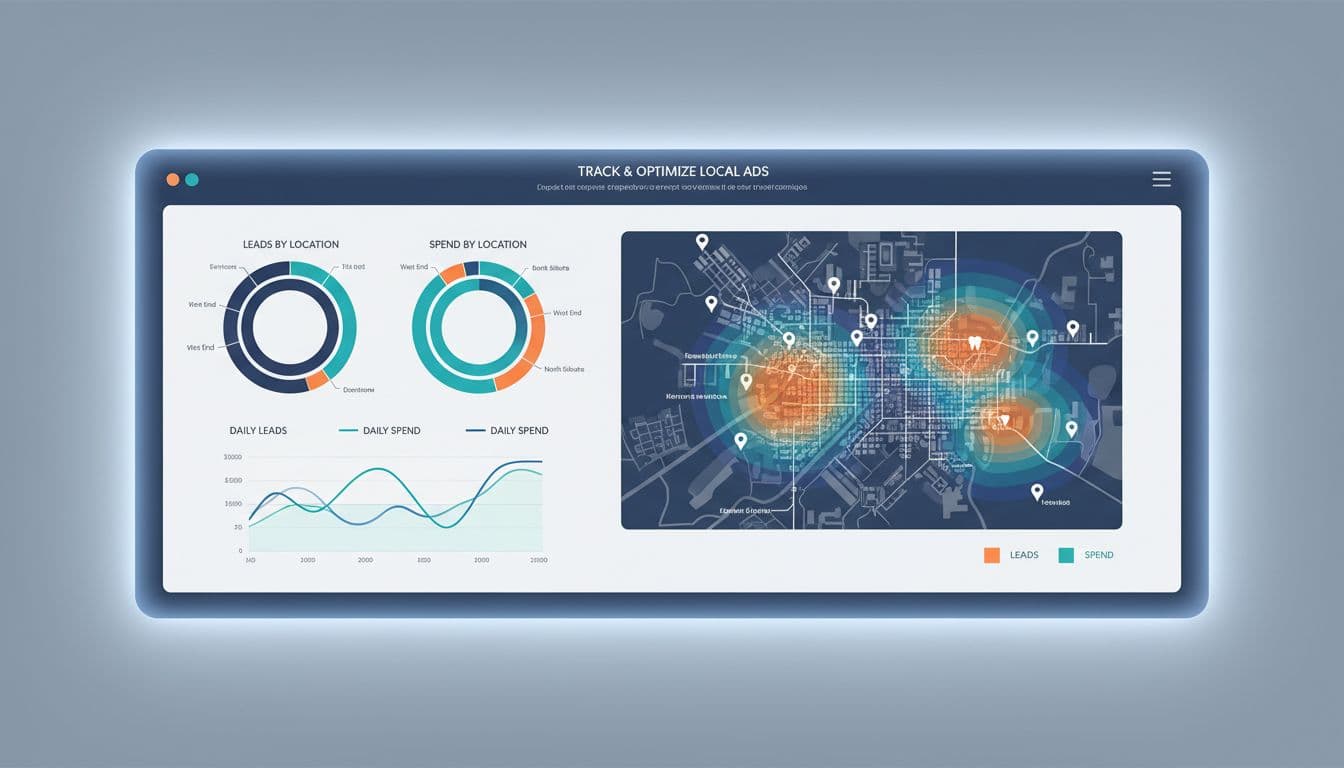
Click-through rate won't tell you whether a ZIP code deserves budget. Track calls answered, booked jobs, cost per qualified lead, and close rate by location.
Review these every week:
- Search terms by area: Use search terms mining for Google Ads to spot strong city and neighborhood intent.
- Lead quality by location: Compare spam, price shoppers, and booked jobs.
- Spend versus travel cost: Pause areas that look good in-platform but hurt margin in real life.
In 2026, the best optimization often comes from removing areas, not adding them. Good accounts grow because the map gets smarter over time.
Good Google Ads location targeting isn't about reaching more map pins. It's about matching spend to the places where your team can win fast and profitably.
Tighten the map, review location data every week, and let lead quality decide where the next dollar goes. Great local PPC starts with an honest service area.