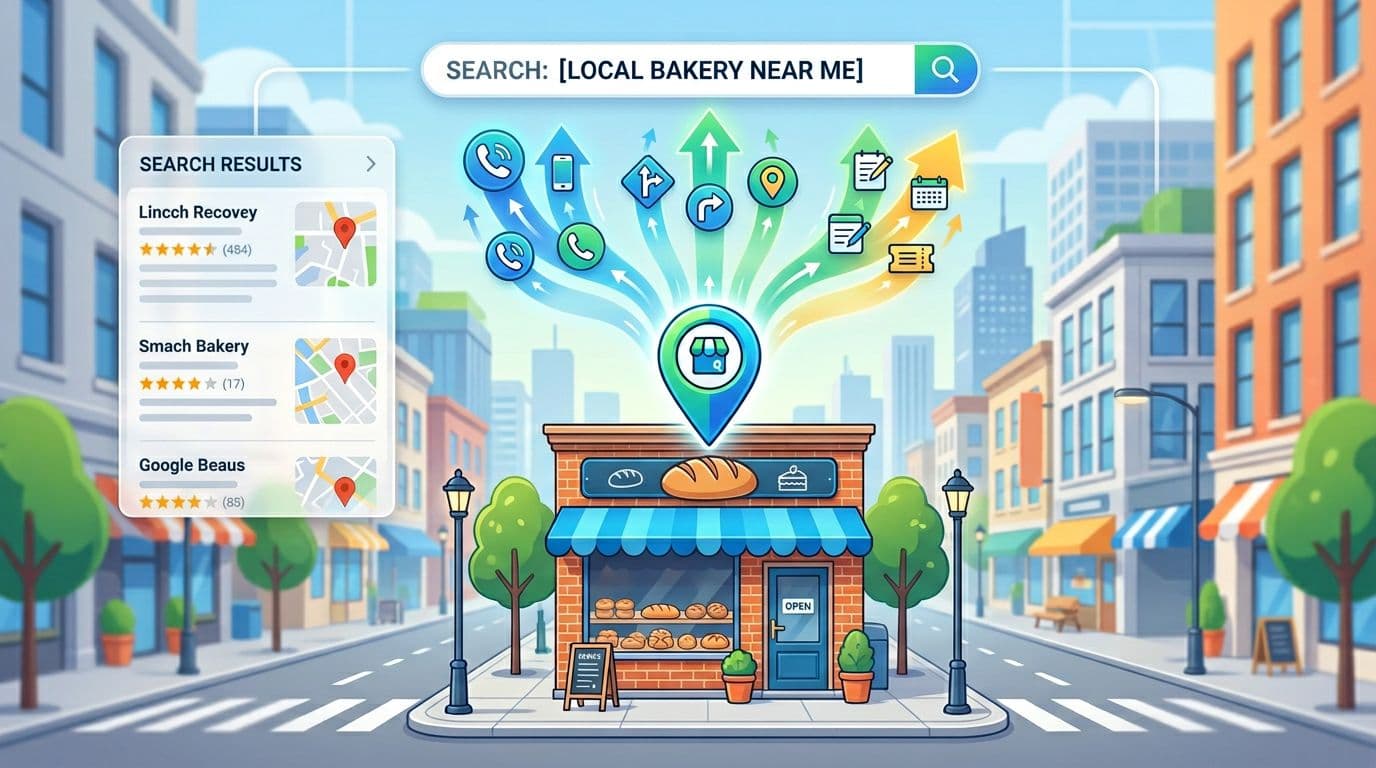
AI image prompt: Local storefront with a map pin and lead actions flowing from search.
If your Google Business Profile feels “fine,” it might still be leaking leads. In 2026, a profile can look complete but still fail to trigger calls, messages, and bookings.
That's why google business profile optimization is less about filling boxes and more about removing friction. Your goal is simple: when someone finds you on Google Maps, they should know you're the right choice, and they should have one clear next step to improve local search results and boost your local ranking.
Google also leans harder on on-profile content now. March 2026 updates highlight AI-assisted Q&A, stronger review tools, easier booking connections, and multi-location post scheduling. In other words, your profile isn't a directory listing anymore, it's a mini sales page.
Claim, verify, and protect your Google Business Profile from sudden shutdowns
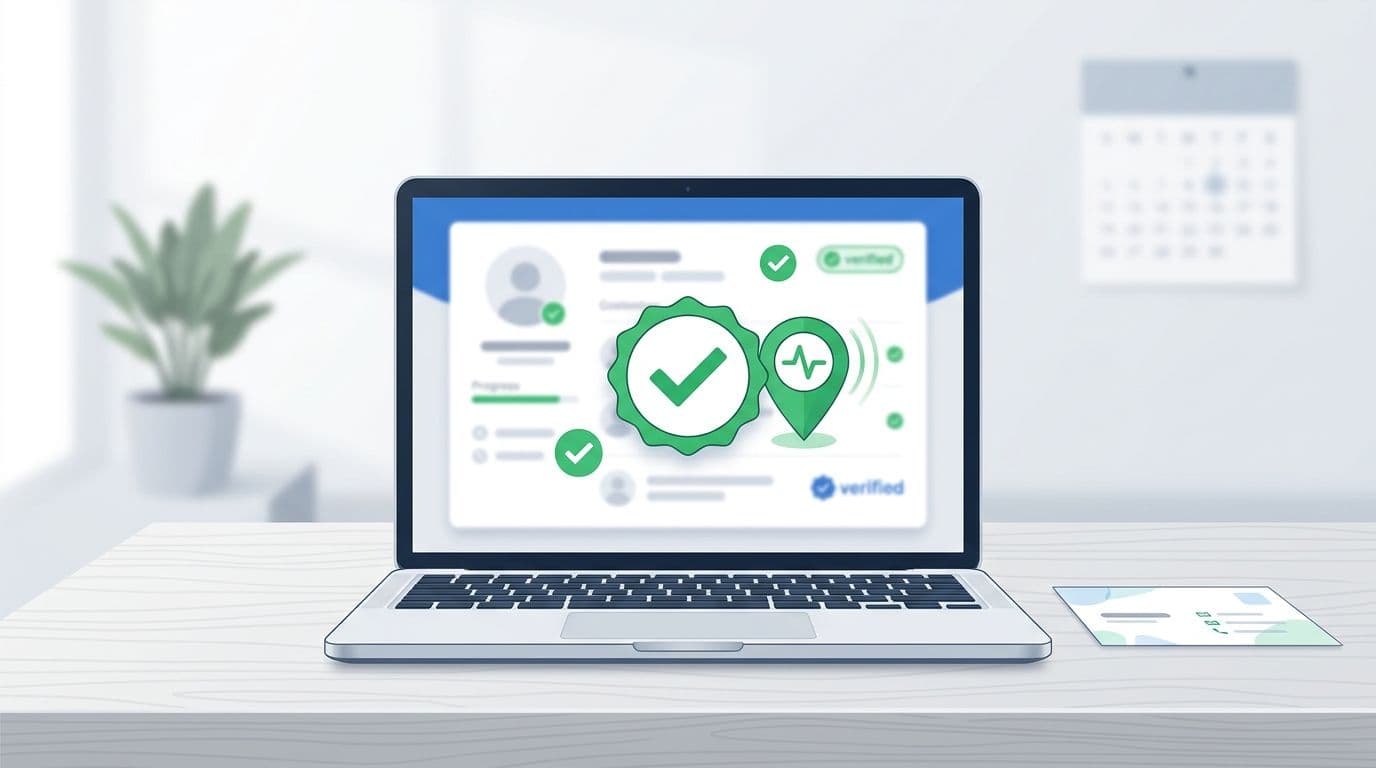
AI image prompt: Laptop scene showing verification success with a checkmark and map pin.
First, lock down ownership. Use one Google account for admin access, then add staff as managers. That way, you won't lose control when someone leaves.
Next, verify and double-check your business information and contact information, because 2026's AI-powered Q&A can pull answers from your Google Business Profile and reviews. Bad inputs create bad answers. Maintaining a verified Google Business Profile is critical for appearing in local search results and avoiding revenue-impacting suspensions.
Avoid the fastest way to get suspended: changing your business name to include extra locations or services. Keep the name exactly like your signage and legal brand.
A suspended Google Business Profile isn't an SEO issue, it's a revenue issue. Treat edits like you'd treat a change to your bank account.
If you want a second set of eyes, compare your setup to a current checklist like this Google Business Profile optimization checklist for 2026.
Field-by-field setup that drives calls, messages, and bookings
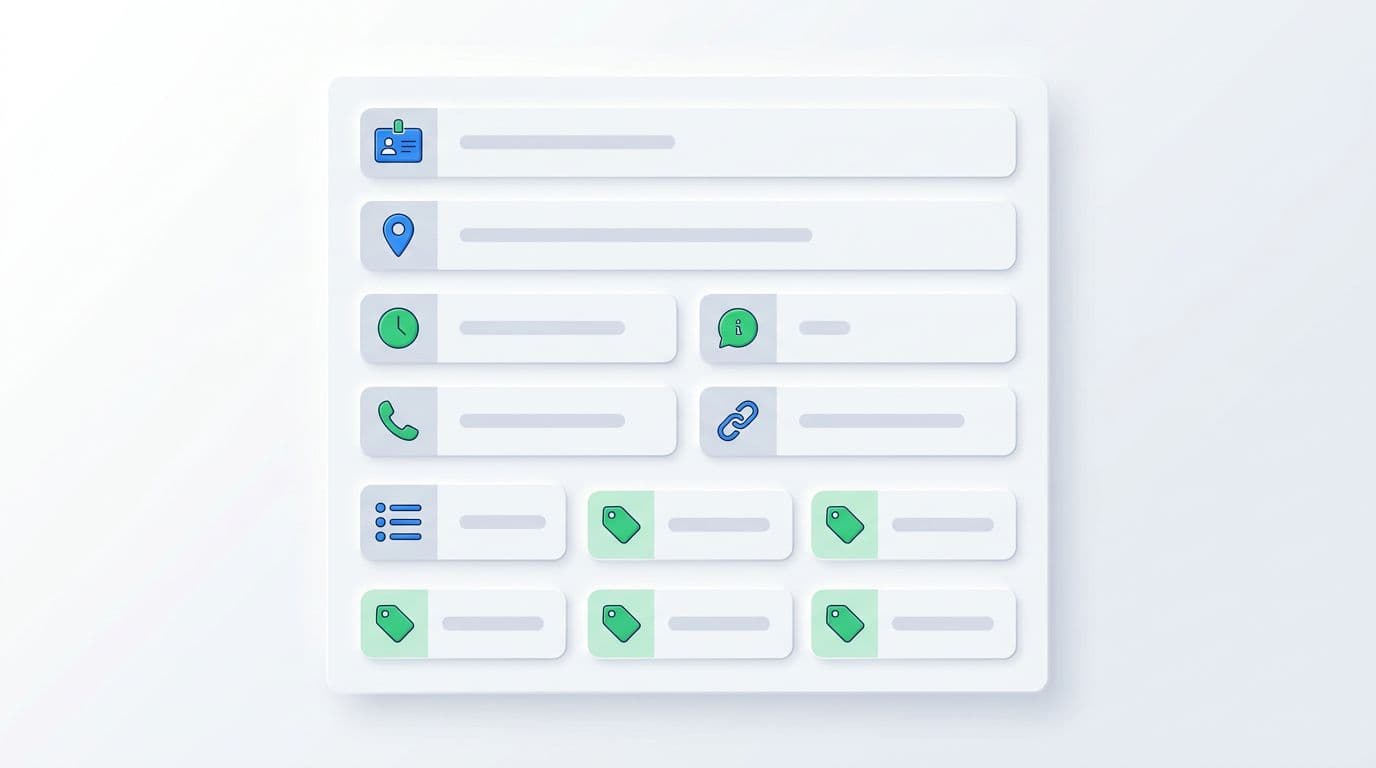
AI image prompt: Organized profile fields dashboard with icons for categories, services, and contact info.
Think of each field as a shelf label in a store. When labels are clear, shoppers buy faster. When fields are vague, they wander to a competitor.
Use this field-by-field checklist:
- Primary category: Choose what you are, not what you sell sometimes (for example, “Plumber,” not “Home Services”).
- Secondary categories: Add only true services you deliver daily.
- Services: Create service items that match how customers ask (examples: “Emergency drain cleaning,” “AC installation,” “Same-day pest control”).
- Business description (lead-gen text field): Lead with location + core outcome + proof (years, warranty, licensing), then end with a direct CTA.
- Appointment / booking link: Point to a page that loads fast and has one action.
- Attributes: Add payment types, accessibility, and service options (on-site, online estimates, same-day).
- Service areas (if relevant): Use real coverage zones, not a huge radius “just in case.”
Relevance (from matching categories and services), proximity (from location and service areas), and business information (from complete fields) influence your position in the map pack on Google Maps. Optimize your Google Business Profile with this checklist for top local visibility.
For a practical example of how local demand translates into real leads, skim this pet grooming local SEO case study.
Photos and Videos, Google Posts, and 2026 Features that Lift Click-Through Rate
AI image prompt: Camera uploading media to a profile card with post bubbles and an upward graph.
In 2026, “activity signals” matter more because many searches end without a website click. Your photos and videos and Google posts do the selling in the results page. Active Google Business Profiles appear more often in discovery searches and Google Maps, which directly lifts your local ranking.
Start with photos and videos that answer buyer questions quickly: exterior (day and night), interior, team at work, before-and-after, and your most popular service in action. Add short videos too, even simple walk-throughs.
Use Google posts weekly. Google guidance shared in March 2026 notes that posts expire after 7 days, so silence looks like neglect. For franchises, multi-location scheduling is a key 2026 feature that makes weekly updates realistic across every branch.
Also watch for newer options you can turn on when available for your category:
- Smart menu management (great for restaurants and service lists shown as menus)
- AR store tours (helpful when your space is part of the decision)
- Direct booking and shopping connections (reduce steps to purchase)
For extra ideas, see these Google Business Profile optimization best practices.
Reviews, Q&A, and messaging that turn map views into leads

AI image prompt: Star ratings, Q&A checkmarks, and trust elements around a profile card.
Customer reviews are your loudest social proof in the local pack. Ask at the moment of success, not days later. A simple SMS or email works best, and you should route it to the exact customer review link for that location.
Reply to every customer review. Keep it short, mention the service, and invite the next step (call, message, or booking). For negative reviews, acknowledge, clarify, then move it offline. High-quality customer reviews also build prominence in the local pack on Google Maps.
March 2026 updates also mention stronger review moderation tools, so report fake or off-topic reviews from the Google Business Profile dashboard instead of starting an endless public argument.
Finally, don't ignore Q&A section and messaging. With AI-assisted Q&A rolling out, you should seed your own questions and answer them using your real policies:
- Pricing ranges (when possible)
- Service area and response times
- Booking rules and deposits
- Warranty, refunds, or rework policy
If you want another checklist angle, this 2026 optimization checklist has a solid rundown of engagement areas (posts, reviews, and Q&A).
Tracking local leads: UTMs, conversions, KPIs, and a monthly workflow
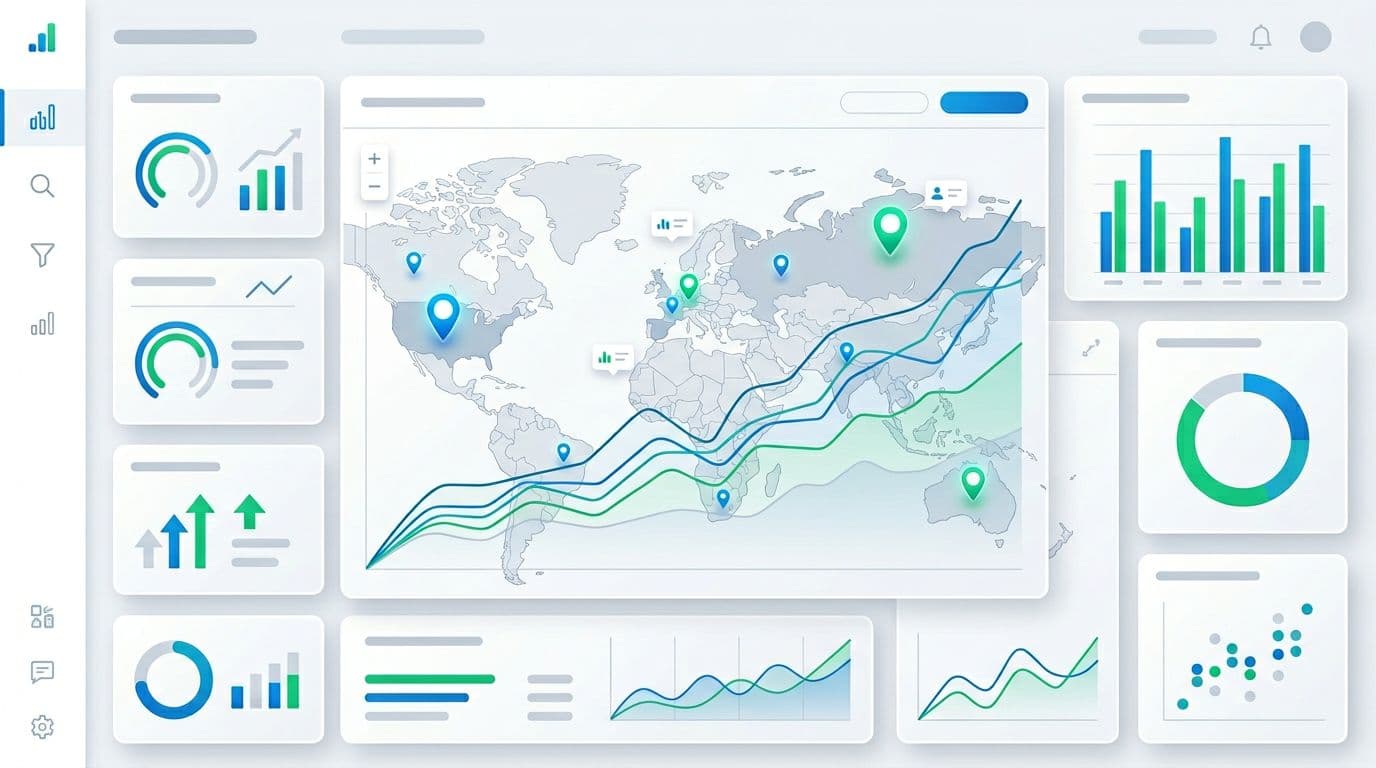
AI image prompt: Local SEO analytics dashboard with KPIs, charts, and map pins.
If you can't measure leads, you'll end up chasing vanity metrics. Implement UTM tracking on every profile link you control (website, appointment, menu, order). Keep the template consistent, for example:
?utm_source=google&utm_medium=organic&utm_campaign=gbp&utm_content=website
For conversion tracking, aim for signals that match real leads:
- Call clicks from mobile (plus call tracking numbers if you use them)
- Form submits on your booking page
- Clicks to chat or message (if your platform supports event tracking)
- Direction requests as a proxy for visits (especially for retail)
Use this KPI table as your monthly scorecard for local SEO and local ranking:
| KPI | Where to check | Why it matters |
|---|---|---|
| Calls | GBP performance, call logs | Highest-intent lead type |
| Messages | GBP messaging | Captures “not ready to call” leads |
| Website clicks | GBP + analytics UTMs | Shows branded search demand and offer fit |
| Direction requests | GBP performance | Strong visit intent |
| Review volume and rating | GBP reviews | Impacts trust, conversion, and local ranking |
| Top queries | GBP performance | Tells you what to emphasize |
Run this monthly workflow to keep momentum without living inside GBP (formerly Google My Business):
- Review performance trends and local ranking, compare to last month.
- Add 5 to 10 new photos and videos, remove outdated ones.
- Publish 4 posts (1 per week), reuse the best offer.
- Request customer reviews from the past month's happy customers.
- Update services, hours, attributes, business description, and contact information for seasonality.
- Audit Q&A, approve or edit AI-suggested answers.
If your site also needs to convert that traffic better, pair GBP work with on-site improvements through focused SEO services.
Strong google business profile optimization isn't complicated, it's consistent. Make the profile accurate, make it active, make it easy to contact you, then measure leads like a business owner. When your listing does the talking, your phone rings even when you're busy doing the work.