Google Business Profile Q&A Strategy for More Local Leads in 2026
A local lead often starts with a tiny moment. Someone opens your profile, spots a question, and decides whether to call or keep scrolling.
That’s why Google Business Profile Q&A matters so much in 2026. It’s part FAQ, part sales desk, and part reputation signal, all sitting inside Google Search and Maps. When you manage it well, profile views turn into calls, form fills, and visits. When you ignore it, strangers can shape the conversation for you.
Why Google Business Profile Q&A Drives Local Leads Now
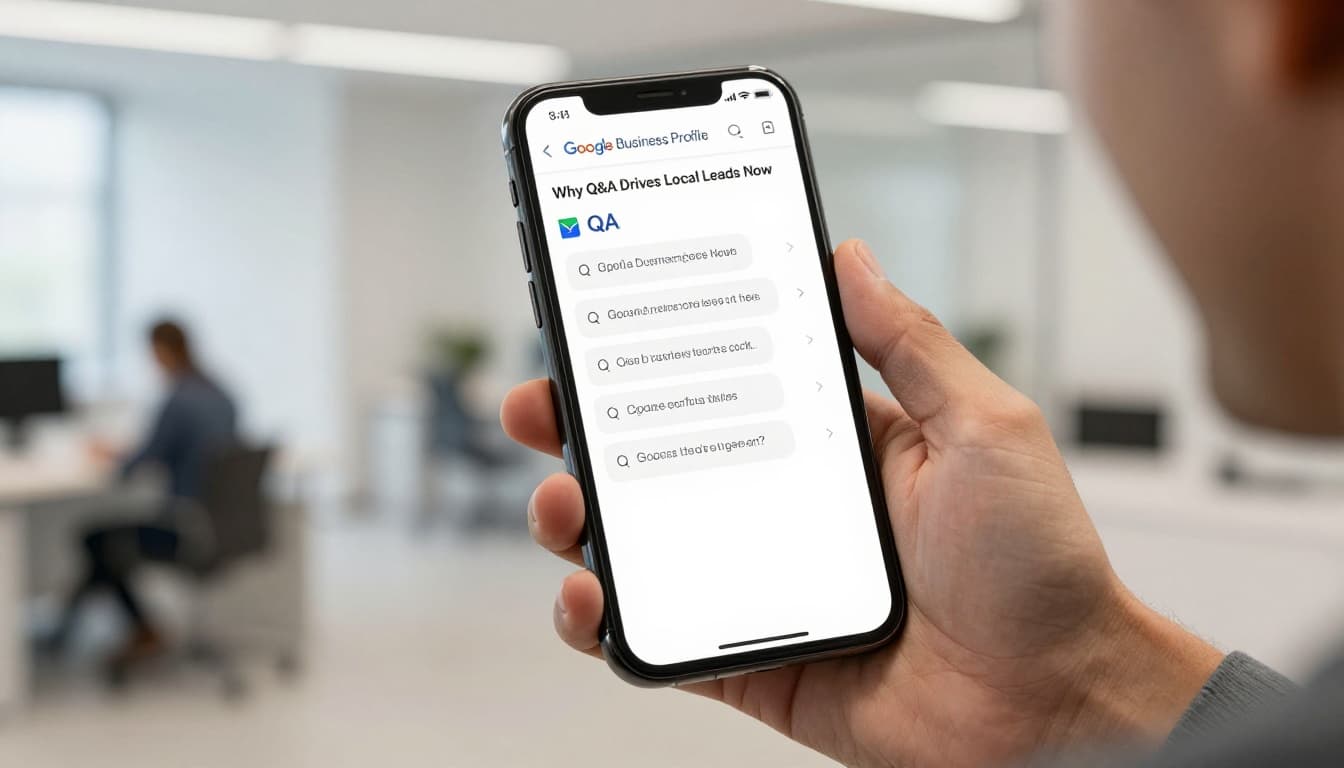
Think of Q&A as the front desk of your listing. People ask about parking, pricing, wait times, service areas, or same-day help. If they get a clear answer fast, trust rises. If they see silence, doubt moves in.
That matters even more now because Google’s AI can suggest answers based on your website and business details. In other words, weak or outdated site content can echo back into your profile. A strong Google Business Profile optimization guide helps keep those facts aligned.
Speed also matters. A reply within 24 hours shows your business is active. It also keeps random users from becoming the loudest voice on your profile.
According to Reputation’s Q&A best practices, this section can directly support trust and conversion because many searchers never visit a website before choosing a business. They decide right on the results page.
A simple example proves the point. If someone asks, “Do you offer emergency drain cleaning tonight?” and your answer says, “Yes, we handle after-hours calls in North Dallas until 10 PM, call now for dispatch,” that’s not just support. That’s lead capture.
Set Up Your Q&A for Maximum Impact

First, turn on alerts. If your team doesn’t see new questions quickly, you’ll miss the short window where intent is hottest.
Next, assign ownership. One person should monitor daily, but every location should have approved answers for common topics. Multi-location brands often lose leads here because every branch answers in a different tone, or worse, not at all.
Keep your source facts clean. Update services, hours, booking rules, and service areas on both your site and profile. If your website says “walk-ins welcome” but your front desk now works by appointment, your Q&A can create friction instead of leads.
A monthly GBP optimization checklist helps prevent that drift. It’s the small mismatches that hurt most.
Outside observers have seen the same shift. This 2026 Q&A update guide notes that Q&A may feel less visible to users than before, yet it still matters because AI systems can pull from it when summarizing local businesses.
One more rule matters here: answer on Google itself. Don’t force people to hunt through your site for basic facts. If they ask about payment methods or kid-friendly appointments, give the answer right there, then offer one simple next step.
Craft Answers That Turn Questions Into Customers
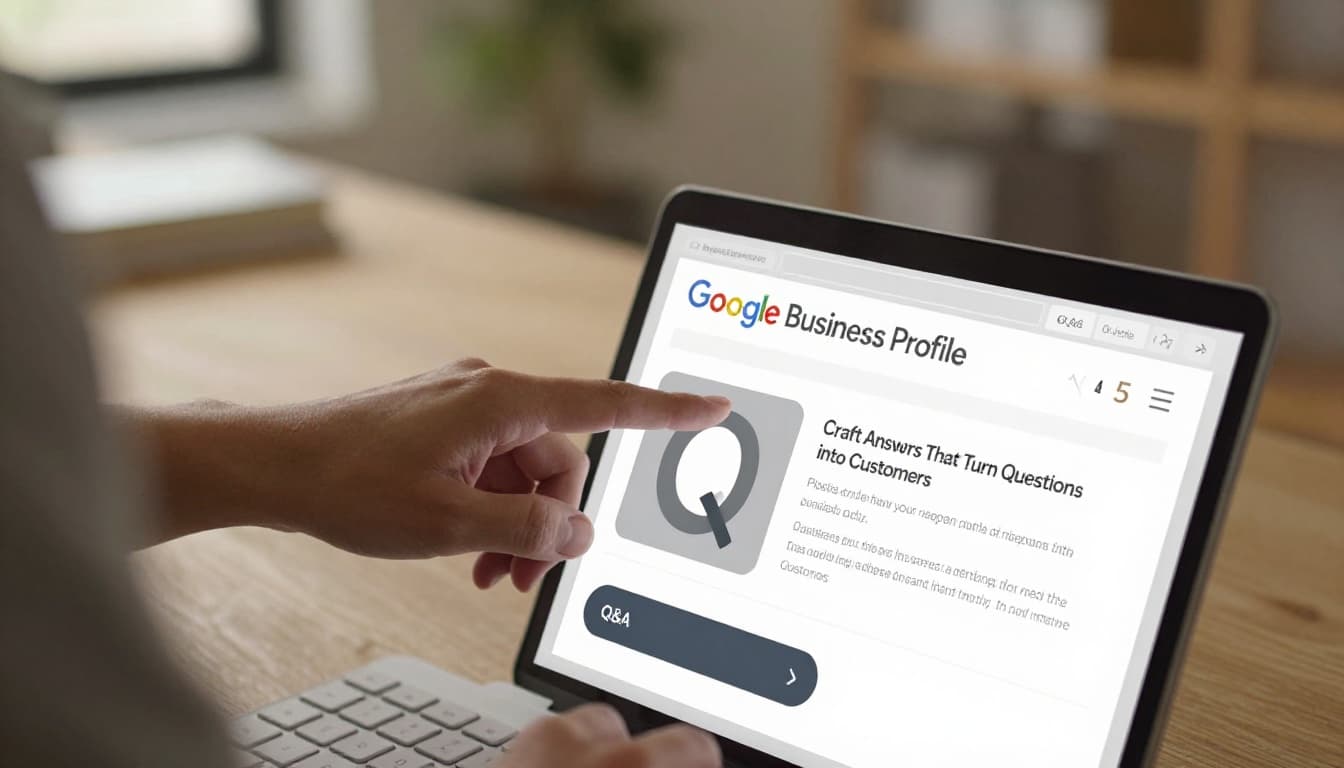
The best answers are short, direct, and useful. Don’t write like a brochure. Write like a good front desk manager.
Start with the plain answer. Then add one detail that reduces doubt. Finish with one clear action, such as call, book, message, or visit.
Answer the question on Google first, then give one easy next step.
This quick format works well:
| Question type | What your answer should include | Best next step |
|---|---|---|
| Price | Starting range, what affects cost | Call for exact quote |
| Availability | Same-day, next opening, response time | Book now |
| Service area | City, neighborhood, travel limits | Confirm address |
The takeaway is simple: remove friction. A good answer saves the searcher one extra step.
For example, “Yes, we repair cracked screens. Most jobs are finished the same day, and pricing starts at $89 depending on model. Call now to confirm stock.” That answer handles doubt, timing, and action in one shot.
If a customer answers first, don’t ignore it. Thank them, then add the official detail. That shows you’re engaged while keeping the information accurate.
Seed Smart Questions to Guide Searchers
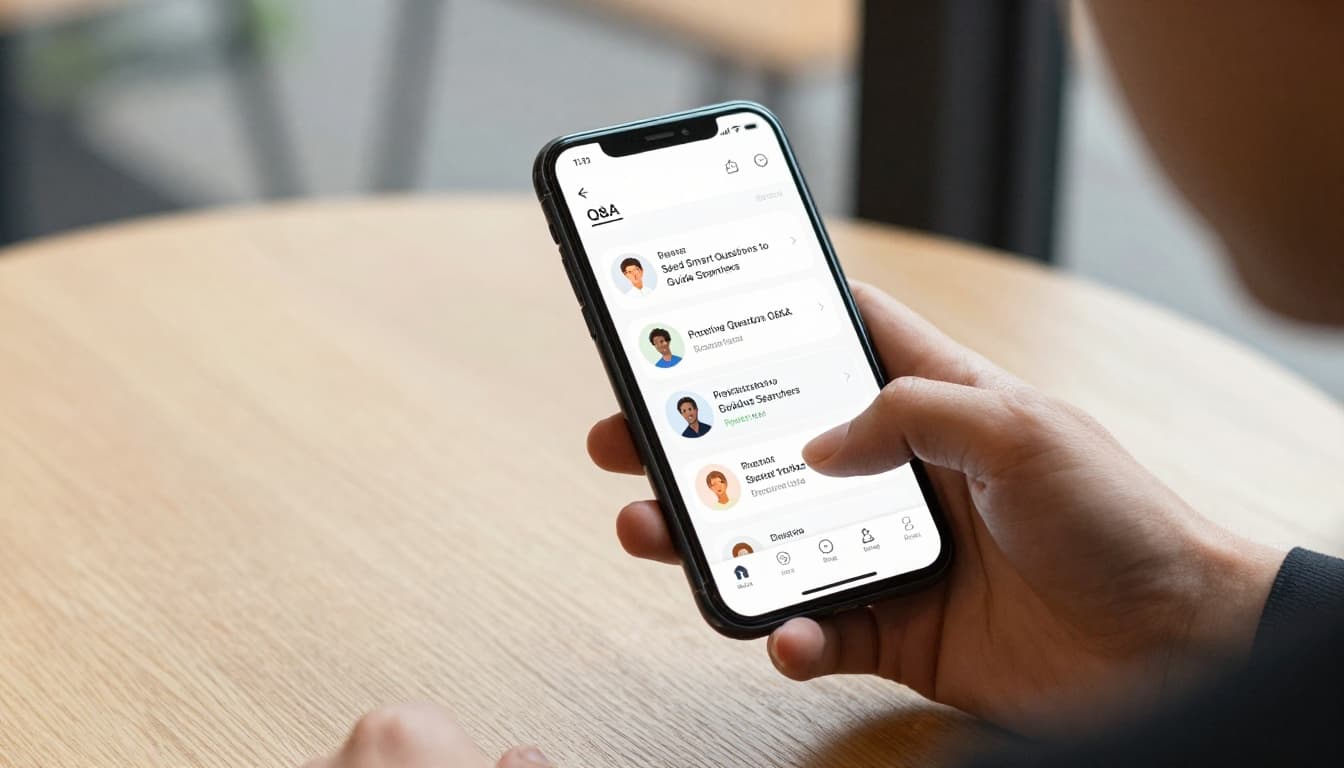
You don’t have to wait for the public to ask the best questions. In fact, you shouldn’t.
A smart Google Business Profile Q&A strategy includes seeding your own FAQs with a personal account, then answering them as the business. Use real questions from calls, chats, reviews, and intake forms. Your local SEO keyword research template can also surface the wording people use in local searches.
Write questions the way people actually speak. “Do you fix iPhones while I wait?” works better than “mobile device repair turnaround policy.”
Seed topics that move leads forward, such as:
- pricing ranges
- same-day service
- parking or access
- insurance accepted
- deposits, warranties, or returns
Roll these out over time, not all at once. Then upvote the most helpful ones so they stay visible.
For a solid outside view on this workflow, see this seed, answer, and moderate guide. It lines up with what works now: real questions, fast answers, and active moderation.
Also, flag spam, rude posts, or off-topic questions quickly. An unmoderated Q&A section can turn into a junk drawer.
Monitor and Refine for Ongoing Wins

Q&A should feed your lead system, not sit alone.
After you add or update answers, watch GBP Performance for changes in calls, direction requests, messages, and website clicks. Then compare those trends with what your team hears on the phone. If three callers ask the same thing this week, that topic belongs in Q&A.
Review the section daily for new questions. Then do a deeper sweep each month. Refresh outdated answers, remove spam, and add new FAQs based on seasonality, offers, or service changes.
Look for lead intent, not vanity metrics. A question about “Do you serve my ZIP code?” is often worth more than ten casual profile views.
In short, treat Q&A like a living sales asset. The businesses that win in 2026 don’t just complete profiles. They keep them sharp.
A neglected listing makes people hesitate. A helpful one creates trust before the first call. Start with your top five real customer questions this week, answer them clearly, and let your profile do more of the selling.