If you run a local service business, your website has one job: turn intent into calls, form leads, chats, and booked jobs. Yet many teams still track the wrong things, or they track the right things twice.
This GTM tracking plan template, a critical component of your go-to-market strategy for local business growth, is built for GA4 in 2026, with privacy rules, booking tools, and consent banners in mind. You'll get ready-to-use tables for event planning, naming, Google Tag Manager build mapping, and QA, plus practical notes that prevent messy data.
What to track on a local service website in 2026 (GA4-first)

Start with conversions that match real revenue and align with your target audience and ideal customer profile. For a plumber, HVAC tech, dentist, or law firm, that usually means lead capture, not “scroll 90%.”
In GA4 within Google Analytics, keep Enhanced Measurement for basics (page_view, outbound clicks), but rely on event tracking via custom events in GTM for lead actions. As a result, you control when events fire and what details you send. If you need a second perspective on local business event tracking, this guide on advanced GA4 tracking for local businesses is a useful comparison.
Recommended GA4 key events (conversions) for local services, which map to stages in the buyer journey:
form_submit(lead form success, not just validation)click_to_call(tap-to-call on mobile, or click on desktop)booking_completed(scheduler success page or confirmed callback)chat_lead(chat started or first message sent)directions_click(tap address or “Get directions”)
Keep parameters small and helpful, like lead_type (emergency, routine, quote), service (drain_cleaning, root_canal), and placement (header, sticky, contact_page). Avoid personal data (no names, emails, phone numbers).
Your GTM tracking plan template (copy, fill, ship)
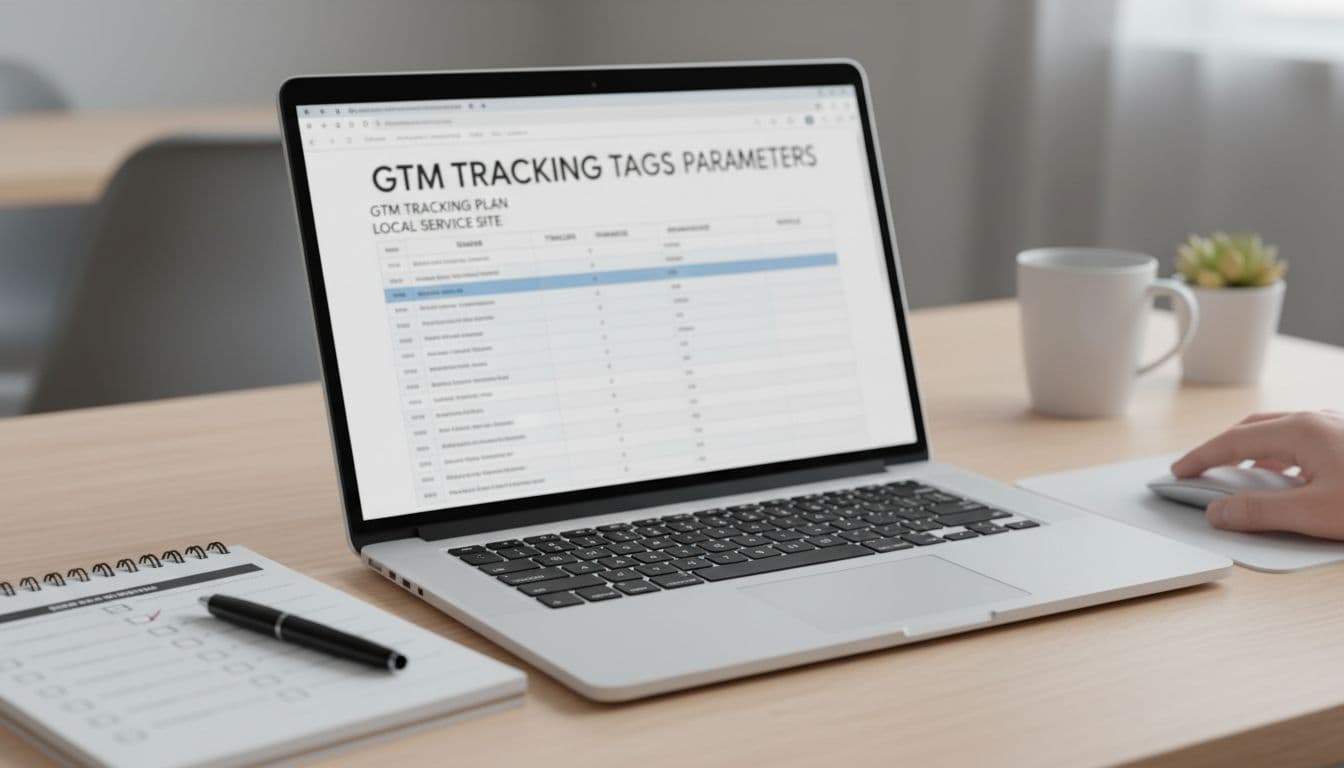
A tracking plan should read like a work order, aligning your setup with business goals and KPIs. Each row answers: what's the action, what proves success, where does it fire, and what could break it?
Use this as your master sheet, an essential component of your marketing plan template:
| Business goals | GA4 event name | Fires when (success definition) | Primary GTM trigger | Key performance metrics (examples) | Mark as key event? | Notes (common pitfalls) |
|---|---|---|---|---|---|---|
| Contact lead | form_submit | Thank-you view, success DOM state, or XHR 200 response | Custom event or element visibility on success message | form_id, lead_type, service, location_area | Yes | Don't use generic “Form Submission” if validation fails often |
| Phone lead | click_to_call | Click on tel: link | Click trigger (Just Links) filtered to Click URL starts with tel: | placement, service, page_type | Yes | Don't pass the phone number, it's unnecessary risk |
| Booked appointment | booking_completed | Scheduler confirms booking (return URL or callback) | Page view (thank-you URL) or custom event from scheduler | booking_provider, service, booking_type | Yes | Cross-domain schedulers can create self-referrals |
| Chat lead | chat_lead | First message sent, or chat started if that's all you can detect | Custom event from chat API, or click trigger for chat launcher | chat_provider, placement, service | Yes | Some widgets fire multiple opens, dedupe it |
| Directions intent | directions_click | Click/tap address or Maps link | Click trigger filtered to maps URL or address element | placement, location_area | Optional | Good proxy for in-person intent (clinics, offices) |
| Lead quality (optional) | lead_qualified | CRM marks lead as qualified | Server-side event or Measurement Protocol | lead_id, lead_type, value, currency | Yes | Best event for ad optimization when available |
If your leads also come from Maps, track those link clicks and align them with on-profile actions, then pair it with Google Business Profile optimization so your direction and call intent actually grows.
Event and parameter naming conventions your team won't fight over
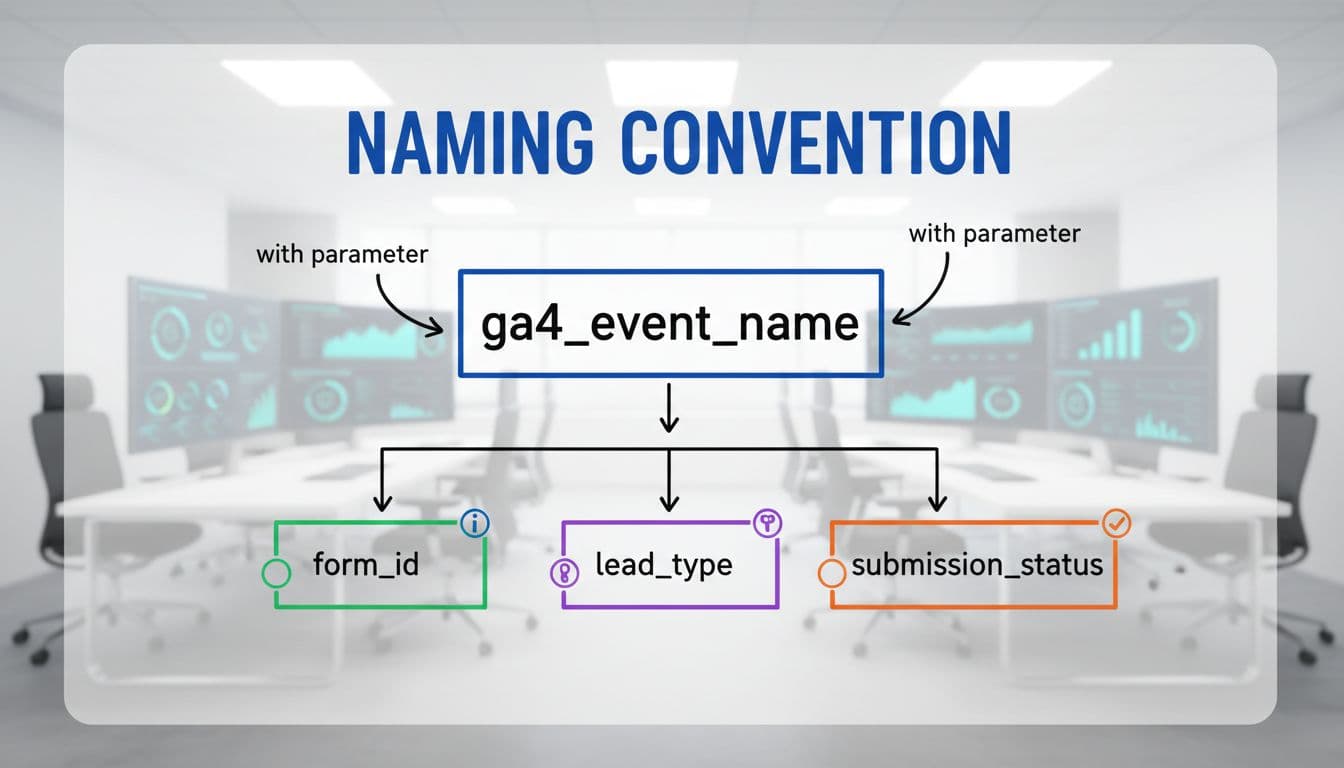
Naming is boring until you need to audit 40 tags on a Friday, especially when cross-functional teams and stakeholders clash over inconsistent labels. Set rules once for seamless collaboration and effective project management that prevents technical debt and simplifies long-term oversight, then stick to them.
Use lowercase, underscores, and stable meanings (not button colors or UI labels). Also, pick one “family” of terms and keep it consistent across trades (plumber, dentist, HVAC, legal).
| Item | Convention | Good example | Avoid |
|---|---|---|---|
| GA4 event name | verb_noun (stage-based) | form_submit, click_to_call | SubmitForm1, blue_button_click |
| Lead type | fixed enum | emergency, routine, quote | free text like “ASAP!!!” |
| Service | service slug | water_heater_repair, teeth_whitening | “Service Page 2” |
| Placement | where it happened | header, sticky_footer, contact_page | “top area” |
| Form ID | stable ID | contact_main, estimate_request | DOM-generated random IDs |
| Dedupe key | event identifier | event_id | relying on “hope it fires once” |
After you ship, register the parameters you care about as GA4 custom definitions so they show in reports. Keep it tight, because too many custom dimensions slows decisions.
GTM trigger and tag matrix (so nothing double-fires)

The cleanest GTM setups look “boring”: one GA4 config tag, clear triggers, and events fired only on success. In addition, write version notes in GTM as part of your strategic roadmap so you can roll back fast.
Use this matrix as a checklist for a successful product launch to map what you'll build and support your launch activities:
| GA4 tag | Trigger | Key filters | Data source | Dedupe note |
|---|---|---|---|---|
| GA4 Configuration | Initialization, All Pages | none | Constant Measurement ID | Only one config per experience, avoid duplicate installs |
GA4 Event: form_submit | Custom event dl_form_success (preferred) | form_id equals target | Data Layer variables | Fire once per success, not per button click |
GA4 Event: click_to_call | Just Links click | Click URL starts with tel: | Click variables + lookup for placement | Exclude repeated clicks within 2 seconds if needed |
GA4 Event: booking_completed | Page view | Thank-you path matches | Page URL + optional query params | Cross-domain: confirm same session (linker) |
GA4 Event: chat_lead | Custom event from widget | provider equals expected | Data Layer or custom JS | Many widgets emit open and message, pick one |
GA4 Event: directions_click | Just Links click | maps URL contains google.com/maps | Click URL + placement | Treat as intent, not a guaranteed visit |
If you want a broader GA4 plus GTM refresher, this GA4 and GTM setup guide for 2026 covers the core build steps end to end.
Consent-aware tracking in 2026 (Consent Mode v2 in GTM)

Consent changes how your tags behave, so it belongs in the tracking plan, not as an afterthought. Industries like SaaS and B2B heavily rely on consent-aware tracking for compliance. In GTM, set a default consent state (often denied where required), then update it when the visitor chooses.
Consent Mode v2 typically involves analytics_storage and ad_storage, plus ad_user_data and ad_personalization for ads features. When consent is denied, GA4 may send limited pings, and reporting can include modeled data that helps market research fill insight gaps. Meanwhile, ad tags should stay blocked or restricted based on the consent state.
If your CMP fires after your GA4 config tag, you can record “phantom” pageviews. Put consent defaults early, then load GA4.
For a practical implementation walkthrough, see this Consent Mode v2 setup guide.
QA checklist before you trust the numbers (GTM + GA4)

QA is where most “mystery drops” get prevented, ensuring accurate data for competitive analysis against industry benchmarks. Test with GTM Preview, GA4 DebugView, and real devices, especially iPhones (tap-to-call behavior differs). Back up your GTM container by exporting it as a json file to share configurations easily during the QA process.
| Test | Where to test | Pass condition | Fix if it fails |
|---|---|---|---|
| GA4 config fires once | GTM Preview | One config load per page | Remove duplicate GA4 installs (plugin plus GTM) |
| Consent defaults apply | GTM Preview + browser storage | Tags respect consent state | Move consent initialization earlier |
| Form fires only on success | GTM Preview + site form | No event on validation errors | Switch to success message, XHR, or thank-you |
| Phone click tracks correctly | Mobile device test | click_to_call fires on tap | Filter to tel: and confirm link markup |
| Booking completion works | End-to-end booking | Fires on confirmation only | Add cross-domain linker, use return URL |
| No double events | GA4 DebugView | One event per action | Disable competing auto-tracking, add dedupe guard |
| Parameters populate | GA4 DebugView | service, lead_type, placement present | Fix Data Layer push or variable mapping |
| Key events set | GA4 Admin | Only true leads marked key events | Unmark noisy events, keep conversions strict |
| Self-referrals removed | GA4 reports | Booking tool isn't top referrer | Configure cross-domain and referral exclusions |
For a deeper audit workflow, have your product manager verify the final data output using ClickyOwl's GA4 lead tracking checklist and this guide to track website conversions in Google Analytics.
Conclusion
A local service tracking setup should feel like a receipt, not a guess. Define a small set of lead events that align with your customer journey map, standardize names, and map every GTM tag to a clear success signal. Then add consent-aware controls and QA before you scale spend across marketing channels. Once your tracking is stable, refine your value proposition and messaging strategy; clarify pricing strategy and milestones with accurate data. Your next question gets better: which service and area produces the best jobs, not just the most clicks from marketing channels? Scale confidently for your product launch.