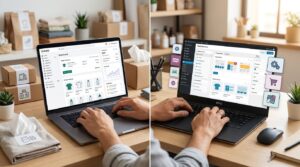
Create a post-purchase email flow by linking purchase and delivery events to automated confirmations, product guidance, feedback requests, and relevant repeat-order offers. Keep transactional updates separate from marketing messages, and adjust the sequence based on customer actions.
For Shopify store owners, a common mistake is scheduling every message from checkout, regardless of delivery or customer satisfaction. Start with the order journey, then set rules to prevent poorly timed emails.
Key Takeaways
- Send order confirmations immediately, but trigger shipping confirmations from actual dispatch.
- Schedule reviews after delivery and useful product experience, rather than a fixed purchase date.
- Stop promotions when customers reorder, unsubscribe, or need help with an unresolved problem.
Assign each message to one sending platform. Also, stop your Shopify abandoned cart flow once an order arrives, so buyers don’t receive recovery reminders after purchasing.
Begin with a manageable sequence. Add referrals and win-back messages only after the essential emails work reliably.
Map Your Post-Purchase Email Flow
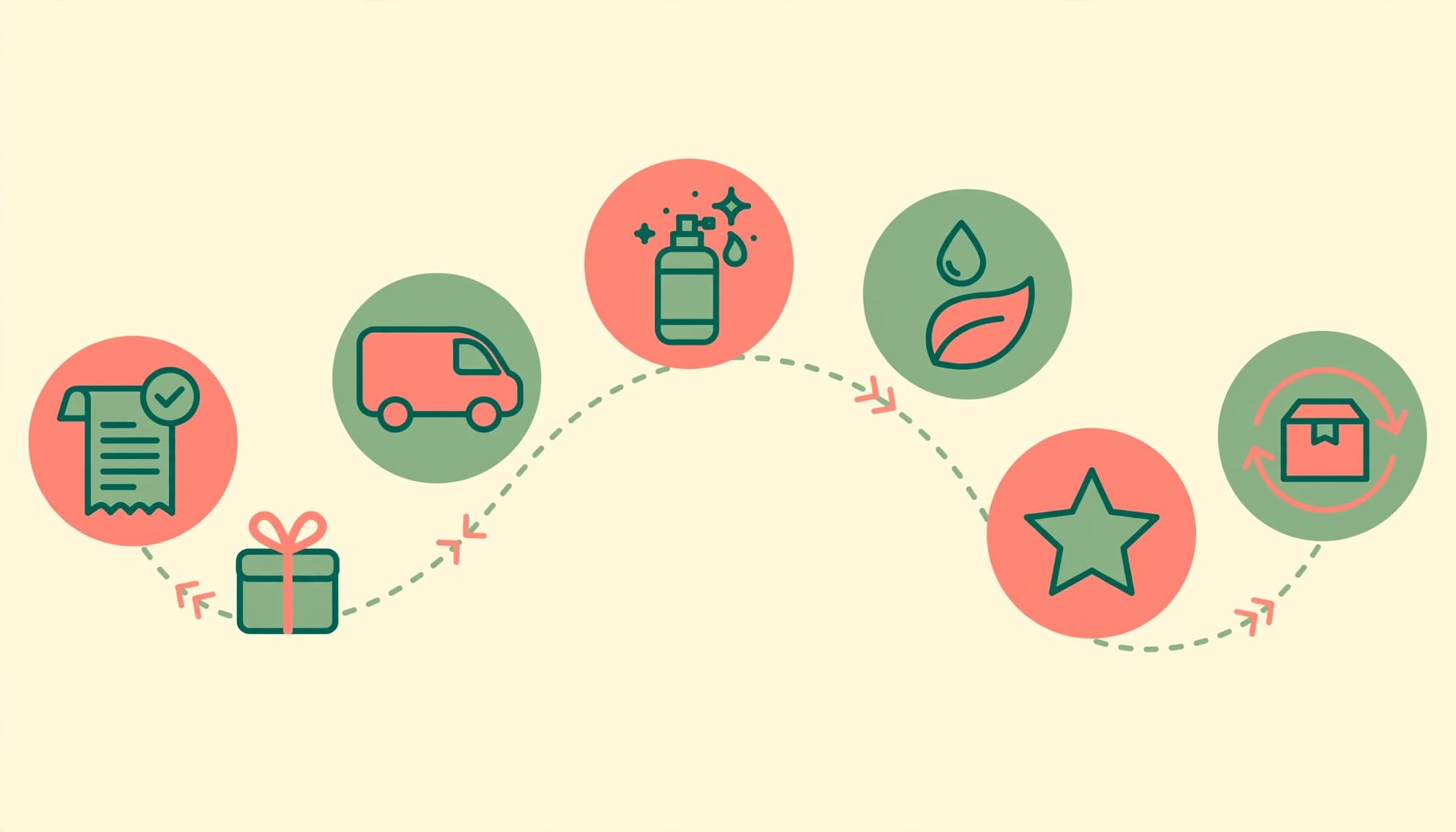
Use this event-led framework to plan post-purchase emails. Drip’s timeline is a starting post-purchase email sequence; dispatch and delivery events should override calendar dates.
| Timing | Purpose | Example subject line |
|---|---|---|
| Day 0 | Order confirmation | “We’ve received your order” |
| Days 1 to 2, when dispatched | Share tracking | “Your order is on its way” |
| Days 3 to 7 | Explain product use | “Start here with your new purchase” |
| Days 7 to 14 | Offer tips or complementary products | “Get more from your purchase” |
| Days 14 to 21 | Request a review | “How is your purchase working out?” |
| Day 21 onward | Offer replenishment or another purchase | “Ready for a refill?” |
Actual delivery and product lifespan should determine the final schedule.
Day 0 to Delivery: Confirm and Update
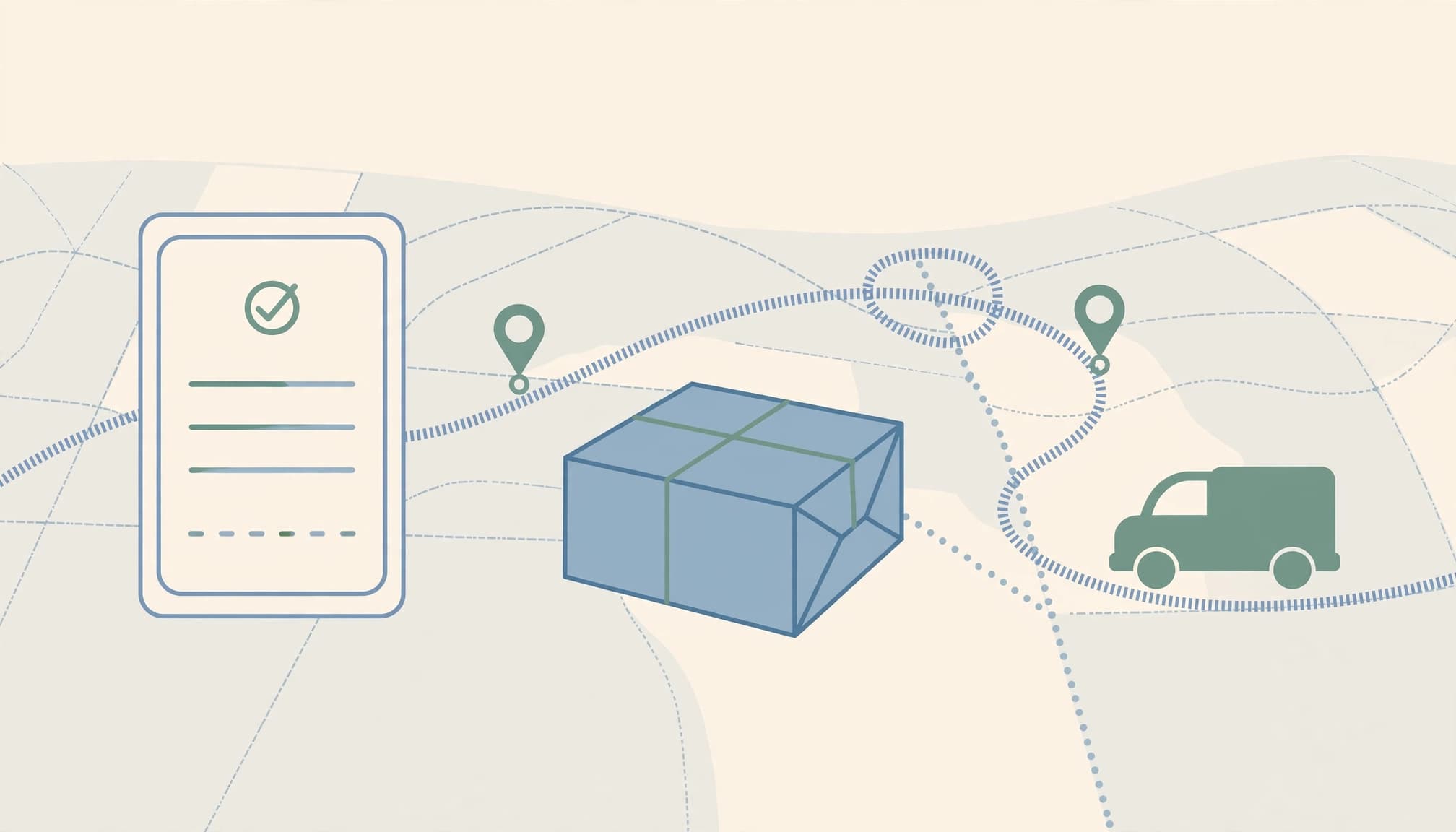
Send the order confirmation immediately with the order number, purchased items, quantities, prices, payment status, and shipping address. For cash-on-delivery orders, distinguish order acceptance from payment received.
Shipping confirmation belongs at dispatch. Include a tracking link and estimated delivery date instead of promising arrival based on an arbitrary delay.
Shopify’s transactional email guidance explains these service-led messages. Smaily recommends keeping shipping emails approximately 80% transactional and 20% marketing. Treat that as a design suggestion, not a permission rule.
Days 3 Onward: Educate, Review, and Replenish

Send preparation advice before arrival when useful, then product education on how to use the item after delivery. Drip recommends a review request one to two weeks after delivery.
By contrast, Friendbuy’s expert recommends an early post-purchase touch within 24 to 48 hours. These timings serve different goals; an early thank-you shouldn’t become an early product review request.
Build the Automation in Shopify
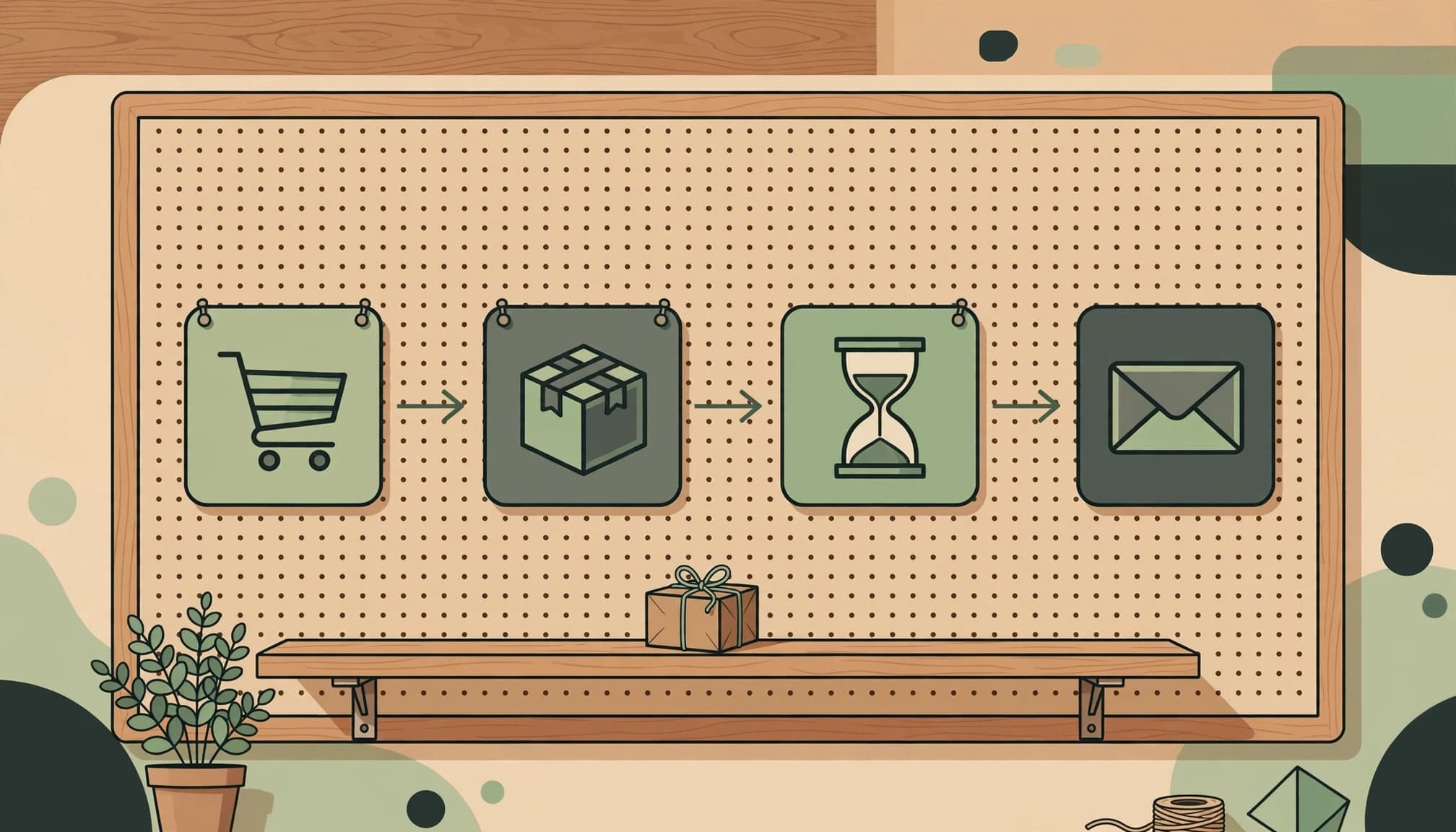
Keep Shopify’s native customer notifications for order updates. Use your email platform for consent-based education, recommendations, and retention campaigns.
Start With Order and Fulfillment Events
In Shopify admin, customise customer notifications under Settings > Notifications. Then connect Shopify to your chosen marketing platform, such as Klaviyo, and sync purchase records and marketing consent.
Create the post-purchase workflow with the right purchase or fulfillment event. Add delays, product conditions, and eligibility checks before each marketing send.
For email automation, use an automated workflow with a purchase or fulfillment trigger. Set a time delay from the event that best fits the message.
Shopify Flow provides workflow logic through triggers such as Order created, Order paid, and Order fulfilled. These don’t automatically replace native confirmations. Klaviyo’s Shopify notification guidance also distinguishes notifications that can be disabled.
Before activation, test mobile layouts, missing names, cancelled orders, and unavailable recommendations. Never disable essential notifications just to avoid duplicates.
Add Branches for Feedback and Referrals
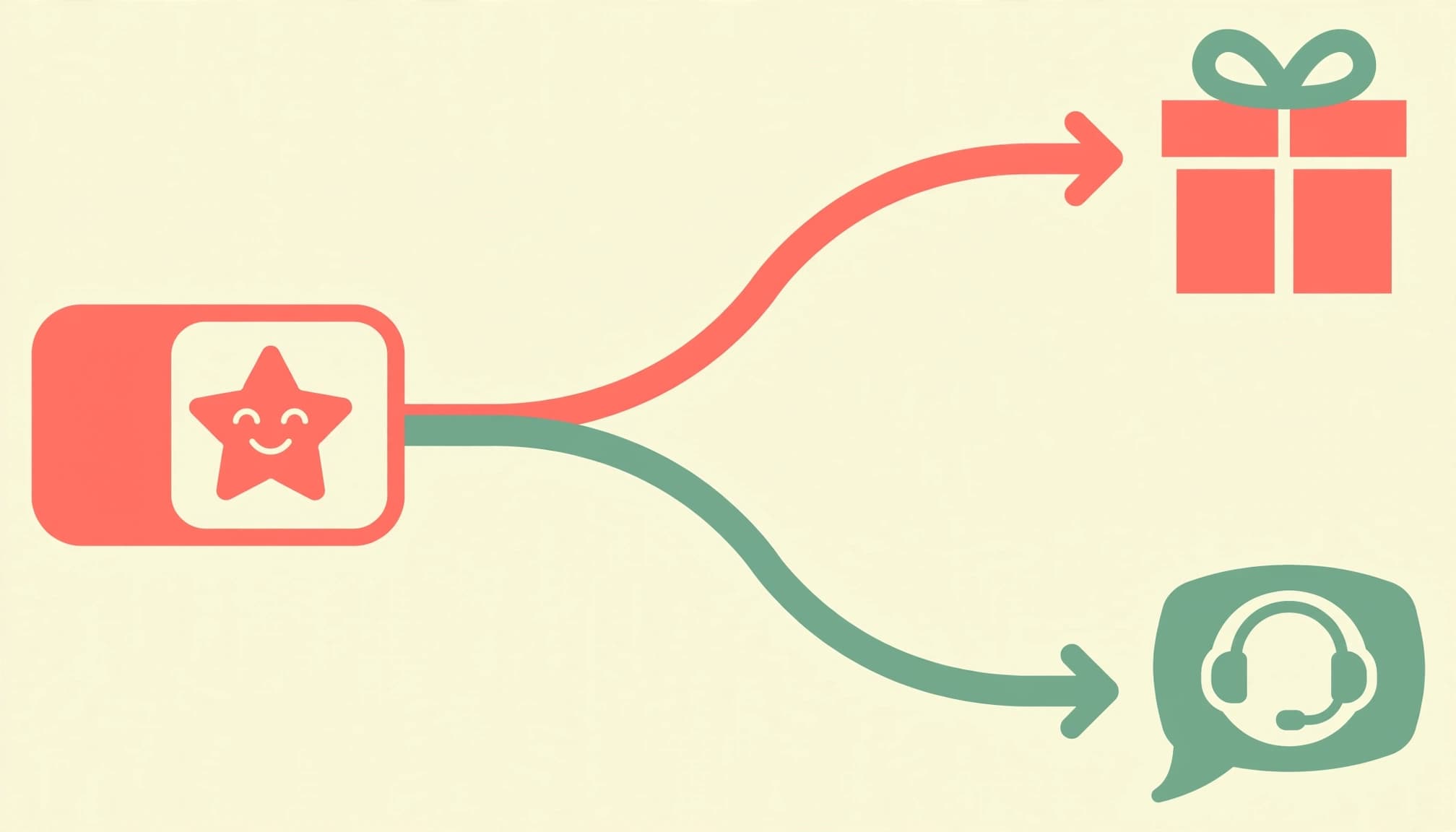
After delivery, send a feedback email to collect a response. Positive feedback can trigger an invitation to your referral program; negative feedback should create a support task and pause promotions.
Friendbuy’s Klaviyo example starts with Fulfilled Order, waits three days, then splits on the Friendbuy Referral Link property. It also recommends referral footer links and invitations after positive reviews or NPS responses. Keep promotional referrals out of strictly service-only messages.
MailerLite demonstrates another pattern: a purchase-specific cross-sell, a survey one week later, then follow-up three days after the response. Customers enter Promoters or Detractors groups.
Our behavioral email segmentation guide explains how actions should control eligibility and exits.
Choose Timing by Product and Customer Intent

A useful sequence follows the customer’s experience. Klaviyo’s post-purchase examples show how guidance and offers can meet different needs after a sale.
Match Delays to the Product Lifecycle

For consumables, estimate depletion based on pack size and expected usage. Subtract delivery time and a small ordering buffer to schedule replenishment before stock runs out.
Durable products need care advice and accessory suggestions, not automatic refill reminders. Useful care guidance helps customers get more from their purchases and supports customer loyalty. For digital products, usage events can trigger onboarding help.
If tracking shows a delay, replace review requests with a service update. When delivery data is unavailable, use a conservative estimate and pause review requests while shipment problems remain open.
For Kolkata customers, use customer segmentation to respect recorded Bengali or English preferences and other relevant attributes. Don’t infer language from names or postcodes.
Cross-Sell Without Crowding the Inbox

Make product recommendations that fit the purchase, and exclude products the customer already bought. Suggest an upgrade through upselling only when it fits the customer’s needs. Drip’s Ten Thousand example uses a shipping email to suggest items that complete a kit. Its Librio example highlights a commitment to donating 1% of revenue to social and environmental causes.
Drip also cites McKinsey estimates of roughly 20% higher sales and 30% higher profits from smart cross-selling. Those broad estimates aren’t forecasts for a Shopify campaign.
Send a win-back email after meaningful inactivity based on the buying cycle, including after one-time purchases. Test a discount code or gift against margin. Exit the replenishment sequence immediately after a repeat purchase.
Measure Results and Protect Deliverability
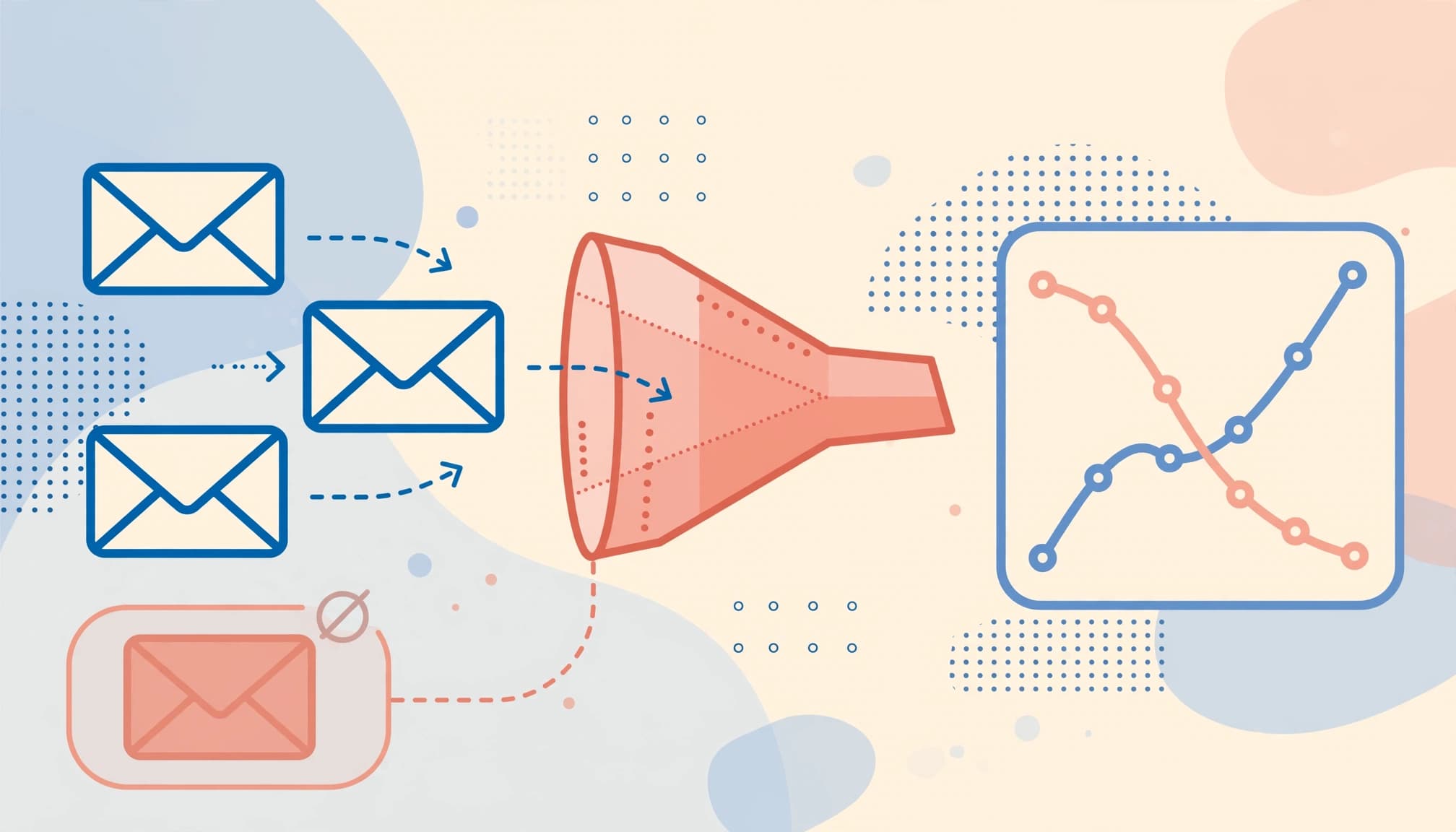
Evaluate each post-purchase campaign by tracking delivered-email clicks, repeat purchases, revenue per recipient, unsubscribes, and complaints. For cash-on-delivery stores, also measure delivered, paid orders and return-to-origin outcomes.
Calculate revenue per recipient as attributed revenue divided by recipients. Keep the attribution window consistent, and compare first-time buyers separately from repeat customers.
Friendbuy’s December 2022 article reports a post-purchase open rate of up to 42.5%, a click-through rate of 18.3%, and a conversion rate of 10.3%. Its comparison figures are 16.75% opens and 1.33% conversion for ecommerce email.
Smaily cites Shopify research suggesting confirmation emails receive 70% to 90% opens, versus roughly 20% for typical campaigns. Zoho repeats Forbes-cited figures that loyal customers are five times more likely to repurchase and four times more likely to refer. It also cites the claim that a 5% retention increase can raise profits by 25% to 95%.
These are historical, secondary claims, not current performance targets. Privacy features can also distort opens, so prioritize completed, profitable orders.
Track profitable repeat orders to assess customer retention and customer lifetime value, without assuming either will improve automatically.
Authenticate your sending domain, suppress hard bounces, and honor unsubscribes immediately. Recheck promotional permission before every marketing email. A purchase acquired through SEO or advertising doesn’t itself establish marketing consent.
Also suppress unresolved refunds, complaints, and overlapping promotions. For small lists, compare several similar cohorts and test one variable at a time. Where volume allows, hold back a random eligible group from promotions to measure additional purchases.
Frequently Asked Questions
How many emails should a Shopify post-purchase sequence contain?
Start with confirmation, shipping, education, feedback, and one relevant repeat-order message. However, these aren’t five compulsory marketing emails. Transactional updates follow order events, while promotional messages depend on permission and relevance. Add more only when they answer another customer need.
Can I copy a simple product-education email?
Use this structure: “Your order is on its way. Before it arrives, here’s the first step for getting started.” Add one product-specific instruction, a link to the relevant guide, and a reply option for help. Avoid mixing several unrelated offers into the message.
When should customers leave the flow?
Stop the current repeat-order offer after another purchase. Remove unsubscribed or suppressed contacts from marketing immediately, and pause sales messages during unresolved support conversations. Necessary order updates remain a separate process.
Should every email contain a discount?
No. Confirmation, tracking, and education should stand on their usefulness. Reserve incentives for a clear business purpose, then assess additional orders after discount, delivery, and return costs.
Build Around the Customer’s Next Useful Step

A dependable post-purchase email flow starts with accurate order information and follows the customer’s progress. Let delivery, product use, feedback, and future purchases guide what happens next.
Start with the essential messages, then test timing and relevance across comparable customer groups. Maintain exit rules as carefully as the emails themselves.
If you need help connecting your Shopify customer journey with marketing and measurement, Get In Touch With Us.