An abandoned cart flow supports abandoned cart recovery by restoring an identified shopper’s checkout with timed, relevant messages. Stop sends immediately after purchase.
For Kolkata retailers, delivery charges, PIN-code coverage, and payment problems often need attention before another promotional offer. Address these abandoned cart concerns first, then build around profitable completed orders with a manageable sequence.
Key Takeaways
- Begin with four emails across four days, with an optional final offer reminder.
- Assign abandoned cart automation to one platform for recovery messaging and purchase suppression, then recheck purchase status before every send.
- Measure recovered orders and margin, alongside clicks, complaints, and unsubscribes.
Understand What You’re Recovering
Cart abandonment means products remain unpurchased. An abandoned checkout means someone began checkout but didn’t complete it. Email recovery requires an identifiable shopper and an eligible email address.
Retainful describes abandonment after ten minutes without completion, but that isn’t a universal Shopify trigger rule.
Benchmarks for cart abandonment provide context, not a store target. Vendor summaries cite Shopify abandonment at 70%, against 68% globally, and mobile at 75% versus 68% on desktop. These figures aren’t Kolkata-specific.
Older articles quote Baymard at 69.23% or 70.19%. Its updated cross-study average is approximately 70.22%, so different editions explain some disagreement. Use Baymard’s abandonment research as context, rather than a store target.
Retainful’s cited 2025 data attributes 48% of abandonment to extra costs such as shipping costs. Disclose shipping charges and total pricing before checkout.
However, reminders won’t repair broken payments. Our checkout optimization guide covers friction that prevents ready-to-buy customers from ordering.
Choose Native Shopify Tools or Another Platform
Choose based on workflow needs, not the longest feature list. When comparing a Shopify abandoned cart app, check recovery links, purchase suppression, and coordination with other sending tools.
| Platform | Best fit | Main consideration |
|---|---|---|
| Shopify Messaging and Flow | A straightforward native setup | Inspect recipient defaults and workflow logic |
| Klaviyo | Segmentation, branching, and detailed flow testing | Requires integration and separate billing |
| Retainful | Budget-focused email automation | Pricing depends on contact and sending volume |
| Channel-focused apps | Additional recovery channels | Coordinate consent and suppression across tools |
Check Retainful’s published pricing for current email limits and plan names. Older comparisons may use labels such as Starter and Growth, so refer to the current plan table when comparing costs.
Other options include Omnisend for email and SMS, PushOwl for web push, CareCart for cart recovery, and Wati for WhatsApp.
Plan Your Shopify Abandoned Cart Email Flow
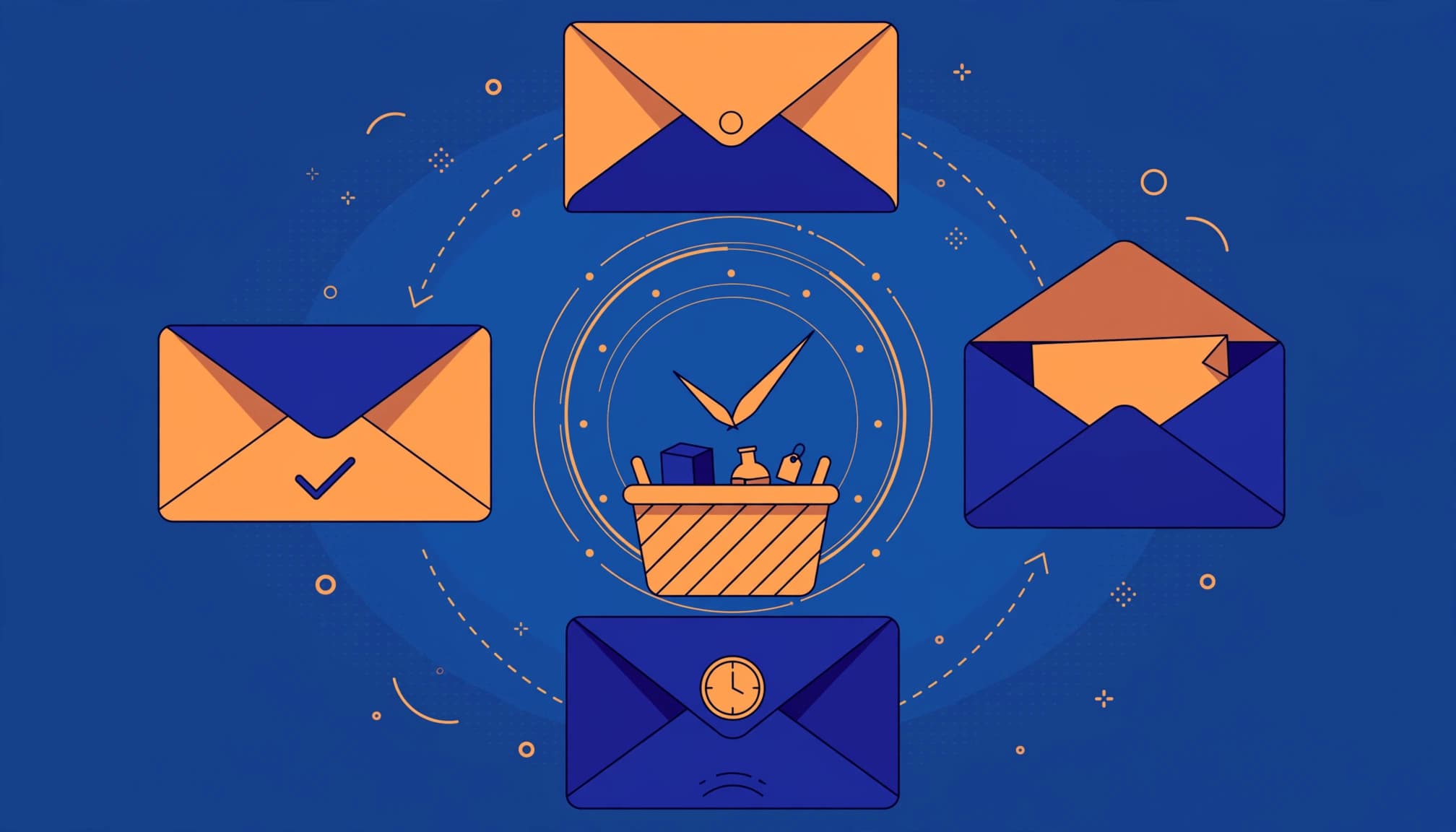
Use elapsed time since checkout, rather than adding each row as another delay.
| Message | Send time | Purpose |
|---|---|---|
| First | 2 to 4 hours | Restore the checkout |
| Second | 24 hours | Answer buying concerns |
| Third | 48 hours | Add reassurance |
| Fourth | Day 4 | Introduce an optional incentive |
Experian’s 2016 analysis reported that multiple-email recipients were 2.4 times more likely to purchase, with a 44% higher multiple-transaction rate. These historical findings support testing follow-ups, not promising those results.
Emails 1 and 2: Remind, Then Resolve Doubts

Keep the first email short and discount-free. Show the products and one button returning to checkout. “You left something behind” is a clear subject.
Avoid claiming stock is running out unless inventory supports it.
At 24 hours, answer questions about delivery, exchanges, sizing, or payments. For Kolkata shoppers, explain PIN-code eligibility and available UPI or cash-on-delivery options. Include those methods only when your store supports them. Give customers a monitored reply address so unresolved questions can reach a person.
Emails 3 and 4: Reassure, Then Consider an Offer

At 48 hours, include social proof, such as a genuine review or useful product detail. Keep the original basket prominent instead of introducing unrelated recommendations.
On day four, test a 10% discount only if contribution margin allows it, and keep the discount within your target margin. Match the coupon code’s eligibility and actual expiry to the offer. Use urgency only for a real expiry, never fabricated scarcity.
An optional fifth email on day six can remind shoppers about that same expiring offer. Don’t increase the discount again. Also exclude customers who already have a better offer, so overlapping promotions don’t erode margin or create confusion.
Build the Native Shopify Automation
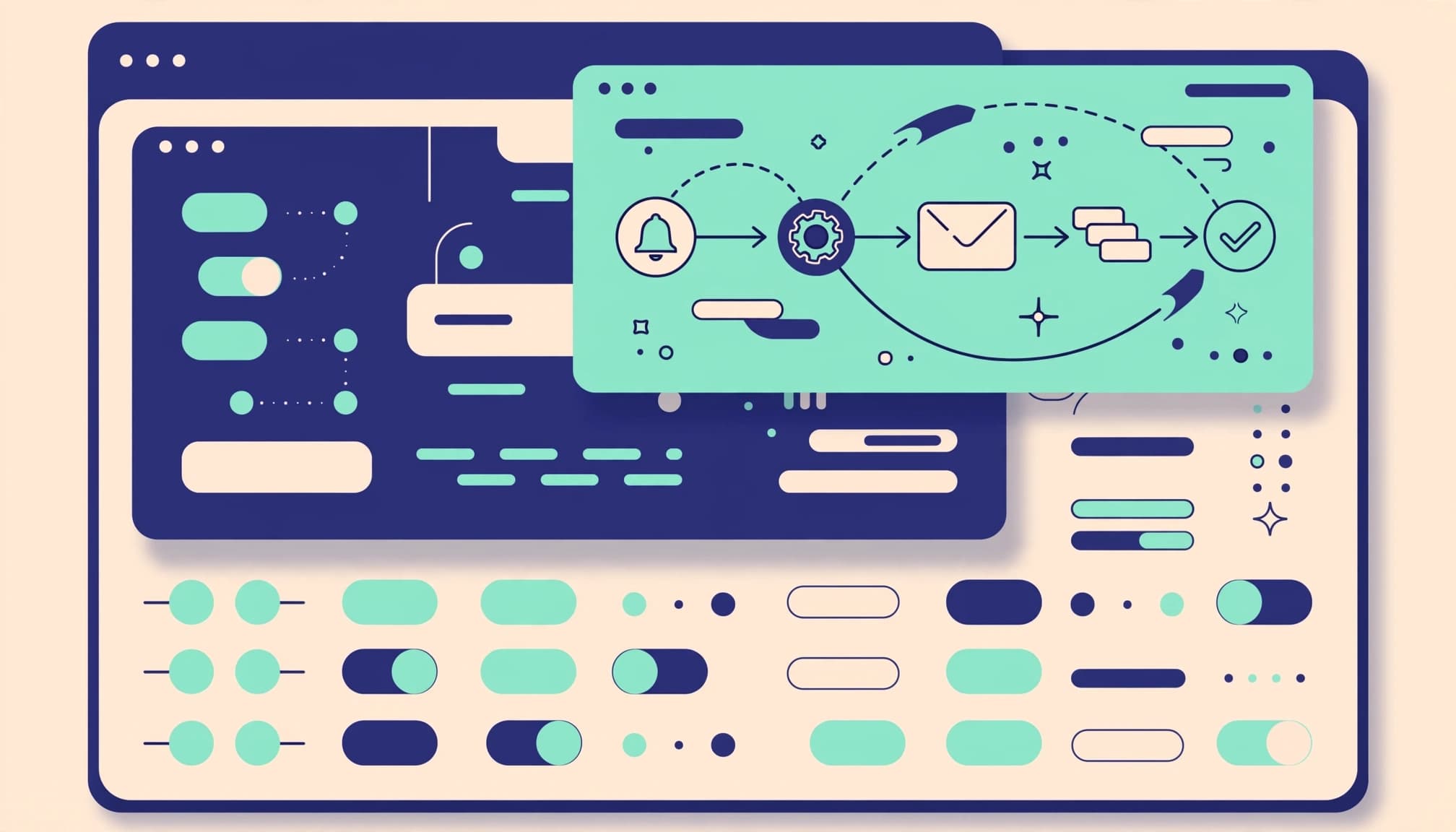
Shopify’s current documentation places recovery automation under Apps > Messaging > Automations. Older tutorials use Marketing > Automations > View templates > Recover abandoned checkout.
Follow the current native setup instructions:
- Open Apps > Messaging > Automations, then select View templates.
- Choose the Abandoned checkout template and open its settings.
- Set recipients and the initial delay. Review the subject, preview text, sender, and email sections.
- Preview the product content and recovery button, then send a test.
- After testing eligibility and purchase exclusions, select Turn on automation.
Shopify Flow handles workflow logic, while Messaging sends the email. The template sends the initial email, but a complete abandoned cart automation needs additional waits, purchase conditions, and message actions in the workflow editor. Add these steps to build the full abandoned cart workflow.
The new automation defaults to marketing subscribers. An “All customers” option doesn’t replace your responsibility to follow applicable permission requirements.
Build the Recovery Flow in Klaviyo
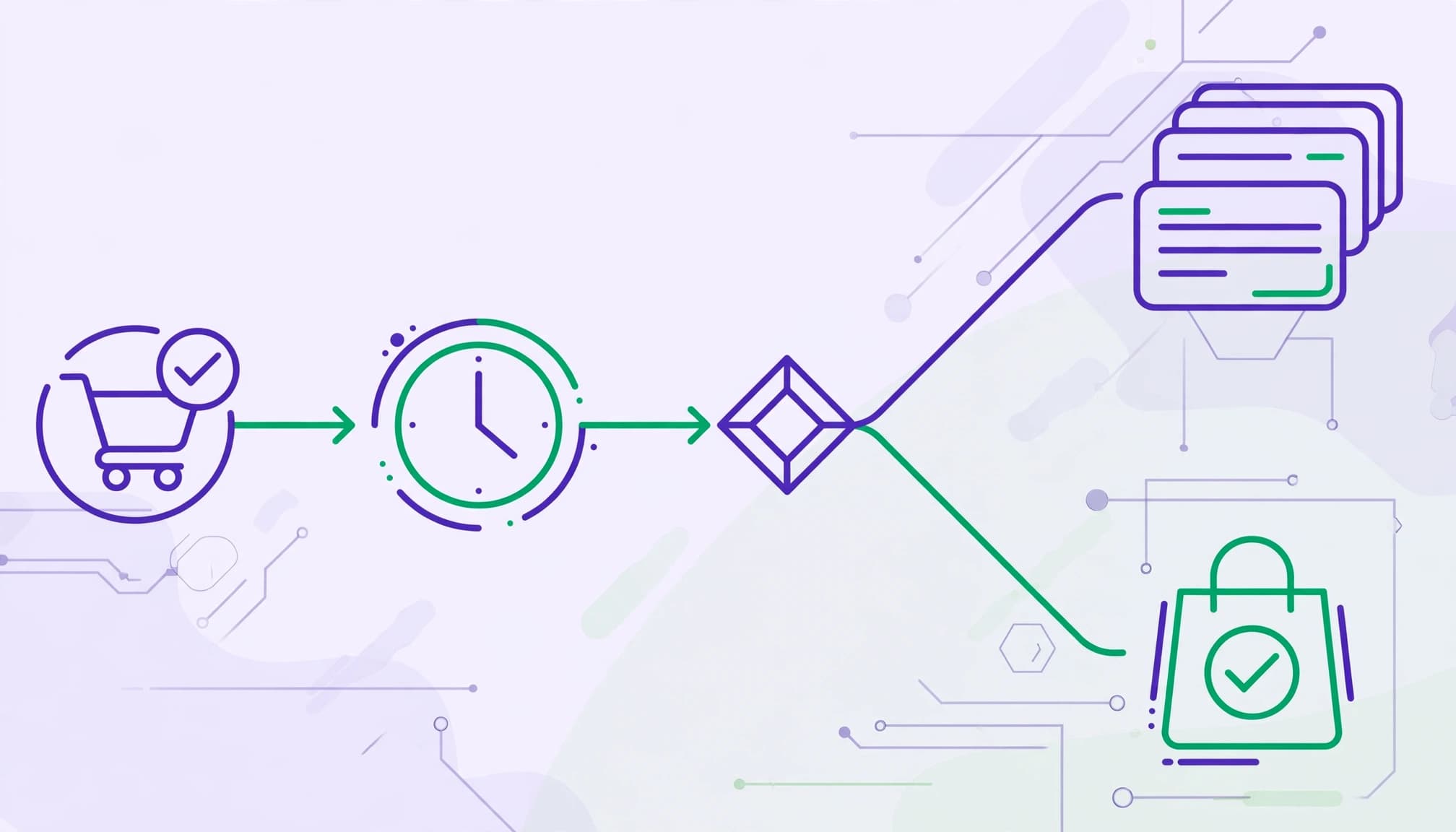
Connect Shopify, then choose a prebuilt abandoned-cart flow. The Shopify event is called Checkout Started; older tutorials may call it “When someone Started Checkout.”
Set the first delay to four hours. To send emails at hours 24 and 48, add waits of 20 and 24 hours. Add another 48-hour wait to reach day four.
Add a flow filter to exclude anyone who has placed an order since entering the flow. Set re-entry rules to prevent repeated checkout activity from creating overlapping sequences.
Use Klaviyo’s integration for the dynamic product block and checkout URL. Klaviyo’s abandoned-cart instructions recommend sending the first message two to four hours after checkout starts.
Test the flow in manual mode first. Before activating it in Klaviyo, turn off Shopify’s corresponding recovery automation to prevent duplicate emails.
Personalize Without Overwhelming Shoppers
Useful personalization helps shoppers finish their original purchase. A first name alone doesn’t solve a checkout problem.
Restore the Correct Products and Checkout

Include product images, variants, quantities, and current pricing. Use the recovery URL supplied by the checkout event or native template, rather than a homepage link.
Test that the button restores the intended basket on mobile. Also test missing names, unavailable products, changed prices, and expired discounts.
Use Bengali or English according to recorded preferences. Our behavioral email segmentation guide explains how customer actions should control eligibility and exits. A purchase must override a pending delay before another reminder goes out.
Coordinate SMS, WhatsApp, Push, and Ads

WhatsApp, push notifications, and retargeting ads can supplement email. However, sending every channel simultaneously creates unnecessary pressure.
Get channel-specific permission for SMS and other direct channels, and use shared purchase suppression. If a shopper recently received a WhatsApp reminder, delay the overlapping email or SMS rather than repeating the same offer or discount.
Keep a customer-level record of recent recovery contacts. Pause automated sales messages when someone replies with a support issue. For advertising, exclude purchasers where your audience integration supports it, while allowing for audience-update delays.
Test the Flow Against Completed Orders

Before launch, complete controlled journeys covering abandonment, recovery, purchase, and unsubscribe. Test on an ordinary Android phone over mobile data, including payment-app switching.
Track More Than Opens
Track delivered emails, click rate, placed order rate, unsubscribes, complaints, and revenue per recipient. Open rate is less dependable because privacy features can generate opens.
Define recovery rate as unique recovered checkouts divided by eligible abandoned checkouts within a fixed reporting window. Don’t count one order separately for every reminder.
Compare contribution margin after discounts, shipping subsidies, and messaging costs. For cash-on-delivery orders, monitor delivery completion and return-to-origin rates.
Our Shopify GA4 tracking guide covers purchase validation. Reconcile analytics with confirmed Shopify orders and unique transaction IDs.
Run Controlled Tests
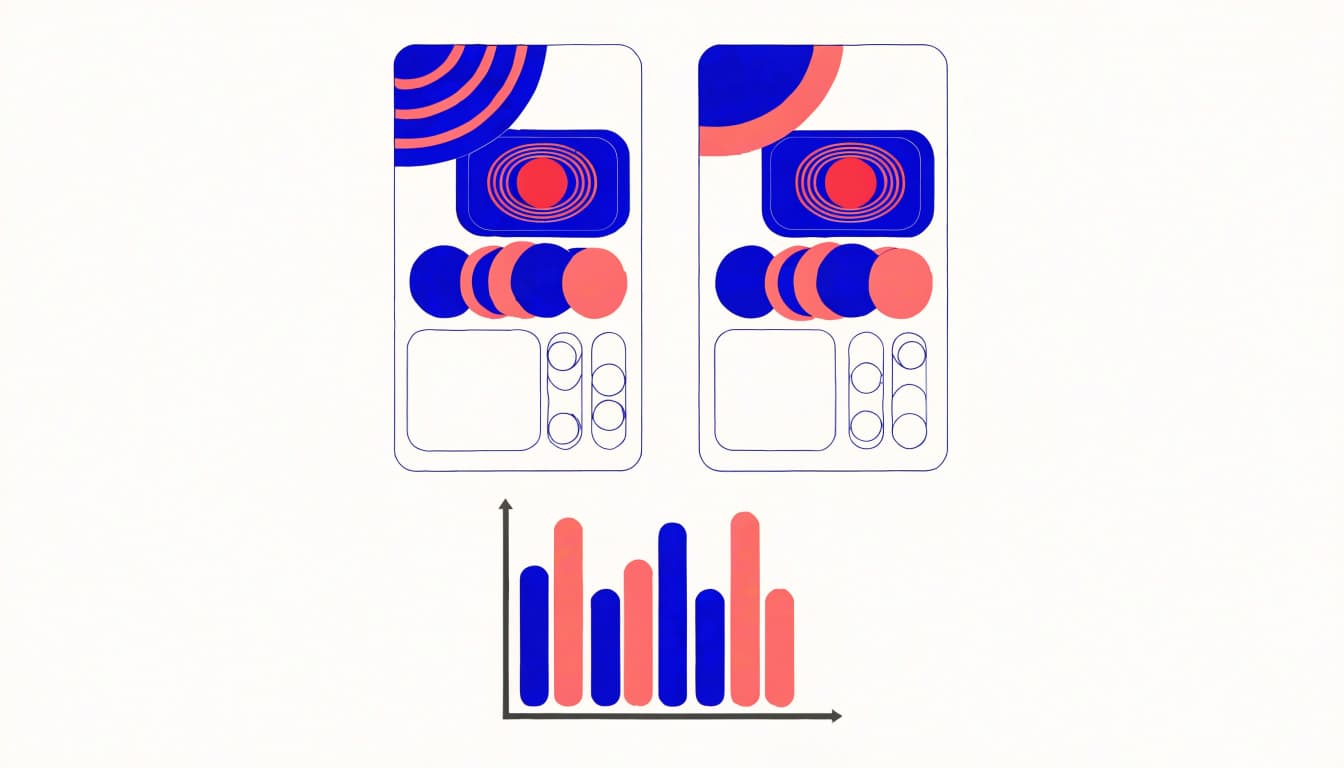
Change one variable at a time, such as the first delay, subject line, incentive, or social proof. Compare similar customer cohorts over the same reporting period.
Where volume permits, keep a randomized no-email holdout. This separates additional purchases from orders that would have happened anyway.
Segment results by mobile versus desktop, new versus returning customers, and SEO versus paid traffic. An overall improvement can hide a weaker mobile experience.
Small stores should fix reproducible payment failures immediately. Don’t wait for a statistically strong experiment to repair a broken checkout.
Frequently Asked Questions
How many abandoned cart emails should Shopify stores send?
Start with four emails and test an optional fifth. Retainful claims that three to five reminders can recover 10% to 20% of lost sales, but those vendor figures aren’t a forecast. An older Shopify Partners case study recommended at least six emails over six days, but that isn’t a universal minimum.
How long does Shopify keep abandoned checkouts?
Shopify’s current abandoned-checkout guidance says records older than three months are automatically deleted. Older claims about 30-day deletion are outdated.
Should every shopper receive the discount?
No. Exclude purchasers, follow consent and unsubscribe rules, and limit incentives to eligible customers when the resulting order remains profitable.
Turn Reminders Into Profitable Orders
A useful Shopify abandoned cart email flow sends a relevant reminder that restores the right checkout and addresses why shoppers leave an abandoned cart. Its success depends on purchase-aware stop rules and reliable order measurement.
Start with helpful reminders before testing incentives. If you need help connecting ecommerce automation and analytics, Get In Touch With Us to discuss your store’s recovery workflow.