

Shopify product bundles can raise average order value by encouraging customers to buy complementary items or additional units together. Start with Shopify’s free Bundles app for fixed sets, then price the offer around contribution margin, not the deepest price reduction you can advertise.
For a Kolkata business, Shopify product bundles must account for delivery charges, GST, and cash-on-delivery returns. These costs can change whether a larger basket earns more money. Choose the bundle format first, then build an offer you can fulfill profitably.
Key takeaways

- Shopify Bundles is free and code-free, with component-based inventory tracking for fixed bundles and multipacks.
- Mix-and-match, volume pricing, and advanced promotions may need another app.
- Judge success through net sales, completed orders, and contribution after fulfillment costs. A larger basket can still produce less profit.
Choose the right Shopify product bundles
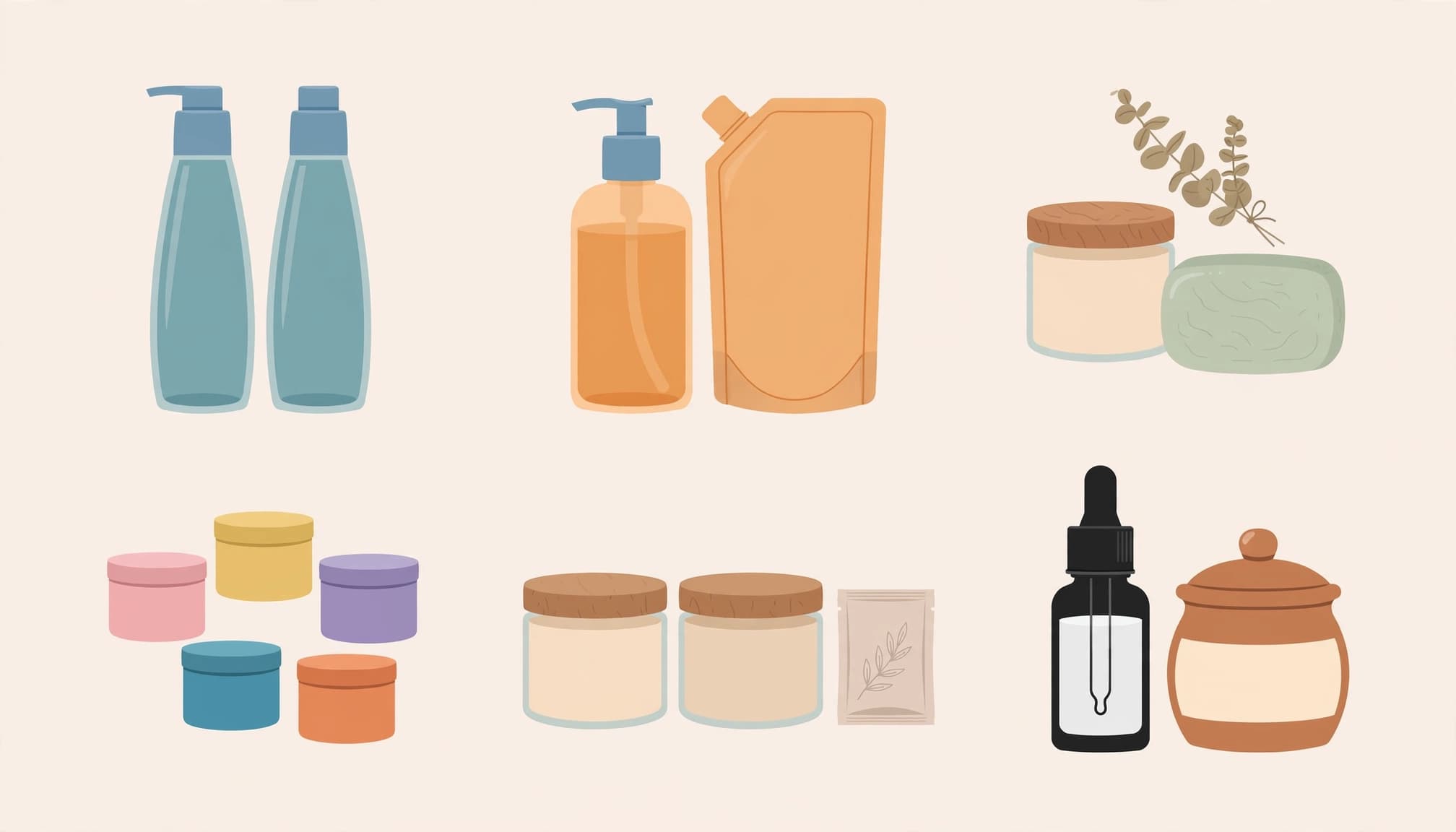
A product bundle combines multiple items into one offer, often at a lower combined price. Match the format to how customers shop for a better customer experience.
Match the offer to the purchase
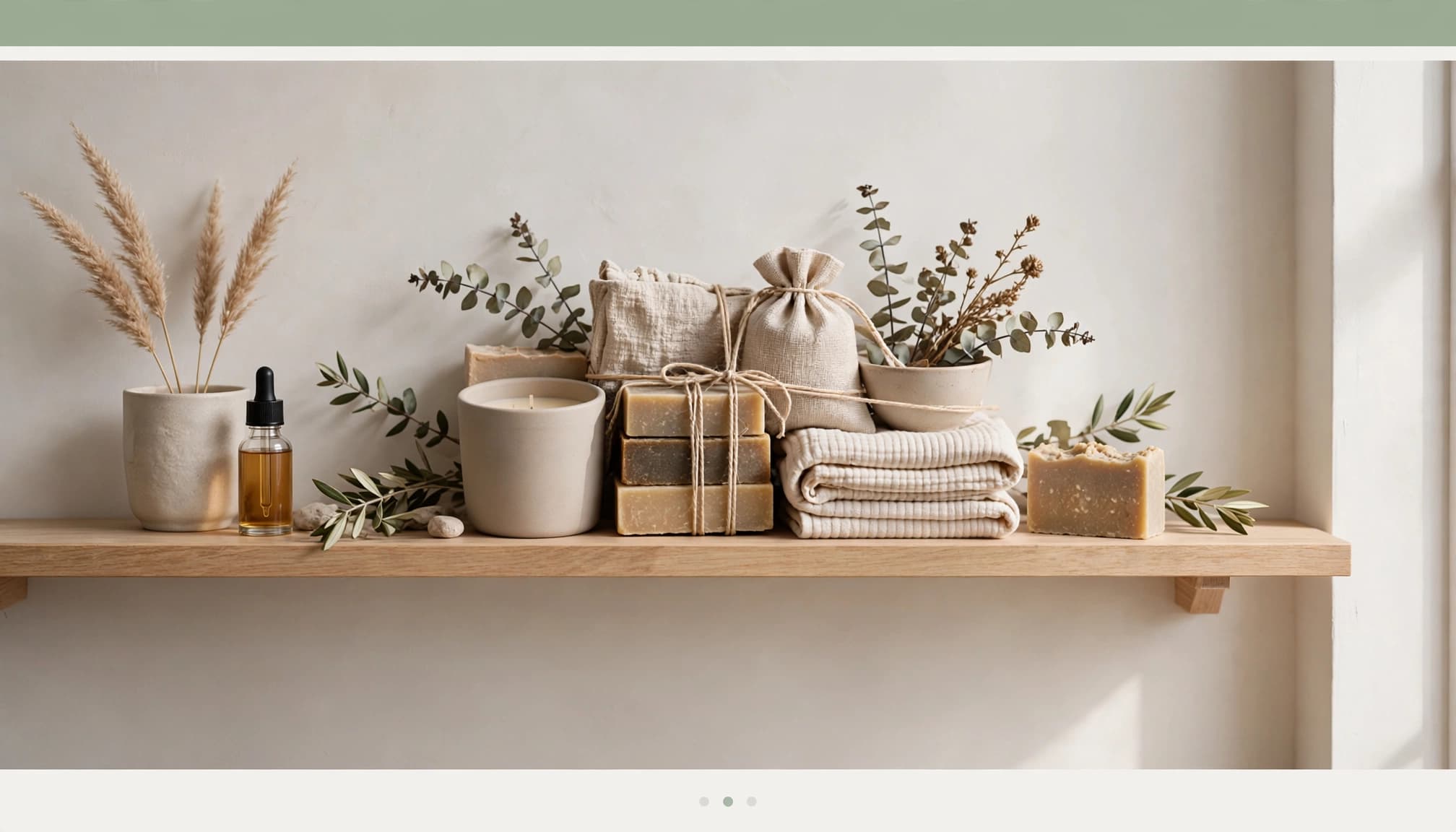
These six formats solve different merchandising problems.
| Bundle type | How it works |
|---|---|
| Pure bundling | Products are available only together. |
| Cross-sell bundles | Complementary items accompany the main purchase through cross-selling. |
| Frequently bought together | Recommendations group products customers commonly purchase together. |
| Mixed bundles | Customers can buy items separately or as a package. |
| Buy one, get one | A qualifying purchase earns another item free or discounted. |
| New product bundling | An established product introduces a newer item. |
Pair slow-moving stock with a relevant bestseller. However, unwanted extras can weaken the offer.
A review of promotion-framing research describes lower returns when packages use “free gift” rather than “bundle” framing. Keep the wording truthful.
Decide how much choice customers need

Fixed bundles have predetermined contents; customers can’t replace components. However, associated variant choices, such as size, can remain available.
Mix-and-match bundles let shoppers select a set number of products from a predefined group. Choose a fixed product bundle when customers want a predictable combination, and mix-and-match when preferences drive selection. Mixed bundling and mix-and-match describe different things: separate purchasing versus customer-selected contents.
Choose your Shopify setup method
Start with the least complicated method that supports your offer.
Use Shopify Bundles for fixed sets
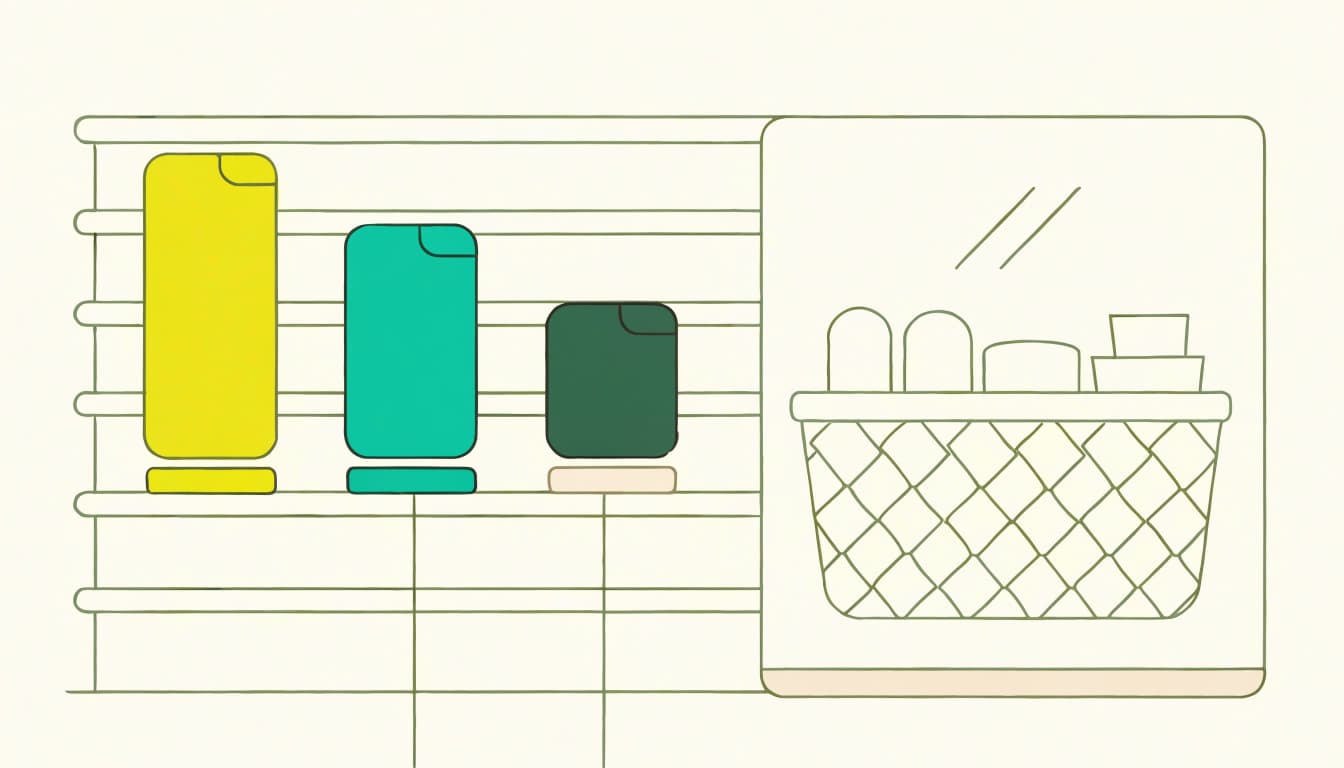
Install the Shopify Bundles app from the Shopify admin. This free bundle app creates fixed sets and multipack bundles without code. It doesn’t support mix-and-match.
For this standard setup, use Online Store as your primary sales channel and an upgraded checkout. Shopify also supports custom storefronts. Under its bundle eligibility rules, checkout.liquid customizations are incompatible.
Inventory management uses the scarcest component after accounting for required quantities, and real-time inventory availability reflects that limit. With ten bottles and three pouches, a one-bottle, one-pouch set has three available bundles. Selling one pouch separately reduces availability to two.
Compare apps with manual products
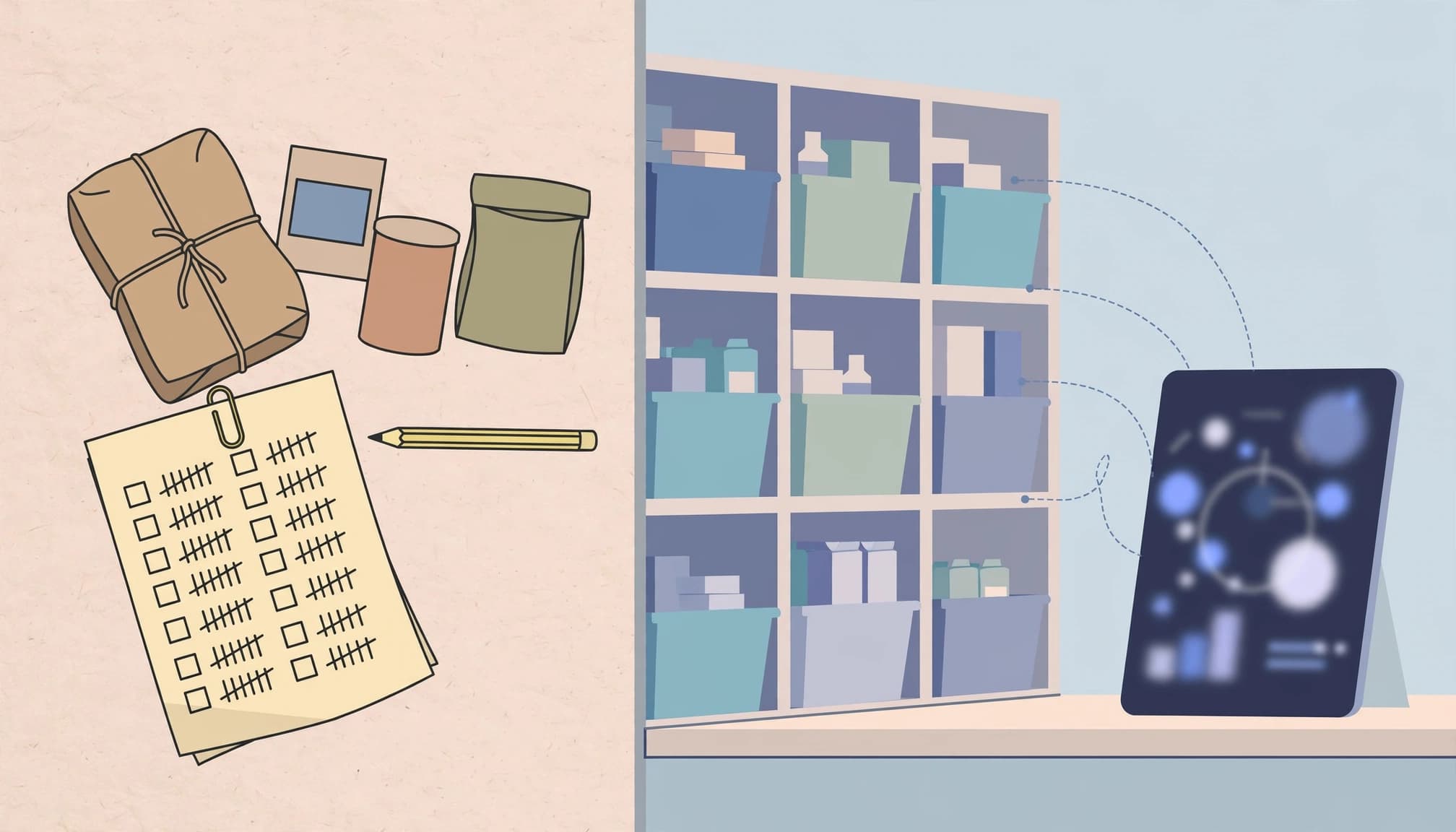
The main options differ in cost and inventory handling.
| Method | App cost | Main consideration |
|---|---|---|
| Shopify Bundles | Free | Fixed sets and multipacks with synchronized stock |
| Bundler | Free plan with unlimited bundles | Advanced features depend on plan |
| Ordinary product | No bundle-app charge | Component stock requires manual tracking |
Bundler’s pricing options include percentage, fixed amount, per-product, fixed bundle price, and no discount. Don’t assume every option belongs to its free plan.
A manually created bundle product needs its own title, image, description, and price. Inventory management requires tracking component stock yourself, which raises overselling risk compared with app-managed stock.
Legacy Shopify Scripts were Plus-only. Shopify deactivated remaining Scripts on June 30, 2026; use Shopify Functions-based apps for replacement discount logic.
Build the bundle and protect your margin
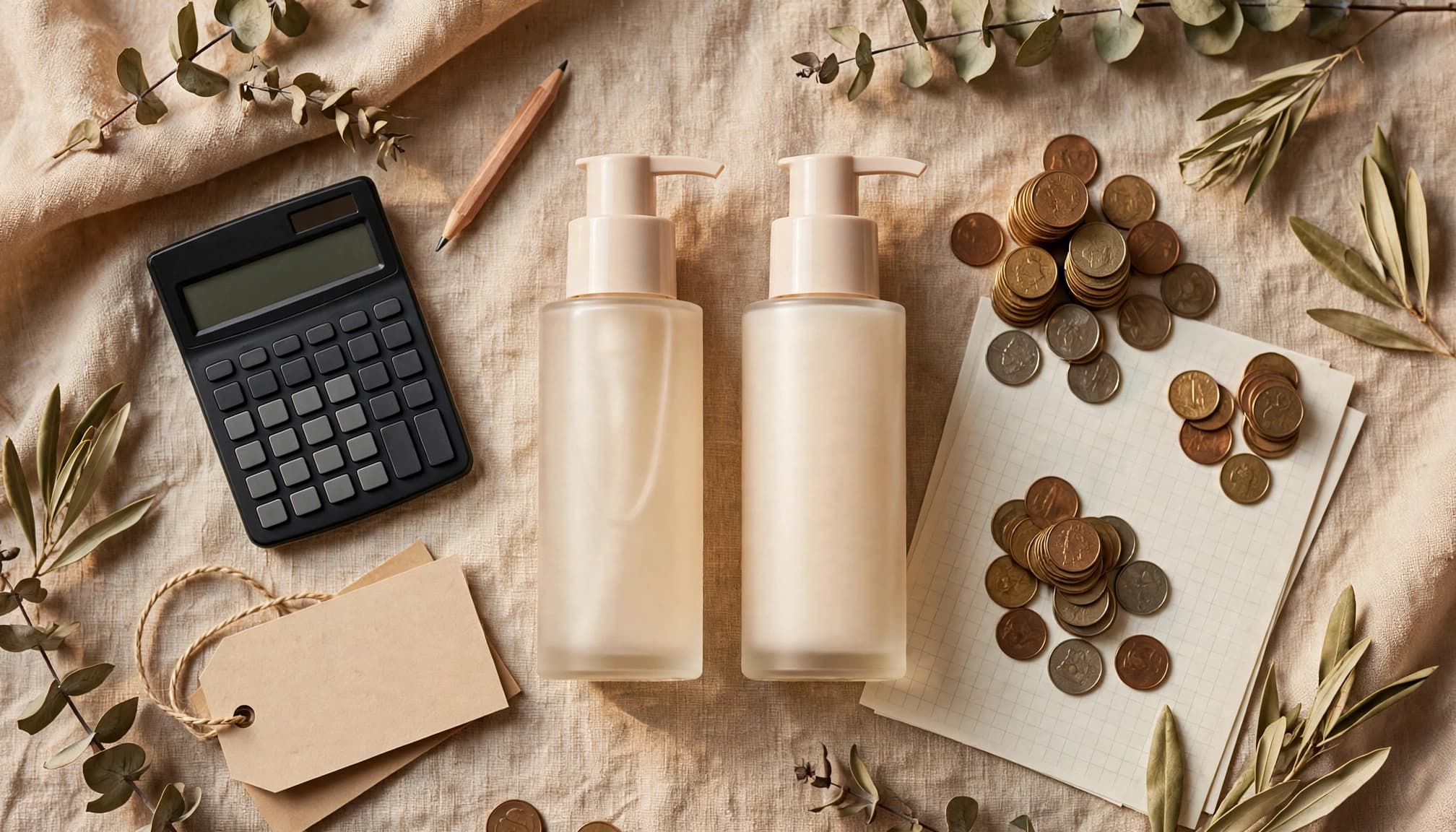
Start with products that already make sense together. Then calculate the offer before publishing it.
Create the product and show the saving
- Install Shopify Bundles, open the app, and choose Create bundle.
- Name the bundle, select its products, and set component quantities and variants.
- Save, then edit its product page, images, pricing, and availability.
- Publish to Online Store and test the complete checkout journey.
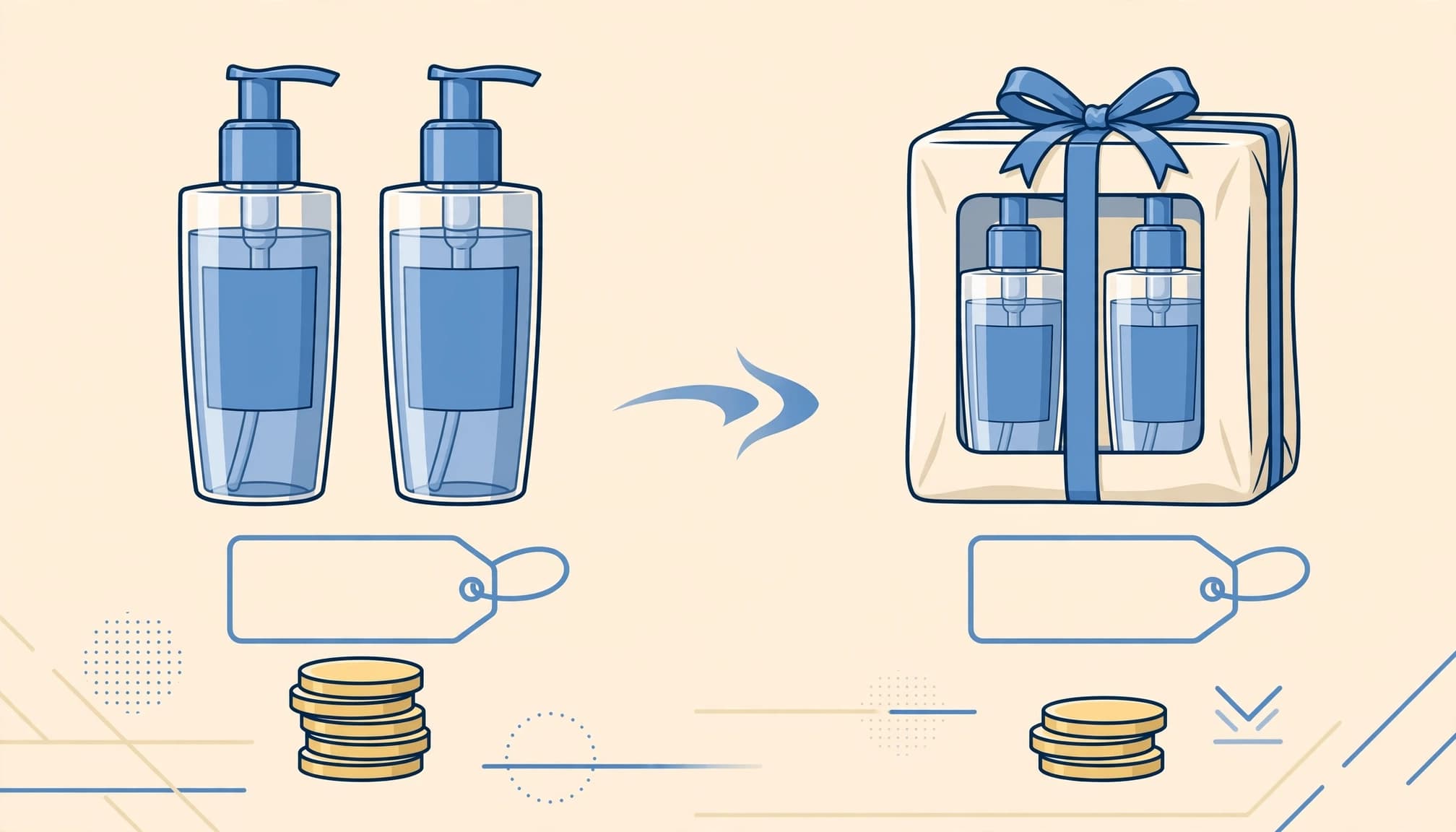
For the $70-bottle calculation, two bottles normally total $140. A 30% price reduction removes $42, giving a $98 bundle price. Set up the bundle offer with $98 as Price and $140 as Compare-at price.
That comparison price must reflect a genuine regular total. For an INR store, enter amounts in rupees rather than copying dollar amounts.
Calculate your discount ceiling
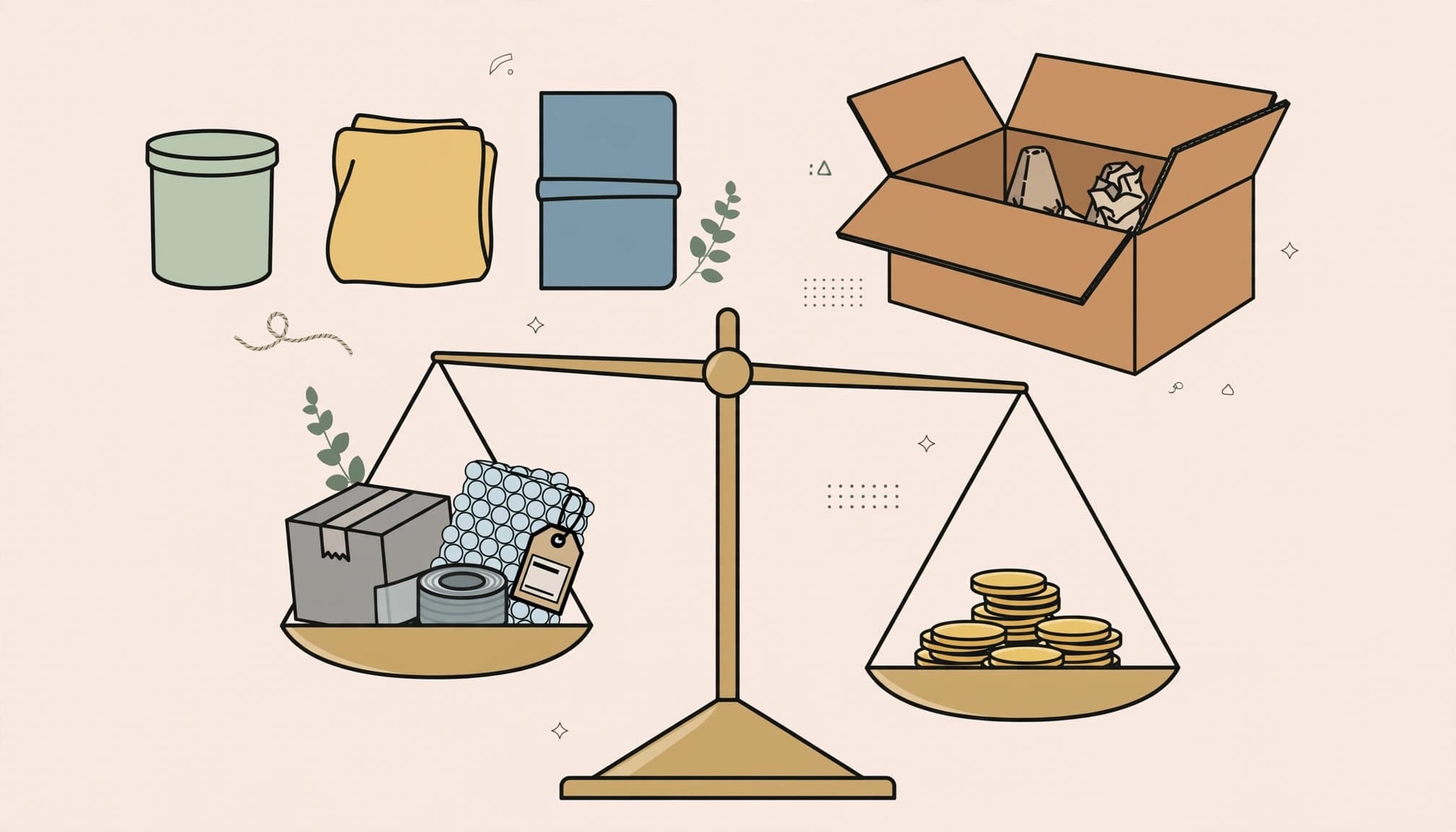
Use this bundle pricing relationship:
Minimum selling price = variable costs / (1 – target contribution margin).
At $98 revenue, retaining a 30% contribution margin requires variable costs of no more than $68.60. Include product costs, packaging, delivery subsidies, payment fees, and expected returns. Calculate advertising contribution separately.
Our ecommerce contribution margin guide explains the cost categories.
Give the bundle its own SKU while retaining component identifiers for fulfillment. One SKU doesn’t determine GST classification; composite and mixed supplies can receive different treatment. Also, define partial-return refunds using the allocated saving.
A 30% price reduction on a two-pack raises revenue over a single $70 purchase, but doesn’t establish a store-wide AOV increase.
Promote bundles along the shopping journey

Show the bundle on your homepage, announce a relevant offer in the announcement bar, and use selective pop-ups. A dedicated landing page suits seasonal collections and paid campaigns. Use upselling to position a higher-value bundle.
To place Shopify product bundles on collection pages, open Products, select the bundle product, and add it to a collection. Give its page original copy and clear contents for shoppers and SEO.
Frequently Bought Together widgets can show up to three complementary-item recommendations for cross-selling. Place them below Add to Cart, below the description in the right column, full width below the product, or at the page bottom.
Use email marketing for consent-based abandoned-cart reminders that restore the saved basket. In your email marketing flow, stop reminders after purchase and start without an extra price incentive.
Shipping incentives also need margin protection. With a ₹1,500 free-shipping threshold and a ₹1,450 qualifying basket, another ₹50 closes the gap. The product margin must still cover the delivery subsidy.
Measure whether bundles create profitable orders
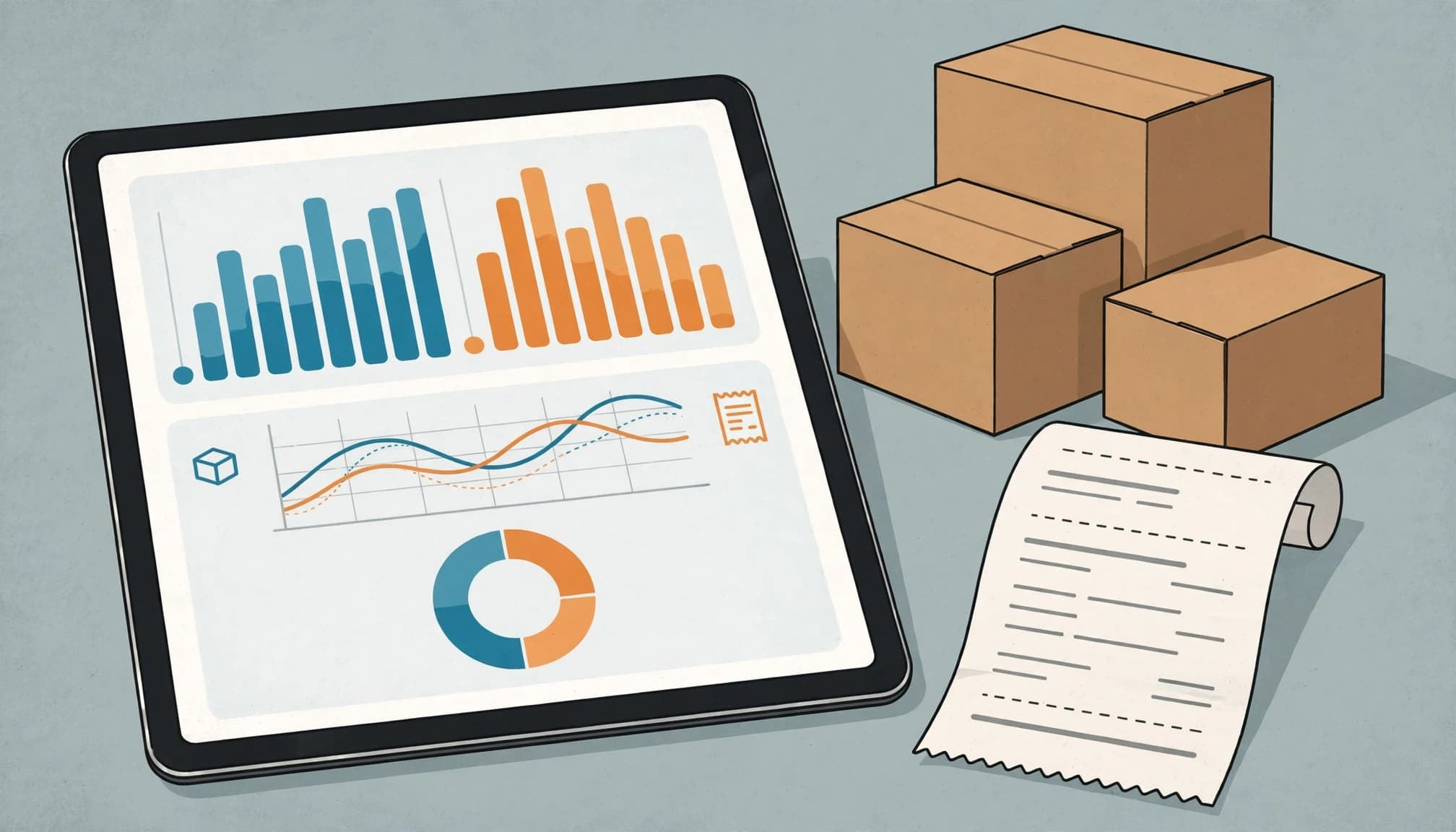
Use a consistent operational measure: AOV = net sales / completed orders within the same reporting window. Keep tax, shipping, refunds, and cancellations consistent across comparisons.
Claims of a 20% to 30% AOV increase attributed to Shopify and a 66% BOGO preference attributed to AMG Shopper Panel are weak forecasting inputs. Neither predicts your store’s results.
Shopify’s bundle sales reports include Bundle total sales over time, Total sales by bundle, Total sales by bundle component, and Bundle component and product comparison. These reports support Shopify Bundles sales; manually created products don’t automatically receive equivalent bundle reporting.
Capture several weeks of baseline data. Then change one major variable, such as price or placement. Where volume permits, randomly withhold the offer from a comparable group.
Track bundle uptake, conversion, and contribution per order alongside AOV. Compare new and returning customers, mobile and desktop, and SEO versus paid traffic.
For Kolkata stores offering cash on delivery, separate accepted orders from delivered, paid orders. Track return-to-origin losses too. Finally, reconcile Shopify orders with analytics using unique transaction IDs rather than treating purchase events as collected revenue.
Shopify product bundle FAQs
Can I create bundles without paying for an app?
Yes. Shopify Bundles is free. You can also create an ordinary product manually, but that method needs separate component-stock tracking. For most fixed sets, the free app removes unnecessary manual work.
Which method should I use for BOGO or volume pricing?
For a qualifying-purchase offer, Shopify’s native Buy X Get Y discount is a starting point. Bundler offers broader bundle discount options. Mix-and-match builders and tiered pricing need functionality matched to those rules. No single app is automatically best for every store.
Can customers stack another offer onto a bundle?
Compatibility depends on the discounts and combination settings. A bundle price already includes its saving, so another eligible discount can reduce margin further. Test the final checkout total, including shipping, before promoting the offer. Our Shopify discount troubleshooting guide covers common conflicts.
Start with one profitable bundle

Start your bundle strategy with one relevant offer among your Shopify product bundles. Set accurate stock and a clear maximum price reduction, then measure whether it increases contribution per completed order, alongside basket value.
Expand only after the offer works through checkout, fulfillment, and returns.
If you need help connecting your Shopify setup, promotion, and measurement, Get In Touch With Us.