A performance max service leads campaign can feel like handing the wheel to automation and hoping it takes the right road. Sometimes it does. Sometimes it drives straight into junk calls, weak forms, and wasted spend.
The fix is better setup, not blind trust. In 2026, Google Ads gives you more control than the early PMax years, including data exclusions, stronger negatives, placement visibility, and cleaner testing. If you feed the system strong signals, it can find real prospects across Search, Maps, YouTube, Display, Gmail, and Discover.
This guide walks through the setup that matters most for service businesses, especially if calls, quote requests, and booked jobs are your real goal.
Prepare Your Account Before Launch

Start with structure. Don’t put plumbing, HVAC, roofing, and electrical into one campaign unless the leads have the same value and geography. PMax learns from patterns, so mixed services often muddy the signal.
Before you build anything, lock in three basics:
- Clear conversion goals, calls, forms, and booked jobs.
- Clean landing pages, one main service intent per page.
- Real budget logic, enough spend to generate learning data.
Google’s own lead generation guidance for Performance Max lines up with this approach. Also, if your team needs broader support, working with performance marketing experts can help tighten tracking before launch.
Build High-Quality Asset Groups
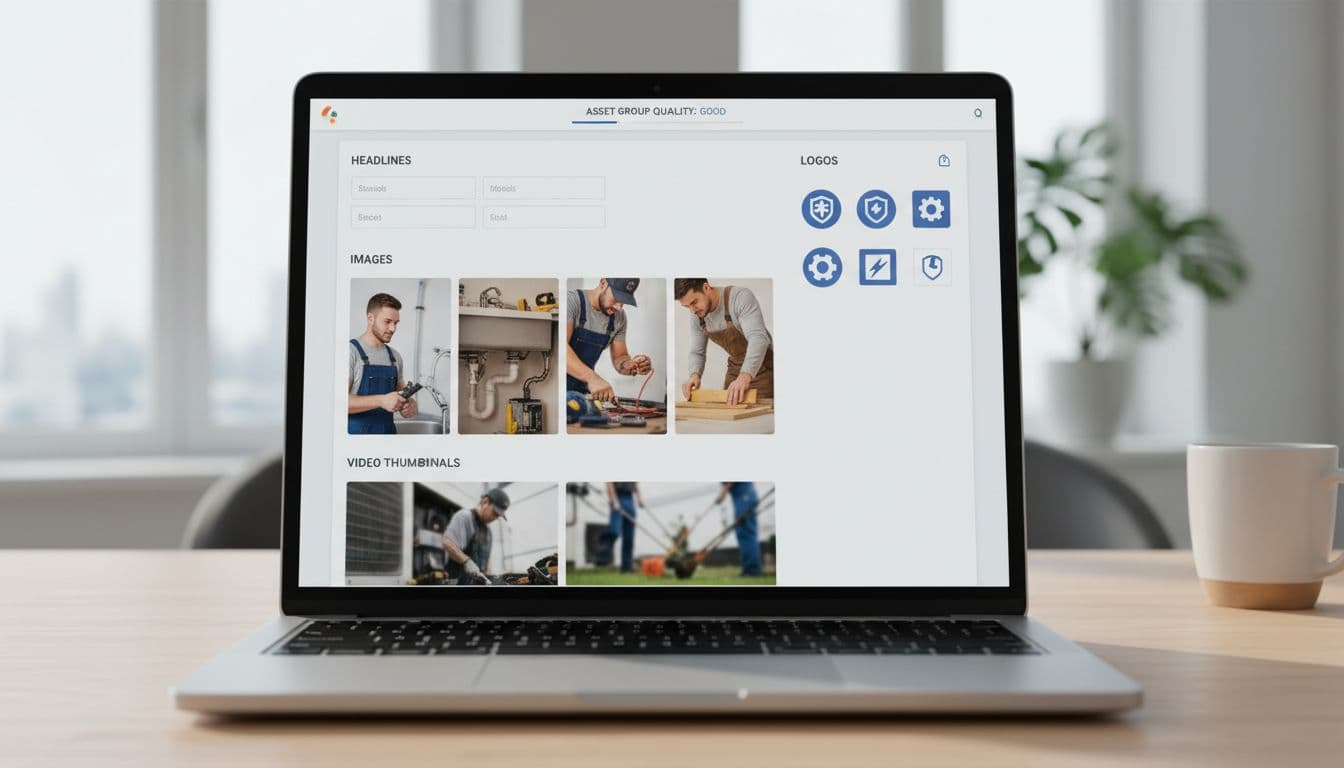
Treat asset groups like tightly themed ad sets. One asset group per service category usually works better than one giant catch-all. For example, “emergency plumber” and “drain cleaning” may sound close, but buyers often act differently.
Use real photos, short videos, and headlines that match the landing page promise. Custom creative matters more for service lead gen because trust drives the click. In 2026, short video assets still help PMax open more inventory, and custom videos often outperform auto-generated ones.
Keep the message simple: problem, proof, action. A broader PMax campaign handbook is useful, but the main rule is this, make each asset group easy for Google to understand.
Set Targeting and Audience Signals

Audience signals don’t limit PMax, but they give it a smarter starting point. That matters when you want local service leads, not random clicks from broad traffic.
Upload first-party lists from your CRM, especially past customers, qualified leads, and repeat buyers. Then add custom segments based on high-intent searches, such as “same day AC repair” or “water heater install near me.” Keep the location settings tight around your actual service area.
Use URL controls carefully. For service campaigns, it’s safer to start narrow and test expansion later. Google’s 2026 experiment tools make that easier, so you can compare controlled traffic versus wider URL expansion without guessing.
Boost Lead Quality with 2026 Controls
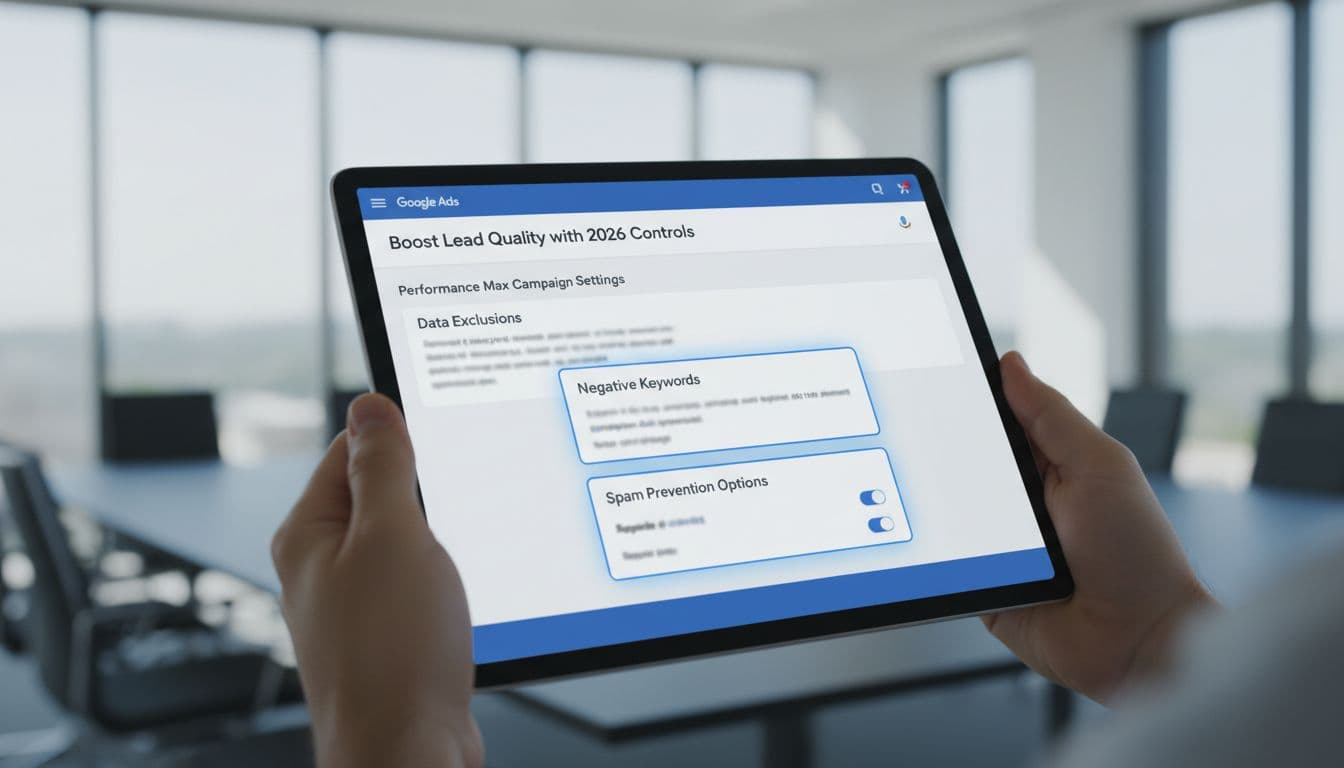
This is where most service campaigns win or lose.
In 2026, PMax gives advertisers better ways to filter bad traffic. Use campaign-level negative keywords to block junk intent like “free,” “DIY,” “jobs,” or “training.” Add brand exclusions when branded traffic belongs elsewhere. Review placement reports and cut low-quality app traffic if it sends weak leads.
Data exclusions are the big one. If old customer lists, spam leads, or bad remarketing pools keep getting pulled in, exclude them. You can also trim device or demographic segments that never become real jobs.
If Google learns from bad leads, it gets better at finding more bad leads.
For a useful outside view, see these Performance Max best practices in 2026. The theme is consistent, better controls lead to better lead quality.
Track Calls, Forms, and Offline Conversions

Don’t let PMax optimize to every hand-raise equally. A junk form and a booked job are not the same thing.
Set up call tracking through Google call assets or your call platform, then count only meaningful calls as primary conversions. For forms, filter spam before those leads train the campaign. If you use lead form assets, test them against landing pages instead of assuming they’re better.
This quick setup rule keeps the signal clean:
| Conversion type | Count as primary when |
|---|---|
| Phone call | It lasts long enough to show real intent |
| Web form | It passes spam checks and required fields |
| Booked appointment | It reaches a qualified CRM stage |
| Closed job or sale | It has real revenue value attached |
Most importantly, import offline conversions from your CRM. When Google sees which leads turn into jobs, bidding gets much sharper.
Avoid These Common Setup Pitfalls

A bad PMax launch usually comes from a few repeat mistakes.
Too many goals: If calls, chats, page views, and form opens all count, the campaign chases noise.
Loose geography: Service ads outside your real coverage area waste budget fast.
Weak landing pages: Slow pages and vague offers hurt both lead rate and lead quality.
No feedback loop: Without offline import, Google can’t tell a booked service from a dead lead.
Also, don’t judge performance too early. Give the campaign enough time to learn, but don’t ignore obvious spam. If you’re splitting budgets across platforms, this Google Ads vs Bing Ads comparison can help frame channel decisions.
A strong setup makes automation useful. A sloppy one makes it expensive.
When lead quality is the goal, build PMax like a filter, not a funnel with holes in it. Keep the campaign focused, feed it real outcomes, and block bad signals early. That’s how service businesses turn automation into booked jobs, not just busy dashboards.