If your listing vanishes overnight, where do your calls go? For many small businesses, they slow down the same day.
A google business profile suspension can block your visibility on Search and Maps, even if your business is real and active. It also throws off DIgital Marketing, SEO, Performance Marketing, Social Media Marketing, and Website Development plans because your profile often supports trust before people ever reach your site.
The fix starts with calm cleanup, solid proof, and a clean appeal.
First steps after a suspension notice
The first move is simple: stop editing the profile. Rapid changes after a suspension often make the case harder to review.
Read Google’s help page for suspended or disabled profiles and compare your listing against the business representation guidelines. Those two pages should guide every correction you make.
Then capture your current details. Save screenshots of the business name, address, category, hours, phone number, and website. If an agency or ex-employee had access, review user permissions too.
Don’t create a new profile while the original one is suspended. Google can see that as duplicate or evasive behavior.
Before you appeal, identify the likely trigger. If your name says “Smith Plumbing Emergency Plumber Dallas 24/7,” fix it to the real business name. If you run a service-area business from home, keep the address hidden unless customers can visit that location.
Why suspensions happen more often in 2026
Since late 2025, Google’s automated checks have become stricter. That means legitimate businesses now get flagged faster when profile details don’t look fully trustworthy.

The biggest red flags are still the same. Address issues are common, especially with virtual offices, P.O. boxes, or records that don’t match official documents. Keyword stuffing in the business name is another major cause. So are duplicate listings, huge service areas that don’t reflect real coverage, and repeated category or address edits in a short period.
Eligibility matters too. Online-only businesses usually don’t qualify for a profile unless they meet Google’s rules for in-person contact. A digital consultant who never meets customers in person may have a real company, but not a profile-eligible setup.
Google is looking for one thing: trust. If your profile looks unlike your paperwork, signage, or real-world operations, suspension risk goes up fast.
Gather proof that matches your listing exactly
Your appeal is only as strong as your evidence. Good documents show that the business is real, active, and tied to the location in the profile.
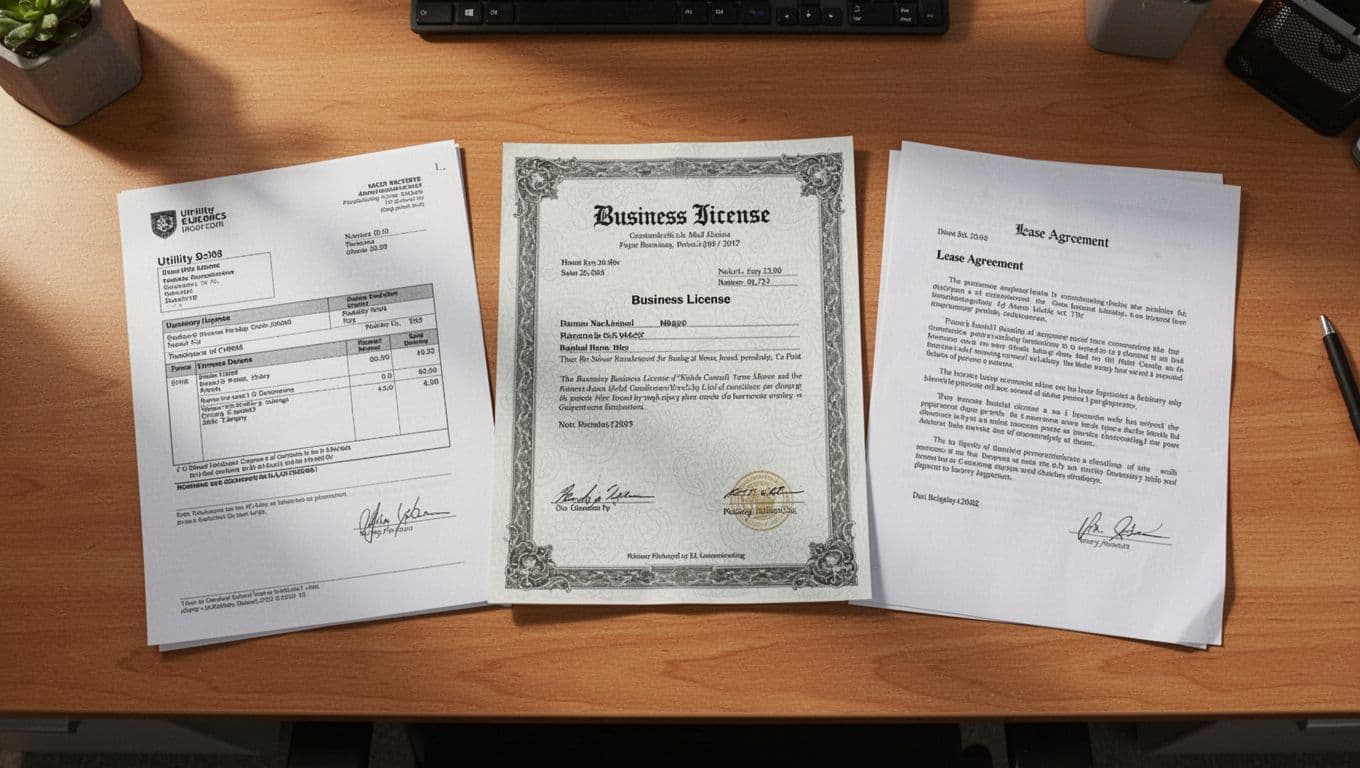
This quick table shows the safest proof to prepare:
| Proof document | Best use | What must match |
|---|---|---|
| Business license or registration | Confirms legal business identity | Business name, address |
| Recent utility bill | Shows active occupancy | Address, recent date |
| Lease, rent, or mortgage document | Confirms control of location | Owner or business name, address |
| Storefront or permanent signage photos | Shows real-world presence | Name on sign, entrance location |
If you run a home-based or service-area business, use official records tied to your base location. If customers don’t visit, the address should usually stay hidden on the profile. Photos can still help, but documents matter more than polished visuals.
Keep every file clean and readable. PDFs or sharp photos work best. Most importantly, the name and address should match your profile exactly. “Suite 2B” on one record and no suite on another can slow the review.
If your profile comes back, tighten it with this Google Business Profile optimization guide.
How to file a strong appeal
Once the profile is corrected and your proof is ready, submit the appeal carefully. A rushed appeal often fails because the evidence doesn’t line up.
- Fix the issue first. Remove extra keywords, correct the address, close duplicates, and set the right business type.
- Gather matching evidence before opening the form.
- Submit the appeal through Google’s official suspension flow.
- Write a short explanation. State what was wrong, what you corrected, and how your documents support the updated profile.
- Wait for a reply, and avoid making more edits while the case is open.
Google notes that when you open the evidence form, you may have only 60 minutes to submit supporting files. Prepare everything in advance.
If you need a second reference, Google’s community suspension guide is helpful. If Google shows a restriction rather than a full suspension, use the profile restrictions appeal page.
Keep your explanation plain. Don’t blame the algorithm. Don’t paste a long emotional story. State facts, show proof, and make review easy.
How to avoid another suspension
Recovery is good. Staying recovered is better.

Use a simple maintenance routine:
- Keep the business name identical to your legal and storefront name.
- Update hours and special hours before holidays.
- Make small edits, not large batches of changes in one day.
- Remove old managers and keep owner access secure.
- Review duplicates after moves, rebrands, or agency changes.
After reinstatement, run a full audit with this GBP optimization checklist 2026. Then rebuild activity the safe way. Fresh photos, accurate services, and steady review replies help. If you need help answering reviews without sounding robotic, these Google review response templates can save time.
A google business profile suspension usually comes down to trust, not luck. Clean records, exact matches, and patient appeals win more often than hacks.
If your documents are messy or the case feels stuck, Get In Touch With Us for a compliance-first review before you resubmit.