You can have strong reviews and a polished website, then still miss local leads because your profile never gets verified.
For many service businesses in 2026, Google Business Profile video verification is the step that decides whether you show up on Maps at all. If you work from a van, a home office, or a small service yard, the hard part is proving the business is real without a public storefront.
What Google needs to see in your verification video
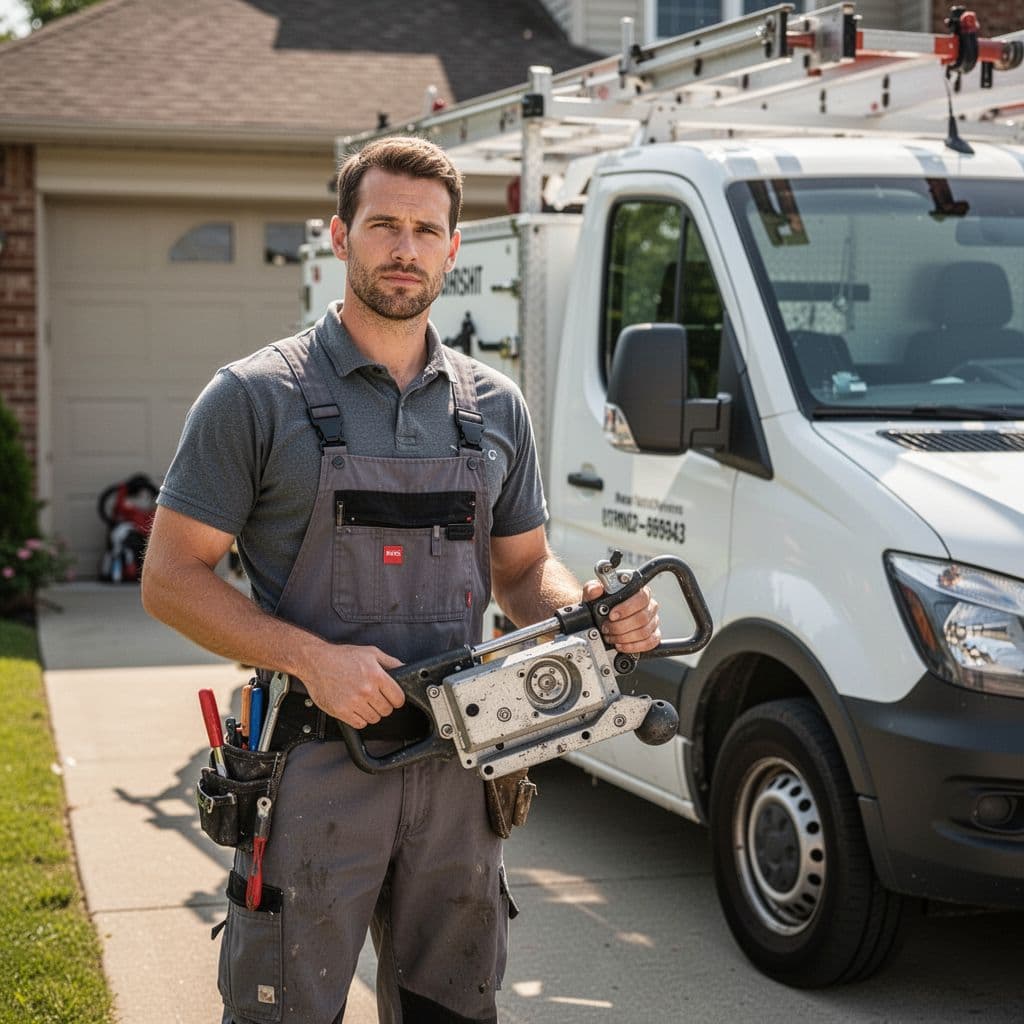
Google is usually checking three simple things in a video: where you operate, what your business does, and that you control it. If one of those is missing, the upload can fail even when the business is legitimate.
That matches both Google’s own tips for successful video verification and field-tested advice in this complete guide to Google Business video verification. The format is simple, but the proof has to be obvious.
A strong verification video proves location, operations, and authorization in one continuous take.
Start with your route before you press record. You are not making an ad. You are giving Google quick evidence.
- Begin outside near your business base. Show a street sign, house number, building number, or a nearby landmark that places you at the address tied to the profile.
- Walk toward the place where you work. For a service-area business, that might be a driveway, garage, storage unit, or work vehicle.
- Show what the business actually uses. Film tools, inventory, safety gear, work orders, branded materials, or job-specific equipment.
- Prove access and control. Unlock the service van, open the garage, enter the office, or use a key, code, or app that only the business controls.
- End with one more business proof item. A permit, utility bill, invoice, license, or branded equipment can help, as long as it matches the profile details.
For a home-based business, you do not need a retail sign. You do need clear proof that the business runs from the location connected to the profile. If your address is hidden from customers, use nearby street markers and the exterior approach to show where the operation starts.
Picture a plumber recording from the sidewalk. First, the camera catches the street sign. Next, it pans to the driveway and wrapped van. Then it shows pipe tools and spare fittings inside the vehicle. After that, the owner unlocks a side compartment and briefly shows an invoice with the business name visible. That sequence tells Google a lot in under a minute.
Try to keep the video unedited and complete. Google wants a single clip, not stitched scenes. It also helps to keep it over 30 seconds so the proof is easy to follow.
How to record a video Google will accept the first time
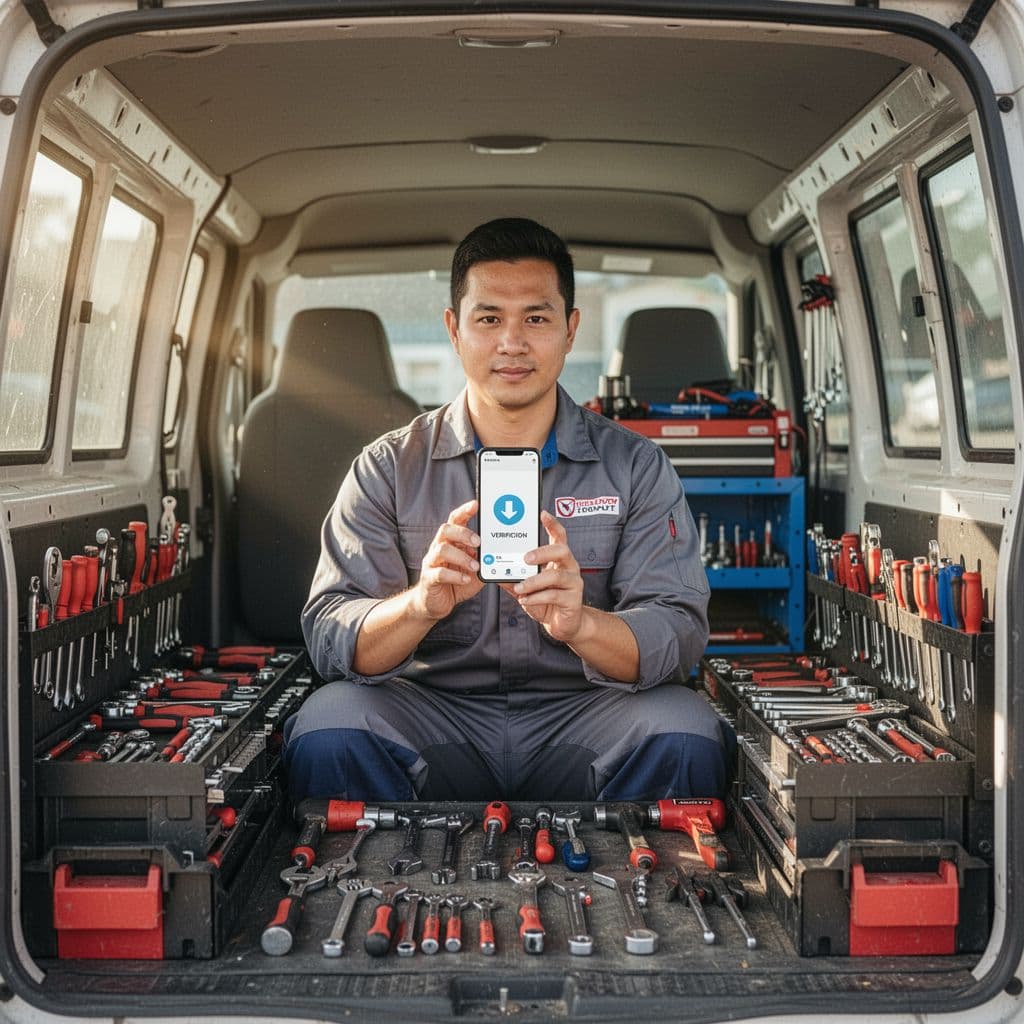
Preparation matters more than camera quality. Before filming, check that your business name, category, address, phone number, and service area match what Google sees in your profile, your website, and your paperwork. This Google Business Profile optimization checklist is useful for that final review.
If your DIgital Marketing mix includes SEO, Performance Marketing, Social Media Marketing, and Website Development, an unverified profile can still block calls and map visibility. All that effort has less impact when local search trust is missing.
Film in daylight if possible. Natural light helps Google read signs, vehicle branding, and documents. Hold the phone steady and move slowly. A shaky clip can make clear proof look vague.
Keep screens out of focus unless they are necessary. A booking app or dispatch tool can support the video, but a screen alone is weak proof. Physical evidence usually works better, especially tools, vehicles, entrances, locks, and paperwork.
The biggest rule is simple: do not edit the video. No cuts, no stitched segments, no fancy transitions, no background music. Record once from start to finish.
Rejections often happen for a few predictable reasons:
- The video is too short or jumps around too fast.
- The address or starting location is unclear.
- You show tools, but never prove management access.
- The profile details do not match the documents or signage.
- The footage looks borrowed, staged, or unrelated to daily work.
Documents can help, but use them carefully. Show the business name and address if they matter, then cover private account numbers or personal details with a finger or paper. The goal is proof, not oversharing.
It also helps to rehearse the walking path once before filming. That small step cuts down on awkward pauses and missed items. Many failed submissions come from forgetting one key proof point, then ending the clip too early.
If you manage multiple crews, let the owner or a trusted manager record the video. Google wants to see someone who can access business-only spaces and materials. A subcontractor standing beside a van they cannot unlock is weaker evidence.
Special tips for home-based and service-area businesses
Service-area businesses often worry because customers never visit the address. That is normal. Google does not require a storefront for every business type. It needs proof that the company operates from the location connected to the profile and that the person recording is authorized to manage it.
For a home-based electrician, that could mean filming the street sign, driveway, work van, lockbox, cable reels, meters, and a printed estimate. For a mobile groomer, it might be the truck, interior setup, tanks, tools, and access to the vehicle. A landscaper can show trailers, mowers, storage, and entry to the property where the gear is kept.
Avoid weak substitutes. A PO box, a virtual office, a borrowed vehicle, or a generic mailbox rarely helps. Shared spaces also cause problems when the person recording cannot show direct control of a dedicated office, storage area, or equipment.
A hidden address does not mean zero location proof. Nearby street signs, curb numbers, building exteriors, and the route into your workspace can all support the claim without turning the video into a tour of your home.
Once the profile is approved, those same trust signals support stronger local visibility. That is one reason professional local SEO services put so much focus on consistency across your profile, website, and citations. JXT Group also outlines useful 2026 compliance warnings and video requirements if you want a second source on newer verification issues.
If repeated submissions keep getting rejected, the problem is often small and fixable. A second review of your profile details, website contact info, and video proof can save days of back-and-forth. If you need help sorting that out, Get In Touch With Us.
Conclusion
One missed proof point can hide a solid business from local search. The safest move is a single continuous video that clearly shows location, work, and control.
Plan the route first, match every detail to your profile, and keep the footage simple. When Google can see that your service business is real and managed by you, verification gets much easier.