A confirmed conversion data outage can follow a broken form, failed import, or tracking interruption. It may create short-term performance fluctuations. It can also weaken bidding performance when conversion tracking makes profitable clicks look worthless to Smart Bidding.
For service businesses, this matters because one missing phone lead or booked consultation can affect more than a dashboard. It can distort cost-per-lead reporting, automated bids, and budget decisions. Start with a confirmed issue, then apply data exclusions with a documented date range.
Key Takeaways
- Use Google Ads data exclusions for confirmed conversion tracking failures, such as broken forms, failed CRM imports, or interrupted tags—not for ordinary performance fluctuations.
- Data exclusions change the conversion data Smart Bidding uses for bid decisions, but they do not erase conversions from standard Google Ads reports or restore missing leads.
- Set the exclusion dates around the affected click period and account for the account’s time zone and normal conversion delay.
- Keep the campaign scope as narrow as the outage allows, then give Smart Bidding time to stabilize before changing target CPA or target ROAS.
- Document the outage, affected conversion actions, evidence, date-range logic, campaign coverage, and fix confirmation in a shared incident record.
How Google Ads data exclusions protect Smart Bidding
Smart Bidding uses past conversion data to decide which auctions deserve higher bids. When conversion tracking breaks, valid ad clicks may appear to produce zero leads. A Google tag may stop firing, a CRM import may pause, or a booking form may fail.
Data exclusions tell the system to disregard conversion data connected to clicks during a defined affected period. Google’s data exclusion guidance describes bidding data exclusions as an advanced bid control for reducing the bidding impact of conversion-data problems.

The control changes bidding inputs, not historic reports
An exclusion doesn’t erase conversions from your conversion reporting. It changes which conversion value data the bidding system considers when it adjusts bids. Google’s reporting clarification confirms that excluded conversions can still appear in standard reports.
That separation matters for service companies. Your finance, sales, and operations teams still need a complete record of enquiries and booked work. The exclusion protects automated bidding while preserving the reporting trail.
A data exclusion protects the bidding model. It does not restore missing leads or repair the tracking setup.
Lead-generation campaigns can feel the damage later
A service lead often takes time to become a meaningful conversion, creating a conversion delay. Someone may click an ad, call two days later, then book an appointment after a sales follow-up. Other businesses import qualified opportunities or closed deals from a CRM.
As a result, delayed or faulty signals can hurt bidding performance after the technical issue ends. They can also cause performance fluctuations in target CPA and target ROAS bidding.
These exclusions can apply to supported Smart Bidding campaigns across several advertising channel types. They include search campaigns, Display, Shopping, and Performance Max campaigns. The campaign scope doesn’t include Hotel or Travel campaigns.
When a conversion outage warrants an exclusion
Use data exclusions for confirmed conversion tracking issues, not for every bad week. A sudden fall in tracked leads can reflect lower demand, a weaker offer, changed targeting, or poor sales follow-up, not just a technical problem.
Review conversion rate against historical averages for search campaigns before assuming a measurement problem. This distinction separates tracking failures from normal performance fluctuations.
| What happened | Use an exclusion? | First check |
|---|---|---|
| A form event or Google tag stopped firing | Usually yes | Test the form and confirm the missing event |
| The website was unavailable | Usually yes | Review uptime records and affected tracking |
| Offline CRM imports failed | Usually yes | Compare CRM records with offline conversion data |
| Leads fell while tracking still works | Usually no | Review search terms, landing pages, pricing, and lead handling |
Confirm the source of the discrepancy first
Compare conversion tracking in Google Ads with GA4 events, call-tracking records, form submissions, booked meetings, and CRM timestamps. These sources won’t match perfectly, yet a sudden break across several sources gives you stronger evidence.
Run one consented test lead through the full path and use conversion tracking to verify it. Confirm the form submission, thank-you event, CRM record, Google Ads conversion, and any offline import. If enhanced lead data is part of your setup, use this guide to troubleshoot enhanced conversions in Google Ads before changing bid controls.
Document the start time, end time, affected conversion action, campaign scope, and proof of the failure. That record helps when several people share campaign responsibility.
Don’t use exclusions to hide a real sales problem
Data exclusions won’t fix poor lead quality, weak offers, or slow sales follow-up. They also won’t improve response times, sales scripts, or a landing page that no longer matches local demand.
A large pipeline can create false confidence when proposals have stalled. Track opportunity age, stage age, and the date of the last meaningful customer interaction separately. If quoted work sits untouched for weeks, the problem belongs in sales operations, not Smart Bidding.
Set up exclusions in the Google Ads interface
The current Google Ads path is Tools, then Adjustments, then the Exclusions tab. This workflow is an advanced bid control for Smart Bidding, and the plus button lets you add data exclusions.
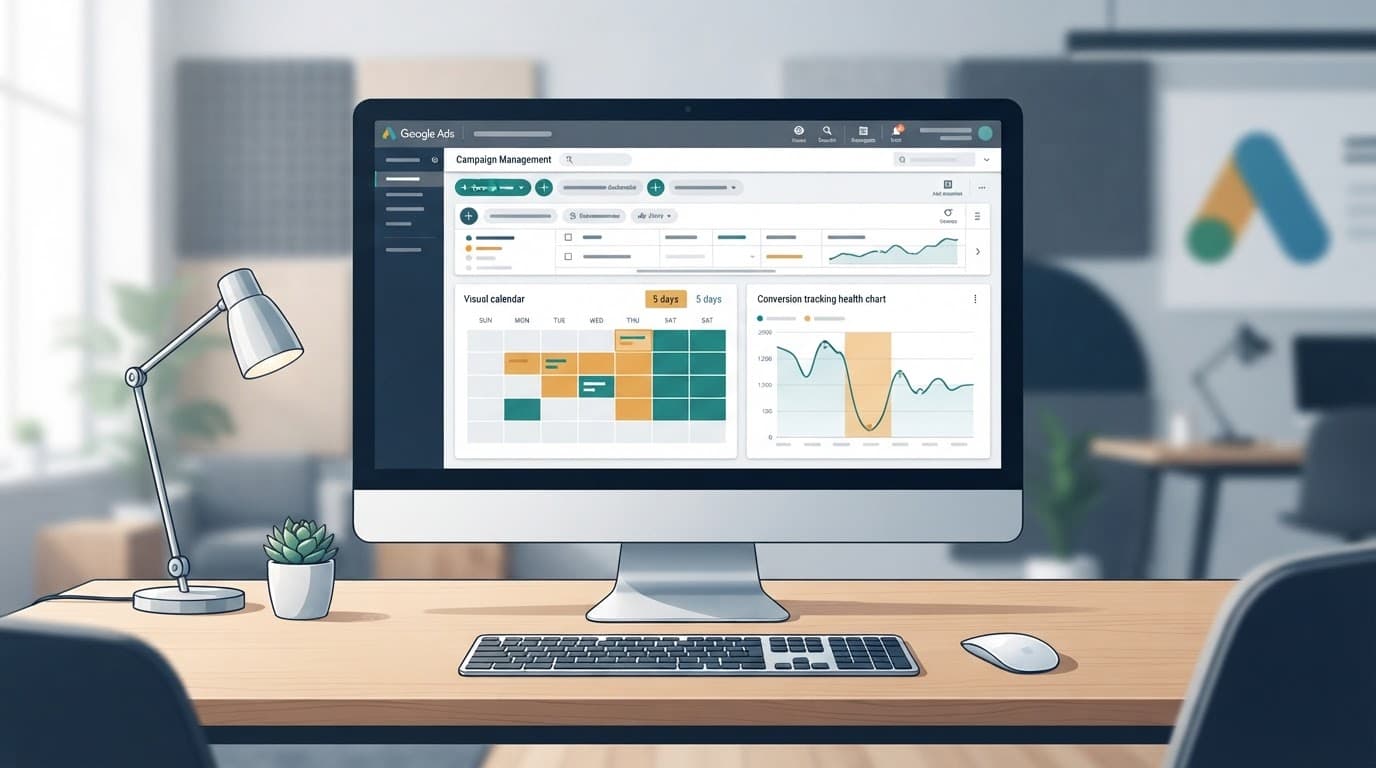
Follow this sequence after you have evidence of the outage and are ready to create data exclusions:
- Record the exact outage period in the Google Ads account’s time zone, and identify the affected conversion tracking path.
- Open Tools > Adjustments > Exclusions, then select the plus button.
- Name the exclusion clearly, such as “CRM import outage, July 2026.”
- Choose the account or campaign level for your campaign scope. Verify that the failing Google tag is associated with the selected conversion action. Use campaign-level selection for affected search campaigns or Performance Max campaigns. Use an account-wide scope only when the same faulty conversion process affected all relevant campaigns.
- Select device types only if the issue was limited to a known device group.
- Set a start and end date that account for your normal conversion delay, then save the exclusion.
A video walkthrough of the setup screen can help if your account layout looks different from current documentation.
Keep the campaign scope narrow when the issue was isolated. For example, exclude only campaigns using a broken booking-form conversion path, rather than every campaign in the account.
Choose dates around conversion delay
These exclusions apply to clicks that may have generated the conversion, not just the day someone noticed a reporting gap. That distinction prevents a common setup error and keeps data exclusions tied to the relevant click date.
Work backward from the click date
Suppose your CRM shows that most booked consultations occur several days after an ad click. If conversion tracking fails today, some missing conversions may belong to earlier clicks.
This conversion delay can link missing conversions to earlier clicks. A range based only on discovery can leave bad training data in the Smart Bidding model.
Review actual click-to-lead timing where possible. For search campaigns, use CRM records and click IDs to identify the normal lag. A practical target is to cover at least 90% of that pattern when the data is reliable.
Use evidence to keep the range sensible
A long exclusion range can remove useful learning data during normal performance fluctuations. Therefore, extend dates only as far as outage evidence and observed lag support. Use data exclusions for an outage, rather than seasonality adjustments for ordinary demand changes.
Match the dates to the account time zone. Also, separate a broken tag from delayed offline conversion data. The first may affect every online lead action. The second may affect only qualified-lead or closed-won imports, so the campaign scope should guide the exclusion range.
Let bidding stabilize before changing targets
Smart Bidding may need one or two normal conversion cycles to absorb corrected data. Give its learning process time to run after applying data exclusions. After an outage, short-term performance fluctuations don’t automatically call for seasonality adjustments.
Don’t chase short-term CPA or ROAS swings
Avoid sharply changing target CPA or target ROAS because of a temporary reporting dip. Otherwise, you can layer a bidding strategy change onto the original data problem. That can disrupt Smart Bidding and make either issue harder to diagnose.
Monitor spend, clicks, auction visibility, tracked conversions, and lead quality to assess campaign performance and bidding performance. For search campaigns, confirm that conversion tracking is working and the CRM import has resumed before deciding that a bid target needs adjustment.
Judge performance by qualified outcomes
Form fills are useful, but they are not always sales-ready opportunities. A job enquiry, spam submission, or out-of-area request can inflate conversion volume while weakening conversion value data used in value-based optimization.
Track qualified lead rate, booked appointments, proposal value, win rate, and sales-cycle length alongside campaign cost. A reliable cost per qualified lead view helps connect paid-search decisions to work your sales team can actually close.
If pipeline velocity falls while reported lead volume holds steady, investigate the sales process. Slower follow-up, stale proposals, or reduced win rates can explain the gap better than an ad-platform setting.
Build an incident process across teams and accounts
A short measurement incident log makes conversion tracking issues and related tracking failures easier to review later. Include the affected conversion action, technical cause, start and end times, date-range logic, campaign coverage, owner, and fix confirmation.
A digital marketing incident may start with a Website Development release. However, performance marketing, SEO, and social media marketing teams also need consistent lead definitions and source data. One shared record reduces reporting disputes after a form, consent tool, or CRM workflow changes.
Use the API carefully for multi-account work
Agencies and large service groups can automate approved data exclusions for Smart Bidding. Google’s Google Ads API create-exclusion sample uses the BiddingDataExclusion resource to create bidding data exclusions and supports campaign or channel targeting.
The API creates exclusions in client accounts, not manager accounts. For each child account, a manager-level process should identify affected search campaigns, validate the account’s local time zone and campaign scope, and create a separate record for every approved exclusion. Save the returned resource name and the evidence behind the decision.
If Google Ads totals, CRM outcomes, and call logs tell different stories, Get In Touch With Us for a practical review of your conversion reporting and tracking gap.
Frequently Asked Questions
What are Google Ads data exclusions?
Google Ads data exclusions tell Smart Bidding to disregard conversion data connected to clicks during a defined period affected by a tracking problem. They change bidding inputs without deleting conversions from standard reports.
When should a service business use a data exclusion?
Use one when you can confirm a conversion tracking failure, such as a broken form, stopped Google tag, or failed offline CRM import. A drop in leads without evidence of a technical issue usually calls for a review of demand, targeting, landing pages, or sales follow-up instead.
Do data exclusions remove conversions from Google Ads reports?
No. Excluded conversions can still appear in standard Google Ads reporting, so finance and sales teams retain the reporting record. The exclusion only protects the bidding model from learning from unreliable data during the affected period.
How should I choose the exclusion dates?
Base the range on the click dates that may have produced missing conversions, not only on the day the outage was discovered. Use the account time zone and extend the range far enough to reflect the normal conversion delay, while keeping it supported by outage evidence.
Keep Smart Bidding tied to trustworthy lead data
Google Ads data exclusions are an advanced bid control for proven conversion-data failures. They prevent automated bidding from treating a tracking outage as evidence that your best prospects have disappeared.
The strongest process combines diagnosing the outage with a click-date range that accounts for conversion delay. Then, allow bidding to stabilize after the fix. Trusted conversion data gives automated bidding a stronger basis for decisions and service teams a clearer view of campaign results.