
A lead-generation site can lose visibility without a broken form, a bad headline, or an obvious design flaw. Incorrect canonical tags can tell Google to favor a parameter URL, an old campaign page, or thin location-page duplicate content instead of the page that should bring enquiries.
A canonical tag audit checks whether every important service, location, industry, and consultation page points to the right canonical URL. It identifies the preferred version for visibility, giving search engines a clearer indexing signal while catching hidden URLs that dilute site quality and confuse indexing reports.
What a canonical tag audit tells search engines

A canonical tag is an HTML element in the HTML head section that identifies the URL you want search engines to treat as the preferred version. Google calls this process URL canonicalization, meaning it selects one representative URL from a group with duplicate content or very similar pages.
The tag is a strong hint, not an instruction Google must follow. Canonical tags should align with your internal links, redirects, sitemap entries, page content, and URL accessibility.
A canonical URL is not a duplicate URL
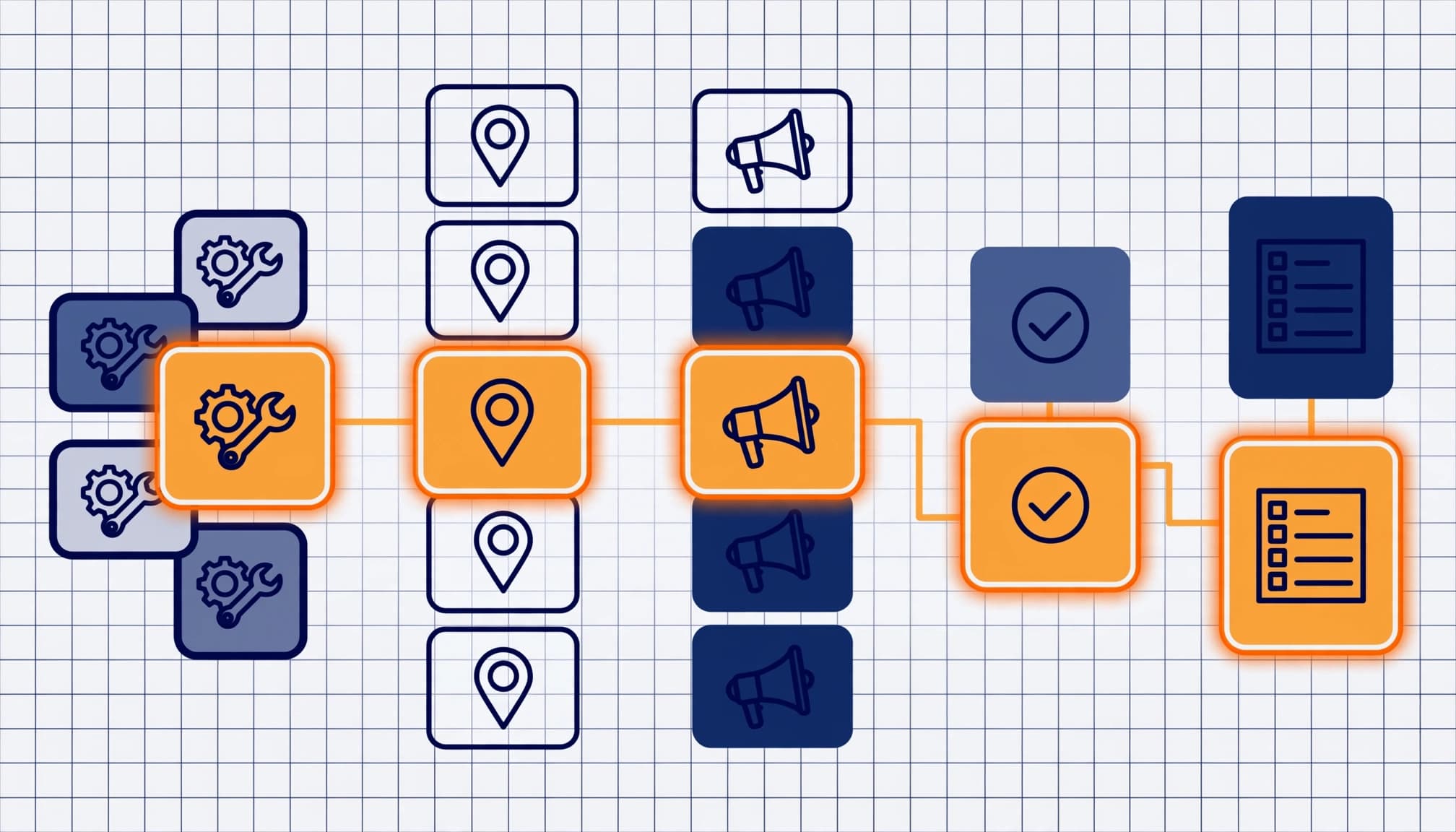
A self referencing canonical points an indexable page to its own preferred URL. For example, a Kolkata plumbing company’s primary service page might include:
<link rel="canonical" href="https://example.com/plumbing-services-kolkata/">
That canonical URL tells Google that this exact HTTPS URL is the page owner wants indexed. In contrast, a page at https://example.com/plumbing-services-kolkata/?utm_source=google should usually canonicalize to the clean version.
Avoid vague or inconsistent targets. A canonical pointing to an HTTP URL, a URL with URL parameters, or a different city page sends mixed SEO signals.
Why lead-generation websites create duplicate groups
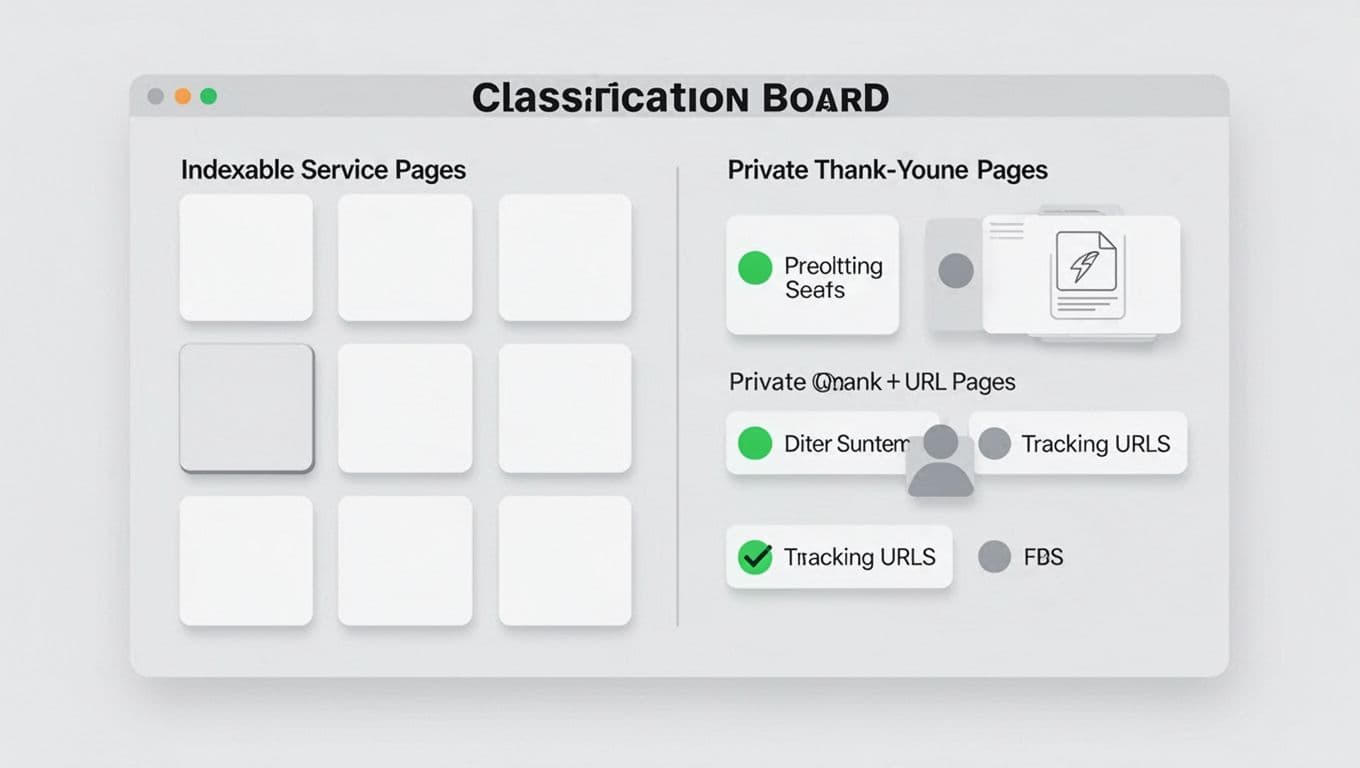
Lead-gen sites often create URL variants through ad tracking, form tools, WordPress archives, campaign builders, and location-page templates. Common groups include HTTP and HTTPS versions, trailing-slash mismatches, paid-media parameters, printer pages, pagination pages, and old URLs preserved after a redesign. Pagination pages should be assessed based on whether they are unique, useful pages, rather than automatically canonicalized to page one.
Near-duplicate location pages deserve extra scrutiny. A page for Salt Lake and one for Park Street can both rank if each has useful local proof, relevant service detail, reviews, photos, and distinct FAQs. Pages that only swap the locality name may represent duplicate content and create keyword cannibalization, but genuinely distinct local pages can remain indexable.
Decide which pages deserve indexation

Start with business purpose, not the crawl total. List URLs that can produce qualified calls, quote requests, demos, and consultations. For each one, record its intended query, primary conversion, status code, indexability status, canonical URL, and internal-link count.
Service pages, industry pages, comparison pages, case studies, pricing pages, and genuinely distinct location pages often belong in Google’s index. Each should have coherent canonical tags and return a 200 status. An indexable preferred page should use a self referencing canonical, while true duplicates can point to another version.
Thank-you pages, internal search pages, login areas, duplicate form states, and test routes usually shouldn’t rank. Keep them useful for visitors when needed, but don’t let them compete with revenue pages. Decide which URL is the preferred version before making technical changes. For WordPress sites, verify the canonical output generated by Yoast SEO instead of assuming its default is correct. A broader lead generation SEO audit checklist helps connect indexability decisions with conversion and analytics checks.
A page can be technically indexable yet still be the wrong page to index. Decide its search purpose before changing its canonical.
Run a canonical tag audit in four passes

Use Screaming Frog or Sitebulb for a site audit of the public site. Export each URL’s canonical target, status code, indexability status, robots directives, crawl depth, and canonical tags. Group results by page template before reviewing individual URLs. A broken rule on a service-page template can affect hundreds of URLs.
Then compare the crawl against your intended URL inventory. Review priority pages first, especially those with impressions, organic leads, backlinks, or important internal links. On large sites, tracking variants and template-generated URLs can waste crawl budget. Canonical tags aren’t guaranteed crawl-budget controls, so they shouldn’t replace sound URL management.
Crawl declared canonicals and their targets
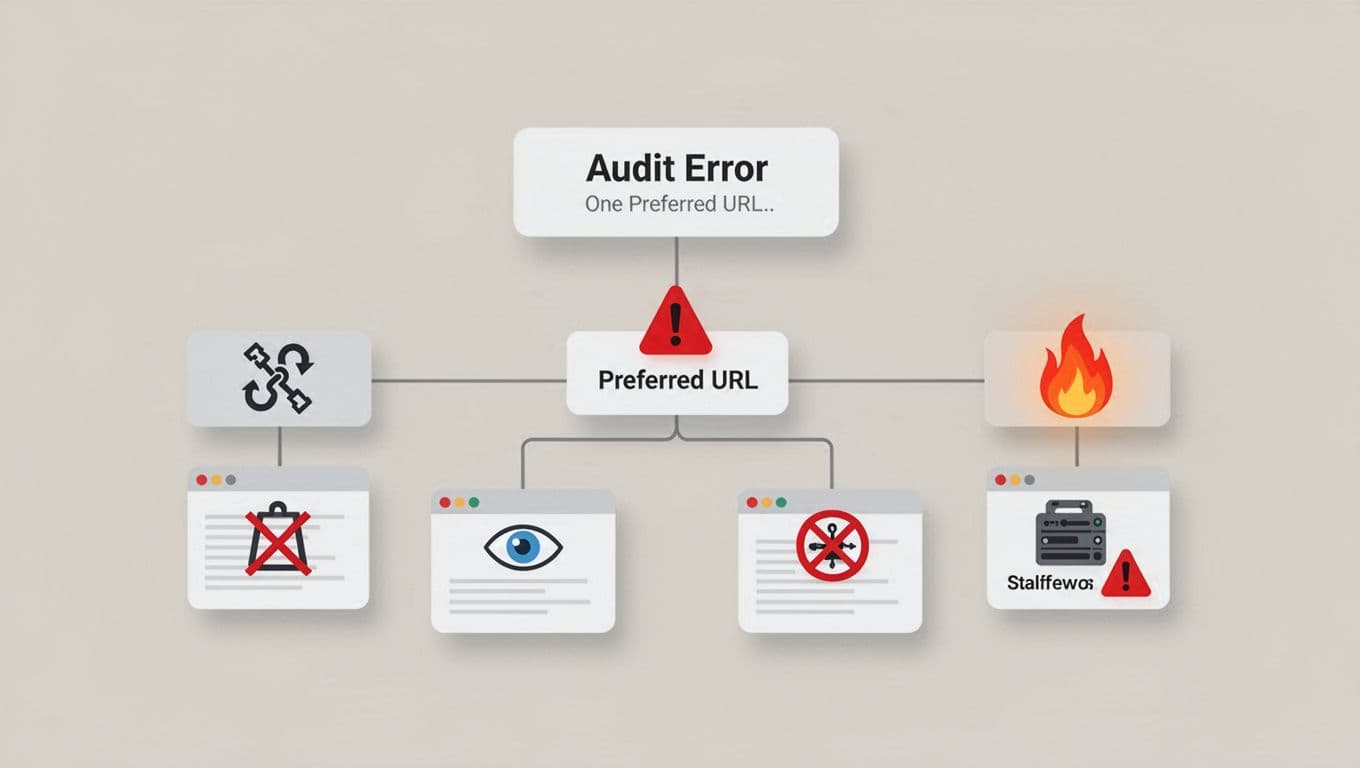
For every canonicalized URL, test the canonical URL destination. The ideal target returns a 200 status, can be crawled, is indexable, and names itself as canonical. It shouldn’t redirect, return a 404 or 5XX error, carry noindex, or sit behind a robots.txt block.
A target becomes a non indexable canonical when it carries noindex, is blocked, or otherwise can’t serve as the indexable preferred page. Also flag pages with no canonical declaration or multiple conflicting canonical tags.
Check relative canonical values and use absolute urls that resolve consistently across protocols and hostnames. For non-HTML resources, a canonical can also appear in http headers, although this audit focuses primarily on the HTML rel="canonical" implementation. A clean self-reference is usually safer than relying on a CMS default.
A parameter page that points to its clean parent can be appropriate. For pagination pages, each useful page in the series needs an intentional canonical decision rather than an automatic page-one canonical. However, a unique pricing page that points to a generic service page may disappear from search results because Google sees a conflicting ownership signal.
Compare raw HTML, rendered HTML, and Google’s choice

JavaScript frameworks can insert or rewrite canonical tags after the initial HTML response. Therefore, inspect both the server-delivered source and rendered html. A page that looks correct in a browser can still expose no canonical, or the wrong one, before scripts run.
For JavaScript-heavy sites, follow a focused JavaScript SEO audit for lead generation sites alongside the canonical review. Check that Googlebot can access the scripts and resources needed to render the final page.
Finally, inspect priority URLs in google search console. The indexed report shows both the user-declared canonical and Google’s selected canonical. Compare the final canonical in the rendered html with the page’s source implementation. Google’s URL Inspection documentation confirms that the live test can’t predict Google’s final canonical choice.
Correct canonical errors and choose the right signal
Canonical problems matter most when canonical tags affect pages that should attract commercial searches. Fix the underlying page relationship, rather than adding tags blindly.
Repair broken targets, chains, and loops
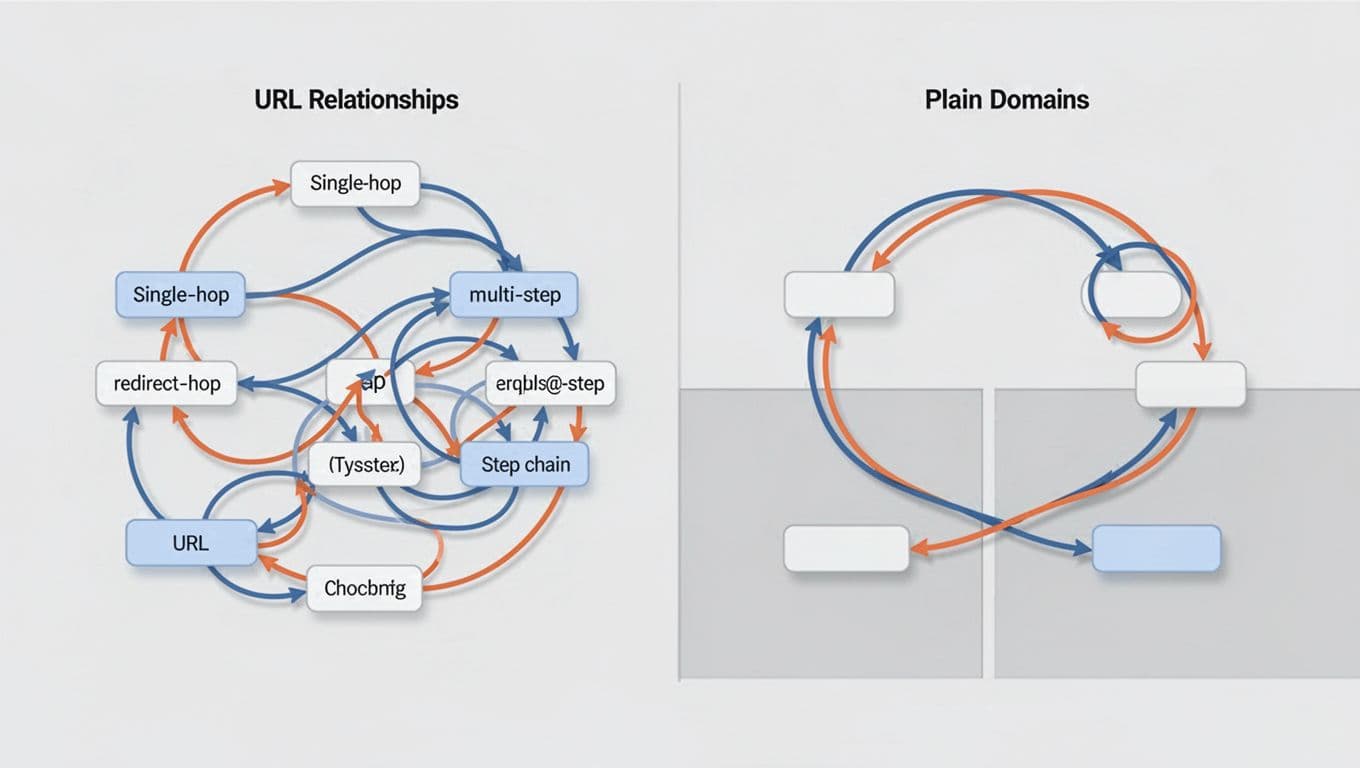
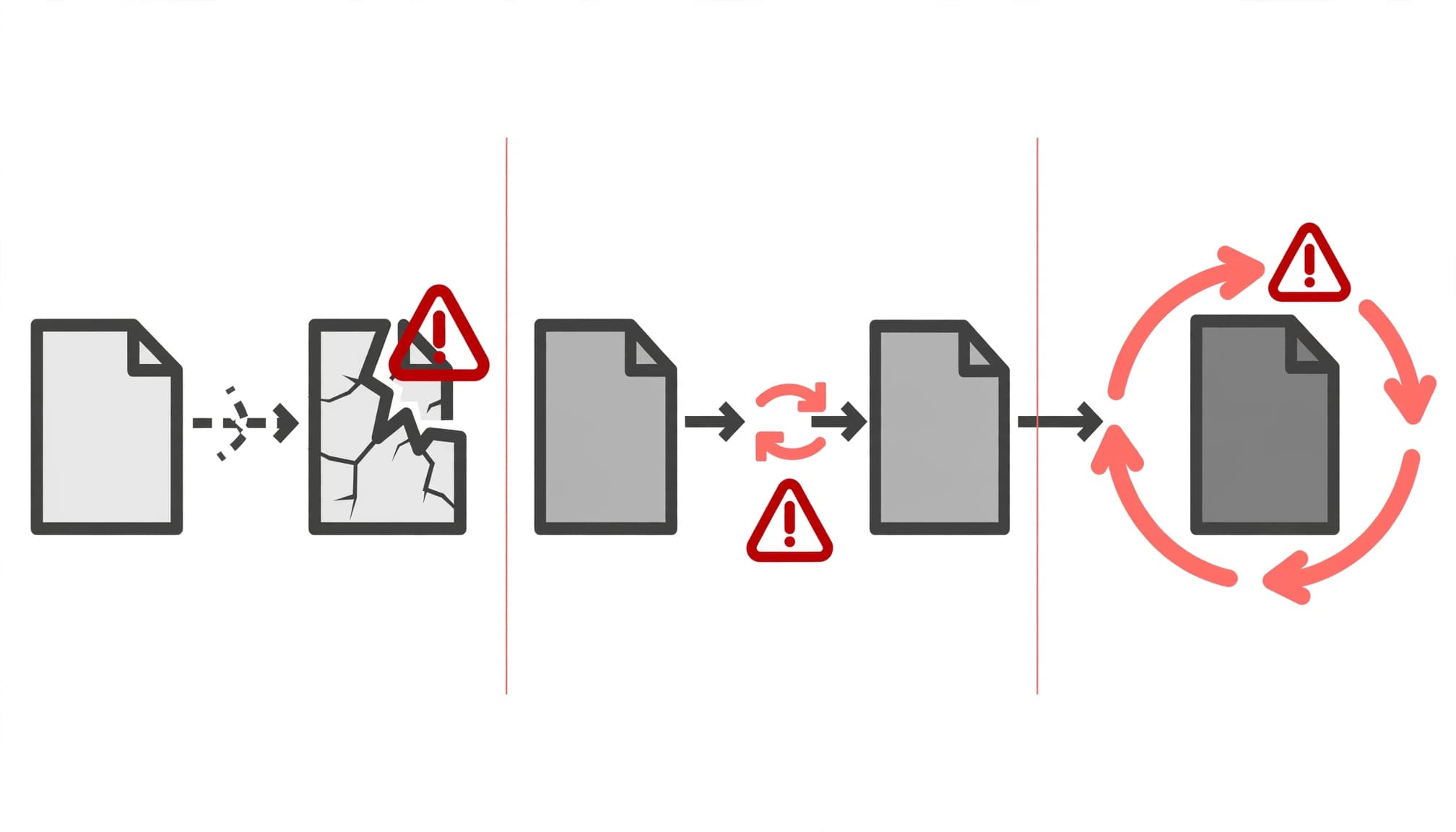
A canonical to a 404 page gives Google no viable target. The canonical URL should identify the preferred version, not merely a technically live page. Restore the intended page if it still has value, or update the tag to a relevant live 200 URL. Resolve 5XX responses before asking Google to reprocess the page.
A canonical chain occurs when Page A points to B, while B points to C. Change A to point directly to C when C is the real preferred page. A canonical loop occurs when A points to B and B points back to A, offering no clear answer.
Use a cross-domain canonical only when substantially duplicate content must remain available on both domains, and you deliberately want one domain’s version favored. It isn’t a shortcut for managing separate businesses, regional offers, or competing sites.
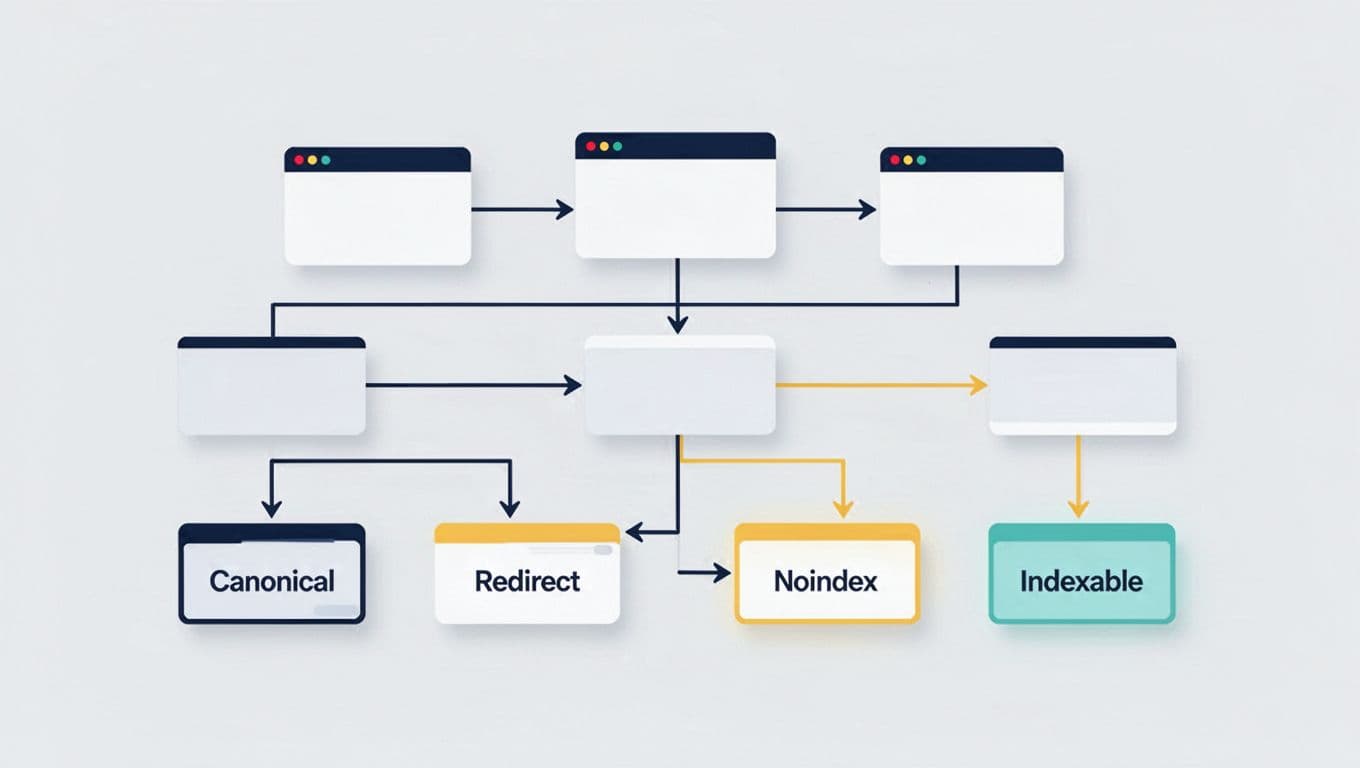
Choose canonical, redirect, noindex, or robots rules

Use canonical tags when duplicate pages must remain publicly accessible, such as tracking variants or closely matched campaign pages. The HTML declaration is often called rel canonical and uses rel="canonical". 301 redirects are generally better when an old URL has no ongoing user purpose and should retire. They can consolidate signals, including link equity, while sending visitors to a replacement page.
Use noindex for pages that should remain available but don’t belong in search, including thank-you pages and private utilities. Don’t use noindex merely to force canonical selection on a duplicate page.
The robots txt file (robots.txt) controls crawling, not preferred-URL selection. Google advises against using it as a preferred-URL method because a blocked URL may still appear in search without its content. Its canonical URL guidance also describes redirects and rel="canonical" as strong signals, while sitemap inclusion is weak.
Validate fixes and prioritize by lead value

After deployment, rerun Screaming Frog to validate canonical tags, then wait for Google to process the changes. Inspect priority URLs in google search console afterward. Start with pages that attract impressions, rank for service queries, or generate verified leads.
Prioritize a canonical error on a profitable service page above a harmless tracking URL. During redirects or migrations, consolidating link equity may help preserve signals, but it can’t guarantee ranking recovery. Check whether XML sitemaps list only indexable URLs and the final canonical URL. Remove redirects, 404s, parameters, and duplicate pagination pages from the sitemap by default. Handle useful paginated URLs deliberately.
Use the Google Search Console indexing report guide to compare crawl findings with actual exclusion patterns. If Google repeatedly chooses a different URL, review content similarity, internal linking, redirect behavior, and sitemap entries before requesting reindexing. Check for keyword cannibalization when multiple URLs rank for the same intent. A broader technical SEO review should also compare rendered html when JavaScript templates produce different canonical output.
Key takeaways and recurring audit checklist
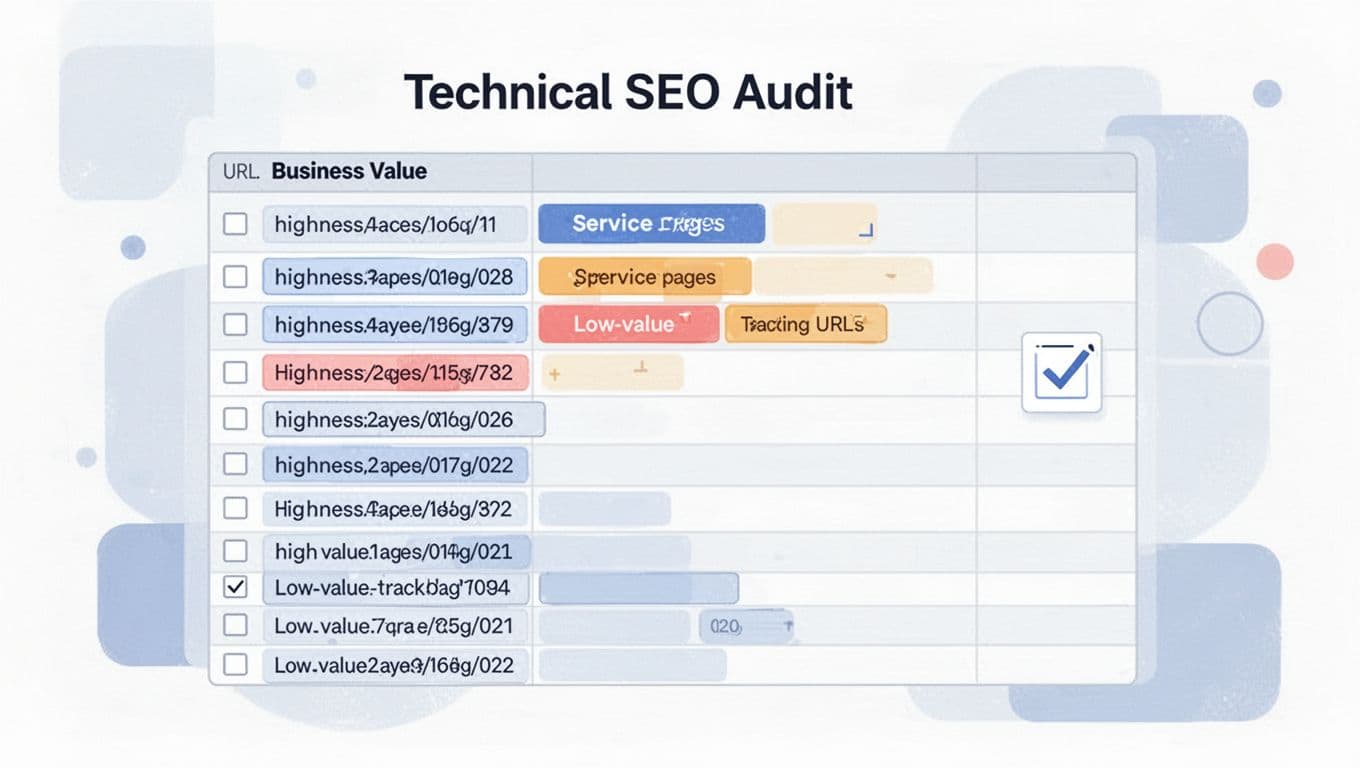
Run this review quarterly and after migrations, CMS changes, template releases, URL rewrites, or new campaign systems:
- Confirm every indexable money page returns 200, uses a clean canonical URL, and has canonical tags pointing to its preferred destination.
- Check that internal navigation, XML sitemaps, and redirects support the preferred URL, while canonical tags declare it consistently.
- Remove chains, loops, broken targets, accidental
noindexrules, and canonical tags aimed at parameter URLs. - Inspect rendered html on JavaScript pages, rather than only server-delivered source, and compare priority URLs with the selected canonical shown in google search console.
- Re-test form submissions and attribution after URL or redirect changes, because a technically correct repair shouldn’t break lead measurement.
Canonical checks are one part of a wider technical review. A practical technical SEO overview can help place them alongside crawlability, performance, and on-page quality.
For recurring template-level issues or unclear Search Console signals, Get In Touch With Us before more site changes create conflicting directives.
FAQ: Canonical tags on lead generation websites
Why does Google ignore my canonical tag? Google, like other search engines, may select another URL when signals conflict across redirects, internal links, sitemaps, content similarity, or accessibility. Review Google’s canonicalization troubleshooting guidance before changing multiple signals at once.
Do all pages need canonical tags? Every page you want indexed should generally declare a clean canonical URL that references itself. Pages that are true duplicates should point to the page that owns the content instead.
Can a canonical replace a 301 redirect? No. A rel="canonical" declaration is a hint, not a replacement for a redirect. Use a 301 when the old URL should no longer serve visitors. Use a canonical when both similar URLs must stay accessible.
Clean canonicals protect the pages that generate leads
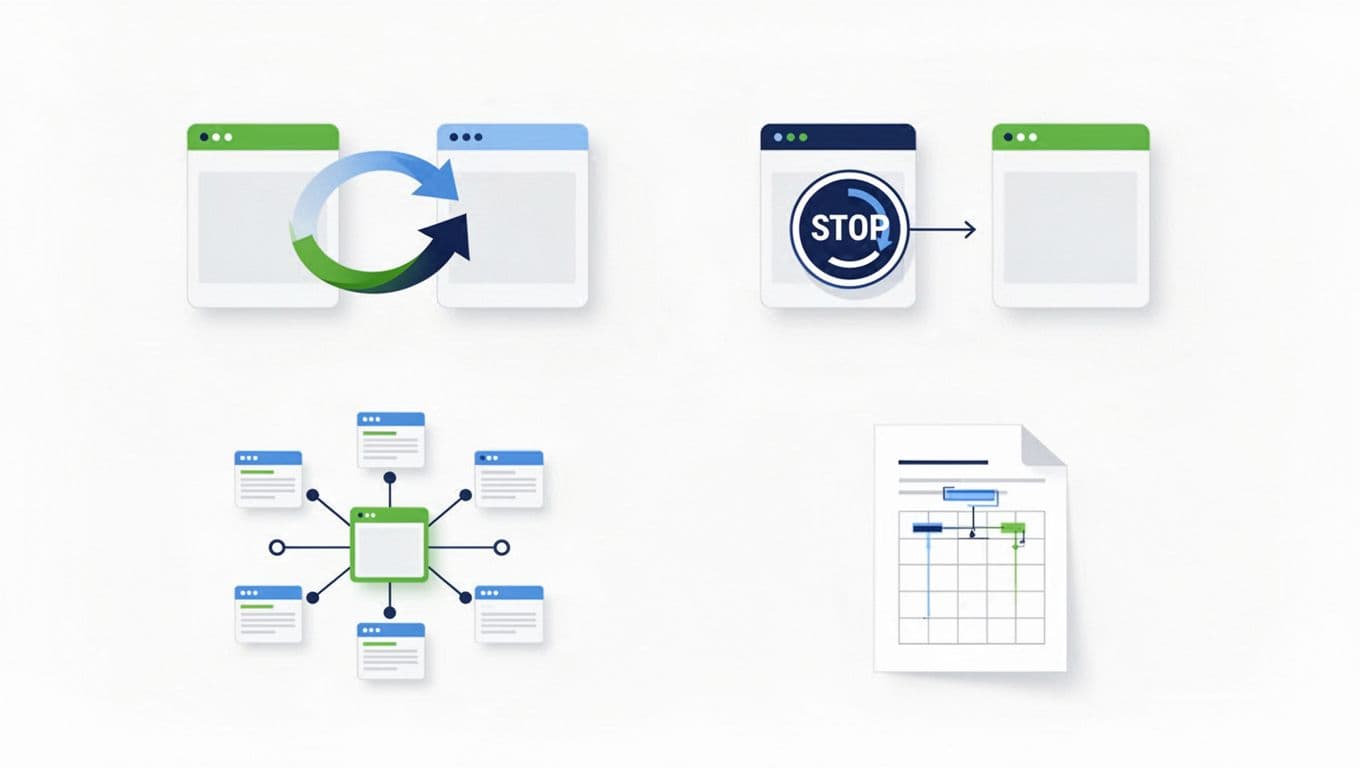
Canonical tags help search engines identify one representative destination for each meaningful page group. For a service or location page, that destination is the canonical URL, the preferred version eligible to represent the group.
They also keep service and location pages from competing with outdated campaigns, tracked variants, and duplicate content.
The goal isn’t a perfect audit score. It’s clear indexing signals for the pages most likely to turn searches into qualified conversations.