Blog SEO works best when each blog post answers a shopper’s question and offers a relevant product next step. Shopify SEO connects search rankings with product discovery, giving traffic a clearer path to your store’s business goals.
For Kolkata merchants, useful topics might include fabric care, sizing, or choosing clothes for humid weather. Start with the customer’s question, then build a clear route through your catalogue.

Step 1: Choose Topics With a Relevant Product Destination

Shopify’s blog SEO guidance puts the top five Google results at 70% of clicks. Actual click distribution varies, so prioritise relevant searches rather than treating rankings as a sales forecast.
Start Broad, Then Find Long-Tail Demand

Start with a category you sell, such as cotton kurtas. In Ahrefs Keywords Explorer or Semrush Keyword Magic Tool, explore questions and phrase matches for long-tail keywords.
Select India as the market when researching Indian demand. Compare search volume, keyword difficulty, and the pages currently ranking in the SERP. Difficulty scores are tool estimates, not guarantees.
Choose one primary keyword, two or three supporting terms, and common questions. For a cotton-kurta care article, supporting topics could include washing, drying, and storage.
Reject topics where your catalogue offers no useful next step, even when search volume looks attractive.
Match the Topic to Search Intent

Search intent has four common types: informational, navigational, transactional, and commercial investigation.
Care instructions serve informational searches. Brand-name searches are navigational. “Buy cotton kurtas” is transactional, while fabric comparisons support commercial investigation.
Use articles for explanations and comparisons. Let collections serve category shopping, and product pages handle individual purchase decisions. This separation prevents several pages from competing for the same purpose.
Step 2: Build the Answer Before Adding Product Links

Outline the decisions readers need to make. Answer each question before inviting readers to browse.
Make the Article Useful on Its Own

A care guide should explain how to read garment labels, find relevant washing instructions, and avoid storage mistakes. Account for fabric and finish differences instead of offering one washing rule for every garment.
Use H2 tags for main sections. Organize useful, reader-focused content with clear headings to support on-page SEO. Break large paragraphs into chunks of three to six sentences, with shorter paragraphs where mobile reading benefits.
Include at least one external link to a non-competing authority or cited source. Google’s SEO Starter Guide supports clear organization, useful content, and descriptive links rather than repeated keywords. Citing an authority supports the article; backlinks are links from other sites to your store’s content.
Make Every Link a Logical Next Step

Plan internal linking around the reader’s next decision. Link from fabric advice to the relevant collection, and from a garment’s features to that product.
Use consistent, descriptive anchors of two to five words, such as “everyday cotton kurtas”. Internal links should accurately describe their destinations, so keep anchor wording natural and avoid using identical keywords for unrelated pages.
Collections help readers compare options. Our guide to Shopify collection page SEO explains how those destinations should support a clear commercial purpose.
End with one next step that follows the article’s advice. Don’t send every reader to your homepage or add a product block after every paragraph.
Step 3: Set Shopify’s Article-Level SEO Fields

In Shopify admin, open Content > Blog posts, select the article, and edit its Search engine listing. Blog-level settings describe the listing page, but they don’t replace individual article metadata.
Write a Specific Title, Description, and Handle
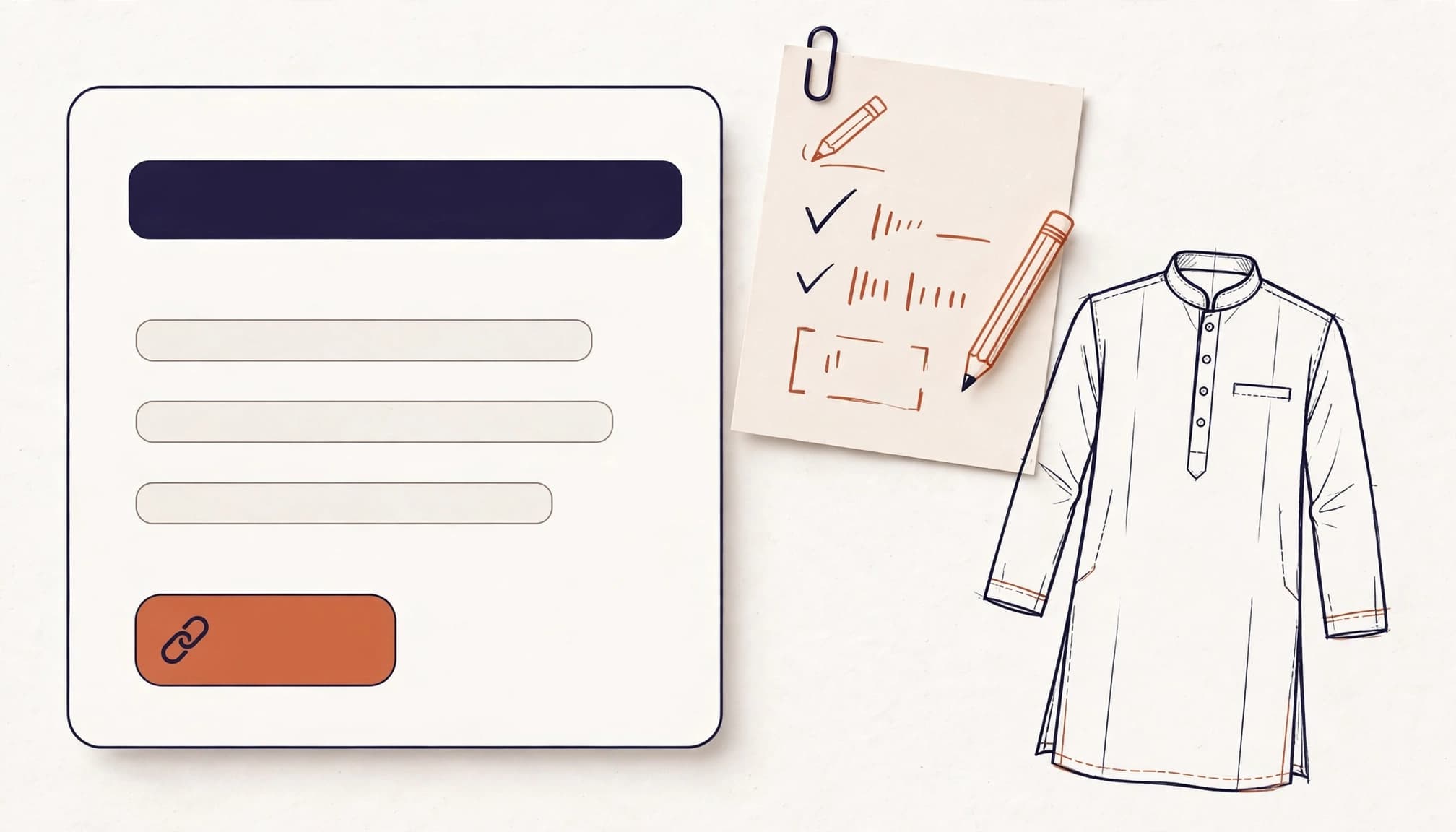
Front-load the target keyword and aim for fewer than 55 characters. Keep the title tag under 60 characters and meta descriptions under 160. Treat these as editing targets, since Google displays results based on available space.
Here is a ready-to-use metadata pattern for the care topic.
| Field | Example |
|---|---|
| Title, 44 characters | Cotton Kurta Care: Washing and Storage Guide |
| Meta description | Learn how to wash, dry, and store cotton kurtas, follow garment labels, and avoid common care mistakes. |
| URL handle | cotton-kurta-care |
Blank SEO fields default to the article title and content. Set a custom URL slug, which Shopify calls the handle, with hyphens between words and without filler words such as “the”, “and”, “to”, or “for”.
In a blog named Guides, the resulting path is /blogs/guides/cotton-kurta-care. Preserve redirects when changing existing handles. After publication, check the result in a search engine, since Google may display or rewrite the snippet.
Format and Describe Your Images
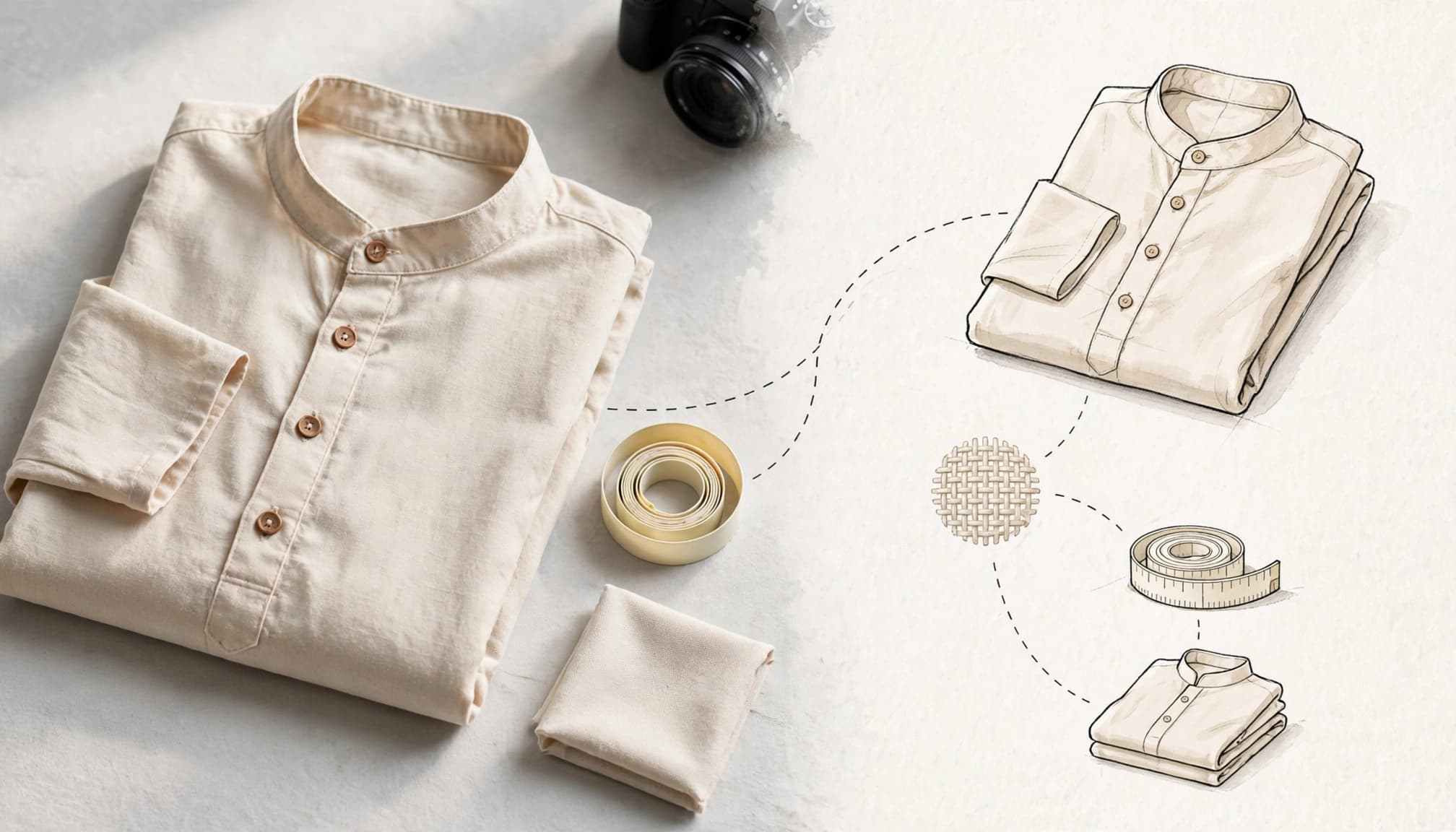
For a compact article layout, 480px-wide images are usually enough; use 600px for larger placements and cap this layout at 1,000px. These are layout guidelines, not Google’s ranking limits.
Compress files and set descriptive alt text. Describe the visible subject rather than listing keywords. Product photographs should accurately show the garments readers can buy.
Step 4: Keep Technical SEO Working Behind the Article
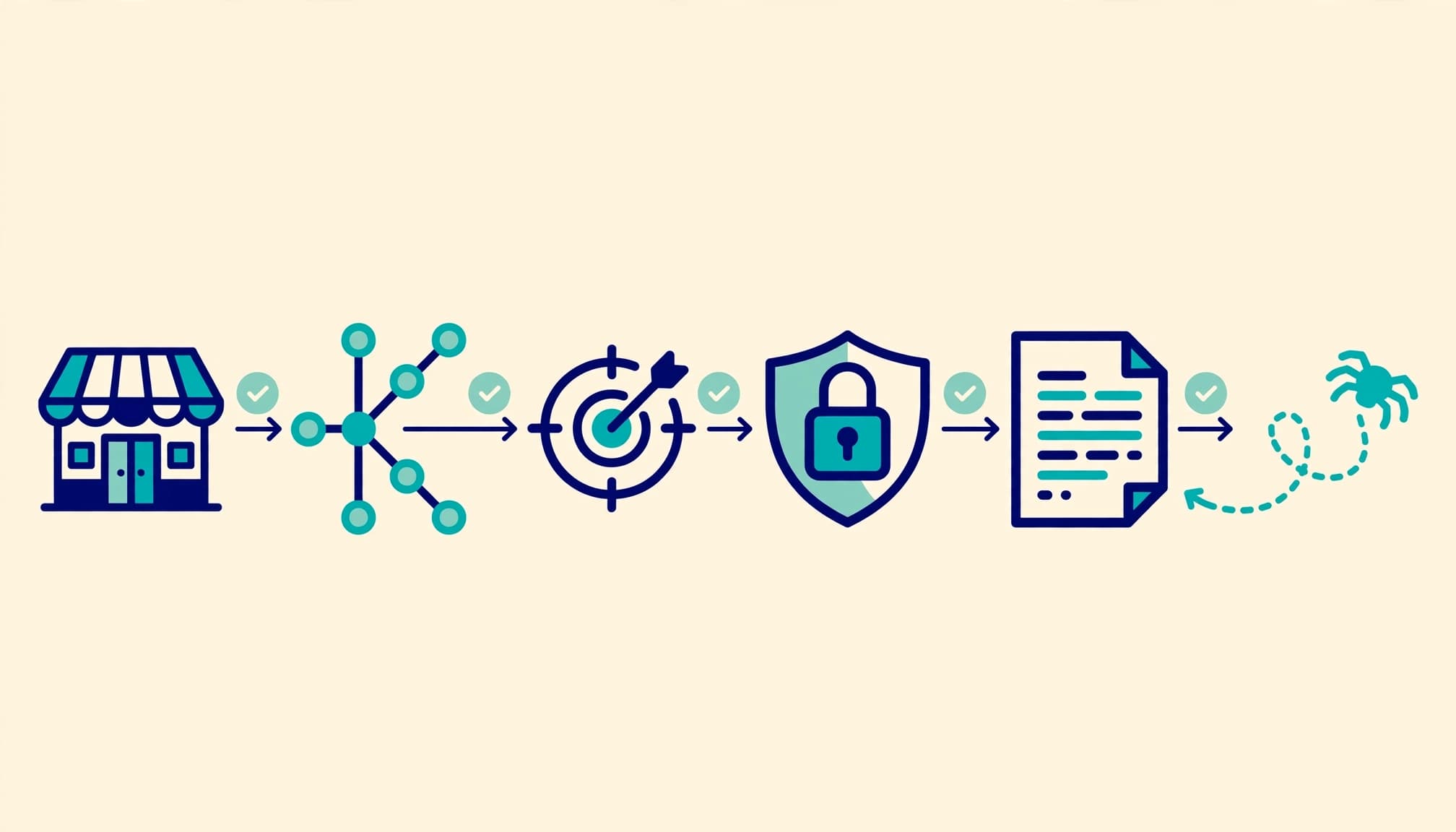
Shopify automatically generates canonical tags, sitemap.xml, robots.txt, and SSL certificates. Its SEO overview explains these built-in foundations.
Automatic files don’t guarantee indexing. Verify your Google Search Console domain property through DNS, then submit the store’s sitemap.
Check the published article’s indexing eligibility, intended canonical URL, and loading status. Inspect the theme’s structured data for article and product markup instead of assuming it’s valid. Monitor broken links, accidental noindex instructions, redirect chains, mobile usability, and slow images.
Test the full discovery route on a phone. A fast article can still lose shoppers if its linked collection has poor page speed or mostly unavailable products.
Check that product cards, filters, sorting, and sizing information work. Our guidance on ecommerce site search covers another route readers may use after entering your catalogue.
Keep destination pages useful when stock changes. Our approach to out-of-stock product pages helps readers find relevant alternatives instead of reaching a dead end.
Step 5: Measure Discovery, Orders, and Content Decay

Use Google Search Console to filter Performance results for page URLs containing /blogs/. Review impressions, clicks, click-through rate, average position, and leading queries.
Compare equivalent periods and account for seasonal demand. Check CTR before rewriting a title that already earns strong clicks.
In GA4, review organic traffic sessions that land on articles. Add a custom blog_product_click event with the article path, destination path, and link position. This event needs configuration; ordinary internal-link clicks don’t automatically create an ecommerce funnel.
Calculate discovery rate by dividing blog-landing sessions with a product-link click by all blog-landing sessions. Then track product views, add-to-cart events, purchases, and revenue.
For Shopify, start ecommerce tracking with the Google & YouTube channel’s native GA4 connection. Use one purchase-event sender and test the transaction ID, value, currency, and items. INR orders should report INR.
A cash-on-delivery purchase event records an order, not collected payment. Compare attributed revenue with fulfilled orders, refunds, and margin.
Review articles every 12 to 16 months, and sooner when traffic drops, products change, or advice becomes outdated. Refresh the information and links, not just the date.
When clicks remain healthy but discovery falls, check the article’s next step and destination before publishing more content.
Key Takeaways: A Publish-or-Fix Checklist

Publish when the article passes these practical checks.
| Check | Pass condition |
|---|---|
| Search purpose | One primary keyword, supporting terms, and a matching reader need |
| Product route | Relevant destination, working link, and a clear next step |
| Search listing | Custom title, description, and clean URL handle |
| Readability | Useful headings, manageable paragraphs, compressed images, and alt text |
| Measurement | Article clicks and purchase tracking tested separately |
If the product route fails, improve it before adding promotional banners. If measurement fails, repair tracking before judging the article’s sales impact.
Distinguish weak demand from a weak shopping experience. Strong impressions with few clicks point to a different problem than strong article traffic followed by little product interaction.
FAQ: Shopify Blog SEO Questions

Does Shopify have an SEO tool?
Shopify includes editable search listings, URL handles, alt text, and automatic technical foundations. Ahrefs and Semrush add keyword research, while Search Console reports Google search performance. An SEO app isn’t required to begin.
Is Shopify’s blog good enough for a small store?
Yes. Its native blog supports articles, images, tags, and search listing edits. For most small merchants, useful content and relevant product routes matter more than replacing the publishing system.
How long should a blog title be?
Aim below 55 characters, with the main topic near the beginning. Keep the title accurate rather than shortening it until the meaning becomes unclear. Display length can still vary.
How often should older posts be updated?
Schedule a review every 12 to 16 months. Update sooner after catalogue changes, declining search performance, broken links, or new information. Preserve useful URLs wherever possible.
Conclusion: Give Every Article a Useful Next Step

Effective Shopify blog SEO connects a helpful answer to a relevant shopping decision. Track product discovery separately from search traffic, then measure sales by fulfilled orders and business value.
Start with one article and improve its path through your store. For help connecting content, ecommerce SEO, and analytics, Get In Touch With Us.